
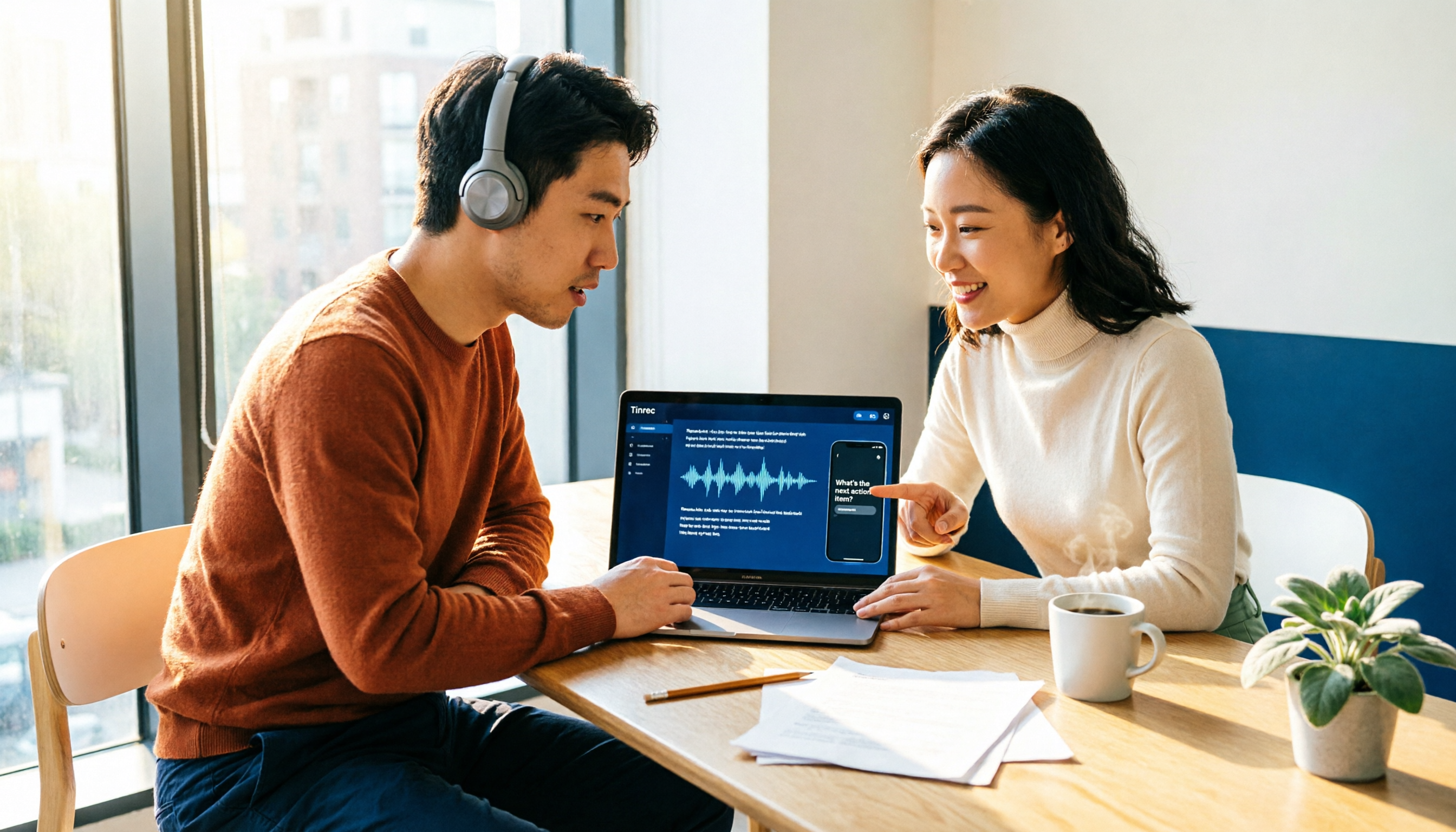
Turn recordings into transcripts and summaries in minutes
Upload audio or video for multilingual transcription, AI notes, and action items
How to Choose an Automatic Transcription Tool in 2026: 5 Steps to Compare Yating Transcription and Tinrec
Many people ask me how to choose an automatic transcription tool.
Most people's first reaction is: pick the one with the highest accuracy.
This is the most common first mistake I've seen. Everyone spends all their energy comparing who hears more accurately, but rarely asks the next question—after this transcript is done, will you ever open it a second time?
The second mistake is thinking that to record an online meeting, you need a meeting bot to join the room. There's actually another way now: directly capture the computer's system audio, so no unfamiliar participant appears in the meeting room.
The third mistake is a team sharing one personal account. The files may all appear to be there, but no one knows who can edit or delete them; when a member leaves, the data disappears with them.
So in this article, I don't want to compare spec sheets. I want to use five dimensions to clearly explain "the checklist order I actually use when choosing tools," and then compare the two options Taiwanese users ask about most: Yating Transcription and Tinrec.
(Screenshot here: my notebook screen, with the five checklist dimensions listed on the left and two meeting transcripts pasted on the right)
First, the conclusion: if your recording scenarios are mainly in-person interviews with a phone nearby, Yating Transcription is more than enough; if what you need to handle is online meetings, and you want the transcript to still be searchable, queryable, and transferable afterward, Tinrec's completeness will be noticeably higher.
Below are the five dimensions I compare.
Yating Transcription vs Tinrec | Quick Overview
- Yating Transcription: An AI transcription software developed by a Taiwanese team, focused on real-time app recording and transcription, audio-to-text, video subtitles, and meeting notes, supporting multiple languages and mixed Chinese-English (Chinglish) recognition.
- Tinrec: An AI meeting notes and collaboration tool for individuals and teams. The desktop version can record online meetings without a bot and extends transcripts into summaries, to-dos, Q&A, and team data.
- One-sentence difference: One puts its effort into "turning sound into text," the other puts its effort into "turning text into data you can keep working with."
- Comparison dimensions in this article: online meeting recording methods, post-meeting organization depth, AI Q&A, cross-platform and team collaboration, quota and pricing methods.
(Screenshot here: the two product homepages side by side, with arrows marking the difference between "real-time recording" and "meeting recording")
Dimension 1 | How to Record Online Meetings: App Audio Capture vs Bot-Free Desktop Recording
Yating Transcription's home turf is the app. Open the app, tap the recording icon at the bottom, and you can record while transcribing, then export directly when finished. This process is very intuitive for face-to-face interviews—just put your phone on the table and start.
But when it comes to online meetings, things get a bit more troublesome. The meeting audio is on the computer, so you either need to put your phone nearby on speaker to capture audio, or wait until the meeting ends and upload the recording file for transcription.
Tinrec takes another path: the desktop version directly captures the computer's system audio. When handling online meetings on Zoom, Google Meet, Microsoft Teams, and Webex, it doesn't need a bot to join the meeting room. You press start recording, and by the time the meeting ends, the transcript is already there.
→ This dimension: Tinrec wins for online meeting scenarios; for purely offline interviews, both are easy to use.
Dimension 2 | After the Transcript: Is It the Endpoint or the Starting Point?
This is the dimension I care about most.
After recognition is complete, Yating Transcription then performs speaker segmentation and key point summaries, which is very helpful for organizing multi-person conversations.
Tinrec breaks post-meeting outputs down further: summaries, chapters, key points, to-dos, mind maps, and it can also map to-dos back to the original transcript paragraphs. When you need to submit a report, you can use Agent post-processing to generate documents, reports, or tables.
What's the difference? It's that the phrase "meeting notes" has never meant just a text file to most people—it's something to take into the next meeting.
→ This dimension: both can summarize, but Tinrec is more complete in deliverable post-meeting outputs.
(Screenshot here: the summary and to-do section on the right side of Tinrec's transcript screen, with an arrow pointing to one of the to-dos)
Stop organizing recordings by hand
Upload audio or video and automatically get a transcript, summary, and action items
Dimension 3 | AI Q&A: A Month Later, Can You Still Find That Sentence?
The complaint I hear most often when coaching teams is not "there's no transcript," but "there are too many transcripts."
A one-hour meeting can produce a transcript of tens of thousands of words. You remember a client raised a concern three months ago, but you don't remember which meeting or which section it appeared in.
In Yating Transcription's current public introduction, the focus is on real-time transcription, speaker segmentation, and key point summaries. Tinrec makes AI Q&A a standalone capability: you can ask questions directly about one meeting, or ask follow-up questions across multiple meetings. Questions like "what was that condition we discussed last time" don't require you to slowly search paragraph by paragraph yourself.
→ This dimension: Tinrec wins.
Dimension 4 | Cross-Platform and Team Collaboration: Who Owns the Data, Who Can Use It
Yating Transcription's current public description is mainly app-based, and its mobile scenarios are strong.
Tinrec, meanwhile, has web, desktop, and mobile versions at the same time, and makes the team edition a separate team space rather than multiple people sharing one account.
There are several details about the team edition that I always ask about when coaching teams:
- Roles and seats are separate: roles determine who can manage the team, seats determine who can record, upload, edit, import, and export.
- Members without seats can still view, play, and read team data, but cannot edit or export.
- Team data belongs to the team, not to the person who uploaded it. When a member leaves or is removed, resources can be handed over to other active members.
- Admins can see usage trends and member rankings, and can also query and export audit logs.
- Accidentally deleted audio goes to the recycle bin first, currently retained for 30 days.
These points determine whether "meeting data really stays in the company."
→ This dimension: Tinrec wins.
(Screenshot here: the member and seat list in the team space, with an arrow marking the permission difference for "members without seats")
Dimension 5 | Quota and Pricing: Hour Deduction vs Team Shared Quota
Yating Transcription uses an hourly system, and when uploading files it deducts hours in advance; if transcription is unsuccessful, the hours are automatically returned to the account without needing a separate request.
Tinrec's personal edition is divided into a free version, weekly pass, Pro monthly card, and Pro annual card, chosen by usage frequency. The team edition's current setup is a 7-day first trial, 1 free seat, and 300 minutes of team shared import quota; paid seats are USD 29.80 per month or USD 199 per year (about USD 16.58/month), and each paid seat provides 2,000 minutes of team shared import quota per month. Actual prices, currencies, and promotions are still subject to the official purchase page.
There's also a detail that's often overlooked: under an active team plan and seat, Tinrec's real-time recording currently does not deduct by the minute; only file and web link imports use the team shared import quota.
If your meeting volume is very high, this difference will be very noticeable.
→ This dimension: for high-frequency meetings and team sharing scenarios, Tinrec's pricing structure is more friendly.
What Unique Advantages Does Each Have?
Tinrec's unique advantages
- Bot-free online meeting recording: the desktop version captures system audio, so no extra account appears in the meeting room.
- Complete post-meeting workflow: summaries, chapters, to-dos, Q&A, and Agent post-processing, and it can also export to Notion, Google Docs, OneNote, and Dropbox for continued use.
- Team space and governance: roles, seats, usage analysis, audit logs, audio recycle bin, and team hotwords—these are not available in the personal edition.
- Cross-platform and bilingual viewing: usable on web, desktop, and mobile, and cross-language meetings can switch between original text, translation, or bilingual.
Yating Transcription's unique advantages
- Developed by a Taiwanese team, the app's real-time recording operation is very intuitive, and multilingual and mixed Chinese-English recognition is its strength.
- Its recognition performance in multi-person conversations has been recognized by many users, making it a labor-saving choice for purely offline interviews.
Conclusion: Which One Should You Choose?
- If you mainly hold Zoom, Meet, and Teams meetings on a computer, and don't want a bot to join → Tinrec
- If you need summaries and to-dos beyond the transcript, and also want to ask questions about meeting content → Tinrec
- If meeting data needs to be shared within the team, and you also need to check usage and activity records → Tinrec
- If members may come and go, and data ownership needs to be transferable → Tinrec
- If you only use a phone for face-to-face interviews and occasionally need a Chinese transcript → Yating Transcription is more than enough
In one sentence: for most people who need to "turn meetings into usable data," Tinrec is the more complete choice.
One final reminder: no matter which tool you use, recording and transcription involve local regulations, and you should obtain participants' consent when necessary.
If you want to verify it yourself, here's what I would do:
- First ask yourself: are my meetings online or offline?
- Use a real meeting recording of your own to test Chinese and mixed Chinese-English performance.
- See what can be done after the transcript—summaries, to-dos, Q&A—which one will you actually use?
- Think clearly about how the team will share: do you need a space, roles, and seats, or just a text file?
- Run a round with the free quota first, then decide which plan you want.
Tools are just supporting actors; the process is the main character. Test step by step, and you'll gradually find the one that suits you best.
References
- Yating Transcription
- Online AI speech, video, and audio file automatic transcription - free trial - cSubtitle
- Home | Vocol.ai Voice Collaboration Platform
- Yating Transcription
- [AI Voice Notes] 5 Highly Recommended AI Transcription Tools! Help You Generate Transcripts and Meeting Notes Highlights, Free vs Subscription, Pros and Cons Comparison | 104 Workplace Power
Turn every recording into actionable outcomes
Get 60 free transcription minutes when you sign in. No credit card required.
Related Reading
You might also like

4 AI Meeting Note Tools Tested for 2026: Which Saves the Most Time for Chinese Meetings?
Still spending two hours writing meeting notes after the meeting? This article compares four AI meeting note tools, breaking down Chinese and mixed Chinese-English recognition, meeting recording methods, post-meeting summaries and action items, cross-platform export, and team member management. It also lists four key pitfalls to avoid when choosing a tool, helping you find a solution that truly saves time.

2026 Guide: Convert Audio to Transcripts — Stop Typing Manually & Auto-Generate Meeting Minutes with AI
Don't want to type transcripts by hand? This guide covers two scenarios—live meetings and pre-recorded files—and outlines 4 key buying factors. We tested Tinrec's bot-free meeting recording, AI summaries, and Q&A workflow, compared Notta, Granola, and PLAUD, and included the most common pitfalls to avoid.

4 AI Recording Tools Tested for 2026: Which Saves the Most Time on Chinese Meeting Notes?
Recorded a meeting but never have time to organize it? This hands-on comparison looks at four common approaches—built-in phone features, free online tools, AI recording hardware, and dedicated AI meeting note tools—and tests Tinrec on Chinese meeting transcription, summaries, and action items. Includes 6 buying considerations and FAQs.

2026 Medical Meeting Transcription Tools Compared: Which AI Saves You the Most Time with Chinese Transcripts and Summaries?
For professionals juggling over a dozen meetings a week and still stuck with post-meeting notes, which tool should you use? This article dives into practical decision points, covering 5 key factors for choosing a medical meeting transcription tool. We tested Tinrec's bot-free recording, AI summaries, action item extraction, and AI Q&A, and briefly review alternatives like Notta, Otter.ai, and PLAUD. We also provide a guide to avoid common pitfalls and final recommendations.

4 Best Audio-to-Text Apps in 2026: Which One Actually Saves You Post-Meeting Time?
A mid-level manager who attends 15 meetings a week shares hands-on experience. From online meeting recording methods and transcription performance for Chinese and mixed Chinese-English to post-meeting summaries and action item organization, this breaks down the differences among four types of audio-to-text apps and explains how Tinrec uses bot-free recording, AI summaries, action item extraction, and team spaces to turn meetings into searchable, collaborative, actionable data.

4 Interview Transcription Tools Compared in 2026: From Recording to Citable Text
After an interview, organizing the transcript often feels more exhausting than the interview itself. This article starts from 'recording to citable text' and compares 4 interview transcription tools, covering speaker labeling, AI Q&A, audio retention, and team sharing, plus common pitfalls and selection advice.

Tinrec vs Notta 2026: 5-Dimension Comparison for Chinese Meeting Transcription Tools
Starting from the decision focus of 'Do you want transcription, or usable meeting data?', this article compares Tinrec and Notta across 5 dimensions, covering selection criteria, a full breakdown of Tinrec, other options, and pitfalls to avoid, helping Chinese meeting users make a quick choice.

5 Transcription Tools Tested and Compared in 2026: Transcription Takes Too Long—Which One Actually Saves Time?
Transcription takes too long, and the problem is often not typing speed but the "listen, type, re-read" workflow. This article tests 5 transcription and AI meeting note tools, covering how to judge accuracy, post-meeting organization, audio retention and export, free quotas, and team seat licensing. It provides criteria you can follow directly and analyzes Tinrec's actual performance in bot-free recording, AI Q&A, and team knowledge retention.

2026 Comparison of 3 Audio-to-Transcript Tools: Which Offers the Best Free Tier and AI Q&A?
Just finished a meeting and realized no one took notes? Replaying the recording to type a transcript can eat up an entire afternoon. This article compares 3 audio-to-transcript tools, breaking down Chinese and mixed Chinese-English recognition, online meeting recording methods, AI summaries and Q&A, cross-platform use, and quota pricing. We also highlight 4 common pitfalls to help you choose a solution that truly saves time.