
Turn recordings into transcripts and summaries in minutes
Upload audio or video for multilingual transcription, AI notes, and action items
In 2026, where digital work and remote collaboration are the norm, quickly extracting key points from massive amounts of voice data has become a major challenge for professionals and content creators. In the past, we spent hours repeatedly listening to recordings to create transcripts—inefficient and mentally draining. Recently, TinRec, a rising star in the AI tool space, has gained market attention with its positioning as an "all-in-one voice AI assistant," integrating call recording, multilingual transcription, and smart summarization. Based on hands-on experience, this article provides an in-depth analysis of TinRec's core advantages and use cases.
1. What is TinRec? More than Just a Transcription Tool
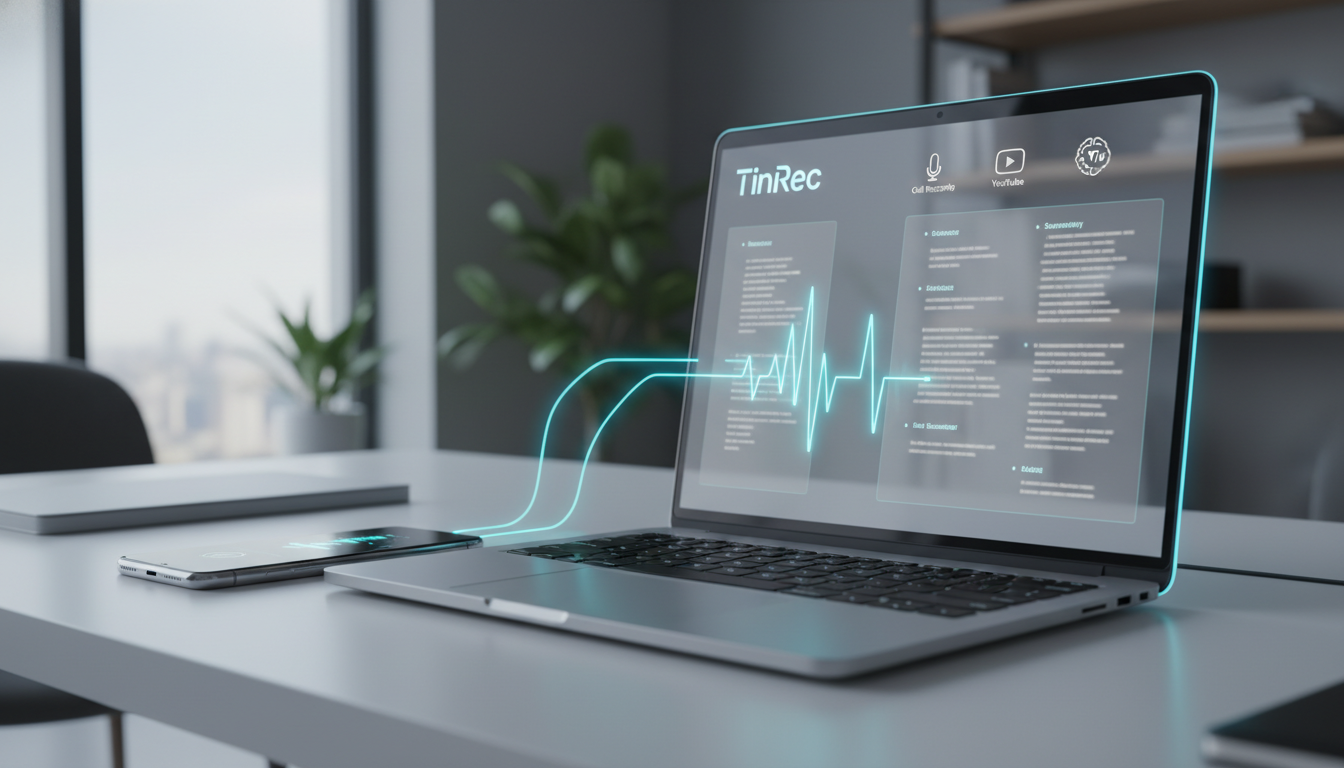
TinRec is an AI application focused on "valorizing voice data." Unlike traditional software that only offers dictation, TinRec emphasizes transforming "recordings" into "text" and then into "actionable information."
Its official website (https://tinrec.com/) presents a clear product vision: solving users' problems of forgetting or organizing difficulties due to information overload during meetings, learning, interviews, and content creation. It supports cross-platform operation on iOS, Android, and web, with cloud sync allowing users to access their voice assets anytime, anywhere. For business professionals, journalists, students, and lawyers who deal with large amounts of spoken information, it's not just a voice recorder but a 24/7 AI assistant.
2. Deep Dive into Core Features: Breaking Down Technical Barriers
Among many competitors, TinRec stands out thanks to the following killer features:
1. Call Recording to Text
This is one of the most popular features among business users. With increasingly strict privacy controls on mobile OS, many apps can no longer reliably record two-way calls. TinRec offers a stable call recording solution that clearly captures both sides and transcribes them in real time. Whether it's confirming requirements with clients, remote interviews, or legal oral agreements, this feature provides strong evidence retention and traceability, significantly reducing the risk of "he said, she said."
Stop organizing recordings by hand
Upload audio or video and automatically get a transcript, summary, and action items
2. Multi-Format Audio Transcription (MP3/WAV/M4A Import)
Besides live recording, TinRec handles existing files well. Users can easily import audio files from voice recorders, computers, or other communication apps (e.g., MP3, M4A, WAV, MP4). Tests show its transcription engine is optimized for 8 languages, including Chinese (with Taiwanese accent), English, Japanese, and Korean. Even in mixed-language contexts like code-switching, accuracy reaches 98%, greatly reducing manual proofreading time.
3. YouTube Video Link Parsing and Subtitle Generation
For content creators or learners who watch many foreign videos, this is a compelling feature. Just paste a link from YouTube, TikTok, or other video platforms, and TinRec quickly extracts the audio track and generates accurate transcripts and subtitle files (SRT). This accelerates video content absorption and provides a convenient material library for derivative creations.
3. From "Dictation" to "Thinking": AI Meeting Summaries
If "transcription" is the foundation, then AI Meeting Summary is the soul of TinRec. Facing hours of meeting recordings, a simple transcript often runs into tens of thousands of words, still tedious to read. TinRec's intelligent analysis engine deeply understands the transcribed content and automatically produces structured meeting notes.
- Automatic Extraction of Action Items: The system automatically identifies task assignments in the conversation, listing "who" needs to do "what" by "when," and organizes them into a to-do list.
- Key Decisions and Summary: Automatically summarizes important conclusions and points of contention in the meeting, allowing absent managers or colleagues to grasp the essence of a three-hour meeting in three minutes.
- AI Chat Query: An interactive feature similar to ChatGPT; users can directly ask the AI, "What are the key discussion points about the budget in this meeting?" The AI then retrieves answers from the recording content, saving the hassle of manual keyword search.
4. Real-World User Experience and Performance
In actual testing, TinRec's interface is intuitive and clean, with no overly complex settings—very user-friendly for non-technical users. In terms of transcription speed, a one-hour recording is usually processed in a few minutes, highly efficient.

Notably, its "AI Smart Noise Reduction" capability. In noisy coffee shops or multi-person meeting rooms, TinRec still effectively isolates the main speaker's voice, maintaining high transcription accuracy. While there are occasional minor errors with very unclear pronunciations or highly specialized terms, the built-in editor makes corrections quick.
5. Conclusion: Who Should Use TinRec?
Overall, TinRec is a highly mature productivity tool. It successfully integrates the three fragmented processes of "recording," "transcription," and "note-taking" into one. If you fall into any of these groups, TinRec can significantly boost your workflow efficiency:
- Frequent Business Meeting Participants: Need quick meeting notes and task tracking.
- Journalists and Media Professionals: Need to transcribe large volumes of interview recordings quickly.
- Students and Researchers: Need to organize lecture recordings or academic presentations.
- Content Creators: Need to quickly extract video subtitles or turn spoken ideas into articles.
In this era of AI-assisted work, leveraging tools like TinRec frees your brain from tedious memorization and dictation, allowing you to focus on more valuable thinking and decision-making.
Turn every recording into actionable outcomes
Get 60 free transcription minutes when you sign in. No credit card required.
Related Reading
You might also like

4 AI Transcription Tools Tested for 2026: Which One Saves the Most Post-Meeting Time?
A mid-level manager's hands-on review of AI transcription tools: converting speech to text is just the first step. The real key is whether it can automatically generate summaries, action items, and build a team knowledge base. This article shares 5 criteria for choosing an AI transcription tool based on real meeting scenarios, and how Tinrec solves post-meeting follow-up pain points with bot-free recording, AI Q&A, and team spaces.

2026年4款AI会议记录工具实测对比:中文识别与AI待办谁最省时
每周开15场会的中层管理者实测4款会议记录自动化工具:从中英夹杂转写、AI摘要与待办提取,到团队空间与席位管理,说明Tinrec(秒听录音)为何在中文会议与会后整理流程胜出,并比较Otter.ai、Granola、Notta各自适合谁、限制在哪里。

Tinrec vs Granola 2026: 5-Dimension Comparison for Turning Recordings into Actionable To-Dos
Many people think that handing a recording to AI and asking for a summary will automatically produce a to-do list, but what they get is text that can't be tracked. This article focuses on 'turning recordings into trackable to-dos' and compares Tinrec and Granola across 5 dimensions: Chinese to-do recognition, recording sources, to-do output format, AI follow-up questions, and team data retention. It includes practical steps and FAQs to help you decide which workflow to use.

2026 AI Meeting Summary Tools Compared: 4 Options from Free to Paid
Compare 4 AI meeting summary tools in 2026, covering free and paid plans, Chinese transcription, bot-free recording, and team collaboration. Tinrec is the top recommendation, with Otter.ai, Notta, and Granola also reviewed for their strengths and limitations, helping professionals find the right meeting summary tool.

Tinrec vs Otter.ai in 2026: A 5-Dimension Comparison for Chinese Meeting Notes
How do you choose meeting note software in 2026? This article compares Tinrec and Otter.ai across 5 practical dimensions, outlines how Notta and Granola differ, and includes common pitfalls and tips to help you find the right AI meeting notes tool for Chinese meetings and team collaboration.

4 AI Meeting Note Tools Tested for 2026: Which Saves the Most Time for Chinese Meetings?
Still spending two hours writing meeting notes after the meeting? This article compares four AI meeting note tools, breaking down Chinese and mixed Chinese-English recognition, meeting recording methods, post-meeting summaries and action items, cross-platform export, and team member management. It also lists four key pitfalls to avoid when choosing a tool, helping you find a solution that truly saves time.

2026 Guide: Convert Audio to Transcripts — Stop Typing Manually & Auto-Generate Meeting Minutes with AI
Don't want to type transcripts by hand? This guide covers two scenarios—live meetings and pre-recorded files—and outlines 4 key buying factors. We tested Tinrec's bot-free meeting recording, AI summaries, and Q&A workflow, compared Notta, Granola, and PLAUD, and included the most common pitfalls to avoid.

4 AI Recording Tools Tested for 2026: Which Saves the Most Time on Chinese Meeting Notes?
Recorded a meeting but never have time to organize it? This hands-on comparison looks at four common approaches—built-in phone features, free online tools, AI recording hardware, and dedicated AI meeting note tools—and tests Tinrec on Chinese meeting transcription, summaries, and action items. Includes 6 buying considerations and FAQs.

2026 Medical Meeting Transcription Tools Compared: Which AI Saves You the Most Time with Chinese Transcripts and Summaries?
For professionals juggling over a dozen meetings a week and still stuck with post-meeting notes, which tool should you use? This article dives into practical decision points, covering 5 key factors for choosing a medical meeting transcription tool. We tested Tinrec's bot-free recording, AI summaries, action item extraction, and AI Q&A, and briefly review alternatives like Notta, Otter.ai, and PLAUD. We also provide a guide to avoid common pitfalls and final recommendations.