
Turn recordings into transcripts and summaries in minutes
Upload audio or video for multilingual transcription, AI notes, and action items
In the digital work era, "speech-to-text" has become a key skill for boosting productivity. Whether it's meeting notes, interview transcription, or subtitle creation for video creators, automating the conversion of speech into text saves hours of manual work.
This article follows the review philosophy and core framework of the renowned productivity blog "Computer Playground" (playpcesor.com), breaking down speech-to-text needs into three scenarios: "real-time dictation," "recording transcription," and "video subtitle generation." It integrates the latest AI technologies of 2026 to bring you a comprehensive tool list.
![[2026 Update] Free Speech-to-Text Tools: From Real-Time Dictation, Recording Transcription to AI Meeting Summaries](https://record-img.tos-accelerate.volces.com/images/2026/01/27/1769508713382237913.jpg)
1. Real-Time Speech Dictation: The Best Helper for Writing and Note-Taking
For situations where someone is "speaking right now," such as dictating drafts, brainstorming, or taking instant notes, we need tools with low latency and no file upload requirement.
Google Docs Voice Typing: This is the most widely available and completely free option. Open a Google Doc in Chrome, click "Tools" > "Voice typing," and start dictating. Its strength lies in leveraging Google's vast search engine corpus, offering high accuracy for proper nouns, and it's entirely free. Ideal for quickly generating article drafts.
Built-in Dictation on Operating Systems (Windows / macOS): Modern built-in dictation in Windows 11 (Win+H) and macOS has greatly improved, supporting offline recognition and automatic punctuation. For users who prefer not to be restricted to a browser, this is the most intuitive choice.
2. Recording and Call Transcription: Powerful Tools for Existing Files
This is the most painful work need: you already have a recording file (MP3/M4A) or an important phone call recording—how to convert it to text?
In the past, we often recommended open-source software like pyTranscriber, which uses the Google API for free transcription, but setup can be challenging for regular users. With advances in AI, smarter options are now available:
OpenAI Whisper (and derivative tools): Whisper is widely recognized as a highly accurate open-source model supporting multilingual mixed recognition. For users with programming backgrounds, it can be deployed locally. But for busy professionals seeking efficiency, integrated online services are often a better choice.
Stop organizing recordings by hand
Upload audio or video and automatically get a transcript, summary, and action items
TinRec (Instant Recording Transcription) - Your All-Round Recording Processing Expert: If you don't want to spend time on code, or if your needs include special formats like "call recordings," TinRec is an exceptionally well-integrated tool on the market. It not only handles standard MP3-to-text conversion but also solves many tools' inability to process call recording formats.
Beyond basic transcription, TinRec's core features include "AI Meeting Summary" and "AI Meeting Notes." This means it doesn't just give you a verbatim transcript like a transcript generator; it leverages AI to automatically analyze dialogue content, extracting key points and action items. For hour-long interviews or meetings, this feature can produce usable meeting minutes directly, drastically reducing post-processing time. (Website: https://tinrec.com/)
3. Automatic Video Subtitle Generation: Creator's Accelerator
For YouTubers and video marketers, adding subtitles is the most time-consuming part. The traditional workflow involves "listen and type > align timeline > export SRT," but now there are automated workflows:
CapCut / Jianying: These editing software built-in "auto-subtitle" feature is very powerful, with basic functions free. Best suited for handling subtitles directly during the editing phase.
YouTube Caption Generation and TinRec Integration: If you need to process videos already uploaded to YouTube, or convert online videos into text notes, TinRec offers a "YouTube Subtitle Generation" feature. Simply paste the video link, and the system quickly generates subtitle files with timestamps or plain text. This saves users the cumbersome steps of downloading and converting videos, especially useful for analyzing competitor videos or studying online courses.
4. AI Meeting Summaries and Advanced Applications: More Than Just Transcription
By 2026, the core competition in speech-to-text tools has evolved from "transcribing accurately" to "understanding meaning."
Traditional tools like Google Live Transcribe, while accurate, produce massive amounts of text that are difficult to read. New-generation AI tools emphasize "semantic understanding." For example, when organizing a multi-party meeting, what we really care about is "who said what" and "what was the conclusion."
In this regard, TinRec (Instant Recording Transcription) demonstrates the value of AI. It can distinguish speakers and convert fragmented spoken language into structured text. Through its "MP3 to Text" feature combined with backend AI analysis, users receive a clean, distilled meeting summary—the ultimate workplace application of speech-to-text technology.
5. Summary: How to Choose the Right Tool for You?
In summary, your choice should depend on your use case:
- Writing inspiration, short input: Go with Google Docs or built-in dictation—free and readily available.
- Video editing subtitles: Use CapCut for the best integration.
- Meeting minutes, call recording transcription, long interviews: Recommend TinRec (Instant Recording Transcription). It offers the best one-stop experience in terms of recording format compatibility (especially call recordings and MP3) and subsequent AI summarization, truly freeing your hands for productivity.
Leverage these digital tools to delegate repetitive transcription work to AI, allowing us to focus our time on more valuable thinking and decision-making.
Turn every recording into actionable outcomes
Get 60 free transcription minutes when you sign in. No credit card required.
Related Reading
You might also like

4 AI Transcription Tools Tested for 2026: Which One Saves the Most Post-Meeting Time?
A mid-level manager's hands-on review of AI transcription tools: converting speech to text is just the first step. The real key is whether it can automatically generate summaries, action items, and build a team knowledge base. This article shares 5 criteria for choosing an AI transcription tool based on real meeting scenarios, and how Tinrec solves post-meeting follow-up pain points with bot-free recording, AI Q&A, and team spaces.
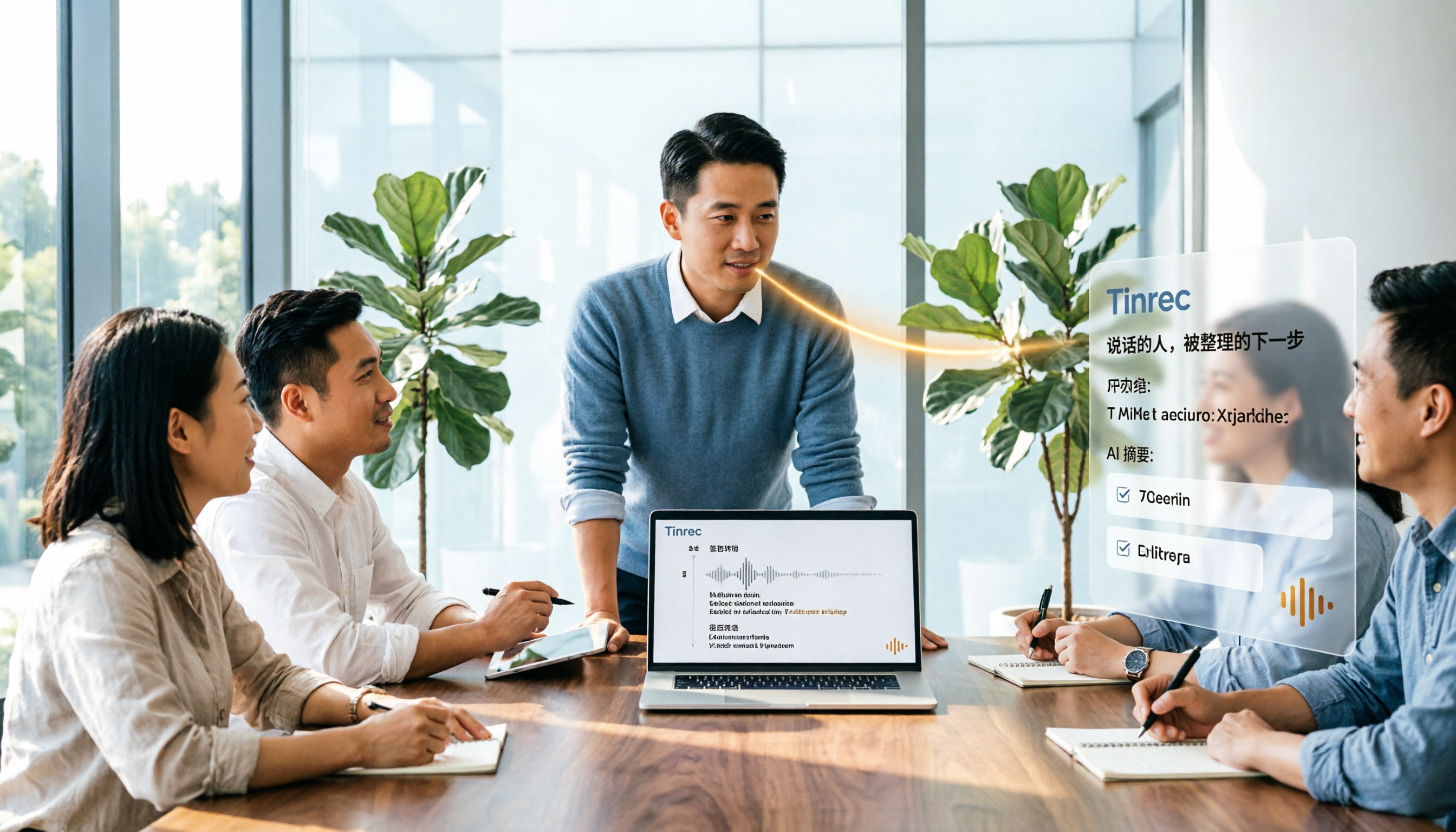
2026年4款AI会议记录工具实测对比:中文识别与AI待办谁最省时
每周开15场会的中层管理者实测4款会议记录自动化工具:从中英夹杂转写、AI摘要与待办提取,到团队空间与席位管理,说明Tinrec(秒听录音)为何在中文会议与会后整理流程胜出,并比较Otter.ai、Granola、Notta各自适合谁、限制在哪里。
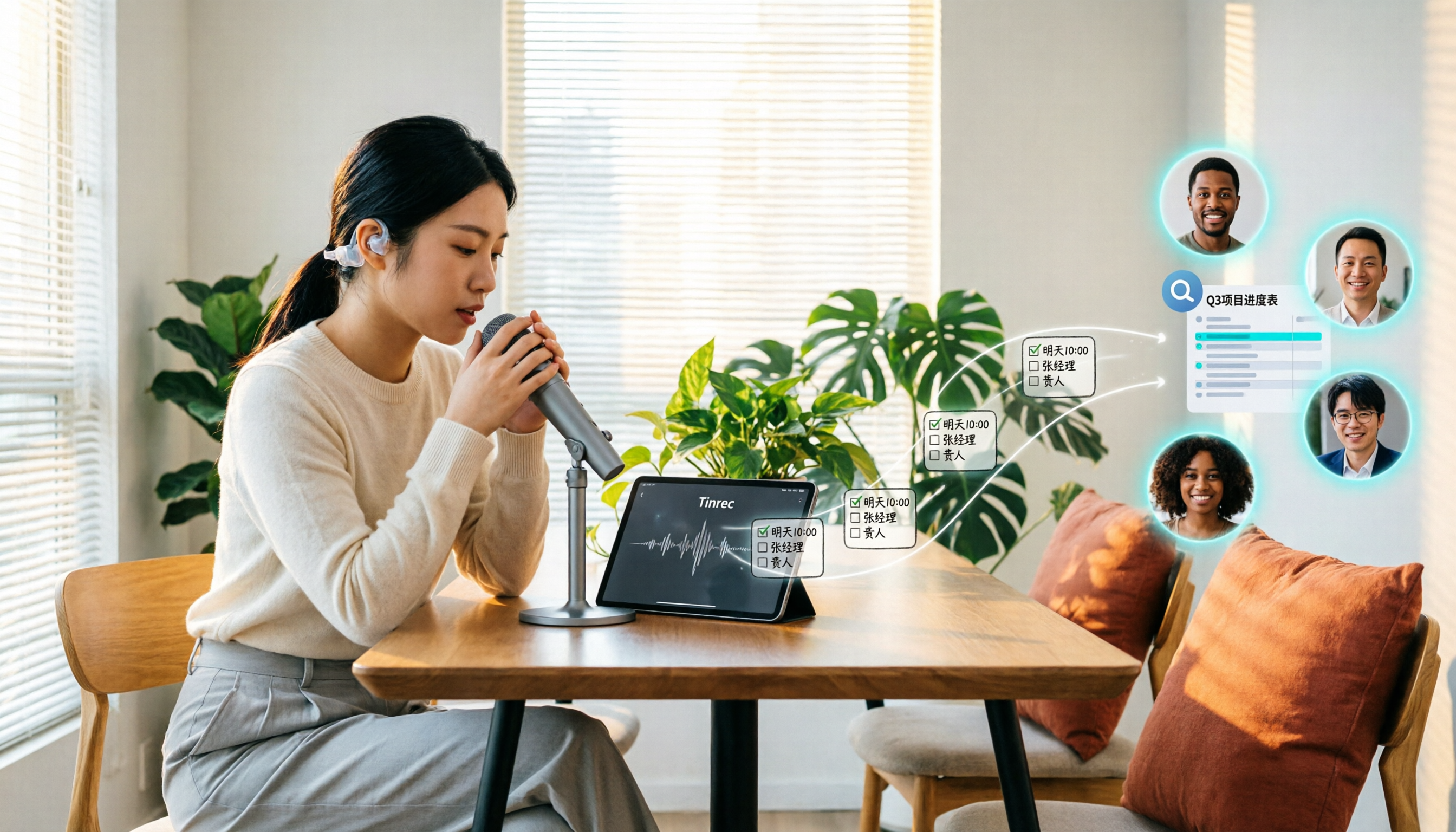
Tinrec vs Granola 2026: 5-Dimension Comparison for Turning Recordings into Actionable To-Dos
Many people think that handing a recording to AI and asking for a summary will automatically produce a to-do list, but what they get is text that can't be tracked. This article focuses on 'turning recordings into trackable to-dos' and compares Tinrec and Granola across 5 dimensions: Chinese to-do recognition, recording sources, to-do output format, AI follow-up questions, and team data retention. It includes practical steps and FAQs to help you decide which workflow to use.

2026 AI Meeting Summary Tools Compared: 4 Options from Free to Paid
Compare 4 AI meeting summary tools in 2026, covering free and paid plans, Chinese transcription, bot-free recording, and team collaboration. Tinrec is the top recommendation, with Otter.ai, Notta, and Granola also reviewed for their strengths and limitations, helping professionals find the right meeting summary tool.

Tinrec vs Otter.ai in 2026: A 5-Dimension Comparison for Chinese Meeting Notes
How do you choose meeting note software in 2026? This article compares Tinrec and Otter.ai across 5 practical dimensions, outlines how Notta and Granola differ, and includes common pitfalls and tips to help you find the right AI meeting notes tool for Chinese meetings and team collaboration.
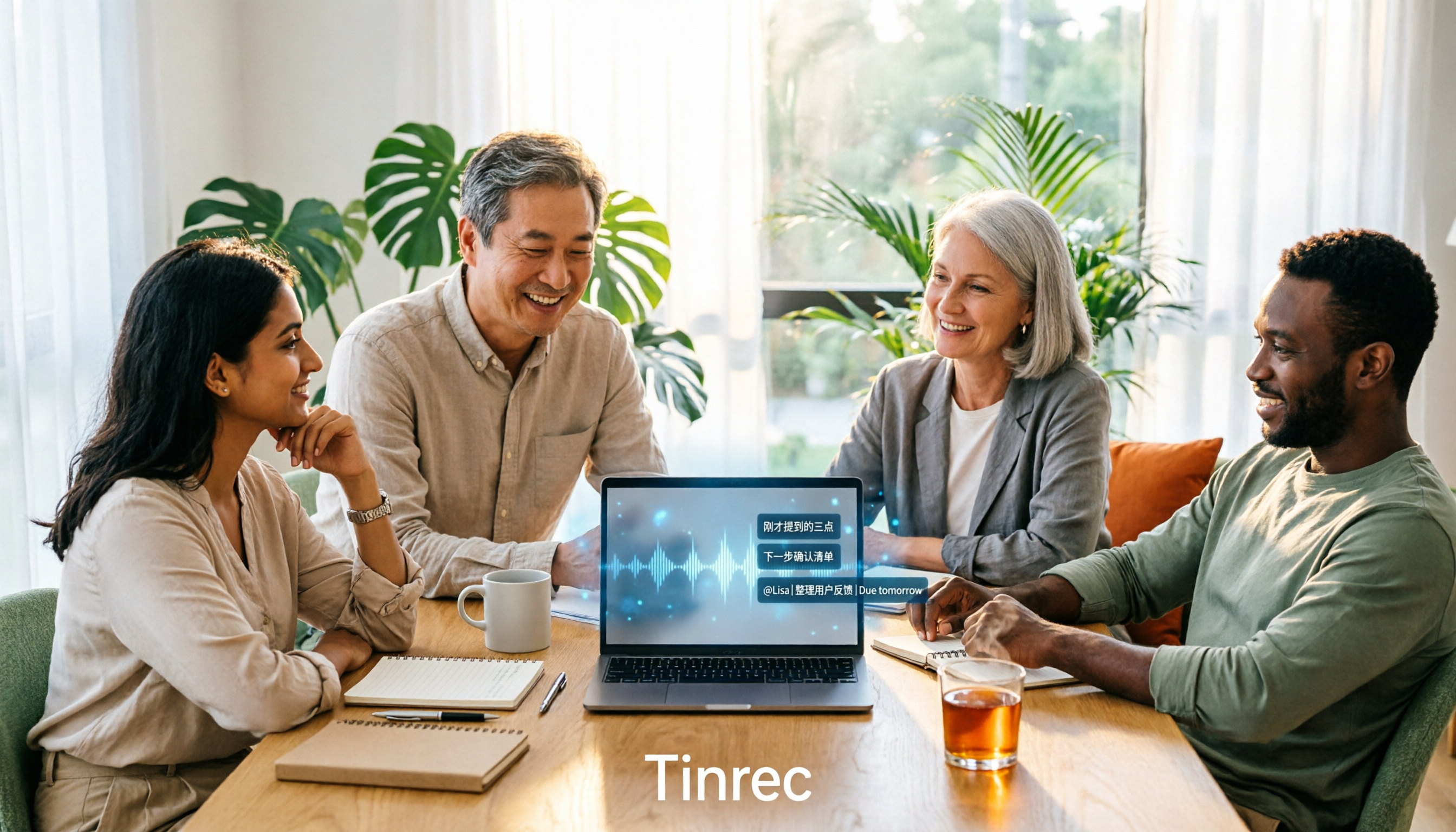
4 AI Meeting Note Tools Tested for 2026: Which Saves the Most Time for Chinese Meetings?
Still spending two hours writing meeting notes after the meeting? This article compares four AI meeting note tools, breaking down Chinese and mixed Chinese-English recognition, meeting recording methods, post-meeting summaries and action items, cross-platform export, and team member management. It also lists four key pitfalls to avoid when choosing a tool, helping you find a solution that truly saves time.

2026 Guide: Convert Audio to Transcripts — Stop Typing Manually & Auto-Generate Meeting Minutes with AI
Don't want to type transcripts by hand? This guide covers two scenarios—live meetings and pre-recorded files—and outlines 4 key buying factors. We tested Tinrec's bot-free meeting recording, AI summaries, and Q&A workflow, compared Notta, Granola, and PLAUD, and included the most common pitfalls to avoid.

4 AI Recording Tools Tested for 2026: Which Saves the Most Time on Chinese Meeting Notes?
Recorded a meeting but never have time to organize it? This hands-on comparison looks at four common approaches—built-in phone features, free online tools, AI recording hardware, and dedicated AI meeting note tools—and tests Tinrec on Chinese meeting transcription, summaries, and action items. Includes 6 buying considerations and FAQs.

2026 Medical Meeting Transcription Tools Compared: Which AI Saves You the Most Time with Chinese Transcripts and Summaries?
For professionals juggling over a dozen meetings a week and still stuck with post-meeting notes, which tool should you use? This article dives into practical decision points, covering 5 key factors for choosing a medical meeting transcription tool. We tested Tinrec's bot-free recording, AI summaries, action item extraction, and AI Q&A, and briefly review alternatives like Notta, Otter.ai, and PLAUD. We also provide a guide to avoid common pitfalls and final recommendations.