
Turn recordings into transcripts and summaries in minutes
Upload audio or video for multilingual transcription, AI notes, and action items
In the age of information overload, YouTube has become a vital source for acquiring knowledge and learning skills. However, when faced with a one-hour lecture or interview video, simply "watching" is often inefficient if you want to quickly extract key points or organize notes. Have you ever paused, rewound, and replayed repeatedly to capture a critical piece of content?
In fact, transcribing YouTube videos not only saves a huge amount of manual typing time but also lets you quickly search for keywords, turning video content into an editable knowledge base. This article introduces three solutions at different levels, from completely free built-in features to intelligent AI tools, helping you easily generate transcripts.
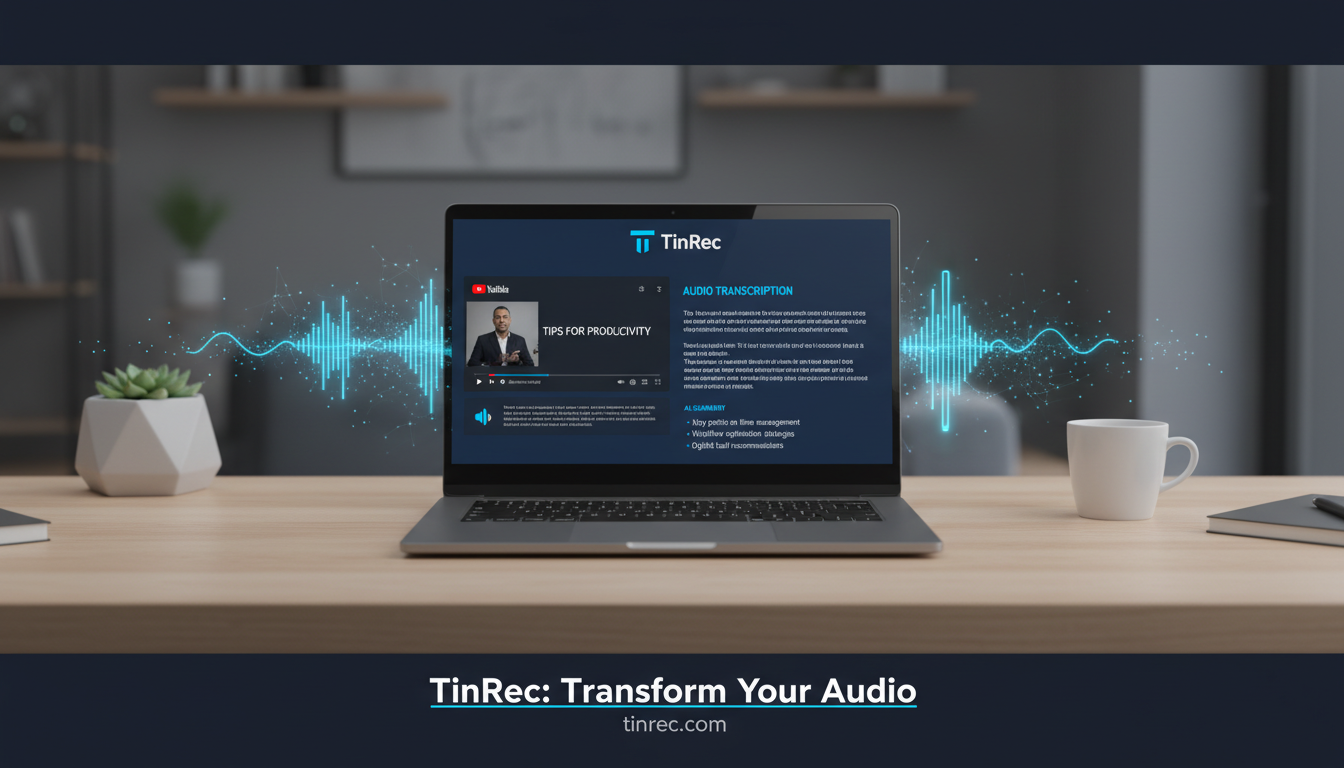
Method 1: Use YouTube's Built-in "Show Transcript" Feature
This is the most straightforward and completely free method, requiring no additional software. YouTube automatically generates captions (CC) for most videos, and we can use this feature to obtain text.
Steps:
- Open the YouTube video you want to transcribe.
- Click the "..." (More options) button next to the video title.
- Select "Show transcript".
- A text panel with timestamps appears on the right (or below) the video.
- You can directly copy the text into your note-taking app.
Pros:
- Completely free, official feature.
- No need to visit third-party websites.
Cons:
- Messy formatting: The copied text often includes many timestamps, making it hard to read and requiring significant manual cleanup.
- No punctuation: Auto-generated captions usually lack punctuation, making reading laborious.
- No summarization: Only provides a verbatim transcript, no key point extraction.
Method 2: Google Docs "Voice Typing" Trick
If you don't have professional tools and want to avoid messy built-in transcripts, you can try using Google Docs' voice typing to "dictate" the video.
Steps:
- Open a blank Google Doc.
- Go to "Tools" > "Voice typing".
- In your computer's sound settings, temporarily set the input device to "Stereo Mix" or use a virtual audio cable so your computer can "hear" its own sound.
- Click the microphone icon in Google Docs and play the YouTube video.
Pros:
- Free, with decent Google speech recognition accuracy.
- Output is directly in a cloud document.
Cons:
- Time-consuming: You must record for the entire video duration; no acceleration possible.
- Environment noise: Without internal recording setup, using a microphone picks up ambient noise.
- No background execution: You cannot use your computer for other sound-producing tasks while recording.
Stop organizing recordings by hand
Upload audio or video and automatically get a transcript, summary, and action items
Method 3: Use AI Smart Tools for One-Click Transcription and Summarization
With the maturity of AI technology, smarter solutions now exist to "instantly" process long videos. These tools not only accurately convert speech to text but also understand context for summarization. Among many tools, TinRec (Miao Ting Lu Yin) is a noteworthy productivity tool focused on the complete workflow from recording to notes.
TinRec's core advantage lies in its integration of multiple audio source processing capabilities. For YouTube users, instead of slow recording like Method 2, you simply paste the video link, and the system quickly analyzes the audio track and generates high-quality transcripts.
TinRec Use Cases:
- YouTube subtitle generation and note-taking: After inputting a video link, it not only provides a transcript but also uses AI to analyze content and auto-generate key summaries. This is especially useful for long financial analysis, tech trends, or online course videos, letting you instantly grasp the core points of a one-hour video.
- Multi-language support: If the video is in a foreign language (e.g., English lecture), it can also transcribe and organize into Chinese notes, breaking language barriers.
- Comprehensive audio processing: Besides YouTube, TinRec also supports MP3 to text and call recording to text. This means you can process online meeting recordings, podcast audio, or even interview recordings from your phone. Its "AI Meeting Summary" feature can automatically extract action items and decisions, adding more value than simple transcription.
For efficiency-driven professionals, using AI tools like TinRec is the fastest path to convert "unstructured" audio/video content into "structured" knowledge.

Comparison: Which Method Suits You?
To help you choose, here's a quick comparison of the three methods:
| Feature | YouTube Built-in | Google Voice Typing | TinRec (AI Tool) |
|---|---|---|---|
| Speed | Instant | Real-time (slow) | Very fast (minutes) |
| Accuracy | Average (depends on video captions) | Moderate | High (AI-assisted) |
| Formatting | Poor (timestamps, no punctuation) | Average (needs manual editing) | Excellent (auto paragraphing) |
| Smart Summary | None | None | Yes (AI auto-summary) |
| Best For | Occasional word lookup | Quick short text needs | Heavy learners, content creators, meeting note-takers |
Tips for Better Transcription Quality
Whichever tool you choose, these factors affect accuracy:
- Audio quality: Videos with loud background music or noisy environments will have lower recognition rates. For your own recordings, ensure clear microphone input.
- Clarity of speech: Lectures or tutorials usually yield best results; noisy variety shows or overlapping dialogues are harder.
- Specialized terminology: For medical, legal, or other professional fields, standard speech recognition may make errors. AI tools with contextual understanding (like TinRec) have an advantage, as AI can correct homophones based on context.
Conclusion
Transcribing YouTube videos is no longer a tedious chore. From simple copy-paste to leveraging powerful AI analysis, we have more options to free our hands. If you only occasionally need a few lines, YouTube's built-in feature suffices. But if your goal is to build an efficient knowledge management system or frequently handle meeting minutes and course notes, a professional tool integrating "speech-to-text" and "AI summarization" will be a key driver of productivity. Choose the tool that best fits your needs and let knowledge acquisition no longer be limited by the video progress bar.
Turn every recording into actionable outcomes
Get 60 free transcription minutes when you sign in. No credit card required.
Related Reading
You might also like

Zoom Meeting Download Guide 2026: From Install to Meeting Notes
Looking to download Zoom? This guide starts with the official download channels, then compares Zoom's built-in recording with Tinrec across 5 dimensions—transcripts, Chinese recognition, post-meeting organization, data retention, and student budget analysis—to help you decide which one to install.

2026 Meeting App Comparison: Zoom Built-in Transcription vs Tinrec — Which Saves More Time?
Is Zoom's built-in AI summary enough for your meetings? This article compares Zoom Workplace and Tinrec across five dimensions—recording methods, post-meeting organization, Chinese language experience, team governance, and legacy file handling—to help you decide which one to use.

iPhone Recording Not Playing Back? 2026 Complete Guide: From Troubleshooting to Fixing It with Tinrec
Can't hear your iPhone recordings? It's not necessarily a broken device. This guide breaks down common misconceptions and inefficient approaches, showing you how Tinrec's instant recording transcription solves the 'recorded but can't hear it' problem at the source—covering real-time transcription, AI summaries, action item extraction, and team collaboration.
4 Best Transcription Tools for Students in 2026: Free Tier Comparison
From classroom recordings to handwritten note disasters, we tested Tinrec, Otter.ai, Notta, and PLAUD Note from a student's perspective, comparing free tiers, Chinese recognition, post-recording outputs, and whether group projects need team plans.

4 Best Free Transcription Tools in 2026: Free Tier Limits and Chinese Recognition Compared
We tested four free transcription tools in 2026, comparing free tier limits, Chinese recognition, post-meeting organization, and cross-platform support. Tinrec is our top pick for its free meeting workflow, and we also compare Otter.ai, Notta, and Granola to help you decide which free version can actually handle a full meeting transcription.
4 Free Transcription Software Compared: Which Free Tier Actually Works?
The biggest trap with free transcription software is mistaking a free trial for a permanent free plan. This article breaks down 4 key factors to consider and compares the free tiers, input sources, and post-meeting organization capabilities of Tinrec, TurboScribe, Yating, and Otter.ai to help professionals find the one that truly saves time.

5 Best Transcription Software in 2026: Which Is Fastest for Chinese Meetings?
We tested 5 transcription tools for Chinese meetings, bot-free recording, and post-meeting AI Q&A. Find out who Tinrec, Yating, Notta, and Otter.ai are best for, and the pitfalls to avoid.

2026 4 Transcript Generators Compared: Which Saves the Most Time for Chinese Meetings and AI Q&A?
Starting from the real pain points of meeting notes, we compare transcript generators like Tinrec, Notta, Otter.ai, and Granola, and provide buying criteria, pitfalls to avoid, and selection advice to help you find the tool that saves the most time for Chinese meetings and post-meeting organization.

2026 Free Transcription Apps: 5 Options to Try
How to choose a transcription app? This article reviews 5 free options worth trying in 2026, comparing the free tiers and limitations of Tinrec, Otter.ai, Notta, TurboScribe, and iPhone Voice Memos. Using Tinrec as an example, it walks you through the complete workflow from recording, transcription, proofreading, generating meeting minutes, to exporting.