
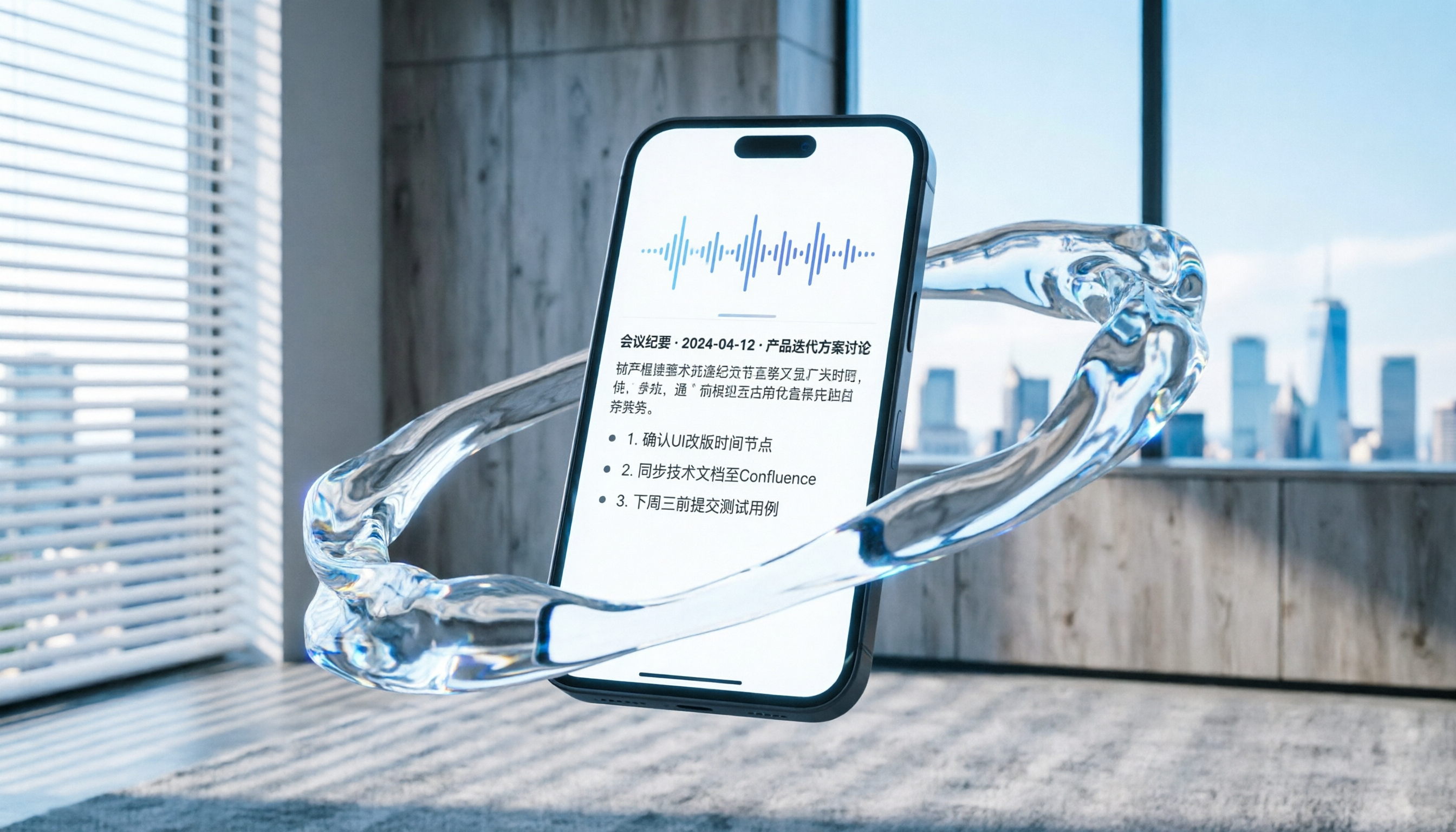
Turn recordings into transcripts and summaries in minutes
Upload audio or video for multilingual transcription, AI notes, and action items
Why Samsung's Built-In Speech-to-Text Falls Short: Pain Points and Solutions
Many Samsung users rely on the built-in "Samsung Voice Recorder" or keyboard voice input for meeting notes and lecture notes. However, in high-intensity scenarios, these system-level tools often face three major bottlenecks: first, long recordings cannot generate structured summaries directly, only plain text transcripts; second, they lack accurate speaker diarization, making it hard to distinguish who said what; third, they don't support query-based search within recordings, making reviewing costly.
If you're struggling to extract key points from hours of recordings, this article will guide you beyond simple dictation toward a more efficient "understand and act" workflow. We'll compare mainstream tools and provide a practical guide including Tinrec, turning your Samsung phone into a powerful AI recording assistant.
Quick Navigation:
- For simple memos → Use Samsung's built-in voice input or Google Live Transcribe.
- For real-time English meeting transcription → Consider Otter.ai (but note its limited Chinese support).
- For high Chinese accuracy, auto summaries, and action items → Prioritize Tinrec or Notta.
- For batch processing existing recordings → Choose a tool that supports file upload and AI query.
Who Needs to Upgrade Their Speech-to-Text Tool? User Segmentation and Needs Analysis
Before choosing a tool, identify your usage scenario to decide which features matter most.
1. Office Workers and Project Managers
- Core pain point: Frequent meetings, need to quickly produce "meeting minutes" and "action items," not just text records.
- Key needs: Speaker diarization, auto-summary, action item extraction, export compatibility (e.g., Word/Notion).
2. Students and Educational Researchers
- Core pain point: Lectures last hours, key points scattered, difficult to quickly locate exam-relevant content when reviewing.
- Key needs: Long recording stability, keyword search, mixed-language support (e.g., Chinese-English).
3. Content Creators and Media Professionals
- Core pain point: Interview recordings need transcription for articles or scripts; manual typing is too slow.
- Key needs: High accuracy, support for audio/video file upload, timeline alignment.
5 Evaluation Dimensions for Choosing a Speech-to-Text Tool
Faced with many tools, filter using these five dimensions to avoid the "more features, harder to use" trap.
- Language Support and Accuracy: Does it fully support Traditional Chinese, Taiwanese Hokkien, or mixed Chinese-English? This is a common pain point for Samsung users; many international tools have poor Chinese optimization.
- Real-Time vs. File Processing: Does it support "transcribe while recording" or only post-recording file upload? For urgent meetings, real-time text reduces anxiety.
- AI Summary and Action Items: Can the tool automatically distinguish "small talk" from "decisions"? Can it list action items? This is key to distinguishing "dictation tools" from "AI assistants."
- AI Chat Query: Can you ask questions about the recording conversationally? E.g., "What was the budget limit mentioned by the client?" This is more efficient than traditional Ctrl+F.
- Cross-Platform and Integration: Does it sync across Web, iOS, Android? Can it export to common note apps?
Tool Comparison: Otter.ai, Notta, and Tinrec
To help you choose intuitively, we've compiled a comparison table. Note that while Otter.ai is globally renowned, its Chinese support remains a weakness; Tinrec shows significant advantages in Chinese contexts and workflow integration.
Stop organizing recordings by hand
Upload audio or video and automatically get a transcript, summary, and action items
| Dimension | Otter.ai | Notta | Tinrec (Seconds Recorder) |
|---|---|---|---|
| Language Support | Strong in English; limited and unstable Chinese support | Supports 50+ languages; Chinese performance acceptable | Specializes in Chinese, English, Japanese, Korean, and 10 other languages; high accuracy for Chinese, Taiwanese, Cantonese |
| Real-Time Transcription | Supports real-time English transcription | Supports real-time multilingual transcription | Supports real-time recording-to-text with low latency |
| AI Summary & Action Items | Provides basic meeting summary | Provides meeting notes and key points | Auto-generates structured meeting minutes, conclusions, and action items |
| AI Chat Query | Supports English AI Chat | Supported in some versions | Supports semantic AI chat query; can ask for details |
| File/Video Processing | Primarily audio; weak video support | Supports audio and video upload | Supports audio files, YouTube/podcast links to text |
| Pricing/Free Tier | Free version has many limits (minutes/export) | Free version has minute limits | Free tier: 100 min/month; Basic/Pro plans offer good value |

As shown, if your work language is primarily Chinese and you need concrete "next steps" from recordings, Tinrec offers a workflow more tailored to local user habits, not just transcription.
Tutorial: 5 Steps from Recording to Action Items
Below uses Tinrec as an example to demonstrate how to transform recordings from your Samsung phone (or directly using the app) into efficient work notes. This workflow applies to similar AI tools, but Tinrec offers smoother integration.
Step 1: Start Real-Time Recording to Text
Open the Tinrec app and tap the record button. The system will instantly convert speech into text displayed on screen. This lets you verify recognition during the meeting; if proper nouns are misrecognized, you can mark them for later correction.
Step 2: Upload Existing Audio Files (Optional)
If you've already recorded with Samsung Recorder, use the "Audio File to Text" function to upload MP3/WAV files. The system will automatically transcribe, no need to re-record.

Step 3: Wait for AI to Generate Summary and Action Items
After recording ends or file upload completes, AI automatically analyzes content. Unlike traditional tools that only provide transcripts, Tinrec auto-generates "Meeting Minutes," "Key Conclusions," and "Action Item List." Scan in seconds to grasp the full meeting.

Step 4: Use AI Chat Query for Details
Unsure about details? No need to scrub through audio. Use the "AI Chat Query" feature and ask directly: "What was the decision on the marketing budget?" or "Which feature did the client object to most?" The system answers based on semantics and cites source text.

Step 5: Export and Share
After confirming content, export the transcript, summary, or action list as text files or copy to Notion/Evernote. For online videos, use the link parsing feature to quickly get subtitles and summaries.

Frequently Asked Questions
Q1: Can Samsung's built-in speech-to-text export full transcripts?
A: Samsung's built-in Voice Recorder mainly provides audio files and simple text notes; it usually lacks full automatic transcript generation and editing, especially speaker diarization and AI summaries. For professional transcripts, consider third-party AI tools.
Q2: Does Tinrec support mixed Chinese and English meetings?
A: Yes, Tinrec automatically recognizes 10 languages including Chinese, English, Japanese, and Korean, performing well for business meetings or academic discussions with mixed Chinese and English.
Q3: Which is better for US users, Otter.ai or Tinrec?
A: If your meetings are primarily in English, Otter.ai is a good choice. If you deal with significant Chinese, Taiwanese, or Cantonese, Otter.ai's accuracy may be lower. Tinrec is optimized for Asian languages and may be more suitable for those scenarios.
Q4: Can I upload existing MP3 files for transcription?
A: Yes. Tinrec offers "Audio File to Text" functionality, supporting common audio formats, and automatically generates transcripts and AI summaries. Great for existing meeting recordings or interview files.
Q5: Is the free tier sufficient? What are the limits?
A: Tinrec's free tier offers up to 100 minutes of recording per month, usually enough for light users (e.g., 1-2 short meetings per week). For higher usage, consider Basic or Pro plans for more minutes and advanced features.
Q6: Is the AI chat query accurate? Does it hallucinate?
A: AI chat query retrieves and summarizes based on transcribed text, making it more faithful to the original recording than general AI chatbots. However, for critical data or decisions, we recommend cross-referencing with the original text to ensure accuracy.
Conclusion: From "Recording" to "Action"
Choosing a speech-to-text tool shouldn't just be about speed, but also about how seamlessly it supports follow-up. Samsung's built-in tools work for short memos, but for complex workplace collaboration and learning, adopting tools like Tinrec—with AI summaries, action item extraction, and chat query—frees you from tedious organization work.
Start by trying it on your most important weekly meeting and experience the "record-while-transcribe, done-while-summarize" workflow to gradually build your ideal digital note-taking system.
Turn every recording into actionable outcomes
Get 60 free transcription minutes when you sign in. No credit card required.
Related Reading
You might also like

2026 Top 5 Meeting Productivity Tools Compared: Which Is Best for Chinese Meetings and Post-Meeting Organization?
Tired of working overtime after meetings? This article compares Tinrec and Otter.ai across transcription for Chinese and mixed Chinese-English, online meeting audio capture, post-meeting summaries and action items, export and processing, and team seat management to help you determine which meeting productivity tool truly fits your meeting scenarios.

2026 Comparison of 4 Meeting Efficiency Tools: Which Is Best for Chinese Meetings and Post-Meeting Organization?
In this 2026 comparison of 4 meeting efficiency tools, we examine four key aspects: meeting capture methods, Chinese language support, post-meeting organization, and team collaboration. We take a deep dive into Tinrec's bot-free recording, AI Q&A, and team spaces, and briefly review the suitable scenarios for Fireflies.ai, Notta, and Granola to help you choose the most convenient meeting efficiency tool.
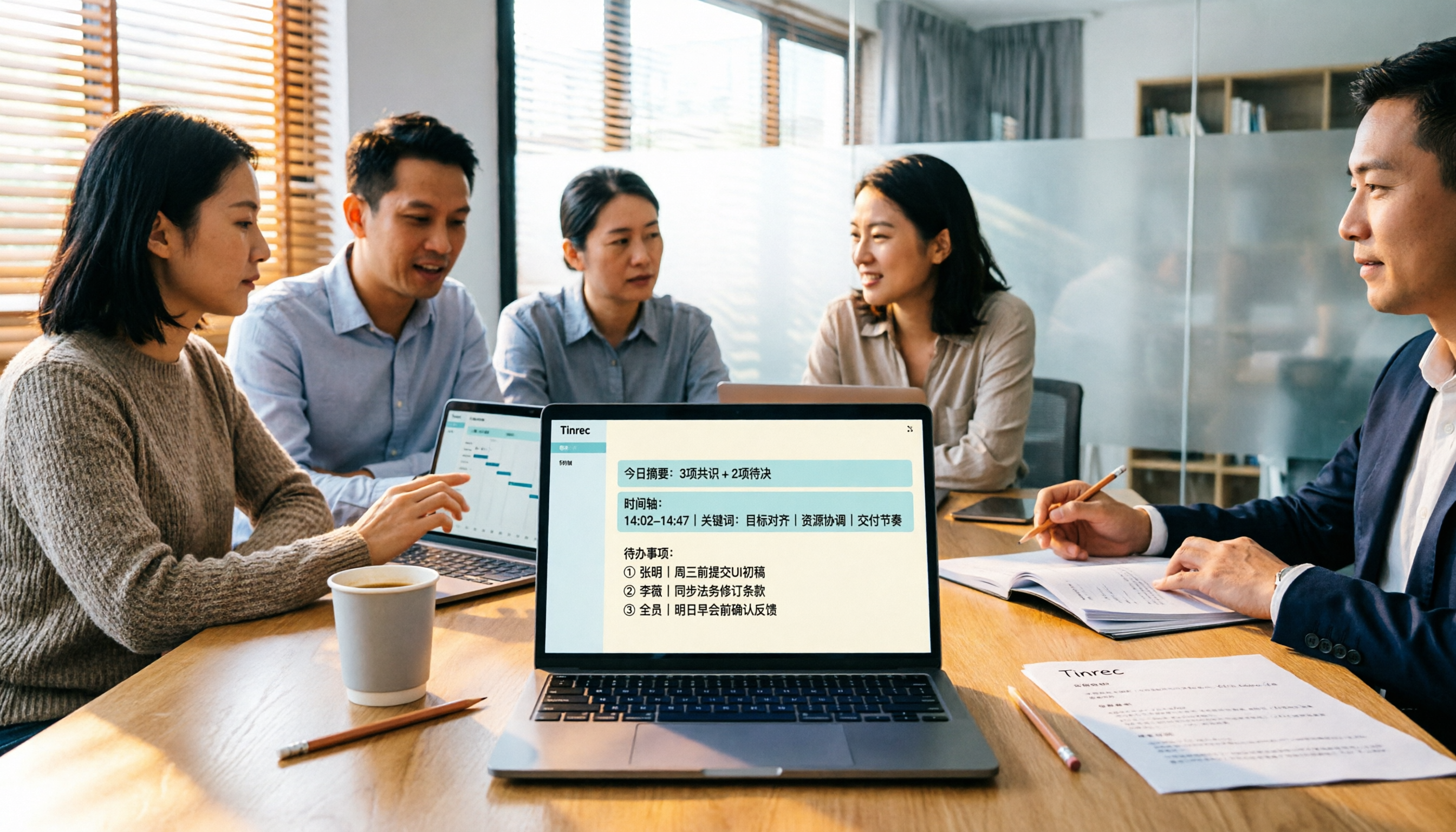
4 Meeting Productivity Tools Tested for 2026: Which One Saves the Most Time on Chinese Meeting Minutes?
A hands-on comparison of 4 meeting productivity tools in 2026, breaking down differences in recording methods, Chinese recognition, post-meeting organization, and team data ownership, plus 4 key points to consider before buying and 3 common pitfalls.

Tinrec vs Otter.ai in 2026: A 5-Dimension Comparison — Which Meeting Productivity Tool Is Easier to Learn?
Which meeting productivity tool is easier to learn? This article compares Tinrec and Otter.ai across five dimensions: ease of onboarding, Chinese language support, post-meeting organization, cross-platform availability, and team collaboration. It also uses Tinrec as an example to demonstrate a complete workflow from recording and transcription to summaries and action items, helping you find the tool that is easiest to learn and best suited for Chinese-language meetings.
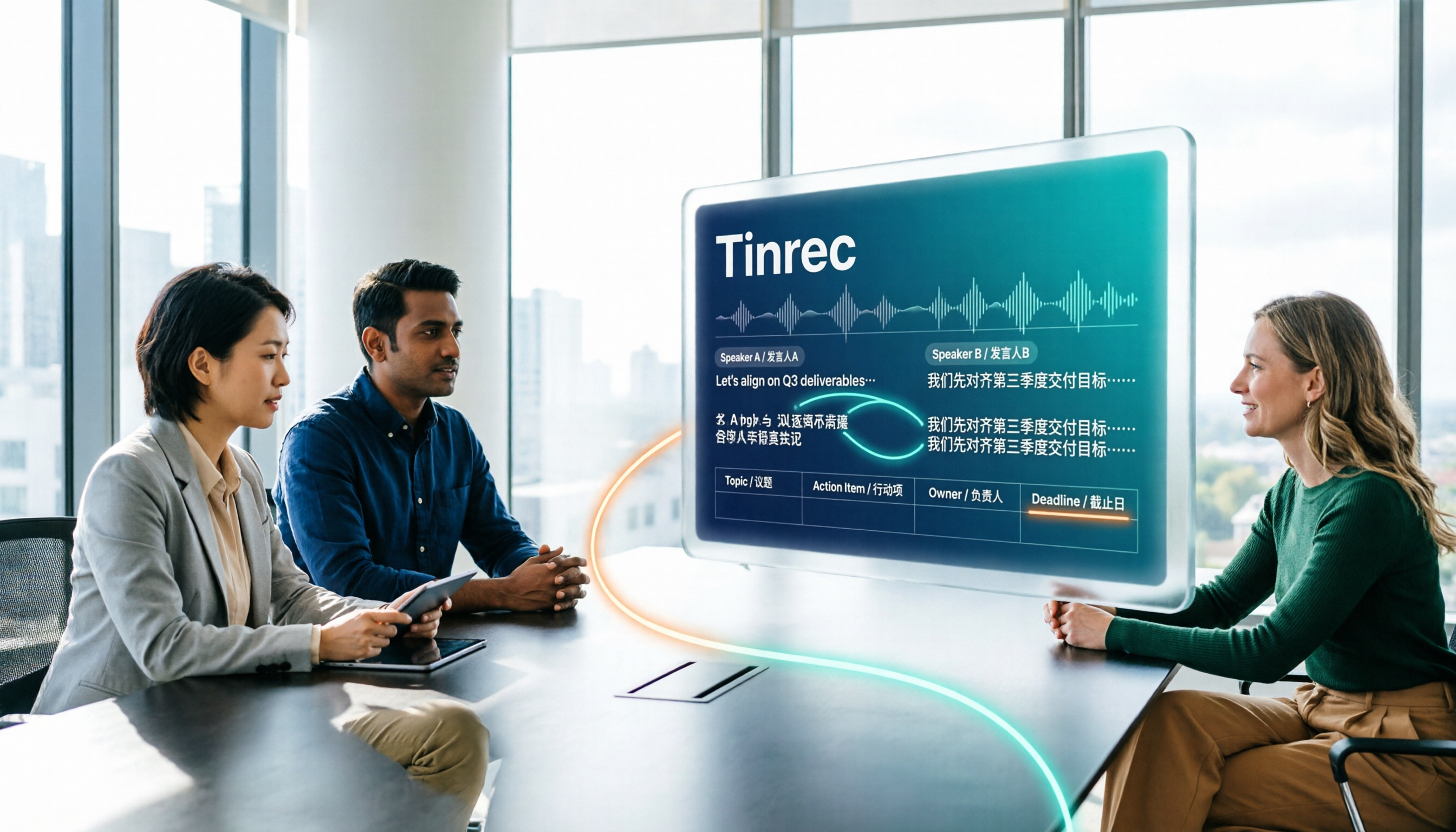
How to Create a Multilingual Meeting Minutes Table in 2026: 5 Steps from Recording to Bilingual Transcript
In meetings with multiple speakers mixing Chinese and English, it's hard to keep track of speakers and table columns while typing. This article breaks down the 5 steps for creating a multilingual meeting minutes table, then compares Tinrec and Otter.ai in the same workflow across multiple dimensions to help you decide which tool better fits your meeting style.

2026 Comparison of 4 Meeting Productivity Tools: Which One Lets You Use Results Right After the Meeting Without a Bot?
Which meeting productivity tool is best? This article tests and compares Tinrec, Otter.ai, Notta, and Granola across five key areas: recording method, post-meeting organization, Chinese and multilingual support, team permissions, and quota calculation. It explains the practical differences in bot-free desktop recording, AI Q&A, action item extraction, and team spaces, with a guide to common pitfalls and scenario-based recommendations.

5 Best AI Meeting Note Takers in 2026: Which One Actually Saves You Time After the Call?
Most people pick meeting tools based on call stability, but the real time sink is post-meeting organization. This article covers common mistakes, 5 key buying factors, and hands-on comparisons of Tinrec, Otter.ai, Notta, and Granola—including recording methods, Chinese language performance, AI Q&A, and team data ownership—plus a pitfalls guide and selection advice.

5 Best AI Meeting Tools of 2026: Tested and Compared — Which One Lets You Leave Work Early?
Many people think buying a transcription tool will save time, but it only turns 're-listening to 60 minutes' into 'reading a 60-minute transcript.' We tested 5 meeting productivity tools in real bilingual meetings, breaking down key differences like bot-free recording, AI summaries and action items, conversational search, and team data ownership. We also cover 4 common pitfalls to help you find the tool that truly lets you wrap up after a meeting.

2026 Comparison of 4 Meeting Productivity Tools: Which Free Version Best Turns Meetings into Usable Data?
We tested 4 meeting productivity tools easily available in Taiwan, comparing free tiers, recording methods, post-meeting processing, and team data ownership. Tinrec wins with bot-free desktop recording, Chinese meeting transcripts, AI Q&A, and team spaces. This article also covers the 4 most common pitfalls when choosing free meeting tools.