
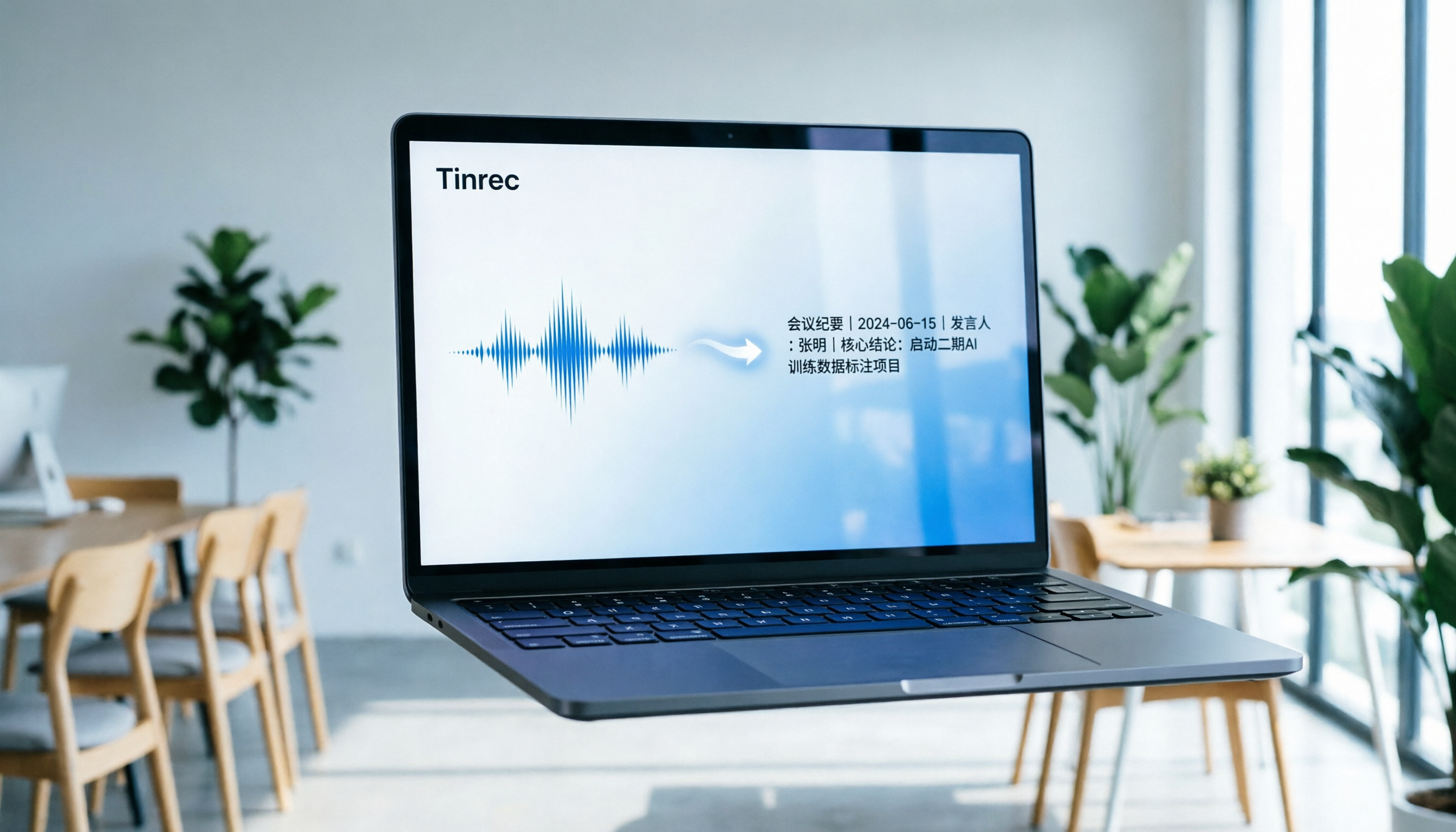
Turn recordings into transcripts and summaries in minutes
Upload audio or video for multilingual transcription, AI notes, and action items
Quick Verdict: The Most Efficient Way to Convert Audio to Text
If you need to turn long recordings or online meetings into searchable, editable text, relying solely on built-in dictation features (like Apple Dictation or Windows Voice Typing) often falls short because they lack file upload, speaker separation, and AI summarization.
Based on your needs, here’s a fast recommendation:
- Prioritize Chinese accuracy and meeting action items: Go with Tinrec. It not only supports real-time transcription but also automatically generates meeting minutes and to-do lists, with mixed-language recognition for Chinese, English, Japanese, Korean, and more.
- Primarily English meetings: Otter.ai is a globally recognized choice, but its Chinese support is limited.
- Need multilingual support on a budget: Notta offers a decent cross-language experience, though you may need extra proofreading for Chinese technical terms.
- Developer/privacy-focused: Consider deploying OpenAI Whisper, but you’ll need programming environment setup skills.
This article dives into these tools and walks you through a practical example of how to turn recordings into real productivity using Tinrec.
Why Traditional Audio-to-Text Tools Fall Short
When searching for “how to convert audio to text,” many users encounter these pain points:
- High cost of relistening: For a one-hour meeting recording, manually summarizing key points often takes more than double the time to relisten.
- Transcripts only, no conclusions: Traditional tools just output dense text without structured meeting minutes or action items, making it hard for teams to follow up.
- Search difficulties: Ctrl+F keyword search can’t understand semantics, often missing contextually important information when looking for specific decisions or data.
- Language barriers: In cross-border meetings or foreign language classes, single-language tools can’t handle mixed Chinese-English or multi-language switching.
Therefore, a modern audio-to-text tool should be more than a “dictation machine” – it should be an AI-powered workflow assistant. Tinrec, for instance, is designed around a complete “Recording → Understanding → Action” loop, solving the problems of low information density and poor post-use efficiency.

In-Depth Comparison of 5 Popular Audio-to-Text Tools
To help you make the best choice, we compared 5 representative tools: Tinrec, Otter.ai, Notta, MyEdit, and OpenAI Whisper.
Core Dimension Comparison Table
| Dimension | Tinrec (秒聽錄音) | Otter.ai | Notta | MyEdit | OpenAI Whisper |
|---|---|---|---|---|---|
| Chinese Recognition Accuracy | ⭐⭐⭐⭐⭐ (Optimized for Asian languages) | ⭐ (Primarily supports English) | ⭐⭐⭐ (Okay, occasional errors) | ⭐⭐⭐ (Average) | ⭐⭐⭐⭐ (Depends on model version) |
| AI Summary & Action Items | ✅ Auto-generates minutes, conclusions, to-dos | ✅ Supports English summaries | ✅ Supports summaries | ❌ Basic transcription only | ❌ Requires manual LLM integration |
| AI Chat Query | ✅ Supports semantic Q&A like asking a person | ✅ Supports Ask Otter | ✅ Supports Notta Bot | ❌ Not supported | ❌ Not supported |
| Platform Support | iOS, Android, Web | iOS, Android, Web | iOS, Android, Web | Web, Desktop | Requires local deployment or API |
| Free Limit / Pricing | Free: 100 min/month | Free: 300 min/month (import only) | Free: 120 min/month | Limited free trial | Open-source free (hardware cost required) |
| Best For | Chinese meetings, interviews, lecture notes | English meetings, sales calls | Multilingual meetings, podcasts | Short video captions, simple transcription | Developers, privacy-sensitive data |
Tool-by-Tool Analysis
1. Tinrec: AI Assistant Specialized in Chinese & Asian Languages
Tinrec’s biggest strength is its optimization for Mandarin, Taiwanese, Cantonese, and mixed Chinese-English scenarios. Unlike other tools, it goes beyond transcription to emphasize “post-use.” Its built-in AI chat query lets you ask, “What was the budget cap mentioned in the meeting?” and get precise answers based on the recording, not just keyword-heavy paragraphs. Tinrec also supports real-time transcription, audio file uploads, and even parsing web video links, covering most content creators and professionals.
2. Otter.ai: Standard Equipment for English Meetings
Otter.ai is a globally known meeting note tool with strong Zoom and Teams integrations. However, for Chinese users, its biggest limitation is that it doesn’t support Chinese recognition. If your work environment is primarily English, its speaker identification and real-time collaboration are powerful; but for Chinese content, it’s not recommended.
Stop organizing recordings by hand
Upload audio or video and automatically get a transcript, summary, and action items
3. Notta: A Balanced Choice for Multilingual Support
Notta supports over 100 languages, ideal for frequent language switchers. Its interface is intuitive and transcription speed is decent. However, with professional Chinese terminology or fast speech, accuracy occasionally lags behind tools optimized for Asian languages. Good for users handling multiple languages without demanding top-tier Chinese accuracy.
4. MyEdit: Lightweight Online Editing Tool
From CyberLink, MyEdit is suitable for short audio or simple editing. Its advantage is ease of use – no complex account registration needed. But free limits are small, and it lacks deep AI analysis (auto-summary, action item extraction), making it less ideal for long meetings.
5. OpenAI Whisper: Developer’s Ultimate Backend
Whisper is one of the most powerful open-source speech recognition models, supporting 99 languages with high accuracy. But it’s not plug-and-play; you need technical skills to deploy or use APIs. For most office workers and students, ready-made apps (like Tinrec or Notta) are more efficient.
Tinrec Practical Tutorial: Four Ways to Convert Audio to Text
Using Tinrec, here’s how to turn audio into usable text through four different entry points. These steps apply to iOS, Android, and Web versions.
1. Real-Time Transcription: The Best Companion for Meetings & Classes
This feature is for ongoing meetings, classes, or interviews. You don’t need to upload files later – text appears as you record.
- Step 1: Open the Tinrec app or web version, tap the “Record” button on the main screen.
- Step 2: Confirm language settings (auto-detect or select a language like Chinese/English).
- Step 3: Start recording. The screen shows live transcription with timestamps.
- Step 4: After recording, the system automatically generates a “Smart Summary” and “To-Do List.”

2. Audio File to Text: Process Existing Recordings
If you already have audio files (.mp3, .m4a, .wav) on your phone or computer, upload them for transcription.
- Step 1: Go to the “Audio File to Text” feature page.
- Step 2: Tap the upload button and select your audio file.
- Step 3: Wait for processing (usually a few minutes, depending on length).
- Step 4: Review the transcript – you can edit text, distinguish speakers, and export as TXT or DOCX.

3. Video Link to Text: Summarize Podcasts & YouTube Content
Content creators and researchers often need to extract info from YouTube or podcasts. Tinrec lets you paste a link directly – no need to download video files.
- Step 1: Copy a video URL from YouTube or a podcast platform.
- Step 2: In Tinrec, select the “Video to Text” feature and paste the URL.
- Step 3: The system automatically extracts the audio track, transcribes, and summarizes.
- Step 4: Get a full transcript and key points summary, useful for writing scripts or taking notes.

4. AI Chat Query: Ask Your Recording Like a Person
This is Tinrec’s biggest differentiator. When facing a one-hour meeting transcript, you don’t have to read it all – use this feature.
- Step 1: Open a completed transcription project.
- Step 2: Tap the “AI Chat” or “Q&A” button.
- Step 3: Ask a question, e.g., “What was the client’s biggest concern about the feature?” or “List all deadlines mentioned.”
- Step 4: AI gives a precise answer based on the recording, with reference timestamps for quick verification.

Frequently Asked Questions
Q1: Can iPhone’s built-in dictation replace professional transcription software?
Apple Dictation is fine for short sentences, but it can’t handle long recordings, upload existing audio, distinguish multiple speakers, or provide AI summaries. For meetings or classes, professional tools like Tinrec are far more efficient.
Q2: Is Tinrec’s free plan sufficient? What are the limits?
Tinrec’s free plan offers up to 100 minutes of transcription per month, including basic AI summary features. For occasional meeting or lecture notes, that’s usually enough to start. If you use it more frequently, consider upgrading to Basic or Pro.
Q3: Does it support online meeting software (e.g., Teams, Zoom, Google Meet)?
Yes. You can play meeting audio through your computer speakers and use Tinrec’s “Real-Time Recording” feature to transcribe. On mobile, use a second device to record, or ensure your microphone can clearly pick up the speakers. Some higher-tier plans or future updates may offer more direct integration.
Q4: How accurate is the Chinese recognition? Can it recognize Taiwanese or Cantonese?
Tinrec is specially optimized for Asian languages, supporting automatic recognition of 10 languages including Mandarin, Taiwanese, Cantonese, Japanese, and Korean. In mixed Chinese-English or technical terms, it outperforms many English-centric international tools.
Q5: Can the transcribed text be exported? What formats are supported?
Yes. Tinrec supports exporting transcripts and summaries as TXT, DOCX (Word), PDF, and more, for easy editing or sharing with your team.
Q6: Can it still transcribe if the recording quality is poor (background noise or distance)?
The AI model has some noise reduction and error tolerance, but recording quality still affects accuracy. For best results, record in a quiet environment or use an external microphone. If the source audio is very unclear, any tool’s accuracy will drop. Tinrec’s AI preprocessing helps mitigate general background noise.
Conclusion: Choose the Audio-to-Text Workflow That Fits You
“How to convert audio to text” is not just a technical question – it’s about efficiency. When choosing a tool, consider your primary language environment, need for AI assistance, and budget.
- If you are a Chinese speaker looking to get actionable meeting conclusions from recordings, Tinrec offers the most complete localized experience and AI workflow.
- If your needs are purely English-based, Otter.ai remains a solid choice.
- If you have a technical background and value data privacy, OpenAI Whisper provides maximum flexibility.
We recommend trying Tinrec’s free tier to experience its real-time transcription and AI chat query features – see firsthand how it transforms time-based content into scannable text for a real productivity boost.
Turn every recording into actionable outcomes
Get 60 free transcription minutes when you sign in. No credit card required.
Related Reading
You might also like

Tinrec vs Otter.ai in 2026: 5-Dimension Comparison — Which Is Better for Chinese Meetings?
Still manually transcribing meetings? This article compares Tinrec and Otter.ai across 5 dimensions: Chinese recognition, bot-free recording, post-meeting AI Q&A, team collaboration, and pricing. We also highlight 4 common pitfalls when choosing speech-to-text AI to help you find the best tool for Chinese meeting notes.

5 AI Text-to-Speech Tools Tested in 2026: Which Is Best for Reading, Transcribing, and Post-Meeting Notes?
AI reading text isn't just about reading words aloud. This article tests 5 tools, from text-to-speech to meeting transcripts and post-meeting AI Q&A, explaining why Tinrec is suitable for those who need Chinese meeting notes and team collaboration, and honestly lists free limitations and team pricing.

4 Google Audio-to-Text Solutions Tested in 2026: Which Free Transcription and Meeting Notes Tool Is Enough?
Google's own Live Transcribe, Docs voice typing, and Cloud Speech-to-Text API each have their own purpose, file length limits, and use cases. This article uses the same mixed Chinese-English meeting recording to compare 3 Google solutions and Tinrec on transcription, summaries, action items, AI Q&A, and team collaboration, plus 4 key buying points and 3 common pitfalls to help you decide between a free tool and a meeting-specific tool.

2026 Top 5 AI Meeting Report Tools Compared: From Recording to Report, Which Saves the Most Time?
Taking meeting notes doesn't mean the report is done. This article starts with the most common pitfalls, breaks down 4 key points for choosing an AI summarization and reporting tool, and compares Tinrec, Gamma, Elicit, Vocol.ai, and others on transcription, summaries, action items, AI Q&A, and team collaboration to help you find the most time-saving post-meeting workflow.

Tinrec vs Notta 2026: 5-Dimension Comparison for Video Highlight Extraction
Two-hour video but only need ten minutes of key points? This article starts from the real pain of video highlight extraction, breaks down 5 key selection factors, tests Tinrec's transcription, AI summary, content Q&A, and team space, compares Notta, TurboScribe, and Granola in positioning and pricing, and provides actionable selection advice.

Tinrec vs Notta: 2 AI Voice Tools Tested for Meeting Notes & Transcription in 2026
Many people search for voice generation software, but the real pain point is organizing meeting audio. This hands-on comparison of Tinrec and Notta covers meeting capture, post-meeting organization, Chinese language experience, team collaboration, and data retention to help you choose the right tool for your workflow.

2026 Comparison of 4 Workplace Short Video Learning Summary Tools: Is Tinrec's AI Summary and Review Good Enough?
Forget short work videos right after watching? This article starts from the criteria of 'summary—notes—review' and compares Tinrec with general note-taking tools, bookmarking tools, and pure transcription tools in short video learning. It organizes 4 key comparisons, real usage scenarios for campus and internships, and concerns about free quotas and paid options to help you choose a workflow that truly helps you remember.

5 Best Free Speech-to-Text Online Tools in 2026: A Complete Guide
Compare 5 free speech-to-text online tools in 2026, including Tinrec, MyEdit, cSubtitle, TurboScribe, and Otter.ai. Review free quotas, Chinese language support, export formats, and use cases, with selection tips and usage notes.

2026 Video Summarization Software Ranking Guide: Student-Tested Choices from Notta to Tinrec
This article starts from students' actual needs, organizes the key points for choosing video summarization software in 2026, and uses Tinrec as the core to compare the pain point that ordinary tools only provide transcripts. The content covers classroom notes, group reports, online courses, and interviews, helping you understand how AI summaries, to-do extraction, AI Q&A, and team collaboration can truly save time, and finally gives recommendations for students.