
Turn recordings into transcripts and summaries in minutes
Upload audio or video for multilingual transcription, AI notes, and action items
Why Online Meetings Need AI Audio-to-Text: Solving the Invisible Time Black Hole
In 2026, hybrid work and remote collaboration are the norm, making Google Meet and Microsoft Teams essential daily infrastructure. Yet many professionals still face a common pain point: "The meeting is over, but the real pain has just begun."
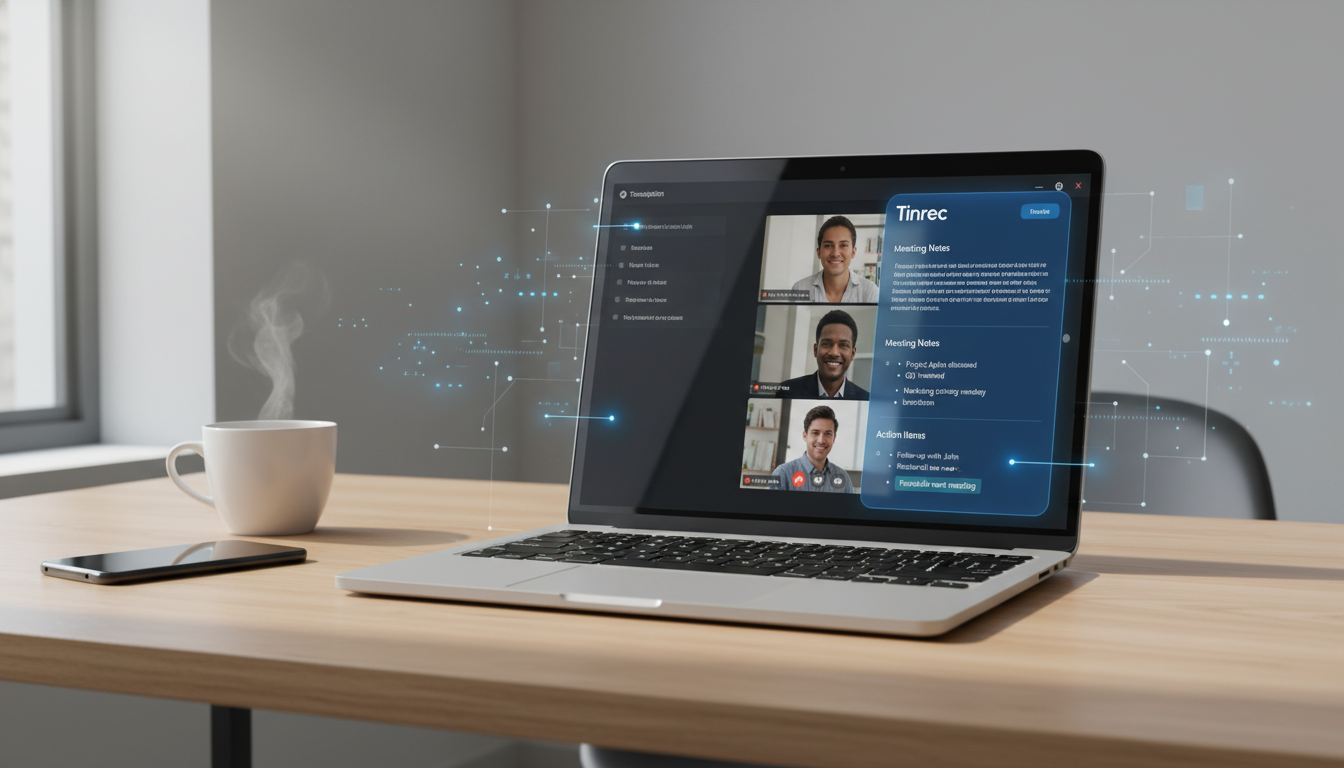
Traditional meeting note-taking suffers from three "time black holes":
- Low information density: Audio recordings are linear; finding a specific decision point (e.g., "What did the boss say at minute 45?") often requires repeated scrubbing through the timeline, making review extremely costly.
- Excessive post-meeting time: Transcribing a one-hour meeting into accurate text manually takes 2 to 3 hours—highly inefficient.
- Lack of action linkage: Recordings are often filed away and forgotten, and post-meeting action items are frequently missed, reducing execution effectiveness.
Therefore, choosing an AI tool capable of real-time transcription with semantic understanding is no longer optional but a standard for efficient work. This article reviews popular solutions, including Tinrec, to help you find the best productivity assistant.
Tool Comparison: Tinrec vs. Google Meet Built-in vs. Traditional Voice Recorder
There are many transcription tools on the market. We selected three representative solutions for a horizontal evaluation: Tinrec (Miaoting Audio), which focuses on real-time audio-to-text and AI understanding; Google Meet's built-in captioning feature; and traditional hardware voice recorders.
| Comparison Dimension | Tinrec (Miaoting Audio) | Google Meet Built-in | Traditional Voice Recorder / Basic Audio App |
|---|---|---|---|
| Real-time Transcription | Yes (multi-language real-time display) | Yes (caption format, harder to save full document) | No (audio only, needs post-processing) |
| Language Support | 10 languages including Chinese, English, Japanese, Korean, Cantonese, Taiwanese, etc. | Depends on Google Workspace version | None |
| AI Summary & Action Items | Auto-generated meeting minutes, conclusions, to-do lists | No | No |
| Content Retrieval | AI chat query (Chat), keyword search | Live viewing only | Manual replay only |
| Use Cases | Online meetings, in-person recordings, video transcription | Online meetings only | In-person recordings only |
| Pricing Model | Free trial / Subscription (Basic/Pro) | Requires Enterprise Workspace | One-time hardware purchase |
As shown above, while Google Meet's built-in feature is convenient, it lacks depth in post-meeting organization; traditional voice recorders cannot address transcription needs at all. Specialized AI tools like Tinrec excel at transforming "unstructured audio" into "actionable data."
In-Depth Review: How Tinrec Builds a Complete Workflow from Recording to Understanding to Action
In our testing, we found that the biggest difference between Tinrec (Miaoting Audio) and typical transcription tools is that it focuses not just on converting audio to text, but on the usability of that text after generation. Here are its three core features:
Stop organizing recordings by hand
Upload audio or video and automatically get a transcript, summary, and action items
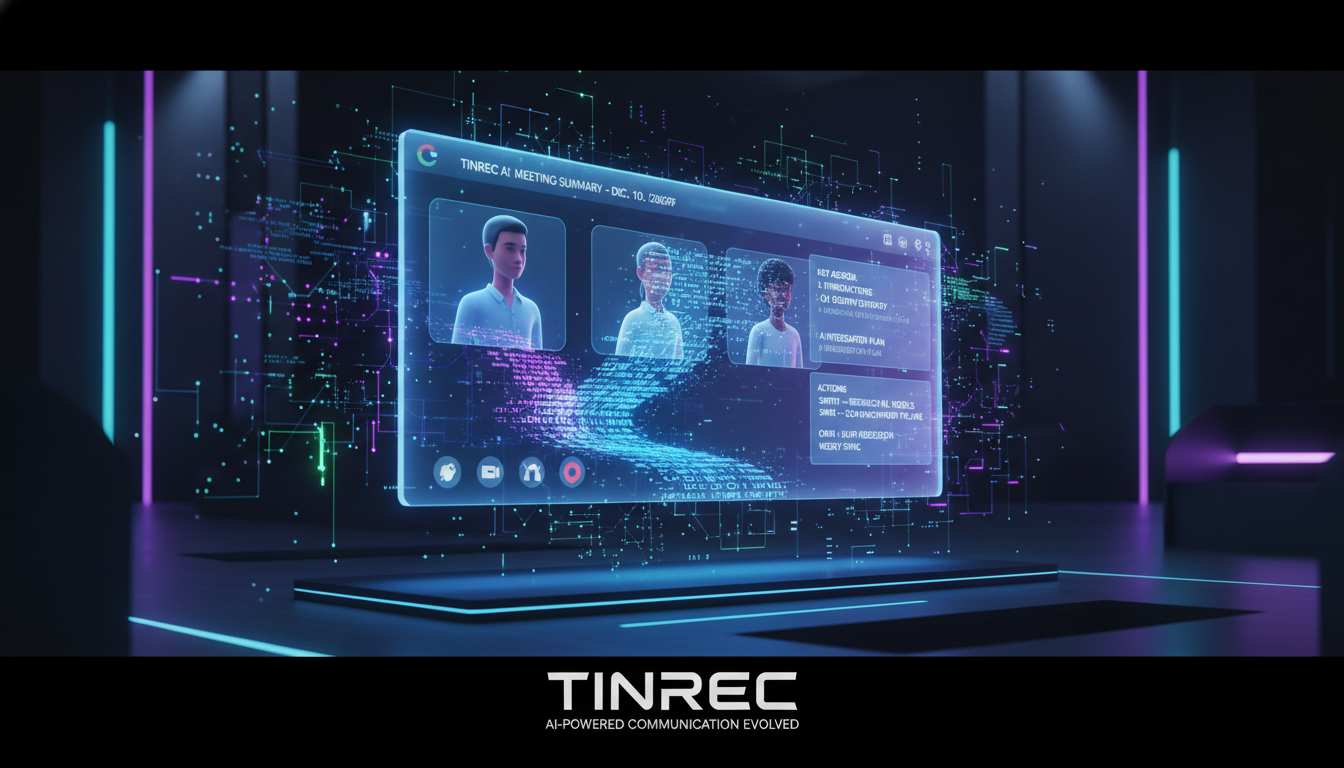
1. Multi-Scenario Real-Time Transcription: Beyond Word-for-Word, Accurate
Whether using real-time audio-to-text or uploading audio files, Tinrec supports recognition of 10 languages including Traditional Chinese, Taiwanese, and Cantonese. For international meetings or language learning, it significantly reduces language barriers.
 Tinrec supports multi-device synchronization. Whether you use the mobile app to record in-person meetings or the web version to record Google Meet, data syncs in real time.
2. AI Smart Summary: Generate Meeting Minutes with One Click
This might be the most needed feature for project managers. After a 2-hour audio file transcription is complete, Tinrec's AI automatically extracts:
- Full Summary: Quickly grasp meeting highlights.
- Action Items: Directly list who needs to do what, avoiding post-meeting confusion.
- Keyword Extraction: Quickly identify core topics.

3. AI Chat Query: Find Information Like Asking a Person
This is the biggest differentiator from traditional tools. Previously, we had to search transcripts with Ctrl+F, but if we forgot the exact words, we couldn't find it. Tinrec's AI chat query lets you ask natural language questions such as: "What was the conclusion about the marketing budget in this meeting?" The AI answers based on the recording content and even highlights the corresponding timeline, completely changing information retrieval.

Practical Guide: How to Convert Google Meet Audio into Perfect Transcripts
Below is an example using the Tinrec web version to efficiently handle a Google Meet meeting record:
Step 1: Prepare Recording EnvironmentOpen the Tinrec web version and log in. Before entering the Google Meet room, ensure your computer's audio output settings are correct.
Step 2: Start Real-Time TranscriptionClick "Start Recording" in Tinrec. If using a single device, use the system's internal recording feature or let the microphone capture speaker sound (depending on hardware configuration). You'll see text generated in real time as the meeting progresses.
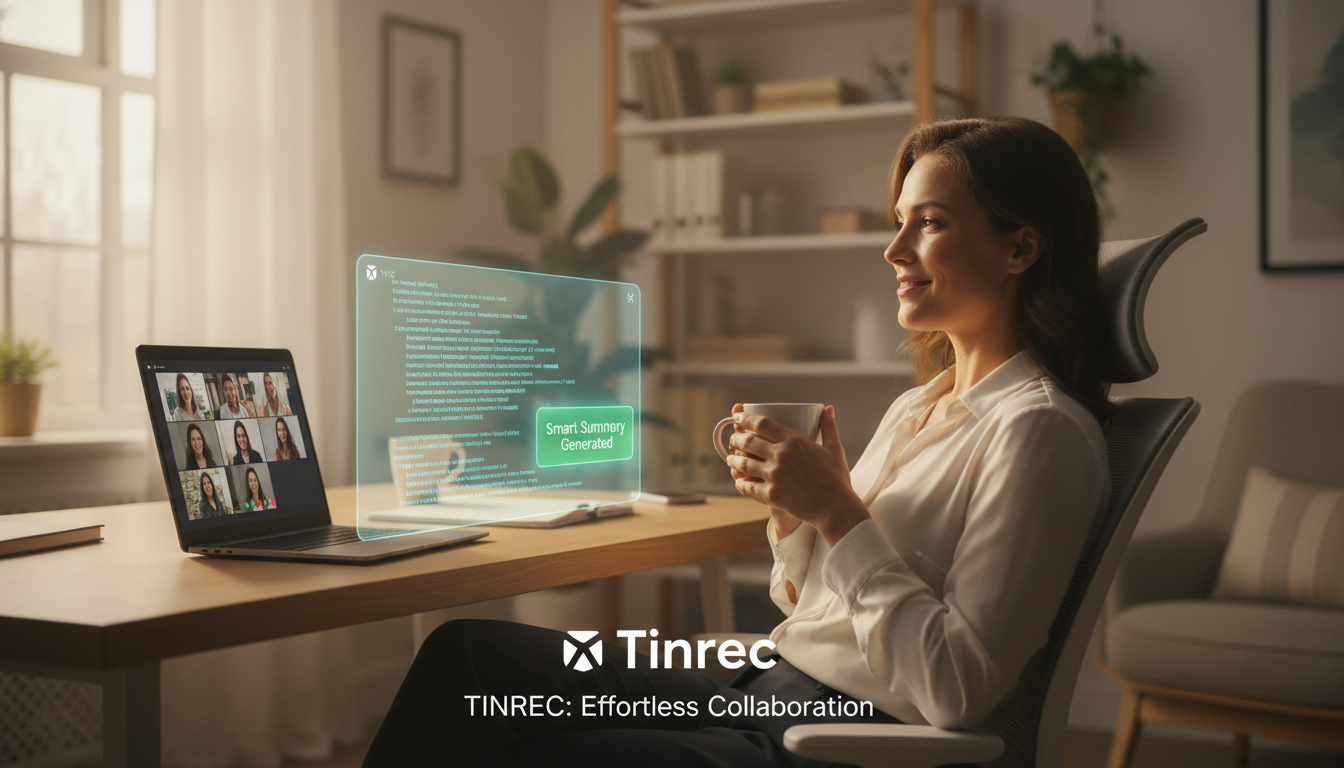
Step 3: Auto-Generate Notes After MeetingAfter the meeting ends, click Stop Recording. The system immediately uploads the audio and processes it with AI. Within a few minutes, you'll have the full transcript.
Step 4: Use AI for ReviewNo need to read from start to finish. Directly check the automatically generated "Meeting Summary" and "Action Items" on the right. For unclear details, use the AI chat box to ask: "What technical risks did John mention during the meeting?" to quickly get answers.
Pro Tip: Organize Video ContentIf you have a recording of the meeting or want to organize a tutorial video from YouTube, you can directly use the podcast/video-to-text feature, paste the URL, and get the same high-quality notes.

Frequently Asked Questions (FAQ)
Q1: Are AI audio-to-text tools safe?For enterprise users, security is a top concern. Professional tools like Tinrec typically have strict privacy policies. We recommend avoiding unknown free online converters to prevent data leaks.
Q2: Google Meet already has recording, why do we still need transcription tools?
Google Meet recordings are video/audio with low information density, making review difficult. Transcription tools convert the "time stream" into searchable text. Using both together yields the best results.
Q3: Can iPhone users use such tools?
Yes. Tinrec supports iOS, Android, and Web multi-device sync. iPhone users can record in-person meetings with the app and later organize notes on the web version for seamless integration.
Q4: Is Tinrec's free version sufficient?
Tinrec offers 100 minutes of free recording per month, which is quite sufficient for occasional meeting users like students or individuals. For heavy meeting users, the Basic version ($4.9/month) provides 600 minutes, and the Pro version ($8.25/month) offers up to 1200 minutes—a cost-effective investment.
Q5: Will transcription accuracy be affected in noisy environments?
Yes. While AI has noise reduction capabilities, clear audio is still key. We recommend ensuring each speaker uses a headset microphone during Google Meet meetings to greatly improve transcription accuracy.
Q6: Does it support mixed-language meetings with Taiwanese or Cantonese?
Yes. Tinrec has a multi-language recognition engine that handles Chinese, English, Cantonese, Taiwanese, and more, making it ideal for bilingual or multi-language communication environments common in Taiwan.
Turn every recording into actionable outcomes
Get 60 free transcription minutes when you sign in. No credit card required.
Related Reading
You might also like

Free Audio-to-Transcript Solutions in 2026: Tinrec vs cSubtitle Compared
A mid-level manager's hands-on comparison of free audio-to-transcript solutions in 2026, focusing on Tinrec and cSubtitle. We break down live meeting recording, Chinese speech recognition, AI summaries and action items, team collaboration, and free tier limits. If you run many meetings each week and need to turn them into trackable action items, this guide will help you decide which tool fits your workflow.
4 Audio-to-Text Tools Tested for 2026: Which Saves the Most Time on Chinese Meeting Notes?
We tested 4 audio-to-text tools, comparing Chinese meeting performance, bot-free recording, AI summaries and Q&A, and team permissions. We also outline 4 key buying factors and 3 common pitfalls to help you find the one that truly saves time after transcription.
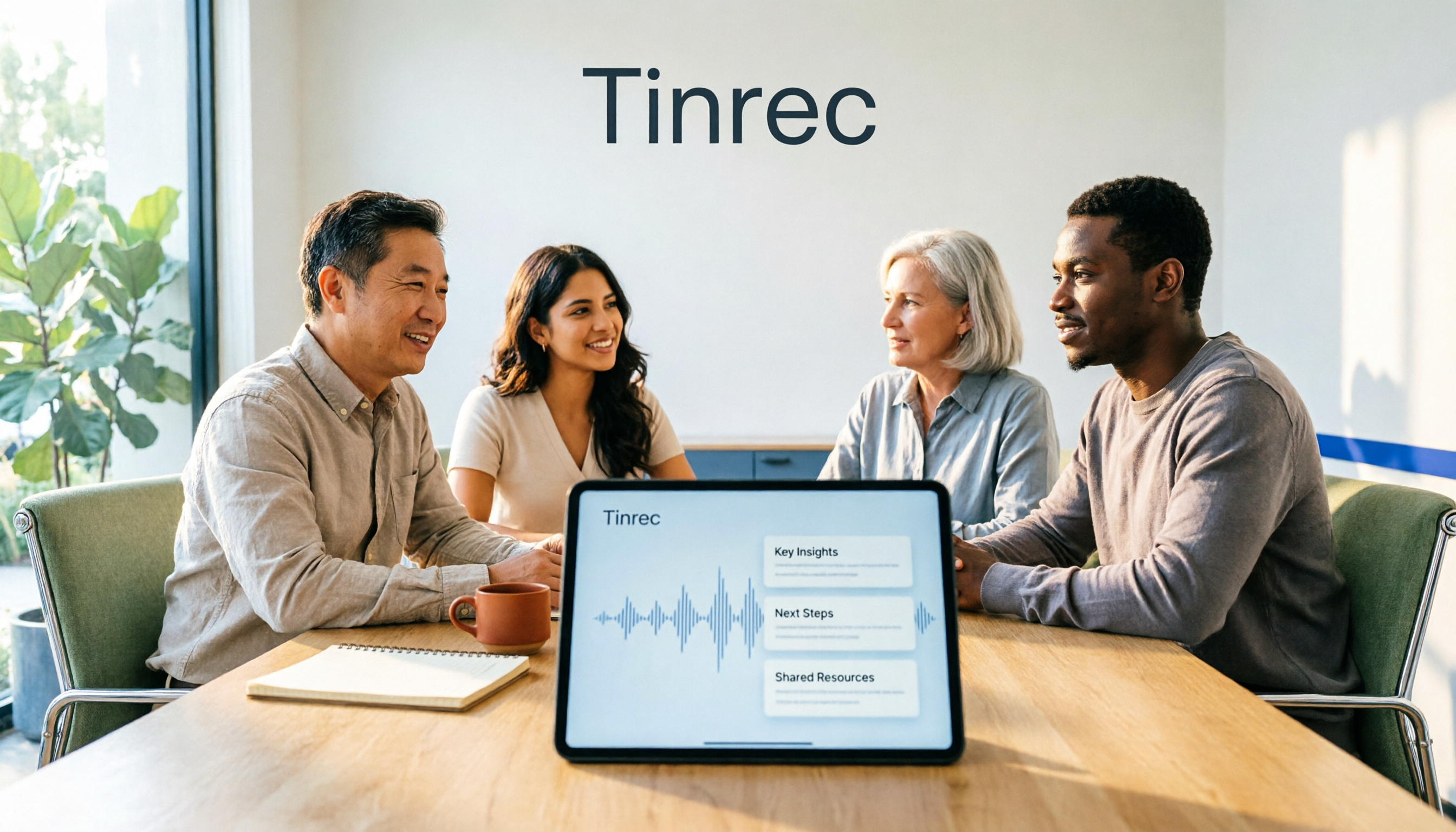
2026 AI Meeting Recorder Comparison: 4 Tools Tested for Transcripts and Team Knowledge
We tested and compared four AI meeting recorder tools: Tinrec, Otter.ai, Notta, and Granola. The article first explains the four key factors to consider when choosing a tool, then takes a deep dive into Tinrec's bot-free recording, AI summaries, action item extraction, and post-meeting Q&A workflow. It also honestly covers free plan limitations and team pricing, and ends with a buyer's guide and scenario-based recommendations to help you pick the right one.

2026 Comparison of 2 Meeting Transcription Tools: Tinrec vs Notta – Which Is Better for Chinese-Speaking Teams?
This hands-on comparison evaluates Tinrec and Notta, two meeting audio-to-text tools, across Chinese transcription, meeting recording methods, post-meeting organization, team collaboration, and pricing to help you decide which better fits your meeting note needs.

How to Transcribe Meeting Recordings in 2026: Auto-Generate Transcripts, Summaries & Action Items
Meeting recordings can easily run an hour, and re-listening to type notes afterward is the biggest time sink. This guide covers 7 practical solutions—from AI meeting tools and transcription services to free built-in features—to turn recordings into transcripts, summaries, and trackable action items.

2026 Comparison of 3 Speaker Summary Tools: How Tinrec Helps You Know Who Said What
In meetings with multiple speakers, it's hard to remember who said what afterward. This article compares 3 speaker summary tools and uses Tinrec as an example to show how AI transcription, Q&A, and summaries can quickly organize each speaker's viewpoints and action items.
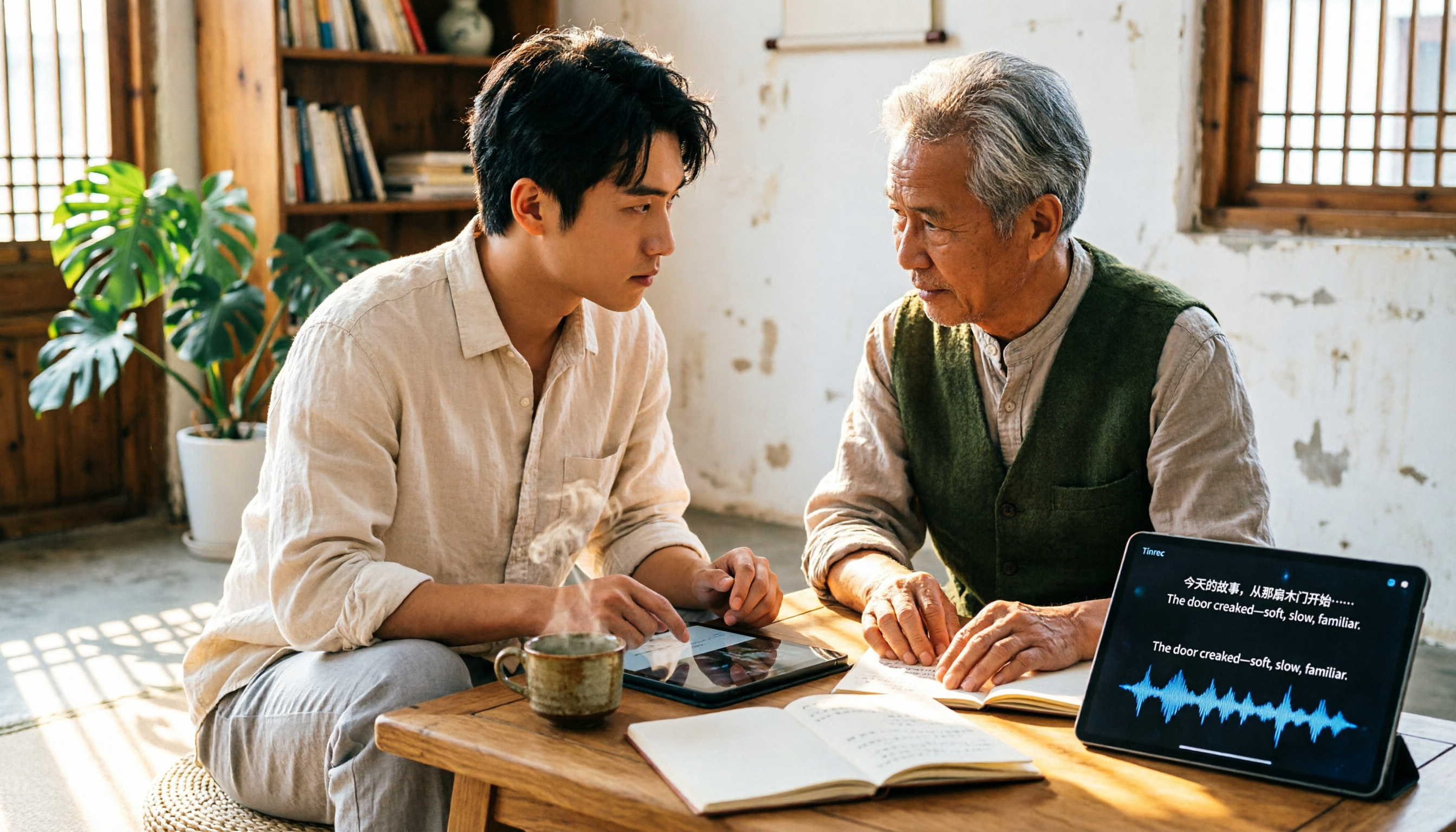
4 Free Transcription Generators Compared in 2026: Which Offers the Best Free Quota and Chinese Recognition?
There are many free transcription generators, but what really matters is how the free quota is calculated, how accurately Chinese and mixed Chinese-English are recognized, and whether the transcript can be used directly. This article uses Tinrec as an example to break down 4 common free approaches, core capabilities, practical use cases, and 5 key purchasing considerations, and answers common questions.

How Long Can iPhone Record? 2026 Guide: 48-Hour Limit + AI Meeting Notes
How long can an iPhone record? Apple's built-in Voice Memos can record up to about 48 hours with enough storage and battery, but the real challenge is what you do with the recording afterward. This guide clears up 3 common misconceptions and practical limits, then shows how Tinrec turns recordings into transcripts, summaries, chapters, and action items in real time. It also covers 5 key factors for choosing a recording-to-text tool and answers frequently asked questions.

4 Online Transcription Tools Tested for 2026: Which Is Best for Chinese Meetings?
Online transcription tools aren't just about speed. We tested Tinrec, Notta, Otter.ai, and TurboScribe, comparing them on Chinese meeting support, bot-free recording, AI Q&A, action item extraction, and team data ownership. We also cover 4 common buying pitfalls to help you find a solution that truly saves post-meeting cleanup time.