
Turn recordings into transcripts and summaries in minutes
Upload audio or video for multilingual transcription, AI notes, and action items
How to Successfully Host a Post-Mortem Meeting: 7 Practical Steps
After every project, teams have a unique opportunity to hit pause, review the process, and dig deep into what worked and why. Although the term 'post-mortem' may sound serious, it's actually a moment to celebrate achievements and uncover valuable insights—whether peaks or valleys.
Let's explore the importance of conducting a post-mortem in project management and how to effectively run a wrap-up meeting that leaves your team motivated, aligned, and ready for the next challenge.
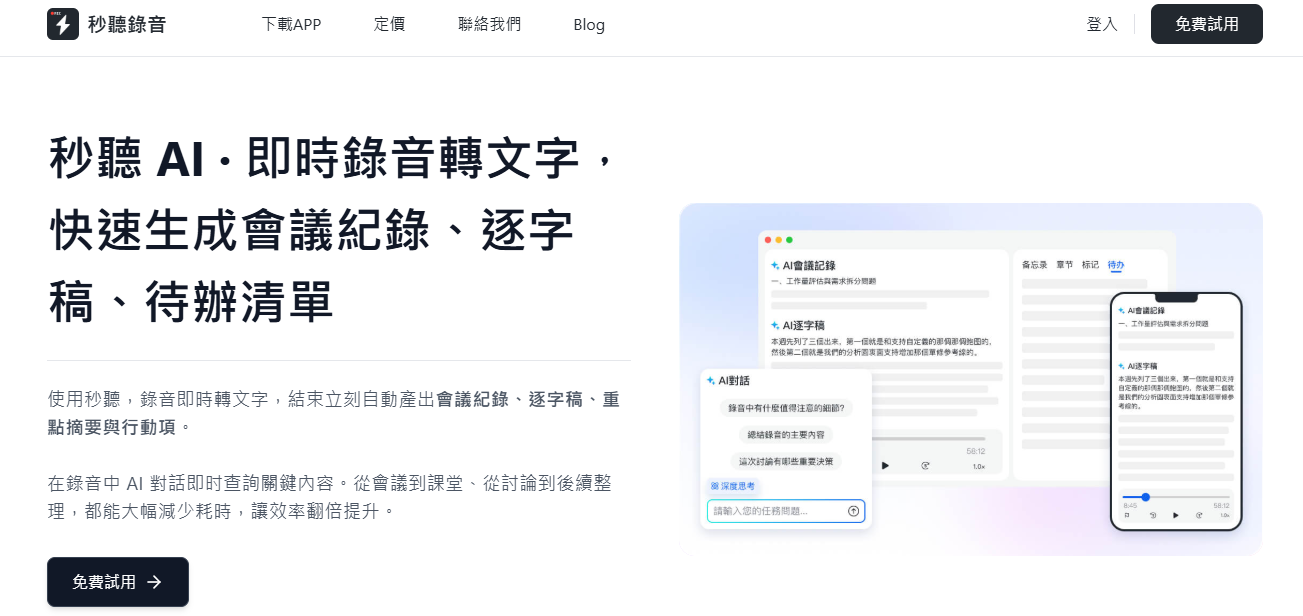
What Is a Post-Mortem Meeting?
A post-mortem meeting, sometimes called a 'lessons learned meeting,' 'retrospective,' or 'wrap-up meeting,' is a structured discussion held after a project ends. The agenda typically includes evaluating workflows, celebrating positive outcomes, and examining areas for improvement.
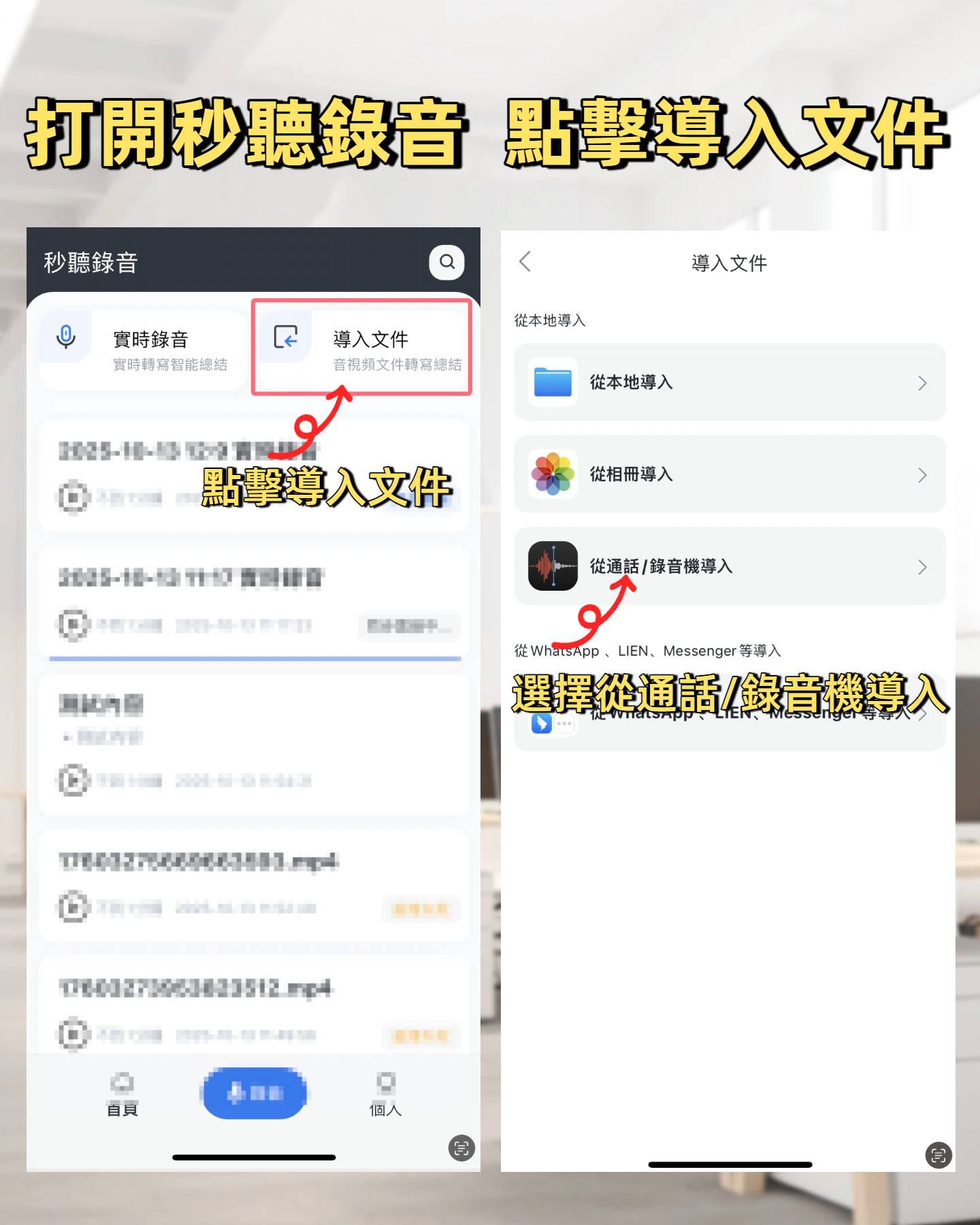
Using MiaoTing Recording's 'Meeting Type' feature, you can leverage templates specifically designed for post-mortems, helping you capture key points, generate actionable summaries, and ensure no detail is overlooked during the wrap-up process.
A successful post-mortem meeting faces mistakes head-on, clearly identifying what went wrong and how to avoid it in the future. A thorough review of processes and outcomes creates an inclusive environment that values learning and growth, laying the foundation for better teamwork and a positive corporate culture.
4 Key Benefits of Conducting a Post-Mortem in Business
Project wrap-ups should not be an afterthought; they should be the final step on your project timeline. Here's why:
- Boost team morale: Members want to feel seen and valued by peers and leaders. Celebrating successes and milestones reinforces a sense of accomplishment and strengthens everyone's connection to the overall goal, helping build a healthy company culture and supporting organizational and personal career growth.
- Enhance team collaboration: Post-mortems encourage transparent dialogue, providing space for members to express frustrations and share difficult experiences. While discussing challenges isn't easy, effective facilitators ensure a constructive atmosphere that respects every voice, thereby building trust, deepening collaboration, and laying a stronger team foundation for future projects.
- Optimize project planning: Without reflection, history repeats itself. When teams think about patterns of mistakes or emerging issues, they can improve decision-making and execute future projects more efficiently.
- Promote continuous growth: Retrospectives give every member room to grow. By openly discussing successes and areas for improvement, leaders and members alike can learn and progress together. A culture that encourages this kind of growth is more human and inspires everyone to strive for improvement.
7 Simple Steps to Successfully Host a Post-Mortem Meeting
Thorough preparation, clear goal setting, and active participation are core elements of a successful project wrap-up. Here are seven simple steps to help your team succeed:
Stop organizing recordings by hand
Upload audio or video and automatically get a transcript, summary, and action items
- Proactively track insights: Encourage members to record observations during the project, including milestones, progress, and lessons learned. The project manager should compile this information before the meeting to plan the agenda, ensuring that all feedback is considered and promoting an inclusive, open dialogue.
- Schedule the meeting promptly: Hold the retrospective within a few days of project completion while memories are still fresh. If you dive straight into the next project, important insights may be lost due to fading memory.
- Share the agenda in advance: Send the agenda at least a few days ahead so all members have time to think and prepare their contributions, improving meeting efficiency.
- Assign a note-taker and a facilitator: The facilitator is responsible for controlling the flow and following the agenda, typically the project manager or team lead. Also assign a note-taker to capture details and action items. The good news is that with the MiaoTing Recording Assistant, you don't need to assign these roles manually—it automatically transcribes the discussion, generates organized summaries, and identifies to-dos for tracking. Plus, with the 'Meeting Type' feature, you can use templates designed for different meetings, ensuring notes and summaries always align with the meeting's purpose.
- Start on a positive note: Open by highlighting successes, milestones, and positive outcomes. Directly acknowledging achievements creates a positive atmosphere, reinforces a sense of accomplishment, and encourages members to provide constructive criticism and feedback. Even if the project didn't go as planned, this approach balances the tone and makes improvement discussions smoother.
- Review areas for improvement: Discussing failures doesn't have to ruin the positive tone. A good facilitator focuses on solutions rather than blame. Guide the team to reflect on what didn't go as expected and why, and brainstorm together how to handle similar situations more effectively in the future. This constructive mindset turns setbacks into valuable growth opportunities.
- Send a summary to participants after the meeting: Before the meeting ends, clearly assign action items to avoid forgetting them afterward. This may include developing new best practices or researching tools to improve collaboration. The MiaoTing Recording Assistant automatically captures and summarizes meeting content and action items, and you can further ask the MiaoTing Recording AI Chat feature to help draft follow-up emails, making it easy for the team to stay on top of to-do lists.
4 Practical Tips for a Successful Post-Mortem Meeting
- Ensure everyone has a chance to speak: Growth comes from diverse perspectives. Encourage each member to share their thoughts, either by asking direct questions or taking turns speaking, so that all voices are heard, giving the project manager a more complete analysis of successes and failures.
- Encourage constructive and actionable feedback: All feedback should lead to solutions. The facilitator can guide by asking, 'What could we do differently next time?' or 'What specific steps can we take to avoid the same problem?' To establish a no-blame review culture, set ground rules—for example, focus on processes or decisions, not individuals—emphasizing that the goal is to improve team performance, not assign blame, and foster a growth mindset so members feel safe discussing challenges.
- Summarize key points as you go: Pause periodically during the meeting to recap important insights, allowing for clarification or addition. If you're worried about missing details, MiaoTing Recording's Virtual Meeting Assistant can summarize discussions in real time, helping you stay focused on key points and reinforce next steps.
- Assign clear action items with deadlines: Don't let meeting decisions stay in the meeting room. Assign specific next steps and due dates to team members. Areas for improvement might include adjusting project processes or researching better project management software. Follow up after the meeting to ensure accountability and maintain momentum.
Say Goodbye to Meeting Chaos: MiaoTing Recording Has You Covered
With the next project on the horizon, post-mortem discussions can easily be forgotten. MiaoTing Recording helps you keep improvements rolling—by automatically transcribing meetings, summarizing key points, and organizing follow-up communication. Keep your project team ready for high efficiency, and let MiaoTing Recording's AI Meeting Assistant handle the rest.
300 minutes of transcription per month
30 minutes per meeting
Supports import of 3 audio or video files
Industry-leading speech-to-text technology
Advanced AI chat capabilities
Custom integration and workflows
Turn every recording into actionable outcomes
Get 60 free transcription minutes when you sign in. No credit card required.
Related Reading
You might also like

2026 AI Meeting Recorder Comparison: 4 Tools Tested for Chinese Meetings
Two-hour meetings followed by two hours of note organization is a daily reality for most office workers. This hands-on test of 4 AI recording and note-taking tools covers bot-free recording, Chinese transcription, AI Q&A, team knowledge retention, pricing, and limitations to help you decide which one is worth keeping.

5 Speaker Summary Tools Tested for 2026: Why Tinrec Is Less Work for Chinese Meetings
Starting from the question 'What exactly do you need a tool to do for you?', this hands-on comparison of common speaker summary tools explains how Tinrec performs in Chinese meeting transcription, bot-free online meeting recording, AI summaries and action items, AI chat queries, multi-format export, and team spaces. It also covers five key points to consider when choosing a tool and answers common questions.

2026 AI Meeting Notes: Automatic Speaker Identification + AI Q&A Summaries
Why do you still have to manually organize meeting transcripts even when speakers are automatically labeled? This article starts with common misconceptions about automatic speaker identification, breaks down 4 key dimensions for choosing a meeting notes tool, tests Tinrec's bot-free online meeting recording, AI summaries and Q&A, team spaces, and other features, compares it with Otter.ai, PLAUD Note, and Notta, and includes a pitfalls guide and buying advice.

4 Best AI Meeting Note Takers in 2026: Which One Actually Captures Action Items?
The hardest part of a meeting isn't recording it—it's turning two hours of discussion into an action list with names and deadlines. This article compares Tinrec, Otter.ai, Notta, and Granola across four key criteria: action item accuracy, AI Q&A, post-meeting workflow, and team data ownership. We explain who each tool is best for and highlight key buying considerations to help you choose the right tool and stop wasting time on manual transcripts.

Tinrec vs Otter.ai 2026: Cantonese Meeting Transcription with Real-Time Chinese-English Translation
Meetings held in Cantonese but delivered in English are a common pain point for many teams. This article compares Tinrec and Otter.ai across 5 dimensions—Cantonese and mixed Chinese-English recognition, bot-free meeting recording, real-time translation and bilingual review, post-meeting AI Q&A, and team data governance—to help you decide which tool better fits your meeting scenario.
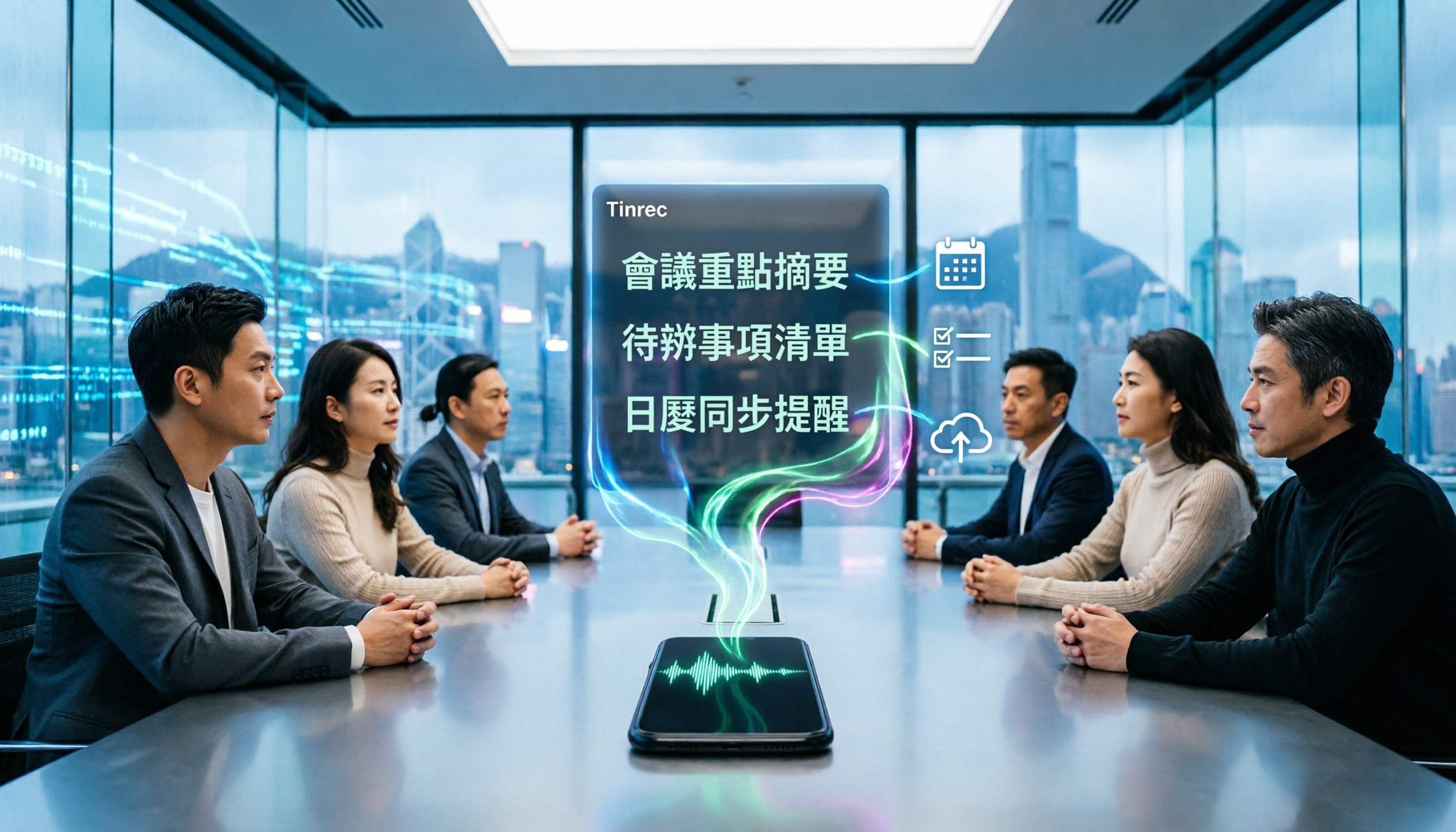
4 Best iPhone Cantonese Transcription Tools in 2026: Is Apple's Built-in Transcript Enough?
Apple's Voice Memos on iOS 18.4 and later can transcribe Cantonese recordings, but a raw transcript isn't the same as meeting-ready notes. This comparison breaks down four iPhone-compatible options—Tinrec, Apple Voice Memos, Notta, and PLAUD Note—covering Cantonese recognition accuracy, post-meeting organization, cross-platform export, and free-tier limits. We also flag the four most common mistakes buyers make, so you can tell when the built-in tool is enough and when you need something more.
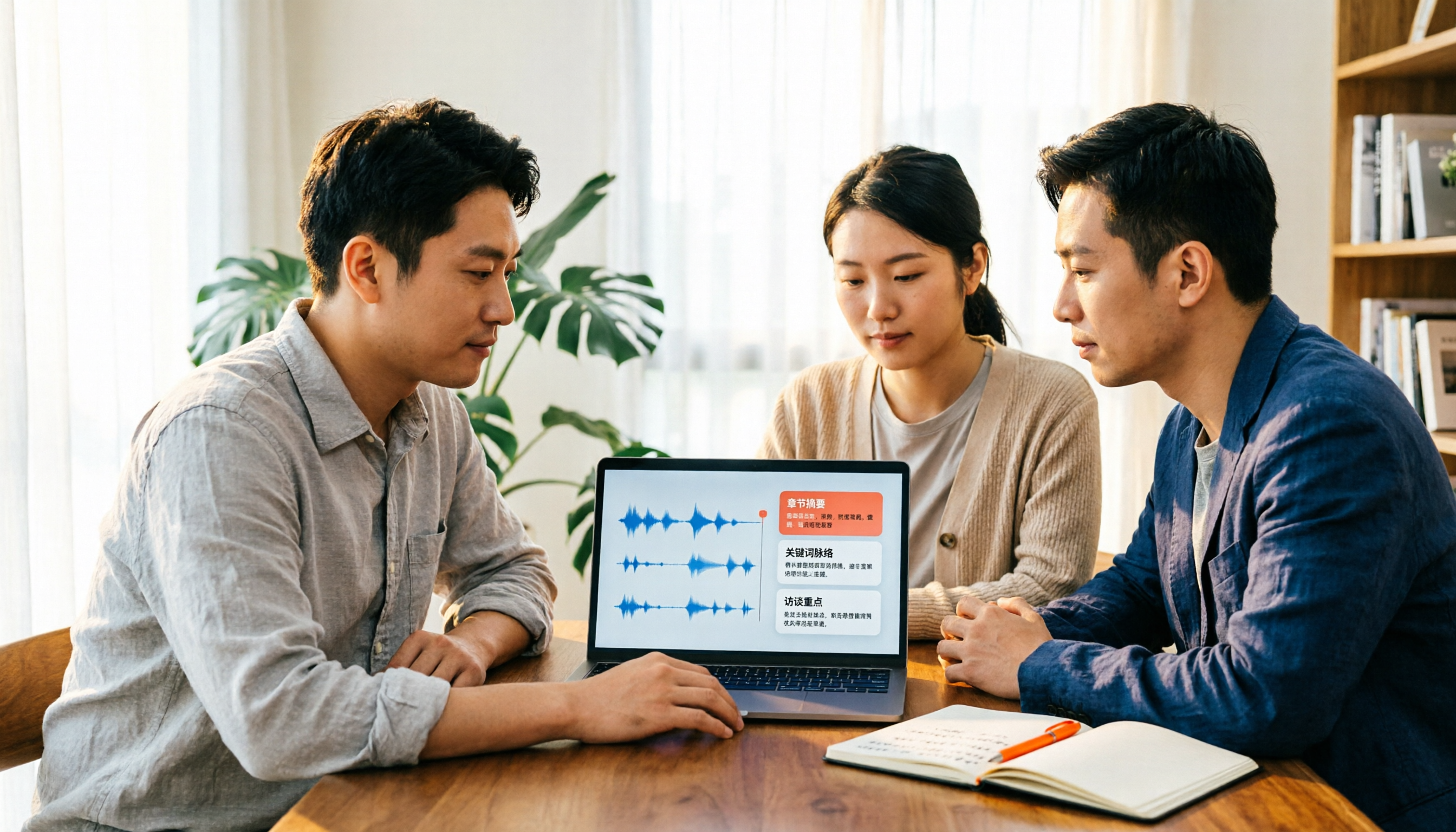
2026 Video Summarizer Comparison: Is Tinrec Better for Chinese Long Videos Than Monica and NoteGPT?
Before choosing a video summarizer, clarify whether you're summarizing public videos or your own meeting and interview recordings. This article compares Tinrec, Monica, NoteGPT, and others across five dimensions: source material, output depth, Chinese language performance, audio retention, and team governance. It also covers Tinrec's core features, practical use cases, team pricing, and FAQs to help you decide if the free version is enough.

Tinrec vs Notta 2026: 5-Dimension Comparison of AI Meeting Summary Generators — Which Is Better for Chinese-Language Scenarios?
Compare Tinrec and Notta across five dimensions, and see how Otter.ai and Granola differ. This article explains how to choose a meeting summary generator—meeting capture method, Chinese recognition experience, post-meeting output, team collaboration governance, and pricing—to help you decide which tool truly saves time on post-meeting organization.

2026 Comparison of 4 Meeting Speaker Organization Tools: Can Transcripts Be Traced Back to Speakers and Topics?
After a meeting, you have dozens of pages of transcripts but can't trace who said what or which topic was finalized? Starting from the real pain points of 'meeting speaker organization,' this article outlines 4 key points for choosing a tool and compares Tinrec, Otter.ai, Notta, and Granola in terms of transcript review and positioning, post-meeting output, and team collaboration. It also includes a pitfalls guide and selection advice.