
Turn recordings into transcripts and summaries in minutes
Upload audio or video for multilingual transcription, AI notes, and action items
"I need the interview transcript by 2 PM" and "The boss wants a decision summary right after the meeting" are common nightmares for admins, project managers, and content creators. Traditional voice recorders only store audio but fail to solve the pain points of "time-consuming replay" and "tedious note-taking." With so many AI tools on the market, which ones support Chinese best? Which ones are fastest?
This article compiles real test data from 2025, comparing speed and features of well-known tools like Meeting Ink, Otter.ai, Plaud, and adds Tinrec (Instant Voice Recorder) as an emerging high-accuracy option. We evaluate from four dimensions: processing speed, language support, feature completeness, and value for money, to help you choose the best AI meeting assistant.

Quick Navigation Conclusion:
- For ultimate speed and web convenience: Consider Meeting Ink or Vurbo.ai.
- For mobile call recording hardware: Plaud is a popular choice.
- For actionable follow-ups and AI chat queries: Tinrec provides a complete workflow from recording to execution.
- For English-centric meetings: Otter.ai remains a strong option.
2025 AI Recording Tool Buying Guide: 5 Key Technical Indicators
Before choosing a tool, understanding the technical aspects that affect efficiency is critical. According to review organizations, AI transcription performance mainly depends on these five points, which are also the basis of our comparison:
- Audio Upload & Conversion Speed: How quickly you can start working (cloud performance is key).
- Speech-to-Text Accuracy (ASR): Whether the model supports Chinese, Taiwanese, or mixed languages (e.g., Whisper model application).
- Speaker Diarization: Accurately distinguishing who said what (essential for multi-person meetings).
- AI Summary Logic: Extracting decisions and action items from transcripts (LLM capability).
- Real-time & Cross-platform: Whether it supports mobile app and web sync, or is limited to a single device.
In-Depth Review: Pros and Cons of Popular AI Meeting Tools
Based on the latest test data and user feedback, we summarize the performance of several leading tools on the market:
1. Meeting Ink
- Feature: Smooth workflow, supports upload and direct recording.
- Pros: Outstanding upload and summary generation speed in tests, supports speaker diarization and live captions. Paid version offers a professional dictionary, suitable for industries with many proper nouns.
- Cons: Occasionally requires manual page refresh to check processing status.
2. Plaud
- Feature: Combines physical recorder hardware with app, focused on call recording.
- Pros: Great for business calls and phone recording scenarios, easy to use.
- Cons: According to tests, currently does not support speaker diarization, making it unsuitable for multi-person meeting notes; primarily relies on mobile, weak desktop collaboration.
3. Otter.ai
- Feature: Established English meeting tool with high integration.
- Pros: Excellent English recognition, supports live captions and meeting software integration.
- Cons: Weak Chinese processing; may even fail to recognize Chinese; free version has many limitations.
4. Tinrec (Instant Voice Recorder)
- Feature: Emphasizes "recording to action", integrates transcription, AI summary, and conversational query.
- Pros: Supports 10 languages including Chinese and Taiwanese; offers AI Chat Query feature to ask questions about the recording (e.g., "What did the boss decide finally?"); automatically generates action items.
- Use Cases: Teams or individuals needing to quickly convert meeting content into work tasks.
5. Vurbo.ai & SeaMeet
- Vurbo.ai: Fast summary generation, but overall processing time is longer (including translation), occasionally misidentifies language (e.g., Chinese as Japanese).
- SeaMeet: Deep integration with Teams and Google Meet, suitable for enterprise internal workflows, performs adequately.
Tool Showdown: Comparison Table of 9 AI Recording Tools
To help you see differences at a glance, we've compiled a comparison table covering core dimensions (including free/paid strategies):
Stop organizing recordings by hand
Upload audio or video and automatically get a transcript, summary, and action items
| Tool Name | Language Support (Chinese/Dialects) | Speaker Diarization | Core Strength | Best For | Free/Trial Model |
|---|---|---|---|---|---|
| Tinrec | Chinese/English/Japanese/Korean/Taiwanese, etc. | ✅ Supported | AI Chat Query, Action Item Extraction, Multi-device Sync | PMs, learners focused on post-meeting execution | 100 minutes free per month |
| Meeting Ink | Multi-language | ✅ Supported | Smooth web recording, professional dictionary | General admin, online meetings | Subscription (free trial available) |
| Plaud | Multi-language | ❌ Not Supported | Phone call recording, hardware integration | Sales, those with many conference calls | Hardware purchase + subscription |
| Otter.ai | English primarily | ✅ Supported | English meeting live captions | Multinational companies, English-speaking environments | Free version very limited |
| Vocal.ai | Multi-language | ✅ Supported | Meeting topic extraction, email notifications | Those who prefer post-meeting organization | Credit/subscription |
| SeaMeet | Multi-language | ✅ Supported | Teams/Google Meet integration | Enterprise internal recurring meetings | Free version limited summary languages |
| Yating | Mandarin/Taiwanese/English | ✅ Supported | Taiwanese localized language recognition | Taiwan-based interviews, documentaries | Hourly package |
| Good Tape | Multi-language | ❌ Not Supported | Minimalistic operation | Simple file transcription needs | Free version has long queue |
| Vurbo.ai | Multi-language | ❌ Not Supported | Real-time translation | Cross-language one-way listening | Subscription |
Key Takeaway: If you need to record multi-person discussions (e.g., focus groups, department meetings), choose tools that support speaker diarization (e.g., Tinrec, Meeting Ink, SeaMeet); otherwise, later organization will be painful.
Why Choose Tinrec? A Complete Workflow from "Recording" to "Action"
Among many tools, Tinrec (Instant Voice Recorder) takes a different path. It goes beyond converting audio to text, focusing on "what to do after transcription." For workers, transcripts are often too long to read; the real value lies in conclusions and actions.

1. More Than a Summary: An Action List
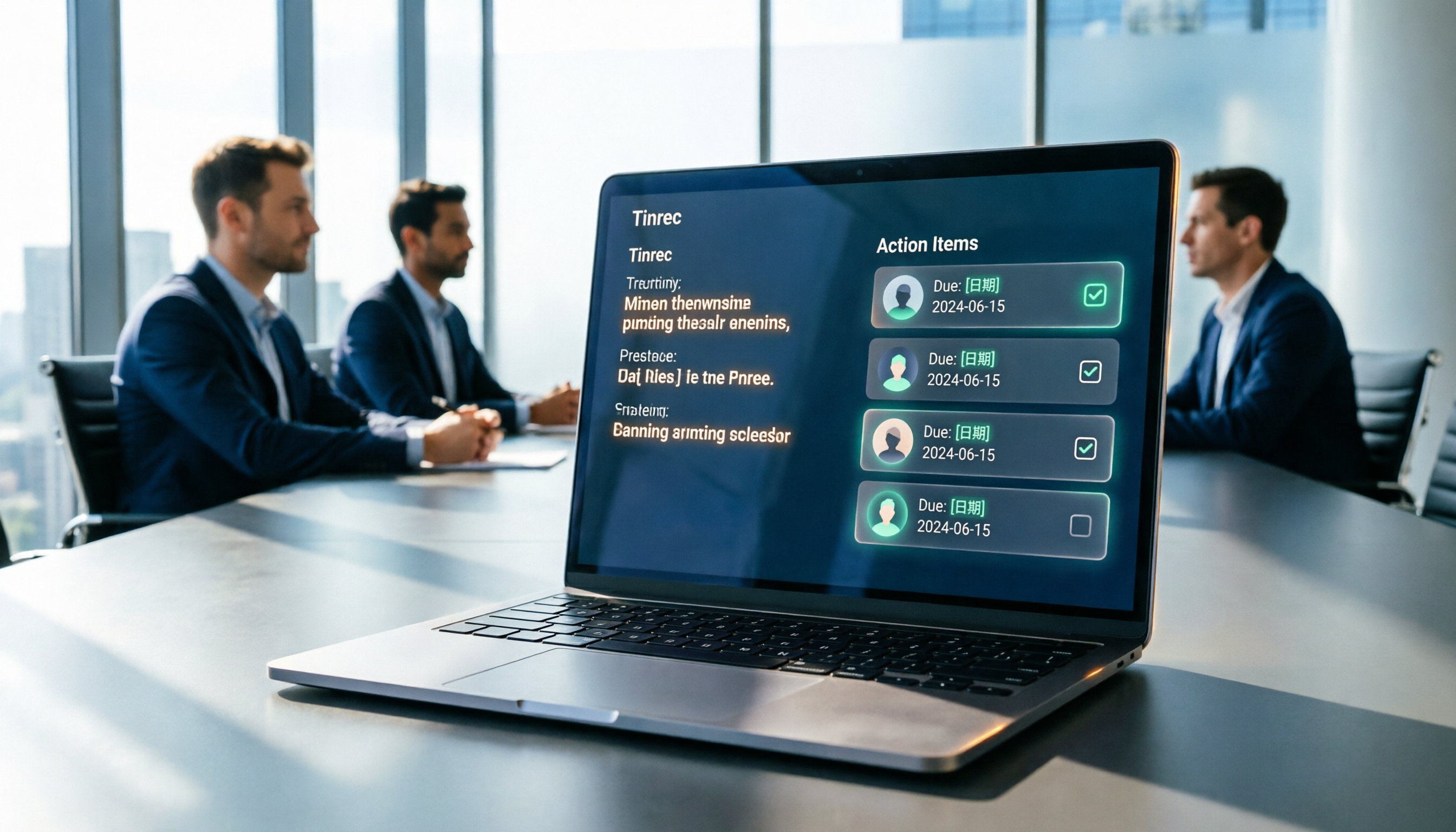
Unlike typical tools that only provide a brief summary, Tinrec automatically extracts Action Items from meetings. For example, if the recording says "Alex to provide the report by next Tuesday," the system captures and lists it, allowing PMs to directly convert it into a task list.

2. "Ask" for Answers: AI Chat Query
This is Tinrec's standout feature. For a 2-hour recording, you don't need Ctrl+F to search keywords; you can directly ask the AI via chat: "What were the conclusions about the budget?" or "What changes did the client request for the design?"

3. Full Support for Traditional Chinese and Taiwanese
For Taiwanese users, Tinrec has optimized recognition models for Chinese and Taiwanese, and supports mixed Chinese-English scenarios, addressing the poor Chinese support of many foreign tools (e.g., Otter).

Hands-On Tutorial: How to Use AI Tools in 4 Steps to Handle Meeting Notes
Using Tinrec as an example, here's how to set up an efficient meeting note-taking workflow:
Step 1: Start Real-Time Recording
At the start of the meeting, open the web version or app and tap record. Position your device close to the speaker for best audio quality. Tinrec supports real-time transcription, so you can watch captions as you listen. 👉 Feature Link: Live Recording to Text
Step 2: Import External Audio Files (If Not on Site)
If you recorded with a voice recorder or other device (mp3, wav, m4a, etc.), simply upload the file. Tinrec processes quickly, converting audio into editable transcripts. 👉 Feature Link: Audio File to Text
Step 3: Organize and Label Speakers
The system auto-splits chapters and identifies speakers. If the meeting includes specific proper nouns, you can quickly correct them after transcription and label different speakers (e.g., Manager A, Client B) for clarity.

Step 4: Generate Meeting Minutes with AI
Click the AI summary feature; the system generates a summary, key points, and action items. If details are missing, use the AI Chat Query to fill gaps. Finally, export the cleaned text and share with the team. 👉 Feature Link: AI Chat Query
Frequently Asked Questions (FAQ)
Q1: Do these tools support iPhone or Android phone recording? Most tools like Tinrec and Meeting Ink support mobile web or app. Plaud requires dedicated hardware for full benefit. Tinrec offers iOS and Android multi-device sync; record on phone, edit on desktop.
Q2: What are common free version limitations? Usually recording duration or advanced AI features. For example, Good Tape's free version has long queues; Otter's free version cannot export full text; Tinrec offers 100 minutes per month free, including core AI features, ideal for light users.
Q3: How accurate is speech-to-text? In quiet environments, mainstream tools achieve over 90% accuracy. Key factors are audio quality and degree of language mixing. Keep the microphone close to the speaker.
Q4: Can I use them for YouTube videos or Podcasts? Yes. Some tools support link parsing. Tinrec specifically offers a video-to-text feature: input a YouTube or Podcast link to generate summaries, great for learning and content creation. 👉 Podcast/Online Video to Text
Q5: Google Meet or Teams have built-in captions; why use these tools? Built-in captions are often ephemeral or plain text only, lacking speaker diarization, AI key point extraction, and action item generation. For formal meeting minutes and follow-ups, dedicated AI recording tools are more efficient.
Q6: How about data security? When choosing a tool, check its privacy policy. Most paid SaaS services (e.g., Meeting Ink, Tinrec) use encrypted transmission and storage to protect business secrets.
Turn every recording into actionable outcomes
Get 60 free transcription minutes when you sign in. No credit card required.
Related Reading
You might also like

How to Automatically Extract Meeting Action Items in 2026: AI Summaries + To-Dos in One Go
After a meeting, action items are scattered in the conversation and no one follows up? This article compiles 6 solutions that can automatically extract meeting action items, from Tinrec's bot-free recording, AI summaries, and action item extraction, to the positioning and pricing of Otter.ai, Fireflies.ai, Notta, Granola, and TurboScribe. It also uses scenario comparisons to tell you which one to choose for different budgets and needs.
2026 Meeting Notes Tools Buying Guide: 6 Tested Picks and Action Item Tracking Tips
When meetings end and nothing gets done, the problem is usually the lack of an owner-plus-deadline table. This guide shares hands-on reviews, pricing, and use cases for 6 meeting notes and transcription tools, and compares which ones automatically extract action items and owners, so you can choose the right tool in one go.

2026 AI Meeting To-Do Tools Compared: Tinrec, Notta, and Fireflies — Which One Actually Follows Through?
A hands-on comparison of Tinrec and Notta across six dimensions: meeting capture, post-meeting outputs, historical data queries, team governance, Chinese and mixed-language support, and pricing. Also covers where Fireflies.ai fits among meeting automation tools, helping you decide which AI meeting to-do tool truly turns meetings into action.

The Complete Guide to Customer Meeting Follow-Up Emails in 2026: From Meeting Notes to Follow-Up Letter
Struggling to write a follow-up email after a customer meeting? This article breaks down the complete workflow from meeting notes, summaries, and action items to sending the follow-up email, and compares Tinrec and PLAUD Note in post-meeting organization and team tracking to help you choose the right approach.

How to Organize Meeting Action Items in 2026: A Complete 5-Step Guide
After a meeting ends, action items often get scattered across notes, chat threads, and memory, making it hard to track progress the following week. This guide breaks down a 5-step process for organizing meeting action items and compares Tinrec and Otter.ai within the same workflow, covering everything from capturing tasks and tracing context to handling Chinese-language meetings, exporting to your workflow, and team handoffs.

4 AI Meeting Notes Tools Tested for 2026: Which One Captures Action Items Best?
After a meeting, does everyone forget what to do next? This article focuses on action item capture, outlining 4 key criteria for choosing a meeting notes tool. It compares Tinrec, Otter.ai, Notta, and Granola, and highlights 4 common pitfalls to help you find the tool that turns decisions into action.

Best Meeting Action Item Extraction Tools in 2026: Auto-Organize To-Dos, Owners, and Deadlines
The hardest part of a meeting isn't the meeting itself—it's when action items never get written down. This guide covers 6 tools that automatically extract meeting to-dos, owners, and deadlines, including Tinrec, Otter.ai, Fireflies.ai, Granola, Notta, and TurboScribe. We list free and paid plan pricing honestly to help you pick the right one for Chinese-language meetings, team collaboration, or pure file transcription needs.

2026 Meeting Action Plan Tools: Bot-Free Recording to To-Dos + AI Q&A Summarization
Recording meetings without following up on action items is a common pain point for many teams. This guide reviews 6 meeting action plan tools for 2026—Tinrec, Otter, Fireflies, Notta, Granola, and TurboScribe—covering their positioning, pricing, and ideal users, and shows how to use AI Q&A and to-do extraction to turn meeting notes into actionable checklists.

6 Free Meeting To-Do Tools Compared in 2026: Which Free Version Actually Extracts Action Items Automatically?
Missing meeting action items usually isn't a problem with the meeting itself—it's the lack of a process for turning conversation into action afterward. This guide reviews 6 meeting to-do tools with free plans, from AI meeting assistants that automatically transcribe, summarize, and extract action items to completely free to-do lists, with honest details on each tool's free limits and paid pricing to help you pick the right one for your meeting style and budget.