

Turn recordings into transcripts and summaries in minutes
Upload audio or video for multilingual transcription, AI notes, and action items
It's 3 PM on a Wednesday. You're leading a project meeting while jotting down key points. Afterward, you spend another half hour piecing together scattered notes into a to-do list and pasting it into the group chat. Two weeks later, in the next meeting, everyone realizes that list was barely touched.
The problem usually isn't laziness—it's that the "to-do" thread breaks the moment the meeting ends. There are plenty of AI meeting note tools out there, but the real test is how they handle the "post-meeting action" phase: how they record and what they give you afterward. This article compares Tinrec and Notta point by point, and briefly explains where Fireflies.ai fits among meeting automation tools.
Tinrec vs Notta | Quick Overview
Tinrec is an AI meeting notes and collaboration tool for individuals and teams, while Notta focuses on multilingual transcription and meeting notes. Both frequently appear on the shortlists of teams in Taiwan.
| Item | Tinrec | Notta |
|---|---|---|
| Core positioning | AI meeting notes and team collaboration | Multilingual transcription, meeting notes, and translation |
| Online meeting capture | Desktop app captures system audio directly; no bot joins the meeting | Meeting bot, desktop app, or file upload |
| Post-meeting outputs | Transcript, summary, chapters, to-dos, mind map, AI Q&A, reports, and tables | Transcript, summary, translation, subtitles, etc. |
| Team capabilities | Team spaces, roles and seats, usage analytics, audit logs, audio recycle bin, team glossary | Business plan offers role permissions and usage reports |
Next, I'll examine six dimensions: meeting capture method, post-meeting outputs, whether you can query historical data, team governance, Chinese and mixed-language support, and plan flexibility.
Dimension 1 | Meeting Capture: Do You Need Another Bot in the Room?
Tools like Notta typically have an AI bot join Zoom, Google Meet, or Teams as a participant, then organize transcripts, summaries, and to-dos afterward. Another option is uploading existing audio files.
Tinrec takes a different approach: the desktop app captures your computer's system audio directly. You initiate recording yourself, without inviting a bot account into the meeting. For client meetings, having one less unfamiliar participant in the room is usually less awkward.
Note that neither method automatically produces records after a meeting—both require the user to press start.
→ This dimension: Tinrec wins on meeting experience.
Dimension 2 | Post-Meeting Outputs: Just a Summary, or Something Actionable?
Notta's strength is converting speech to text and providing outputs like summaries, translations, and subtitles—very useful for those needing multilingual content.
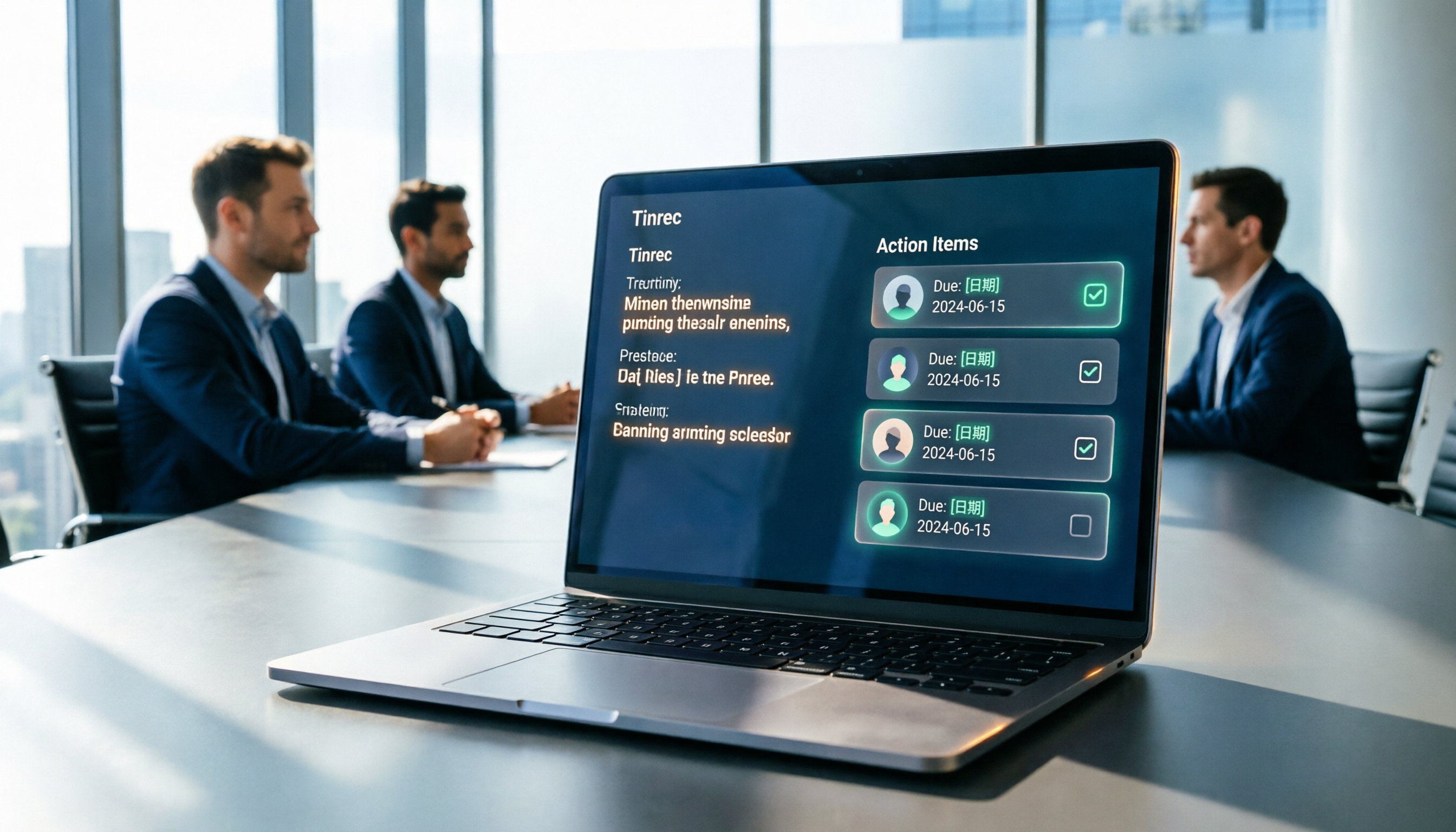
Tinrec goes a step further after transcription: beyond summaries and chapters, it extracts to-dos from discussions and can use an Agent for post-processing to generate reports, tables, and documents. A common workflow is producing a deliverable meeting summary right after the meeting.
Keep in mind that AI-extracted to-dos should still be cross-checked against transcript timestamps and recordings. Don't leave all important decisions to machine judgment.
→ This dimension: Tinrec wins.
Dimension 3 | Can You Query Past Meetings?
Notta can search and organize existing transcriptions, suitable for centralized data management.
Tinrec not only allows searching transcripts but also supports AI Q&A across single or multiple meetings—for example, asking "What price terms did we agree on last time?" This is the biggest difference from pure transcription tools.
→ This dimension: Tinrec wins.
Dimension 4 | Team Collaboration and Governance
Notta's Business plan offers role permissions and usage reports, a common team management approach.
Tinrec's team edition is a separate team space where meeting data belongs to the team: you can create multiple teams, invite members via link, and distinguish owners, admins, and regular members. It's important to distinguish "roles" from "seats"—roles determine who can manage the team and members, while seats determine who can record, upload, edit, and export. Members without seats can still view, play, and read team data. Admins can also see usage trends, member rankings, audit logs, and maintain professional terminology via team glossary.
Stop organizing recordings by hand
Upload audio or video and automatically get a transcript, summary, and action items
→ This dimension: Tinrec wins.
Dimension 5 | Chinese, Mixed Chinese-English, and Real-Time Translation
Meetings in Taiwan are rarely pure Chinese or pure English. Notta performs maturely in multilingual transcription and translation and is a viable option.
Tinrec covers Chinese, Traditional Chinese, and multilingual meeting scenarios, and supports real-time translation during recording, viewable in original, translated, or bilingual mode. Actual recognition performance for both is affected by recording quality, accents, background noise, overlapping speakers, and technical terminology. We recommend testing with your own team's real meeting recordings.
→ This dimension: Tie; but for teams with both Chinese meetings and bilingual needs, Tinrec's integration is smoother.
Dimension 6 | Plan Flexibility and Pricing
Notta's official pricing: Free plan offers 120 minutes per month, max 3 minutes per item; Pro annual billing is about USD 8.17/month for 1,800 minutes per month; Business annual billing is about USD 16.67/seat/month. Refer to the official pricing page for actual rates.
Tinrec's personal plans include Free, Weekly Pass, Pro Monthly, and Pro Annual, allowing you to choose based on tasks: use Free for occasional recording, Weekly Pass for short intensive interviews, and Pro for regular weekly use. Team plan is USD 29.80/paid seat/month or USD 199/paid seat/year (about USD 16.58/month), with each paid seat providing 2,000 minutes of shared team import quota per month; first eligible team trial is 7 days, 1 free seat, 300 minutes shared import quota. Under an active team plan and seats, real-time recording currently does not deduct minutes; file and web imports use the shared team quota. Prices and promotions are subject to the official purchase page.
→ This dimension: Both are close in annual billing rates; Tinrec offers more flexibility with short-term plans and recording billing.
What Unique Advantages Does Each Have?
Tinrec:
- Bot-free online meeting recording; desktop app handles system audio directly.
- Complete post-meeting workflow, from to-dos and Q&A to reports and tables.
- Comprehensive team governance: roles, seats, usage, audit, and recycle bin all in one place.
- Supports real-time translation and bilingual viewing, no need for separate tools for cross-language meetings.
Notta:
- Longer track record in multilingual transcription and translation; suitable for those with heavy cross-language content needs.
- Free plan includes 120 minutes per month, good for small-scale trials.
Conclusion: Which Should You Choose?
- You're tired of another bot account in the meeting room → Tinrec
- You want to-dos, summaries, and deliverable documents right after the meeting → Tinrec
- You want to ask "What exactly did we decide last time?" → Tinrec
- Your team needs a unified space, seat management, and usage auditing → Tinrec
- Your meetings mix Chinese and English, and you need bilingual transcripts → Tinrec
- You only need simple multilingual transcription and subtitles, and budget is the priority → Notta
Overall, for most teams that need to turn meeting content into action, Tinrec is the more complete choice. We recommend testing with a real meeting recording to see if the transcript and to-do quality meet your expectations.
FAQ
Is Tinrec's free plan enough? The free plan provides basic quota, suitable for trying recording, importing, summaries, and transcription. If you have regular weekly meetings, consider Pro; for short-term intensive use, consider the Weekly Pass.
Can it really record Zoom, Meet, or Teams without a meeting bot? Yes. Tinrec's desktop app records online meetings by capturing system audio, without a bot joining. However, the user must initiate recording; it does not automatically join all calendar meetings.
Are AI-extracted to-dos automatically tracked? Tinrec extracts to-dos from discussions, but tracking still relies on your team's own processes, such as exporting to Notion, Google Docs, or existing task tools, and updating continuously in the team space.
What's the difference between roles and seats in the team plan? Roles determine who can manage the team, members, and settings; seats determine whether one can record, upload, edit, and export. Active members without seats can still view and read team data.
How accurate is it for Chinese and mixed Chinese-English meetings? Tinrec covers Chinese and multilingual scenarios and has a team glossary for professional terminology. Actual performance depends on recording quality, noise, accents, and overlapping speech. We don't recommend summarizing with a single number; test with your own meetings.
What should I note before recording? Meeting content often involves trade secrets and customer information. Before recording and transcribing, confirm company policy and obtain participant consent in accordance with local regulations.
References
Turn every recording into actionable outcomes
Get 60 free transcription minutes when you sign in. No credit card required.
Related Reading
You might also like

How to Automatically Extract Meeting Action Items in 2026: AI Summaries + To-Dos in One Go
After a meeting, action items are scattered in the conversation and no one follows up? This article compiles 6 solutions that can automatically extract meeting action items, from Tinrec's bot-free recording, AI summaries, and action item extraction, to the positioning and pricing of Otter.ai, Fireflies.ai, Notta, Granola, and TurboScribe. It also uses scenario comparisons to tell you which one to choose for different budgets and needs.
2026 Meeting Notes Tools Buying Guide: 6 Tested Picks and Action Item Tracking Tips
When meetings end and nothing gets done, the problem is usually the lack of an owner-plus-deadline table. This guide shares hands-on reviews, pricing, and use cases for 6 meeting notes and transcription tools, and compares which ones automatically extract action items and owners, so you can choose the right tool in one go.

The Complete Guide to Customer Meeting Follow-Up Emails in 2026: From Meeting Notes to Follow-Up Letter
Struggling to write a follow-up email after a customer meeting? This article breaks down the complete workflow from meeting notes, summaries, and action items to sending the follow-up email, and compares Tinrec and PLAUD Note in post-meeting organization and team tracking to help you choose the right approach.

How to Organize Meeting Action Items in 2026: A Complete 5-Step Guide
After a meeting ends, action items often get scattered across notes, chat threads, and memory, making it hard to track progress the following week. This guide breaks down a 5-step process for organizing meeting action items and compares Tinrec and Otter.ai within the same workflow, covering everything from capturing tasks and tracing context to handling Chinese-language meetings, exporting to your workflow, and team handoffs.

4 AI Meeting Notes Tools Tested for 2026: Which One Captures Action Items Best?
After a meeting, does everyone forget what to do next? This article focuses on action item capture, outlining 4 key criteria for choosing a meeting notes tool. It compares Tinrec, Otter.ai, Notta, and Granola, and highlights 4 common pitfalls to help you find the tool that turns decisions into action.

Best Meeting Action Item Extraction Tools in 2026: Auto-Organize To-Dos, Owners, and Deadlines
The hardest part of a meeting isn't the meeting itself—it's when action items never get written down. This guide covers 6 tools that automatically extract meeting to-dos, owners, and deadlines, including Tinrec, Otter.ai, Fireflies.ai, Granola, Notta, and TurboScribe. We list free and paid plan pricing honestly to help you pick the right one for Chinese-language meetings, team collaboration, or pure file transcription needs.

2026 Meeting Action Plan Tools: Bot-Free Recording to To-Dos + AI Q&A Summarization
Recording meetings without following up on action items is a common pain point for many teams. This guide reviews 6 meeting action plan tools for 2026—Tinrec, Otter, Fireflies, Notta, Granola, and TurboScribe—covering their positioning, pricing, and ideal users, and shows how to use AI Q&A and to-do extraction to turn meeting notes into actionable checklists.

6 Free Meeting To-Do Tools Compared in 2026: Which Free Version Actually Extracts Action Items Automatically?
Missing meeting action items usually isn't a problem with the meeting itself—it's the lack of a process for turning conversation into action afterward. This guide reviews 6 meeting to-do tools with free plans, from AI meeting assistants that automatically transcribe, summarize, and extract action items to completely free to-do lists, with honest details on each tool's free limits and paid pricing to help you pick the right one for your meeting style and budget.

Meeting Minutes vs. Action Items in 2026: 5 Key Differences You Need to Know
After a meeting, you have two deliverables: meeting minutes and an action item list. But many people still mix them up—minutes stuffed with action items, or action lists with no context. This article breaks down the fundamental differences between meeting minutes and action items across 5 dimensions, with real-world scenarios, pitfalls to avoid, and a hands-on test of how Tinrec's instant recording can generate both minutes and action items from a single recording.