
Turn recordings into transcripts and summaries in minutes
Upload audio or video for multilingual transcription, AI notes, and action items
Eight out of ten people who search for "free speech-to-text software" end up disappointed. It's not that the tools are bad—it's that their expectations about "free" were misplaced from the start.
There are three common misconceptions: assuming free means unlimited transcription, assuming getting a transcript is the end goal, and assuming every tool handles Chinese with the same accuracy.
The result? You download five apps, upload three recordings, and still end up typing everything manually.
A more sensible approach is to work backwards: first figure out roughly how many minutes you need to transcribe per month, whether you need to record online meetings, and whether you need Chinese support. Then pick one of the six options below to try first.
Why Do You Need Speech-to-Text Software?
Meetings, interviews, lectures, voice memos—the common thread is that people speak quickly in the moment, but organizing it afterward is slow.
Transcribing one minute of audio often takes several times as long, and pausing, rewinding, and fixing typos along the way easily breaks your focus.
Speech-to-text software solves this repetitive listening-and-typing time by turning audio into searchable, editable text first. You only need to do a second round of editing on the text.
Below are six options, ranked by "feature completeness," with clear explanations of where the free tier ends and where the limits are.
Tinrec (秒聽錄音) — The Most Complete AI Meeting Notes Assistant
Tinrec is an AI meeting notes and collaboration tool for individuals and teams. It's positioned not just as speech-to-text, but as a way to turn meetings into searchable, queryable, and further processable data.
The first highlight is recording online meetings without a bot. The desktop version directly captures your computer's system audio, so when dealing with Zoom, Google Meet, Microsoft Teams, or Webex, you don't need to invite a meeting bot to join as a listener—the screen stays much cleaner. Note that this doesn't automatically join all calendar meetings; you still need to open Tinrec yourself to start recording.
The second highlight is the post-transcription workflow. Beyond the transcript, it automatically generates summaries, chapters, key points, and action items. You can also ask AI questions about the meeting content—for example, directly ask "What was the budget cap the client mentioned?" without replaying the entire recording.
The third is output and extensibility. It supports multiple export formats and can be taken to Notion, Google Docs, OneNote, or Dropbox for further use. You can also use Agent post-processing to turn meeting content into reports, tables, or documents. For cross-language meetings, there's real-time translation with options to switch between original text, translation, or bilingual view.
Free and paid plans: The personal version has a free tier with basic quota to experience recording, importing, summaries, and transcription—once the quota runs out, it stops. For short-term intensive use, consider a weekly pass; for steady weekly needs, the Pro monthly or annual plan is suitable. The team version is a separate team workspace at USD 29.80 per paid seat per month, or USD 199 per paid seat per year (about USD 16.58 per month) for annual billing. Eligible teams get a 7-day trial with 1 free seat and 300 minutes of shared team import quota; paid seats include 2,000 minutes of shared team import quota per month.
Who it's for: People who need Chinese meeting notes, don't want bots joining their meetings, and want post-meeting data to be retained and reusable.
Notta — Multilingual Transcription Focus
Notta overlaps significantly with Tinrec—both offer multi-platform transcription, meeting notes, file import, and translation. The difference is that Notta leans more toward "transcription and language processing" itself.
The free plan offers 120 minutes per month with a 3-minute limit per item, which can be a bottleneck. It's better suited for short voice memos than full meetings. Pro annual billing works out to about USD 8.17 per month with 1,800 minutes per month; Business annual billing is about USD 16.67 per seat per month, including unlimited transcription, role permissions, and usage reports.
Who it's for: Users who need multilingual translation, mainly transcribe files, and don't have long single items.
Otter.ai — The Veteran of English Business Meetings
Otter is a mature AI meeting assistant covering Zoom, Teams, and Google Meet, with real-time transcription, speaker identification, AI Chat, and team management. It has a long track record in English business meeting scenarios.
The free Basic plan offers 300 minutes per month; Pro annual billing is about USD 8.49 per user per month, including 1,200 minutes of in-app recording and 10 file imports per month.
Stop organizing recordings by hand
Upload audio or video and automatically get a transcript, summary, and action items
Who it's for: People whose meetings are primarily in English and who need a mature meeting assistant ecosystem. For Chinese meetings, it's best to test a segment yourself before deciding.
TurboScribe — Long Audio Files and Batch Transcription
TurboScribe takes a cost-effective file transcription approach, focusing on long files, batch uploads, subtitles, and translation. It's not a real-time meeting tool.
The free plan allows 3 files per day with a 30-minute limit per file; Unlimited annual billing is USD 120 (about USD 10 per month). The paid version supports files up to 10 hours or 5 GB each, with up to 50 files per upload.
Who it's for: People with a backlog of existing recordings to clear at once, who don't really need post-meeting summaries or collaboration.
MyEdit — A Lightweight Online Option with No Installation
MyEdit is an online tool—no software download needed. Open the webpage, import an audio file, and get a transcript. It supports 9 languages including Chinese, English, and Japanese. After transcription, you can edit online and choose whether to add timestamps.
The free method uses credits earned from daily logins; upgrading to Audio Pro gives a fixed 360 credits per month.
Who it's for: People who occasionally transcribe a recording or two, don't want to install anything, and don't want to be tied to a desktop.
Windows 11 Voice Access and Mac Dictation — Built-in and Completely Free
If you just want to "type by speaking" in documents, browsers, or email, you don't actually need any software.
Windows 11 Voice Access lets you dictate, open programs, and click buttons; Mac Dictation works anywhere you can type by turning on the microphone. Both are free.
Who it's for: People who simply want to reduce typing, input content in real time, and don't need to keep recordings or do post-meeting organization. The limitation is obvious—it won't leave you a searchable transcript.
With So Many Options, How Should You Choose?
• Want summaries, action items, and follow-up questions after transcription → Tinrec, one of the few options on this list that completes the "post-meeting" workflow.
• Need to record Zoom, Meet, or Teams without inviting a bot → Tinrec desktop version, which captures system audio directly.
• Team needs to share meeting data, manage members and usage → Tinrec team version, with team workspace, seats, usage analytics, and audit logs.
• Meetings often cross languages and need bilingual comparison → Tinrec's real-time translation, or Notta's multilingual transcription.
• Have a large batch of long recordings and just want quick text output → TurboScribe.
• Zero budget, occasional transcription, no software installation → Start with MyEdit's daily credits or built-in dictation as a stopgap.
4 Things to Know Before Using Free Speech-to-Text Software
First, free quotas are almost always "X minutes per month" or "X times per day," not unlimited. Estimate your usage before choosing a tool so you don't get cut off mid-transcription.
Second, a transcript is not the same as meeting notes. Most people really need summaries and action items—which is why tools like Tinrec make summaries, chapters, and action items standard outputs.
Third, Chinese recognition depends heavily on recording quality. Overlapping speakers, background noise, and technical jargon all affect results. It's recommended to enable features like team hotwords and keep the recording for verification.
Fourth, confirm consent before recording. When recording and transcribing, comply with local regulations and inform participants when necessary.
Conclusion
Free speech-to-text tools do exist—they just each have their own ceiling.
If you only need to occasionally turn a recording into text, built-in dictation or online tools are enough. But if meetings are a regular occurrence, content needs to be retained, or even shared across a team, a solution like Tinrec that connects transcription, summaries, Q&A, export, and team workspace will save you more than just typing time in the long run.
FAQ
Is the free version really enough?
It depends on your usage. For occasional transcription, the free quota is usually enough; for weekly meetings, you'll hit the limit quickly. We recommend running one real meeting on the free version before deciding whether to upgrade.
Is Chinese transcription accurate?
With clear recordings and non-overlapping speakers, most tools perform well. Actual results are affected by accents, noise, and technical jargon. For important content, verify against transcript timestamps and recording playback.
How do I record online meetings?
Tinrec desktop version captures system audio directly without an extra bot joining the meeting. Other tools mostly invite a bot to join or require uploading existing files—different approaches with different privacy and workflow considerations.
Can I take transcripts to other tools?
Yes. Tinrec supports multiple export formats and can export to common workflows like Notion, Google Docs, OneNote, and Dropbox.
How is team pricing calculated?
Tinrec team version is priced per "seat." Roles govern permissions; seats govern usage eligibility. Members without seats can still view, play, and read team data, but cannot upload, edit, or export.
Can I recover a deleted recording?
Tinrec team version has an audio recycle bin. Files can be restored before permanent deletion begins; the current retention period is 30 days. Action items are not covered by the recycle bin.
References
- Speech to Text Converter – Free Online | TicNote Cloud
- Audio to Text - Free Speech to Text Tool
- 7 Free and Easy-to-Use Speech to Text Tools [for Android/iOS/Windows]
- Tested: 4 Best Online Speech to Text Tools, Free Instant Transcription
- Online Speech to Text AI, Free MP3 or Audio to Transcript - MyEdit
Turn every recording into actionable outcomes
Get 60 free transcription minutes when you sign in. No credit card required.
Related Reading
You might also like

Free Speech-to-Text in 2026: How to Choose Your Free Plan + Transcript Organization Guide
Before searching for "free speech to text," understand these key factors: how free quotas are measured, whether audio files are retained, Chinese recognition, and post-meeting organization. This article breaks down 5 key selection criteria from a practical usage perspective, introduces Tinrec's free starter workflow and plan limitations, briefly reviews Notta, TurboScribe, and Otter.ai free plans, and provides scenario-based recommendations plus 4 common pitfalls to avoid.

The Complete Guide to Speech-to-Text in 2026: Workflow from Transcript to Meeting Minutes
When choosing a speech-to-text tool, the real question isn't "which one is most accurate" but whether you need a typing replacement or meeting data you can keep working with. This guide starts with three decision questions, breaks down the core capabilities of speech-to-text, practical use cases, and 5 purchase checkpoints, and demonstrates Tinrec's complete workflow for bot-free online meeting recording, AI summaries, action item extraction, AI Q&A, and team spaces.
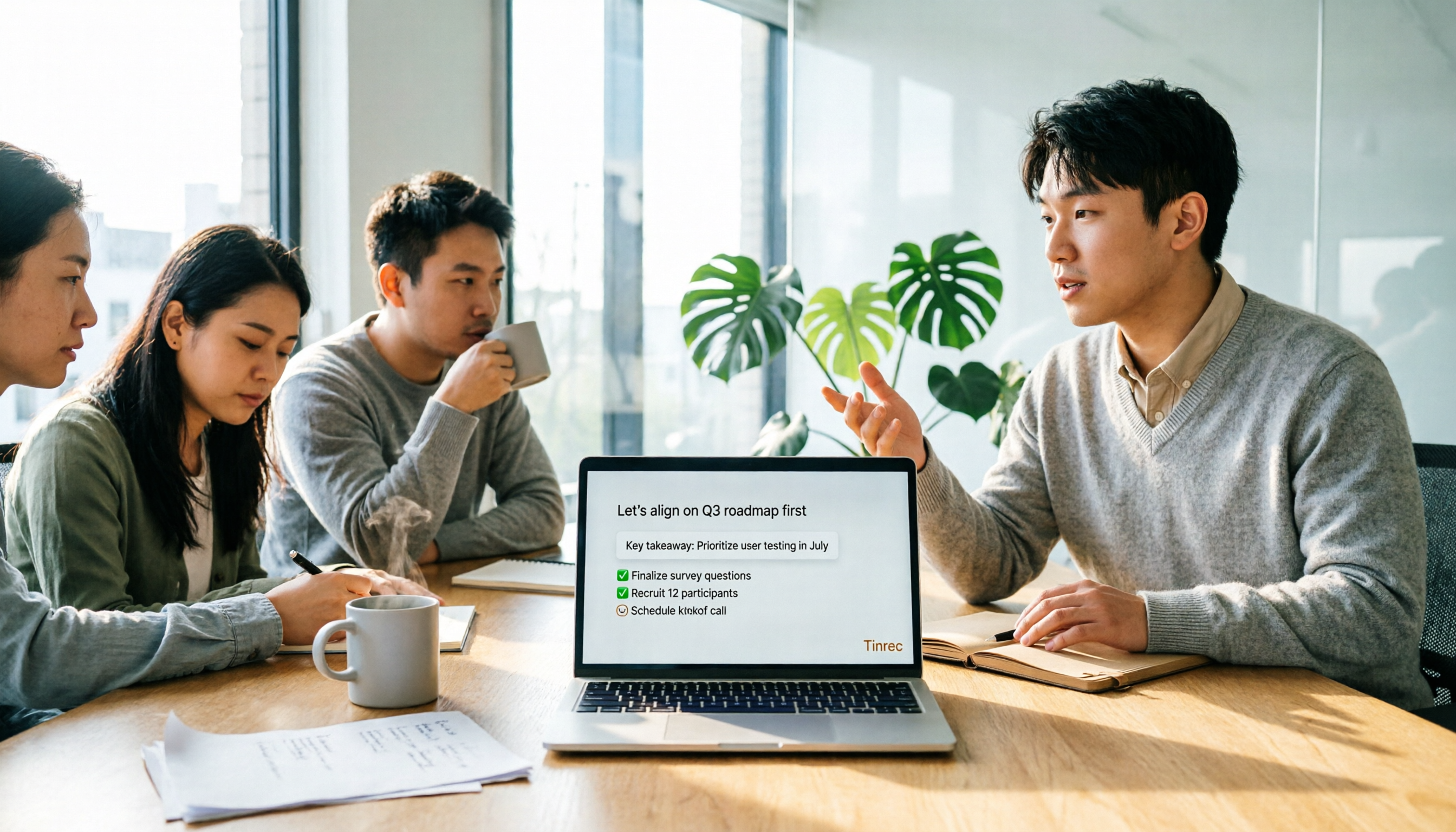
4 Free Online Speech-to-Text Tools Tested and Compared in 2026: Which One Saves the Most Time on Chinese Transcripts?
Many people only use the 'upload, convert, download' part of free online speech-to-text, but overlook the cost of organizing the output. This article starts from common misconceptions, breaks down where each of four free approaches gets stuck, and uses Tinrec (Miao Ting Lu Yin) hands-on operation to explain how transcripts, summaries, to-dos, AI Q&A, and team knowledge retention connect, with buying tips and FAQ.

Tinrec vs Notta 2026: 5-Dimension Comparison — Which Free Speech-to-Text App Is Right for You?
Free speech-to-text apps seem plentiful, but few are truly work-ready. This comparison of Tinrec and Notta across five dimensions — free quota, input sources, post-meeting organization, Chinese-language experience, and team collaboration — plus key buying criteria and four common pitfalls, helps you decide which one to use.

4 LINE Voice-to-Text Tools Tested for 2026: Which Saves the Most Time on Voice Messages and Call Recordings?
LINE has no built-in voice-to-text feature, so converting voice messages or call recordings into transcripts requires first extracting the audio files. This article starts with key selection criteria, then compares Tinrec, Notta, Otter.ai, and TurboScribe in hands-on testing, and provides a pitfalls guide and selection advice to help you choose the right tool.
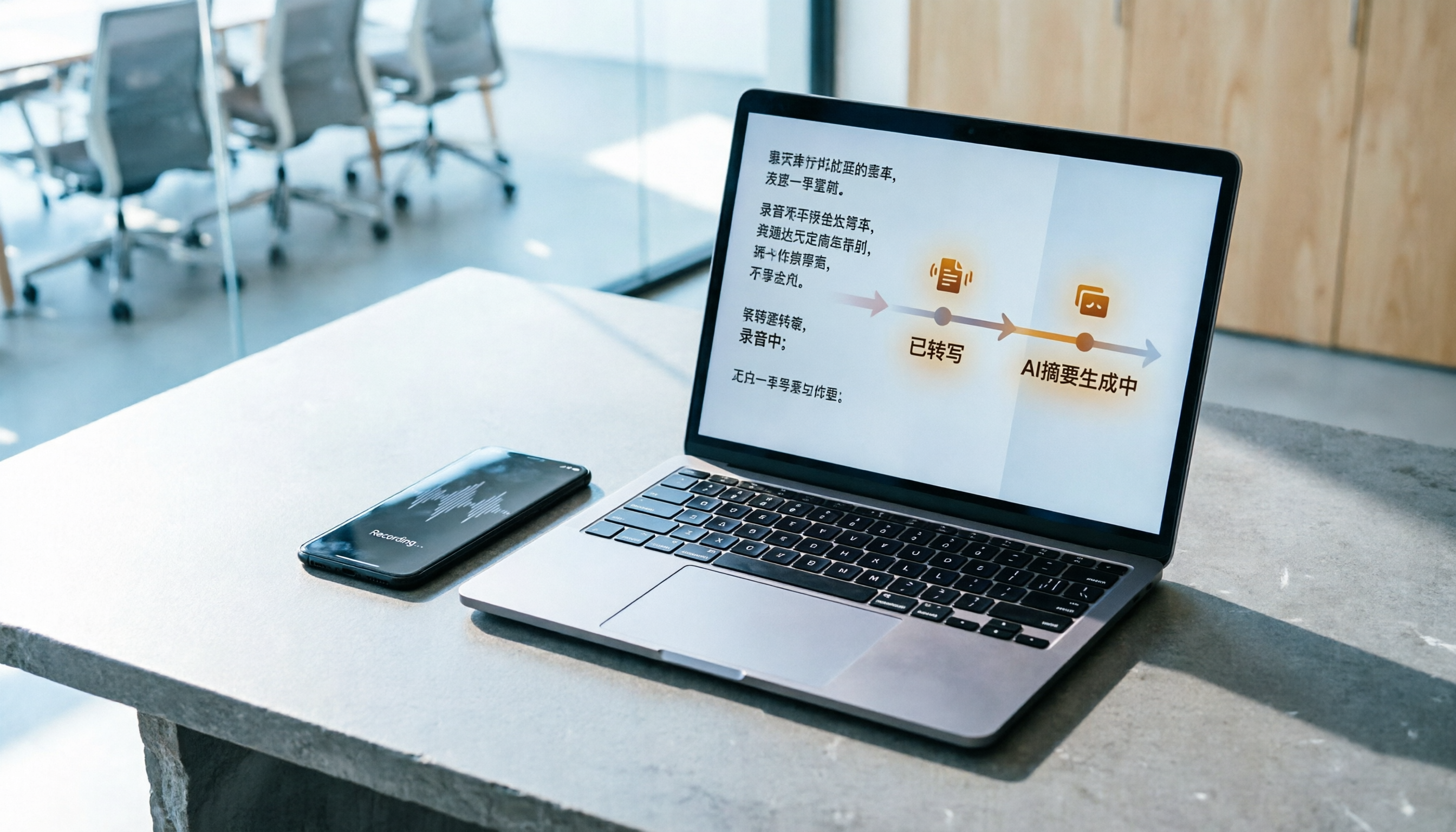
How to Do Free Audio Transcription in 2026: 5 Steps from Recording to AI Summary
Free audio transcription tools often run out of quota after a few uses. This article starts from real-world usage scenarios, organizes the quota rules and common pain points of free plans from Monica, Notta, TurboScribe, and others, then explains how Tinrec differs in Chinese transcription, bot-free online meeting recording, AI summaries, and team data retention, along with personal and team plan details and FAQs.
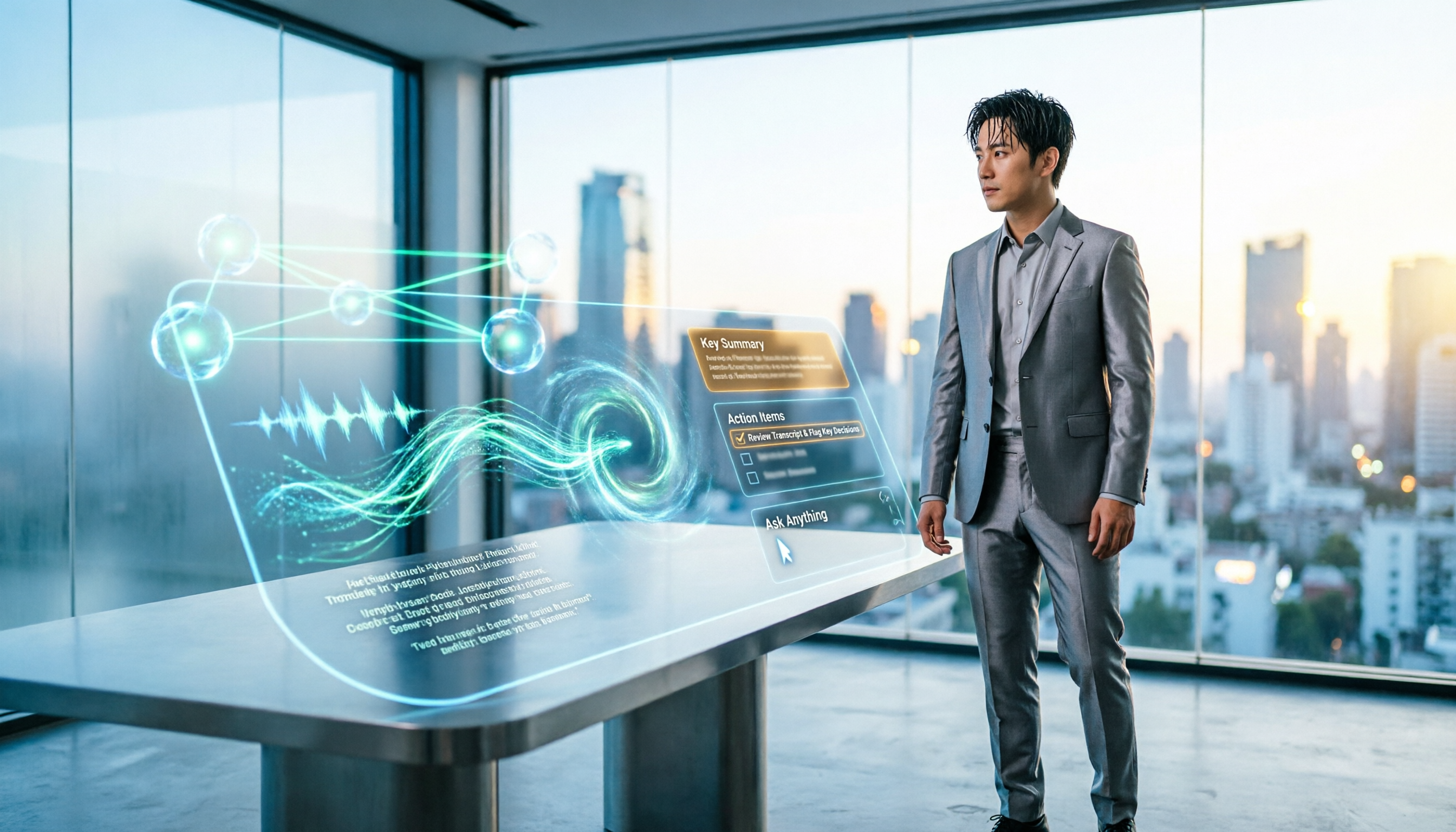
5 Best Audio-to-Text AI Apps of 2026: Which One Actually Saves Time After the Transcript?
Most people choose an audio-to-text AI app based only on free minutes, only to end up with a massive transcript they still have to organize themselves. This article starts from real-world pitfalls and uses Tinrec's actual workflow to break down live transcription, bot-free recording, AI summaries and action items, conversational search, and team spaces—plus 5 things you should really look at when buying.

2026 Speech-to-Text Tools Compared: Which Free Version Is Actually Usable?
There are plenty of free speech-to-text tools, but few are truly usable for meetings. This article tests the free tiers of Tinrec, Notta, Otter.ai, and TurboScribe from four angles—free quota, Chinese recognition, post-meeting organization, and cross-device support—and outlines four common pitfalls to help you choose the right tool at once.
Tutorial: 2026 Tinrec Sales Meeting Notes Template: Auto-Generate + Action Item Tracking
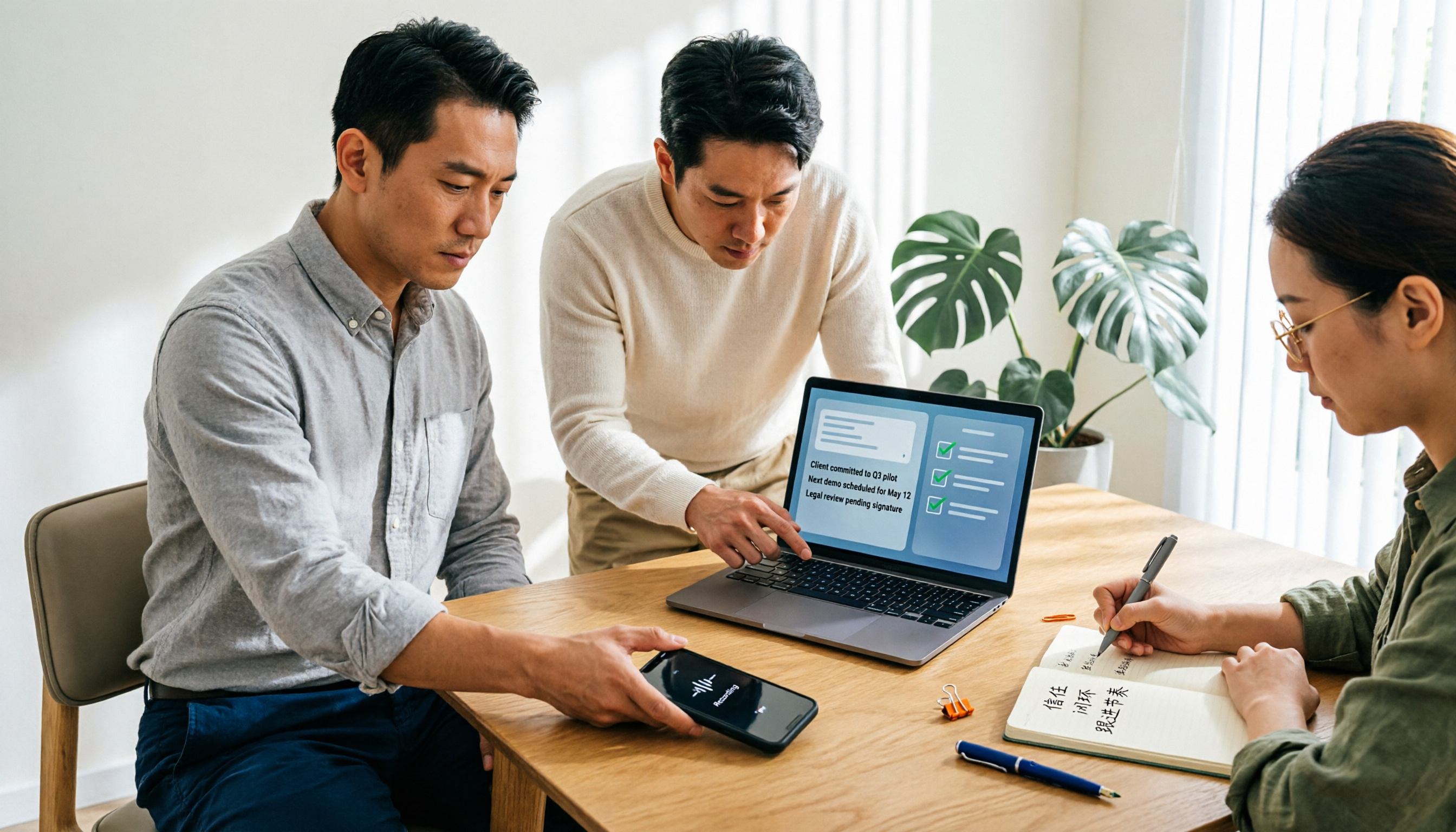
A sales meeting notes template isn't something you fill in from memory after the meeting. This article starts with common pitfalls and explains how to use Tinrec to turn sales meeting recordings into transcripts, summaries, action items, and trackable notes—plus when to use the Personal vs. Team plan.