
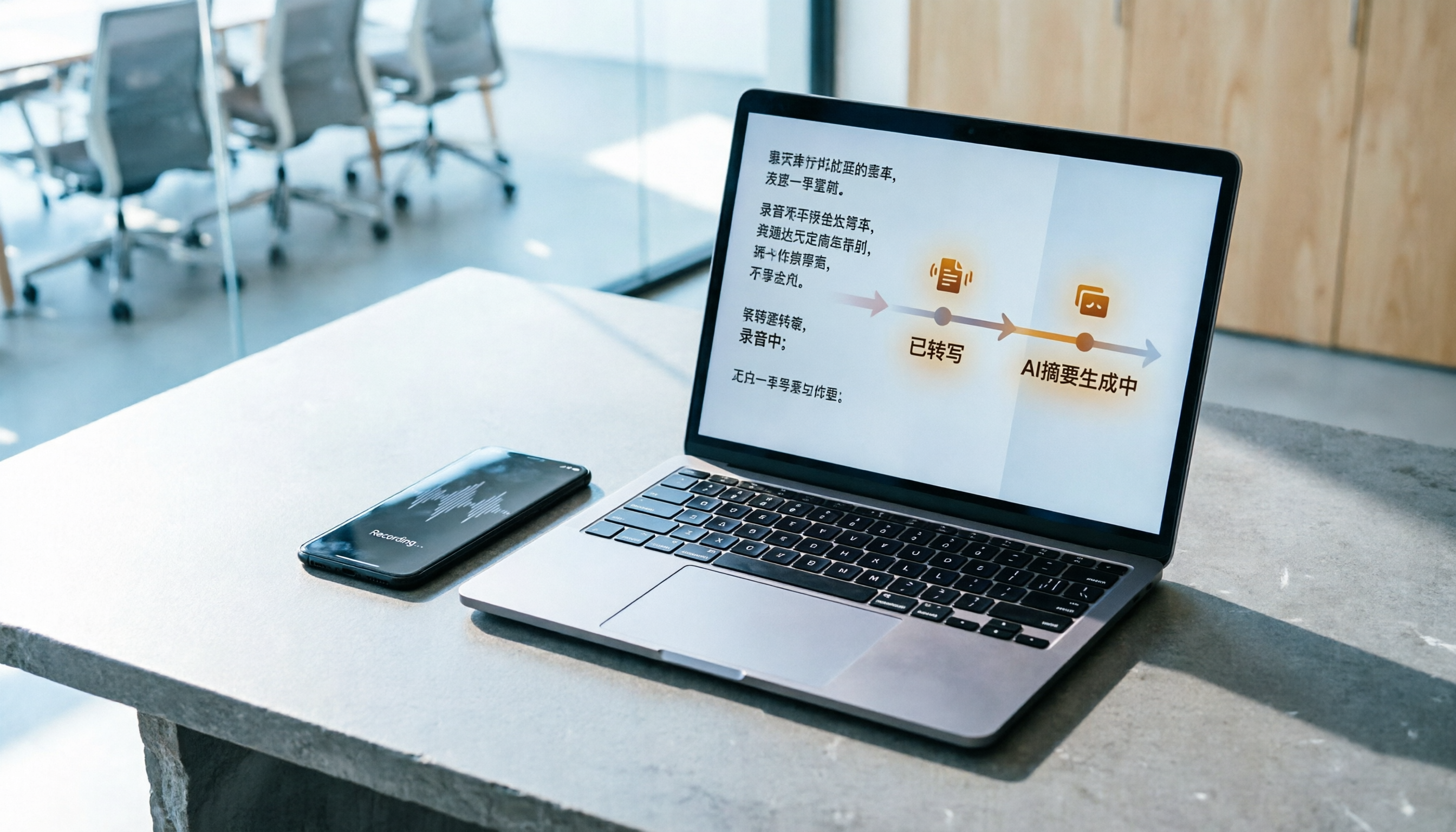
Turn recordings into transcripts and summaries in minutes
Upload audio or video for multilingual transcription, AI notes, and action items
Your online meeting just ended, and your manager turns to you and asks, "Who was responsible for that conclusion?" You suddenly remember the recording is still on your phone, and you haven't typed a single word of the transcript yet.
At times like this, most people search for "free audio transcription AI," open the first tool that looks free, upload the file, wait a few minutes, and the transcript appears. The first time is usually smooth.
The problem usually happens the third time. The free quota is used up.
Why do free audio transcription tools need to be replaced after a few uses?
There are many audio transcription services advertised as free, but their quota rules vary widely. Monica's AI audio-to-text offers a 30-minute free trial; Notta's free version gives 120 minutes per month with a maximum of 3 minutes per single item; TurboScribe's free version allows 3 files per day with a 30-minute limit per file (plans may change; refer to official pages).
Free doesn't mean unusable, but the hassle is that "once you run out, you have to switch to another tool." Your recordings are scattered across different services, and later when you want to find the conclusion of a certain meeting, you have to search one by one.
If what you want isn't just "turning sound into text" but also summaries, action items, and the ability to look things up three months later, then Tinrec is worth checking out.
What's the core experience difference between Tinrec and common free tools?
After the free quota runs out, what other options do you have?
Most free tools draw the line at a certain number of minutes; once used up, an upgrade prompt appears, and the only option is usually "subscribe." Tinrec's personal plans are divided into Free, Weekly Pass, Pro Monthly, and Pro Annual, so you can choose based on usage frequency: use the Free plan for occasional recording organization, the Weekly Pass for short-term intensive meetings or interviews, and consider Pro if you have steady weekly needs. Prices and benefits are subject to the official plan page; there isn't just one answer.
Meetings in Chinese and mixed Chinese-English are the daily reality in Taiwan
Meetings in Taiwan are rarely pure Chinese; a sentence like "Let's review this campaign's KPI next week" commonly mixes three languages. Tinrec covers Chinese, Traditional Chinese, and multilingual meeting scenarios, and supports team hotwords so you can add internal product names and project codes. Keep in mind that actual recognition performance is affected by recording quality, accents, background noise, and overlapping speakers; no fixed number can guarantee results.
The source of recordings shouldn't be limited to "uploading files"
For most free tools, the entry point is uploading files. In addition to uploading audio and video, Tinrec's desktop version directly captures computer system audio to handle online meetings on Zoom, Google Meet, Microsoft Teams, and Webex without needing an extra meeting bot to join as a listener. For external client meetings, having one less "Notetaker" on the screen actually makes quite a difference.
After transcription, the transcript is just the starting point
Tinrec automatically generates summaries, chapters, and key points, extracts action items from discussions, and even lets you ask follow-up questions with AI about a single meeting or across meetings—"What was the conclusion of this meeting?" "Who is responsible for what?" Text can be exported to Notion, Google Docs, OneNote, and Dropbox for continued use, and can further generate reports, tables, and meeting minutes.
Does the data ultimately stay in a personal account or a team space?
The biggest problem with personal tools is that when people leave, the data goes with them. Tinrec's team plan is an independent team space where meeting data belongs to the team. When a member exits, is removed, or loses their seat, their resources can be handed over to other active members. Administrators can manage roles, seats, usage, and audit logs.
Overview of Tinrec's core features
Real-time audio transcription: Text appears as you record with Tinrec, suitable for offline meetings, interviews, and on-site notes; by the time the meeting ends, the transcript already has a draft.
Bot-free online meeting recording: The desktop version captures system audio without inviting a meeting bot into the room. Note that you need to open Tinrec yourself to start recording; it doesn't automatically join all calendar meetings.
AI summaries and chapters: A one-hour meeting is hard to re-listen to afterward. Tinrec breaks long meetings into chapters and highlights key points, so when reviewing you can look at the structure first and then decide which part to listen to.
Action item extraction: Organizes action items from discussions, especially useful for project and client meetings; confirm who does what before the meeting ends.
AI Q&A and real-time translation: You can continue asking questions about the meeting content, and for cross-language meetings, you can view the original, translation, or bilingual content while recording.
Stop organizing recordings by hand
Upload audio or video and automatically get a transcript, summary, and action items
Multi-format export and Agent post-processing: Bring results into your existing workflow, or directly generate reports, tables, and documents.
Real-world usage scenarios
Weekly department meetings: Previously, you'd save the recording and fill in notes from memory afterward. With Tinrec desktop recording, you can directly view summaries and action items after the meeting, and the decision basis stays in the team space; a quick look before next week's meeting gives you context.
Online courses and lectures: It's hard to listen and take notes during a two-hour class. Real-time transcription lets you focus on listening, and after class you can use AI Q&A to find "which paragraph was that case the teacher mentioned in."
User interviews and research: The most time-consuming part of interviews is transcription. After Tinrec transcribes, you can directly mark quoted passages and organize key insights, making research data easy to search.
Personal notes and idea capture: Record a thought casually during your commute, then later search by keyword or ask directly; previously uploaded recordings also become searchable data.
Points to note when choosing a free audio transcription tool
How the free quota is calculated: Is it minutes per month, a limit per single session, or a daily file limit? Look at your usage frequency first, then choose a plan.
Recognition of Chinese and technical terms: When presentations are full of product codes and English abbreviations, whether you can customize hotwords makes a big difference.
Meeting recording method: Does it require a bot to join, or does it directly capture system audio? For external meetings, participants have different experiences.
Output after transcription: Is it just a transcript, or does it include summaries, chapters, action items, and Q&A? This determines how much organizing time you save.
Data ownership and handover: Is data tied to a personal account, or can it be retained in a team space? This is most obvious when personnel changes occur.
How to choose a Tinrec plan
Choose personal plans by task: use the Free plan for occasional recording organization, the Weekly Pass for short-term concentrated meetings or interviews, Pro Monthly for weekly needs, and consider Pro Annual if you need long-term accumulation of recording data.
The team plan is an independent collaboration space. The first eligible team trial is 7 days, 1 free seat, and 300 minutes of team shared import quota. Subsequent monthly payment is USD 29.80 per paid seat per month, and annual payment is USD 199 per paid seat per year, equivalent to about USD 16.58 per month; each paid seat provides 2,000 minutes of team shared import quota per month. Under an active team plan and active seats, real-time recording currently does not deduct minutes; file and web imports use the team shared quota.
For the team plan, distinguish between "roles" and "seats": roles determine who can manage the team, members, and audits; seats determine whether members can record, upload, edit, and export. Members without seats can still view, play, and read team data but cannot perform resource usage operations. Prices and benefits are subject to the official purchase page.
Conclusion: Is Tinrec worth trying?
If what you want is "free, able to produce Chinese transcripts, and able to directly use AI to find key points after recording," Tinrec is one of the few choices that puts these things in the same workflow: desktop bot-free recording of online meetings, automatic summaries and action items after transcription, and team data that stays in a shared space rather than a personal hard drive.
We suggest first using the basic quota of the Free plan and actually running a recording of a meeting you're most familiar with—seeing whether it captures your accent and terminology is more direct than reading any review.
Finally, a reminder: recording and transcription involve local regulations and personal data; remember to obtain participants' consent before external use.
FAQ
Can I use Tinrec's Free plan indefinitely? The Free plan provides a basic quota to experience recording, import, summaries, and transcription. After the quota is used up, you can choose a Weekly Pass, Pro Monthly, or Annual plan based on your tasks; actual benefits are subject to the official plan page.
What languages are supported? How does it perform in Chinese? It covers Chinese, Traditional Chinese, and multilingual meeting scenarios, and supports real-time translation and bilingual viewing. Actual performance is affected by recording quality, accents, noise, and overlapping speech; for important content, we recommend cross-checking with the recording.
Do I need a meeting bot to join Zoom or Teams? No. The desktop version directly captures computer system audio to record and transcribe in real time. However, you need to open Tinrec yourself to start recording; it doesn't automatically join all meetings.
Can transcripts be exported or brought to other tools? Yes, it supports multi-format export and third-party tools such as Notion, Google Docs, OneNote, and Dropbox, and can further generate reports, tables, and meeting minutes.
What's the difference between the team plan and the personal plan? Personal plan data is managed by the personal account; the team plan has an independent team space where data belongs to the team, and adds capabilities such as members, roles, seats, shared benefits, usage analysis, audit logs, and audio recycle bin. Members without seats can still view team data but cannot upload, edit, or export.
Can you guarantee 98% accuracy? We don't recommend looking at it that way. Transcription quality is good with clear audio and common scenarios, but accuracy is affected by recording conditions, accents, technical terms, and multiple people speaking simultaneously; for important information, we recommend going back to check the transcript timestamps.
References
- Audio to Text - Free Speech-to-Text Tool
- Audio File to Text | Free Online Recording to Transcript | Proactor AI
- Speech-to-Text Converter – Free Online | TicNote Cloud
- No Time Limit! 3 Free AI Transcript Tools, Highly Recommended! AI Voice Notes Generate Meeting Minutes, Presentations, Mind Maps | 104 Career Power
- Online AI Speech, Video, Audio File Auto-Transcription - Free Trial - cSubtitle
Turn every recording into actionable outcomes
Get 60 free transcription minutes when you sign in. No credit card required.
Related Reading
You might also like

Free Speech-to-Text in 2026: How to Choose Your Free Plan + Transcript Organization Guide
Before searching for "free speech to text," understand these key factors: how free quotas are measured, whether audio files are retained, Chinese recognition, and post-meeting organization. This article breaks down 5 key selection criteria from a practical usage perspective, introduces Tinrec's free starter workflow and plan limitations, briefly reviews Notta, TurboScribe, and Otter.ai free plans, and provides scenario-based recommendations plus 4 common pitfalls to avoid.

The Complete Guide to Speech-to-Text in 2026: Workflow from Transcript to Meeting Minutes
When choosing a speech-to-text tool, the real question isn't "which one is most accurate" but whether you need a typing replacement or meeting data you can keep working with. This guide starts with three decision questions, breaks down the core capabilities of speech-to-text, practical use cases, and 5 purchase checkpoints, and demonstrates Tinrec's complete workflow for bot-free online meeting recording, AI summaries, action item extraction, AI Q&A, and team spaces.
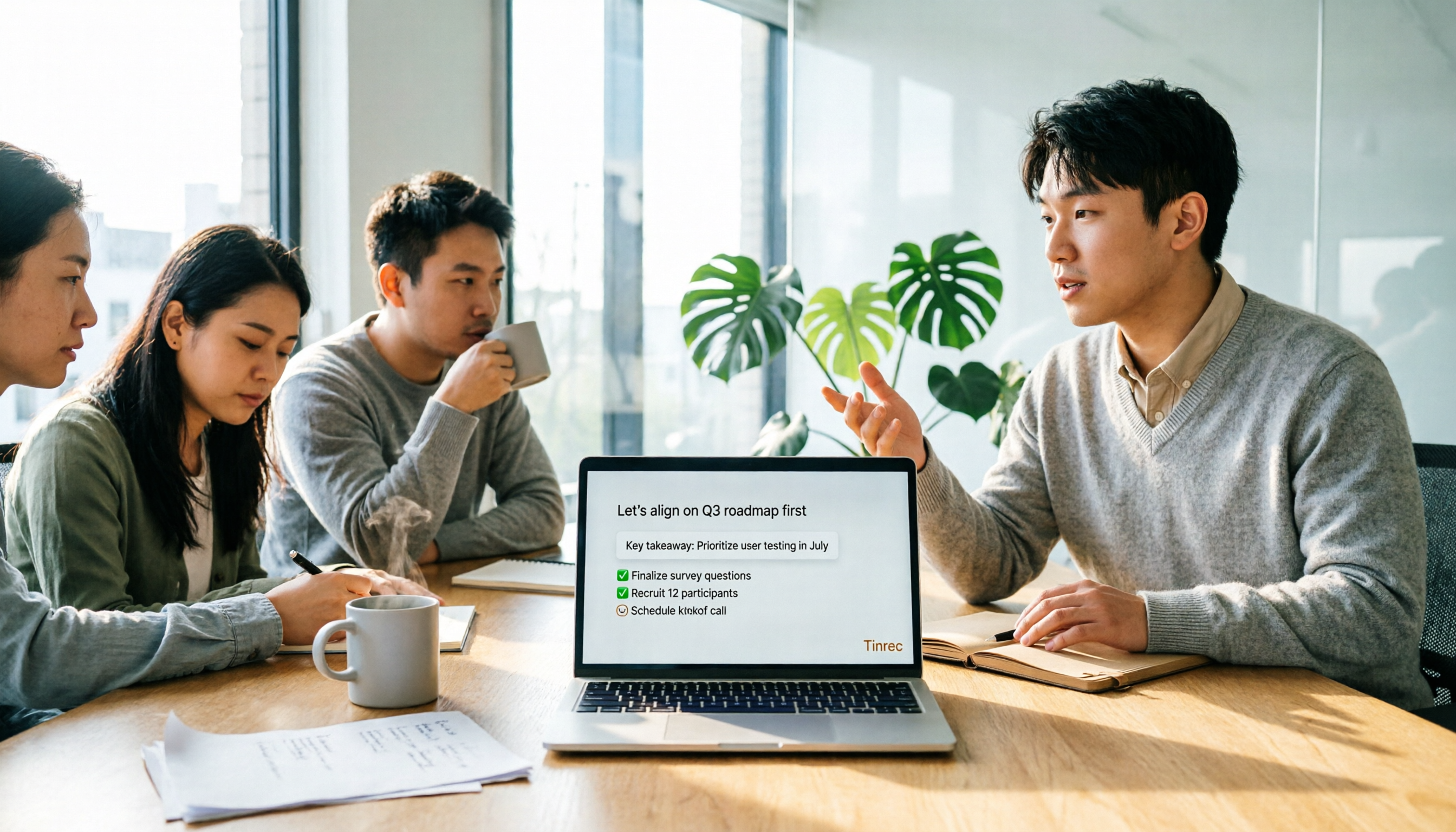
4 Free Online Speech-to-Text Tools Tested and Compared in 2026: Which One Saves the Most Time on Chinese Transcripts?
Many people only use the 'upload, convert, download' part of free online speech-to-text, but overlook the cost of organizing the output. This article starts from common misconceptions, breaks down where each of four free approaches gets stuck, and uses Tinrec (Miao Ting Lu Yin) hands-on operation to explain how transcripts, summaries, to-dos, AI Q&A, and team knowledge retention connect, with buying tips and FAQ.

Tinrec vs Notta 2026: 5-Dimension Comparison — Which Free Speech-to-Text App Is Right for You?
Free speech-to-text apps seem plentiful, but few are truly work-ready. This comparison of Tinrec and Notta across five dimensions — free quota, input sources, post-meeting organization, Chinese-language experience, and team collaboration — plus key buying criteria and four common pitfalls, helps you decide which one to use.

4 LINE Voice-to-Text Tools Tested for 2026: Which Saves the Most Time on Voice Messages and Call Recordings?
LINE has no built-in voice-to-text feature, so converting voice messages or call recordings into transcripts requires first extracting the audio files. This article starts with key selection criteria, then compares Tinrec, Notta, Otter.ai, and TurboScribe in hands-on testing, and provides a pitfalls guide and selection advice to help you choose the right tool.
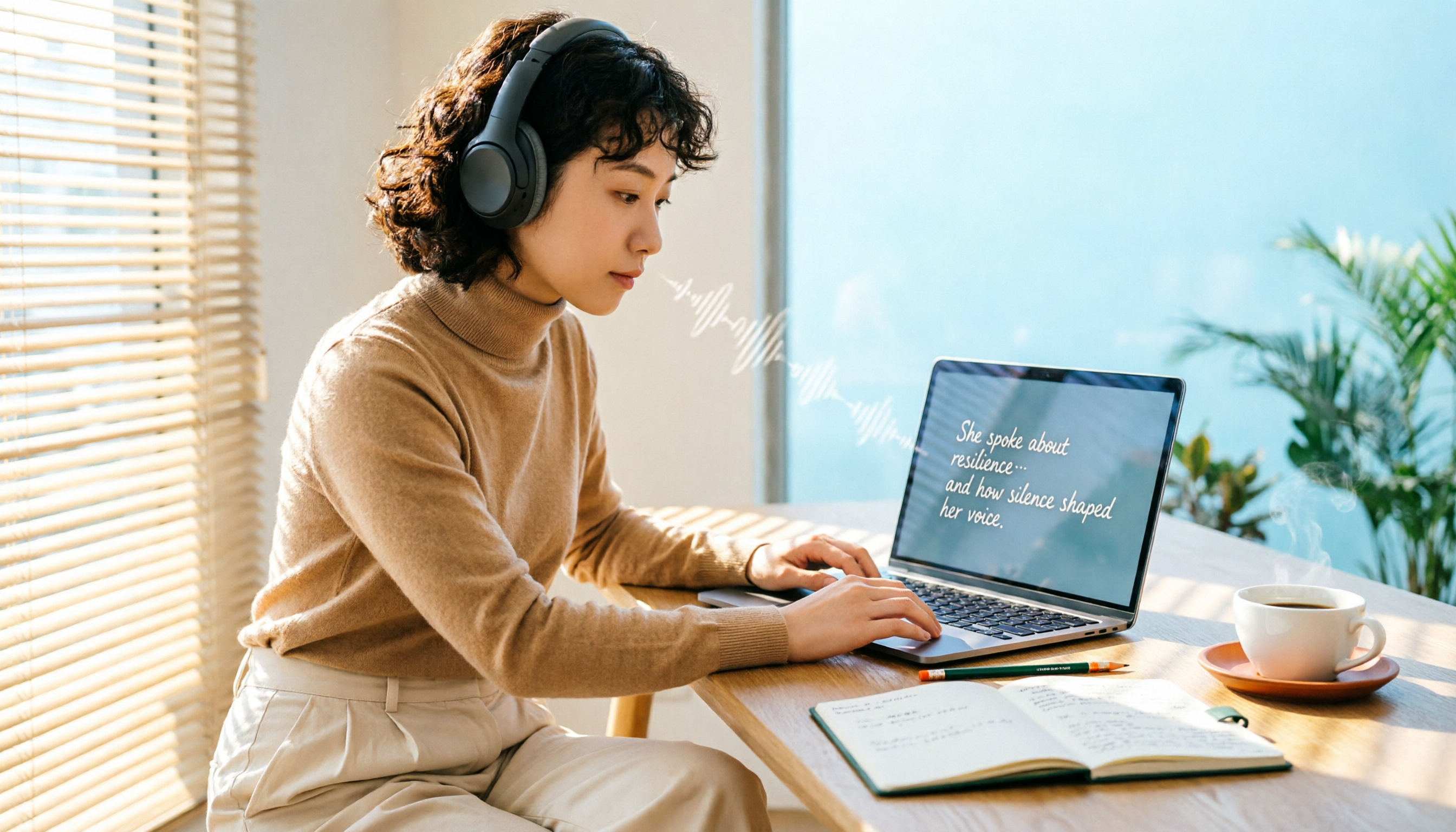
6 Free Speech-to-Text Software Compared in 2026: Which Free Version Is Good Enough?
Real-world experiences with 6 free speech-to-text tools—Tinrec, Notta, Otter, TurboScribe, MyEdit, and built-in dictation—covering free limits, Chinese performance, and ideal users to help you find a free option that works without spending money.
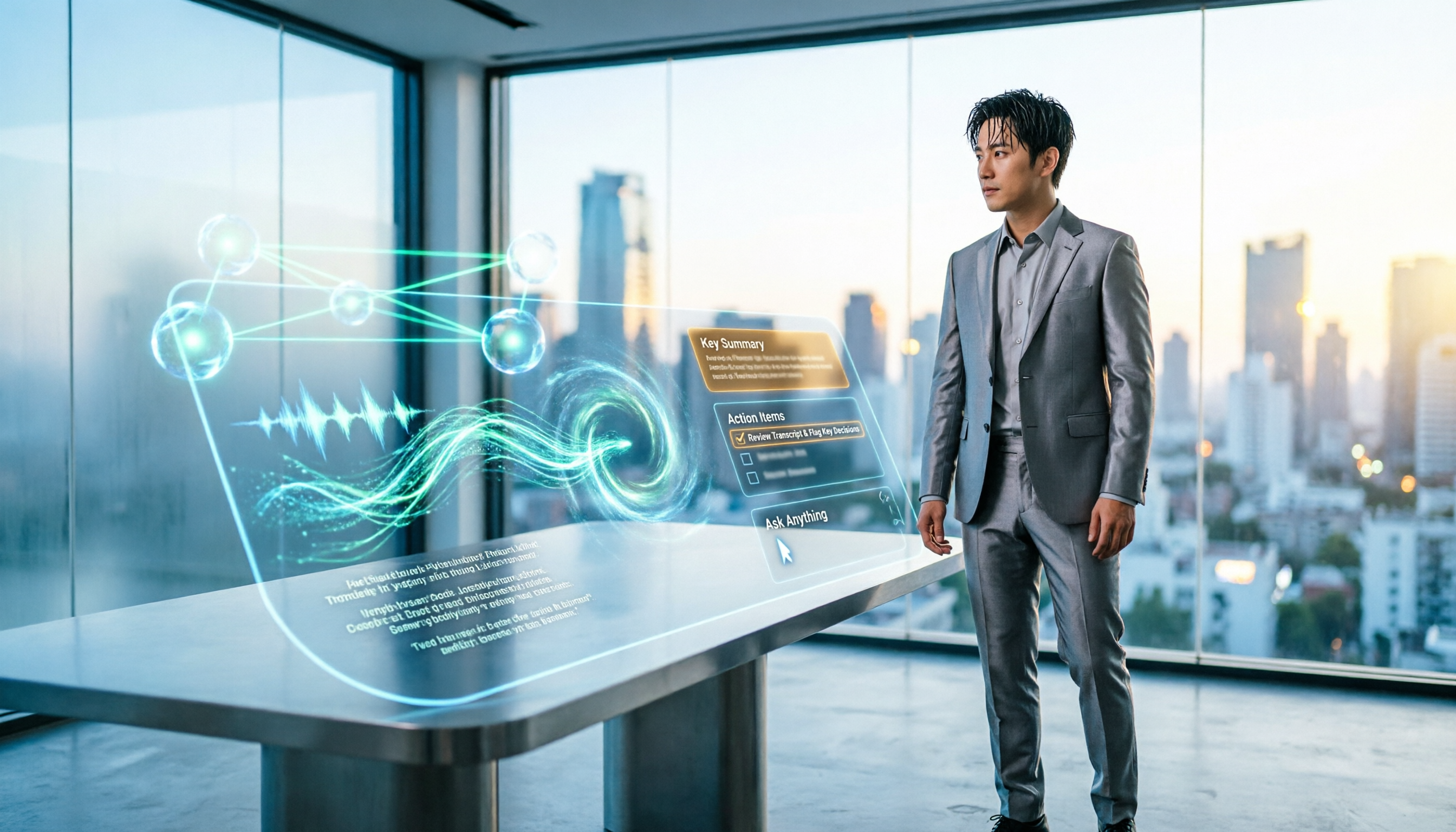
5 Best Audio-to-Text AI Apps of 2026: Which One Actually Saves Time After the Transcript?
Most people choose an audio-to-text AI app based only on free minutes, only to end up with a massive transcript they still have to organize themselves. This article starts from real-world pitfalls and uses Tinrec's actual workflow to break down live transcription, bot-free recording, AI summaries and action items, conversational search, and team spaces—plus 5 things you should really look at when buying.

2026 Speech-to-Text Tools Compared: Which Free Version Is Actually Usable?
There are plenty of free speech-to-text tools, but few are truly usable for meetings. This article tests the free tiers of Tinrec, Notta, Otter.ai, and TurboScribe from four angles—free quota, Chinese recognition, post-meeting organization, and cross-device support—and outlines four common pitfalls to help you choose the right tool at once.

Tutorial: 2026 Tinrec Sales Meeting Notes Template: Auto-Generate + Action Item Tracking
A sales meeting notes template isn't something you fill in from memory after the meeting. This article starts with common pitfalls and explains how to use Tinrec to turn sales meeting recordings into transcripts, summaries, action items, and trackable notes—plus when to use the Personal vs. Team plan.