
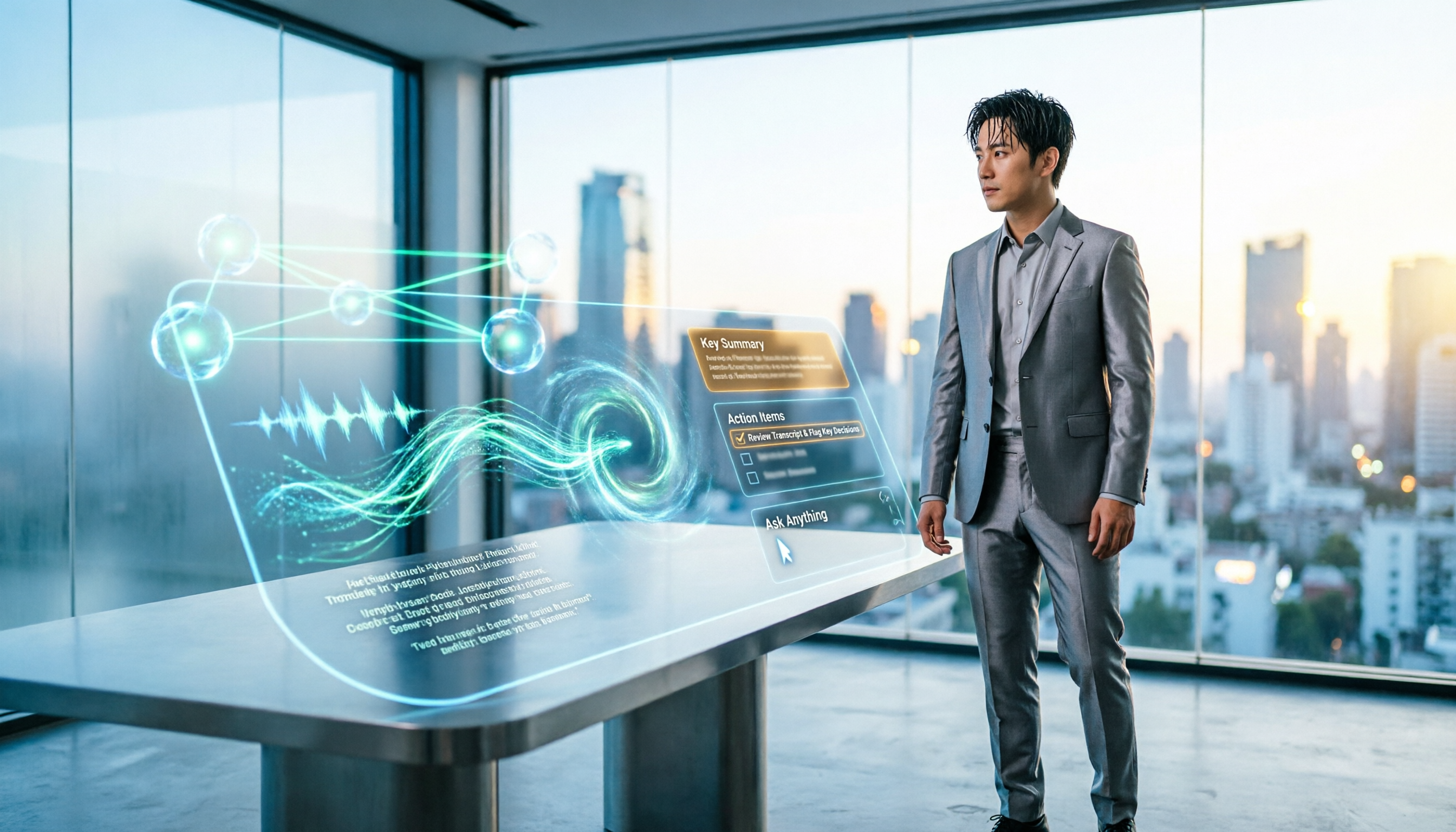
Turn recordings into transcripts and summaries in minutes
Upload audio or video for multilingual transcription, AI notes, and action items
5 Best Audio-to-Text AI Apps of 2026: Which One Actually Saves Time After the Transcript?
Honestly, most people get the first step wrong when choosing an audio-to-text AI app.
The typical flow I see is this: Google "free audio to text," download the top three, spend 20 minutes each signing up and uploading the same meeting, and end up with three painfully long transcripts—none of which tell you who needs to do what and by when.
The free quota runs out, and two afternoons are gone.
In this article, I'm not comparing official accuracy claims. I want to talk about whether you can actually use that blob of text after transcription. After testing a round, the one I'm still using is Tinrec. Below I'll walk through its actual workflow, and I'll also include the parts that deserve criticism.
What Can an Audio-to-Text AI App Do for You?
Scenario 1: No need to listen to the meeting recording a second time
In the past, a two-hour meeting would take about another hour to organize afterward. Now, with Tinrec as an example, by the time the meeting ends, the transcript, summary, chapters, and action items are already there, with who's responsible for what listed directly.
The value here isn't "saving typing"—it's that you finally don't have to spend after-work hours on meeting notes.
Scenario 2: Recovering key points from interviews, classes, and lectures
In a 90-minute interview, you're looking for 3 key answers.
Tinrec's AI Q&A lets you directly ask, "What were the interviewee's concerns about pricing?" and it finds the answer from the recording content instead of making you scroll from start to finish.
Scenario 3: Cross-language meetings
When meeting with English or Japanese counterparts, Tinrec's live translation lets you see the original, translation, or bilingual view while recording.
Note that translation is for辅助 understanding; I still manually review formal documents once.
Scenario 4: Turn historical recordings into a searchable database
The team version centralizes meeting recordings, transcripts, and action items in one space. New members can look back at what was said in a decision meeting three months ago instead of asking around, "Who has that recording?"
What Are the Core Capabilities of an Audio-to-Text AI App?
Live audio-to-text
Transcribe while recording, not after. Tinrec can transcribe live on both mobile and desktop, so for offline meetings or impromptu interviews, you can start and have text to refer to immediately.
Bot-free online meeting recording
This is what I use most. Tinrec's desktop version directly captures computer system audio, handling meetings on Zoom, Google Meet, Microsoft Teams, Webex, and similar platforms without pulling a meeting bot into the meeting as a participant.
But there's a catch to be clear about: it's not a calendar bot and won't automatically join all your meetings. You need to open the desktop app yourself and press record.
AI summaries, chapters, key points, and action items
Tinrec doesn't compress the transcript into a paragraph of fluff; it structures it: meeting topic, discussion conclusions, chapter segments, action items, and owners.
This is especially noticeable for long meetings—two hours of content is split into five or six segments, and you can jump directly to a section when reviewing.
AI conversational search
After transcription, you can keep asking: "Was the budget finalized in this meeting?" "What objections did the client raise?"
This feature really adds value for teams that have accumulated dozens of meetings; for a single meeting, it's less necessary.
Export and post-meeting processing
Transcripts and summaries can be exported to Notion, Google Docs, OneNote, or Dropbox for further use, and you can also use Agent post-processing to directly generate reports, tables, and meeting minutes documents.
I'm the kind of person who organizes materials an hour before a presentation, and this workflow saves a lot of copy-pasting.
Team spaces, seats, and usage management
The team version isn't "multiple people sharing one account"; it's an independent team space: you can switch between multiple teams, invite members via link, set owners/admins/regular members, assign or revoke seats, and there's usage analytics, audit logs, and an audio recycle bin.
Practical Application Scenarios
Weekly project meetings
An eight-person team has a fixed weekly meeting. Previously, they took turns taking notes; now they consistently record with Tinrec desktop, and action items are pasted directly into the group chat.
You need to understand the permission logic in the team version: roles determine who can manage the team and members, and seats determine who can record, upload, edit, and export. Members without seats can still view, play, and read team materials, but cannot perform resource operations.
Client interviews and requirement confirmation
After a sales visit, the biggest fear is "I thought the client said this." Record with Tinrec, keep the original words in the transcript, extract requirements and commitments in the summary, and you have evidence when aligning afterward.
Stop organizing recordings by hand
Upload audio or video and automatically get a transcript, summary, and action items
The prerequisite is that you get the other party's consent first—don't skip this.
Classes and online courses
The most impactful use for students is "no note-taking." After class, AI summaries and chapters become review outlines directly; when you want to find a definition before an exam, asking the AI Q&A is faster than flipping through notes.
Content creation and podcast organization
Upload interview audio to Tinrec, transcribe it, and then pick standout quotes and rewrite them into articles. This is a workflow I run every week.
5 Things to Watch When Choosing an Audio-to-Text AI App
1. How quota is calculated—live recording and file import are two different things
Many people only look at "how many minutes per month" but don't check how minutes are deducted.
Take Tinrec's team version as an example: under an active plan and active seats, live recording currently does not deduct minutes; file import and web link import consume the team's shared import quota, with each paid seat providing 2,000 minutes per month. The first eligible team trial is 7 days, 1 free seat, and 300 shared import minutes.
If you mainly hold online meetings, this structure is more worth looking at than "total minutes." Actual pricing and benefits are subject to the official purchase page (team monthly USD 29.80 per paid seat per month, annual USD 199 per paid seat per year, roughly USD 16.58 per month).
2. Can it help you organize after transcription
A tool that only gives you a transcript leaves the hardest part to you. Confirm whether it has summaries, chapters, action item extraction, and Q&A layers. Tinrec does this part thoroughly, but I must say: AI summaries occasionally treat small talk as conclusions, so I still cross-check important decisions against the original text.
3. Performance with Chinese and mixed Chinese-English
Taiwanese meetings are rarely pure Chinese; they're usually "this campaign's budget needs to be confirmed again." Tinrec supports Chinese, Traditional Chinese, and multilingual scenarios, and also supports team-customized hotwords—add internal company terminology and product codes to improve recognition of specialized terms.
No tool should promise a fixed accuracy rate—audio quality, accents, overlapping speakers, and proper nouns all affect results.
4. Team governance depends on "roles" and "seats"
Small teams initially think permissions don't matter, but problems arise as the team grows. Tinrec's team version currently focuses on team-level sharing, using roles to control governance and seats to control usage eligibility; it is not a fine-grained file-level permission system. If you need a single file visible only to certain people, think about this first.
Also, when a member leaves, team resources belong to the team and need to be handed over to other active members; they don't disappear with the individual account.
5. Can export connect with existing workflows
Transcription is only an intermediate product. Whether it can be exported as documents, brought into Notion or Google Docs, and generate reports and tables determines whether this tool becomes another data silo.
Frequently Asked Questions
Q: Is the free version enough?
For light use, yes—the free version provides basic quota to experience recording, import, summaries, and transcription. But if you have meetings every day, the quota definitely won't be enough, and you'll need a weekly card or Pro. I suggest running your own real meeting through the free version first, not testing with official sample audio.
Q: Do I need a meeting bot to join the meeting?
No. Tinrec desktop captures computer system audio, so online meetings don't need an extra participant. But you need to open the program and press record yourself; it won't automatically join meetings in your calendar.
Q: What languages are supported?
Chinese, Traditional Chinese, and multilingual meeting scenarios are covered, with live translation and bilingual viewing. Mixed Chinese-English practical scenarios are where I find it more useful.
Q: What's the difference between the personal and team versions?
Personal version data belongs to the individual account; the team version is an independent space with member invitations, role and seat management, shared benefits, usage analytics, audit logs, and an audio recycle bin (retained for 30 days, recoverable or permanently deleted). TODO is currently not included in the team recycle bin.
Q: Are there official accuracy numbers?
It's not recommended to look at fixed numbers. Actual performance is affected by recording quality, noise, accents, and overlapping speech. A more honest statement: it can significantly reduce manual note-taking costs, but important terms, amounts, and names still need to be verified by listening back at the timestamp.
Q: Do I need to inform the other party about recording?
Yes. Please comply with local regulations for recording and transcription, and obtain participant consent when necessary—this is not something the tool can handle for you.
Conclusion
Back to the question at the beginning: most people don't lose because the tool isn't powerful enough; they choose the wrong direction from the start—only looking at free minutes, not whether the output is usable after transcription.
My reason for keeping Tinrec is simple: bot-free online meeting recording, summaries and action items right after transcription, and centralized team data accumulation—these three together are what really saves time. The drawbacks are also written above—it doesn't automatically join meetings, the team version lacks file-level permissions, and AI summaries need human review.
If you happen to have an unorganized meeting recording on hand, throw it into the free version and run it once to see if the summary really helps you. That's faster than reading ten reviews.
References
- No time limit! 3 free AI transcription tools, highly recommended! AI voice notes generate meeting minutes, presentations, mind maps | 104 Career Power
- Audio to Text - Free Speech-to-Text Tool
- SoundType AI Ultra-Precise Transcript, Speech-to-Text, AI Dictation App - App Store
- 2026 Selected 6 Speech-to-Text App Recommendations: Solving Meeting Notes and Transcript Organization Pain Points - Tinrec Blog
- Transcribe AI Lifetime Version Free for a Limited Time! AI Speech-to-Text, Note Translation All Included - Mr. Mad
Turn every recording into actionable outcomes
Get 60 free transcription minutes when you sign in. No credit card required.
Related Reading
You might also like

Free Speech-to-Text in 2026: How to Choose Your Free Plan + Transcript Organization Guide
Before searching for "free speech to text," understand these key factors: how free quotas are measured, whether audio files are retained, Chinese recognition, and post-meeting organization. This article breaks down 5 key selection criteria from a practical usage perspective, introduces Tinrec's free starter workflow and plan limitations, briefly reviews Notta, TurboScribe, and Otter.ai free plans, and provides scenario-based recommendations plus 4 common pitfalls to avoid.

The Complete Guide to Speech-to-Text in 2026: Workflow from Transcript to Meeting Minutes
When choosing a speech-to-text tool, the real question isn't "which one is most accurate" but whether you need a typing replacement or meeting data you can keep working with. This guide starts with three decision questions, breaks down the core capabilities of speech-to-text, practical use cases, and 5 purchase checkpoints, and demonstrates Tinrec's complete workflow for bot-free online meeting recording, AI summaries, action item extraction, AI Q&A, and team spaces.
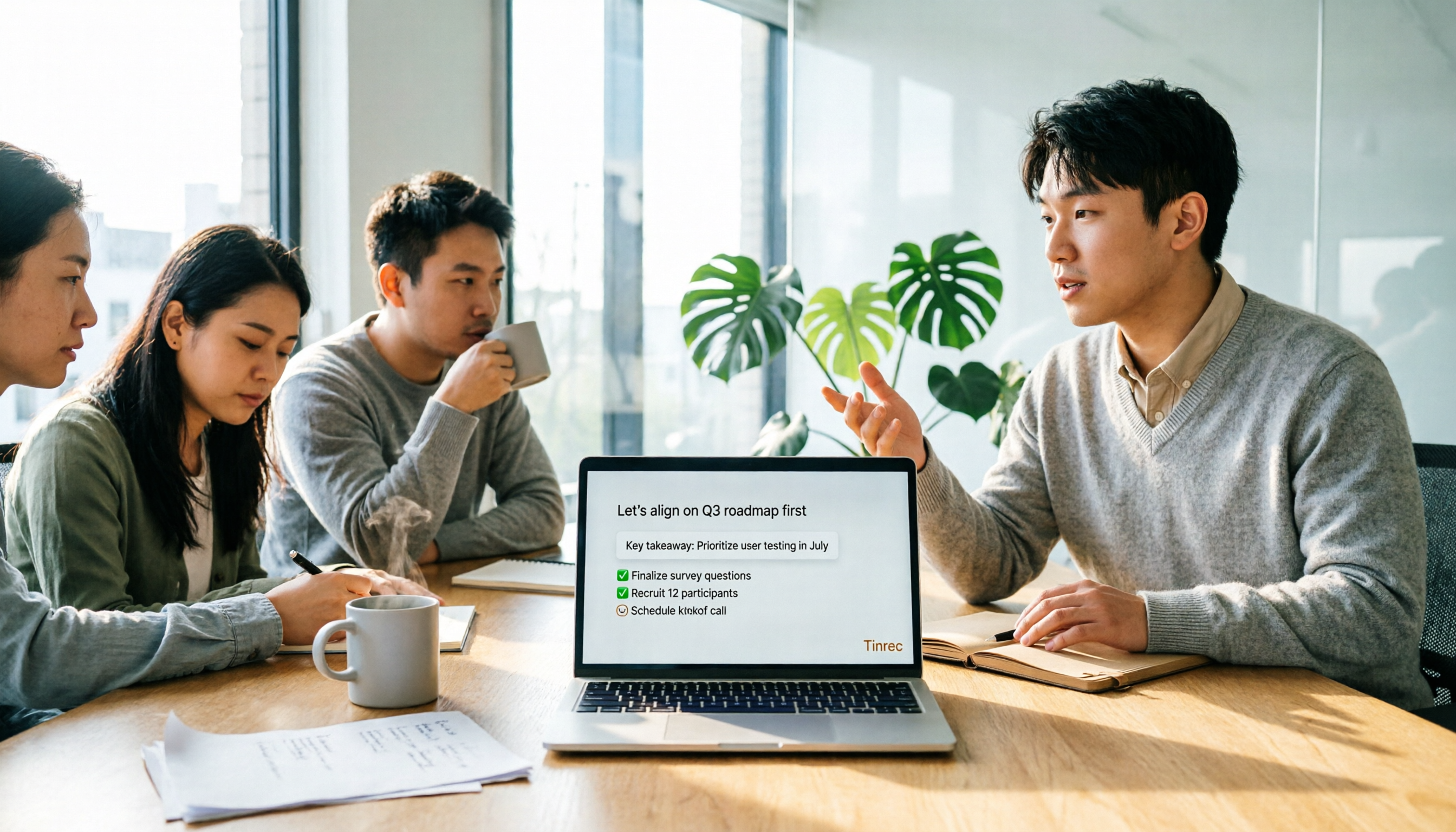
4 Free Online Speech-to-Text Tools Tested and Compared in 2026: Which One Saves the Most Time on Chinese Transcripts?
Many people only use the 'upload, convert, download' part of free online speech-to-text, but overlook the cost of organizing the output. This article starts from common misconceptions, breaks down where each of four free approaches gets stuck, and uses Tinrec (Miao Ting Lu Yin) hands-on operation to explain how transcripts, summaries, to-dos, AI Q&A, and team knowledge retention connect, with buying tips and FAQ.

Tinrec vs Notta 2026: 5-Dimension Comparison — Which Free Speech-to-Text App Is Right for You?
Free speech-to-text apps seem plentiful, but few are truly work-ready. This comparison of Tinrec and Notta across five dimensions — free quota, input sources, post-meeting organization, Chinese-language experience, and team collaboration — plus key buying criteria and four common pitfalls, helps you decide which one to use.

4 LINE Voice-to-Text Tools Tested for 2026: Which Saves the Most Time on Voice Messages and Call Recordings?
LINE has no built-in voice-to-text feature, so converting voice messages or call recordings into transcripts requires first extracting the audio files. This article starts with key selection criteria, then compares Tinrec, Notta, Otter.ai, and TurboScribe in hands-on testing, and provides a pitfalls guide and selection advice to help you choose the right tool.
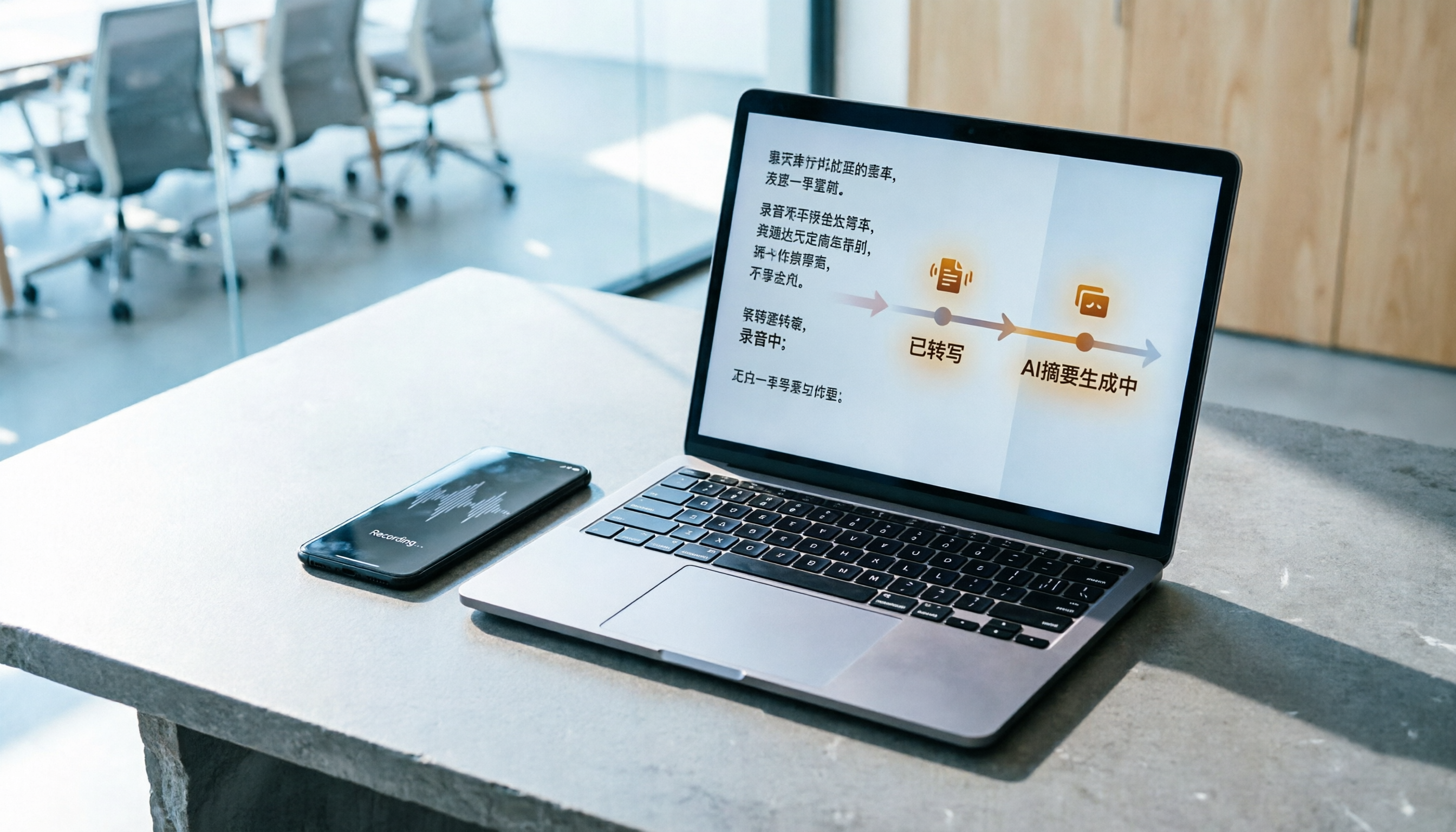
How to Do Free Audio Transcription in 2026: 5 Steps from Recording to AI Summary
Free audio transcription tools often run out of quota after a few uses. This article starts from real-world usage scenarios, organizes the quota rules and common pain points of free plans from Monica, Notta, TurboScribe, and others, then explains how Tinrec differs in Chinese transcription, bot-free online meeting recording, AI summaries, and team data retention, along with personal and team plan details and FAQs.
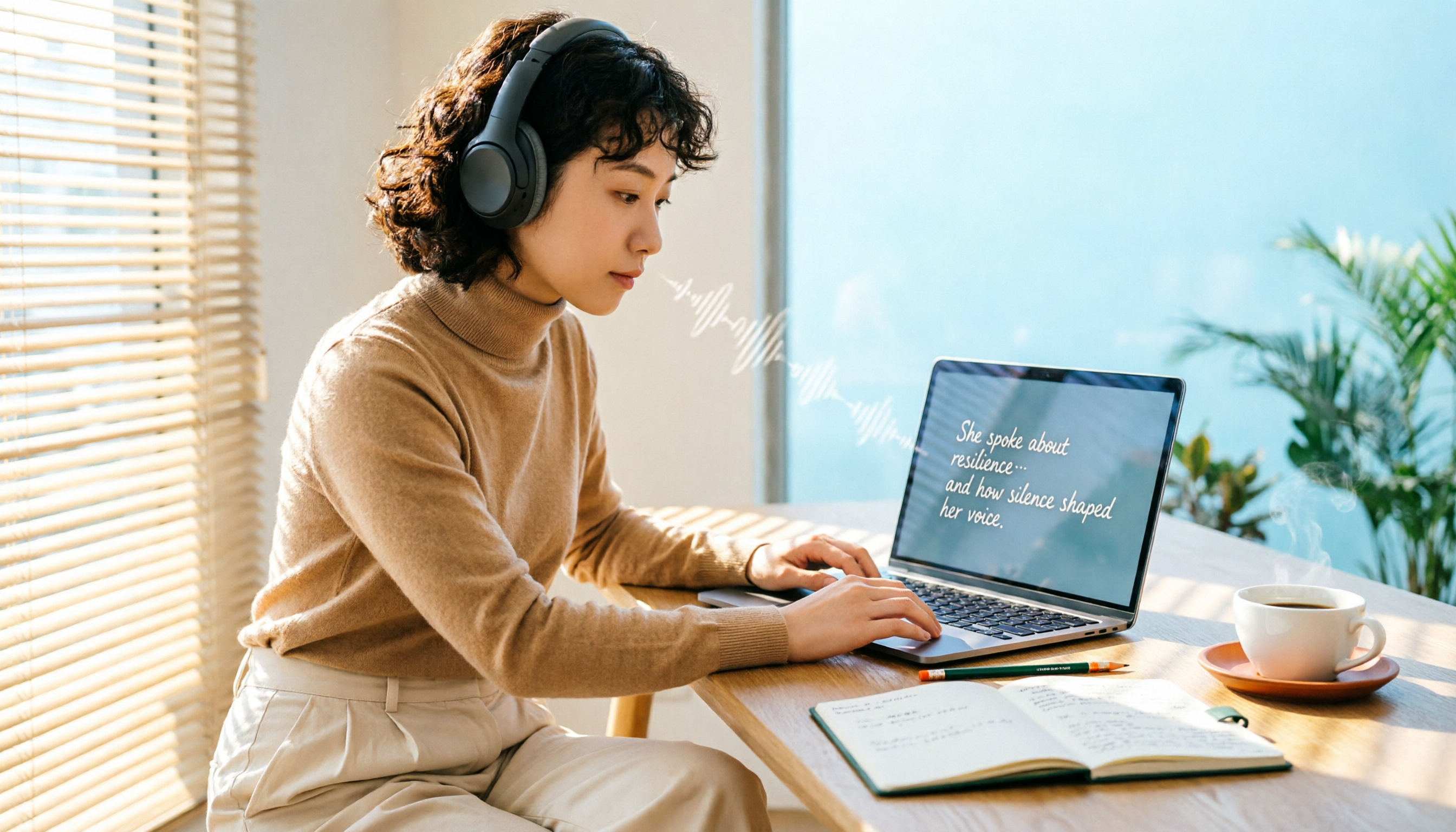
6 Free Speech-to-Text Software Compared in 2026: Which Free Version Is Good Enough?
Real-world experiences with 6 free speech-to-text tools—Tinrec, Notta, Otter, TurboScribe, MyEdit, and built-in dictation—covering free limits, Chinese performance, and ideal users to help you find a free option that works without spending money.

2026 Speech-to-Text Tools Compared: Which Free Version Is Actually Usable?
There are plenty of free speech-to-text tools, but few are truly usable for meetings. This article tests the free tiers of Tinrec, Notta, Otter.ai, and TurboScribe from four angles—free quota, Chinese recognition, post-meeting organization, and cross-device support—and outlines four common pitfalls to help you choose the right tool at once.
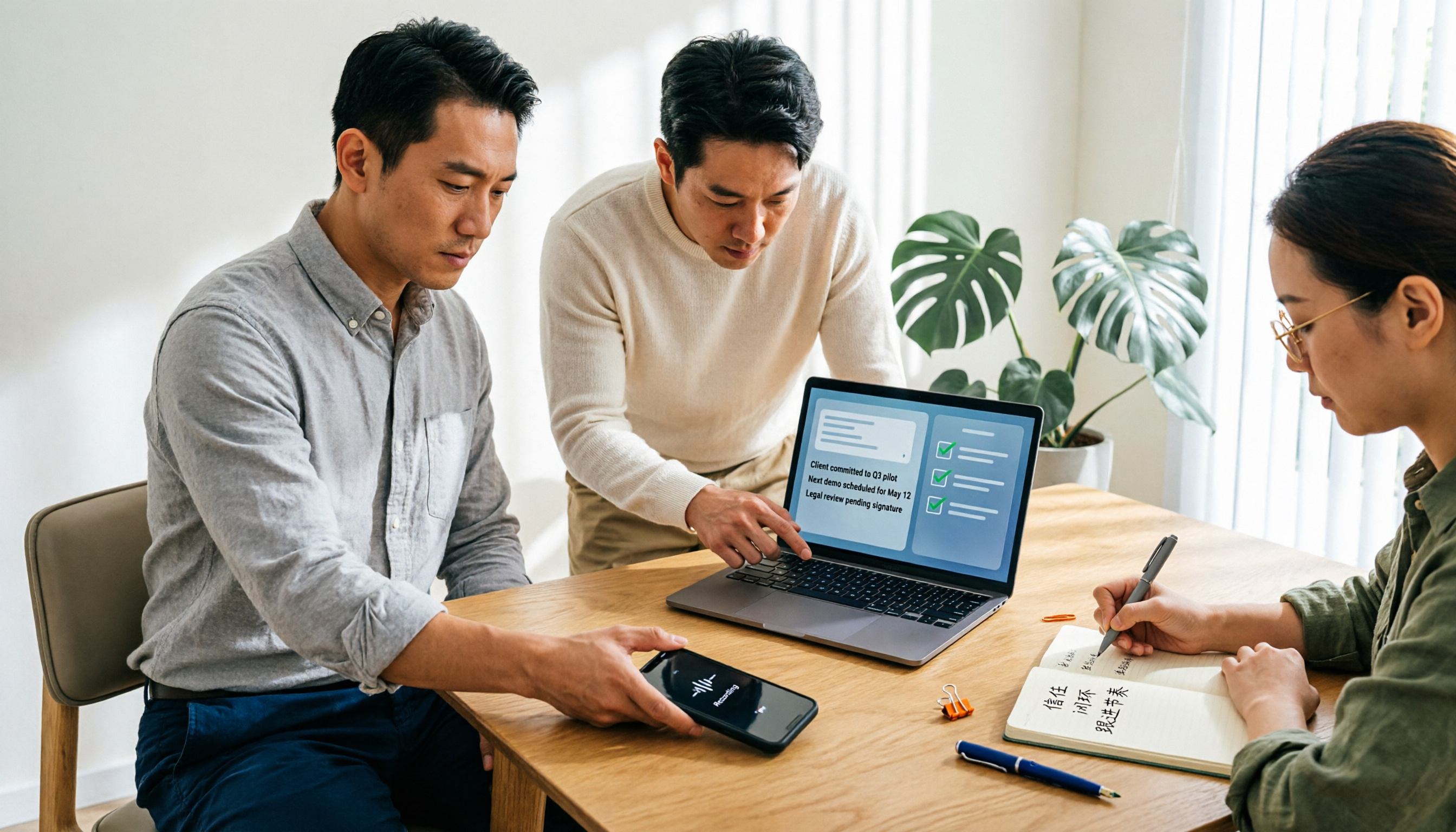
Tutorial: 2026 Tinrec Sales Meeting Notes Template: Auto-Generate + Action Item Tracking
A sales meeting notes template isn't something you fill in from memory after the meeting. This article starts with common pitfalls and explains how to use Tinrec to turn sales meeting recordings into transcripts, summaries, action items, and trackable notes—plus when to use the Personal vs. Team plan.