

Turn recordings into transcripts and summaries in minutes
Upload audio or video for multilingual transcription, AI notes, and action items
Tutorial: 2026 Tinrec Sales Meeting Notes Template: Auto-Generate + Action Item Tracking
Many people think a sales meeting notes template is just about filling in what the client said into a form while your memory is still fresh after the meeting. That's the first pitfall. The second pitfall is leaving the recording file sitting there and only going back to re-listen when it's time to write a follow-up email. The third pitfall is even more common: using one generic template for every client, so you end up filling in the same fields every time but missing the client's real objections and next steps.
Honestly, I used to think sales meeting notes were just about "writing something down." It wasn't until I actually followed sales reps to several meetings that I realized the real challenge isn't writing—it's whether you can find and track what you wrote afterward. Instead of filling in the template after the fact, a more sensible approach is to have the meeting content structured and saved as it happens. Take Tinrec, for example: it converts sales meeting recordings into transcripts, then generates summaries, chapters, and action items. You just need to check against the fields of a "sales meeting notes template" to see if anything important was missed.
What Can a Sales Meeting Notes Template Do for You?
Scenario 1: Get a First Draft 5 Minutes After the Meeting
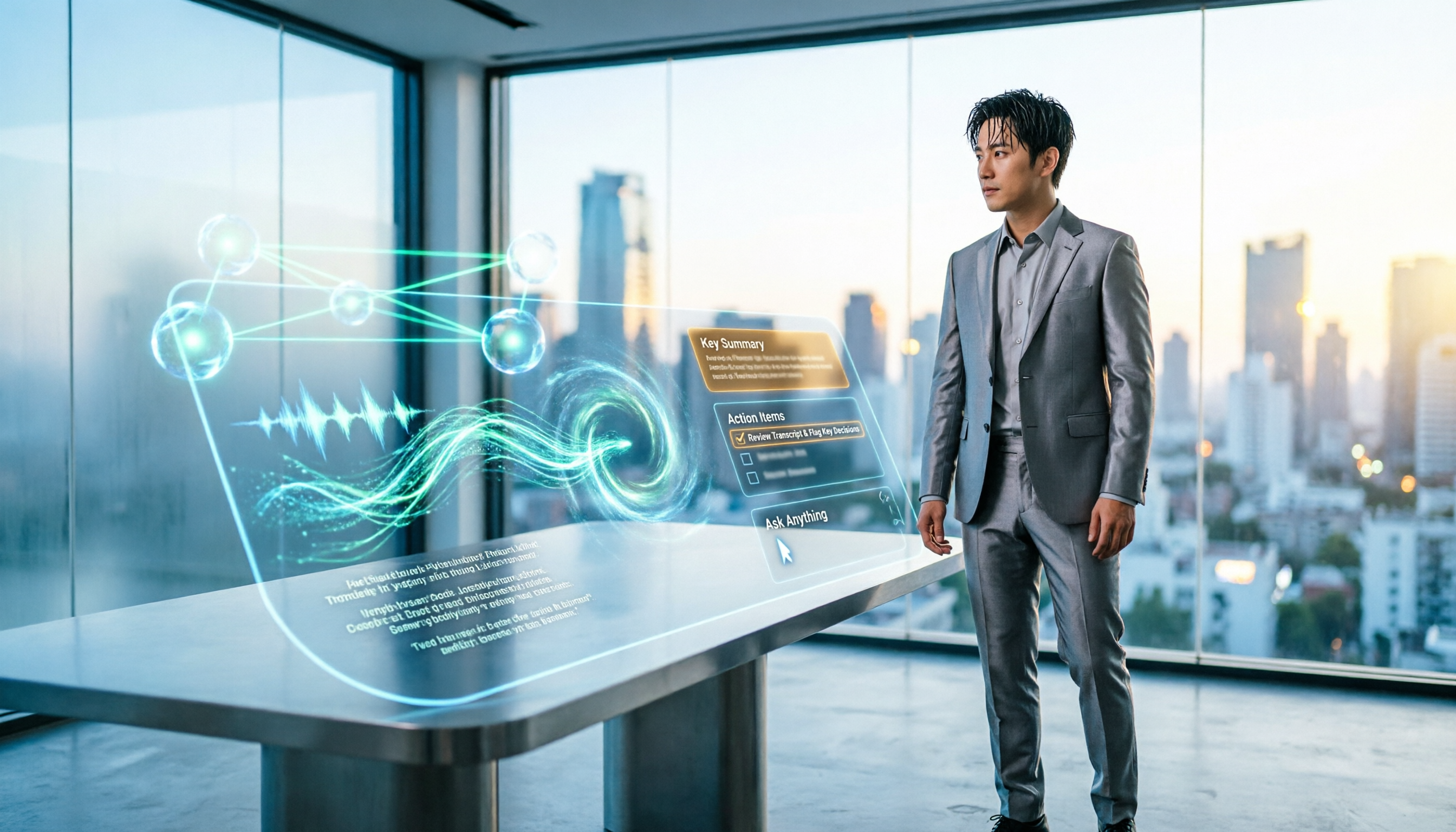
A two-hour client meeting used to mean another hour organizing notes. Now with Tinrec's recording and transcription, the transcript is ready by the time the meeting ends, and the AI summary breaks down discussion topics, client needs, and conclusions into sections. You don't start from a blank template—you start from a draft with content and refine from there.
Scenario 2: Capture Client Needs and Objections
The worst thing about sales meetings isn't missing notes—it's only noting "client said they'll think about it." Tinrec's transcript preserves the original statements, and the AI summary pulls out the key points. You can use AI Q&A to ask follow-up questions like "What was the client's main concern?" or "Where did the budget range come up?" This is far more reliable than writing from memory afterward.
Scenario 3: Assign Ownership to Next Steps
A meeting notes template without owners and deadlines is just a nice-looking document. Tinrec extracts action items from the discussion, and you can assign each one to sales, product, or customer support, then check after the meeting whether any commitments were missed.
Scenario 4: Team Handoffs Without Re-listening to Recordings
When a client is handed off from Sales Rep A to Sales Rep B, re-listening to meetings is the biggest time sink. The Team plan centralizes meeting data in a team space, so new members can view historical transcripts, summaries, and action items. When you need specific information, just use AI Q&A to search instead of playing from the beginning.
What Are the Core Capabilities of a Sales Meeting Notes Template?
Real-Time Recording and Transcription, Capturing as You Meet
Tinrec supports real-time recording and transcription, so you can record and transcribe during in-person visits, phone calls, or ad-hoc discussions. For sales, this means you can confirm during the meeting whether key terms were recorded correctly, rather than discovering a gap afterward.
Bot-Free Recording for Online Meetings
Tinrec's desktop app captures your computer's system audio directly, so when handling common online meeting platforms, you don't need to bring an extra meeting bot into the room. You need to actively open Tinrec to start recording—it doesn't automatically join all meetings in the background. For sales, this reduces the awkwardness of clients seeing an unfamiliar bot join.
AI Summaries, Chapters, and Action Item Extraction
Tinrec doesn't just convert audio to text—it also generates summaries, chapters, and action items. Long meetings are broken into easy-to-browse sections, and client needs, objections, commitments, and next steps can be viewed separately. This is especially useful for sales meeting notes templates, because what a template needs is structured fields, not a long stream-of-consciousness narrative.
Real-Time Translation and Bilingual Viewing
If a sales meeting includes foreign languages or mixed Chinese-English content, Tinrec supports real-time translation during recording, viewable in original, translated, or bilingual mode. When organizing the notes template, you can put key sentences into the client needs field without opening a separate translation tool.
AI Q&A: Turn Meetings into Queryable Data
After transcription, you can ask Tinrec directly: "What was the budget ceiling the client mentioned?" "What risks came up in this meeting?" "What should we do for the next follow-up?" It answers based on the meeting content, which is great for quickly reviewing before writing a follow-up email or preparing for the next visit.
Multi-Format Export and Post-Meeting Processing
Tinrec supports exporting results to common document formats and third-party tools. You can also use Agent post-processing to turn meeting content into reports, tables, or documents. For sales teams, this means meeting notes don't stay stuck in Tinrec—they connect to your existing workflow.
Team Space, Seats, and Usage Management
The Team plan provides an independent team space where meeting data belongs to the team and won't disappear if an individual leaves. Admins can set Owners, Admins, and regular Members, assign or revoke seats, view team usage trends, member rankings, and details, and query and export audit logs. These capabilities upgrade a sales meeting notes template from a personal note to a team asset.
Practical Use Cases
Sales Visits and Client Interviews
When visiting clients, instead of looking down to take notes while chatting, use Tinrec to record. After the meeting, review the transcript and summary first, then fill in the client's pain points, budget, decision process, and next visit time into the sales meeting notes template. This keeps the conversation focused and ensures no details are missed.
Online Product Demos
Product demos usually involve many feature and pricing questions. Use Tinrec's desktop app to record online meetings without a bot joining. Afterward, you can ask AI directly: "Which plan is the client most interested in?" "Where did the pricing objection come up?" When drafting follow-up emails, these snippets are much faster than replaying the entire meeting.
Stop organizing recordings by hand
Upload audio or video and automatically get a transcript, summary, and action items
Weekly Sales Meetings
The focus of weekly sales meetings is pipeline, stuck clients, and next steps. Use Tinrec to record the weekly meeting, then organize each client's next steps and owners into action items. Team plan members can share and view, and managers can understand how well meetings are being captured through usage and historical data.
Customer Success and Renewal Meetings
Renewal meetings often review usage, complaints, and new needs. Tinrec's transcripts and AI Q&A help you quickly identify risks and opportunities the client mentioned, then organize them into a renewal notes template. When handoffs are needed, team members can just look at the summary and action items instead of re-listening to recordings.
5 Things to Consider When Choosing Sales Meeting Notes Software
1. Chinese Recognition and Mixed Chinese-English Capability
Sales meetings often mix product names, English abbreviations, and regional terms. When choosing, don't just look at the accuracy rate claimed by the vendor—test it with your own recording. Tinrec supports Chinese, Traditional Chinese, and multilingual meeting scenarios, and offers team hotwords to maintain common terminology. Actual performance is still affected by recording quality, accents, noise, and overlapping speakers.
2. Whether the Meeting Capture Method Suits Client Settings
Some tools require a bot to join the meeting, while others use desktop system audio capture. Tinrec's desktop app is the latter—no bot invitation needed, making it less intrusive for client meetings. However, remember that you still need to actively open Tinrec to start recording; it doesn't automatically join all meetings.
3. Can It Help You Organize After Transcription?
Tools that only provide transcripts leave the organizing work to you. Tinrec goes further by generating summaries, chapters, action items, and mind maps, and you can ask follow-up questions via AI Q&A. For sales, rather than comparing transcription minutes, look at whether it can quickly produce a usable notes template after the meeting.
4. Export and Team Workflow
Sales meeting notes templates usually need to go into the team's document or customer management process. Tinrec supports multi-format export and third-party tools, and the Team plan centralizes meeting data. Note that Tinrec should not currently be described as automatically completing full CRM sync; the safer approach is to export the organized content and then feed it into your existing process.
5. Team Governance and Seat Rules
Sales teams face member changes, offboarding handoffs, and data ownership issues. Tinrec's Team plan distinguishes roles and seats: roles determine who can manage the team, and seats determine whether members can record, upload, edit, and export. Active members without seats can still view, play, and read team data, but cannot perform resource-consuming operations. Currently, the Team plan is primarily team-level sharing, not file-level permissions; make this clear to your team before purchasing.
Basic Fields for a Sales Meeting Notes Template (Usable with Tinrec)
Instead of starting from a blank template, let Tinrec generate the transcript, summary, and action items first, then use the fields below to check. This template isn't about filling in every cell—it's about confirming that important information hasn't been missed.
| Field | Purpose | How Tinrec Helps |
|---|---|---|
| Client and Project Name | Future search and categorization | Organize with meeting titles and team folders |
| Meeting Date and Participants | Trace conversation context | Transcript preserves statements with timestamps |
| Client Needs and Pain Points | Assess solution fit | AI summary and Q&A for quick extraction |
| Objections and Risks | Prepare for next follow-up | Use AI Q&A to search key passages |
| Commitments | Avoid promising without delivering | Action item extraction lists action items |
| Next Steps and Owners | Ensure accountability | Action items can be assigned to owners and deadlines |
| Deadlines | Track progress | Review action item list after meeting |
| Related Document Links | Centralize reference materials | Export to common document formats or existing team tools |
FAQ
Do sales meeting notes templates have to be handwritten?
Not necessarily. You can use Tinrec to first convert the meeting into a transcript, summary, and action items, then check against the template fields. This is faster than starting from a blank template and less likely to miss details the client mentioned.
Can Tinrec automatically generate a sales meeting notes template?
Tinrec can generate transcripts, AI summaries, chapters, and action items, and use Agent post-processing to produce reports, tables, and documents. In practice, it's recommended to treat AI output as a first draft, then have the sales rep familiar with the client add judgment and notes.
Is the free version enough?
The free version provides a basic quota, suitable for occasionally organizing one or two meetings. If you have sales meetings every week, or need team sharing and management, consider Pro or the Team plan. The Team plan offers a 7-day trial for first-time eligible users, 1 free seat, and 300 minutes of team shared import quota; paid seats provide 2,000 minutes of team shared import quota per month. Pricing and benefits are subject to the official purchase page.
What's the difference between the Team plan and the Personal plan?
Personal plan data is managed under an individual account. The Team plan is an independent team space where meeting data belongs to the team, with additional capabilities for members, roles, seats, sharing benefits, usage analytics, audit logs, and audio recycle bin. The Team plan is USD 29.80/paid seat/month for monthly billing, or USD 199/paid seat/year for annual billing (approximately USD 16.58/month). Actual pricing is subject to the official purchase page.
Can members without seats view team data?
Yes. Active members without seats can still view, play, and read team data; however, they cannot upload, edit, import/export, or perform other resource-consuming operations. Make this clear when inviting members to avoid expectation gaps.
What should I pay attention to before recording?
Recording and transcription involve personal data and local regulations. Before the meeting, confirm whether participant consent is required. Tinrec can help reduce manual note-taking costs, but for important content, it's recommended to cross-check with transcript timestamps and recording playback—don't rely solely on AI output.
Conclusion
The real value of a sales meeting notes template isn't filling in the form—it's making every client conversation searchable, trackable, and transferable. Instead of writing from memory afterward, use Tinrec to capture transcripts, summaries, and action items during the meeting, then spend a few minutes after the meeting checking the template fields.
If you have sales meetings every week, start with Tinrec's free version and experience the difference of "the meeting ends and the draft is already there." When you need team sharing, seat management, and usage tracking, consider the Team plan. You don't need all the tools at once—but you do need to capture the meeting content first.
References
- 2026 Comparison Test of 4 Sales Meeting Notes Tools: What's the Meeting神器 Dcard Users Are Talking About? - 秒聽錄音Blog
- AI Meeting Notes Generator
- Meeting Notes Template Download 2026: 6 Recommended Meeting Notes Apps | Format Tutorial and Writing Examples
- How to Write Meeting Notes? Free Meeting Notes Template Download! Teaching Meeting Notes Format! — ProjectManager
- Meeting Notes Format Template [Ready to Copy] 4 Key Points + Writing Examples, Fill It In and Submit
Turn every recording into actionable outcomes
Get 60 free transcription minutes when you sign in. No credit card required.
Related Reading
You might also like

Free Speech-to-Text in 2026: How to Choose Your Free Plan + Transcript Organization Guide
Before searching for "free speech to text," understand these key factors: how free quotas are measured, whether audio files are retained, Chinese recognition, and post-meeting organization. This article breaks down 5 key selection criteria from a practical usage perspective, introduces Tinrec's free starter workflow and plan limitations, briefly reviews Notta, TurboScribe, and Otter.ai free plans, and provides scenario-based recommendations plus 4 common pitfalls to avoid.

The Complete Guide to Speech-to-Text in 2026: Workflow from Transcript to Meeting Minutes
When choosing a speech-to-text tool, the real question isn't "which one is most accurate" but whether you need a typing replacement or meeting data you can keep working with. This guide starts with three decision questions, breaks down the core capabilities of speech-to-text, practical use cases, and 5 purchase checkpoints, and demonstrates Tinrec's complete workflow for bot-free online meeting recording, AI summaries, action item extraction, AI Q&A, and team spaces.

4 Free Online Speech-to-Text Tools Tested and Compared in 2026: Which One Saves the Most Time on Chinese Transcripts?
Many people only use the 'upload, convert, download' part of free online speech-to-text, but overlook the cost of organizing the output. This article starts from common misconceptions, breaks down where each of four free approaches gets stuck, and uses Tinrec (Miao Ting Lu Yin) hands-on operation to explain how transcripts, summaries, to-dos, AI Q&A, and team knowledge retention connect, with buying tips and FAQ.

Tinrec vs Notta 2026: 5-Dimension Comparison — Which Free Speech-to-Text App Is Right for You?
Free speech-to-text apps seem plentiful, but few are truly work-ready. This comparison of Tinrec and Notta across five dimensions — free quota, input sources, post-meeting organization, Chinese-language experience, and team collaboration — plus key buying criteria and four common pitfalls, helps you decide which one to use.

4 LINE Voice-to-Text Tools Tested for 2026: Which Saves the Most Time on Voice Messages and Call Recordings?
LINE has no built-in voice-to-text feature, so converting voice messages or call recordings into transcripts requires first extracting the audio files. This article starts with key selection criteria, then compares Tinrec, Notta, Otter.ai, and TurboScribe in hands-on testing, and provides a pitfalls guide and selection advice to help you choose the right tool.

How to Do Free Audio Transcription in 2026: 5 Steps from Recording to AI Summary
Free audio transcription tools often run out of quota after a few uses. This article starts from real-world usage scenarios, organizes the quota rules and common pain points of free plans from Monica, Notta, TurboScribe, and others, then explains how Tinrec differs in Chinese transcription, bot-free online meeting recording, AI summaries, and team data retention, along with personal and team plan details and FAQs.

6 Free Speech-to-Text Software Compared in 2026: Which Free Version Is Good Enough?
Real-world experiences with 6 free speech-to-text tools—Tinrec, Notta, Otter, TurboScribe, MyEdit, and built-in dictation—covering free limits, Chinese performance, and ideal users to help you find a free option that works without spending money.
5 Best Audio-to-Text AI Apps of 2026: Which One Actually Saves Time After the Transcript?
Most people choose an audio-to-text AI app based only on free minutes, only to end up with a massive transcript they still have to organize themselves. This article starts from real-world pitfalls and uses Tinrec's actual workflow to break down live transcription, bot-free recording, AI summaries and action items, conversational search, and team spaces—plus 5 things you should really look at when buying.

2026 Speech-to-Text Tools Compared: Which Free Version Is Actually Usable?
There are plenty of free speech-to-text tools, but few are truly usable for meetings. This article tests the free tiers of Tinrec, Notta, Otter.ai, and TurboScribe from four angles—free quota, Chinese recognition, post-meeting organization, and cross-device support—and outlines four common pitfalls to help you choose the right tool at once.