

Turn recordings into transcripts and summaries in minutes
Upload audio or video for multilingual transcription, AI notes, and action items
The Three Most Common Roadblocks with Free Speech-to-Text Tools
Most people start searching for speech-to-text tools with the word "free." I did too—over the past decade, I've tested more than fifty of them.
But the problem readers face isn't "can't find a tool"—it's "I only realized it wasn't what I expected after using it."
The first common scenario: you sign up for five or six accounts only to find the free quota is just a few minutes—not even enough for one meeting.
The second: mistaking a "free trial" for a "free plan." Once the trial ends, a payment window pops up, and your data is stuck inside.
The third: treating the tool as just a typewriter. You get the transcript, but you still have to re-listen, pick out key points, and organize action items—saving only half the work.
In this article, I tested four speech-to-text tools with free tiers. The focus is simple: is the free version actually usable, and if not, which direction should you upgrade?
Four Key Things to Understand Before Choosing a Free Tool
How the free quota works. Is it "total minutes per month" or "maximum length per file"? Some tools give you 300 free minutes, but each file can only be 3 minutes—useless for meetings. The practicality of these two limits differs enormously.
Actual Chinese recognition performance. Official claims are always accurate, but you need to consider your real scenario: conference room echo, multiple people talking over each other, mixed Chinese-English, colleagues with accents. Test with your own recording—don't just look at ad numbers.
Can you use it directly after transcription? Having only a transcript versus having summaries, chapters, and action items makes a huge difference in follow-up work. This is what I care about most these days.
Which devices you'll use it on. Phone recording, computer meetings, web organization. Cross-device support doesn't seem important at first, but you'll regret it after a week.
Tinrec (秒聽錄音)—After Testing, I Think It's the Best for Chinese Meetings
Tinrec is an AI meeting notes and collaboration tool for individuals and teams, available on web, desktop, and mobile. It doesn't just convert speech to text—it turns meetings into searchable, queryable, and further processable data.
No bot needed for online meetings. The desktop version directly captures system audio, so it can record Zoom, Google Meet, Microsoft Teams, Webex, and similar meetings. This is especially practical for client meetings—you don't want to invite a bot into a meeting with a client and have to explain what it is.
No need to re-listen after the meeting. After recording, the transcript, AI summary, chapters, key points, and action items are generated together. My habit is to review the summary first, then click back to the transcript to check timestamps if I have questions, and finally copy the action items to my task list.
AI Q&A is where it differs most from most free tools. You can directly ask "Who mentioned the budget in the last meeting?" or "What were the client's concerns about pricing?" and it gives you organized answers instead of dumping keywords for you to dig through. Few competitors in the same price range make this feature so intuitive.
Test conditions and results. I used the desktop version to record a roughly 5-minute Chinese online meeting (Google Meet, typical office environment, with air conditioning noise and three to four speakers). The transcript was directly readable; names and technical terms needed minor corrections; mixed Chinese-English sentences were mostly segmented correctly. When multiple people spoke over each other, paragraphs ran together and needed manual adjustment. Under these conditions, performance was more stable than several free tools I've used before.
Stop organizing recordings by hand
Upload audio or video and automatically get a transcript, summary, and action items
Pros: First, the free version lets you try a short recording of your own without paying upfront. Second, the post-transcription workflow is complete—summaries, action items, and export to Notion or Google Docs are all in one interface. Third, the team version keeps data within the team, so meeting records don't leave with departing members.
Things to note: The free version has a basic quota; long or heavy use requires upgrading to a paid plan. The personal plan includes a free version, weekly card, Pro monthly, and Pro annual—choose based on your usage rhythm, not price. The team version offers a 7-day trial for first-time eligible users, 1 free seat, and 300 minutes of shared team import quota; afterward, it's USD 29.80 per paid seat per month, or USD 199 per paid seat per year (about USD 16.58/month), with each paid seat providing 2,000 minutes of shared team import quota per month. Under an active plan and seats, live recording currently does not deduct minutes; file and web imports use the shared team quota.
Who it's for: Those whose meetings are mainly in Chinese, who need post-meeting organization and querying, or whose teams want to build a shared meeting knowledge base.
Besides Tinrec, Here Are 3 Other Free Options
Notta. A multilingual transcription tool with a free plan of 120 minutes per month, but each file is capped at 3 minutes—better for short clips or memos. Pro annual is about USD 8.17/month with 1,800 minutes per month; Business annual is about USD 16.67/seat/month. Its file transcription and translation are decent, but desktop bot-free recording, team spaces, and post-meeting agent output are not its focus.
Otter.ai. The top choice for English meetings. The free Basic plan offers 300 minutes per month—relatively generous; Pro annual is about USD 8.49/user/month, including 1,200 minutes per month and 10 file imports. If your meetings are almost entirely in English, it's a good deal. But Chinese meetings are not its strong suit, and Tinrec is closer to the Taiwanese usage context for Chinese transcripts, real-time translation, and bilingual view.
TurboScribe. Geared toward long files and batch processing. The free plan allows 3 files per day, up to 30 minutes per file; Unlimited annual is USD 120 (about USD 10/month), and after paying, files can be up to 10 hours or 5 GB each, with up to 50 files uploaded at once. It's great for organizing large numbers of existing recordings. But it's not a real-time meeting tool and lacks team collaboration and post-meeting Q&A—a clear difference from Tinrec.
Pitfall Guide: The 4 Most Common Mistakes When Choosing a Free Speech-to-Text Tool
Pitfall 1: Mistaking a "free trial" for a "free plan." Some tools' free versions are time-limited trials that lock features after expiration. Before signing up, check clearly whether it's "monthly reset quota" or "these minutes for life."
Pitfall 2: Looking only at total minutes, not per-file limits. 300 minutes per month sounds like a lot, but if each file is capped at 3 minutes, you can only record voice memos—useless for meetings.
Pitfall 3: Ignoring Chinese and mixed Chinese-English. Meetings in Taiwan rarely use a single language throughout—product terms, English abbreviations, and names are interspersed. You must test this with your own recordings.
Pitfall 4: Treating the tool as just a typewriter. If you stop at the transcript, you're only using one-third of the tool's capability. Summaries, action items, and AI Q&A are where the real time savings are—asking "What was the conclusion of this meeting?" right after recording is much faster than manually scanning a 30-minute transcript.
Conclusion: Which One Should You Choose?
Need Chinese meetings plus post-meeting organization and querying → Tinrec, the main recommendation of this article.
Team needs to review past meetings together, manage members and usage → Tinrec team version, with roles, seats, usage analytics, and audit logs all in one space.
Meetings are almost entirely in English and you just want to save money → Otter.ai's free 300 minutes is quite sufficient; this is the only scenario in this article where I recommend prioritizing a competitor.
You have a bunch of long recordings to batch transcribe → TurboScribe's per-file length and batch upload are indeed strong.
Just occasionally transcribing a short voice clip → Notta's free version is okay, or use Tinrec's free quota to test the waters.
My advice: don't rush to pay. Take a recording of your most realistic meeting, run it through the free version, and see how accurate the recognition is and whether the summary captures key points. If it works for you, then consider upgrading—that's the way to avoid regrets.
References
- Speech to Text Converter – Free Online | TicNote Cloud
- Audio to Text - Free Speech to Text Tool
- No Time Limit! 3 Free AI Transcription Tools, Highly Recommended! AI Voice Notes Generate Meeting Records, Presentations, Mind Maps | 104 Career Power
- Free Unlimited AI Speech-to-Text Tool, Say Goodbye to Transcript Organization Hassles: Atter App | Lin Wei-Ching's Salon
- Tested 4 Best Online Speech-to-Text Tools, Free Instant Transcription of Audio Files
Turn every recording into actionable outcomes
Get 60 free transcription minutes when you sign in. No credit card required.
Related Reading
You might also like

Free Speech-to-Text in 2026: How to Choose Your Free Plan + Transcript Organization Guide
Before searching for "free speech to text," understand these key factors: how free quotas are measured, whether audio files are retained, Chinese recognition, and post-meeting organization. This article breaks down 5 key selection criteria from a practical usage perspective, introduces Tinrec's free starter workflow and plan limitations, briefly reviews Notta, TurboScribe, and Otter.ai free plans, and provides scenario-based recommendations plus 4 common pitfalls to avoid.

The Complete Guide to Speech-to-Text in 2026: Workflow from Transcript to Meeting Minutes
When choosing a speech-to-text tool, the real question isn't "which one is most accurate" but whether you need a typing replacement or meeting data you can keep working with. This guide starts with three decision questions, breaks down the core capabilities of speech-to-text, practical use cases, and 5 purchase checkpoints, and demonstrates Tinrec's complete workflow for bot-free online meeting recording, AI summaries, action item extraction, AI Q&A, and team spaces.
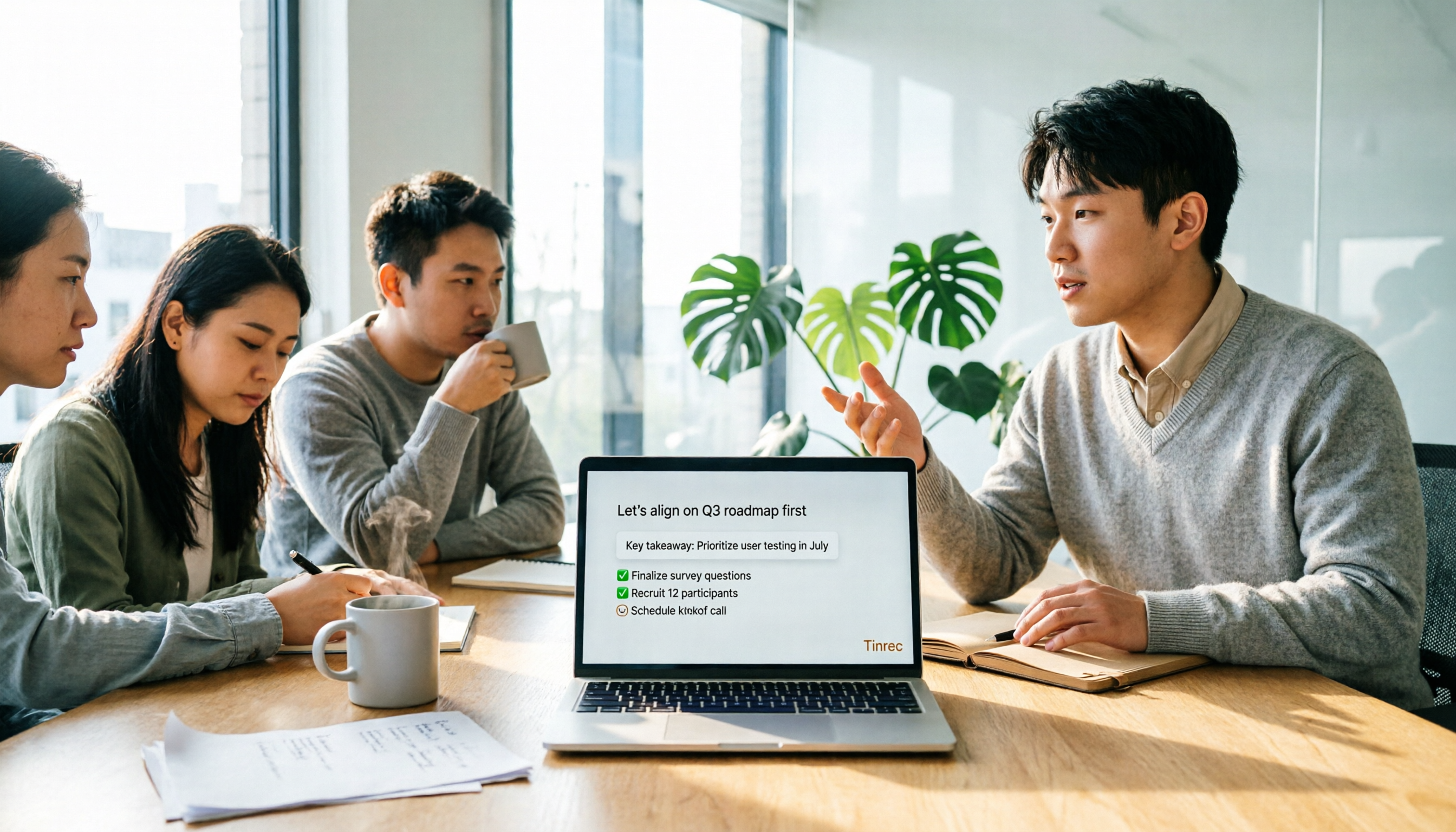
4 Free Online Speech-to-Text Tools Tested and Compared in 2026: Which One Saves the Most Time on Chinese Transcripts?
Many people only use the 'upload, convert, download' part of free online speech-to-text, but overlook the cost of organizing the output. This article starts from common misconceptions, breaks down where each of four free approaches gets stuck, and uses Tinrec (Miao Ting Lu Yin) hands-on operation to explain how transcripts, summaries, to-dos, AI Q&A, and team knowledge retention connect, with buying tips and FAQ.

Tinrec vs Notta 2026: 5-Dimension Comparison — Which Free Speech-to-Text App Is Right for You?
Free speech-to-text apps seem plentiful, but few are truly work-ready. This comparison of Tinrec and Notta across five dimensions — free quota, input sources, post-meeting organization, Chinese-language experience, and team collaboration — plus key buying criteria and four common pitfalls, helps you decide which one to use.

4 LINE Voice-to-Text Tools Tested for 2026: Which Saves the Most Time on Voice Messages and Call Recordings?
LINE has no built-in voice-to-text feature, so converting voice messages or call recordings into transcripts requires first extracting the audio files. This article starts with key selection criteria, then compares Tinrec, Notta, Otter.ai, and TurboScribe in hands-on testing, and provides a pitfalls guide and selection advice to help you choose the right tool.
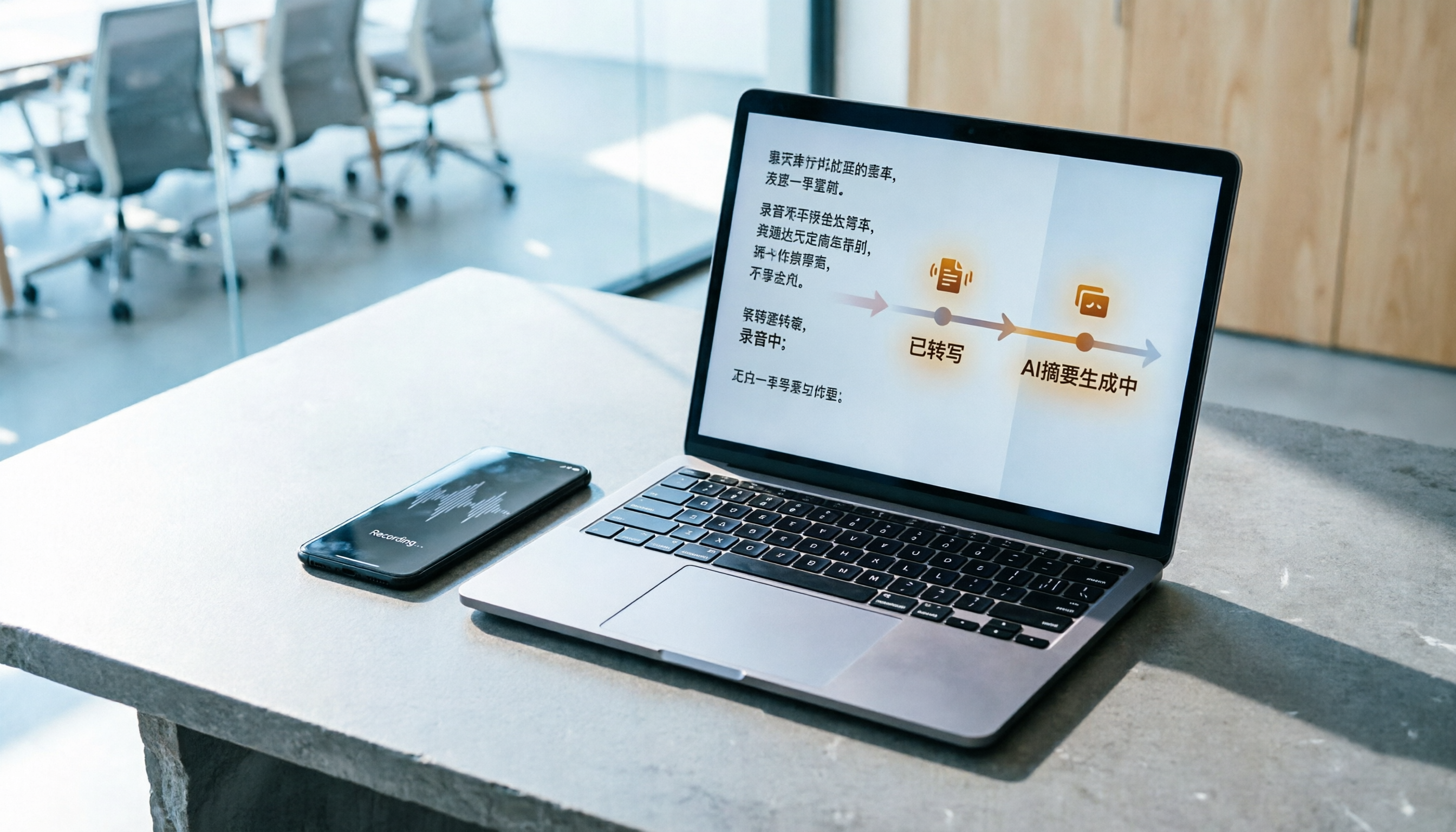
How to Do Free Audio Transcription in 2026: 5 Steps from Recording to AI Summary
Free audio transcription tools often run out of quota after a few uses. This article starts from real-world usage scenarios, organizes the quota rules and common pain points of free plans from Monica, Notta, TurboScribe, and others, then explains how Tinrec differs in Chinese transcription, bot-free online meeting recording, AI summaries, and team data retention, along with personal and team plan details and FAQs.
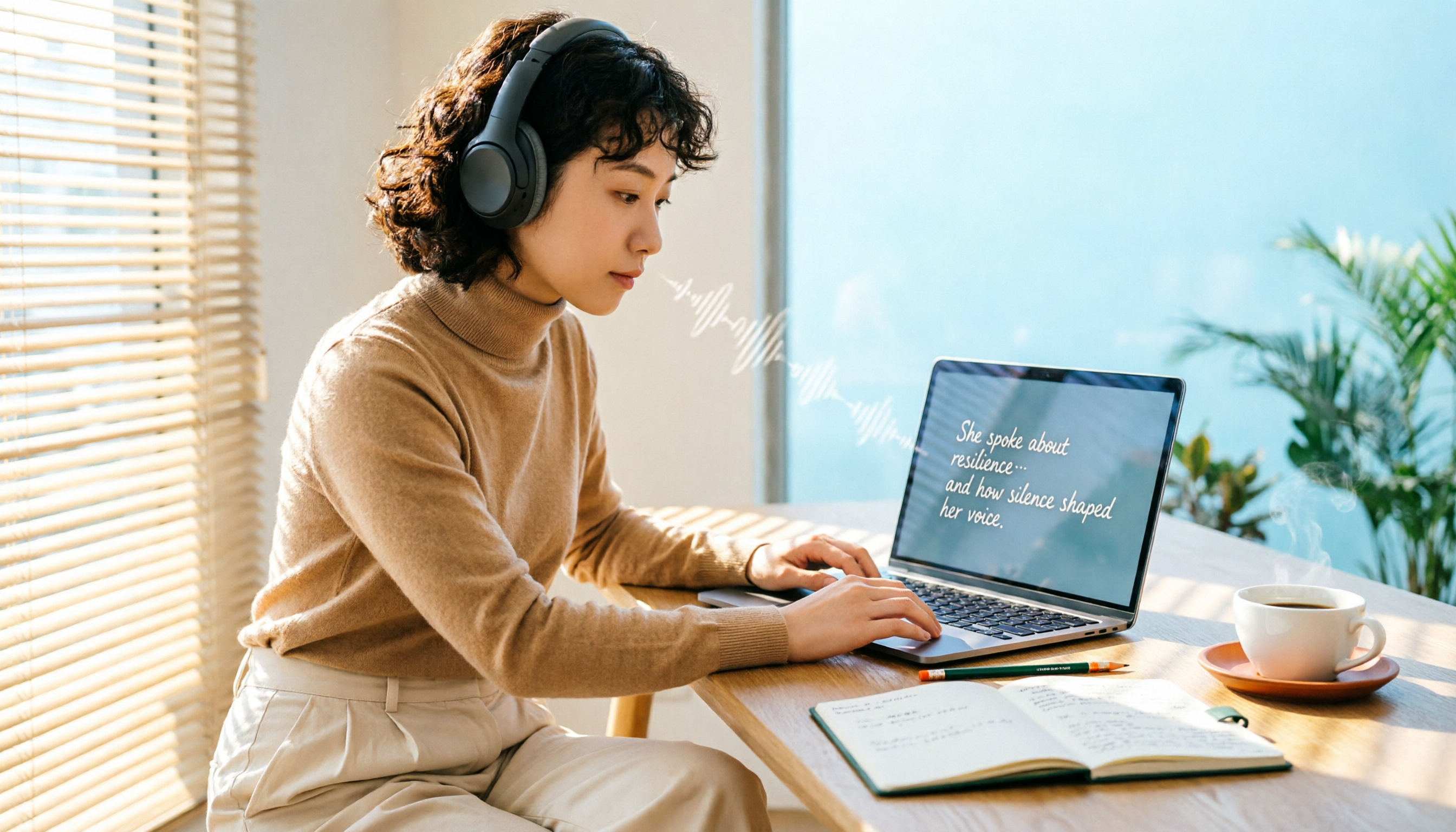
6 Free Speech-to-Text Software Compared in 2026: Which Free Version Is Good Enough?
Real-world experiences with 6 free speech-to-text tools—Tinrec, Notta, Otter, TurboScribe, MyEdit, and built-in dictation—covering free limits, Chinese performance, and ideal users to help you find a free option that works without spending money.
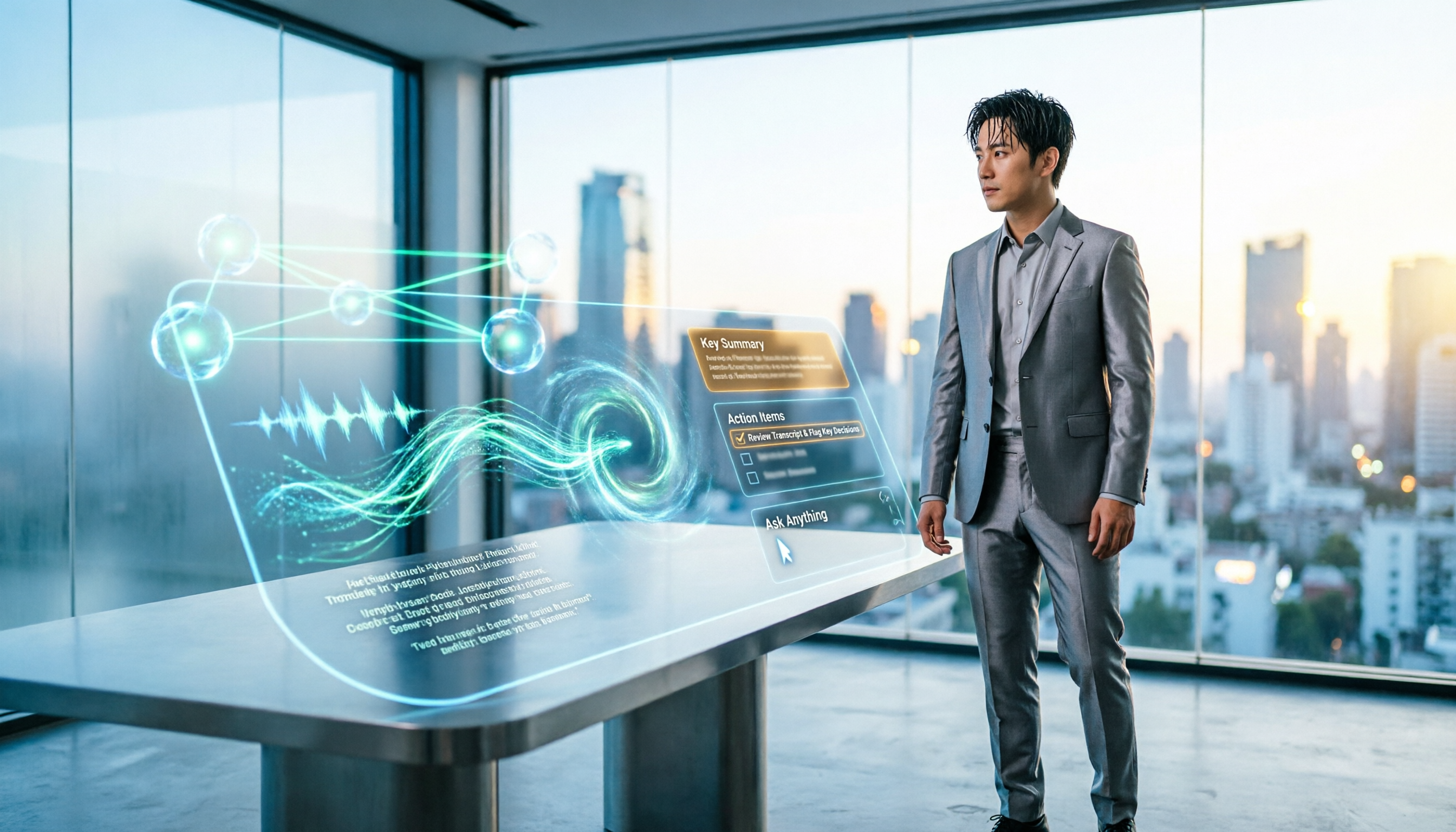
5 Best Audio-to-Text AI Apps of 2026: Which One Actually Saves Time After the Transcript?
Most people choose an audio-to-text AI app based only on free minutes, only to end up with a massive transcript they still have to organize themselves. This article starts from real-world pitfalls and uses Tinrec's actual workflow to break down live transcription, bot-free recording, AI summaries and action items, conversational search, and team spaces—plus 5 things you should really look at when buying.

Tutorial: 2026 Tinrec Sales Meeting Notes Template: Auto-Generate + Action Item Tracking
A sales meeting notes template isn't something you fill in from memory after the meeting. This article starts with common pitfalls and explains how to use Tinrec to turn sales meeting recordings into transcripts, summaries, action items, and trackable notes—plus when to use the Personal vs. Team plan.