

Turn recordings into transcripts and summaries in minutes
Upload audio or video for multilingual transcription, AI notes, and action items
Do You Need a Transcript or a List of Action Items?
When you search for "meeting action item extraction tools," the real question to answer is just one thing: does this tool turn meetings into text, or can it turn that text into a list of "who, does what, by when"?
The former is a transcript; the latter is an action item. That's where many tools differ.
In this article, I've put together 6 tools that actually handle action items, with free and paid plans listed honestly. I'll also explain who each one is best for, so you don't have to sign up for every single one.
Why Do Meeting Action Items Always Get Missed?
The problem with handwritten notes isn't that you can't write fast enough—it's that during a meeting, it's hard to think, speak, and take complete notes all at the same time.
After the meeting ends, the discussion is still in your head, but "who's responsible for what" is already getting fuzzy. At the next meeting, the same topic gets brought up all over again.
What AI tools can do is convert speech to text, then use natural language processing to identify commitment statements and organize action items, owners, and timelines. Here are 6 options I'd recommend readers try first.
Tinrec | The Most Complete AI Meeting Notes and Action Item Organizer
Tinrec is an AI meeting notes and collaboration tool for individuals and teams. It doesn't just convert audio to text—it organizes meetings into searchable, summarizable, queryable, and exportable data.
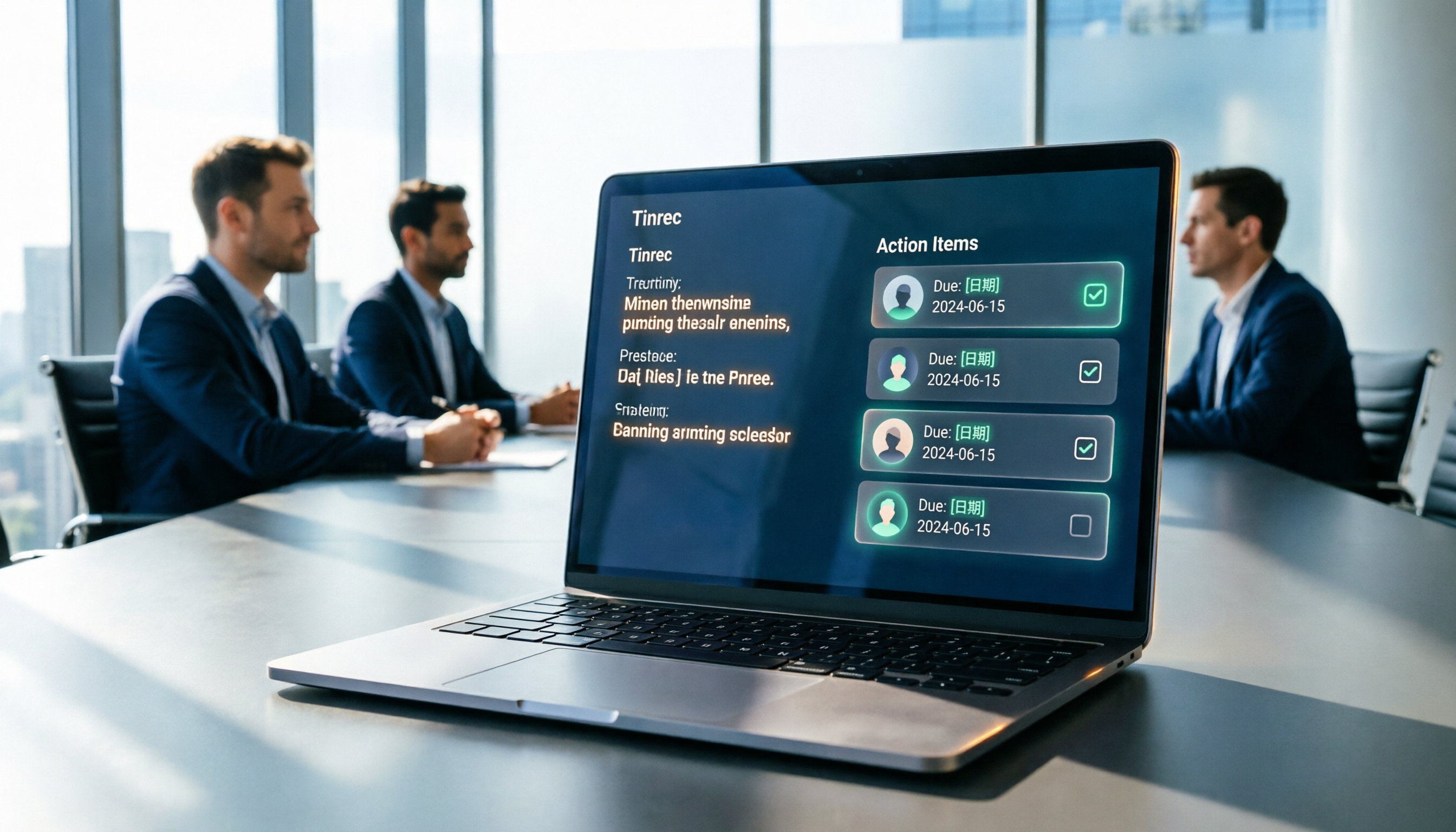
What impressed me most is the to-do extraction. After a meeting ends, the summary, chapters, and action items are generated together, so you don't have to go back and search line by line for "who said they'd handle this."
Another practical feature is bot-free recording. The desktop version captures your computer's system audio directly, so when handling Zoom, Google Meet, Microsoft Teams, or Webex, you don't need to invite an extra meeting bot, and you don't have to worry about an unfamiliar participant showing up in the meeting room.
If you want post-meeting follow-up questions, it supports AI Q&A, letting you continue asking questions about a single meeting or multiple meetings. You can also use Agent post-processing to generate reports, tables, and documents, then export to Notion, Google Docs, OneNote, Dropbox, and other tools for further editing.
The personal plan includes a free version, weekly pass, Pro monthly, and Pro annual—just pick based on your usage frequency. If meeting data needs to stay with your team, the team plan is a separate team space with members, roles, seats, sharing permissions, usage analytics, audit logs, and an audio recycle bin. The first eligible team trial is 7 days, 1 free seat, and 300 minutes of team shared import quota; team monthly is USD 29.80 per paid seat per month, annual is USD 199 per paid seat per year (about USD 16.58 per month), with each paid seat providing 2,000 minutes of team shared import quota per month. Prices and promotions are subject to the official purchase page.
Best for: People who need Chinese-language meeting transcription, post-meeting action item organization, and want to turn meeting data into a team asset.
Otter.ai | A Mature Choice for English Business Meetings
Otter.ai is a mature AI meeting assistant covering Zoom, Microsoft Teams, and Google Meet, offering real-time transcription, speaker identification, AI Chat, and team management.
According to the official pricing page, Basic is free with 300 minutes per month; Pro annual works out to about USD 8.49 per user per month, including 1,200 minutes of in-app recording per month and 10 file imports; Business offers unlimited meetings and in-app recording plus more management capabilities.
Best for: Users whose primary meetings are in English and whose teams are already used to a meeting bot workflow.
Fireflies.ai | Strong Meeting Automation and Integration
Fireflies.ai's strengths are meeting automation and extensive integrations, with AI summaries, AskFred, team analytics, and sales scenarios all well-developed.
Official annual pricing is Free USD 0, Pro USD 10 per seat per month, Business USD 19 per seat per month, Enterprise USD 39 per seat per month. Note that "unlimited transcription" is still subject to storage, file upload rate, and AI Credit rules.
Best for: Teams that need meeting automation workflows and CRM-related integrations.
Granola | Bot-Free AI Meeting Notes
Granola also takes a bot-free approach, using your desktop device's system audio and microphone for real-time transcription, then combining it with your handwritten notes to generate meeting content.
Stop organizing recordings by hand
Upload audio or video and automatically get a transcript, summary, and action items
Pricing is Basic free, Business USD 14 per user per month, Enterprise USD 35 per user per month. It supports viewing, copying, and searching real-time transcripts, but does not support uploading pre-recorded audio and does not save meeting audio files.
Best for: People who like to take notes during meetings and only need real-time transcripts and key points.
Notta | Multilingual Transcription and Team Plans
Notta overlaps significantly with Tinrec, covering multi-platform transcription, meeting notes, file import, translation, and team plans.
Official figures are Free at 120 minutes per month with a maximum of 3 minutes per single piece of content; Pro annual works out to about USD 8.17 per month with 1,800 minutes per month; Business annual works out to about USD 16.67 per seat per month, offering unlimited transcription, role permissions, and usage reports.
Best for: Users who need multilingual transcription and translation and primarily work with files.
TurboScribe | A Budget-Friendly File Transcription Option
TurboScribe is more of a high-value file transcription tool, focusing on long files, batch uploads, subtitles, and translation.
The Free plan allows 3 files per day with a maximum of 30 minutes per file; Unlimited annual is USD 120, which works out to about USD 10 per month. The paid version supports files up to 10 hours or 5 GB and can upload 50 files at once.
It doesn't handle real-time meetings, but if you just need to convert meeting recording files to text, the free quota is more than enough.
Best for: People on a budget who just need to convert their existing recording files to text.
With So Many Tools, How Should You Choose?
• Want Chinese meetings + automatic summaries + action items + AI follow-up questions → Tinrec (combines transcription, AI Q&A, and post-meeting output) • Don't want a bot joining online meetings → Tinrec (desktop version captures system audio); Granola is also bot-free but doesn't support pre-recorded file import and doesn't save audio • Meeting data needs to stay with the team, with seat and usage management → Tinrec team plan • Need real-time translation and bilingual viewing for cross-language meetings → Tinrec • Pure English business meetings, team already using Otter → Otter.ai • Heavy meeting automation and CRM integration needs → Fireflies.ai • Just want to quickly convert long recordings to text → Try TurboScribe's free plan first
4 Things to Know Before Using Meeting Action Item Extraction Tools
Speak in a way that leaves extractable clues. AI identifies commitment statements from conversation. Phrases like "done by Wednesday" or "assigned to Engineer Zhang" are easier to catch than "handle it ASAP."
Cross-check action items against the original text. AI may miss or misinterpret details. For important matters, it's recommended to compare against transcript timestamps and audio playback. Tinrec keeps audio and provides a recycle bin, which helps with post-meeting verification.
Understand the difference between roles and seats. In Tinrec's team plan, roles determine who can manage the team and settings, while seats determine whether someone can record, upload, edit, and export. Active members without a seat can still view, play, and read team data, but cannot perform resource-consuming operations.
Confirm consent before recording. Regulations vary by region. Before recording and transcribing meetings, you should confirm whether participant consent is required.
Frequently Asked Questions
Q1: Can Tinrec's free version extract action items? The free version provides a basic quota and lets you experience recording, importing, summaries, and transcription. If you have regular weekly meetings, consider Pro; for short-term intensive meetings or interviews, you can start with the weekly pass.
Q2: What's the difference between action item extraction tools and transcription tools? Transcription tools solve "turning it into text." Action item extraction tools go one step further, organizing to-dos, owners, and timelines, and even generating meeting briefs you can send directly.
Q3: Can team members without a seat see meeting data? Yes. Active members can still view, play, and read team data even without a seat; only after getting a seat can they record, upload, edit, and export.
Q4: Can team audio be recovered after deletion? After audio enters the recycle bin, it can be restored before permanent cleanup begins. The current retention period is 30 days. Note that TODOs are not covered by the team recycle bin.
Q5: Can action item extraction accuracy be guaranteed? It's not recommended to think of it that way. Actual results are affected by recording quality, noise, accents, overlapping speakers, and technical terminology. For important content, it's still recommended to cross-check against the transcript and recording.
Q6: Which online meeting platforms does Tinrec support? It can handle meeting audio played on a computer from Zoom, Google Meet, Microsoft Teams, Webex, and other platforms by capturing system audio through the desktop version. It does not have official partnerships with these platforms.
Summary
The value of action item extraction is turning a meeting from "we discussed it" into "someone is responsible, with a deadline."
If you need Chinese-language meetings, bot-free recording, and want to keep historical meetings with your team for ongoing tracking, Tinrec is the most feature-complete option on this list.
If you only occasionally need to organize a recording, starting with a free tool to test the waters makes sense. Just pick one that fits your current needs—there's no need to subscribe to a bunch of services at once.
Tags: #MeetingNotes #AITools #ActionItemExtraction #MeetingMinutes
References
Turn every recording into actionable outcomes
Get 60 free transcription minutes when you sign in. No credit card required.
Related Reading
You might also like

How to Automatically Extract Meeting Action Items in 2026: AI Summaries + To-Dos in One Go
After a meeting, action items are scattered in the conversation and no one follows up? This article compiles 6 solutions that can automatically extract meeting action items, from Tinrec's bot-free recording, AI summaries, and action item extraction, to the positioning and pricing of Otter.ai, Fireflies.ai, Notta, Granola, and TurboScribe. It also uses scenario comparisons to tell you which one to choose for different budgets and needs.
2026 Meeting Notes Tools Buying Guide: 6 Tested Picks and Action Item Tracking Tips
When meetings end and nothing gets done, the problem is usually the lack of an owner-plus-deadline table. This guide shares hands-on reviews, pricing, and use cases for 6 meeting notes and transcription tools, and compares which ones automatically extract action items and owners, so you can choose the right tool in one go.

2026 AI Meeting To-Do Tools Compared: Tinrec, Notta, and Fireflies — Which One Actually Follows Through?
A hands-on comparison of Tinrec and Notta across six dimensions: meeting capture, post-meeting outputs, historical data queries, team governance, Chinese and mixed-language support, and pricing. Also covers where Fireflies.ai fits among meeting automation tools, helping you decide which AI meeting to-do tool truly turns meetings into action.

The Complete Guide to Customer Meeting Follow-Up Emails in 2026: From Meeting Notes to Follow-Up Letter
Struggling to write a follow-up email after a customer meeting? This article breaks down the complete workflow from meeting notes, summaries, and action items to sending the follow-up email, and compares Tinrec and PLAUD Note in post-meeting organization and team tracking to help you choose the right approach.

How to Organize Meeting Action Items in 2026: A Complete 5-Step Guide
After a meeting ends, action items often get scattered across notes, chat threads, and memory, making it hard to track progress the following week. This guide breaks down a 5-step process for organizing meeting action items and compares Tinrec and Otter.ai within the same workflow, covering everything from capturing tasks and tracing context to handling Chinese-language meetings, exporting to your workflow, and team handoffs.

4 AI Meeting Notes Tools Tested for 2026: Which One Captures Action Items Best?
After a meeting, does everyone forget what to do next? This article focuses on action item capture, outlining 4 key criteria for choosing a meeting notes tool. It compares Tinrec, Otter.ai, Notta, and Granola, and highlights 4 common pitfalls to help you find the tool that turns decisions into action.

2026 Meeting Action Plan Tools: Bot-Free Recording to To-Dos + AI Q&A Summarization
Recording meetings without following up on action items is a common pain point for many teams. This guide reviews 6 meeting action plan tools for 2026—Tinrec, Otter, Fireflies, Notta, Granola, and TurboScribe—covering their positioning, pricing, and ideal users, and shows how to use AI Q&A and to-do extraction to turn meeting notes into actionable checklists.

6 Free Meeting To-Do Tools Compared in 2026: Which Free Version Actually Extracts Action Items Automatically?
Missing meeting action items usually isn't a problem with the meeting itself—it's the lack of a process for turning conversation into action afterward. This guide reviews 6 meeting to-do tools with free plans, from AI meeting assistants that automatically transcribe, summarize, and extract action items to completely free to-do lists, with honest details on each tool's free limits and paid pricing to help you pick the right one for your meeting style and budget.

Meeting Minutes vs. Action Items in 2026: 5 Key Differences You Need to Know
After a meeting, you have two deliverables: meeting minutes and an action item list. But many people still mix them up—minutes stuffed with action items, or action lists with no context. This article breaks down the fundamental differences between meeting minutes and action items across 5 dimensions, with real-world scenarios, pitfalls to avoid, and a hands-on test of how Tinrec's instant recording can generate both minutes and action items from a single recording.