

Turn recordings into transcripts and summaries in minutes
Upload audio or video for multilingual transcription, AI notes, and action items
How to Organize Meeting Action Items in 2026: A Complete 5-Step Guide
The moment a meeting ends is often the moment action items start spiraling out of control.
The most common situation I run into is this: the meeting wraps up, I've scribbled three lines in my notebook, someone dropped two conclusions in the chat, and the five things that actually need to get done are scattered across three different places.
By the time I need to follow up the next week, I first have to recall what was actually decided last time.
So for the past few years, I've been doing the same thing: locking down a consistent process for organizing meeting action items so it doesn't depend on my memory.
Recently, I've been using two tools side by side for a while: Otter.ai and Tinrec. The former is a mature AI meeting assistant, and the latter is an AI meeting notes tool I've been using more often this past year for meetings and action items.
This article isn't about feature lists. I want to use a 5-step process for organizing meeting action items to compare these two tools within the same workflow.
Tinrec vs Otter.ai | Quick Overview
One-sentence positioning:
- Otter.ai: A mature AI meeting assistant with a strong focus on English business meetings and meeting automation.
- Tinrec: Positioned for AI meeting notes and team collaboration, with strengths in bot-free recording, post-meeting organization, and team knowledge retention.
| Item | Otter.ai | Tinrec |
|---|---|---|
| Pricing | Basic free (300 minutes per month); Pro annual billing works out to about USD 8.49 per user per month, including 1,200 minutes of in-app recording and 10 file imports per month | Personal plan has a free version, weekly pass, and Pro (monthly/annual); Team plan is USD 29.80 per paid seat per month, or USD 199 per paid seat per year |
| Platform | Primarily online meetings, also supports files | Web, desktop, and mobile; desktop can capture system audio |
| Core difference | Mature meeting automation and integration ecosystem | Bot-free recording, Chinese-language meetings, post-meeting output, and team governance |
Next, I'll walk through 5 steps: how to capture action items, how to trace back, how to handle Chinese-language meetings, how to feed them into your workflow, and how teams hand off.
Step 1 | First, Extract the Who, What, and When
The biggest fear with meeting action items isn't that they weren't recorded—it's that they were recorded as a vague sentence. "Research competitors" isn't an action item. "Compile pricing and sources for 3 similar products by Friday" is.
Otter.ai performs very solidly at this step. Summaries and action items are its bread and butter, especially in English business meetings, where its pacing for capturing key points is quite mature.
However, its strengths are more concentrated in live online meeting scenarios. If the meeting is hybrid, or if it's a discussion primarily in Chinese, the granularity of action items often still needs a manual pass.
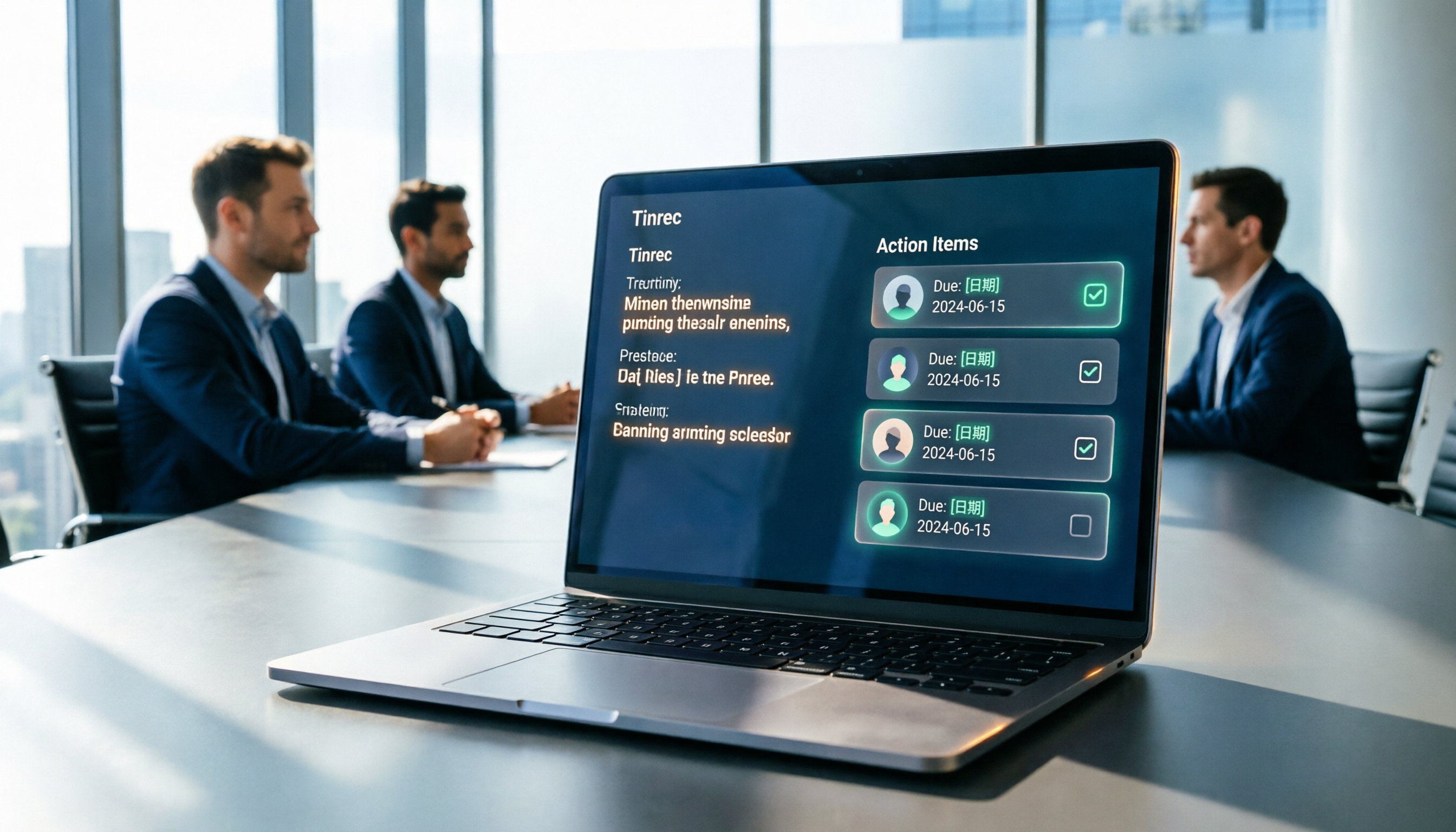
Tinrec's approach is to put summaries, chapters, and action items in the same meeting record. After the meeting ends, I can directly see the flagged follow-up actions, then add owners and deadlines one by one without digging through the transcript from scratch.
→ For this step: Tinrec has a slight edge, because action items and meeting context are tied together.
Step 2 | Make Every Action Item Traceable to the Original Decision
If an action item can't be traced back to the discussion at the time, two weeks later no one will know why it's being done.
Otter.ai provides transcripts and AI Chat, allowing you to ask questions about meeting content—more than sufficient for English meeting users.
Stop organizing recordings by hand
Upload audio or video and automatically get a transcript, summary, and action items
Tinrec also has transcripts and AI Q&A, and can continue asking questions across a single meeting or multiple meetings. What's more practical for me is that the audio file itself stays in the same space, so when I need to verify a number or a tone later, I don't have to hunt for the file.
→ For this step: It's a tie, but when you need to replay and verify, Tinrec's path is a bit shorter.
Step 3 | Chinese-Language Meetings Are Where Action Items Get Missed Most
Chinese-language meetings have a few characteristics: mixed Chinese and English, fast speech, multiple people talking over each other, and a lot of jargon only the team understands.
Otter.ai has a stronger focus on English business meetings, so when handling Chinese-language meetings, it usually takes extra effort to correct nouns and proper terms.
Tinrec covers Chinese, Traditional Chinese, and multilingual meetings, supports real-time translation and bilingual viewing, and the team plan can maintain team hotwords to lock in commonly used professional terminology. Actual results will still be affected by recording quality, accents, and overlapping speakers—this is true for any tool.
→ For this step: In Chinese-language meeting scenarios, Tinrec clearly has the advantage.
Step 4 | Feed Action Items into Your Existing Workflow
After organizing action items, if they can only stay inside the tool, then it's just another list.
Otter.ai is very mature in integrations and workflow automation, suitable for teams that have already tied their processes to the meeting SaaS ecosystem.
Tinrec's strength is in post-meeting output: multi-format export can bring results to Notion, Google Docs, OneNote, or Dropbox for further processing, and Agent post-processing can directly generate reports, tables, or meeting minutes.
→ For this step: Tinrec, because it shortens the path from "meeting → deliverable document."
Step 5 | Team Action Items Must Be Handoff-Ready
This is the most easily overlooked step: Do action items belong to the team, or to someone's individual account?
Otter.ai's Business plan offers team management capabilities, which is quite complete for organizations already using Otter.
Tinrec's team plan is a separate team space where meeting data belongs to the team. It distinguishes roles and seats: roles determine who can manage the team, seats determine who can record, upload, and edit; members without seats can still view and read team data. When a member leaves or loses their seat, their responsible team resources can be handed off to other members. There are also usage analytics, audit logs, and an audio recycle bin.
→ For this step: Tinrec, especially for teams that care about data ownership and handoffs.
What Unique Advantages Does Each Have?
Tinrec's part:
- The desktop version directly captures system audio, recording meeting audio played on the computer from Zoom, Google Meet, Teams, and Webex without needing an extra bot to join.
- You can keep working after the meeting: summaries, chapters, action items, Q&A, translation, export—all the way to reports and tables.
- The team space turns meetings into searchable, handoff-ready assets, rather than a recording on someone's phone.
- Chinese and multilingual meeting experience, plus team hotword management.
Otter.ai's part:
- High maturity for English business meetings, with stable pacing for summaries and action items.
- Complete integration and automation ecosystem, suitable for teams that have already built processes around meeting SaaS.
Summary: Which One Should You Choose?
- If your meetings are primarily in Chinese and action items often get missed → Tinrec's Chinese and hotword support is a better fit.
- If you don't want a meeting bot joining your meetings → Tinrec's desktop version captures system audio without an extra participant.
- If you want "documents ready right after the meeting" → Tinrec's export and Agent post-processing are more direct.
- If you care about team data ownership and member handoffs → Tinrec's team plan has clearer role, seat, and resource handoff design.
- If you mainly hold English business meetings and your process is already tied to meeting SaaS integrations → Otter.ai remains a very mature choice.
In one sentence: For most people who need to organize action items from Chinese-language meetings, Tinrec is the more complete choice.
You can start with the free version and try it with a real meeting recording. Organizing action items is only half solved by tools; the other half is process.
Test step by step, and you'll gradually master this method.
References
- Organize and track to-dos with Google Tasks | Google Workspace
- Quality to-do list templates from Notion | Notion Marketplace
- How to write meeting minutes? Formats, templates, and action item tracking methods | AFFiNE
- Using AI to organize meeting notes and action items | Prompts AI Command Library
- How to create a meeting agenda? Free efficient meeting agenda examples! - ProjectManager
Turn every recording into actionable outcomes
Get 60 free transcription minutes when you sign in. No credit card required.
Related Reading
You might also like

How to Automatically Extract Meeting Action Items in 2026: AI Summaries + To-Dos in One Go
After a meeting, action items are scattered in the conversation and no one follows up? This article compiles 6 solutions that can automatically extract meeting action items, from Tinrec's bot-free recording, AI summaries, and action item extraction, to the positioning and pricing of Otter.ai, Fireflies.ai, Notta, Granola, and TurboScribe. It also uses scenario comparisons to tell you which one to choose for different budgets and needs.
2026 Meeting Notes Tools Buying Guide: 6 Tested Picks and Action Item Tracking Tips
When meetings end and nothing gets done, the problem is usually the lack of an owner-plus-deadline table. This guide shares hands-on reviews, pricing, and use cases for 6 meeting notes and transcription tools, and compares which ones automatically extract action items and owners, so you can choose the right tool in one go.

2026 AI Meeting To-Do Tools Compared: Tinrec, Notta, and Fireflies — Which One Actually Follows Through?
A hands-on comparison of Tinrec and Notta across six dimensions: meeting capture, post-meeting outputs, historical data queries, team governance, Chinese and mixed-language support, and pricing. Also covers where Fireflies.ai fits among meeting automation tools, helping you decide which AI meeting to-do tool truly turns meetings into action.

The Complete Guide to Customer Meeting Follow-Up Emails in 2026: From Meeting Notes to Follow-Up Letter
Struggling to write a follow-up email after a customer meeting? This article breaks down the complete workflow from meeting notes, summaries, and action items to sending the follow-up email, and compares Tinrec and PLAUD Note in post-meeting organization and team tracking to help you choose the right approach.

4 AI Meeting Notes Tools Tested for 2026: Which One Captures Action Items Best?
After a meeting, does everyone forget what to do next? This article focuses on action item capture, outlining 4 key criteria for choosing a meeting notes tool. It compares Tinrec, Otter.ai, Notta, and Granola, and highlights 4 common pitfalls to help you find the tool that turns decisions into action.

Best Meeting Action Item Extraction Tools in 2026: Auto-Organize To-Dos, Owners, and Deadlines
The hardest part of a meeting isn't the meeting itself—it's when action items never get written down. This guide covers 6 tools that automatically extract meeting to-dos, owners, and deadlines, including Tinrec, Otter.ai, Fireflies.ai, Granola, Notta, and TurboScribe. We list free and paid plan pricing honestly to help you pick the right one for Chinese-language meetings, team collaboration, or pure file transcription needs.

2026 Meeting Action Plan Tools: Bot-Free Recording to To-Dos + AI Q&A Summarization
Recording meetings without following up on action items is a common pain point for many teams. This guide reviews 6 meeting action plan tools for 2026—Tinrec, Otter, Fireflies, Notta, Granola, and TurboScribe—covering their positioning, pricing, and ideal users, and shows how to use AI Q&A and to-do extraction to turn meeting notes into actionable checklists.

6 Free Meeting To-Do Tools Compared in 2026: Which Free Version Actually Extracts Action Items Automatically?
Missing meeting action items usually isn't a problem with the meeting itself—it's the lack of a process for turning conversation into action afterward. This guide reviews 6 meeting to-do tools with free plans, from AI meeting assistants that automatically transcribe, summarize, and extract action items to completely free to-do lists, with honest details on each tool's free limits and paid pricing to help you pick the right one for your meeting style and budget.

Meeting Minutes vs. Action Items in 2026: 5 Key Differences You Need to Know
After a meeting, you have two deliverables: meeting minutes and an action item list. But many people still mix them up—minutes stuffed with action items, or action lists with no context. This article breaks down the fundamental differences between meeting minutes and action items across 5 dimensions, with real-world scenarios, pitfalls to avoid, and a hands-on test of how Tinrec's instant recording can generate both minutes and action items from a single recording.