
Turn recordings into transcripts and summaries in minutes
Upload audio or video for multilingual transcription, AI notes, and action items
According to research, executives spend a staggering 23 hours per week in meetings, yet most people's attention span maxes out at 10–18 minutes. This means a lot of critical information is lost when zoning out. Facing multinational meetings with mixed Chinese and English, lengthy discussions, and tedious post-meeting organization, traditional voice recorders or manual notes can no longer keep up.
AI meeting assistants are changing this by providing accurate real-time transcription, speaker identification, and automated summaries. This article reviews the most representative AI meeting tools for 2025 to help you take back control of your time.
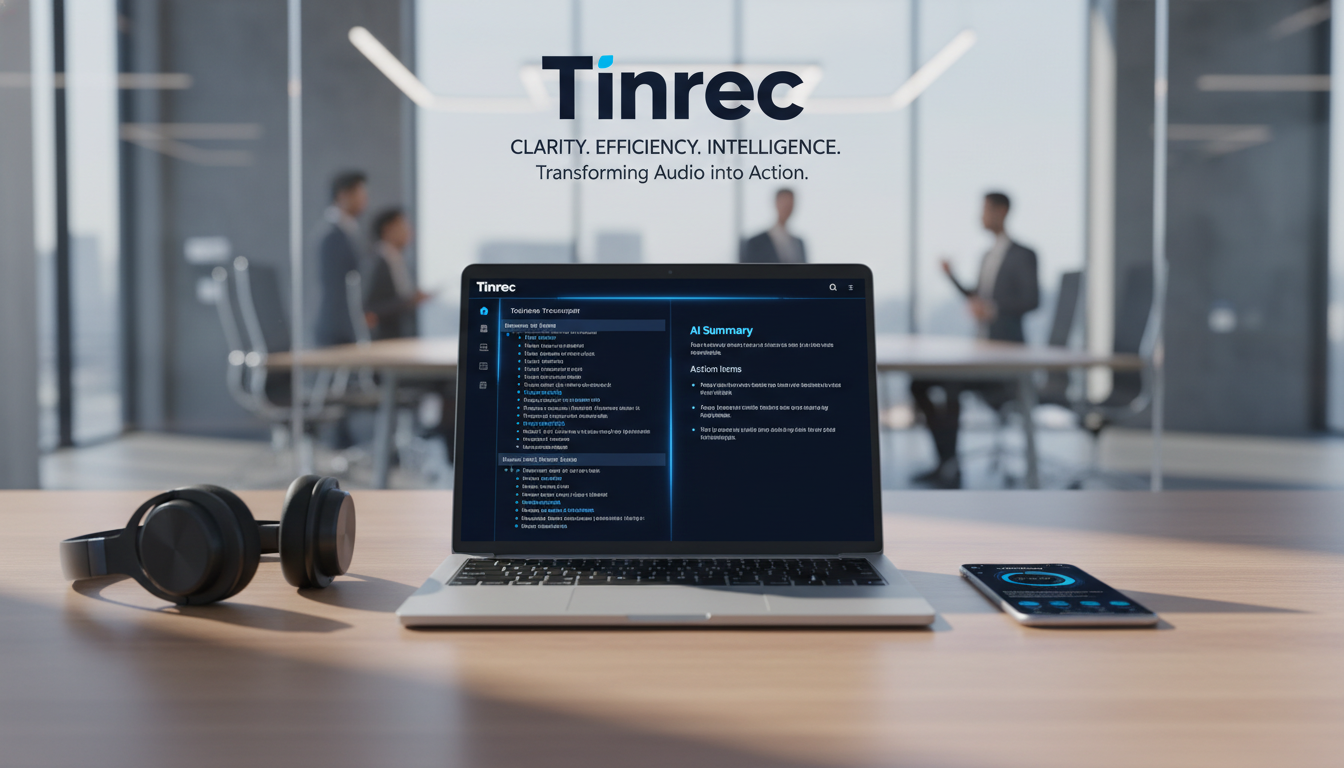
2026 Hot AI Meeting Transcription Tools Reviewed
The market is full of tools. We've selected several that excel in "transcription accuracy," "language support," and "workflow integration" for analysis.
1. Notta: A Strong Contender for Multilingual Transcription
Notta is an AI transcription tool known for its accuracy, especially suitable for teams dealing with multiple languages.
- Core Features: Supports transcription in 58 languages, bilingual transcription in 11 languages, and calendar integration.
- Pros: Accuracy up to 98.86% in ideal conditions; automatic join for Zoom/Teams/Google Meet.
- Limitations: The free version is quite restrictive, with a 3-minute limit per recording; accuracy drops in noisy environments.
2. Otter.ai: Top Choice for English Meetings
Otter is very popular in the US and European markets, focusing on real-time transcription and conversation analysis.
- Core Features: OtterPilot automatically joins meetings and generates summaries; supports slide capture.
- Pros: Offers 300 minutes of free transcription per month; powerful keyword search.
- Limitations: Primarily supports English, French, and Spanish, severely limiting users who need Traditional Chinese or mixed Chinese-English; weak accent recognition.
3. Xmind AI: Visual Mind Mapping
Xmind focuses on "structuring" rather than just verbatim transcripts.
- Core Features: Converts meeting recordings or notes into mind maps to help organize logic.
- Pros: Great for brainstorming meetings; visualizes messy ideas.
- Limitations: While an excellent organization tool, it is not specialized for long-form verbatim transcription or precise speech recognition; free version limits to 10 mind maps.
4. Fireflies.ai: Automation Integration Expert
Fireflies emphasizes deep integration with CRM and project management tools.
- Core Features: Fred Bot automatically joins meetings; supports 100+ languages; analyzes speaker emotion.
- Pros: High integration with Slack and Salesforce; suitable for sales teams.
- Limitations: Free plan offers limited transcription credits; new users may find the interface complex.
5. Tinrec (秒聽錄音): Best Balance for Chinese-English Bilingual and Mobile Use
Tinrec is a multi-platform AI recording assistant designed for modern workers, specifically addressing the pain points of "mixed Chinese-English recognition" and "low post-recording utilization."

- Core Advantages:
- Full Platform Support: Covers iOS, Android, and web; record anytime, anywhere.
- High Real-Time: Real-time transcription as you record; no waiting for conversion.
- Mixed Chinese-English Recognition: Optimized for Asian users; supports 10 languages including Chinese, English, Japanese, Korean; solves cross-language meeting pain points.
- More Than Recording: Provides a complete workflow from recording to "AI decision summary" to "action items."
Deep Comparison: Tinrec vs. Major Tools Specification Table
For a more intuitive selection, we've compiled the following comparison table:
Stop organizing recordings by hand
Upload audio or video and automatically get a transcript, summary, and action items
| Feature Dimension | Tinrec (秒聽錄音) | Notta | Otter.ai | Fireflies.ai |
|---|---|---|---|---|
| Chinese/Bilingual Support | ⭐⭐⭐⭐⭐ (Optimized for mixed Chinese-English) | ⭐⭐⭐⭐ (Supports multilingual) | ⭐ (English/French/Spanish only) | ⭐⭐⭐ (Supports multilingual) |
| Transcription Real-Time | Real-time live transcript | Real-time | Real-time | Post-meeting generation mainly |
| Free Plan Limit | 100 minutes/month | 3 minutes per recording | 300 minutes/month | Limited transcription credits |
| AI Conversation Inquiry | Supported (ask about recording content) | Summary only | Summary only | Search only |
| External Link Transcription | Supported (YouTube/Podcast) | Supported | Not supported | Not supported |
| Use Cases | Meetings, lectures, video organization | Online meetings | English meetings | Sales/CRM integration |

Tinrec Deep Review: Complete Workflow from Recording to Action
Many tools only go as far as "turning audio into text," but Tinrec goes further to solve the "what to do after transcription" problem. Here are its three core highlights:
1. Real-Time Transcription and Multi-Format Support
Tinrec not only provides real-time transcription during meetings but also supports uploading audio files. For content creators or learners, it can even convert YouTube video links or Podcast links directly into transcripts—a rare and practical feature among competitors.

2. AI Smart Summary and Action Item Extraction
Faced with a 2-hour meeting, no one wants to re-read a 10,000-word transcript. Tinrec's AI automatically generates meeting summaries, conclusions, and most importantly, action items. This directly addresses the pain point of "meeting is over, but no one knows what to do next."

3. AI Conversation Inquiry: Find Answers Like Chatting
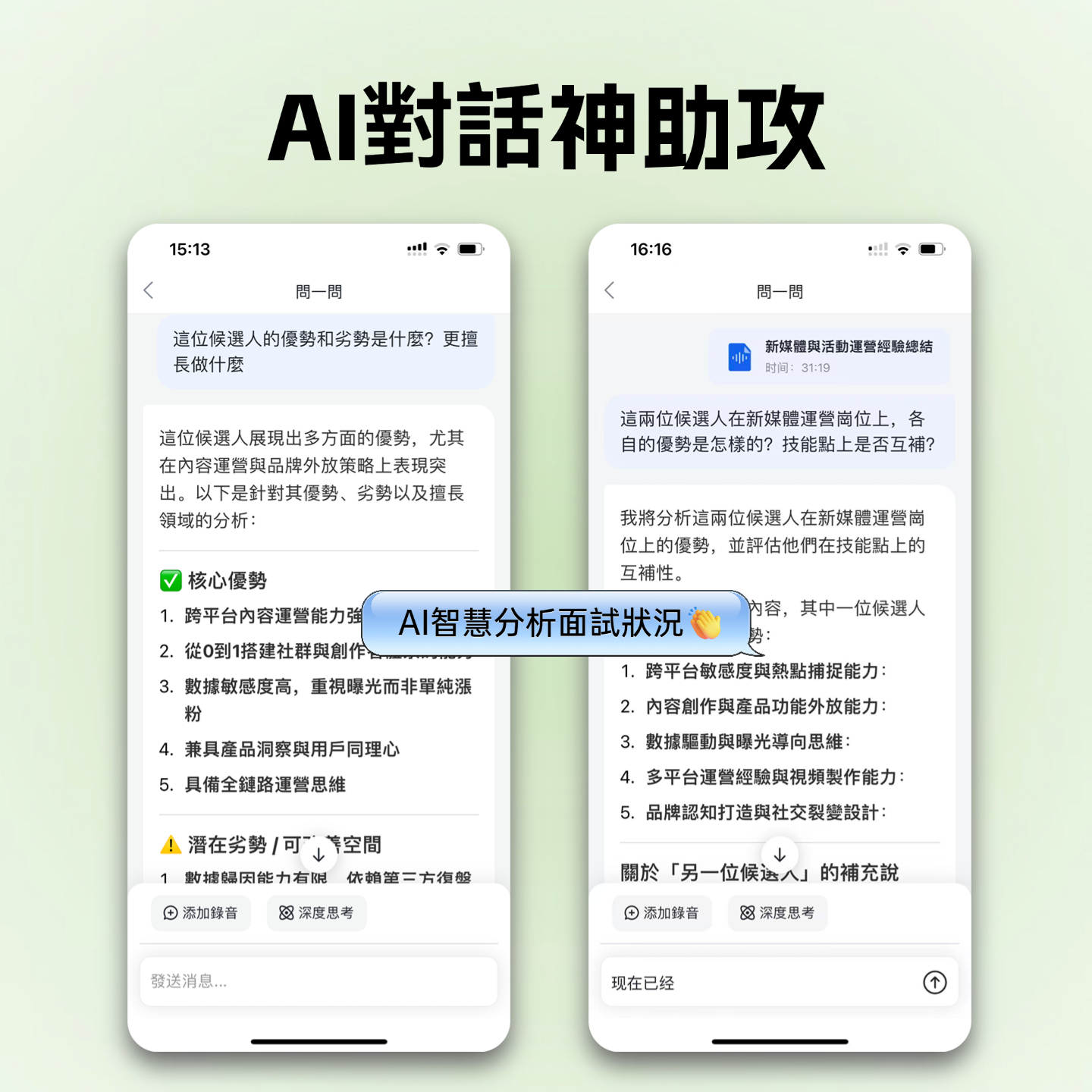
This is Tinrec's most distinguishing feature. Traditional tools only allow keyword search (Ctrl+F), but Tinrec lets you have an AI conversation with the recording. For example, you can ask, "What concerns did Manager Wang raise about the budget?" AI will answer directly based on the recording content, saving you from re-listening.

Hands-On Tutorial: How to Quickly Create Bilingual Meeting Minutes with AI
Using Tinrec as an example, here's how to complete high-quality meeting notes in just three steps:
Step 1: Start Recording or Import
- Live Meeting: Open the Tinrec App or web version, click Record & Transcribe in Real Time. The system will automatically detect the language (supports mixed Chinese-English) and display the transcript in real time.
- Online Files: If you have an audio file or want to organize a YouTube video, use the Audio File to Text or Video to Text features.

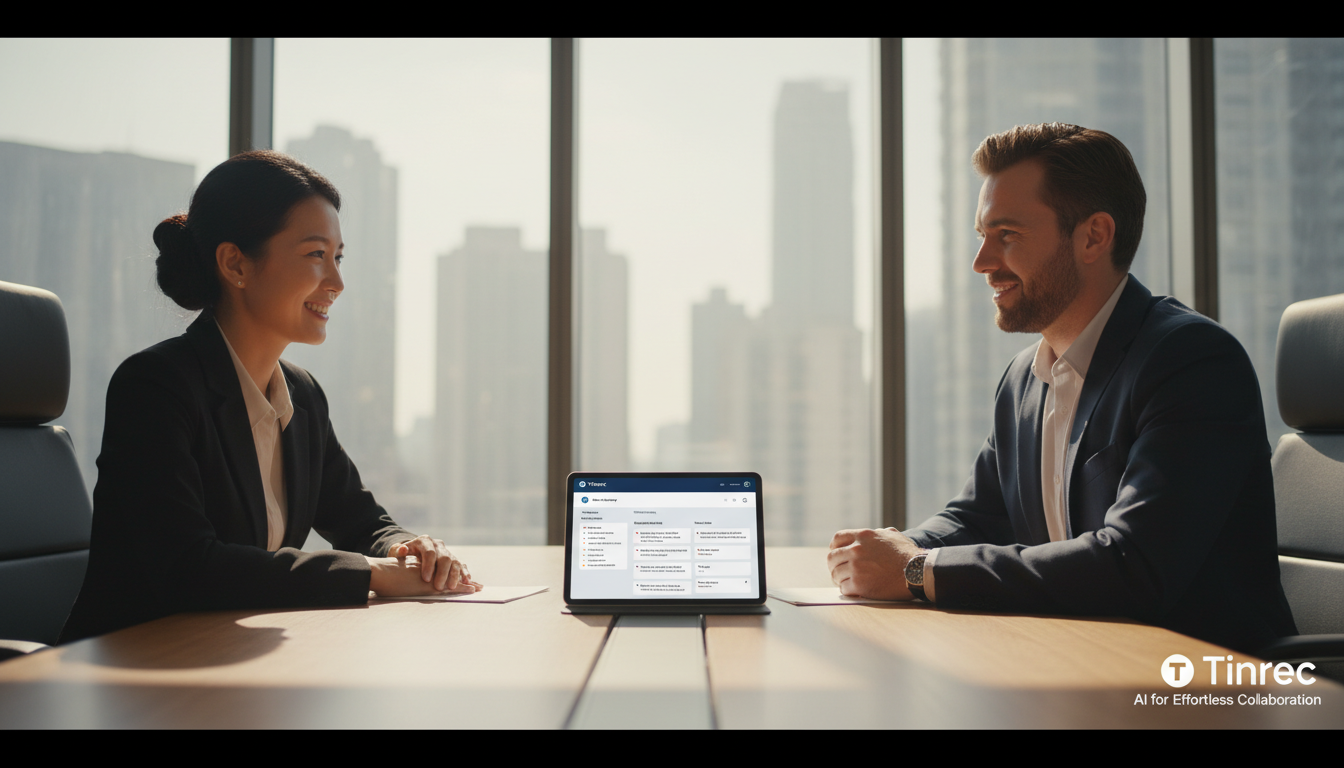
Step 2: Speaker Diarization & Editing
After recording, the system automatically performs speaker diarization. You can easily label speakers as "Moderator," "Client," or "Engineer" to make the transcript clearer. If any proper nouns are misidentified, you can correct them directly in the online editor.

Step 3: Generate Summary & AI Query
Click the "AI Summary" button to generate structured meeting highlights and action items. To check details, use the AI Chat feature on the right. Ask a question (e.g., "What is the deadline for this project?") and AI will instantly extract the answer from hours of recording.
Frequently Asked Questions (FAQ)
Q1: Does Tinrec support meetings mixing Traditional Chinese and English? Yes, Tinrec supports 10 languages and is specifically optimized for code-switching contexts (mixed Chinese-English), making it ideal for business environments in Taiwan and Hong Kong.
Q2: Can these AI tools be used on iPhone or Android? Most tools like Otter and Notta have apps. Tinrec also supports iOS, Android, and web, with automatic cloud sync, so you can record on your phone and organize on your computer.
Q3: What are typical free plan limitations? It varies by tool. Notta's free version limits recordings to 3 minutes each; Otter offers 300 minutes per month but only for English; Tinrec's free plan provides 100 minutes of recording per month with full features (including AI conversation), suitable for light users.
Q4: Can I convert YouTube videos into text notes? Most meeting tools (like those integrated with Zoom) do not support this. However, Tinrec offers a "web video to text" feature—just paste the link to generate transcripts and summaries, great for learning and content creation.
Q5: Is my meeting data secure? When choosing a tool, check its security standards (e.g., GDPR, SOC 2). Tinrec and the recommended tools prioritize data privacy; Tinrec does not use user data to train public models, ensuring business confidentiality.
Q6: Can AI transcribe accurately in a noisy environment? Environmental noise does affect accuracy. We recommend using a directional microphone or staying close to the sound source. Some tools like Krisp offer noise cancellation, while Tinrec maintains high recognition rates in typical meeting room environments through optimized algorithms.
Summary: When choosing an AI meeting tool, consider your core needs. If you only need English transcription, Otter is a good choice. If you need multilingual support and value "post-meeting action" and "Chinese-English support," Tinrec—which integrates recording, transcription, AI conversation, and action item management—is a more comprehensive productivity partner.
Turn every recording into actionable outcomes
Get 60 free transcription minutes when you sign in. No credit card required.
Related Reading
You might also like

4 AI Meeting Notes Tools Tested for 2026: Which One Captures Action Items Best?
After a meeting, does everyone forget what to do next? This article focuses on action item capture, outlining 4 key criteria for choosing a meeting notes tool. It compares Tinrec, Otter.ai, Notta, and Granola, and highlights 4 common pitfalls to help you find the tool that turns decisions into action.

Best Meeting Action Item Extraction Tools in 2026: Auto-Organize To-Dos, Owners, and Deadlines
The hardest part of a meeting isn't the meeting itself—it's when action items never get written down. This guide covers 6 tools that automatically extract meeting to-dos, owners, and deadlines, including Tinrec, Otter.ai, Fireflies.ai, Granola, Notta, and TurboScribe. We list free and paid plan pricing honestly to help you pick the right one for Chinese-language meetings, team collaboration, or pure file transcription needs.

2026 Meeting Action Plan Tools: Bot-Free Recording to To-Dos + AI Q&A Summarization
Recording meetings without following up on action items is a common pain point for many teams. This guide reviews 6 meeting action plan tools for 2026—Tinrec, Otter, Fireflies, Notta, Granola, and TurboScribe—covering their positioning, pricing, and ideal users, and shows how to use AI Q&A and to-do extraction to turn meeting notes into actionable checklists.

6 Free Meeting To-Do Tools Compared in 2026: Which Free Version Actually Extracts Action Items Automatically?
Missing meeting action items usually isn't a problem with the meeting itself—it's the lack of a process for turning conversation into action afterward. This guide reviews 6 meeting to-do tools with free plans, from AI meeting assistants that automatically transcribe, summarize, and extract action items to completely free to-do lists, with honest details on each tool's free limits and paid pricing to help you pick the right one for your meeting style and budget.

Meeting Minutes vs. Action Items in 2026: 5 Key Differences You Need to Know
After a meeting, you have two deliverables: meeting minutes and an action item list. But many people still mix them up—minutes stuffed with action items, or action lists with no context. This article breaks down the fundamental differences between meeting minutes and action items across 5 dimensions, with real-world scenarios, pitfalls to avoid, and a hands-on test of how Tinrec's instant recording can generate both minutes and action items from a single recording.

Tinrec vs Otter.ai 2026: 5-Dimension Comparison for Chinese Meeting Task List Generation
Automatically generating meeting task lists isn't just copying down to-dos. This article compares Tinrec and Otter.ai from a mid-level manager's practical perspective across five dimensions: Chinese meeting recognition, bot-free recording, to-do and task list generation, post-meeting processing, and team data retention. It honestly explains each tool's limitations and ideal users.

How to Extract Meeting Notes in 2026: 5 Steps from Recording to AI Summary
Tired of dealing with meeting notes after the meeting? This article tackles common pitfalls, outlines 4 key evaluation points for choosing an AI meeting notes tool, tests Tinrec's bot-free online meeting recording, AI summaries and Q&A, and team spaces, and compares it with Otter.ai, Granola, and Notta, highlighting differences and pitfalls to avoid.
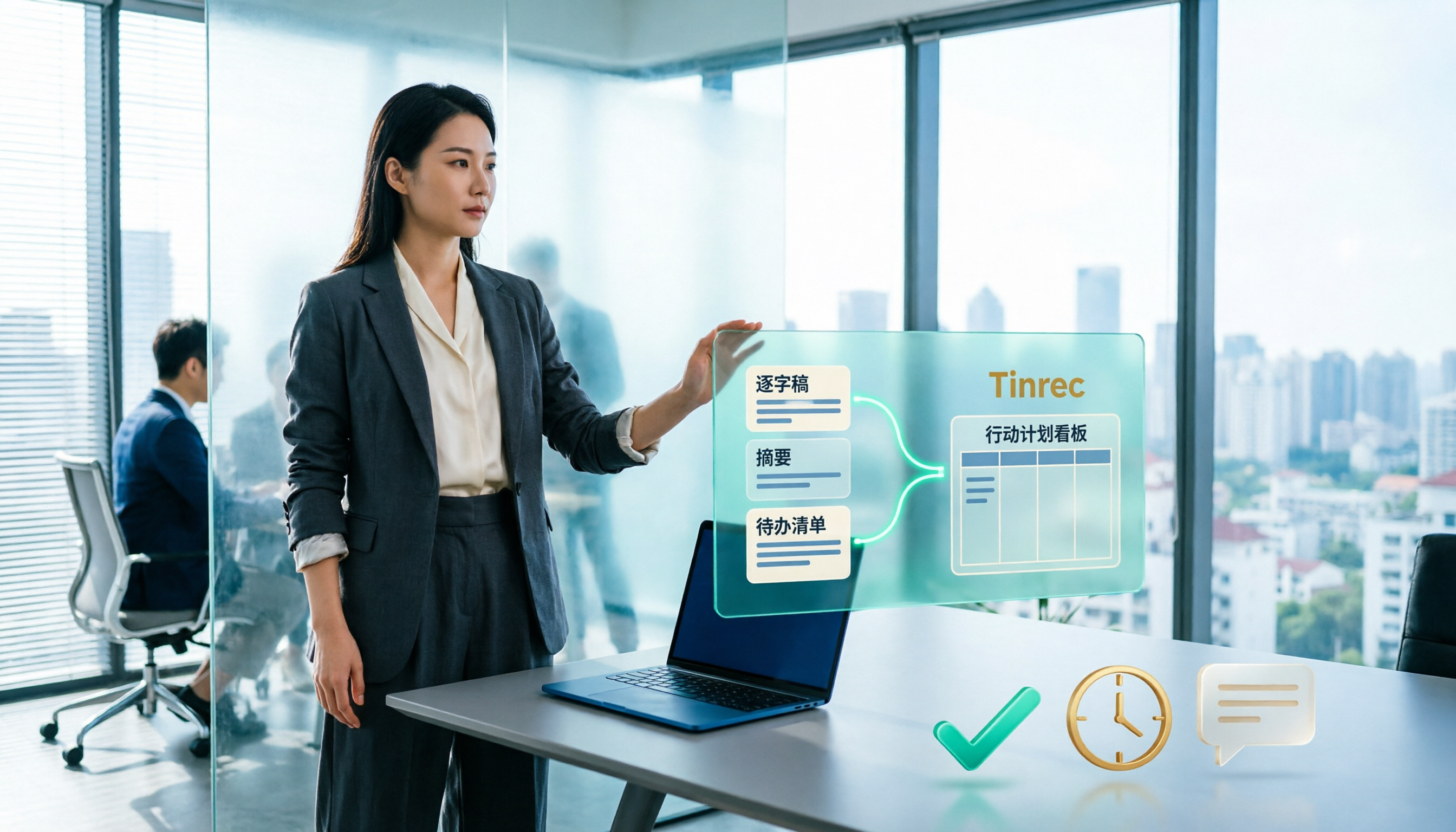
Best Meeting Minutes Tools in 2026: Tested 3 Categories, This One Auto-Generates Action Plans and Saves the Most Time
Meeting minutes record decisions, while action plans determine who follows up. This article breaks down the difference between the two and uses Tinrec as an example to demonstrate how to generate transcripts, summaries, and to-do lists in one go. It also compiles 5 key considerations and common questions for choosing a meeting minutes tool.

Best Meeting Minutes Follow-Up Email Tools? 2026 Test of 5 Methods, Key Is Within 24 Hours
Writing meeting minutes doesn't mean things will move forward. This article starts from the most common inefficient practices, breaks down the three-layer process of 'minutes → action → follow-up email,' includes AI prompts and email structures you can copy directly, and compares the applicable scenarios and limitations of 5 methods including template assignment, automated integration, and transcript plus AI summary, helping you send decisions out within 24 hours after the meeting.