

Turn recordings into transcripts and summaries in minutes
Upload audio or video for multilingual transcription, AI notes, and action items
Meeting Minutes vs. Action Items in 2026: 5 Key Differences You Need to Know
After a meeting, you have two deliverables: meeting minutes and an action item list. But many people, even after years of experience, still mix the two together—minutes stuffed with action items, or action lists with no context. The result: colleagues who didn't attend can't understand, and those responsible for execution can't find the key points.
In fact, just answer one question and the two become instantly distinguishable: Do you want to record "what happened" or "what to do next"?
After the Meeting—Many People Still Mix Up Minutes and Action Items
Let's start with a real scenario. At a weekly project meeting, a colleague submits "meeting notes" listing a dozen action items, but it's impossible to see what was decided or why. Two months later, no one remembers the context.
On the other hand, someone writes only "This meeting decided to adopt Plan B," but who executes it and when it's due is missing. The decision looks good but can't be implemented, and the next meeting has to re-discuss it from scratch.
Another common situation: after the meeting, everyone disperses without anyone organizing, relying on individual memory. By the deadline, it turns out three people thought someone else would do the same task.
The problem isn't that nothing was written, but that the distinction wasn't clear. Meeting minutes and action items are two different documents serving two different purposes—understand this, and your post-meeting follow-up will be much smoother.
Before Understanding the Difference, Look at These 4 Key Judgment Points
**Judgment Point 1: Different purposes.** Meeting minutes answer "what happened, what was decided, and why"; action items answer "who, does what, by when." The former is a record, the latter is an instruction.
**Judgment Point 2: Different time directions.** Minutes look backward—three months later, if someone asks, you need to retrieve them; action items push forward—their value is before completion, and once done, they're archived.
**Judgment Point 3: Different readers.** Minutes are for those who didn't attend and for future verification, so they need context and discussion flow; action items are for executors, so they need to be specific, with owners and deadlines.
**Judgment Point 4: Different scope.** Minutes include topics, key discussion points, decisions, and next steps; action items extract only the action items, usually a small part of the minutes. In other words, action items are a subset of minutes, but you can't replace minutes with action items.
There's also a practical judgment point: the update frequency differs. Once confirmed, minutes should be frozen and not changed daily; the action item list is living—update it as each item is completed. If both are mixed in the same document, it's common to accidentally change decisions while updating action items.
Now many tools automatically separate the two—one recording in, minutes and action items generated separately, no manual splitting twice.
Tinrec—Minutes and Action Items from One Recording
Tinrec is an AI meeting notes and collaboration tool for individuals and teams, covering iOS, Android, and web, with a desktop version that can directly capture computer system audio.
**During the meeting, it records in real-time.** Whether you're meeting on Zoom, Google Meet, Microsoft Teams, or Webex, you don't need to invite any bot into the meeting room—open Tinrec desktop, it directly captures system audio and produces a transcript while recording. This is practical for office workers: no sudden "Tinrec Bot" appearing in the attendee list, and clients won't find it strange. For offline meetings, use real-time recording; for client visits, use the mobile app.
**After the meeting, it automatically generates the minutes part.** When the meeting ends, AI generates a summary and chapters, breaking a 90-minute meeting into several topics, so you can see at a glance what was discussed. For mixed Chinese-English meetings, you can enable real-time translation and view in original, translated, or bilingual mode. This is what traditional "minutes" require manual work—background, key discussion points, decisions, all retrievable.
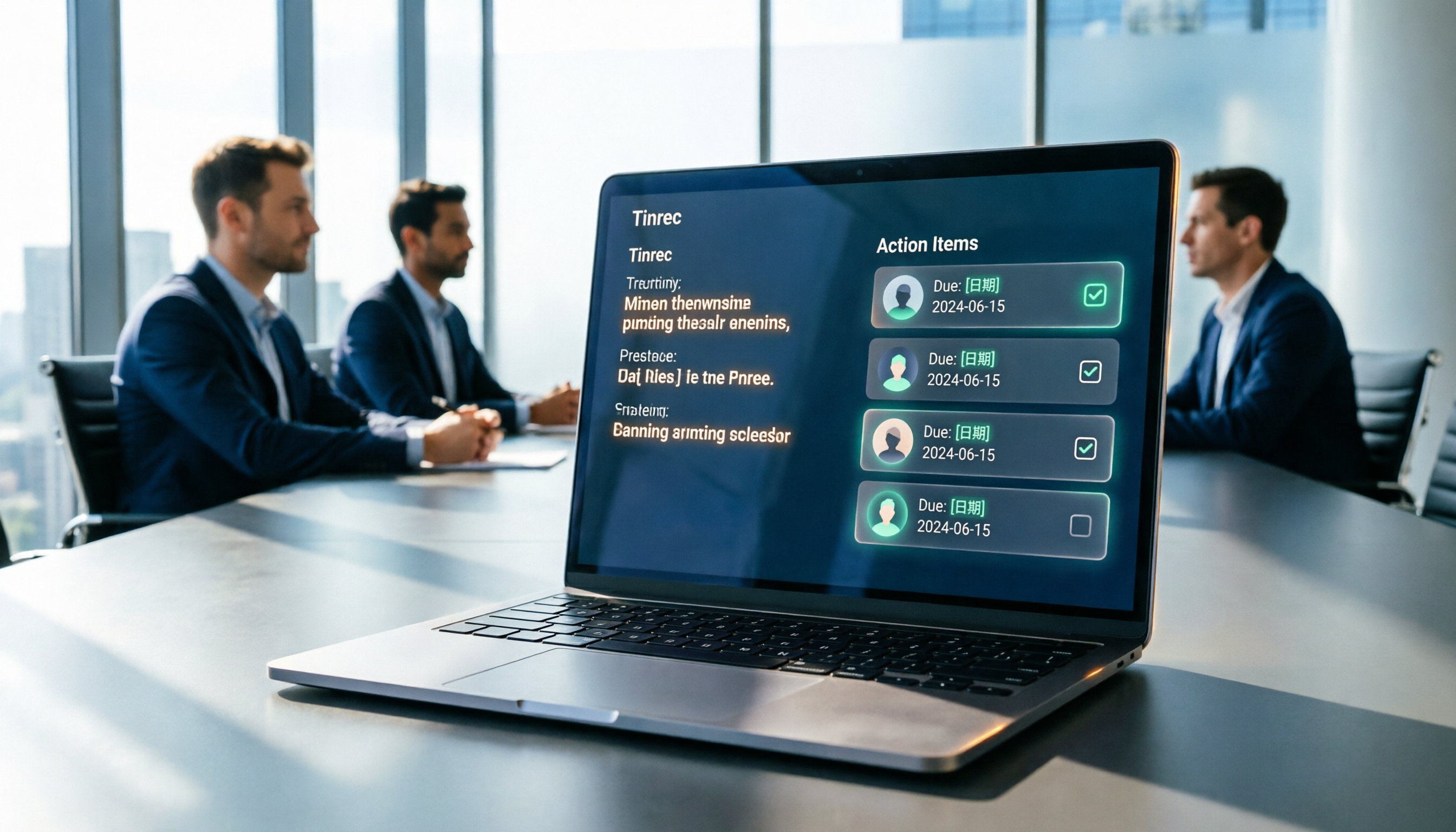
**At the same time, it extracts the action items part.** The system organizes action items from the conversation into a separate to-do list. This design directly addresses the judgment points above: minutes and action items are presented separately but come from the same recording, no manual splitting twice. You can export to Notion, Google Docs, OneNote, Dropbox for further follow-up, and use Agent post-processing to generate reports, tables, and documents.
Stop organizing recordings by hand
Upload audio or video and automatically get a transcript, summary, and action items
**The most different feature is AI Q&A.** After recording, you can directly ask Tinrec: "Who mentioned the budget in the last meeting?" It doesn't give you a bunch of keyword search results but answers directly based on semantic understanding. Most tools at the same price don't have this feature. For those who frequently review old meeting records, the time saved is considerable.
**Pros:** First, one recording produces both minutes and action items, no double work; second, bot-free recording doesn't disrupt the meeting flow; third, Chinese and multilingual meeting experience is good, and teams can maintain "hot words" to add company-specific terminology, improving recognition of professional terms.
**Limitations to be clear about:** The free version only provides basic quota, heavy users should consider paid plans; document import and different plans have their own quota arrangements, and real-time recording under valid team plans currently doesn't deduct by minutes. Also, accuracy can't be fixed at a number—recording quality, accent, noise, multiple people talking over each other, and professional terminology all affect performance. For important content, it's recommended to verify against the transcript timestamps and recording.
For team use, Tinrec team version provides an independent team space, meeting data belongs to the team, not tied to individuals. Management separates "roles" and "seats": roles determine who can manage the team, members, and audit; seats determine whether members can record, upload, edit, and export. Valid members without seats can still view and play team data. Team version monthly USD 29.80 per paid seat per month, annual USD 199 (about USD 16.58 per month), first eligible team gets a 7-day trial. Actual prices and benefits are subject to the official purchase page.
**Who it's for:** If you frequently have Chinese or mixed Chinese-English meetings, want minutes and action items immediately after the meeting, or switch between mobile and computer—Tinrec is worth trying. Teams wanting to consolidate meeting data scattered across devices and chat records into searchable assets will find it even more suitable.
Besides Tinrec, What Other Options Are There?
**Otter.ai:** A veteran choice for English business meetings, free version 300 minutes per month, mature AI Chat and team management. But Chinese meetings are not its strong suit. Tinrec's bot-free desktop recording, Chinese real-time translation, and team data consolidation are areas it doesn't particularly focus on. If you mainly record English meetings, Otter.ai is the only exception recommended in this article.
**Notta:** Multilingual transcription and document import are good, with high overlap with Tinrec. But Tinrec's emphasis on bot-free online meeting recording, team space, AI Q&A, and Agent post-processing are relatively weak areas for Notta.
**Granola:** Also takes the bot-free route, using desktop system audio with user handwritten notes to generate meeting content. But it doesn't support uploading pre-recorded audio files, nor does it retain meeting audio—meaning you can't replay or reorganize afterward. Tinrec retains recordings, supports document import, real-time translation, and team data management.
Pitfall Guide: The 3 Most Common Mistakes When Mixing Up Minutes and Action Items
**Pitfall 1: Treating transcripts as minutes.** Transcripts are raw material, not finished product. A 90-minute meeting produces 20,000 words, no one can read it all. The value of minutes is in "distilling"—keeping only decisions, background, and next steps.
**Pitfall 2: Missing either minutes or action items.** Only minutes without action items, decisions can't be implemented; only action items without minutes, three months later no one remembers why. The two are complementary, not either-or.
**Pitfall 3: Buying a tool but only using it as speech-to-text.** If you only use a transcription tool to "turn audio into text," you're using only one-third of its capability. Like Tinrec's AI Q&A—after recording, directly ask it "What was the conclusion of the meeting?" much faster than flipping through a 30-minute transcript yourself.
Also note: recording and transcription should comply with local regulations, obtain participant consent when needed, especially for meetings involving client data.
Conclusion: Which One Do You Need?
After understanding the difference, the choice becomes much simpler:
- Want both minutes and action items from one recording → Tinrec (no manual splitting twice)
- Frequently have Chinese or mixed Chinese-English meetings → Tinrec (Chinese experience and real-time translation)
- Want to directly ask AI for details after recording → Tinrec (AI Q&A is the core differentiator)
- Team needs to consolidate historical meetings and manage member permissions → Tinrec Team Version
- Zero budget, mainly recording English meetings → Otter.ai
Final word: Don't rush to pay. Tinrec free version has basic quota, enough for you to try two or three meetings, and consider upgrading if it suits you. Meeting minutes and action items shouldn't require you to work overtime for two hours to put together.
References
- How to Take Good Meeting Notes? Record These 4 Parts! Complete Template Sharing
- Meeting Guidelines
- Meeting Minutes = Transcript? Professional Meeting Minutes Only Record 3 Key Points | Writing Tips, Templates at a Glance | 104 Workplace
- No Meeting is Wasted! Five Common Types of Meetings and Meeting Minutes Techniques (with Meeting Minutes Template)
- Meeting Management ~ 3 Keys to Improve Meeting Efficiency! | Taiwan Digital Training Course
Turn every recording into actionable outcomes
Get 60 free transcription minutes when you sign in. No credit card required.
Related Reading
You might also like

How to Automatically Extract Meeting Action Items in 2026: AI Summaries + To-Dos in One Go
After a meeting, action items are scattered in the conversation and no one follows up? This article compiles 6 solutions that can automatically extract meeting action items, from Tinrec's bot-free recording, AI summaries, and action item extraction, to the positioning and pricing of Otter.ai, Fireflies.ai, Notta, Granola, and TurboScribe. It also uses scenario comparisons to tell you which one to choose for different budgets and needs.
2026 Meeting Notes Tools Buying Guide: 6 Tested Picks and Action Item Tracking Tips
When meetings end and nothing gets done, the problem is usually the lack of an owner-plus-deadline table. This guide shares hands-on reviews, pricing, and use cases for 6 meeting notes and transcription tools, and compares which ones automatically extract action items and owners, so you can choose the right tool in one go.

2026 AI Meeting To-Do Tools Compared: Tinrec, Notta, and Fireflies — Which One Actually Follows Through?
A hands-on comparison of Tinrec and Notta across six dimensions: meeting capture, post-meeting outputs, historical data queries, team governance, Chinese and mixed-language support, and pricing. Also covers where Fireflies.ai fits among meeting automation tools, helping you decide which AI meeting to-do tool truly turns meetings into action.

The Complete Guide to Customer Meeting Follow-Up Emails in 2026: From Meeting Notes to Follow-Up Letter
Struggling to write a follow-up email after a customer meeting? This article breaks down the complete workflow from meeting notes, summaries, and action items to sending the follow-up email, and compares Tinrec and PLAUD Note in post-meeting organization and team tracking to help you choose the right approach.

How to Organize Meeting Action Items in 2026: A Complete 5-Step Guide
After a meeting ends, action items often get scattered across notes, chat threads, and memory, making it hard to track progress the following week. This guide breaks down a 5-step process for organizing meeting action items and compares Tinrec and Otter.ai within the same workflow, covering everything from capturing tasks and tracing context to handling Chinese-language meetings, exporting to your workflow, and team handoffs.

4 AI Meeting Notes Tools Tested for 2026: Which One Captures Action Items Best?
After a meeting, does everyone forget what to do next? This article focuses on action item capture, outlining 4 key criteria for choosing a meeting notes tool. It compares Tinrec, Otter.ai, Notta, and Granola, and highlights 4 common pitfalls to help you find the tool that turns decisions into action.

Best Meeting Action Item Extraction Tools in 2026: Auto-Organize To-Dos, Owners, and Deadlines
The hardest part of a meeting isn't the meeting itself—it's when action items never get written down. This guide covers 6 tools that automatically extract meeting to-dos, owners, and deadlines, including Tinrec, Otter.ai, Fireflies.ai, Granola, Notta, and TurboScribe. We list free and paid plan pricing honestly to help you pick the right one for Chinese-language meetings, team collaboration, or pure file transcription needs.

2026 Meeting Action Plan Tools: Bot-Free Recording to To-Dos + AI Q&A Summarization
Recording meetings without following up on action items is a common pain point for many teams. This guide reviews 6 meeting action plan tools for 2026—Tinrec, Otter, Fireflies, Notta, Granola, and TurboScribe—covering their positioning, pricing, and ideal users, and shows how to use AI Q&A and to-do extraction to turn meeting notes into actionable checklists.

6 Free Meeting To-Do Tools Compared in 2026: Which Free Version Actually Extracts Action Items Automatically?
Missing meeting action items usually isn't a problem with the meeting itself—it's the lack of a process for turning conversation into action afterward. This guide reviews 6 meeting to-do tools with free plans, from AI meeting assistants that automatically transcribe, summarize, and extract action items to completely free to-do lists, with honest details on each tool's free limits and paid pricing to help you pick the right one for your meeting style and budget.