
Turn recordings into transcripts and summaries in minutes
Upload audio or video for multilingual transcription, AI notes, and action items
After a one-hour online meeting, it often takes two hours to compile a transcript and action list—a common pain point for administrative staff, project managers, and graduate students. While Google Meet and Teams offer built-in captioning, they often fall short when you need cross-platform recording, handle in-person meetings, or generate precise decision summaries.
This article evaluates five noteworthy transcription tools in 2026 based on Chinese recognition accuracy, real-time capabilities, AI summarization, and value for money. Whether you're a writer handling numerous interviews or a professional seeking efficiency, you'll find your answer here.
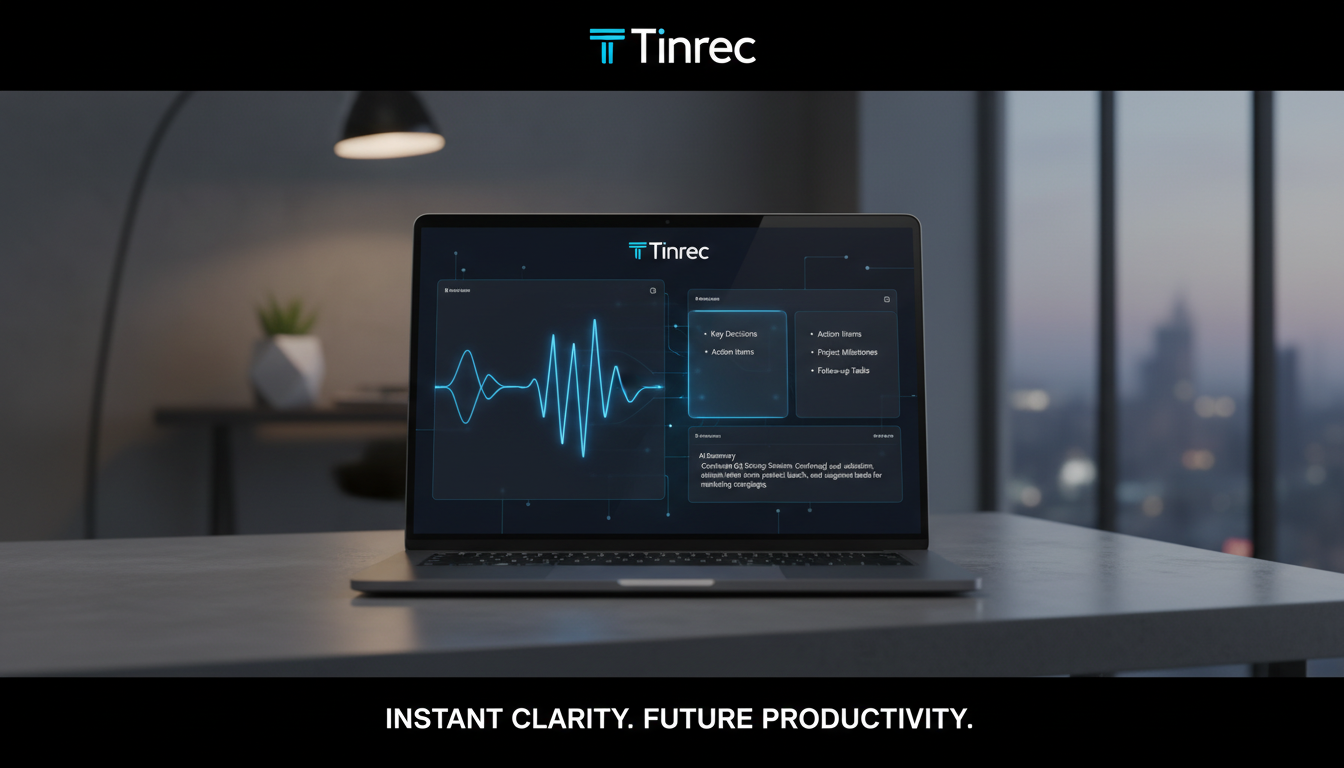
Quick Navigation Conclusions:
- If you only need basic notes and have a limited budget: Use built-in features of video conferencing software (Zoom/Teams).
- If you prioritize audio post-processing and pure transcription: Consider traditional transcription services designed for media professionals.
- If you need an all-in-one solution for recording, summarization, and AI chat: Integrated AI tools like Tinrec (MiaoTing) are the efficiency top pick.
The Current Pain: Why Your Meeting Notes Are Never Done
In the digital office era, despite having voice recorders and phone recording apps, information organization efficiency hasn't improved significantly. The main reason is the challenge of processing unstructured data:
- Low information density, high re-listening cost: To confirm a detail in a 60-minute audio, you often need to repeatedly drag the progress bar, wasting a lot of time.
- Transcripts are not meeting notes: Simple speech-to-text produces many filler words, discourse markers, and nonsense, lacking readability.
- No connection to action after the meeting: Audio files sit on the hard drive, and action items from the meeting are often missed, leading to execution gaps.
Therefore, the modern standard for "meeting organization software" has evolved from simple "transcription" to "understanding content and extracting key points."
2026 Popular Online Meeting Transcription Software Comparison
To help readers choose a tool, we compare solutions with different market positions across dimensions including language support, real-time transcription, and AI processing depth.
| Dimension | Built-in Video Software (Meet/Teams) | Traditional Human/AI Transcription | Tinrec (MiaoTing) | Mainstream Global Tools (e.g., Otter) |
|---|---|---|---|---|
| Chinese Support | Average (varies by subscription) | Excellent (manual correction) / Good (AI) | Outstanding (supports dialects, Chinese-English mixed) | Weak (primarily English) |
| Real-time Transcription | Yes (during meeting only) | No (mostly file upload) | Yes (real-time text during recording) | Yes |
| AI Summary/Action Items | Only in some high-tier paid plans | Rare | Auto-generates meeting minutes, to-do lists | Yes |
| AI Chat Query | No | No | Supported (ask questions about recording content) | Partial support |
| Use Cases | Specific online platforms only | Media interviews, file post-processing | Online/in-person meetings, classes, video links | Global English meetings |
| Free Tier | Depends on enterprise account permissions | Usually per-second billing | 100 minutes free per month | Varies by plan |
Selection Recommendations
- Strict corporate compliance: Use your company's purchased high-tier Teams/Meet features.
- Seeking a complete workflow: Tools like Tinrec provide a closed loop from "recording" to "note output," especially suitable for individuals and teams needing quick review of key points.
Stop organizing recordings by hand
Upload audio or video and automatically get a transcript, summary, and action items
Tinrec (MiaoTing) In-Depth Review: From Recording to Action, a Complete Workflow
Among many tools, Tinrec (MiaoTing) stands out because it's not just about "saving recordings" but emphasizing "understanding and action." For Chinese users, it offers relatively friendly multilingual recognition and interface.

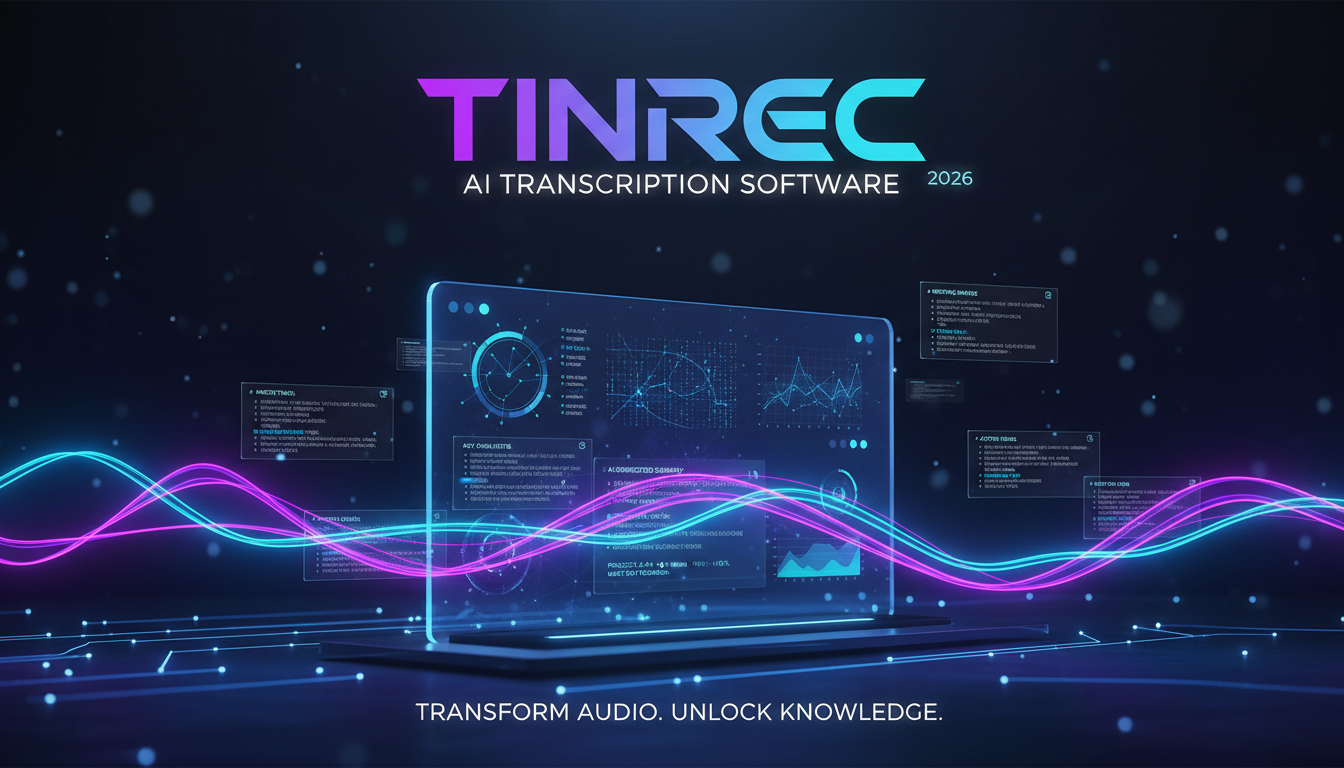
1. Core Differentiator: Not Just Transcription, But "Dialogue"
Most tools produce a transcript and you still need to Ctrl+F to search keywords. Tinrec's built-in AI Chat Query lets you ask questions like "What was said in this meeting?" and the AI answers based on the recording, e.g., "List the conclusions about the marketing budget from this meeting." This greatly lowers the barrier to information retrieval.

2. Multi-Scenario Adaptability: From In-Person to Online Video
Besides meeting recordings, Tinrec also supports converting YouTube video links or podcast audio directly into text notes. This saves steps for users who need to organize online courses, competitor analysis, or learn foreign language content.

3. Automated Notes: Speaker Identification and Key Points
In multi-person meetings, distinguishing "who said what" is crucial. Tinrec automatically identifies speakers and organizes lengthy conversations into bullet-point summaries and to-do lists, ensuring meeting minutes are no longer a neglected log.

Hands-On Tutorial: How to Complete a 1-Hour Meeting Record in 10 Minutes Using AI Tools
Below we use Tinrec as an example to demonstrate how to quickly turn a lengthy online meeting into actionable minutes. These steps apply to most similar AI note-taking tools.
Step 1: Start Real-Time Recording or Import a File
- During an online/in-person meeting: Open the app or web version, tap "Start Recording." Place your phone or microphone close to the sound source. If using Zoom/Meet, you can record system audio directly from your computer.
- Existing audio files: If you have pre-recorded mp3/m4a files, use the "Import Audio" feature to upload.
- Feature links: Real-time recording to text | Audio file to text

Step 2: Live Review and Marking
During recording, text appears on screen in real time. When you hear an important conclusion, tap the "Mark" button on the interface—this helps the AI later extract key points more accurately.
Step 3: Generate AI Summary and Action Items
After recording ends, the system processes automatically. Tap the "AI Summary" or "Meeting Minutes" button, and within seconds the software generates:
- Full summary: Overall context of the meeting.
- Section breakdown: Auto-segment by topic.
- Action items: Who needs to do what by when.


Step 4: Use AI Chat to Fill in Details
If the summary missed a specific data point (e.g., "What was the Q3 sales target?"), no need to re-listen. Just type your question in the chat box on the right; the AI searches the recording and provides an accurate answer.
Step 5: Export and Share
Once you've verified the content, export the notes as Word, PDF, or TXT, and send directly to attendees—completing the final mile of meeting minutes.

FAQ
Q1: How accurate are these transcription tools with mixed Chinese and English? Most modern AI tools (e.g., Tinrec) have been optimized for multilingual environments and can automatically detect and switch between Chinese and English. However, for proper nouns or specialized terminology, a brief manual review after the meeting is recommended.
Q2: Can iPhone users use it? Yes. Tinrec supports iOS, Android, and web version. Your account data syncs across devices, so you can record on your phone and edit on your computer.
Q3: Do I need to pay for transcription? Most tools offer a free trial plus subscription model. For example, Tinrec provides 100 minutes of free transcription per month, which is sufficient for students or individual users with occasional meeting needs. For higher volume, consider Basic or Pro plans.
Q4: Can it transcribe YouTube videos? Some tools support this. Tinrec has a dedicated "Video to Text" feature. Just paste a YouTube link, and it generates a transcript and summary, perfect for organizing educational video content.
Q5: How is the privacy and security of audio files ensured? When choosing a tool, review its privacy policy. Reputable services (like Tinrec) typically use encrypted transmission and do not use user data for unauthorized purposes. For highly confidential business meetings, confirm your company's security policies first.
Q6: Can I record audio directly from Google Meet or Teams? Yes. When using the web version, ensure your computer's audio input is set to record system sound. Alternatively, on mobile, you can run the app in the background (depending on system permissions) to capture online meeting audio completely.
Turn every recording into actionable outcomes
Get 60 free transcription minutes when you sign in. No credit card required.
Related Reading
You might also like

Tinrec vs Otter.ai 2026: 5-Dimension Comparison — Who Manages Meeting Data Access Permissions Better?
Meeting data access permissions aren't just an IT issue — they're a team memory issue. Starting from the real-world pain of "who holds the data," this article reviews 6 solutions and compares Tinrec vs Otter.ai across 5 dimensions: team-level sharing, role and seat management, audit and recycle bin, data handover, and Chinese-language meeting experience — highlighting differences in meeting data access permissions and ideal use cases.

4 Meeting Notes Tools Tested in 2026: Which One Actually Builds a Team Knowledge Base?
Meeting notes shouldn't stay locked in personal accounts. We tested Tinrec, Otter.ai, Granola, and PLAUD across bot-free online meeting recording, post-meeting summaries and action items, AI Q&A, team spaces, roles, and seat management to help you find the tool that truly turns meetings into reusable team data.

Feishu Minutes Alternatives: 2026 Hands-On Comparison of 2 Tools, Tinrec Handles Chinese Meetings Better
Feishu Minutes free version has ASR time limits. This article compares Feishu Minutes and Tinrec in meeting recording, free quota, AI organization, export, and team collaboration to help users who meet across platforms and want to consolidate meeting materials find a more suitable alternative.

Notion AI Meeting Notes Alternative Tested: Tinrec's Bot-Free Workflow Review (2026)
Notion AI's meeting notes are well-integrated, but plan thresholds, device limits, and team sharing needs can still get in the way. From the perspective of a mid-level manager who runs 15 meetings a week, this hands-on review tests Tinrec as an alternative: bot-free recording, live transcription, AI summaries and action items, post-meeting Q&A, multi-format export, and team space roles and seat governance—plus an honest look at when it's not a good fit.

5 AI Meeting Tools Seat Management Tested for 2026: How Many Team Plan Seats Do You Really Need?
How many seats to buy for a team meeting tool is the biggest question most teams face before purchasing. This article uses Tinrec's team plan to demonstrate a replicable seat management process, explaining roles, seats, data ownership, and usage checks in 5 steps, along with FAQs and alternatives.

4 Best Audio-to-Text Tools for Chinese Meetings in 2026: Real-World Comparison
How to choose the right audio transcription tool? This article starts with common pitfalls, outlines 4 key buying factors, then compares Tinrec, Otter.ai, Granola, and TurboScribe in real-world tests for Chinese meeting transcription, bot-free recording, AI summary Q&A, and team data retention. It ends with a guide to avoid mistakes and recommendations based on your needs.
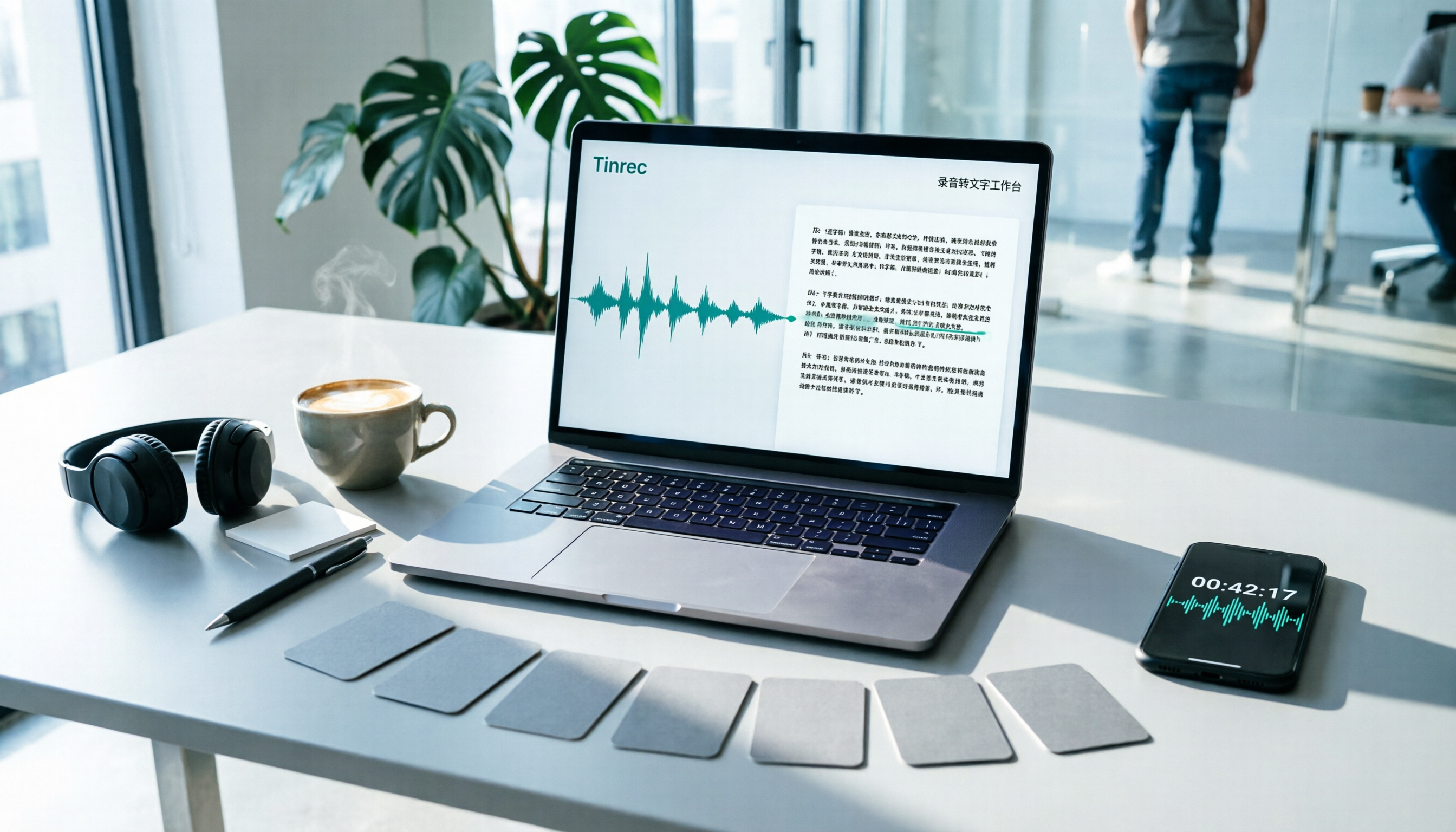
7 Best Free Audio-to-Text Transcription Tools in 2026: A Complete Comparison
Tired of spending hours transcribing meeting recordings? This guide reviews 7 free audio-to-text transcription solutions in 2026, comparing free tiers and paid pricing for Tinrec, MyEdit, cSubtitle, Otter.ai, Notta, TurboScribe, and Granola. Learn each tool's free limits, pricing, and ideal use cases to find the best fit for your transcription needs.

4 Meeting Transcription Tools Tested for 2026: Which One Actually Builds a Team Knowledge Base?
The real pain point with meeting notes isn't that nothing gets written down—it's that what's written down never gets used. Starting from real meeting scenarios, this article breaks down 4 key decision points for choosing a meeting transcription tool, compares Tinrec, Granola, Notta, and PLAUD in hands-on testing, and outlines the 3 most common buying mistakes, helping you turn scattered meeting content into a searchable, queryable, transferable team knowledge base.

2026 Comparison of 4 Meeting Transcription Tools: Who Does Permission Management Best?
Who should see meeting notes? This article examines four key points—roles and seats, team-level sharing, data ownership after member departure—and compares the permission management designs of Tinrec, Otter.ai, Fireflies.ai, and Granola, plus four common pitfalls to help you think clearly before adoption.