
Turn recordings into transcripts and summaries in minutes
Upload audio or video for multilingual transcription, AI notes, and action items
2026 Comparison of 5 Transcription Tools: Why Tinrec Is a Great Alternative to Otter
Recently, a reader messaged me saying they've been using Otter for meeting notes for a while, but whenever they encounter Chinese meetings or want to organize interview videos from YouTube, it always feels clunky. They asked if I had a more comprehensive alternative.

Honestly, I've been playing with transcription tools for over a decade, from clunky old software to today's AI-packed options. I've stepped on more landmines than unboxing videos I've shot. This time, I put several mainstream tools through a full test. Let me say this upfront: If you don't just attend meetings but also need to handle courses, interviews, and online videos—Tinrec is the most worthwhile option to try right now.
Why Are People Looking for Alternatives to Otter?
Otter.ai is indeed the pioneer of AI meeting notes, automatically joining Zoom and Google Meet to generate transcripts and summaries. It works smoothly for English business scenarios. But after using it for a while, a few points might make you look for other options:
- Chinese recognition is mediocre: Otter's strength is English. When it comes to Chinese meetings, it's prone to errors, and the mix of Chinese and English makes it even worse.
- Too limited input sources: It mainly handles online meetings. Want to import an audio file or paste a YouTube link to organize content? Sorry, that's not its thing.
- Free quota runs out quickly: 300 minutes per month sounds like a lot, but a two-hour meeting plus a one-hour interview and you're staring at the progress bar at the end of the month.
If your work goes beyond meetings and often involves course recordings, interview materials, and online videos, it's time to get to know Tinrec.
Tinrec vs Otter: What's the Core Experience Difference?
Let's directly compare a few points I care about most—no fluff.
1. Language Support: Who Understands What You're Saying
Mandarin speakers often worry about poor Chinese recognition. Otter is strong with English, but its recognition rate for Chinese and Cantonese really falls short. Tinrec is clearly tuned for Chinese content. I tested it with a meeting recording mixed with English terms, and the accuracy was significantly higher. The official claim isn't an inflated 99%, but in practice, it saves a lot of proofreading time when organizing transcripts.
2. Input Sources: Where Does Your Audio Come From?
Otter's domain is online meetings, plus uploading a few audio files. Tinrec handles almost everything: live recording from your phone, importing local audio/video files, pasting YouTube, Bilibili, or Xiaohongshu links for parsing. This is a game-changer for content creators or grad students—turning online videos into text notes instantly.
3. AI Post-Processing: What After Transcription?
Getting a transcript is just the first step. Otter provides summaries and action items, but Tinrec goes deeper. It auto-splits into chapters, extracts tasks, and lets you ask questions about the entire recording like ChatGPT: "What's the meeting conclusion?" "When did Xiao Ming promise to submit the report?" This makes retrieving information much faster than flipping through 20 pages of transcript.
4. Completeness of Chinese Meeting Notes
I ran the same Chinese meeting through both. Otter's transcript occasionally misinterprets key points from speakers. Tinrec not only has higher accuracy but also generates meeting minutes that capture the essential points without missing critical sentences like "the boss suddenly said we need to change direction."

Stop organizing recordings by hand
Upload audio or video and automatically get a transcript, summary, and action items
5. Pricing and Flexibility: Which One Stays with You Long-Term
Otter Pro costs US$99 per year for 1,200 minutes per month, but it only covers meetings. Tinrec's free plan includes basic minutes, and the Pro annual plan costs less per month while supporting many more scenarios. If you spread the budget across meetings, courses, and videos, Tinrec's value for money becomes clear.
Tinrec's Core Features at a Glance
After the comparison, here are the things I find most noteworthy about Tinrec after using it.
Real-time Recording to Text Open the app, press record, and text appears in real-time with under a second delay. During meetings, you can confirm key points as you listen, and the transcript is ready as soon as the meeting ends.
Import Audio/Video Files for Transcription Previous interview recordings, podcast materials—just drop them into Tinrec, and in minutes it generates a timestamped transcript. It even works with mp4 videos, making it super useful for organizing online course recordings.
Online Video Link Parsing Paste a YouTube or TikTok short video URL, and it automatically extracts text, summary, and key points. I use it to organize competitor product videos—way more efficient than manual notes.
AI Summary and Chapter Organization A two-hour meeting recording is automatically split into 4-5 chapters, each with a title and summary. No need to listen from start to finish; just jump to the key sections.
Conversation Query and Task Extraction This is my favorite feature. After recording a one-hour project meeting, I just ask, "What are this week's goals?" Tinrec pulls relevant dialogue from the recording and lists conclusions and tasks. Compared to manually creating notes, it's over 80% accurate; just tweak the rest.
Real-World Use Cases
No abstract specs—let's look at how I actually use Tinrec in daily life.
Weekly Team Meetings
I usually open the Tinrec mobile app before meetings and let it record. I don't need to type during the meeting; afterwards, I check the AI-generated minutes and task list, then send them to colleagues within 10 minutes. Compared to taking notes during the meeting and spending another half hour organizing afterwards, I save at least 2 hours per week.
Organizing Online Course Notes
Last week, after a 1.5-hour marketing course, I imported the recording into Tinrec, which auto-generated a transcript and chapters. Then I just filled in notes on key points. Before, I'd have to pause and rewind; now I simply search for keywords to jump to that section.
Turning Interviews into Usable Material
I often interview industry experts. Previously, I'd listen and type manually, then extract key points—taking an entire afternoon to prepare a summary. Tinrec not only transcribes but also lets me ask, "What are the views on AI trends?" and it pulls the relevant sections, making citation much faster.
Organizing YouTube Research Videos
When researching competitors or seeking inspiration, I just paste a full product unboxing video URL into Tinrec. In seconds, it outputs the full text and summary. No more stopping and scribbling notes while watching.
What to Look for When Choosing a Transcription Tool
Picking a tool isn't just about who offers more minutes. Consider these points to avoid buyer's remorse.
- How strong is Chinese support?: Many foreign tools prioritize English and treat Chinese as an afterthought. Tinrec is clearly tuned for Chinese contexts, and its accuracy in mixed Chinese-English scenarios during meetings and classes is noticeably better.
- Don't limit yourself to one input source: If you only use it for meetings, a meeting bot might be enough. But if you also need to handle course recordings, interview materials, and online videos, Tinrec's multi-source support saves a lot of format conversion hassle.
- What else can you do after transcription?: A plain transcript isn't enough. Can it auto-summarize, split into chapters, extract tasks, or let you ask questions? Tinrec's AI post-processing turns recordings into a searchable database, not just a text file.
- Is the free version sufficient for a trial?: Don't rush to pay. Use the free version with your own real recordings to test accuracy and organization. Tinrec's free plan includes basic minutes, enough for a few meetings.
- Is cross-platform smooth?: I often record on my phone and review on my computer. Tinrec works on iOS, Android, and Web, so no need to start over when switching devices.
Conclusion: Is Tinrec Worth a Try?
If you're already fed up with Otter's awkward Chinese-English recognition, or need a tool that handles more than just meeting recordings, my answer is simple: It's worth a try, and once you try it, you won't go back.
Tinrec isn't meant to replace meeting bots; it's more like putting meetings, courses, interviews, and online videos into one streamlined workflow. In terms of language support, input sources, and AI post-processing, few tools in the market can do all three well simultaneously. Especially for small teams or solo entrepreneurs, time is more valuable than money. Spending a minute proofreading a transcript is better spent on producing output.
Download the free version, run a recording you typically struggle with—don't take my word for it, your own experience is the best test. If you don't find it saves you time, you can delete it anytime with no loss.
Turn every recording into actionable outcomes
Get 60 free transcription minutes when you sign in. No credit card required.
Related Reading
You might also like
WhatsApp Voice to Text in 2026: Built-in vs Tinrec vs Notta Compared
How to choose a WhatsApp voice-to-text solution? This article covers the official built-in 'voice message transcripts' feature—its staged rollout, privacy, and language limitations—and compares Tinrec, Notta, and Otter.ai in different scenarios to help you decide which tool to use for single voice messages versus full meeting recordings.

How to Choose a Speech-to-Text Tool in 2026: 5 Steps from PTT-Approved Tools to Real-World Workflows
There are plenty of discussions about speech-to-text on PTT, but the real key to choosing isn't 'which one is the most powerful'—it's your audio source, language mix, and team sharing needs. This article uses 4 buying criteria and 5 practical steps to help you pick the tool from PTT's popular list that you'll actually use long-term.

5 Best Audio-to-Text Tools in 2026: Chinese Accuracy & Free Tiers Tested
Meeting recording is 47 minutes, but the transcript is due in an hour? This hands-on comparison tests Tinrec, Otter.ai, Notta, TurboScribe, and Yating across four key criteria, with a buyer's guide and pitfalls to avoid.

Tinrec vs Yating Transcription: 5-Dimension Comparison of PTT's Most Discussed Speech-to-Text Tools in 2026
PTT discussions on speech-to-text tools often focus on two approaches: Taiwan-localized Yating Transcription and Tinrec, which emphasizes meeting notes and post-meeting organization. This article skips the top-10 list and compares them across five dimensions: free quota, post-meeting output, input sources, team collaboration, and Chinese language support, helping you decide which fits your use case.
5 Free Audio-to-Text Solutions in 2026: A Student's Guide
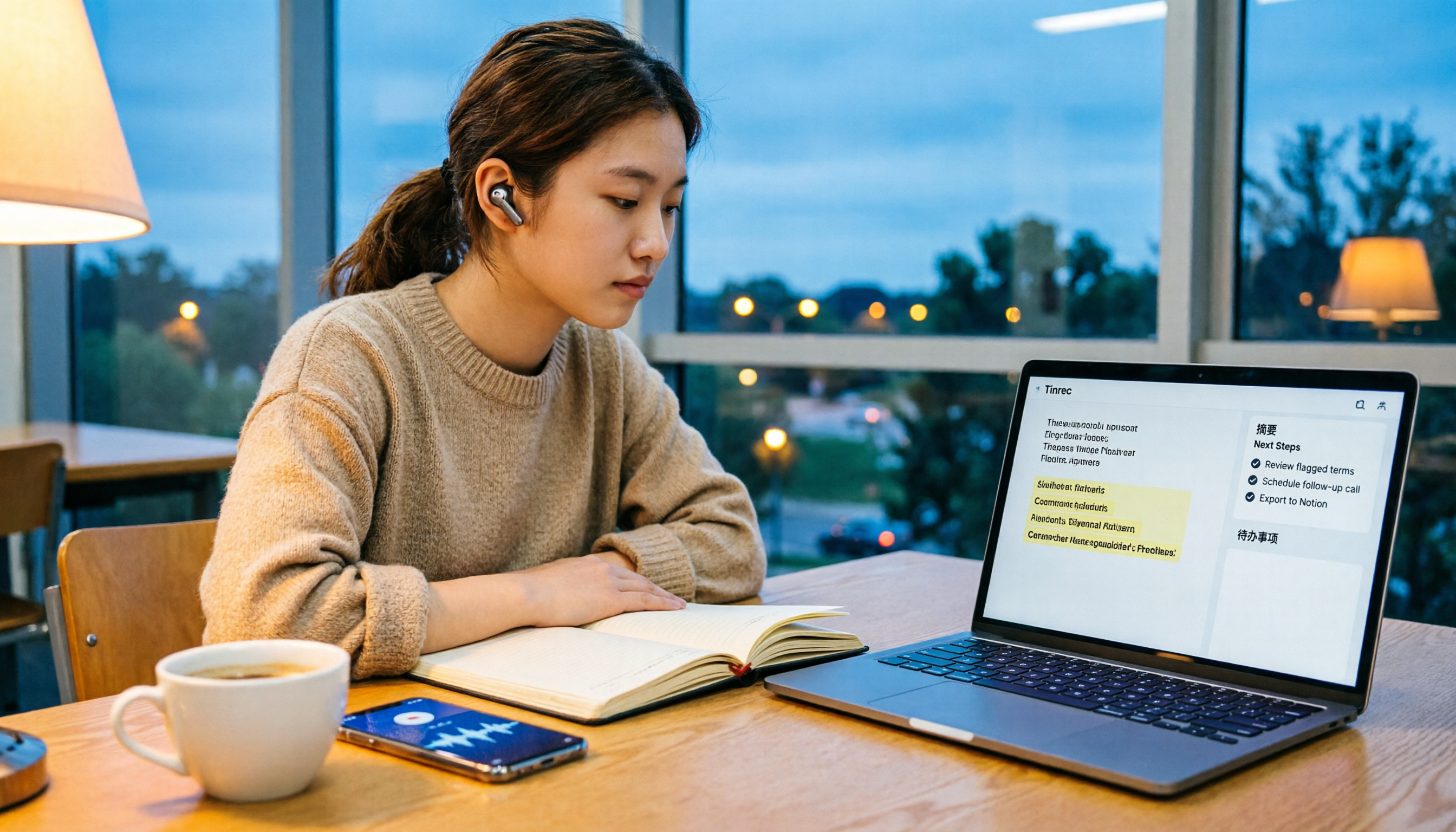
How to choose a free audio-to-text solution in 2026? This guide, from a student's hands-on perspective, compares five tools' free tiers, paid thresholds, and best use cases. It also walks through Tinrec's complete workflow—from recording to transcript, proofreading, summary, and action items—to help you decide if the free version is enough.

2026 Comparison of 4 Audio-to-Text Tools: Which Free Tier Is Most Generous?
There are many free audio-to-text tools, but few truly save you time on post-meeting organization. This article compares Tinrec, Yating Transcription, Notta, and Otter.ai from four angles: free quota, meeting audio capture, post-meeting organization, and team data retention. It outlines each tool's free limitations, suitable scenarios, and common pitfalls.

Tinrec vs Notta 2026: 5-Dimension Hands-On Comparison — Which Saves More Time for Chinese Meeting Notes?
How do you choose a speech-to-text app without getting burned? This hands-on comparison tests five dimensions: Chinese recognition, meeting capture method, post-transcription organization, quota and pricing, and team collaboration. Tinrec is the primary test subject, with Notta's plan design as a reference, to help you decide which one better fits your meeting and transcript workflow.

4 Free Audio-to-Text Tools Compared for 2026: Free Tiers and Post-Meeting Workflows Explained
There are many free audio-to-text tools, but "free" means very different things. Drawing on real experience organizing interview and meeting recordings, this article first explains 4 key factors for choosing a tool, then compares four popular options—Tinrec, MyEdit, cSubtitle, and Monica—with a pitfalls guide and a quick-start checklist to help you find the one that truly saves you time.

2026 Comparison of 4 Audio-to-Text Tools: How to Choose Free Tiers Without Getting Burned
From free quotas and Chinese recognition to post-meeting organization and team collaboration, we tested and compared four audio-to-text tools: Tinrec, Notta, Yating Transcription, and cSubtitle. We also summarized the three most common pitfalls mid-level managers encounter when choosing tools, helping you use the right tool without spending money first.