

Turn recordings into transcripts and summaries in minutes
Upload audio or video for multilingual transcription, AI notes, and action items
4 Free Audio-to-Text Tools Compared for 2026: Free Tiers and Post-Meeting Workflows Explained
Last week I had to organize a two-hour interview recording.
I opened the player, pressed play, and started typing. Ten minutes later, I realized I had only gotten through about three minutes of content.
So I stopped and dropped the recording into a transcription tool. For the same two hours of material, this time I spent thirty minutes organizing instead of six hours typing.
The difference isn't how amazing the tool is—it's the method: let the machine turn audio into text first, then I turn the text into usable data.
That's what this article is about.
There are plenty of audio-to-text tools touting "free," but the definition of free varies widely—some give you few hours, some cut features, and some leave you on your own after generating text.
So I've put together the options I've actually used recently and get asked about most, starting with how to evaluate free tiers and how far the output can take you, and finally telling you which one I'll keep using.
Why Most People Get It Wrong on Their First Free Audio-to-Text Tool
The first common scenario: the meeting ends, the recording sits on your phone, you know the answers are in there, but the thought of listening again makes you give up.
The second scenario: you recorded an online meeting with the platform's built-in feature, but to find a specific sentence, you have to drag the timeline and listen from the start.
The third scenario is the most common—you finally find a free transcription tool, upload excitedly, and get a wall of text with no paragraphs and random punctuation. You still have to read it from the beginning.
These three scenarios all point to the same thing: what you're missing isn't "transcription," it's "data you can use right after transcription."
With the right tool, the first scenario becomes "open the transcript and search for keywords"; the second becomes "just ask AI what was discussed in this meeting"; and the third never happens.
4 Key Factors to Understand Before Choosing a Free Audio-to-Text Tool
Factor 1: Is the free tier "minutes" or "length per upload"?
They're all called free, but some give you a certain number of minutes per month, some limit each upload to a few minutes, and some reset a few files per day.
The difference is huge. With a short per-upload limit, a two-hour interview has to be split into four uploads—just cutting files is a chore.
When looking at plans, first ask yourself "what's the longest file I'll upload at once?" then check if the free tier can handle it.
Factor 2: Is the output "text" or "data"?
With punctuation, paragraphs, and timestamps, you can find which minute that sentence is in.
My own standard is simple: after transcription, can I grasp the key points just by reading the text? If I still have to listen again to confirm, the tool has only done half the job.
Factor 3: How do meetings "get in"?
If it only supports file upload, you have to record first, then upload, then wait.
Tools that handle live meetings offer a different workflow: the transcript is generated during the meeting, and the data is ready when it ends.
This is sacrificed in most free tools because it's technically demanding.
Factor 4: Can you keep using it after transcription?
Summaries, chapters, action items, Q&A, export to Notion or Google Docs—these are what really take time "after the meeting."
If the tool only gives you plain text, you still have to walk the rest of the way yourself.
(Screenshot: A transcript with summary and action items side by side, arrow pointing to the summary section)
Tinrec—The One I Open Most After Testing
Tinrec is the one I've opened most during this period.
It's not just "audio-to-text"; it wraps the entire meeting workflow: live recording transcription, online meeting recording, audio/video file transcription, summaries, chapters, action items, AI Q&A, and finally export to the tools you already use.
I first used it in an online meeting.
The desktop version captures system audio directly—no need to invite a meeting bot into the room. This matters to me because many participants don't want an unknown participant in the meeting.
(Screenshot: Tinrec desktop version starting recording, arrow pointing to system audio source option)
When the meeting ended, the transcript was already there, along with AI summary, chapters, key points, and action items.
But what really changed my mind was the next step.
I could ask questions directly about the meeting: "Who mentioned the budget just now?" "What are the three things the client really cares about?"
It doesn't give keyword search results; it gives answers organized from the content.
Stop organizing recordings by hand
Upload audio or video and automatically get a transcript, summary, and action items
This is what I mean by "turning text into data." The transcript is just raw material; Q&A is what you'll actually use when reviewing.
It also supports live translation, letting you view the original, translation, or side-by-side bilingual. For cross-language meetings, this saves not just time but the effort of repeated confirmation.
It also handles a pile of historical recordings—drop files in and they can be transcribed, summarized, and queried.
A few practical limitations.
First, the free version gives a basic quota, suitable for testing with one of your own recordings; if your usage is regular, then consider the weekly card or Pro.
Second, if your need is "upload fifty files at once for batch subtitle transcription," it's not designed for that—that's where tools like cSubtitle shine.
Third, I never promise numbers on accuracy. Real meetings have air conditioning noise, people talking over each other, and unfamiliar jargon—I always double-check important conclusions against the original.
If a whole team needs to share meeting data, the team version offers independent team spaces, allowing multiple spaces, inviting members via link, and managing roles and seats separately.
One thing that's easy to confuse: members without a seat can still view, play, and read team data, but recording, uploading, editing, and exporting require a seat.
Team data belongs to the team; when a member leaves, the data doesn't go with them, but resources need to be handed over to other active members.
New eligible teams get a 7-day trial, 1 free seat, and 300 minutes of shared import quota; paid seats are USD 29.80/month or USD 199/year, which works out to about USD 16.58/month. Actual prices are subject to the official purchase page.
(Screenshot: Team space members and seat columns, arrow pointing to seat status)
Besides Tinrec, What Other Free Options Are There?
MyEdit: An online audio editing station by CyberLink, supporting 9 languages including Chinese, English, and Japanese. After transcription, you can edit online, add timestamps, and export .txt or .srt. It leans toward a "file-to-subtitle" workflow, suitable for YouTube subtitles. But it lacks post-meeting AI Q&A and action item organization, and can't handle live meetings—the two things I use most now.
cSubtitle: Upload without registering, single file up to 4GB and 5 hours, solid Chinese training, outputs Word files with timestamps and .srt/.vtt subtitle files. Great for one-time batch transcription of Chinese recordings. But it outputs raw material itself; summaries, queries, and team knowledge retention are up to you—it can't fill the gap that Tinrec covers.
Monica: An audio-to-text feature in a general AI toolbox, with 30 minutes free for new users, supporting over 100 languages, suitable for occasional foreign language recordings. But it's just a button in a toolbox, with no team meeting space and no direct desktop recording of online meetings. If you want "turn every meeting into a searchable database," it's not the right fit.
Pitfalls Guide: 3 Most Common Mistakes When Choosing Free Audio-to-Text
Pitfall 1: Only looking at the word "free," not the unit of free.
Minutes per month, minutes per upload, files per day—three completely different sets of rules. First calculate how long your longest recording is, then check the quota.
Pitfall 2: Thinking transcription is the end.
Text without paragraphs, punctuation, or timestamps is slower to read than to listen. This kind of "free" actually shifts the organizing cost back to you.
Pitfall 3: Ignoring how meetings get in.
If your meetings are all online but you choose a tool that only supports file upload, you're essentially "recording first, uploading, then waiting" every time. A tool that captures system audio directly from the desktop saves that back-and-forth.
**A reminder:** Before recording, confirm local regulations and participant consent—this isn't something a tool can solve for you.
Conclusion: Which One Should You Choose?
In one sentence: try your own real recording within the free tier first, then decide whether to invest.
Scenario breakdown for reference:
- Want a transcript generated during the meeting and to ask key points right after → Tinrec (desktop system audio capture, no meeting bot needed)
- Want to use AI to find "who said what" right after recording → Tinrec (AI Q&A is the biggest differentiator from pure transcription tools)
- Need to continue using across phone, computer, and web → Tinrec (multi-device and file import in one workflow)
- Only making YouTube subtitles, need .srt editing → MyEdit
- One-time batch transcription of many Chinese recordings into timestamped files → cSubtitle
- Occasional foreign language transcription, no registration → Monica
Quick-Start Checklist (My Fixed Workflow for Every New Recording)
- Choose a real recording with background noise and multiple speakers—not a demo file.
- Try only the first ten minutes to confirm the transcript's paragraphs and punctuation are readable.
- Open the summary and compare its key points with your memory.
- Ask a specific question about the transcript, e.g., "What was the conclusion of this discussion?"
- Try exporting once to see if it fits your existing workflow.
- Only then look at quota and price, choosing a plan based on "how many times I'll use it per month," not on price.
The tool is just a supporting player; the real change is your willingness to replace "listen again" with "ask directly."
Test step by step, and you'll gradually master this method of turning meetings into data.
References
- Audio to Text - Free Speech-to-Text Tool
- Tested 4 Best Online Speech-to-Text Tools, Free Instant Transcription
- No Time Limit! 3 Free AI Transcription Tools, Highly Recommended! AI Voice Notes for Meeting Minutes, Presentations, Mind Maps | 104 Job Bank
- Online Speech-to-Text AI, Free MP3 or Recording Transcription - MyEdit
- Online AI Speech, Video, Recording Auto Transcription - Free Trial - cSubtitle
Turn every recording into actionable outcomes
Get 60 free transcription minutes when you sign in. No credit card required.
Related Reading
You might also like
WhatsApp Voice to Text in 2026: Built-in vs Tinrec vs Notta Compared
How to choose a WhatsApp voice-to-text solution? This article covers the official built-in 'voice message transcripts' feature—its staged rollout, privacy, and language limitations—and compares Tinrec, Notta, and Otter.ai in different scenarios to help you decide which tool to use for single voice messages versus full meeting recordings.
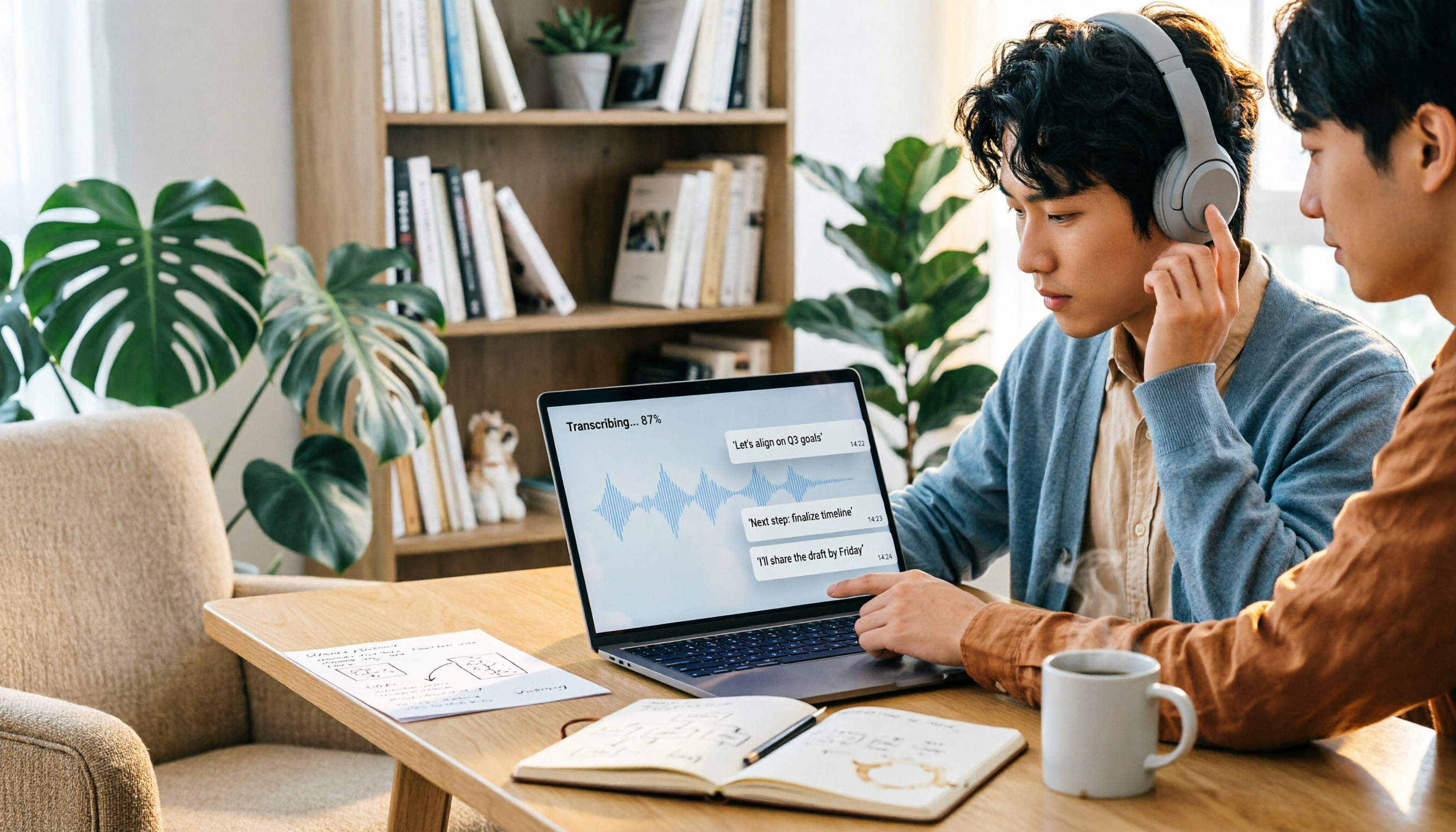
How to Choose a Speech-to-Text Tool in 2026: 5 Steps from PTT-Approved Tools to Real-World Workflows
There are plenty of discussions about speech-to-text on PTT, but the real key to choosing isn't 'which one is the most powerful'—it's your audio source, language mix, and team sharing needs. This article uses 4 buying criteria and 5 practical steps to help you pick the tool from PTT's popular list that you'll actually use long-term.

5 Best Audio-to-Text Tools in 2026: Chinese Accuracy & Free Tiers Tested
Meeting recording is 47 minutes, but the transcript is due in an hour? This hands-on comparison tests Tinrec, Otter.ai, Notta, TurboScribe, and Yating across four key criteria, with a buyer's guide and pitfalls to avoid.

Tinrec vs Yating Transcription: 5-Dimension Comparison of PTT's Most Discussed Speech-to-Text Tools in 2026
PTT discussions on speech-to-text tools often focus on two approaches: Taiwan-localized Yating Transcription and Tinrec, which emphasizes meeting notes and post-meeting organization. This article skips the top-10 list and compares them across five dimensions: free quota, post-meeting output, input sources, team collaboration, and Chinese language support, helping you decide which fits your use case.
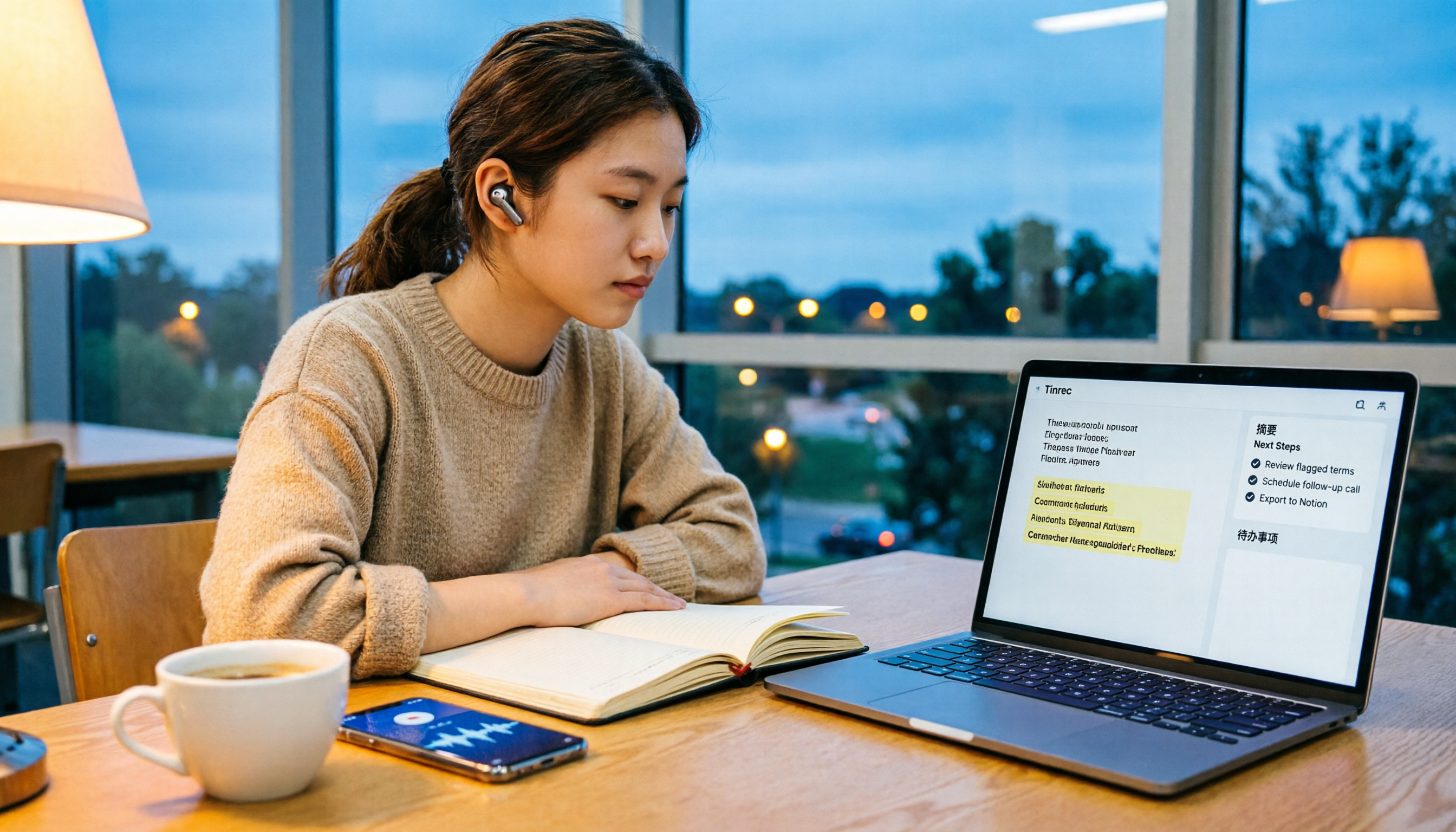
5 Free Audio-to-Text Solutions in 2026: A Student's Guide
How to choose a free audio-to-text solution in 2026? This guide, from a student's hands-on perspective, compares five tools' free tiers, paid thresholds, and best use cases. It also walks through Tinrec's complete workflow—from recording to transcript, proofreading, summary, and action items—to help you decide if the free version is enough.

2026 Comparison of 4 Audio-to-Text Tools: Which Free Tier Is Most Generous?
There are many free audio-to-text tools, but few truly save you time on post-meeting organization. This article compares Tinrec, Yating Transcription, Notta, and Otter.ai from four angles: free quota, meeting audio capture, post-meeting organization, and team data retention. It outlines each tool's free limitations, suitable scenarios, and common pitfalls.

Tinrec vs Notta 2026: 5-Dimension Hands-On Comparison — Which Saves More Time for Chinese Meeting Notes?
How do you choose a speech-to-text app without getting burned? This hands-on comparison tests five dimensions: Chinese recognition, meeting capture method, post-transcription organization, quota and pricing, and team collaboration. Tinrec is the primary test subject, with Notta's plan design as a reference, to help you decide which one better fits your meeting and transcript workflow.

2026 Comparison of 4 Audio-to-Text Tools: How to Choose Free Tiers Without Getting Burned
From free quotas and Chinese recognition to post-meeting organization and team collaboration, we tested and compared four audio-to-text tools: Tinrec, Notta, Yating Transcription, and cSubtitle. We also summarized the three most common pitfalls mid-level managers encounter when choosing tools, helping you use the right tool without spending money first.

2026 Comparison of 4 Audio-to-Text Tools: Free Tiers and Chinese Recognition Tested
A hands-on 2026 comparison of audio-to-text tools, covering free usage limits, Chinese recognition, post-meeting organization, and online meeting recording methods. It explains who Tinrec, Notta, Otter.ai, and TurboScribe each suit best, with a pitfalls guide and selection advice.