

Turn recordings into transcripts and summaries in minutes
Upload audio or video for multilingual transcription, AI notes, and action items
2026 Comparison of 4 Audio-to-Text Tools: Free Tiers and Chinese Recognition Tested
First, ask yourself one question: how many minutes do you need to transcribe each month?
"Audio to text" means different things to different people. Some want to turn interview recordings into transcripts; others want to walk out of a meeting with a meeting record they can send out right away.
So before comparing tools, I usually ask readers to answer three questions.
First, roughly how many minutes do you need to transcribe each month? That determines whether you need to pay. Second, after you get the transcript, how much work do you still have to do yourself? That determines whether you need a "transcription tool" or a "meeting organization tool." Third, are you recording online meetings or in-person audio?
Different answers to these three questions lead to completely different tools. Below I've organized the four I've actually used. I'll start with the criteria, then go through the differences one by one.
Before choosing an audio-to-text tool, understand these 4 key points
1. Is the free tier measured in "minutes" or in "files"
They're all called free, but the limits vary a lot. Notta's free plan is 120 minutes per month, with a maximum of 3 minutes per item; TurboScribe's free plan is 3 files per day, 30 minutes per file. The former limits your total volume, the latter limits how long a single item can be. Figure out which one is holding you back before discussing whether to pay.
2. Does it only give you a transcript, or does it handle the organization too
A transcript with no paragraphs, no punctuation, and no highlights still takes time to read. I look at whether the tool can automatically generate summaries, chapters, and action items, and whether it can answer follow-up questions about the meeting content. The gap here is often more noticeable than recognition accuracy.
3. For Chinese and mixed Chinese-English recognition, don't just look at the advertised accuracy rate
No tool can guarantee a fixed accuracy rate; results depend on recording quality, microphone distance, air-conditioning noise, and how many people talk over each other. My approach: take a recording that's hardest for you to transcribe and try it out. That's what the free tier is for. Also look for features like "hotwords" that let you add internal company terms and product names in advance.
4. How to record online meetings
One way is a meeting bot that joins the meeting with an account; the other is a desktop app that directly captures the computer's system audio. Tinrec is the latter, and the advantage is that no unfamiliar account shows up on the meeting participant list. Note that this doesn't mean it automatically joins every meeting on your calendar—you still have to press start recording yourself.
Tinrec — the one I open most often after testing
Tinrec is an AI meeting notes and collaboration tool for individuals and teams, available on web, desktop, and mobile. It handles live recording, online meetings, audio and video files, and some web link content.
First, my most common scenario: online meetings. Open the desktop app, select the source to record, and it produces a transcript while recording—no need to invite a separate meeting bot. When the meeting ends, the summary, chapters, and action items are already generated—who's responsible for what and what to discuss next usually don't require listening back to the recording.
The second scenario is post-meeting follow-up questions. This is where I feel it differs most from most transcription tools: I can directly ask it "what were the client's concerns about the quote?" and it answers based on the meeting content, rather than dumping a bunch of keywords for me to dig through. With the same recording, my old approach was to drag the timeline to find that sentence; now I just ask.
The third scenario is file organization. Interview recordings and course recordings on hand can be uploaded directly for transcription, and after transcription you can export to Google Docs, Notion, OneNote, and other tools for further editing, or ask it to generate reports, tables, and meeting minutes. For cross-language meetings I also turn on live translation and view the original, translation, or both side by side.
Stop organizing recordings by hand
Upload audio or video and automatically get a transcript, summary, and action items
Three advantages:
- Recording isn't the end—summaries, chapters, action items, and Q&A are all in one place, saving that hour after the meeting.
- Desktop recording without a bot means external meetings don't have an extra account on the participant list.
- The team plan keeps data in a team space, with members, roles, seats, usage, and audit logs managed separately, so data doesn't disappear when someone leaves.
Limitations should also be stated clearly: the free plan provides a basic quota, and heavy users will definitely hit the limit; actual minutes and prices for paid plans are subject to the official website—I can't guarantee which plan is the best value for you. Also, live recording and file import are calculated differently; the team plan uses a shared import quota (2,000 minutes per paid seat per month; live recording is currently not deducted by minutes under a valid plan and valid seat). Confirm the details before purchasing.
One more reminder: no tool should be treated as a complete replacement for human review. For important numbers and contract terms, I still click back to the transcript and compare it with the recording.
Who it suits: people who frequently hold online meetings, need Chinese transcripts and post-meeting organization, and want meeting data to be retained and reusable.
Besides Tinrec, what other options are there?
Notta: a multilingual transcription tool used by many in Taiwan. The free plan is 120 minutes per month with a maximum of 3 minutes per item; Pro annual billing works out to about USD 8.17/month for 1,800 minutes per month (subject to the official pricing page). Its transcription quality is solid, and meeting capture methods include bot joining and file upload. However, if you don't want a bot in your meetings and need a team space to retain data, Tinrec's path is more complete—AI Q&A, Agent post-processing, and member seat management are areas Notta focuses on less.
Otter.ai: the classic choice for English meetings. The free plan's 300 minutes per month is quite generous, and Pro annual billing works out to about USD 8.49/user/month. If 90% of your meetings are in English, it's more than enough. But for Chinese meetings and mixed Chinese-English transcripts, I'd suggest trying it with your own recordings first; if you need bilingual side-by-side viewing for Chinese meetings, Tinrec's live translation and original/translation toggle are more direct.
TurboScribe: the value pick for long files and batch transcription. Free is 3 files per day, 30 minutes per file; Unlimited annual billing is USD 120, and after paying, a single file can be up to 10 hours and you can upload 50 files at once. If you need to clear dozens of recordings at once, it does the job well. However, its positioning leans toward "turning files into text"; post-transcription Q&A, action items, and team collaboration aren't the focus, which is exactly where Tinrec clearly differs.
Pitfalls guide: the 3 most common mistakes when choosing an audio-to-text tool
Pitfall 1: Treating the accuracy rate in ads as your own accuracy rate. Those numbers are mostly measured in quiet environments. Your meeting room has air-conditioning noise, people talking over each other, and a pile of technical terms, so actual results will definitely be lower. Testing with your own recordings is the most accurate.
Pitfall 2: Only comparing "how much per hour" and ignoring the work after transcription. If a cheap transcript still requires you to paragraph it, pull out key points, and organize action items yourself, the money saved is paid back in time. The real difference is how much the tool organizes for you.
Pitfall 3: The team still shares one personal account. It's cheap, but data ownership is unclear, and files can't be found once someone leaves. The team plan concept separates team space, roles, and seats; handling this early saves trouble.
Conclusion: which one should you actually choose?
- Frequently hold online meetings and don't want a bot on the participant list → Tinrec
- Need Chinese transcripts plus summaries, action items, and follow-up questions → Tinrec
- Need to switch between phone, computer, and web → Tinrec
- Need to clear a large number of long recordings at once → TurboScribe
- Meetings are almost entirely in English → Otter.ai
My advice: don't rush to pay. Use the free tier to transcribe the most troublesome recording you have, and see whether the transcript is usable, whether the summary captures the key points, and whether Q&A can answer what you really want to ask. Upgrade only if it's enough—that's more useful than reading ten reviews.
References
- Expert-supervised Top 10 Audio-to-Text Ranking | mybest
- Turning audio files into text / speech to text / transcripts: 2026 review and tutorial of 5 AI tools - Tinrec Blog
- Must-see in 2026! 4 AI audio-to-text tools recommended: meeting notes and podcast transcript comparison - Mobile01
- [AI voice notes] 5 highly recommended AI transcription tools! Generate transcripts and meeting notes highlights, free vs subscription, pros and cons | 104 Career Power
- [Audio to text] 6-tool comparison 2026: how to choose for meeting notes and voice recorder files (with Tinrec hands-on) - Tinrec Blog
Turn every recording into actionable outcomes
Get 60 free transcription minutes when you sign in. No credit card required.
Related Reading
You might also like
WhatsApp Voice to Text in 2026: Built-in vs Tinrec vs Notta Compared
How to choose a WhatsApp voice-to-text solution? This article covers the official built-in 'voice message transcripts' feature—its staged rollout, privacy, and language limitations—and compares Tinrec, Notta, and Otter.ai in different scenarios to help you decide which tool to use for single voice messages versus full meeting recordings.

How to Choose a Speech-to-Text Tool in 2026: 5 Steps from PTT-Approved Tools to Real-World Workflows
There are plenty of discussions about speech-to-text on PTT, but the real key to choosing isn't 'which one is the most powerful'—it's your audio source, language mix, and team sharing needs. This article uses 4 buying criteria and 5 practical steps to help you pick the tool from PTT's popular list that you'll actually use long-term.

5 Best Audio-to-Text Tools in 2026: Chinese Accuracy & Free Tiers Tested
Meeting recording is 47 minutes, but the transcript is due in an hour? This hands-on comparison tests Tinrec, Otter.ai, Notta, TurboScribe, and Yating across four key criteria, with a buyer's guide and pitfalls to avoid.

Tinrec vs Yating Transcription: 5-Dimension Comparison of PTT's Most Discussed Speech-to-Text Tools in 2026
PTT discussions on speech-to-text tools often focus on two approaches: Taiwan-localized Yating Transcription and Tinrec, which emphasizes meeting notes and post-meeting organization. This article skips the top-10 list and compares them across five dimensions: free quota, post-meeting output, input sources, team collaboration, and Chinese language support, helping you decide which fits your use case.
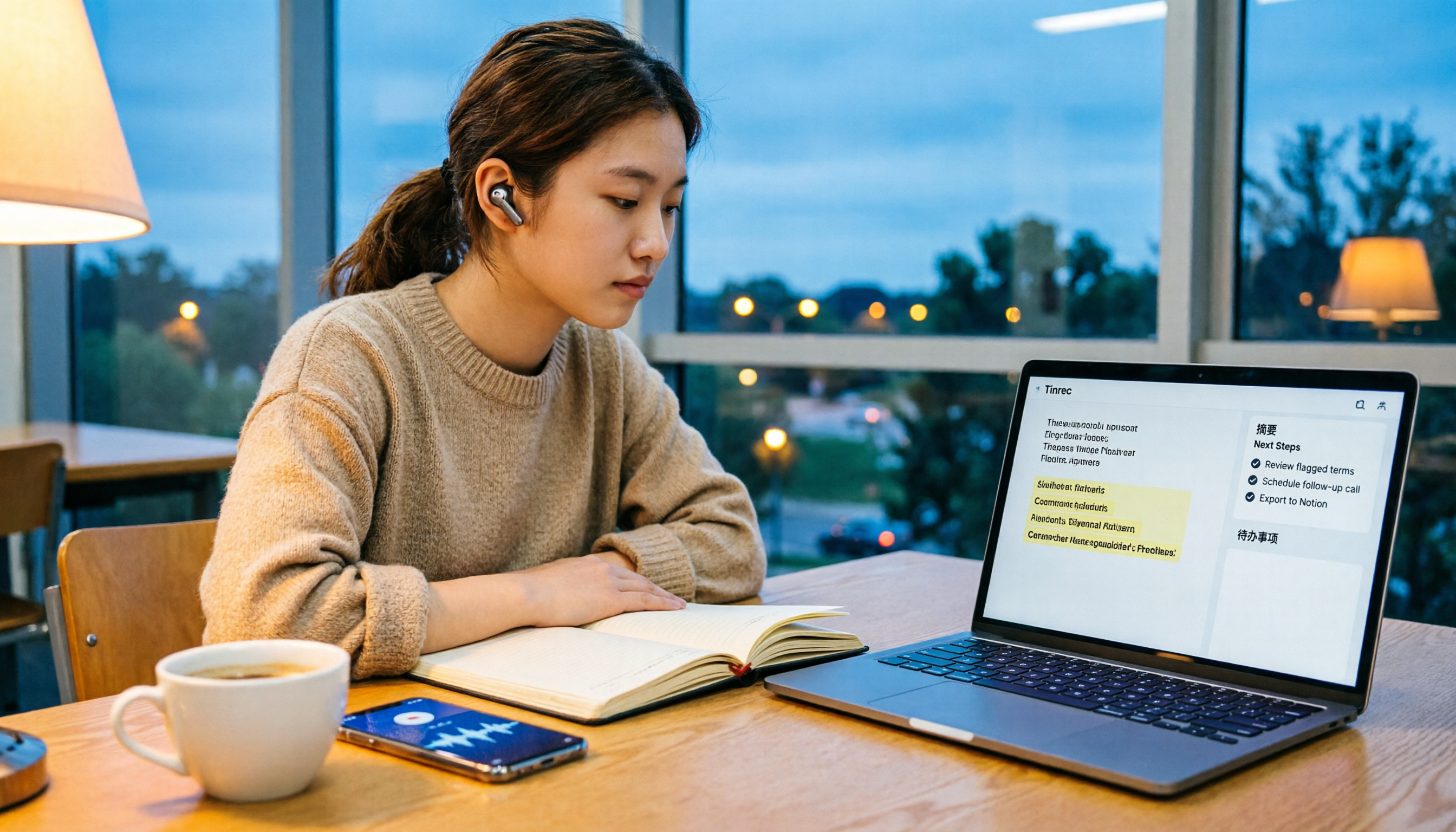
5 Free Audio-to-Text Solutions in 2026: A Student's Guide
How to choose a free audio-to-text solution in 2026? This guide, from a student's hands-on perspective, compares five tools' free tiers, paid thresholds, and best use cases. It also walks through Tinrec's complete workflow—from recording to transcript, proofreading, summary, and action items—to help you decide if the free version is enough.

2026 Comparison of 4 Audio-to-Text Tools: Which Free Tier Is Most Generous?
There are many free audio-to-text tools, but few truly save you time on post-meeting organization. This article compares Tinrec, Yating Transcription, Notta, and Otter.ai from four angles: free quota, meeting audio capture, post-meeting organization, and team data retention. It outlines each tool's free limitations, suitable scenarios, and common pitfalls.

Tinrec vs Notta 2026: 5-Dimension Hands-On Comparison — Which Saves More Time for Chinese Meeting Notes?
How do you choose a speech-to-text app without getting burned? This hands-on comparison tests five dimensions: Chinese recognition, meeting capture method, post-transcription organization, quota and pricing, and team collaboration. Tinrec is the primary test subject, with Notta's plan design as a reference, to help you decide which one better fits your meeting and transcript workflow.

4 Free Audio-to-Text Tools Compared for 2026: Free Tiers and Post-Meeting Workflows Explained
There are many free audio-to-text tools, but "free" means very different things. Drawing on real experience organizing interview and meeting recordings, this article first explains 4 key factors for choosing a tool, then compares four popular options—Tinrec, MyEdit, cSubtitle, and Monica—with a pitfalls guide and a quick-start checklist to help you find the one that truly saves you time.

2026 Comparison of 4 Audio-to-Text Tools: How to Choose Free Tiers Without Getting Burned
From free quotas and Chinese recognition to post-meeting organization and team collaboration, we tested and compared four audio-to-text tools: Tinrec, Notta, Yating Transcription, and cSubtitle. We also summarized the three most common pitfalls mid-level managers encounter when choosing tools, helping you use the right tool without spending money first.