

Turn recordings into transcripts and summaries in minutes
Upload audio or video for multilingual transcription, AI notes, and action items
2026 Comparison of 4 Audio-to-Text Tools: Which Free Tier Is Most Generous?
Free Quota Isn't the Point: Three Misconceptions That Waste Your Time
Most people searching for "free audio to text" want the same thing: a tool where you can drop a meeting recording and get a transcript you can hand off, for free. Here's the bottom line—free quota is usually not the biggest hurdle; how you use it is.
Misconception 1: Assuming "free version" means "all features unlocked." Many tools' free plans only give you transcription minutes, while summaries, AI Q&A, and export formats are locked behind a paywall. You save on subscription fees but lose an afternoon of post-meeting organization.
Misconception 2: Only looking at transcription speed. Fast transcription without segmentation, erratic punctuation, and overlapping speakers all jumbled together means you still have to listen from the beginning. Speed is just the threshold; organization is the real cost.
Misconception 3: Treating the transcript as the end goal. A 2,000-line transcript won't turn itself into meeting minutes. A tool that helps you extract decisions and action items, and lets you query the content afterward, truly saves you time.
This article follows these three points and puts 4 common tools back into a real workflow: the same meeting recording with air conditioning noise and people interrupting, examining their free quota, audio capture methods, and post-meeting organization capabilities.
Before Choosing an Audio-to-Text Tool, Understand These 4 Key Points
1. How free quota is calculated, not just the number Each tool calculates quota differently: some give minutes per month, some give files per day, some limit single-session length. What matters is not how many minutes you can transcribe for free per month, but "after a 45-minute meeting, how much quota is left." No matter how large the quota, if the single-session limit is only 3 minutes, it's useless for meeting notes.
2. How meeting audio is captured: meeting bot or system audio Meeting bots join online meetings as participants; another method is desktop apps that directly capture system audio, without an extra bot in the participant list. The latter looks better externally and avoids the awkwardness of a "bot waiting in the lobby." This is especially noticeable in cross-company meetings.
3. Can the transcript be used directly after transcription? A transcript is just raw material. What really determines whether you keep the tool is whether it can automatically segment, punctuate, generate summaries and chapters, extract action items, and even let you query the meeting content afterward. Tools that only output a large block of text hand the organization work right back to you.
4. Where the data ultimately resides For personal use, keeping recordings in your own account is fine. But if your department shares it, you need to ask: who owns the meeting data, will data disappear when members leave, are there role and seat distinctions, and can usage be viewed? These questions are rarely asked during trials but hurt the most when problems arise.
Tinrec — The One We Keep Coming Back to After Testing
Tinrec is an AI meeting notes and collaboration tool for individuals and teams, available on web, desktop, and mobile. Its core is turning "recorded audio" into "data you can continue working with."
Meeting audio capture doesn't require a bot to join. The desktop version directly captures system audio, so when handling online meetings like Zoom, Google Meet, Microsoft Teams, and Webex, you don't need to invite an extra bot into the meeting room. Transcription runs simultaneously with recording, and for cross-language meetings, you can see the original text, translation, or bilingual view in real time, so you don't have to piece together who said what from memory afterward.
Post-meeting is where it stands out. After recording, the system automatically generates summaries, chapters, and key points, breaking lengthy discussions into scannable sections and extracting action items—who is responsible for what and when it's due, listed directly. More importantly, AI Q&A: you can ask questions directly about this meeting or even across multiple meetings, such as "Who mentioned the budget cap last time?" It answers based on semantics, not by dumping keyword search results for you to sift through. Most tools in the same price range currently don't offer this usage.
Output integrates back into your existing workflow. Meeting results can be exported as documents, reports, and tables, and brought into Notion, Google Docs, OneNote, Dropbox, etc. for further processing, without copying and pasting between systems.
Stop organizing recordings by hand
Upload audio or video and automatically get a transcript, summary, and action items
Team scenarios have a separate setup. The team version is not "multiple people sharing a personal account" but an independent team space: meeting data is owned by the team, and members can view, play, and read even without a seat; roles determine who can manage members and settings, seats determine who can record, upload, edit, and export—these are separate concepts. Admins can also view usage trends, member rankings, export audit logs, and recover accidentally deleted audio from a 30-day recycle bin. For teams often struggling with product codes and jargon, you can maintain a custom vocabulary list.
Pricing and limitations clearly stated. The personal version has a free tier, weekly card, Pro monthly, and Pro annual—choose based on usage frequency; actual free tier quota is subject to the official website. The team version offers a 7-day trial for first-time eligible users, 1 free seat, and 300 minutes of team shared import quota; paid seats are US$29.80/seat/month, or US$199/seat/year (about US$16.58/month), each paid seat provides 2,000 minutes of team shared import quota per month, and real-time recording under an active plan is currently not deducted by minutes. Note that file and web imports consume team shared quota, and it is not a file-level permission system but team-level sharing plus role and seat governance. As for accuracy, we don't recommend looking at fixed numbers; recording quality, accents, noise, and overlapping speakers all affect results, and important content should still be verified by replaying at timestamps.
Who it's for: Those who need Chinese and mixed Chinese-English meeting notes, don't want bots joining meetings, want to use AI to find key points right after recording, and want meeting data to accumulate in a team space.
Besides Tinrec, What Other Options Are There?
Yating Transcription is a veteran tool developed by Taiwan AI Labs, optimized for Taiwanese accents, supports Taiwanese Hokkien and mixed Chinese-English, offers free real-time recording, and gives new registrants 300 minutes of upload quota (must be used within a month); multi-speaker recognition is decent. However, its transcription speed is slow, and it completely lacks AI summaries or conversational queries—you can only manually search keywords after recording. This is exactly what Tinrec has and it doesn't.
Notta covers multi-platform transcription, file import, and translation. The free version offers 120 minutes per month, with a maximum of 3 minutes per session; Pro annual is about US$8.17/month. The price barrier is low, suitable for large-volume multilingual transcription; but Chinese recognition and post-meeting organization are relatively weak, and it lacks Tinrec's bot-free desktop recording and team data retention design.
Otter.ai is a mature choice for English business meetings. The free version offers 300 minutes per month, quite generous; Pro annual is about US$8.49/user/month. If 90% of your meetings are in English, it's cost-effective; but it's not strong in Chinese and mixed Chinese-English processing, and lacks Tinrec's team custom vocabulary and bilingual transcript experience.
Pitfall Guide: 3 Most Common Mistakes When Choosing an Audio-to-Text Tool
Pitfall 1: Taking advertised accuracy at face value. "98% accuracy" is mostly measured in quiet environments. Real meeting rooms have air conditioning noise, keyboard sounds, and people interrupting, leading to completely different results. The right approach is to run your own meeting recording through the free version, not just look at the promotional page.
Pitfall 2: Ignoring audio capture methods and cross-platform support. Today an online meeting, tomorrow an in-person interview, the day after organizing old audio files—if the tool only supports one scenario, you'll end up back to phone recording plus manual typing. Before choosing, confirm: can it handle online meetings without a bot, can it upload existing audio files, and does data sync between phone and computer?
Pitfall 3: Only using it as "audio to text." This is the biggest waste. Most people only use it to turn audio into text but don't use summaries, action items, and AI Q&A. After a meeting, directly asking "What were the conclusions of this meeting?" is much faster than flipping through a 30-minute transcript yourself.
Conclusion: Which One Should You Choose?
Need Chinese, mixed Chinese-English meetings, and don't want bots in the meeting room → Tinrec, desktop version directly captures system audio, transcripts and summaries generated simultaneously. Want to use AI to ask for key points after recording, instead of Ctrl+F keyword search → Tinrec, cross-session AI Q&A is a rare capability at this price point. Meeting data should stay with the team and not be lost when members come and go → Tinrec team version, data owned by the team, roles and seats managed separately, with usage and audit logs available. Only transcribe a few recordings per month, zero budget → Start with the free version on your own meeting; you'll know if the quota is enough after one meeting. Mainly record English meetings, no need for Chinese support → Otter.ai's free 300 minutes is indeed generous.
Honestly, whether these tools are worth keeping has little to do with how much you pay, and more to do with whether you're "willing to turn it on and record at your next meeting." Run a real meeting with the free quota first, and see if the post-meeting summary can be pasted directly into the group chat—the answer will be clear.
References
- Hands-on test of 4 best online speech-to-text tools, free instant transcription of audio files
- Want free audio-to-transcript? 5 must-recommend transcription tools to get it done fast
- 4 recommended Android audio-to-text apps in 2026: free to paid at a glance - Tinrec Blog
- 2026 comparison of free quotas for 5 audio-to-text tools: whose free version is most generous? - Tinrec Blog
- 6 recommended voice recorder-to-text tools in 2026: free high-accuracy transcripts - Tinrec Blog
Turn every recording into actionable outcomes
Get 60 free transcription minutes when you sign in. No credit card required.
Related Reading
You might also like
WhatsApp Voice to Text in 2026: Built-in vs Tinrec vs Notta Compared
How to choose a WhatsApp voice-to-text solution? This article covers the official built-in 'voice message transcripts' feature—its staged rollout, privacy, and language limitations—and compares Tinrec, Notta, and Otter.ai in different scenarios to help you decide which tool to use for single voice messages versus full meeting recordings.
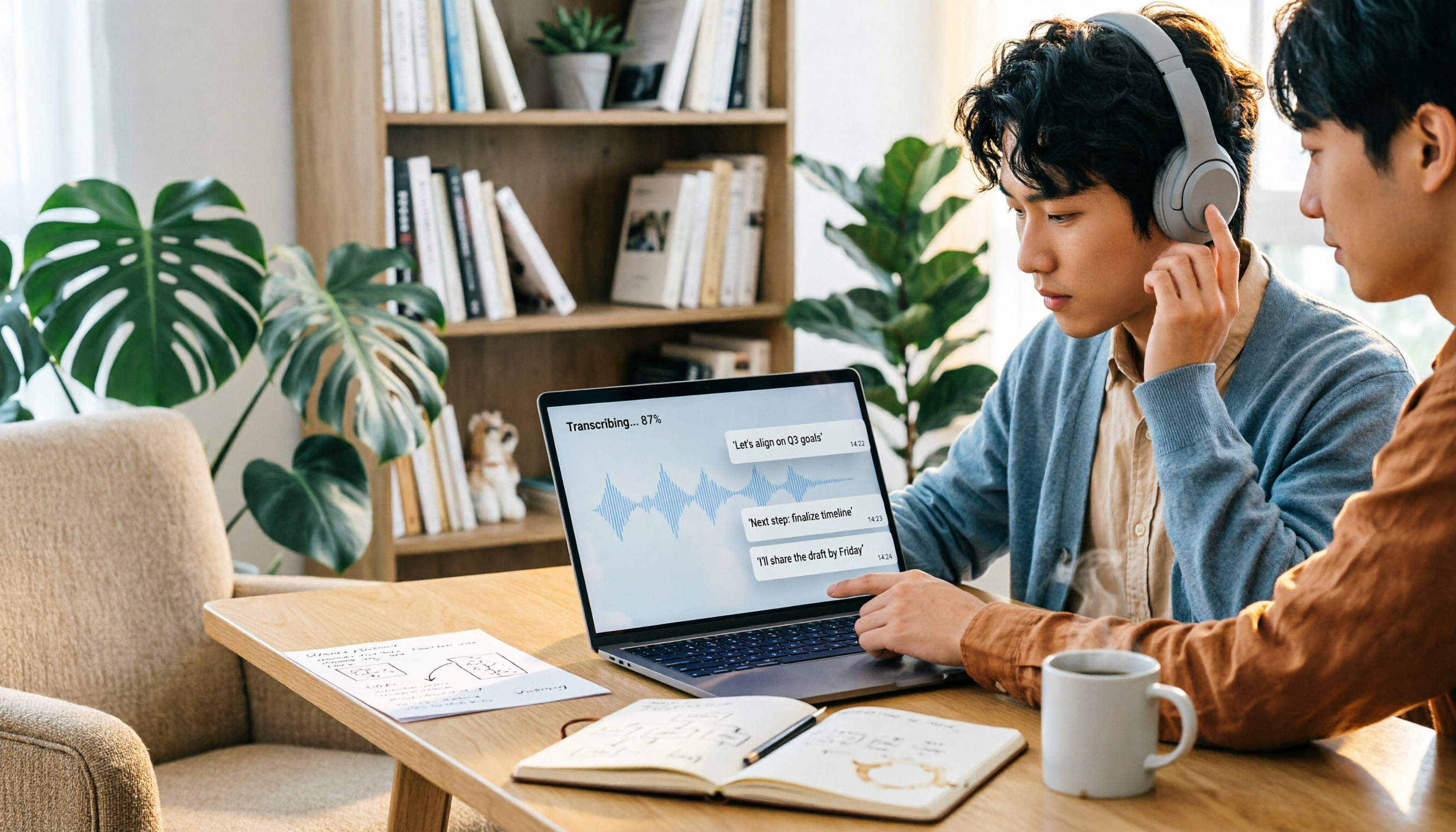
How to Choose a Speech-to-Text Tool in 2026: 5 Steps from PTT-Approved Tools to Real-World Workflows
There are plenty of discussions about speech-to-text on PTT, but the real key to choosing isn't 'which one is the most powerful'—it's your audio source, language mix, and team sharing needs. This article uses 4 buying criteria and 5 practical steps to help you pick the tool from PTT's popular list that you'll actually use long-term.

5 Best Audio-to-Text Tools in 2026: Chinese Accuracy & Free Tiers Tested
Meeting recording is 47 minutes, but the transcript is due in an hour? This hands-on comparison tests Tinrec, Otter.ai, Notta, TurboScribe, and Yating across four key criteria, with a buyer's guide and pitfalls to avoid.

Tinrec vs Yating Transcription: 5-Dimension Comparison of PTT's Most Discussed Speech-to-Text Tools in 2026
PTT discussions on speech-to-text tools often focus on two approaches: Taiwan-localized Yating Transcription and Tinrec, which emphasizes meeting notes and post-meeting organization. This article skips the top-10 list and compares them across five dimensions: free quota, post-meeting output, input sources, team collaboration, and Chinese language support, helping you decide which fits your use case.
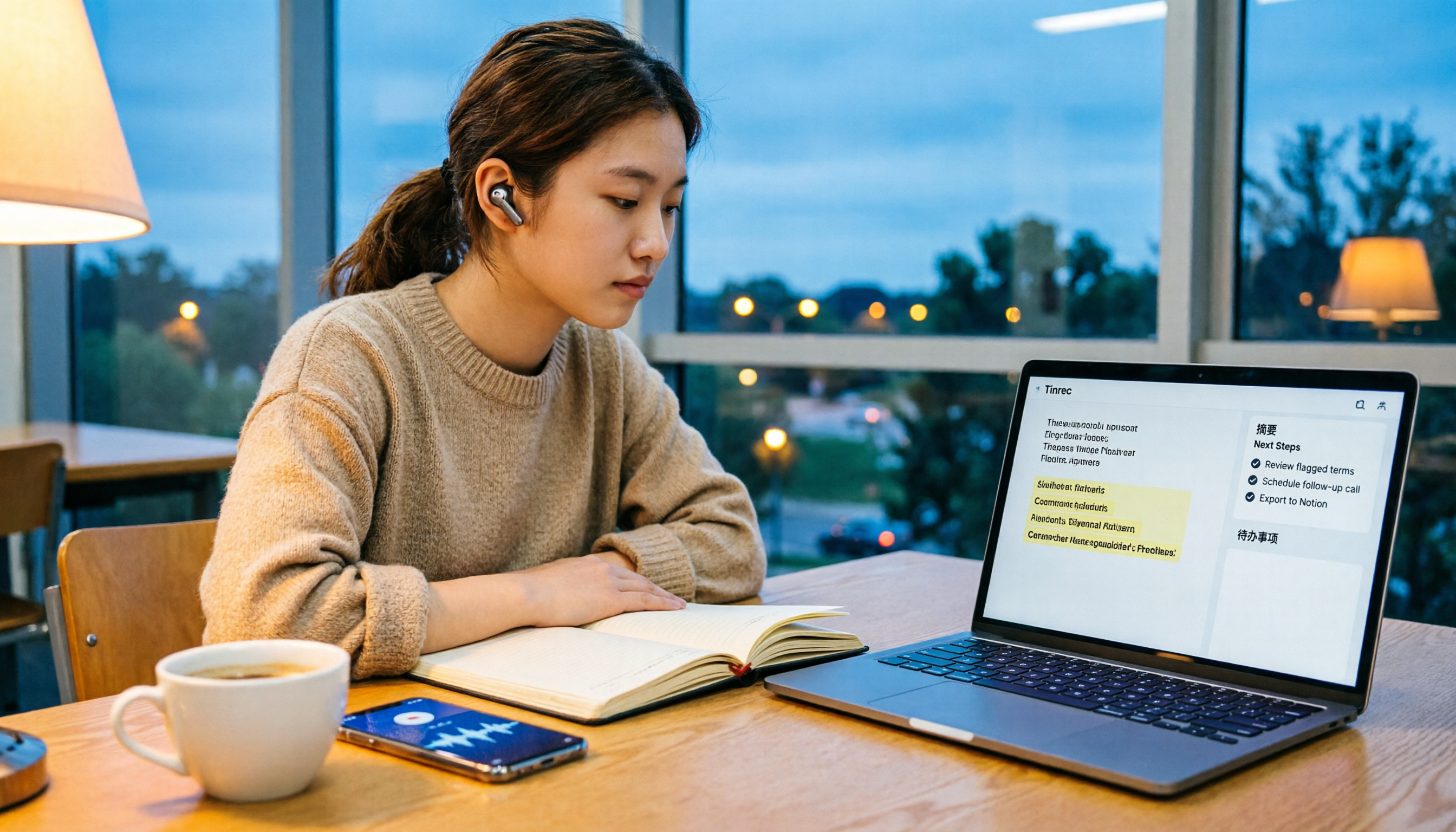
5 Free Audio-to-Text Solutions in 2026: A Student's Guide
How to choose a free audio-to-text solution in 2026? This guide, from a student's hands-on perspective, compares five tools' free tiers, paid thresholds, and best use cases. It also walks through Tinrec's complete workflow—from recording to transcript, proofreading, summary, and action items—to help you decide if the free version is enough.

Tinrec vs Notta 2026: 5-Dimension Hands-On Comparison — Which Saves More Time for Chinese Meeting Notes?
How do you choose a speech-to-text app without getting burned? This hands-on comparison tests five dimensions: Chinese recognition, meeting capture method, post-transcription organization, quota and pricing, and team collaboration. Tinrec is the primary test subject, with Notta's plan design as a reference, to help you decide which one better fits your meeting and transcript workflow.

4 Free Audio-to-Text Tools Compared for 2026: Free Tiers and Post-Meeting Workflows Explained
There are many free audio-to-text tools, but "free" means very different things. Drawing on real experience organizing interview and meeting recordings, this article first explains 4 key factors for choosing a tool, then compares four popular options—Tinrec, MyEdit, cSubtitle, and Monica—with a pitfalls guide and a quick-start checklist to help you find the one that truly saves you time.

2026 Comparison of 4 Audio-to-Text Tools: How to Choose Free Tiers Without Getting Burned
From free quotas and Chinese recognition to post-meeting organization and team collaboration, we tested and compared four audio-to-text tools: Tinrec, Notta, Yating Transcription, and cSubtitle. We also summarized the three most common pitfalls mid-level managers encounter when choosing tools, helping you use the right tool without spending money first.

2026 Comparison of 4 Audio-to-Text Tools: Free Tiers and Chinese Recognition Tested
A hands-on 2026 comparison of audio-to-text tools, covering free usage limits, Chinese recognition, post-meeting organization, and online meeting recording methods. It explains who Tinrec, Notta, Otter.ai, and TurboScribe each suit best, with a pitfalls guide and selection advice.