

Turn recordings into transcripts and summaries in minutes
Upload audio or video for multilingual transcription, AI notes, and action items
2026 Comparison of 4 Audio-to-Text Tools: How to Choose Free Tiers Without Getting Burned
Let me ask you a question first: If your boss suddenly asks you tomorrow morning to pull up the conclusions from last Wednesday's cross-department meeting, do you have anything to look through?
I have about 15 meetings every week—weekly meetings, project progress meetings, one-on-ones, cross-department coordination. What used to annoy me most wasn't the meetings themselves, but the aftermath. No matter how fast I took notes, I couldn't keep up with ten people talking over each other; recording the whole thing meant re-listening took longer than the meeting itself.
So I totally get why you'd search for "audio to text free"—it's not that you don't want to pay, it's that you don't know if paying will actually help. This article is the result of my team and me actually testing these tools. It covers how to evaluate free quotas, which limitations will bite you, and why I ultimately kept Tinrec on both my phone and computer.
Is Free Actually the Most Expensive? First, Understand What You Really Need to Solve
Most people get stuck not because they can't find a tool, but because they find the wrong one.
Scenario 1: After a meeting, what you actually need isn't a transcript—it's the conclusion. The transcript is 40 pages long, but your boss only wants to know three things: who's responsible, when it's due, and where it's stuck. If the tool only turns audio into text, you still have to read all 40 pages yourself.
Scenario 2: You simply don't have time to re-listen. Interviews, client calls, discussions you were pulled into last minute—the recordings sit on your phone gathering dust because re-listening for 45 minutes costs more than just asking a colleague.
Scenario 3: No one remembers what was assigned. Verbal instructions leave no record, and two days later when you follow up, the other person says, "I thought it was due next week." It's not anyone's fault—there's simply nothing traceable.
The common thread across these three scenarios is: what you need isn't "audio to text," but "something you can use directly after the meeting." That's why the following purchase criteria exist.
Before Choosing a Free Audio-to-Text Tool, Understand These 4 Key Points
1. Is the free quota "per month" or "per upload"—this makes a huge difference
Some tools give you 120 minutes per month on the free plan, but the single-upload limit is only 3 minutes. That means a 50-minute meeting has to be split into 17 segments and stitched back together—exhausting just to think about. When checking free quotas, always look at the "single-upload limit" too—that's what will actually trip you up.
2. Recognition quality for Chinese meetings is a different beast from English
Many international tools perform great in English but start dropping words when it comes to Chinese meetings, mixed Chinese-English, or Taiwanese accents. If 80% of your meetings are in Chinese, this matters more than any AI feature. When testing, use a recording from your own company—with air conditioning noise, people talking over each other, and product codes mixed in—not the official demo audio.
3. What can you do after transcription—this determines how much time you save
A tool that only gives you a transcript saves you typing time; a tool that automatically provides summaries, chapters, and action items saves you the time of "reading and organizing." The latter is usually the real time sink after meetings.
4. Is the free version "view-only"?
Some free versions can transcribe but restrict exporting, copying, or searching. If you can't get the content out, it's as good as not transcribed. When trying out a tool, make sure to go the last mile: can you export, can you edit, can you bring it into the tools you normally work with?
Tinrec—The One I Open Most After Testing
Tinrec is an AI meeting notes and collaboration tool for individuals and teams, available on iOS, Android, and web, with a desktop version for recording online meetings.
I started using it because I didn't want to add yet another bot to meetings. Tinrec's desktop version directly captures your computer's system audio, so for online meetings on Zoom, Google Meet, Microsoft Teams, Webex, etc., you don't need to invite an extra meeting bot to join as a listener. For a department like ours where "meeting link drops and you have to jump in immediately," the difference is real—no more awkward moments of "who's that bot" or "why is it still in the meeting room."
After running it through several meetings, here are three reasons I kept it:
1. The transcript grows in real time while recording, and by the end of the meeting, the summary and action items are already there.
I ran a 20-minute cross-department meeting recording with air conditioning noise and two people talking simultaneously. That's not clean audio, but the output was good enough for reference. By the time the meeting ended, who's responsible for what and when it's due were already organized into an action item list—I didn't need to re-listen.
Stop organizing recordings by hand
Upload audio or video and automatically get a transcript, summary, and action items
2. AI Q&A is the feature I truly can't go back from.
Last week my boss asked me, "About that budget discussion last time—which department said they needed to confirm again?" I didn't flip through notes; I just asked a question in the meeting data, and it told me which part of the discussion and who said it. That's way faster than Ctrl+F searching for keywords—keyword search requires you to guess the right word first; AI Q&A doesn't.
3. Cross-platform and export make data actually flow into your workflow.
Interviews recorded casually on your phone, online meetings recorded on your computer, audio files sent by colleagues—they all end up in the same place. For what needs to go to upper management, you can organize it into a summary or export as a document; for team notes, you can export to Notion, Google Docs, and similar tools for further processing.
Limitations should also be clear. Tinrec's free version provides a basic quota, suitable for running one or two meetings to verify effectiveness; if you have meetings every day like me, you'll quickly need to upgrade (personal plans include weekly, Pro monthly, and Pro annual, depending on usage frequency). Also, accuracy is affected by recording quality, accents, overlapping speech, and technical terminology. For important numbers, I still go back to check the original text and recording—I don't treat AI output as the sole source.
If you want to roll it out to the whole team, Tinrec's team version collects meeting data into a separate team space where members can share and view, and administrators can manage roles, seats, usage, and audit logs; paid seats provide 2,000 minutes of shared team import quota per seat per month, at USD 29.80/paid seat/month or USD 199/paid seat/year (about USD 16.58/month). Eligible teams get a 7-day trial, 1 free seat, and 300 minutes of shared import quota on first signup. Prices and benefits are subject to the official purchase page—I won't vouch for that.
Besides Tinrec, What Other Options Are There?
Notta
Multilingual transcription and subtitles are its strengths. The free version offers 120 minutes per month with a 3-minute single-upload limit; Pro annual billing is about USD 8.17/month (1,800 minutes per month). If you only occasionally transcribe short audio files and need multilingual subtitles, it's sufficient. But if you want to "record a whole meeting at once and then ask AI to find conclusions afterward," Tinrec's path is more complete—including AI Q&A, action item extraction, and team space accumulation.
Yating Transcription
Developed by a Taiwanese team, it's friendly to Taiwanese accents. Real-time recording is free, and new registrations get 300 minutes of upload quota. Suitable for pure Taiwanese Mandarin and people who just want a transcript. However, its transcription speed is slow (some tests indicate about 10 minutes of waiting for 1 minute of audio), and it lacks AI summaries and conversational queries—which is exactly where Tinrec differs most: you can ask for key points directly after recording without re-reading yourself.
cSubtitle
A Chinese-focused online tool that lets you upload without registering an account. It can output Word files with time codes and subtitle files, making it convenient for adding subtitles to videos. However, its features are relatively limited, the free version has length restrictions, and it lacks summary and Q&A capabilities. When you need to submit meeting notes to your boss, Tinrec's workflow of "transcribe and generate summary and action items" saves you an extra round of organizing.
Pitfall Guide: The 3 Most Common Mistakes When Choosing a Free Audio-to-Text Tool
Pitfall 1: Only looking at "minutes per month" and ignoring the single-upload limit.
120 free minutes sounds like a lot, but if you can only upload 3 minutes at a time, you'll have to split a meeting into a dozen segments. When testing, run your longest meeting through it—the answer will be immediately clear.
Pitfall 2: Only comparing transcription, not "what happens after."
The transcript is just raw material. What really takes time is reading it, extracting key points, and organizing it into something others can understand. If a tool can directly give you summaries, chapters, and action items, you're not saving typing time—you're saving an entire evening.
Pitfall 3: Treating AI output as the final version.
AI makes omissions and misunderstandings, especially with numbers, names, and negative sentences. My approach: use summaries for quick review, but always cross-check key decisions and amounts against the transcript timestamps and original audio. Tools help you save time, not shirk responsibility.
Conclusion: Which One Should You Choose?
Back to the original question—when your boss asks about last week's meeting conclusions, can you find them?
- Want "summaries and action items right after the meeting, and the ability to ask AI directly afterward" → Tinrec, my current go-to.
- Need multilingual subtitles and occasional short audio transcription → Try Notta's free version first.
- Pure Taiwanese Mandarin, just want a transcript, not in a hurry → Yating Transcription.
- Main purpose is adding subtitles to videos → cSubtitle.
- Team needs to accumulate meeting data and manage seats and usage → Tinrec team version, run the 7-day trial first before deciding.
My advice is simple: use the free versions to run through the meeting you encounter most often. Record a real weekly meeting, upload a real interview, and see if the results are something you can "use directly." Upgrade only if it works well—don't pay upfront, but also don't stay stuck in the manual organizing loop just because it's free. Your time across 15 meetings a week is worth far more than the subscription fee.
References
- Want to transcribe audio files for free? 5 must-recommend transcription tools to help you get it done fast
- Audio to Text - Free Speech-to-Text Tool
- Online AI Speech, Video, Audio File Auto-Transcription - Free Trial - cSubtitle
- Tested: 4 Best Online Speech-to-Text Tools, Free and Instant Audio Transcription
- 2026 Comparison of 5 Audio-to-Text Tools' Free Quotas: Whose Free Version Is Most Sufficient? - Tinrec Blog
Turn every recording into actionable outcomes
Get 60 free transcription minutes when you sign in. No credit card required.
Related Reading
You might also like
WhatsApp Voice to Text in 2026: Built-in vs Tinrec vs Notta Compared
How to choose a WhatsApp voice-to-text solution? This article covers the official built-in 'voice message transcripts' feature—its staged rollout, privacy, and language limitations—and compares Tinrec, Notta, and Otter.ai in different scenarios to help you decide which tool to use for single voice messages versus full meeting recordings.

How to Choose a Speech-to-Text Tool in 2026: 5 Steps from PTT-Approved Tools to Real-World Workflows
There are plenty of discussions about speech-to-text on PTT, but the real key to choosing isn't 'which one is the most powerful'—it's your audio source, language mix, and team sharing needs. This article uses 4 buying criteria and 5 practical steps to help you pick the tool from PTT's popular list that you'll actually use long-term.

5 Best Audio-to-Text Tools in 2026: Chinese Accuracy & Free Tiers Tested
Meeting recording is 47 minutes, but the transcript is due in an hour? This hands-on comparison tests Tinrec, Otter.ai, Notta, TurboScribe, and Yating across four key criteria, with a buyer's guide and pitfalls to avoid.

Tinrec vs Yating Transcription: 5-Dimension Comparison of PTT's Most Discussed Speech-to-Text Tools in 2026
PTT discussions on speech-to-text tools often focus on two approaches: Taiwan-localized Yating Transcription and Tinrec, which emphasizes meeting notes and post-meeting organization. This article skips the top-10 list and compares them across five dimensions: free quota, post-meeting output, input sources, team collaboration, and Chinese language support, helping you decide which fits your use case.
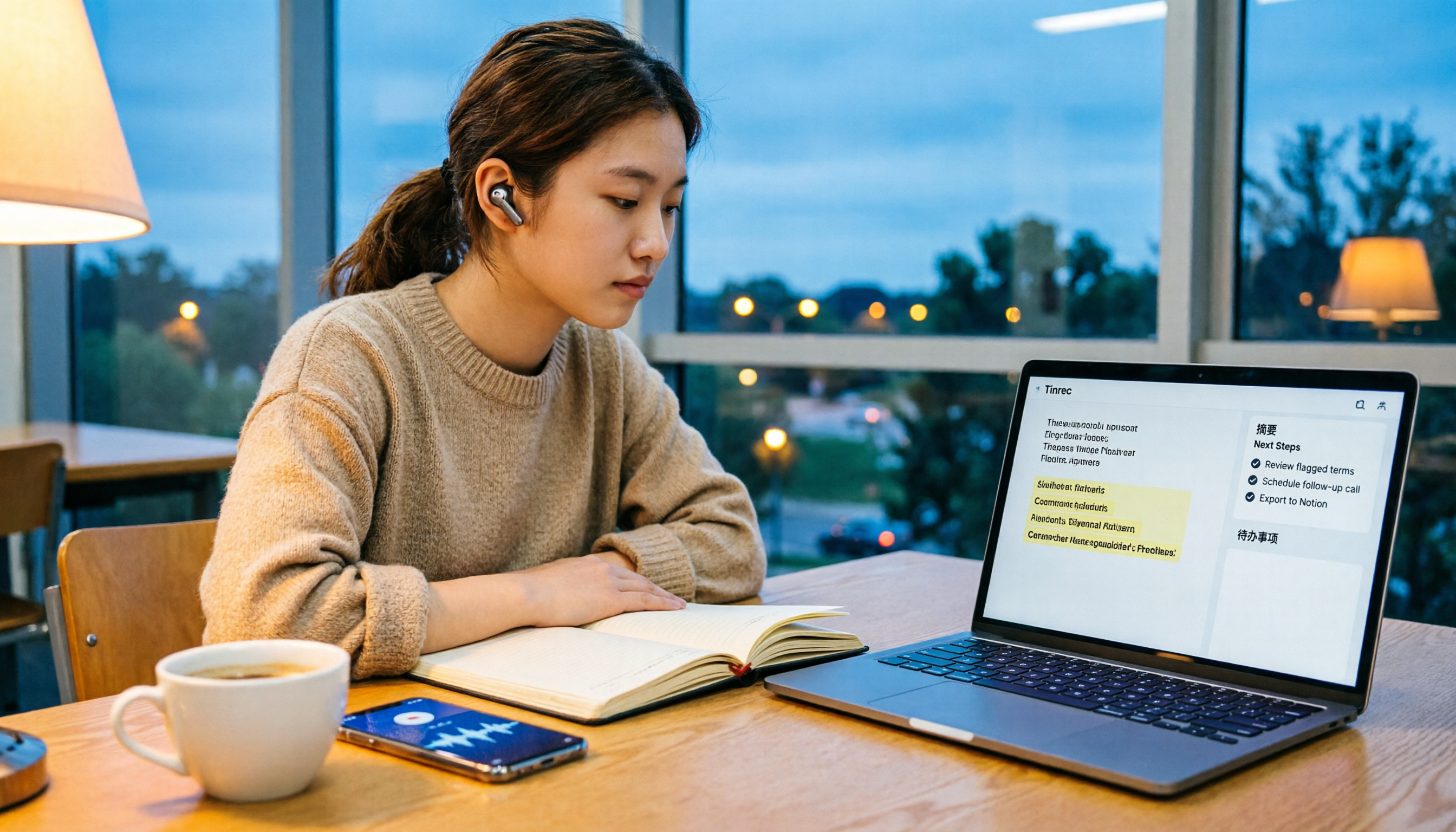
5 Free Audio-to-Text Solutions in 2026: A Student's Guide
How to choose a free audio-to-text solution in 2026? This guide, from a student's hands-on perspective, compares five tools' free tiers, paid thresholds, and best use cases. It also walks through Tinrec's complete workflow—from recording to transcript, proofreading, summary, and action items—to help you decide if the free version is enough.

2026 Comparison of 4 Audio-to-Text Tools: Which Free Tier Is Most Generous?
There are many free audio-to-text tools, but few truly save you time on post-meeting organization. This article compares Tinrec, Yating Transcription, Notta, and Otter.ai from four angles: free quota, meeting audio capture, post-meeting organization, and team data retention. It outlines each tool's free limitations, suitable scenarios, and common pitfalls.

Tinrec vs Notta 2026: 5-Dimension Hands-On Comparison — Which Saves More Time for Chinese Meeting Notes?
How do you choose a speech-to-text app without getting burned? This hands-on comparison tests five dimensions: Chinese recognition, meeting capture method, post-transcription organization, quota and pricing, and team collaboration. Tinrec is the primary test subject, with Notta's plan design as a reference, to help you decide which one better fits your meeting and transcript workflow.

4 Free Audio-to-Text Tools Compared for 2026: Free Tiers and Post-Meeting Workflows Explained
There are many free audio-to-text tools, but "free" means very different things. Drawing on real experience organizing interview and meeting recordings, this article first explains 4 key factors for choosing a tool, then compares four popular options—Tinrec, MyEdit, cSubtitle, and Monica—with a pitfalls guide and a quick-start checklist to help you find the one that truly saves you time.

2026 Comparison of 4 Audio-to-Text Tools: Free Tiers and Chinese Recognition Tested
A hands-on 2026 comparison of audio-to-text tools, covering free usage limits, Chinese recognition, post-meeting organization, and online meeting recording methods. It explains who Tinrec, Notta, Otter.ai, and TurboScribe each suit best, with a pitfalls guide and selection advice.