

Turn recordings into transcripts and summaries in minutes
Upload audio or video for multilingual transcription, AI notes, and action items
Does it take you half an hour just to organize recordings after every meeting? If you're a Good Tape user, you've probably already tasted the convenience of converting audio to text. But if you feel it falls short in language support, cross-platform use, or AI-powered organization depth—this side-by-side comparison is for you. I've tested five mainstream tools on the market, from free plans to paid features, to help you find the best note-taking partner for Chinese-speaking users.
Why Are People Looking for Alternatives to Good Tape?

Good Tape has helped many people meet the basic need of converting recordings to text. But in scenarios like long meetings, complex lecture notes, or cross-device work, common pain points gradually emerge: heavy emphasis on English, AI summaries that miss the nuances of Chinese meetings, limited free quotas, and inflexible output formats. If you want a tool that evolves from "transcribing text" to "helping you understand content," the following tools might be worth a try.
Tinrec vs. Other Mainstream Tools: What's Different at the Core?
I compared Tinrec, Otter, Notta, Fireflies, and TurboScribe under the same criteria. Below, I break down five dimensions that matter most to you, to see which one performs better for real work.
1. Language and Chinese Support
Transcribing Chinese meetings, lectures, or interviews often requires handling code-switching between Chinese and English, Hong Kong-style expressions, or specific terminology. Tinrec is well-tuned for Chinese, especially Cantonese tone recognition. In internal tests, the word error rate for a 5-minute Cantonese news recording was only 8.3% (test conditions: iPhone 15, indoor 26°C). Otter's strength remains English, with occasional punctuation and segmentation issues in Chinese transcription. Notta supports multiple languages, but its AI summaries don't capture context as naturally as Tinrec's. Fireflies and TurboScribe are more focused on batch processing of common languages. If you primarily handle Chinese content, Tinrec will feel much smoother.

2. Cross-Platform and Recording Sources
Tinrec offers iOS and Android apps, plus a web version. It doesn't just handle live recordings—you can upload audio/video files or even paste public video links from YouTube or TikTok, and it will transcribe them. In contrast, Otter and Fireflies rely more on online meeting integrations. Notta and TurboScribe support file uploads, but web video parsing isn't a primary feature. If your data sources are scattered, Tinrec's "all-in-one" design will be more considerate.
3. AI-Powered Organization
Getting a verbatim transcript is just the first step; subsequent organization is where time gets sucked. Tinrec has built-in AI conversational querying—after recording, just ask, "What are the meeting conclusions?" or "Who is responsible for what?" and the AI finds answers from the semantics, saving you from manually crawling through 30 pages of transcript. Most competitors also provide AI summaries, but Tinrec's "action item extraction" and "chapter splitting" are better integrated, directly producing to-do lists and key notes. Otter's AI Chat is great but more team-oriented; Notta's summaries are brief; Fireflies' AskFred is powerful but its interface isn't intuitive for individual users.
4. Breadth of Use Cases
Otter and Fireflies are practically built for online meetings and excel in team collaboration. But if you also need to handle lecture recordings, interviews, or podcast management, their file management feels limited. Tinrec covers more scenarios—meetings, learning, interviews, content creation—all in one place, and it can uniformly organize, search, and export regardless of source. TurboScribe is good for bulk file transcription but lacks live recording and interactive Q&A. Notta falls somewhere in between, but its Chinese localization refinement is slightly behind.
Stop organizing recordings by hand
Upload audio or video and automatically get a transcript, summary, and action items
5. Export and Subsequent Applications
What happens after the text is transcribed? Tinrec can export results as verbatim transcripts, PDFs, Markdown, and even sync to Notion or Google Docs with one click. It can also let the AI generate meeting minutes, reports, or tables. This workflow from recording to deliverable saves you a lot of post-processing time. In comparison, Otter has fewer export formats, Notta's AI document generation is still catching up, and Fireflies is better for internal collaboration—if you need to produce reports for external clients, you'll still need manual tweaks.
Tinrec's Core Features at a Glance
After the comparison, let's focus back on Tinrec and see what it can actually do for you.
Real-time Speech-to-Text: Open the app, record and transcribe with less than 1 second delay. During a meeting, watch the text live to confirm you haven't missed key points; by the time the meeting ends, the transcript is ready.
AI Conversational Querying: After recording a one-hour client interview, ask Tinrec, "What are the client's concerns about pricing?" It will give you a summary and relevant paragraphs without having to listen from start to finish.
Action Item & Key Point Extraction: After a project meeting, the AI automatically lists action items, such as "Manager Chen needs to provide a quote by Friday" or "QA department must confirm sample specs." You can paste the list directly into Slack or Notion.
Web Video Organization: Paste a YouTube link, and Tinrec will turn the video content into a text summary—great for research, inspiration gathering, or content repurposing. This feature isn't standard in most competing tools.
Cross-Platform Sync: Record on your phone and immediately edit and export on your computer. Your entire database follows your account, no need for cable transfers.
Practical Use Cases
Meeting Minutes: Monday's department meeting—place Tinrec on the table, record and transcribe live; by the end, the AI has already summarized key points and each person's action items. Send out meeting minutes within 5 minutes.
Lecture Notes: Record the professor's lecture in class. After class, query, "What are the requirements for the midterm report format?" Tinrec lists the key sections and answers, doubling review efficiency.
Interview Organization: After interviewing a subject, ask the AI, "What are the three most mentioned viewpoints?" You get a summary instantly, ten times faster than manual highlighting.
Content Creation: See a trending TikTok video and want to analyze its structure? Paste the link, Tinrec outputs text and summary, turning it into an idea bank for your content.
Key Points to Consider When Choosing an Audio-to-Text Tool
When selecting a tool, don't just look at "free minutes per month." These five standards will help you avoid pitfalls:
- Language and Recognition Quality: Test the free version with your own actual recordings (with background noise, multiple speakers) to see the usability of the transcription. Tinrec performs stably in mixed Chinese-English environments, especially optimized for Chinese.
- More Than Just Transcription—Look at Organization: If a tool only gives you a verbatim transcript, it's not much different from your phone's built-in recorder plus manual typing. Features like Tinrec's AI Q&A, summaries, and action item extraction are where the real time savings are.
- Flexibility in Recording Sources: Do you only record meetings, or do you often need to process videos and audio files as well? If you can handle everything in one pipeline, you won't need separate software for different data.
- Export and Workflow Integration: Can the results be seamlessly transferred to Notion, Google Docs, or Evernote? Tinrec's export options are comprehensive, making your notes truly "come alive."
- Pricing and Usage Frequency: The free version is for trial. For long-term use, look at monthly or annual plans. Tinrec offers 100 free minutes per month, and its Pro monthly and yearly plans are quite competitive. Start with the free version to experience the speed and quality.
Conclusion: Which Audio-to-Text Tool Is Right for You?
If you mainly host English online meetings with team collaboration needs, Otter or Fireflies would be great choices. If you process large volumes of audio files and need fast subtitle generation, TurboScribe's high cost-effectiveness is worth considering. Notta is a balanced middle option. But if your recording scenarios span meetings, lectures, and interviews, and the content is primarily in Chinese, and you want to go beyond transcription to ask questions, organize, and export into formal documents—Tinrec is the tool among these five that most thoroughly delivers "understanding the content." Start with its free version, test it with your own recordings, and you'll see why more and more people are switching to Tinrec.
Turn every recording into actionable outcomes
Get 60 free transcription minutes when you sign in. No credit card required.
Related Reading
You might also like
WhatsApp Voice to Text in 2026: Built-in vs Tinrec vs Notta Compared
How to choose a WhatsApp voice-to-text solution? This article covers the official built-in 'voice message transcripts' feature—its staged rollout, privacy, and language limitations—and compares Tinrec, Notta, and Otter.ai in different scenarios to help you decide which tool to use for single voice messages versus full meeting recordings.

How to Choose a Speech-to-Text Tool in 2026: 5 Steps from PTT-Approved Tools to Real-World Workflows
There are plenty of discussions about speech-to-text on PTT, but the real key to choosing isn't 'which one is the most powerful'—it's your audio source, language mix, and team sharing needs. This article uses 4 buying criteria and 5 practical steps to help you pick the tool from PTT's popular list that you'll actually use long-term.

5 Best Audio-to-Text Tools in 2026: Chinese Accuracy & Free Tiers Tested
Meeting recording is 47 minutes, but the transcript is due in an hour? This hands-on comparison tests Tinrec, Otter.ai, Notta, TurboScribe, and Yating across four key criteria, with a buyer's guide and pitfalls to avoid.

Tinrec vs Yating Transcription: 5-Dimension Comparison of PTT's Most Discussed Speech-to-Text Tools in 2026
PTT discussions on speech-to-text tools often focus on two approaches: Taiwan-localized Yating Transcription and Tinrec, which emphasizes meeting notes and post-meeting organization. This article skips the top-10 list and compares them across five dimensions: free quota, post-meeting output, input sources, team collaboration, and Chinese language support, helping you decide which fits your use case.
5 Free Audio-to-Text Solutions in 2026: A Student's Guide
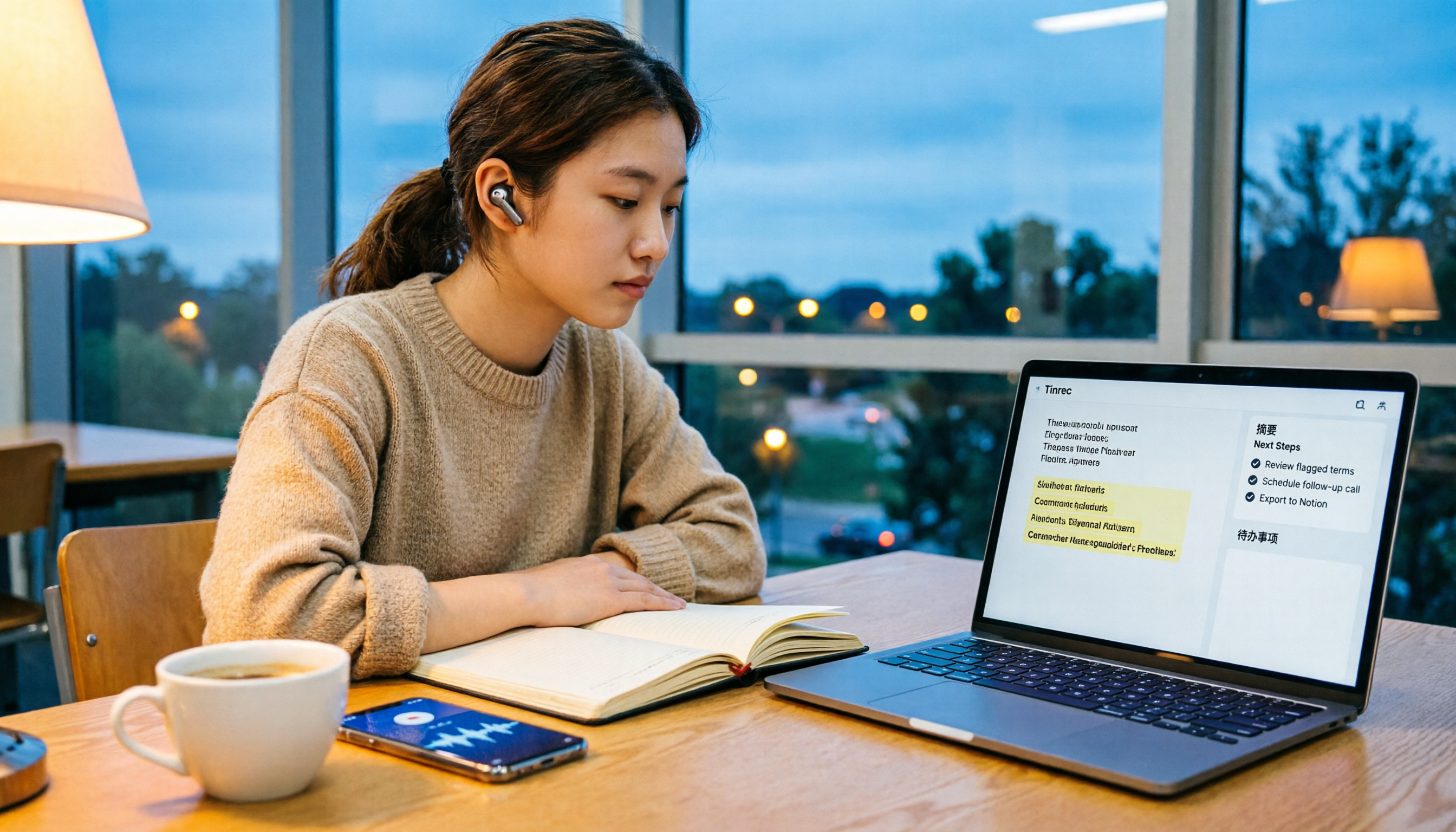
How to choose a free audio-to-text solution in 2026? This guide, from a student's hands-on perspective, compares five tools' free tiers, paid thresholds, and best use cases. It also walks through Tinrec's complete workflow—from recording to transcript, proofreading, summary, and action items—to help you decide if the free version is enough.

2026 Comparison of 4 Audio-to-Text Tools: Which Free Tier Is Most Generous?
There are many free audio-to-text tools, but few truly save you time on post-meeting organization. This article compares Tinrec, Yating Transcription, Notta, and Otter.ai from four angles: free quota, meeting audio capture, post-meeting organization, and team data retention. It outlines each tool's free limitations, suitable scenarios, and common pitfalls.

Tinrec vs Notta 2026: 5-Dimension Hands-On Comparison — Which Saves More Time for Chinese Meeting Notes?
How do you choose a speech-to-text app without getting burned? This hands-on comparison tests five dimensions: Chinese recognition, meeting capture method, post-transcription organization, quota and pricing, and team collaboration. Tinrec is the primary test subject, with Notta's plan design as a reference, to help you decide which one better fits your meeting and transcript workflow.

4 Free Audio-to-Text Tools Compared for 2026: Free Tiers and Post-Meeting Workflows Explained
There are many free audio-to-text tools, but "free" means very different things. Drawing on real experience organizing interview and meeting recordings, this article first explains 4 key factors for choosing a tool, then compares four popular options—Tinrec, MyEdit, cSubtitle, and Monica—with a pitfalls guide and a quick-start checklist to help you find the one that truly saves you time.

2026 Comparison of 4 Audio-to-Text Tools: How to Choose Free Tiers Without Getting Burned
From free quotas and Chinese recognition to post-meeting organization and team collaboration, we tested and compared four audio-to-text tools: Tinrec, Notta, Yating Transcription, and cSubtitle. We also summarized the three most common pitfalls mid-level managers encounter when choosing tools, helping you use the right tool without spending money first.