

Turn recordings into transcripts and summaries in minutes
Upload audio or video for multilingual transcription, AI notes, and action items
What Can Speech-to-Text Tools Do for You?
I attend about 15 meetings a week—weekly stand-ups, project reviews, one-on-ones, cross-department syncs. The most annoying part wasn't the meetings themselves, but the aftermath—every meeting leaves a pile of decisions and action items to sort out. It wasn't until I started using AI speech-to-text tools that I realized they aren't about cutting corners; they're about offloading the most mechanical work.

Scenario 1: Meeting minutes ready in 5 minutes after the meeting Before, after a two-hour meeting, you'd need another hour to compile minutes. Now with AI meeting summaries—taking Tinrec as an example—the moment the meeting ends, the AI has already generated a summary, conclusions, and action items. Who's responsible for what and deadlines are clear at a glance.
Scenario 2: Reporting to your boss without fear of missing details Have you ever been asked by your boss, "What was the conclusion from last meeting?" and then spent three minutes flipping through notes without finding it? With Tinrec's AI Q&A feature, just type "What was the conclusion of the last meeting?" and it extracts the answer from the recording—much faster than hunting through your notebook.
Scenario 3: No more he-said-she-said when assigning tasks Before, when delegating tasks to colleagues, they'd sometimes forget two days later. Now I record meetings with Tinrec, and the generated transcript serves as solid evidence—who's responsible for what and by when, all crystal clear.
Core Capabilities of Speech-to-Text Tools
Real-time Transcription: Transcribes as you record, not after. Tinrec's real-time transcription latency is under 1 second, so during a meeting you can watch the text appear and confirm nothing is missed.
AI Semantic Summarization: Not just condensing the transcript into a paragraph, but structuring it—meeting topic, discussion conclusions, action items, assignees—all listed separately so you can spot key points at a glance.
AI Conversation Query: After transcription, you can ask Tinrec questions directly—"Who mentioned the budget in the meeting?" "What was the client's feedback?"—and it answers based on semantic understanding, like having a personal knowledge base.
Multi-format Export: Export results as PDF, Word, or sync directly to Notion, Google Docs for easy archiving or further editing.
Cross-source Processing: Beyond meeting recordings, Tinrec can handle audio files, video files, and even YouTube links for transcription—great for study materials or interview content.
Stop organizing recordings by hand
Upload audio or video and automatically get a transcript, summary, and action items
Practical Use Cases
1. Weekly Team Meetings: Auto-generate Action Items
During weekly stand-ups, a dozen people report progress, and the manager assigns tasks at the end. Record with Tinrec, and by the time the meeting ends, AI summaries and action items are ready. You can share them directly with the team, saving 30 minutes of typing.
2. One-on-One Meetings: Keep Records for Clear Communication
When meeting with a subordinate or boss, turn on Tinrec to record. The transcript helps confirm later whether both parties understood each other correctly. Especially valuable for annual reviews or salary discussions.
3. Cross-Department Coordination: Clarify Responsibilities
Nothing is worse than finger-pointing across teams. Record the whole meeting with Tinrec; the AI tags speaker segments and key points, so everyone knows who needs to do what—no more digging through chat logs.

4. External Courses & Lectures: Quick Study Notes
During online courses or in-person lectures, just focus on listening. Tinrec records while transcribing, and after class you can review key points with the AI summary—much more complete than taking notes by hand.
4 Things to Consider When Choosing a Speech-to-Text Tool
1. Free quota sufficient for your needs If you have over 10 meetings a week like I do, the free monthly minutes run out fast. Tinrec's free plan offers a basic transcription allowance—suitable for light users or trial. For regular use, I'd recommend upgrading to Pro; it costs about the same as two lattes a month.
2. AI summarization ability matters most Transcription is just the first step. What really counts is whether the tool can generate summaries, action items, and even let you ask questions. Tinrec's AI Q&A lets you ask for key points directly—much more valuable than just comparing transcription minutes.
3. Language support should be broad If you need Cantonese or mixed Chinese-English transcription, verify the tool supports it. Tinrec supports multiple languages including Chinese, Cantonese, and English—very friendly for multilingual work environments.
4. Cross-platform convenience Do you record on your phone but organize on your computer? Tinrec has iOS, Android, and web versions. Recordings sync automatically, so you can pick up wherever you left off on any device.
Frequently Asked Questions
Q: Is the free version enough? A: Depends on your meeting frequency. If you have fewer than 3 meetings a week, the free quota probably covers 2-3 meetings for trial. For daily meetings, consider upgrading.
Q: How accurate is the transcription? A: In a typical meeting room environment, Tinrec's transcription quality is good. However, accuracy may drop with high background noise, multiple people talking at once, or heavy accents. For important content, cross-check with the transcript.
Q: Can I upload old recordings? A: Yes, Tinrec supports importing audio and video files for transcription, and even handles YouTube links—great for organizing past materials.
Q: Is my meeting data secure? A: Tinrec's privacy policy explains data handling. Generally, meeting data is encrypted during transmission and storage, but for highly confidential content, follow your company's guidelines.
Summary
Speech-to-text tools are no longer future tech—they're a time-saving assistant you can use today. If you're still on the fence about paying, try Tinrec's free version first. The monthly allowance lets you experience AI-powered meeting notes. Once you've seen the convenience of auto-generated action items at the end of a meeting, you probably won't go back.
Turn every recording into actionable outcomes
Get 60 free transcription minutes when you sign in. No credit card required.
Related Reading
You might also like
WhatsApp Voice to Text in 2026: Built-in vs Tinrec vs Notta Compared
How to choose a WhatsApp voice-to-text solution? This article covers the official built-in 'voice message transcripts' feature—its staged rollout, privacy, and language limitations—and compares Tinrec, Notta, and Otter.ai in different scenarios to help you decide which tool to use for single voice messages versus full meeting recordings.
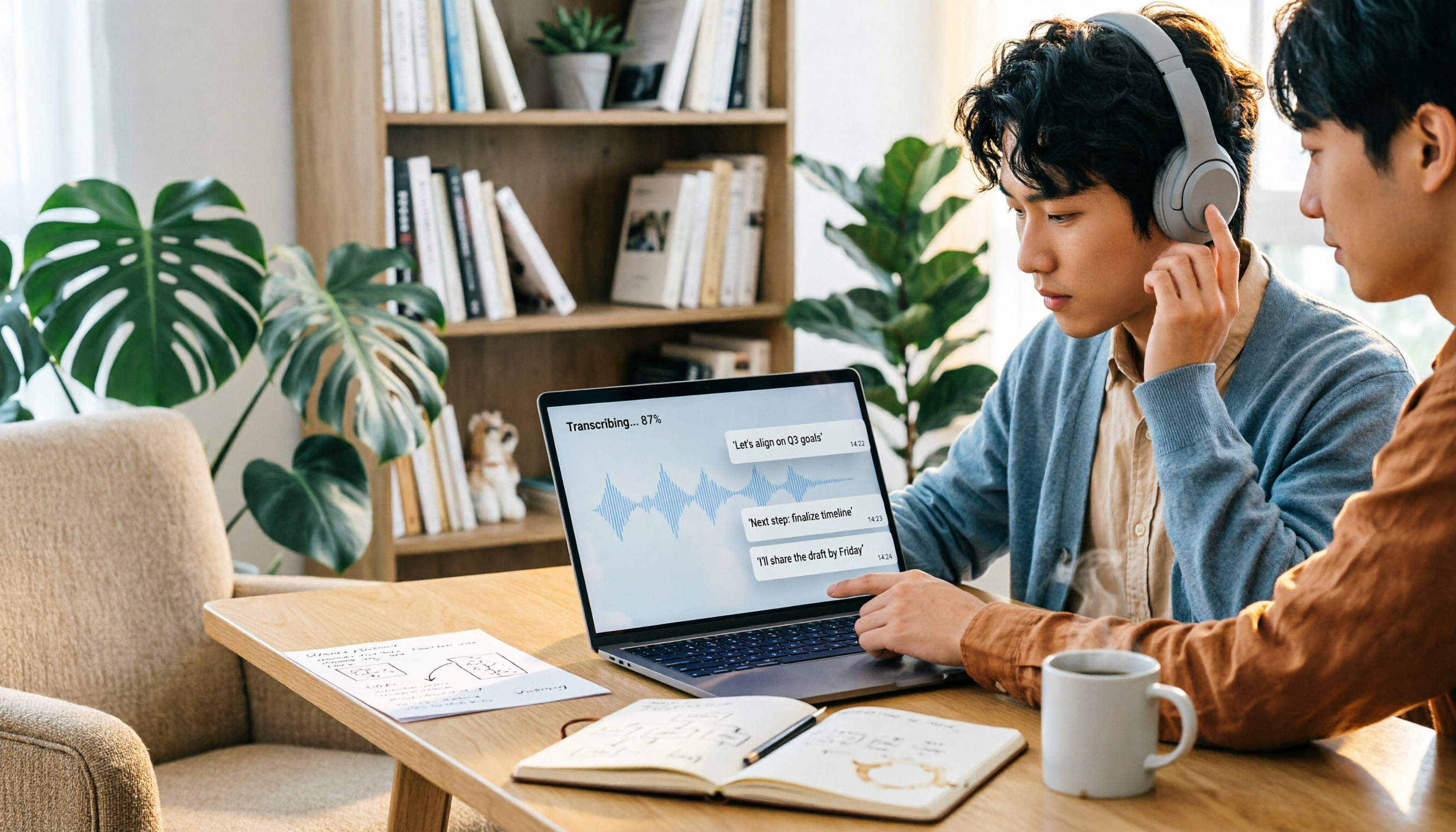
How to Choose a Speech-to-Text Tool in 2026: 5 Steps from PTT-Approved Tools to Real-World Workflows
There are plenty of discussions about speech-to-text on PTT, but the real key to choosing isn't 'which one is the most powerful'—it's your audio source, language mix, and team sharing needs. This article uses 4 buying criteria and 5 practical steps to help you pick the tool from PTT's popular list that you'll actually use long-term.

5 Best Audio-to-Text Tools in 2026: Chinese Accuracy & Free Tiers Tested
Meeting recording is 47 minutes, but the transcript is due in an hour? This hands-on comparison tests Tinrec, Otter.ai, Notta, TurboScribe, and Yating across four key criteria, with a buyer's guide and pitfalls to avoid.

Tinrec vs Yating Transcription: 5-Dimension Comparison of PTT's Most Discussed Speech-to-Text Tools in 2026
PTT discussions on speech-to-text tools often focus on two approaches: Taiwan-localized Yating Transcription and Tinrec, which emphasizes meeting notes and post-meeting organization. This article skips the top-10 list and compares them across five dimensions: free quota, post-meeting output, input sources, team collaboration, and Chinese language support, helping you decide which fits your use case.
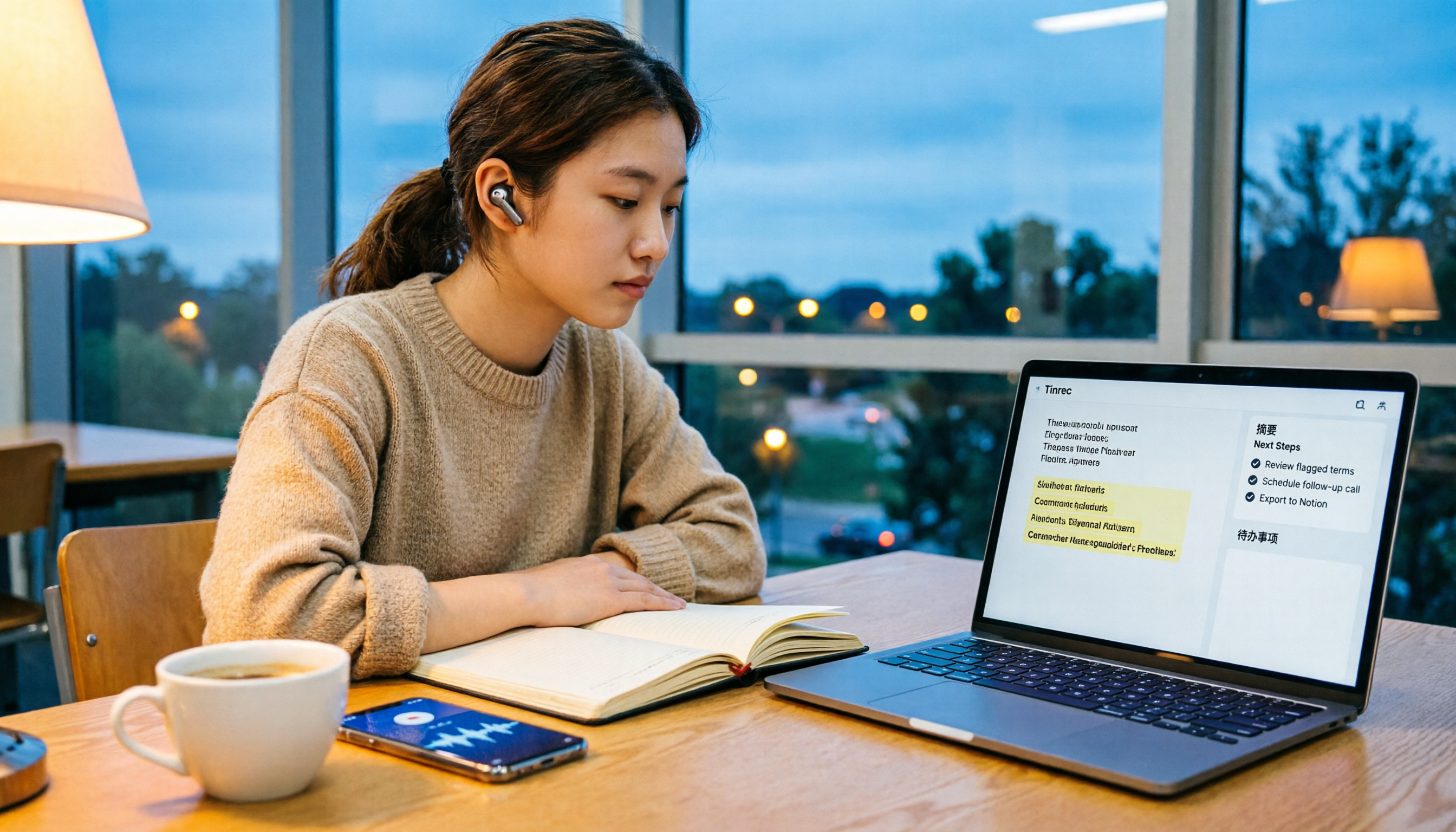
5 Free Audio-to-Text Solutions in 2026: A Student's Guide
How to choose a free audio-to-text solution in 2026? This guide, from a student's hands-on perspective, compares five tools' free tiers, paid thresholds, and best use cases. It also walks through Tinrec's complete workflow—from recording to transcript, proofreading, summary, and action items—to help you decide if the free version is enough.

2026 Comparison of 4 Audio-to-Text Tools: Which Free Tier Is Most Generous?
There are many free audio-to-text tools, but few truly save you time on post-meeting organization. This article compares Tinrec, Yating Transcription, Notta, and Otter.ai from four angles: free quota, meeting audio capture, post-meeting organization, and team data retention. It outlines each tool's free limitations, suitable scenarios, and common pitfalls.

Tinrec vs Notta 2026: 5-Dimension Hands-On Comparison — Which Saves More Time for Chinese Meeting Notes?
How do you choose a speech-to-text app without getting burned? This hands-on comparison tests five dimensions: Chinese recognition, meeting capture method, post-transcription organization, quota and pricing, and team collaboration. Tinrec is the primary test subject, with Notta's plan design as a reference, to help you decide which one better fits your meeting and transcript workflow.

4 Free Audio-to-Text Tools Compared for 2026: Free Tiers and Post-Meeting Workflows Explained
There are many free audio-to-text tools, but "free" means very different things. Drawing on real experience organizing interview and meeting recordings, this article first explains 4 key factors for choosing a tool, then compares four popular options—Tinrec, MyEdit, cSubtitle, and Monica—with a pitfalls guide and a quick-start checklist to help you find the one that truly saves you time.

2026 Comparison of 4 Audio-to-Text Tools: How to Choose Free Tiers Without Getting Burned
From free quotas and Chinese recognition to post-meeting organization and team collaboration, we tested and compared four audio-to-text tools: Tinrec, Notta, Yating Transcription, and cSubtitle. We also summarized the three most common pitfalls mid-level managers encounter when choosing tools, helping you use the right tool without spending money first.