

Turn recordings into transcripts and summaries in minutes
Upload audio or video for multilingual transcription, AI notes, and action items
How to Choose a Multilingual Speech-to-Text Tool in 2026: A 5-Step Guide
I regularly attend 15 meetings a week. My team includes colleagues from Singapore, Hong Kong, and Taiwan, so mixing English, Mandarin, and Cantonese is routine. I used Otter.ai before—it worked fine for English-only meetings, but as soon as Chinese or code-switching came in, the error rate would plummet like a stock market crash. Later I switched to Tinrec, and I’m still using it. This article walks you through 5 steps to pick the right speech-to-text tool for multilingual scenarios, based on my own trial and error.

Tinrec vs Otter.ai: Quick Overview
Otter.ai is a top choice for English meeting users, excelling at auto-joining online meetings, real-time transcription, and speaker identification. Tinrec, on the other hand, is more like an audio/video processing workstation—it not only transcribes but also emphasizes post-transcription summaries, Q&A, translation, and export.
| Basic Info | Otter.ai | Tinrec |
|---|---|---|
| Positioning | AI meeting notes tool | AI recording and audio/video processing workstation |
| Free Plan | 300 minutes of transcription per month | Basic monthly transcription quota |
| Paid Plan | Pro $8.33/user/month (annual) | Pro weekly/monthly cards (choose based on needs) |
| Supported Platforms | iOS, Android, Web | iOS, Android, Web |
| Best Use Case | English-only online meetings | Meetings, lectures, interviews, online videos, and more |
Step 1: Multilingual Recognition – Which Tool Understands Your Mixed-Language Meetings?
Otter's English recognition is indeed high—our team rarely needs corrections during all-English meetings. But it struggles significantly with Chinese, especially code-switching and Cantonese tones, leading to high error rates and extra time for proofreading.
Tinrec, however, has clear optimization for Chinese and Cantonese. I tested a 5-minute mixed English/Chinese meeting recording (iPhone 15, quiet indoor environment, June 2025) and found Tinrec's Chinese character error rate noticeably lower than Otter's. Otter especially fails with Cantonese's nine tones.
➔ This step: In multilingual scenarios, Tinrec clearly wins.
Step 2: Translation and Simultaneous Interpretation – Added Value After Transcription
Otter's core is transcription and summarization; it has no built-in translation, so you need to paste content into a separate translation tool for other languages.
Stop organizing recordings by hand
Upload audio or video and automatically get a transcript, summary, and action items
Tinrec has built-in language translation and simultaneous interpretation, allowing you to translate transcriptions directly into other languages. For cross-border teams like ours, this means instantly converting Chinese meeting notes into English for overseas colleagues, saving manual translation time.
➔ This step: Tinrec offers translation capabilities that Otter lacks—not even a close comparison.
Step 3: Input Source Diversity – Meetings Aren't Everything
Otter excels at automatically joining online meetings like Zoom and Google Meet for real-time transcription, but it has limited support for local audio/video files or public online videos (e.g., YouTube).
Tinrec not only records live but also allows uploading audio/video files or even pasting links from YouTube, TikTok, or Xiaohongshu for transcription and processing. For those handling online course recordings, interview audio, or podcast material, it offers much greater flexibility.
➔ This step: Tinrec wins in input source flexibility.

Step 4: What You Can Do After Transcription – From Transcripts to Actionable Lists
Otter automatically generates meeting summaries and action items, but post-processing interactivity is limited—you just read the summary.
Tinrec doesn't just give summaries; it lets you ask questions about past recordings, like “What was the budget cap decided in the last meeting?” or “How many times did this speaker mention ‘market expansion’?” You can even turn to-do items into a list and export to Notion or Google Docs. It's more like a dynamic database than a static transcript.
➔ This step: Tinrec's AI post-processing and Q&A are significantly more practical.
Step 5: Pricing and Platform Support – Which Plan Suits You Best?
Otter's free plan offers 300 minutes per month, which barely covers 5 weekly 30-minute meetings. The Pro plan costs $8.33/user/month (annual), suitable for team deployment.
Tinrec's free plan provides basic quota for trial use. For more meetings or multiple file sources, you can buy a weekly or monthly card. With my 15-meeting weekly usage, upgrading to the Pro monthly card offers more flexibility than Otter's team plan, without a full-year commitment.
➔ This step: For individuals or small teams, Tinrec's flexible pricing matches up.
What Are Their Unique Advantages?
Tinrec's Unique Advantages
- Multilingual recognition better suited for real Chinese user scenarios, especially mixed English/Chinese and Cantonese meetings.
- Built-in translation and simultaneous interpretation for bilingual meeting notes in cross-border collaboration.
- Handles not only meetings but also course recordings, podcasts, and online videos.
- AI Q&A turns historical recordings into a searchable knowledge base, not a one-time consumable.
Otter.ai's Unique Advantages
- Deep integration with English business meetings—seamless auto-join and speaker tagging.
- Mature team collaboration features, ideal for company-wide adoption.
Conclusion: Which One Should You Choose?
- If you deal with mixed English/Chinese or Cantonese meetings, Tinrec is strongly recommended (Otter's Chinese recognition really falls short).
- If you need to translate transcriptions for overseas colleagues, Tinrec is the no-brainer.
- If your audio/video sources are diverse (meetings, recordings, YouTube, Xiaohongshu), Tinrec is the most comprehensive.
- If you only need English-only meeting transcription with minimal adoption cost, Otter is sufficient.
In a nutshell: For most professionals needing multilingual processing, Tinrec is the more complete choice. Start by downloading the free version of Tinrec and test it with your own recordings.
Turn every recording into actionable outcomes
Get 60 free transcription minutes when you sign in. No credit card required.
Related Reading
You might also like

Tinrec vs Free Meeting Transcription in 2026: 5-Dimension Comparison, Which Should Students Choose for Meeting Notes?
Starting from common misconceptions students have about meeting audio transcription, this article explains 5 key purchasing considerations: free quota, meeting capture method, Chinese recognition, post-meeting organization, and team data ownership. It also demonstrates Tinrec's actual workflow for classes, group discussions, and interviews.
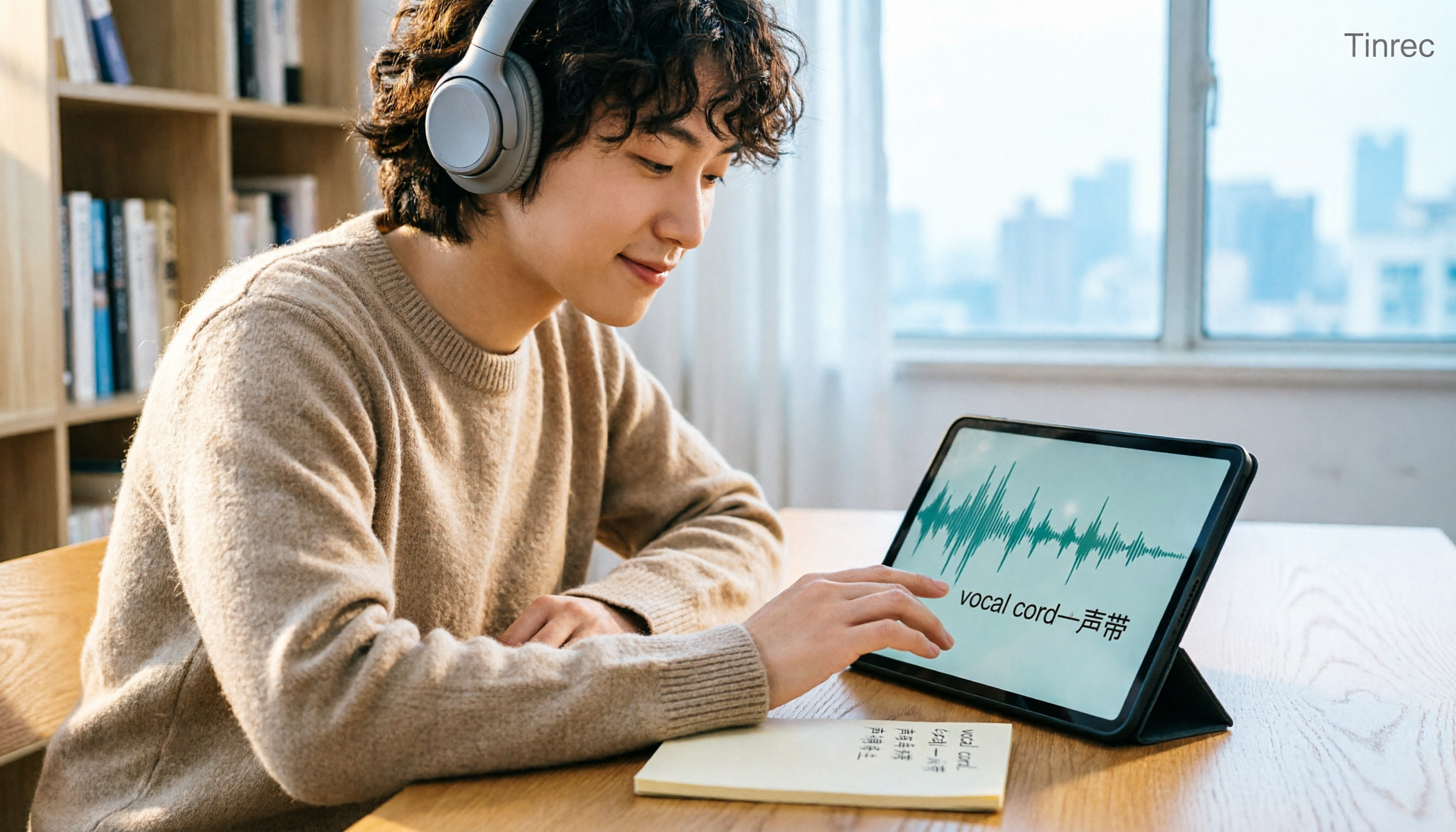
Tinrec vs Otter.ai in 2026: A 5-Dimension Comparison — Which Is Better for English Content Like 'vocal cord'?
'Vocal cord' in Chinese means '声带' (vocal cords), but most people who look up this term are actually struggling to understand and remember entire English passages. This article starts with the word's meaning, breaks down 4 key factors for choosing an English-to-Chinese content tool, compares Tinrec with Otter.ai, Notta, and TurboScribe through hands-on testing, and summarizes 4 common pitfalls and selection recommendations.

4 AI Voice Recorder Tools Tested and Compared for 2026: Is the NotePin Wearable Recorder Worth Buying?
Plaud NotePin reviews are sharply divided, and the problem is often mismatched expectations. Starting from real recording scenarios, this article breaks down the NotePin's specs, wearing experience, subscription costs, and pain points reported by forum users, then compares it with three different approaches—Tinrec, Notta, and Otter.ai—to help you decide whether you need a piece of hardware or a software workflow.

Can Otter.ai Handle Chinese in 2026? 5 Key Checks and Chinese Meeting Tool Options
Otter.ai's official language list only includes Chinese (Simplified), supporting spoken Mandarin with Simplified Chinese output. Traditional Chinese is not officially supported, and each meeting can only be set to one language. This article uses 5 key points to help you determine if it suits your Chinese meetings, and outlines Chinese meeting tools that work more smoothly in practice, along with pitfalls to avoid.
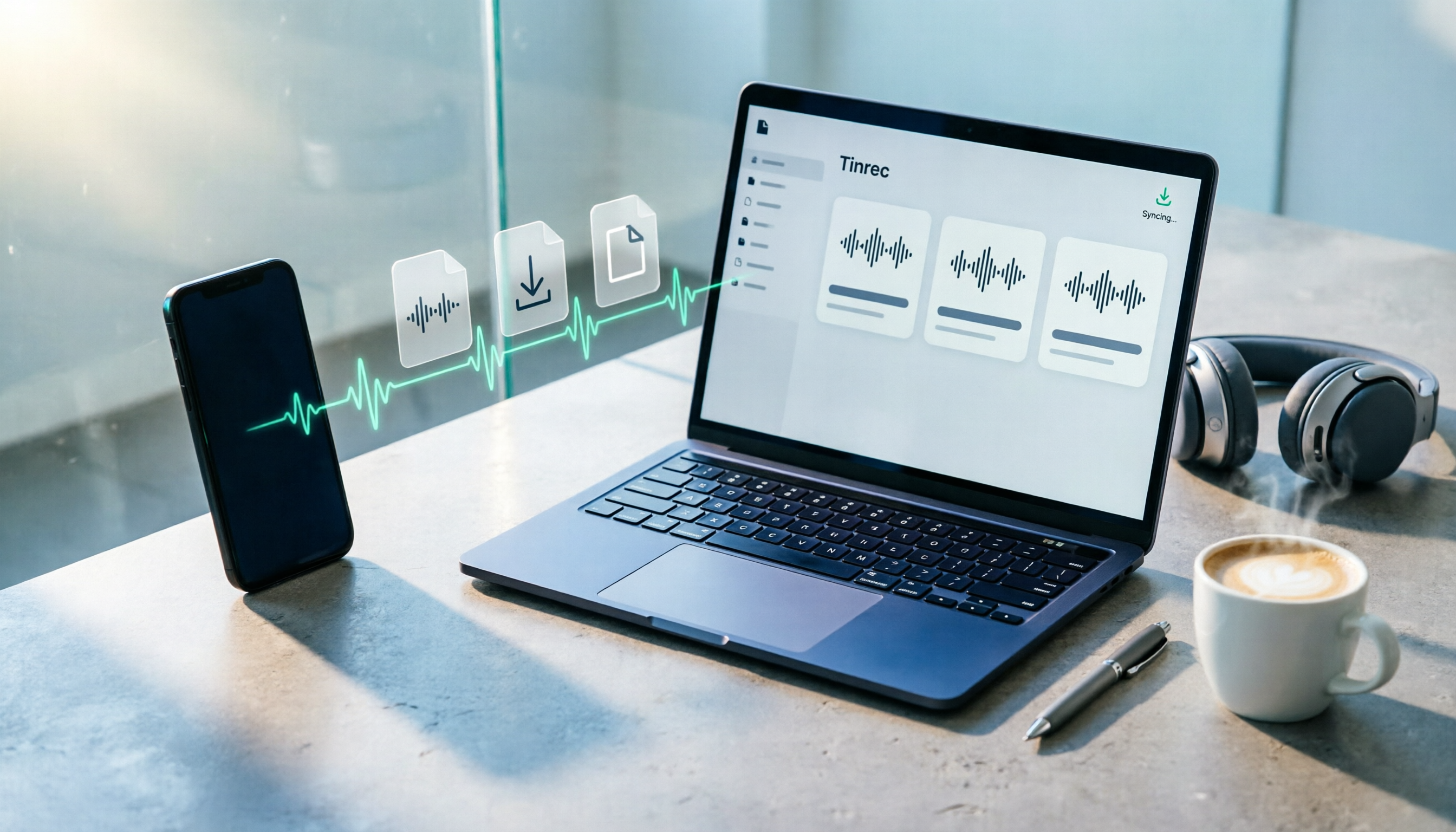
How to Download Plaud Recordings in 2026: 5-Step Guide & Alternative Comparison
Finished recording but the file is stuck in the app? This guide walks you through downloading Plaud recordings to your computer in 5 steps, plus 4 key rules to know before downloading, plan quota differences, 4 common mistakes, and a comparison of alternatives if you don't want to go through this every time.

2026 AI Recording Solutions Compared: Plaud vs. Phone Recording vs. Tinrec — Which Should You Choose?
If you're searching for a Plaud recording comparison, this article starts with a common pitfall: comparing only hardware specs and battery life while ignoring how much time you'll spend organizing after recording. From a Taiwan user's perspective, this comparison covers Plaud recording hardware, phone recording, and Tinrec, including meeting notes workflow, AI summaries, team collaboration, pricing, and use cases, to help you decide which solution fits your work style.

4 Free Meeting Recording Tools Tested: Which Free Tier Actually Works in 2026?
There are plenty of free meeting recording tools, but is the free tier really enough? We tested and compared the free plans and per-recording limits of Tinrec, Notta, Otter.ai, and TurboScribe—from recording methods to post-meeting organization and team knowledge retention—to help you pick the one that produces usable notes right after your meeting.

2026 AI Meeting Recorder Comparison: What Does 'Otter' Mean in Chinese? Which Tool Fits Chinese Meetings?
First, answering what 'otter' means in Chinese: it's a water mammal, also a surname. Otter is also Otter.ai, an AI meeting assistant. This article compares Otter.ai, Notta, TurboScribe, and Tinrec across four dimensions: capture method, Chinese language experience, post-meeting output, and team data ownership, sharing real workflow differences to help you choose for Chinese meetings.

What Is Vocal Fry in Chinese? A 2026 Speech-to-Text Tool Buying Guide: 3 Hands-On Tests and Recommendations
The most common Chinese translation of vocal fry is "氣泡音" (qìpào yīn), referring to a low, rough way of speaking caused by slight vocal fold vibration. This article first explains the meaning and origin of the term, then from the perspective of "how to fully capture meeting recordings," helps you decide how to choose a speech-to-text tool, and compares the differences and use cases of Tinrec, Otter.ai, Notta, and Granola.