
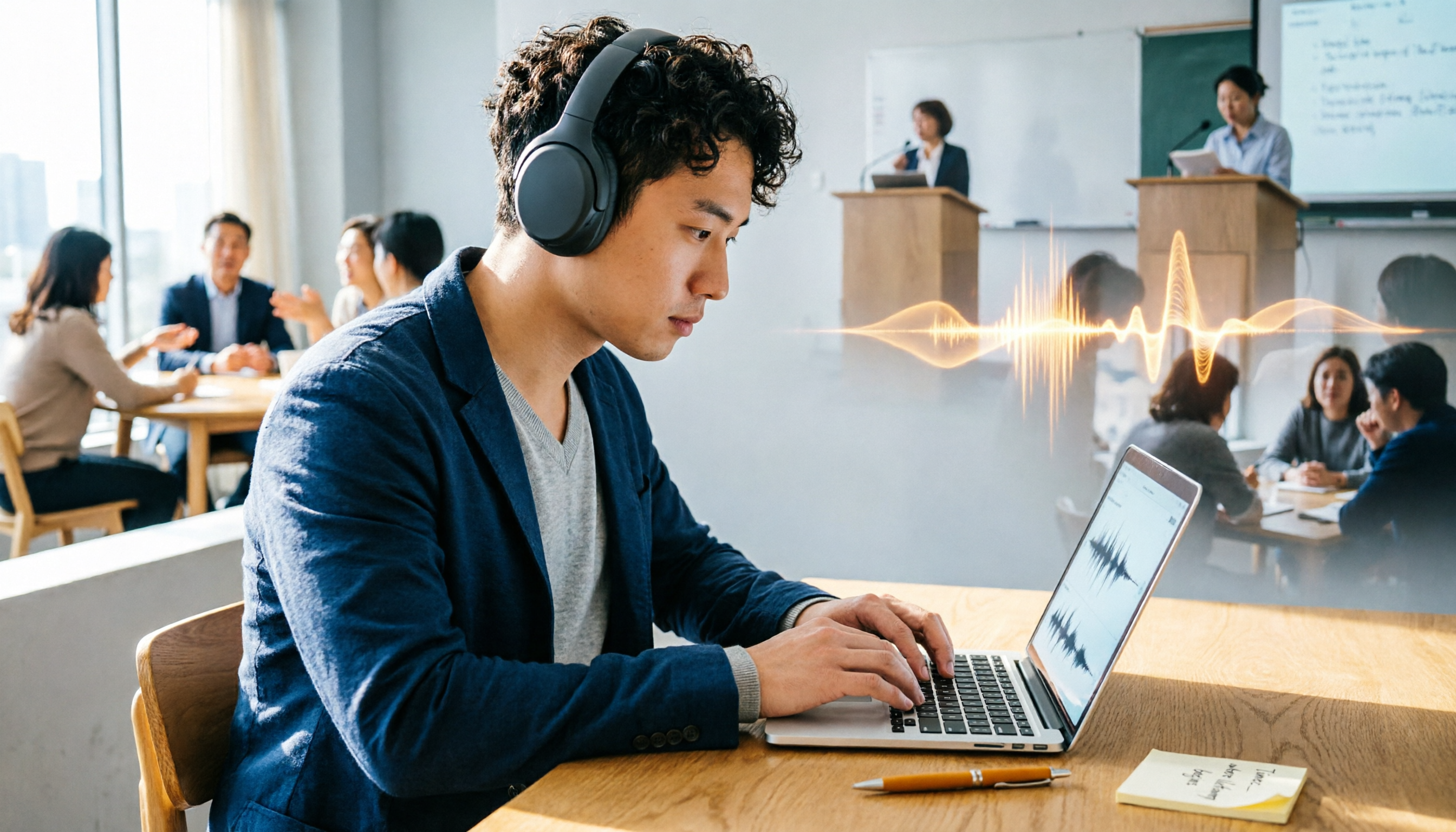
Turn recordings into transcripts and summaries in minutes
Upload audio or video for multilingual transcription, AI notes, and action items
Why Are People Looking for Google Meet Premium Alternatives?
Google Meet Premium has made online meetings convenient for many teams. However, if you want to turn meeting content into searchable, organized, and reusable material, the built-in recording and basic transcription may feel insufficient.

Common issues: finding specific sections in recorded videos is time-consuming, transcription accuracy drops during multi-person discussions, and you can't include lecture recordings or online videos in the same workflow.
If you have similar needs, a more flexible, cross-scenario AI recording and audio/video organization tool might be a better fit—Tinrec is worth a look.
Tinrec vs Google Meet Premium: Key Differences in Experience
Here's a comparison of Tinrec and Google Meet Premium (along with Otter, often compared) across several key dimensions.
Language Support and Chinese-Friendliness
For users who need Chinese meeting notes, the quality directly determines whether the tool can integrate into daily work.
Google Meet's built-in transcription excels in English, but Chinese transcription still has room for improvement in context understanding and punctuation; Otter is also primarily English-focused. Tinrec has included a comprehensive Chinese language model from its early design, making Chinese transcription and summary generation more natural, with fewer word segmentation errors.
More Than Meetings: Multiple Audio/Video Sources
Google Meet Premium's recording and transcription mainly revolve around meetings; Otter is also centered on online meetings.
Tinrec's strength is "multi-source organization": besides connecting to Google Meet for meeting transcription, you can upload lecture recordings, interview audio, or even public video links from YouTube or TikTok, and it will organize them into text, summaries, and key points. For those building a long-term knowledge base, this is more practical than a single meeting tool.
Post-Transcription Organization Capabilities
Getting a transcript is just the first step. Quickly finding key points, auto-generating action items, or querying content saves time.
Google Meet's transcription is essentially a plain text record; Otter has meeting summaries but limited interactive query. Tinrec includes an AI chat query feature—you can ask "What's the conclusion of this meeting?" or "Who is responsible for which task?" and get instant answers based on semantic understanding, no manual searching needed.
Cross-Platform and On-the-Go Use
Google Meet works best during meetings; Otter is also primarily desktop-based.
Tinrec offers iOS, Android, and web versions, so whether you're recording on your phone during a meeting or processing local audio on your computer, it seamlessly continues. This is especially beneficial for mobile professionals and students.
Stop organizing recordings by hand
Upload audio or video and automatically get a transcript, summary, and action items
Key Features of Tinrec at a Glance

Here are several thoughtful features of Tinrec, each matching real use cases.
Real-time Recording to Text: Start recording in Tinrec, and the text appears almost simultaneously with less than 1 second delay. During meetings, you can watch the screen to ensure no key points are missed, and the transcript is ready as soon as the meeting ends, saving post-meeting review time.
Online Video Link Parsing: Paste a public video URL from YouTube, Bilibili, or Xiaohongshu, and it automatically transcribes, generates summaries, and highlights sections. This is extremely convenient for organizing tutorials, speeches, or interview videos.
AI Chat Query: This is my most-used feature. After recording an hour-long meeting, I can ask Tinrec: "What's the conclusion?" or "What budget numbers were mentioned?" It gives instant answers without scanning through 30 pages of transcript.
Action Item Extraction: During meetings, people often say "I'll handle this" or "I'll get it to you by next Friday." Tinrec automatically extracts these action items and organizes them into a to-do list, far more reliable than relying on memory.
Real-World Use Cases
Meeting Notes and Follow-Ups: Connect Tinrec to Google Meet or record directly on your computer. As soon as the meeting ends, you get the transcript, AI summary, and action items. Send it to the team or save to Notion for a complete meeting record. Much easier to search later than a simple meeting recording.
Lecture and Seminar Organization: Upload a teacher's recording or an online course link to Tinrec. It automatically splits into chapters and highlights key points, allowing you to jump directly to relevant sections for review without listening from start to finish.
Interviews and Research Material: After uploading interview audio, besides the transcript, you can use AI Q&A to quickly find interviewees' key viewpoints, saving time compared to manual tagging and reducing the risk of missing important quotes.
Personal Inspiration and Notes: Record an idea as it comes, then use Tinrec to convert it to text, auto-generate a summary, and search via keywords. All quick recordings become part of a searchable knowledge base.
What to Look for When Choosing a Recording-to-Text Tool
Language Support Breadth: If your work environment often involves mixed Chinese and English, or you need to process Cantonese, Japanese, or other languages, pay attention to the tool's multilingual transcription performance. Tinrec performs well in mixed Chinese-English scenarios and supports multiple languages.
Input Source Flexibility: Not all tools can handle online video links or local audio files; some focus only on meeting platforms. Tinrec supports real-time recording, file uploads, and link parsing, making it friendlier for diverse needs.
Post-Transcription Depth: Transcripts are just the start. Features like auto-summarization, action item extraction, and AI Q&A truly save time. Tinrec's completeness in post-processing sets it apart from many pure transcription tools.
Plans and Budget: Free tiers usually have minute limits, so you can try before committing. Tinrec's free tier offers basic transcription allowance sufficient for light use; if you have intensive meetings or courses, consider a weekly or Pro plan without a long-term commitment.
Conclusion: Is Tinrec Worth Trying?
If you're looking for a tool that not only records meetings but turns all audio/video material into searchable, organizable, and reusable knowledge assets, Tinrec is one of the few options that covers meetings, courses, interviews, and online videos. Especially for Chinese users, its language friendliness and organization features make it more suitable for real workflows than relying solely on Google Meet or Otter.
I recommend downloading Tinrec's free tier and testing it with your own meetings or course recordings—this is more direct than any review. If you have accumulated interview recordings or online videos to organize, it's a great chance to experience its multi-source organization capabilities.
Turn every recording into actionable outcomes
Get 60 free transcription minutes when you sign in. No credit card required.
Related Reading
You might also like

2026 AI Office Automation Tools Compared: Which Really Saves Time on Meeting Notes and To-Dos?
Where should you start with office automation? This article examines the hidden work hours before and after meetings, compares five types of AI office automation approaches, and uses Tinrec as the main hands-on test subject to explain what bot-free recording, transcripts, summaries, action items, AI Q&A, and team spaces can and cannot do. It includes pricing and five key buying criteria.

6 AI Meeting Note Tools Compared for 2026: From Meeting Notes to Actionable Tasks
From small group discussions to project meetings, AI meeting tools shouldn't stop at transcripts. This article uses a student's hands-on perspective to compare 6 AI meeting note tools in 2026, covering recording, summarization, to-dos, and team collaboration, and organizes pricing, free quotas, and use cases to help you decide which one truly turns meetings into actionable tasks.

AI To-Do List Generation in 2026: Turn Meetings into Action Items with Owners
Tired of spending hours after meetings organizing action items? This guide tackles the real pain points of mid-level managers, breaks down what automated to-do generation can and cannot do, and uses Tinrec as an example to demonstrate the complete workflow from recording and transcription to AI summaries, action item extraction, and team knowledge retention. Includes a buying checklist and FAQs.

6 Best AI Meeting Notes Generators in 2026: Which Free Version Is Good Enough?
Tired of writing meeting notes after every call? We tested 6 tools that automatically generate meeting minutes, including Tinrec, Otter.ai, Notta, Granola, TurboScribe, and PLAUD Note. We compare transcription, summarization, action items, and team collaboration, and honestly list the limitations of free and paid plans to help you find the most time-saving option.

Tinrec vs Notta in 2026: 5-Dimension Comparison — Which Speech-to-Text App Should You Choose?
Just finished a meeting and realized you have to type up the transcript yourself? This article rounds up speech-to-text apps worth trying in 2026, from Tinrec, Notta, and Otter.ai to the free iPhone Notes app. We compare Chinese recognition, post-meeting organization, team collaboration, and pricing to help you pick the right tool in one go.

2026 Free Meeting-to-PPT Tools Compared: 4 Options to Consider
Turning meetings into presentations is a daily grind for many mid-level managers. This article reviews four tools that convert meeting content into slide-ready material from a hands-on perspective, covering each tool's free tier, ideal use cases, and limitations, and breaks down how to streamline the workflow from meeting notes to post-meeting deliverables.

2026 Comparison of 4 Automatic Meeting Transcription Tools: Which One Actually Turns Transcripts Into Action Items?
Automatic meeting transcription tools are not just about transcription speed—post-meeting organization, AI Q&A, team collaboration, and cost matter just as much. This article breaks down the differences between Tinrec, Granola, TurboScribe, and PLAUD Note based on real meeting scenarios to help you choose the right solution for your team.

2026 iPhone Recording to Computer Tools Buying Guide: 4 Hands-On Tests and Recommendations
How do you transfer iPhone recordings to a computer? This article first breaks down the limitations of common methods like Email, LINE, iCloud, AirDrop, and USB, then examines 4 tools using everyday meeting workflows. If you don't want to keep moving m4a files around, Tinrec's real-time transcription and multi-device sync let you view transcripts, summaries, and action items directly in a computer browser, and use AI Q&A to track key points.

4 One-Click AI Meeting Notes Tools Compared for 2026: How to Choose Free, Paid, and Team Plans
Tired of manually organizing transcripts, summaries, and action items after meetings? This side-by-side comparison of Tinrec, Notta, Otter.ai, and Granola covers how each captures meetings, what you get afterward, Chinese-language experience, free tiers, and team pricing. It also highlights 4 key factors and 3 common pitfalls to help you pick the right tool for your meeting style.