

Turn recordings into transcripts and summaries in minutes
Upload audio or video for multilingual transcription, AI notes, and action items
Is a Google Meet License Enough? See What Tinrec Can Do for You
Your company already has the paid version of Google Meet with automatic transcription and recording. So why does your team still need another tool? Because built-in features usually only go as far as "recording"—you get a video file or a raw transcript, but the real pain point is just beginning: Who will summarize the key points? Where are the action items? Can you still find last month's meeting notes?
Take Tinrec for example. It's not just a voice-to-text app; it turns meetings, classes, interviews, and online videos into a searchable, queryable knowledge base. Here are three scenarios where buying a Google Meet license falls short, but Tinrec delivers:
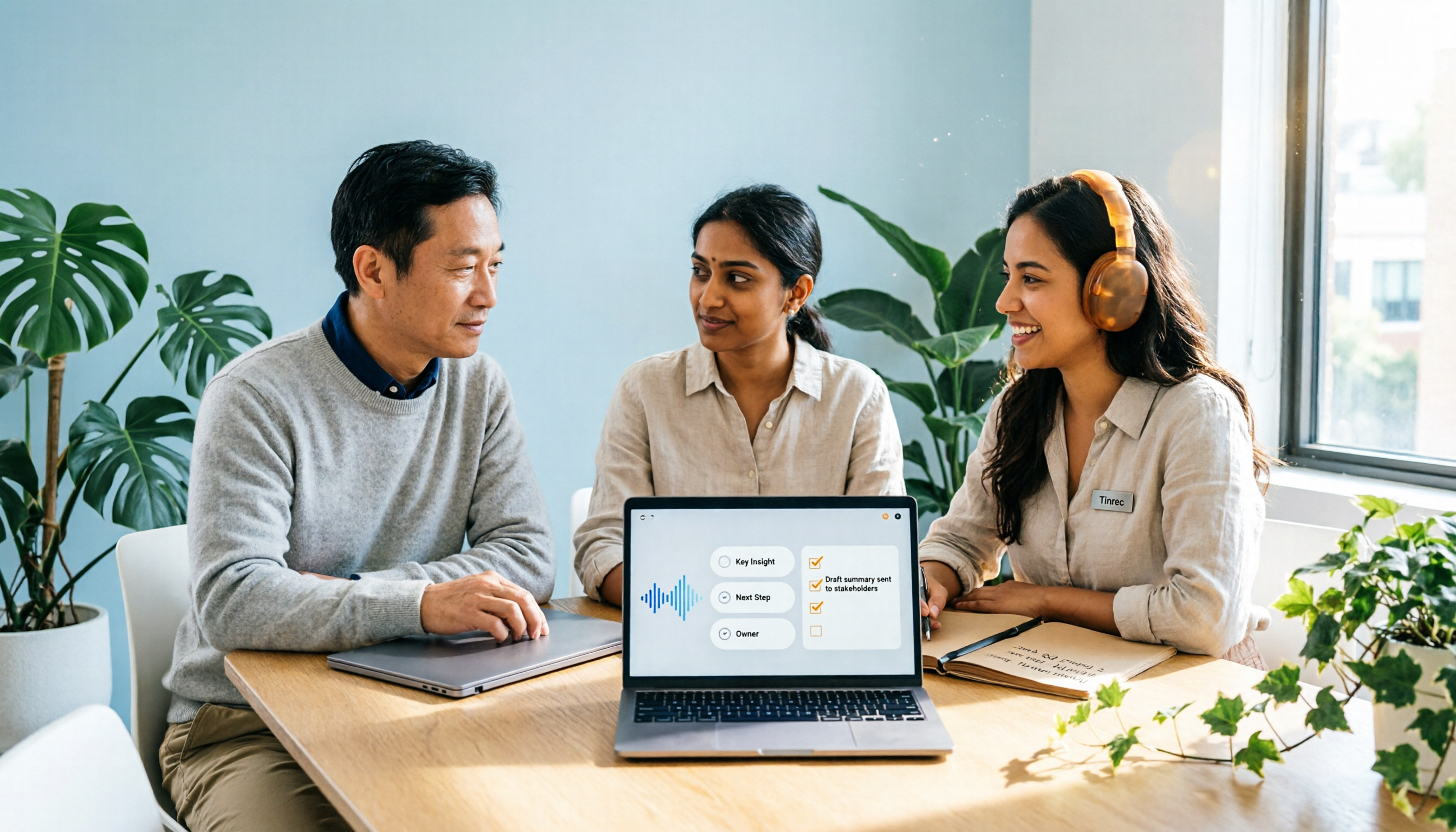
- Get a to-do list within 3 minutes after a meeting ends: Google Meet only gives you text after transcription. Tinrec automatically summarizes discussion conclusions, lists who needs to do what and by when, and exports directly to Notion or Google Docs.
- Cross-platform recordings are all searchable: Offline meetings recorded on your phone, video calls recorded on your computer—files scattered everywhere. Tinrec supports iOS, Android, and web, syncing all recordings automatically. Search by keyword to find that budget meeting from three months ago.
- Not just meetings—online videos become notes too: Your boss shares a YouTube tutorial. Paste the link into Tinrec, and within 3 minutes you get a transcript, segmented summary, and even the ability to ask AI questions like "What marketing cases are mentioned in this video?"

Tinrec's Core Capabilities: More Than a Transcript—Your Personal Meeting Assistant
Many tools can simply convert speech to text. What makes Tinrec shine is the "reorganization" after transcription—that's where the real time savings lie.
- Real-time live transcription: Less than 1 second delay. During meetings, you can confirm you didn't miss anything. Later, search by keyword to jump directly to that segment of the recording.
- AI-structured summary: Not just condensing thousands of words into a paragraph. It breaks down into four sections: "Meeting Topic," "Discussion Conclusions," "Action Items," and "Responsible Person"—clear at a glance.
- Automatic action item extraction: Pulls out "who needs to do what" from the conversation, e.g., "Allen needs to send the contract to the client by Friday." Converts it into a checklist for export to task management software.
- AI conversational query: You can ask questions like a colleague: "What did the client think about the pricing in the last meeting?" Tinrec answers based on semantics and cites the source paragraph.
- Flexible multi-format export: Transcripts, summaries, and to-do lists can be exported as PDF, Word, Markdown, or synced to Google Drive, Notion, OneNote—seamlessly integrating back into your workflow.
Stop organizing recordings by hand
Upload audio or video and automatically get a transcript, summary, and action items
Real-World Use Cases: From Meetings to Classrooms, How to Use Tinrec
1. Weekly Team Meetings—From 1 Hour of Cleanup to 5 Minutes of Review
In the past, after a weekly meeting, an admin would spend an hour re-listening to the recording and organizing decisions. Now with Tinrec, the meeting ends and you get a summary and to-do list instantly. Share it in the team group, everyone knows their responsibilities immediately, and managers can quickly scan the key points.
2. Client Interviews—Turn Conversations into Quotable Material
After an interview recording is transcribed, use AI Q&A to quickly extract client pain points and competitor insights, then generate a structured report. No need to manually tag timestamps—just copy and paste key sentences into your proposal deck.
3. Online Courses—Long Videos Become Chapterized Notes
Upload a 2-hour recorded lecture to Tinrec. You don't just get a transcript; it automatically splits into chapters (e.g., "Introduction," "Case Study 1," "Q&A"). Click a chapter heading to jump to that part of the video. When reviewing, search for "supply chain risk" and instantly find the section where the instructor explains it.
4. Content Creation—From Voice Notes to Full Script
When inspiration strikes, record a 5-minute voice memo on your phone. Tinrec transcribes it to text, uses AI summary to organize key points, and even generates a full podcast script. A scattered idea becomes publishable content in 20 minutes.
4 Key Factors When Choosing a Meeting Notes Tool
If you're considering whether to upgrade your Google Meet license or look for a more comprehensive solution, these four criteria will help you decide:
- Transcription accuracy and language support: Don't just trust marketing claims; test with your own recordings. Tinrec performs reliably in Chinese meetings and mixed Chinese-English scenarios, supporting 14 languages, especially suited for Chinese users. In contrast, some platforms' built-in transcription focuses on English and often has punctuation errors with Chinese.
- More than transcription—it must organize: After transcription, can it automatically summarize, create chapters, and extract action items? That's the real time-saver. Tinrec's AI post-processing is a standout, not just dumping raw text.
- Cross-platform and historical search: Confirm the tool supports all your devices and whether past recordings can be searched across files. Tinrec offers iOS, Android, and web versions, with all content stored in the cloud. Search by keyword to retrieve historical meetings.
- Cost and actual usage: Don't just look at the monthly fee; calculate the transcription minutes your team actually needs. Tinrec's free plan includes a basic monthly allowance, ideal for trying out 2–3 meetings. If you have more than 5 meetings per week, the Pro annual plan has a lower monthly cost and is more cost-effective in the long run.
Frequently Asked Questions
Q: What's the difference between Tinrec and Google Meet's built-in transcription?
A: Built-in features provide basic transcripts but usually lack structured summaries, action item extraction, and cross-meeting search. Tinrec acts like a post-meeting assistant, turning content into actionable items you can use immediately.
Q: Is the free plan sufficient?
A: It's enough to try out 2–3 meetings or a few short videos. If you have fewer than 3 meetings per week, the free allowance might be just right. For frequent use, we recommend upgrading to Pro for more minutes and full features.
Q: What about recording file security and privacy?
A: Tinrec uses industry-standard encryption. All recordings and transcriptions are accessible only to you and are not used to train models. You can also set retention periods for important meetings.
Q: What languages are supported?
A: 14 languages are supported, including Traditional and Simplified Chinese, English, Japanese, Cantonese, etc., making it especially suitable for multilingual work environments.
Conclusion: Instead of Buying a Google Meet License, Use Tinrec to Build Your Audio/Video Knowledge Base
The paid version of Google Meet is suitable for teams that need longer meeting times and recording capabilities, but it doesn't solve the post-meeting organization and cross-platform data integration issues. If you want every meeting, class, and interview to automatically become a structured, searchable, reusable knowledge asset, Tinrec is a more comprehensive choice.
No need to decide right away. Try the free plan first—record a meeting tomorrow and see the AI-generated summary and to-do list. You'll understand why more and more teams are switching to Tinrec as their primary meeting note tool.
Turn every recording into actionable outcomes
Get 60 free transcription minutes when you sign in. No credit card required.
Related Reading
You might also like
2026 Comparison of 2 Post-Meeting Automation Tools: Tinrec vs. Notta for Actionable Follow-Ups
The meeting ends, but the work begins. This article focuses on post-meeting automation and compares Tinrec and Notta across meeting capture, post-meeting summaries, action item extraction, AI Q&A, team knowledge retention, and pricing plans. It also outlines automation workflows for cross-departmental meetings and provides a buying checklist to help you decide which tool better suits professionals and teams with multiple daily meetings.

2026 Comparison of 5 AI Meeting Workflow Tools: Which One Can Actually Help You Send Meeting Minutes Before You Leave Work?
The real challenge for AI meeting workflow tools isn't transcription—it's post-meeting organization, follow-up questions, deliverables, and team knowledge retention. Using Tinrec as the primary example, this article breaks down bot-free recording, real-time transcripts and translation, summaries with chapters and action items, AI Q&A, export options, and team governance, plus 5 key buying considerations and FAQs.

2026 Complete Guide to AI Office Automation: From Meeting Notes to Team Collaboration
A complete 2026 guide to AI office automation, starting from meeting note pain points, analyzing selection criteria, hands-on experience with Tinrec, differences between Otter, Notta, TurboScribe, and Fireflies, and pitfalls to avoid during implementation, helping you turn meeting content into actionable, collaborative team data.

2026 Comparison of 4 Meeting Follow-Up Automation Tools: Whose To-Dos Actually Get Tracked?
Meeting follow-up automation is more than just transcription. This article breaks down the three layers of transcription, organization, and follow-up, demonstrates the complete workflow from recording to to-dos, Q&A, export, and team knowledge retention using Tinrec, and outlines 5 key purchasing checkpoints and team pricing.

2026 Comparison of 5 AI Meeting Action Item Tools: Which One Actually Captures Owners and Deadlines?
After meetings, action items get scattered across group chats and recordings with no one following up? This article starts from the actual workflow of action item extraction, outlines 4 key points for choosing an AI meeting action item tool, and compares Tinrec, Otter.ai, Notta, Granola, and others on Chinese recognition, bot-free recording, to-do structure, and team tracking, with a pitfalls guide and selection advice.

2026 AI Office Automation Tools Compared: Which Really Saves Time on Meeting Notes and To-Dos?
Where should you start with office automation? This article examines the hidden work hours before and after meetings, compares five types of AI office automation approaches, and uses Tinrec as the main hands-on test subject to explain what bot-free recording, transcripts, summaries, action items, AI Q&A, and team spaces can and cannot do. It includes pricing and five key buying criteria.

6 AI Meeting Note Tools Compared for 2026: From Meeting Notes to Actionable Tasks
From small group discussions to project meetings, AI meeting tools shouldn't stop at transcripts. This article uses a student's hands-on perspective to compare 6 AI meeting note tools in 2026, covering recording, summarization, to-dos, and team collaboration, and organizes pricing, free quotas, and use cases to help you decide which one truly turns meetings into actionable tasks.

AI To-Do List Generation in 2026: Turn Meetings into Action Items with Owners
Tired of spending hours after meetings organizing action items? This guide tackles the real pain points of mid-level managers, breaks down what automated to-do generation can and cannot do, and uses Tinrec as an example to demonstrate the complete workflow from recording and transcription to AI summaries, action item extraction, and team knowledge retention. Includes a buying checklist and FAQs.

6 Best AI Meeting Notes Generators in 2026: Which Free Version Is Good Enough?
Tired of writing meeting notes after every call? We tested 6 tools that automatically generate meeting minutes, including Tinrec, Otter.ai, Notta, Granola, TurboScribe, and PLAUD Note. We compare transcription, summarization, action items, and team collaboration, and honestly list the limitations of free and paid plans to help you find the most time-saving option.