
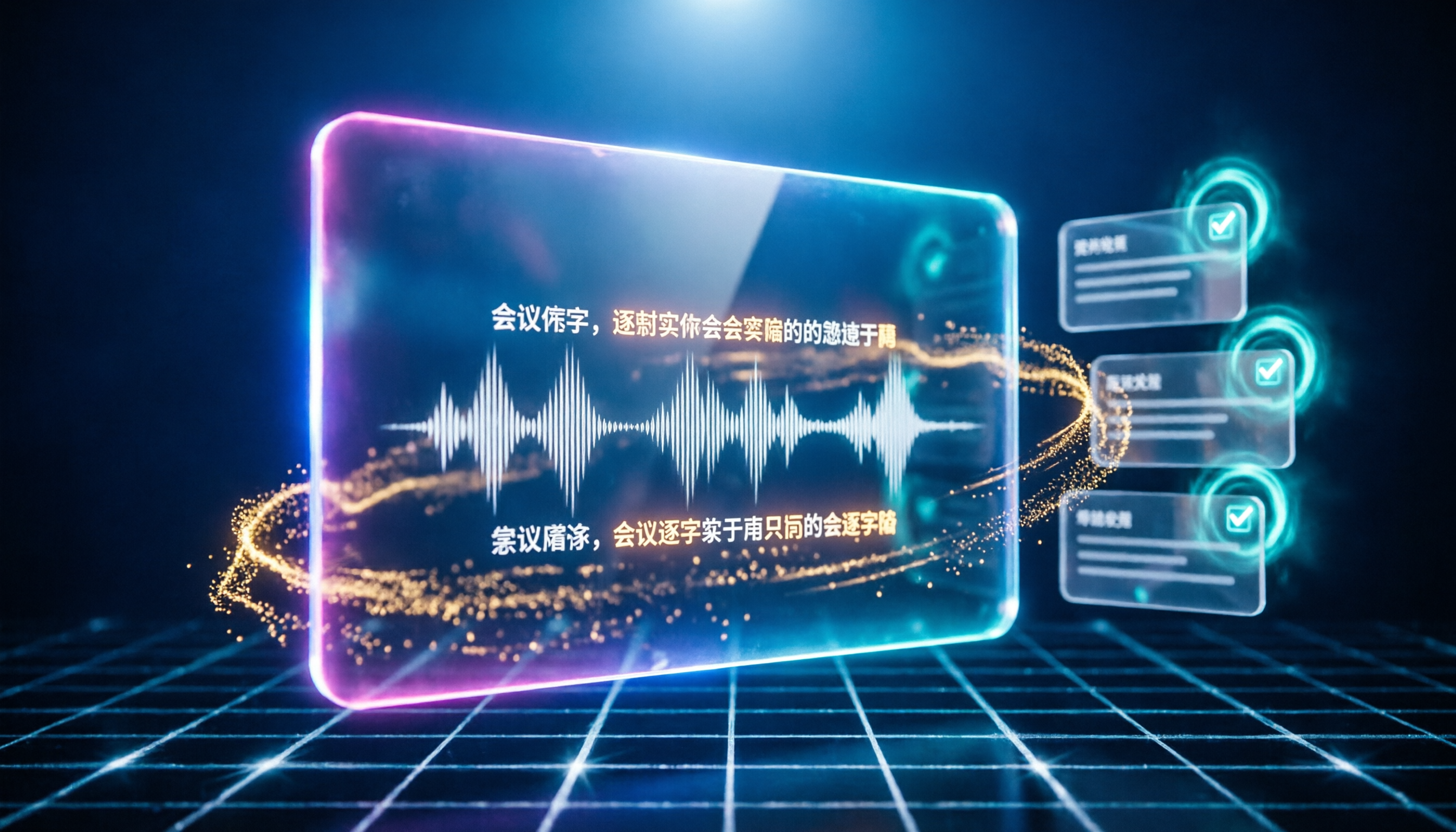
Turn recordings into transcripts and summaries in minutes
Upload audio or video for multilingual transcription, AI notes, and action items
What Can Google Meet Recording Do for You?
Many people think you need to buy a hardware license to record Google Meet meetings, but there is a smarter way. With Tinrec, you only need a computer to record the entire meeting and automatically get transcripts, summaries, and action items.

Scenario 1: Save on Hardware License Fees
Google Meet hardware kits and licenses are not cheap; they suit conference rooms but may not be necessary for individuals or small teams. Using Tinrec's computer meeting recording feature requires no additional hardware purchase.
Scenario 2: Get Meeting Minutes Immediately After the Meeting
Previously, you might have had to take meeting notes manually. Now, Tinrec generates summaries, conclusions, and action items as soon as the meeting ends, clearly showing who is responsible for what and deadlines.
Scenario 3: Meeting Content Becomes a Searchable Knowledge Base
Tinrec not only records but also keeps all historical meeting content. Later, you can ask the AI directly: "What was the conclusion of the last meeting about the budget?" and get the answer instantly.
Core Capabilities
Taking Tinrec as an example, it offers several key features that make Google Meet recording simple:
Real-time Speech-to-Text
Converts speech to text during the meeting, not after. Tinrec's latency is less than 1 second, allowing you to confirm you haven't missed key points as text appears.
AI Summary and Action Item Extraction
Instead of condensing the transcript into a single paragraph, it organizes information structurally—meeting topic, discussion conclusions, action items, and responsible persons—turning it directly into a task list.
AI Conversational Query
After transcription, you can ask questions like, "Who mentioned the budget during the meeting?" or "What was the client's feedback?" Tinrec answers based on semantics, so you don't have to re-read the entire document.
Multi-format Export
Results can be exported as Word, PDF, or synced directly to Notion or Google Docs for easy archiving or sharing.
Practical Use Cases
Scenario 1: Project Meetings
Stop organizing recordings by hand
Upload audio or video and automatically get a transcript, summary, and action items
Record weekly Google Meet project meetings with Tinrec desktop; automatic generation of action items after the meeting means team members no longer need to track progress from memory.
Scenario 2: Client Communication

Discuss requirements with clients online; Tinrec records the full conversation and converts it to a transcript. Later, you can organize it into meeting minutes and send it to them—professional and detailed.
Scenario 3: Internal Training
HR uses Google Meet for new hire training; record the session with Tinrec and convert to text with chapters, then compile into training materials for all new employees.
Scenario 4: Cross-border Meetings
Tinrec supports multiple languages; mixed Chinese and English meetings are transcribed clearly. You can later use AI to search for key dialogues without re-listening to the recording.
Key Considerations When Choosing a Meeting Recording Tool
If you want to avoid spending a lot on hardware licenses, keep these points in mind when selecting an alternative. Using Tinrec as an example:
- Simple recording method: Capture system audio directly from your computer without extra cables. Tinrec supports system audio recording on Windows and macOS—just open and record.
- Post-transcription organization: If it only provides a transcript, you still need to organize. Tinrec's AI summary and action item extraction highlight key points for you.
- Language support: If your meetings mix Chinese and English, the tool must handle it. Tinrec supports multiple languages with stable Chinese recognition.
- Ability to search historical content: It's a waste to record and forget. Tinrec's AI Q&A lets you revisit historical meetings anytime.
Frequently Asked Questions
Q: Do I need a hardware license to record Google Meet with Tinrec?
Not at all. Tinrec is a software solution. Install it on your computer, select the system audio source, and you can record any Google Meet meeting with no additional license fees.
Q: Does recording violate privacy?
It is recommended to inform participants before recording and comply with company policies. Tinrec stores recordings only under your account, and you control access.
Q: Is the free version sufficient?
The free version of Tinrec offers a monthly quota of transcription minutes, suitable for occasional meetings. If you have many weekly meetings, consider the Pro plan, which is still much cheaper than buying hardware.
Q: Can I record only a portion of a meeting?
Yes. Tinrec supports pause and resume, so you can record only the key discussion segments.
Q: Can I download the recorded files?
Yes. Both audio files and transcripts can be exported, and you can share links directly with colleagues.
Summary
No need to agonize over whether to buy Google Meet hardware licenses. Tinrec lets you fully record meetings on your existing computer, automatically organize summaries and action items, and makes searching easy. If you have more than three meetings per week, download the free version of Tinrec and experience AI-assisted meeting minutes.
Turn every recording into actionable outcomes
Get 60 free transcription minutes when you sign in. No credit card required.
Related Reading
You might also like
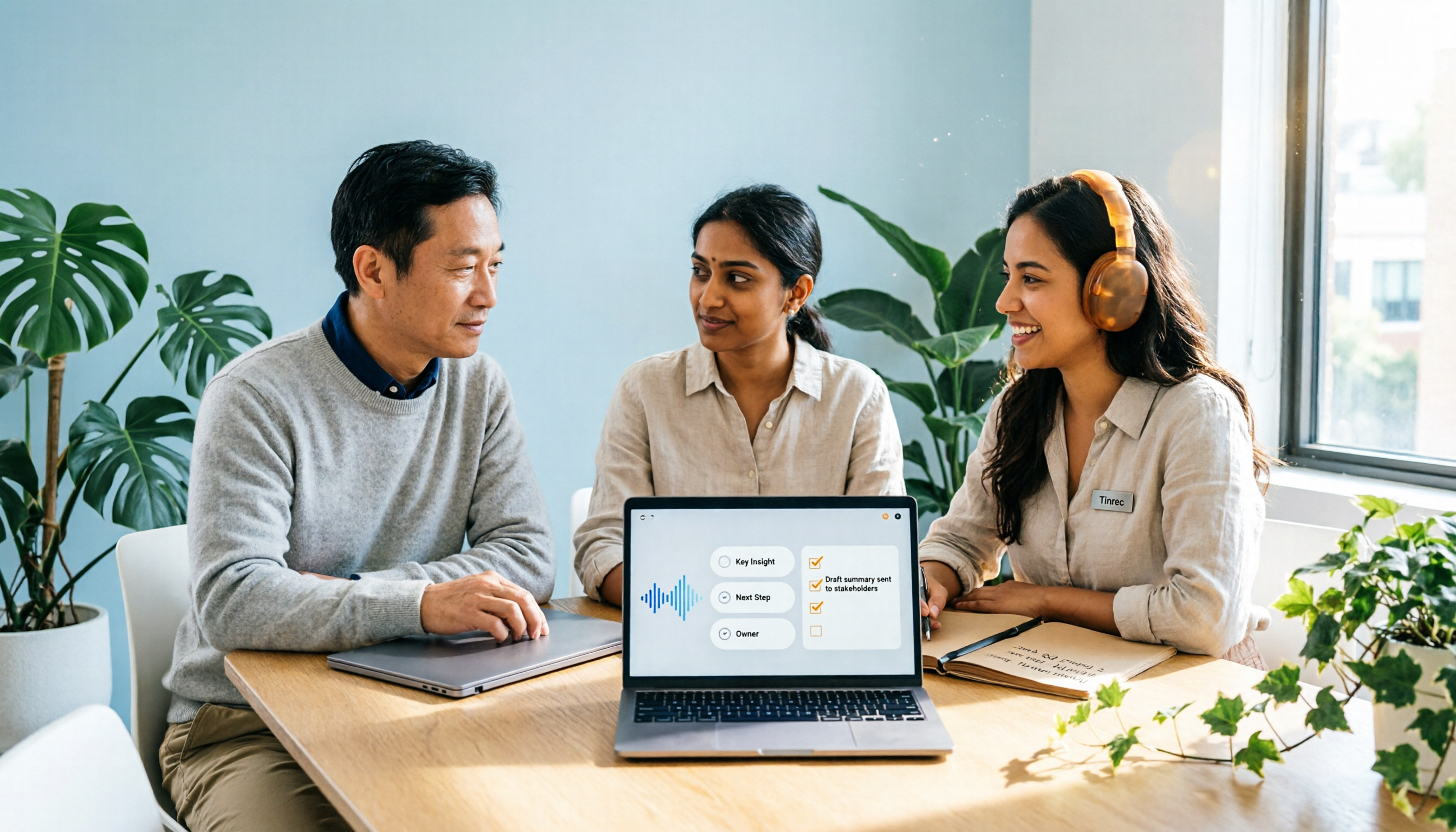
2026 Comparison of 2 Post-Meeting Automation Tools: Tinrec vs. Notta for Actionable Follow-Ups
The meeting ends, but the work begins. This article focuses on post-meeting automation and compares Tinrec and Notta across meeting capture, post-meeting summaries, action item extraction, AI Q&A, team knowledge retention, and pricing plans. It also outlines automation workflows for cross-departmental meetings and provides a buying checklist to help you decide which tool better suits professionals and teams with multiple daily meetings.

2026 Comparison of 5 AI Meeting Workflow Tools: Which One Can Actually Help You Send Meeting Minutes Before You Leave Work?
The real challenge for AI meeting workflow tools isn't transcription—it's post-meeting organization, follow-up questions, deliverables, and team knowledge retention. Using Tinrec as the primary example, this article breaks down bot-free recording, real-time transcripts and translation, summaries with chapters and action items, AI Q&A, export options, and team governance, plus 5 key buying considerations and FAQs.

2026 Complete Guide to AI Office Automation: From Meeting Notes to Team Collaboration
A complete 2026 guide to AI office automation, starting from meeting note pain points, analyzing selection criteria, hands-on experience with Tinrec, differences between Otter, Notta, TurboScribe, and Fireflies, and pitfalls to avoid during implementation, helping you turn meeting content into actionable, collaborative team data.

2026 Comparison of 4 Meeting Follow-Up Automation Tools: Whose To-Dos Actually Get Tracked?
Meeting follow-up automation is more than just transcription. This article breaks down the three layers of transcription, organization, and follow-up, demonstrates the complete workflow from recording to to-dos, Q&A, export, and team knowledge retention using Tinrec, and outlines 5 key purchasing checkpoints and team pricing.

2026 Comparison of 5 AI Meeting Action Item Tools: Which One Actually Captures Owners and Deadlines?
After meetings, action items get scattered across group chats and recordings with no one following up? This article starts from the actual workflow of action item extraction, outlines 4 key points for choosing an AI meeting action item tool, and compares Tinrec, Otter.ai, Notta, Granola, and others on Chinese recognition, bot-free recording, to-do structure, and team tracking, with a pitfalls guide and selection advice.

2026 AI Office Automation Tools Compared: Which Really Saves Time on Meeting Notes and To-Dos?
Where should you start with office automation? This article examines the hidden work hours before and after meetings, compares five types of AI office automation approaches, and uses Tinrec as the main hands-on test subject to explain what bot-free recording, transcripts, summaries, action items, AI Q&A, and team spaces can and cannot do. It includes pricing and five key buying criteria.

6 AI Meeting Note Tools Compared for 2026: From Meeting Notes to Actionable Tasks
From small group discussions to project meetings, AI meeting tools shouldn't stop at transcripts. This article uses a student's hands-on perspective to compare 6 AI meeting note tools in 2026, covering recording, summarization, to-dos, and team collaboration, and organizes pricing, free quotas, and use cases to help you decide which one truly turns meetings into actionable tasks.

AI To-Do List Generation in 2026: Turn Meetings into Action Items with Owners
Tired of spending hours after meetings organizing action items? This guide tackles the real pain points of mid-level managers, breaks down what automated to-do generation can and cannot do, and uses Tinrec as an example to demonstrate the complete workflow from recording and transcription to AI summaries, action item extraction, and team knowledge retention. Includes a buying checklist and FAQs.

6 Best AI Meeting Notes Generators in 2026: Which Free Version Is Good Enough?
Tired of writing meeting notes after every call? We tested 6 tools that automatically generate meeting minutes, including Tinrec, Otter.ai, Notta, Granola, TurboScribe, and PLAUD Note. We compare transcription, summarization, action items, and team collaboration, and honestly list the limitations of free and paid plans to help you find the most time-saving option.