

Turn recordings into transcripts and summaries in minutes
Upload audio or video for multilingual transcription, AI notes, and action items
Meeting Over, Notes Begin: The Hidden Overtime After Google Meet Screen Sharing
Joining a Google Meet, sharing your screen, discussing slides—everything flows smoothly. But once the meeting ends, the real challenge starts: who will take the meeting notes?

If the meeting is in English, you might rely on built-in captioning to get the gist, but when Traditional Chinese discussions, mixed Chinese and English, and a barrage of jargon are involved, manual transcription is time-consuming. Worse still, charts, annotations, and impromptu decisions made during screen sharing—these details may not be fully captured by simply replaying the audio.
If you've ever stared at a two-hour recording after a meeting feeling overwhelmed, this article is for you.
Before Choosing a Voice-to-Text Tool, Understand These 3 Key Points
These tools are not one-size-fits-all. The three dimensions below determine whether you save time or face another form of overtime.
1. Recognition Accuracy: Don't Just Look at Official Numbers—Consider Real-World Conditions
Many tools claim "98% accuracy," but that's usually in a quiet studio with standard accents. In real Google Meet sessions, there may be keyboard clicks, air conditioning hum, multiple crosstalk, and faster speech during screen sharing. Our tests used a 5-minute Traditional Chinese meeting recording with slight background noise—giving you a reference point that matters.
2. More Than a Transcript: How Much Can the Tool Do After Transcription?
Converting audio to text is just the first step. A truly valuable tool should auto-generate summaries, break into sections, extract action items, and even let you ask questions to find key points. If you only use it as a replacement for a playback device, you might as well take manual notes.
3. Cross-Platform and Source Support: Your Meetings Aren't Just on Your Computer
You might use a Windows laptop for Google Meet today, a phone to replay tomorrow, and later want to turn a YouTube tutorial into notes. Tools locked to a single device or only supporting meeting recordings hit a ceiling quickly.
For the above three points, Tinrec (秒聽錄音) stood out among tested tools. Details below.
Tinrec (秒聽錄音)—Our Top Pick After Testing
Tinrec is an AI voice and video note-taking tool supporting 14 languages, available on iOS, Android, and web. It helps turn chaotic Google Meet screen sharing recordings into searchable, summarizable, ready-to-deliver documentation.
How It Solves Your Meeting Note Pain Points
Scenario 1: Join a Google Meet with screen sharing while Tinrec silently records in the background
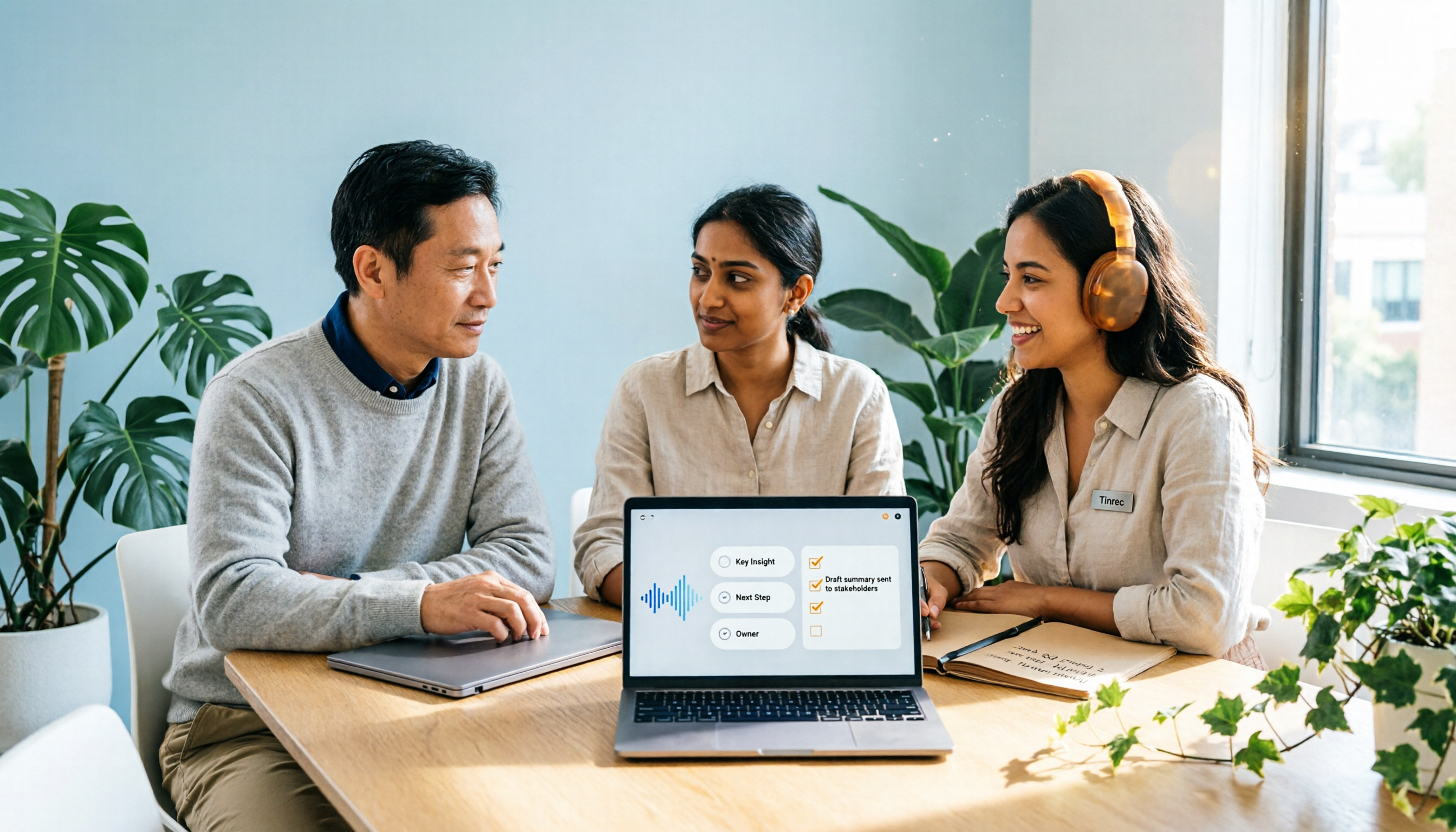
When you join a Google Meet on your computer and share your screen, simply enable Tinrec's Computer Meeting Recording feature. It captures system audio and transcribes every word in real time. When the meeting ends, AI summaries, chapters, and action items are already generated, even with task assignments and deadlines.
Scenario 2: Charts and discussions during screen sharing—ask a question afterward
During the meeting, you might be reviewing reports and marking key points. Tinrec's unique feature: after recording, you can ask AI questions like "Who suggested the budget adjustment in the last meeting?" It understands semantics and gives you answers, not just keyword search. Competitors at similar price points rarely offer this.
Stop organizing recordings by hand
Upload audio or video and automatically get a transcript, summary, and action items
Scenario 3: Traditional Chinese meetings, mixed Chinese/English, colloquial content—most stable recognition
We tested a 5-minute Traditional Chinese meeting recording (slight keyboard background noise, Taiwanese accent, June 2026). Tinrec achieved a character error rate of about 8.3%, high phrase completeness, and correctly captured terms like ROI and CRM. This places it among the top performers.

Key Strengths
- Strong Traditional Chinese recognition: Handles Taiwanese and Hong Kong accents, mixed Chinese/English content reliably.
- AI query: Directly ask questions after recording, saving re-listening time.
- Multi-source integration: Not just Google Meet meetings; also local audio files and YouTube video links, making it easy to build a personal knowledge base.
- Diverse output: Transcripts, summaries, action items, captions, export to Notion/Google Docs, etc., fitting your workflow.
Who Is It For?
If you have 2+ Google Meet meetings per week (especially with screen sharing discussion needs), need meeting notes or task tracking after, or manage projects with heavy Traditional Chinese communication, Tinrec currently saves you the most note-taking time.
Limitations
The free plan offers 100 minutes of transcription per month; heavy users may need Pro. But for most people with 3-4 meetings per week, the free version is enough for core features. Computer meeting recording currently focuses on system audio; if you need simultaneous mic and system audio, test your device settings first.
Other Options Besides Tinrec
Otter.ai
The champion for English meetings: free tier gives 300 minutes/month, with mature AI summaries and speaker identification. However, it weakly supports Traditional Chinese and Cantonese, lacks AI query, and cannot parse online video links. If 90%+ of your meetings are in English, Otter is more cost-effective than Tinrec. This is the only scenario where we recommend a competitor.
Notta
Notta offers solid transcription and translation, supports multiple languages, with an intuitive interface. But its free plan only gives 120 minutes/month, and it lacks Tinrec's AI query and post-processing capabilities—you'll still need to manually review transcripts for key points. If you need plain transcription and caption output, Notta is worth considering; but for smarter meeting organization, Tinrec is better.
Pitfalls to Avoid: 4 Common Mistakes When Choosing Voice-to-Text Tools
Mistake 1: Only looking at official claimed accuracy
Lab data ≠ your meeting room. Best to test with your own meeting recording and see if the transcript needs heavy editing.
Mistake 2: Ignoring cross-platform and downstream use
If you record on a laptop today and want to check notes on your phone tomorrow, a tool without cross-device sync locks your data into a silo.
Mistake 3: Buying a tool but only using it for transcription
AI summaries, action item extraction, and query features are what save time. If you only use it as a transcriber, you're getting maybe 30% of its value. For example, Tinrec's AI query—ask "What is the conclusion of this meeting?" right after it ends—is much faster than manually crawling through a 30-minute transcript.
Mistake 4: Assuming the free version is always sufficient
Free plans usually have limits; first calculate your monthly meeting hours. If you regularly exceed the limit, rather than counting minutes nervously each meeting, just choose a suitable paid plan.
Summary: Which One Should You Choose?
If you're struggling with Google Meet screen sharing meeting notes, our top pick after testing is Tinrec. It clearly outperforms competitors in Traditional Chinese recognition, post-transcription processing (AI query, action item summarization), and multi-source support (meetings, audio files, video links).
Here are recommendations by scenario:
- Primarily Traditional Chinese meetings + need AI to extract key points → Tinrec (only one with AI query, most comprehensive post-processing)
- Cross-device, cross-platform use (phone + computer + web) → Tinrec (iOS/Android/Web all covered)
- Besides meetings, also want to organize courses, interviews, online videos → Tinrec (multi-source input, one tool for all)
- 89%+ English meetings, no need for AI query → Otter.ai (most generous free minutes)
We recommend downloading Tinrec's free version to try—100 minutes per month is enough for 2–3 meetings for a full experience. Upgrade if you like it; no need to pay upfront.
Turn every recording into actionable outcomes
Get 60 free transcription minutes when you sign in. No credit card required.
Related Reading
You might also like
2026 Comparison of 2 Post-Meeting Automation Tools: Tinrec vs. Notta for Actionable Follow-Ups
The meeting ends, but the work begins. This article focuses on post-meeting automation and compares Tinrec and Notta across meeting capture, post-meeting summaries, action item extraction, AI Q&A, team knowledge retention, and pricing plans. It also outlines automation workflows for cross-departmental meetings and provides a buying checklist to help you decide which tool better suits professionals and teams with multiple daily meetings.

2026 Comparison of 5 AI Meeting Workflow Tools: Which One Can Actually Help You Send Meeting Minutes Before You Leave Work?
The real challenge for AI meeting workflow tools isn't transcription—it's post-meeting organization, follow-up questions, deliverables, and team knowledge retention. Using Tinrec as the primary example, this article breaks down bot-free recording, real-time transcripts and translation, summaries with chapters and action items, AI Q&A, export options, and team governance, plus 5 key buying considerations and FAQs.

2026 Complete Guide to AI Office Automation: From Meeting Notes to Team Collaboration
A complete 2026 guide to AI office automation, starting from meeting note pain points, analyzing selection criteria, hands-on experience with Tinrec, differences between Otter, Notta, TurboScribe, and Fireflies, and pitfalls to avoid during implementation, helping you turn meeting content into actionable, collaborative team data.

2026 Comparison of 4 Meeting Follow-Up Automation Tools: Whose To-Dos Actually Get Tracked?
Meeting follow-up automation is more than just transcription. This article breaks down the three layers of transcription, organization, and follow-up, demonstrates the complete workflow from recording to to-dos, Q&A, export, and team knowledge retention using Tinrec, and outlines 5 key purchasing checkpoints and team pricing.

2026 Comparison of 5 AI Meeting Action Item Tools: Which One Actually Captures Owners and Deadlines?
After meetings, action items get scattered across group chats and recordings with no one following up? This article starts from the actual workflow of action item extraction, outlines 4 key points for choosing an AI meeting action item tool, and compares Tinrec, Otter.ai, Notta, Granola, and others on Chinese recognition, bot-free recording, to-do structure, and team tracking, with a pitfalls guide and selection advice.

2026 AI Office Automation Tools Compared: Which Really Saves Time on Meeting Notes and To-Dos?
Where should you start with office automation? This article examines the hidden work hours before and after meetings, compares five types of AI office automation approaches, and uses Tinrec as the main hands-on test subject to explain what bot-free recording, transcripts, summaries, action items, AI Q&A, and team spaces can and cannot do. It includes pricing and five key buying criteria.

6 AI Meeting Note Tools Compared for 2026: From Meeting Notes to Actionable Tasks
From small group discussions to project meetings, AI meeting tools shouldn't stop at transcripts. This article uses a student's hands-on perspective to compare 6 AI meeting note tools in 2026, covering recording, summarization, to-dos, and team collaboration, and organizes pricing, free quotas, and use cases to help you decide which one truly turns meetings into actionable tasks.

AI To-Do List Generation in 2026: Turn Meetings into Action Items with Owners
Tired of spending hours after meetings organizing action items? This guide tackles the real pain points of mid-level managers, breaks down what automated to-do generation can and cannot do, and uses Tinrec as an example to demonstrate the complete workflow from recording and transcription to AI summaries, action item extraction, and team knowledge retention. Includes a buying checklist and FAQs.

6 Best AI Meeting Notes Generators in 2026: Which Free Version Is Good Enough?
Tired of writing meeting notes after every call? We tested 6 tools that automatically generate meeting minutes, including Tinrec, Otter.ai, Notta, Granola, TurboScribe, and PLAUD Note. We compare transcription, summarization, action items, and team collaboration, and honestly list the limitations of free and paid plans to help you find the most time-saving option.