

Turn recordings into transcripts and summaries in minutes
Upload audio or video for multilingual transcription, AI notes, and action items
Last semester, I took an elective where the professor taught remotely via Google Meet, speaking as fast as the slides flipped. I tried using the built-in Mac voice memos to type along, but when I opened my notes before finals—I couldn't understand what I had written.
Then I started looking for apps that could record Google Meet on Mac and transcribe it into text. I tried about 4 tools, from free to paid. Some could only transcribe English, some had garbled Chinese characters, and others only allowed 5-minute recordings on the free plan. That is, until a senior recommended Tinrec. I used it for the whole semester, relied on it for midterms and finals, and now I even have it running during group discussions.

Here, as a senior Information Management student, I want to share why I ultimately chose Tinrec and how it saved me a ton of study time.
What Can Tinrec Do for You?
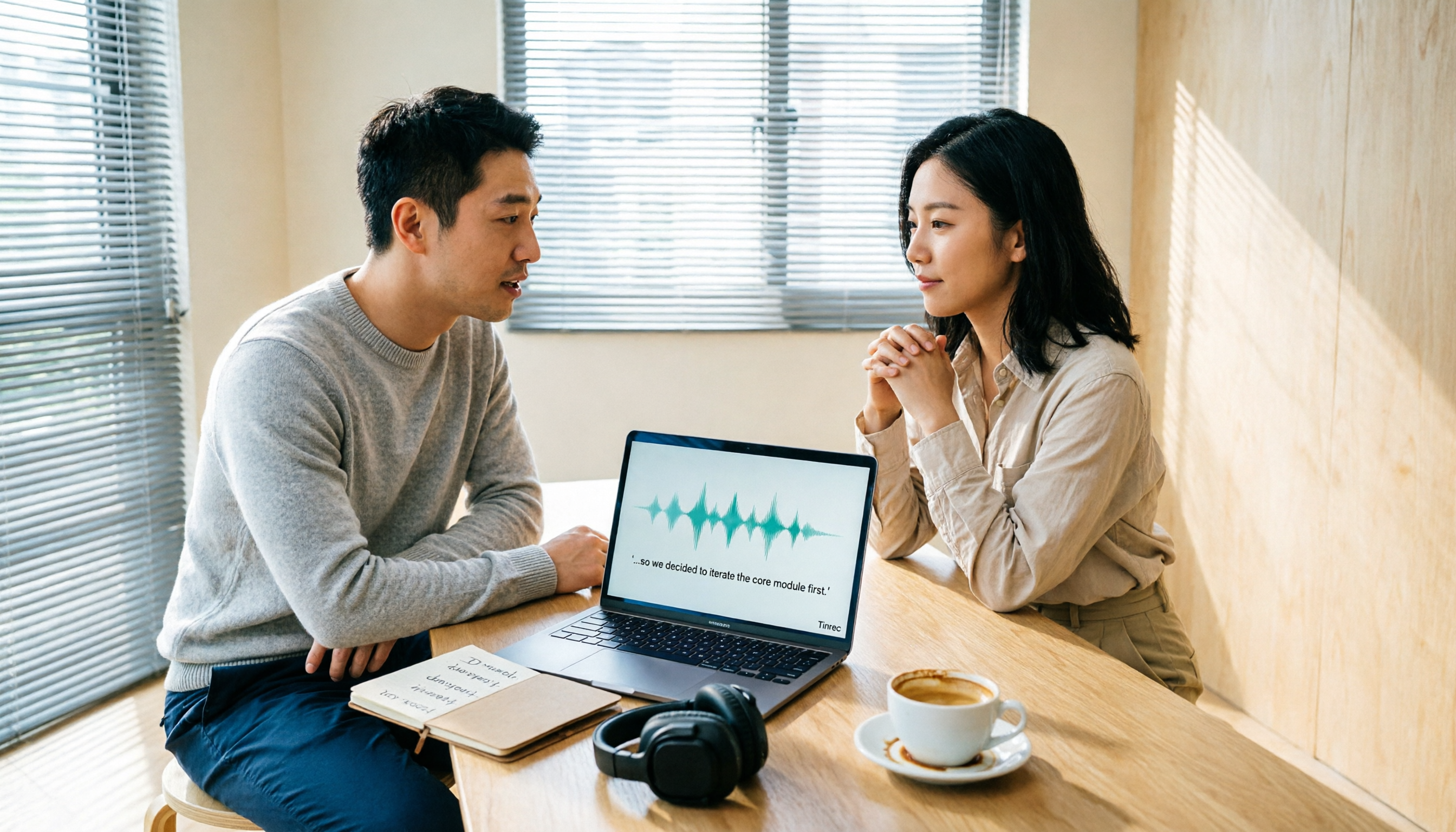
I’m the type who always records lectures, but I never re-listened to them—who has the patience to go through a two-hour recording from start to finish? Tinrec directly solves that pain point: it not only records Google Meet but also generates a real-time transcript, automatically summarizes key points, and extracts action items.
Scenario 1: Record lectures → Study notes in 5 minutes
Before, with Mac’s built-in recording, files were huge and unsearchable. With Tinrec, just start recording, and it transcribes in real-time. By the time class ends, the AI summary has already highlighted “3 key points from the professor” and “homework due next week.” Now, before midterms and finals, I just search keywords to find important topics—no need to re-listen.
Scenario 2: Group discussions → Automatically records who said what and the conclusions
Group projects are the worst when everyone talks over each other and no one remembers the conclusions. I use Tinrec to record Google Meet group meetings: it separates speakers and automatically extracts action items—like “Xiao Mei handles the survey, Ajie finds literature”—saving me the hassle of post-meeting organization.
Scenario 3: Practice online interviews → Review your responses
As a senior starting internship hunting, I often use Google Meet to practice mock interviews with classmates. I record and get a transcript simultaneously. Afterward, I use Tinrec’s AI Q&A feature to ask, “Which part of my answer was too long?” It highlights it directly—more effective than asking seniors for advice.
Tinrec's Core Capabilities
Many people think transcription is just turning speech into text, but Tinrec’s strength lies in what it does after transcription. After using it for a semester, I found these features to be true game-changers:
Real-time transcript: It transcribes as it records, with less than one second of delay. Google Meet’s built-in captions sometimes lag, but Tinrec is much more stable. And its Traditional Chinese recognition is incredibly accurate—it even catches English technical terms mixed in by the professor.
AI semantic summarization: It doesn’t just shorten sentences; it structures the summary—e.g., “Meeting topic: Senior project direction discussion / Conclusion: Decided to go with AI applications / Action items: Collect literature, design survey”—clear at a glance.
Stop organizing recordings by hand
Upload audio or video and automatically get a transcript, summary, and action items
AI conversation query: This feature is practically designed for finals prep. You can ask, “Where did the professor mention the midterm scope?” and Tinrec uses semantic understanding to jump directly to that part—more precise than your classmates’ notes.
Multi-format export: You can export notes as PDF, TXT, or even sync to Notion. Now, I save every weekly lecture recording directly into my Notion database, and just search keywords before finals.
Real-World Use Cases
Class lectures: Turn the professor’s words into review handouts
I use my Mac to attend Google Meet classes while running Tinrec for real-time recording. After a two-hour class, the AI summary has already organized the key points onto one page with timestamps. Before exams, I just skim through it—no need to borrow anyone else’s notes.

Group projects: Full discussion record, clearer division of tasks
During Google Meet discussions with group members, Tinrec automatically separates who said what and extracts action items. Last time, I just pasted the action items Tinrec produced into the group chat, and everyone followed them—so efficient that the professor praised us.
Self-study online courses: Turn YouTube videos into notes
In addition to Google Meet, Tinrec can also directly paste a YouTube link to grab video content. If I don’t understand something in class, I search for related tutorial videos, paste them into Tinrec, and get text notes—much faster absorption than watching the video myself.
4 Things to Consider When Choosing a Google Meet Recording & Transcription Tool for Mac
Not every tool is suitable for students. After stepping on some landmines, I summarized the following points:
Free credits should match actual usage, not just look big on paper
Some apps claim 300 minutes per month, but don’t support Mac or only transcribe English. Tinrec’s free tier offers a basic monthly transcription allowance. I calculated that recording three two-hour classes per week roughly balances out. For occasional extra recordings, I buy a weekly card—costs less than a boba tea.Chinese accuracy matters more than you think
I tried a tool that transcribed “machine learning” into something unrecognizable, ruining the entire note. Tinrec’s accuracy with Traditional Chinese is noticeably better, and it handles mixed Chinese-English seamlessly—crucial for an Information Management major like me.Post-transcription organization is key
Some tools only give you a plain transcript—20,000 words you have to wade through yourself. Tinrec automatically summarizes, divides into sections, extracts action items, and even allows AI-powered search for key points. The time saved is enough to solve one more practice problem.Cross-platform support: Mac and mobile
I previously used a tool that only supported Windows, which was super inconvenient. Tinrec has a web version, iOS, and Android. I can run Google Meet on my Mac while viewing the transcript on my phone, and during group discussions, I can instantly share it with teammates.
FAQ
Q: How does Tinrec record Google Meet audio?
A: Simply start real-time recording in Tinrec on your Mac; it captures system audio without any external devices. Just make sure in Google Meet settings to select “Use computer audio.”
Q: Is the free tier enough for students?
A: If you only record key subjects, the monthly allowance is definitely sufficient. If you want to record every class, the Pro monthly card costs about the same as two Starbucks drinks. I only subscribe during midterm and final months and use the free tier otherwise.
Q: Where are recordings stored? Is it secure?
A: Tinrec encrypts recordings and transcriptions and stores them securely; you can delete them anytime. I used it the whole semester without any issues—more reassuring than borrowing classmates’ notes.
Q: Can I transcribe only part of a Google Meet recording?
A: Yes. You can first record using Mac’s built-in tool, then upload the file to Tinrec for transcription. But real-time recording is more convenient since you don’t need to save a separate file.
Summary
If, like me, you always struggle to keep up with notes during Google Meet classes on Mac, or you forget the conclusions after group discussions, don’t tough it out. Tinrec isn’t the only recording-to-text tool out there, but based on my testing, it’s the best fit for students—free credits are sufficient, Chinese comprehension is strong, and it automatically organizes key points.
Download the free version and try it; you get a monthly allowance to experience it. See how much your exam prep efficiency improves. Don’t rush to pay—upgrade only when you find “this feature is truly worth it.”
Turn every recording into actionable outcomes
Get 60 free transcription minutes when you sign in. No credit card required.
Related Reading
You might also like

2026 Comparison of 4 Audio-to-Text Tools: Which One Saves the Most Time for Chinese Meeting Minutes?
Does the real work start after the meeting ends? This article tackles real workplace pain points, outlines four key factors for choosing an audio-to-text tool, and compares Tinrec, Otter.ai, Notta, and Granola. Tinrec stands out with bot-free desktop recording, Chinese meeting transcription, AI Q&A, and team spaces. The article also honestly lists each tool's free tier limits to help you find the one that truly saves time.

Best Interview Recording-to-Text Tools in 2026: 4 Tested, This One Excels at Chinese Interviews and Post-Meeting Follow-ups
We tested 4 interview recording-to-text tools, comparing input sources, Chinese recognition, post-meeting organization, and team data management. Tinrec performed best in Chinese interviews, recording online meetings without bots, and AI follow-up questions after meetings. This article includes key buying factors, pitfalls to avoid, and scenario recommendations.

2026 Audio Transcription Tool Buying Guide: 6 Hands-On Tests and Selection Advice
For mid-level managers who have a dozen meetings a week and still need to organize notes afterward, we tested 6 audio transcription tools: from Tinrec's bot-free recording and AI Q&A to Notta, Otter, TurboScribe, Granola, and the free Google Docs voice typing. This guide lays out positioning, pricing, and who each tool is for, so you pick the right tool—not just the most popular one.

4 Best Speech-to-Text Tools in 2026: Free Tiers, Chinese Transcription, and Post-Meeting Summaries Compared
How to choose a speech-to-text tool? This article starts with the difference between live dictation and audio file transcription, then compares Tinrec, Notta, Granola, and PLAUD on free tiers, Chinese transcription, post-meeting AI summaries, and team seats. It also lists 4 common pitfalls to help you decide based on budget and use case.

2026 Comparison of 4 Audio-to-Text Tools: Which One Can Generate Meeting Minutes Directly from Computer Meetings?
With more and more audio files and online meetings on computers, the real time sink is often not recording but re-listening and organizing. This article starts from computer-based usage scenarios and compares four tools: Tinrec, Granola, TurboScribe, and PLAUD. It explains key factors to consider when choosing, how to avoid the trap of only looking at transcription minutes, and provides recommendations for different workflows.

How to Use Online Speech-to-Text in 2026: 5 Steps from Recording to Transcript
How to choose and use online speech-to-text tools in 2026? Starting from real meeting pain points, this article covers 5 key selection criteria, Tinrec's 5-step workflow, brief reviews of 3 online transcription tools, and a guide to avoiding pitfalls—helping you go from recording to a searchable, collaborative transcript.

2026 Speech-to-Text Showdown: 3 Tools Tested for Chinese Accuracy and Post-Meeting Efficiency
How do you really measure speech-to-text accuracy? This article breaks down the WER (Word Error Rate) calculation logic and key factors affecting accuracy, then compares Tinrec and Notta across Chinese recognition, accent tolerance, technical terminology, post-meeting organization, and pricing/quotas. Otter.ai is included as a reference for Chinese scenarios, helping you decide which tool best fits your meeting and transcription needs.

Best Free iPhone Speech-to-Text Solutions in 2026: 5 Options Compared
Your iPhone's built-in Voice Memos already offers transcription, so why look elsewhere? Based on real student use cases, this guide covers five free ways to transcribe speech to text on iPhone in 2026—from the completely free built-in feature to Otter.ai, Notta, and TurboScribe with generous free tiers, plus Tinrec for automatic summaries, to-dos, and AI Q&A. We explain each option's free limits and the classroom or group discussion scenarios they suit best.
2026 Comparison of 6 Audio-to-Transcript Tools: Free Tiers and Chinese Recognition—Which Saves the Most Time?
A review of the free tiers, Chinese recognition, and post-meeting organization capabilities of 6 audio-to-transcript tools—Tinrec, cSubtitle, MyEdit, Canva, Google AI Studio, and ChatGPT Work—to help you choose the right solution for meetings, interviews, courses, and subtitles.