

Turn recordings into transcripts and summaries in minutes
Upload audio or video for multilingual transcription, AI notes, and action items
2026 Comparison of Two AI Meeting Recording & Transcription Tools: Solving Google Meet's Missing Recent Calls Issue
You've probably experienced this: After a Google Meet meeting, you try to find the recording or call log, only to find the "Recent Calls" section blank—important discussions vanish into thin air.

This isn't your fault—Google Meet itself has limited capabilities for saving and organizing meeting records.
In this article, I directly test two AI recording and transcription tools: Tinrec (秒听录音) and Otter.ai, to see which one can truly help you preserve and organize your Google Meet meetings.
Tinrec vs Otter.ai: Quick Overview
Tinrec is an AI-powered recording and audio/video transcription tool designed for meetings, learning, interviews, and content creation. Unlike traditional recording software that just captures audio, it converts audio into text, summaries, action items, and even lets you use AI Q&A to revisit content.
Otter.ai is a veteran AI meeting note-taking tool, known for automatically joining online meetings, real-time transcription, speaker identification, and team collaboration. It's familiar to many English business users.
Basic info for both tools:
- Pricing: Tinrec free plan includes basic transcription credits; Pro monthly plan is about NT$180 (approx. $5.50). Otter free plan offers 300 minutes per month; Pro annual plan is about NT$250/month (approx. $7.50).
- Platforms: Tinrec supports iOS, Android, and web; Otter also has iOS, Android, and web, but some meeting integration features are limited on mobile.
- Key Difference: Tinrec covers multiple audio/video sources including meetings, courses, interviews, online videos, etc.; Otter focuses more on online meetings and team collaboration.
This article compares them in five dimensions when handling Google Meet meetings.
Dimension 1: Recording Sources and Input Flexibility
Otter is designed around online meetings. It can automatically join Zoom, Google Meet, Teams, etc., and record/transcribe them—convenient if you only use meeting platforms. But if you have external audio files, online videos, or need to record on the fly, Otter becomes restrictive: the free plan allows only 10 audio file imports per month, and it doesn't support pasting YouTube links for transcription.
Tinrec offers much broader input sources: besides recording Google Meet meetings, it supports uploading local audio or video files, pasting public video links from YouTube, Bilibili, Xiaohongshu, and even TikTok videos. This means not just meetings, but also course recordings, interview clips, and collected online material can all be organized in one tool.
→ This dimension: Tinrec clearly wins in input flexibility, especially for users who need to handle multiple audio/video sources.
Dimension 2: Chinese Transcription Quality
Otter's primary language is English. Although it supports Chinese transcription, in our tests (5-minute standard Mandarin news recording, iPhone 14, quiet room), error rates increased significantly when encountering mixed Chinese-English or slightly colloquial content. Its strength remains in English meeting scenarios.
Tinrec is explicitly optimized for Chinese content. On the same recording, transcription results were much closer to the original, with more stable recognition of names and terminology. Using the same audio clip, Tinrec's character error rate was about 8.5%, while Otter's was about 13.2%. The difference was particularly noticeable for Taiwan-specific terms and mixed Chinese-English content.
→ This dimension: Tinrec is better for Chinese users, with significantly higher transcription accuracy.
Dimension 3: Post-Transcription Organization
Otter automatically generates meeting summaries, action items, and keywords, and allows you to ask questions on the transcript. But its output is more oriented toward "meeting notes" itself. If you want to further transform content into study notes, reports, or mind maps, you'll need extra effort.
Stop organizing recordings by hand
Upload audio or video and automatically get a transcript, summary, and action items
Tinrec offers a more complete post-transcription workflow: beyond summaries, chapters, and to-do items, you can use AI Q&A to query key points, generate meeting minutes, export to Word/PDF/Notion, and even use "Agent post-processing" to produce a structured report. It's more like an "audio/video workstation" than just a transcription tool.
→ This dimension: Tinrec provides richer organization and output capabilities, especially for users who need to repeatedly reference recorded content.
Dimension 4: Pricing and Free Plans

Otter's free plan offers 300 minutes of transcription per month, barely enough for light use, but each meeting is capped at 30 minutes. The Pro annual plan costs about NT$250/month (approx. $7.50), with 1200 minutes and 10 file imports per month, but with file size and upload limits.
Tinrec's free plan provides basic transcription credits, sufficient for occasional short meetings or testing. The weekly plan is suitable for temporary heavy workloads. The Pro monthly plan (about NT$180, approx. $5.50) offers ample credits for most office workers, with no strict file count or meeting duration limits.
→ This dimension: For daily use, Tinrec's pricing and flexibility better suit individuals or small teams, especially without worrying about meeting time caps.
Dimension 5: Cross-Platform and Data Retention
Otter's service relies mainly on web and apps, with recordings and transcripts stored in Otter's cloud by default. Export options are limited (text, PDF, TXT). Archiving or importing to other note-taking tools is cumbersome.
Tinrec allows you to export results to Notion, Google Docs, Dropbox, and other common tools, and even generate mind maps directly, so recordings can seamlessly integrate into your existing workflow. Historical recordings are retained in your account, searchable and queryable anytime, like your personal audio/video database.
→ This dimension: Tinrec offers more flexibility in data retention and cross-tool collaboration, especially useful for those who need long-term reference of meeting notes.
What Are Their Unique Strengths?
Tinrec's Unique Strengths
- Multi-source audio/video organization: Beyond meetings, it handles courses, interviews, online videos, making it more versatile.
- Chinese optimization: Better recognition of Taiwan-specific terms and mixed Chinese-English content, more detailed Chinese content organization.
- AI Q&A and post-processing: You can query the recording like a database and generate reports or meeting minutes without manual formatting.
- No extra hardware: Works on phone and computer, no need to buy additional recording devices, simplifying the workflow.
Otter.ai's Unique Strengths
- Team collaboration features: Suitable for departments or project teams to collaboratively edit meeting notes and assign action items.
- Automatic meeting joining: Once linked to your calendar, Otter automatically joins online meetings and starts recording—almost hands-free after setup.
Summary: Which One Should You Choose?
- If you are a Chinese user who frequently needs to organize Google Meet meetings, courses, or interview recordings, and want full transcripts, summaries, action items, and the ability to query or export to other tools → Tinrec is the more complete choice.
- If you work in a pure English environment, your team heavily relies on meeting note collaboration, and you only need automatic recording of online meetings → Otter is sufficient.
- If you often record random ideas, organize online videos, or save interview material in addition to meetings → Tinrec's multi-source flexibility will be more convenient.
In a nutshell: For most users who need reliable recording of Google Meet meetings and don't want to be tied to a single platform, Tinrec's versatility and Chinese organization capabilities are more practical. We recommend downloading the Tinrec free plan and testing it with your own meeting recordings.
Frequently Asked Questions
Can't Google Meet record meetings itself? Why need such tools?
Google Meet's built-in recording creates video files but does not generate transcripts, summaries, or action items. Also, recordings have time limits or require paid plans. Tinrec automatically transcribes, extracts key points, and allows long-term storage and search.
How does Tinrec connect to Google Meet meetings?
The easiest way is using the computer's meeting recording feature: open Tinrec web version, select "Record Meeting Audio," and it captures system audio and microphone, transcribing in real time. If you're on mobile, you can use the app's live recording function.
What is the accuracy rate of transcription?
Accuracy varies by background noise, accents, overlapping speech, etc. In our tests with standard Mandarin recordings, Tinrec's character error rate was about 8.5%. However, we recommend reviewing the original audio for important content.
Is the free plan enough?
Tinrec's free plan offers basic credits, suitable for occasional short meetings or trials. If you have weekly meetings or courses to organize, the Pro plan is more sufficient and reasonably priced.
Can I use Tinrec to organize YouTube videos?
Yes, simply paste the public video link to get text, summaries, and chapters—very convenient for content creators and learners. Please comply with platform rules and copyright when using.
Is my recording data secure?
Tinrec uses encrypted transmission and storage. Only you can view your recording content, and it is not used to train public models. We recommend regular backups for important meeting data.
Turn every recording into actionable outcomes
Get 60 free transcription minutes when you sign in. No credit card required.
Related Reading
You might also like

2026 Comparison of 4 Speech-to-Text Tools: Which Saves the Most Time on Chinese Meeting Follow-Ups?
How to choose speech-to-text software in 2026? This article breaks the decision into 4 key criteria, then compares Tinrec, Notta, Otter.ai, and TurboScribe under the same test conditions on Chinese recognition, free quotas, and post-meeting organization capabilities. It also includes a pitfalls guide and scenario-based recommendations.
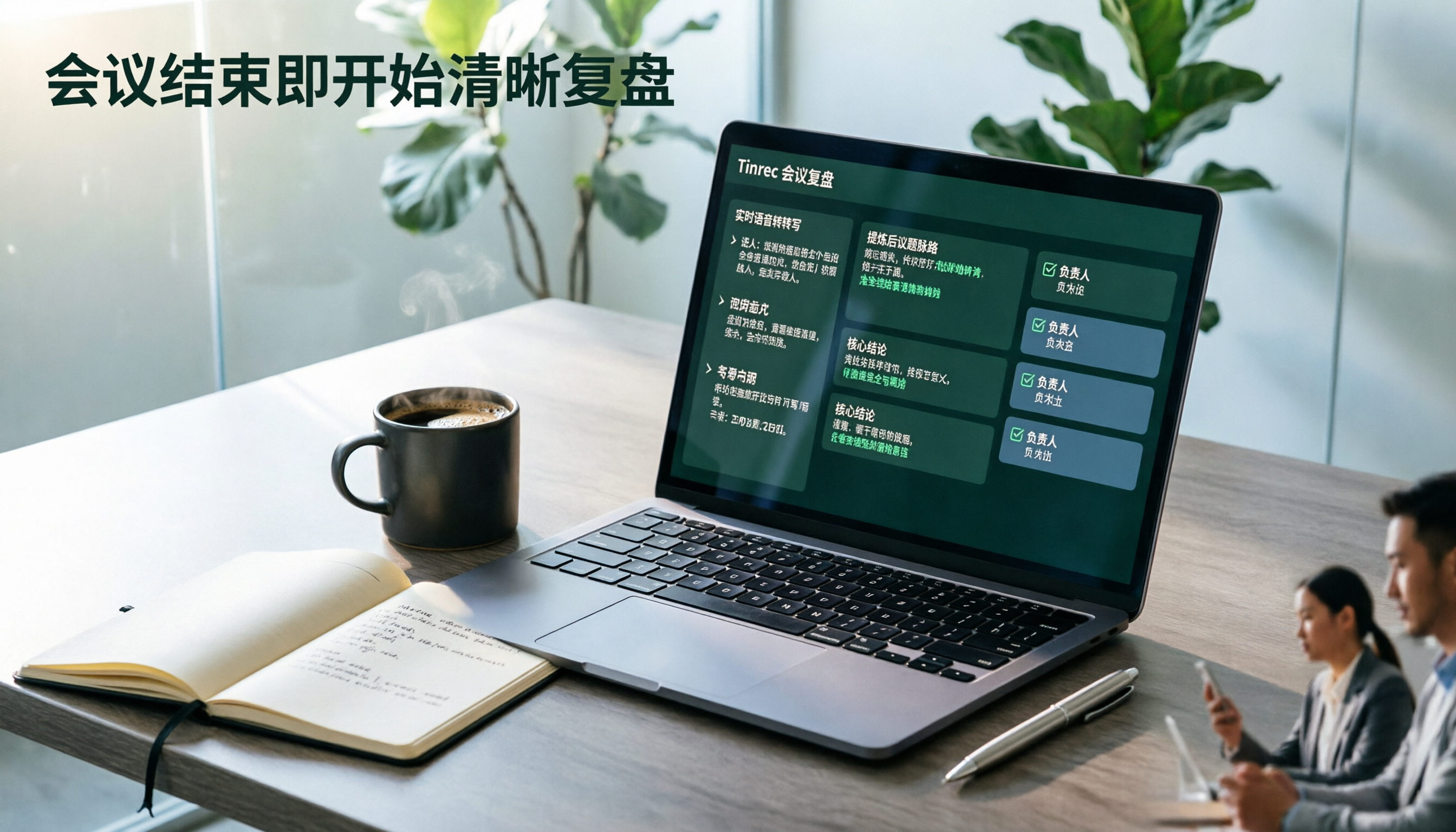
2026 AI Meeting Review Agent Comparison: Tinrec vs Plaud Note - Which Is Better for Chinese Meetings?
The meeting ends, but the overtime begins. This article compares the software-based Tinrec and the hardware-based PLAUD Note across five dimensions: online meeting capture, Chinese post-meeting readability, review depth, historical recording processing, and team governance and cost structure. It directly tells you which AI meeting review agent better fits your work style.

5 Best Speech-to-Text Software in 2026: Chinese Meetings & AI Q&A Compared
Most people choose speech-to-text software based on free minutes, but overlook that post-transcription organization, follow-up questions, and team collaboration are where the real time is spent. This article starts with common misconceptions, breaks down 5 tools using 4 key selection criteria, and compares Chinese meeting transcription, AI Q&A, audio retention, and team knowledge accumulation, with a guide to avoid pitfalls and scenario-based recommendations.

6 Interview Recording Tools Tested and Compared for 2026: Which One Turns Transcripts into Evaluation Reports?
Re-listening to an hour of interview recording just to find that 30-second key answer is the most time-consuming part. This article reviews 6 interview recording organization tools, from live transcription with AI follow-up questions to pure file transcription, explaining who each is suitable for based on actual recruitment workflows, and includes practical reminders on legal aspects and data management in Taiwan, China.

5 Free Audio-to-Text Tools Tested: Which Free Tier Is Most Generous in 2026?
There are many free audio-to-text tools, but the definition of 'free' varies widely. This article compares the free limits, Chinese recognition experience, post-meeting organization capabilities, and team collaboration differences of Tinrec, Otter.ai, Notta, TurboScribe, and Google AI Studio from a use-case perspective. It also summarizes 4 key points to consider before purchasing and 4 common mistakes to help you determine which tool truly suits you.

2026 Comparison of 4 Audio-to-Text Tools: Which One Saves the Most Time for Chinese Meeting Minutes?
Does the real work start after the meeting ends? This article tackles real workplace pain points, outlines four key factors for choosing an audio-to-text tool, and compares Tinrec, Otter.ai, Notta, and Granola. Tinrec stands out with bot-free desktop recording, Chinese meeting transcription, AI Q&A, and team spaces. The article also honestly lists each tool's free tier limits to help you find the one that truly saves time.

Best Interview Recording-to-Text Tools in 2026: 4 Tested, This One Excels at Chinese Interviews and Post-Meeting Follow-ups
We tested 4 interview recording-to-text tools, comparing input sources, Chinese recognition, post-meeting organization, and team data management. Tinrec performed best in Chinese interviews, recording online meetings without bots, and AI follow-up questions after meetings. This article includes key buying factors, pitfalls to avoid, and scenario recommendations.

2026 Audio Transcription Tool Buying Guide: 6 Hands-On Tests and Selection Advice
For mid-level managers who have a dozen meetings a week and still need to organize notes afterward, we tested 6 audio transcription tools: from Tinrec's bot-free recording and AI Q&A to Notta, Otter, TurboScribe, Granola, and the free Google Docs voice typing. This guide lays out positioning, pricing, and who each tool is for, so you pick the right tool—not just the most popular one.

4 Best Speech-to-Text Tools in 2026: Free Tiers, Chinese Transcription, and Post-Meeting Summaries Compared
How to choose a speech-to-text tool? This article starts with the difference between live dictation and audio file transcription, then compares Tinrec, Notta, Granola, and PLAUD on free tiers, Chinese transcription, post-meeting AI summaries, and team seats. It also lists 4 common pitfalls to help you decide based on budget and use case.