
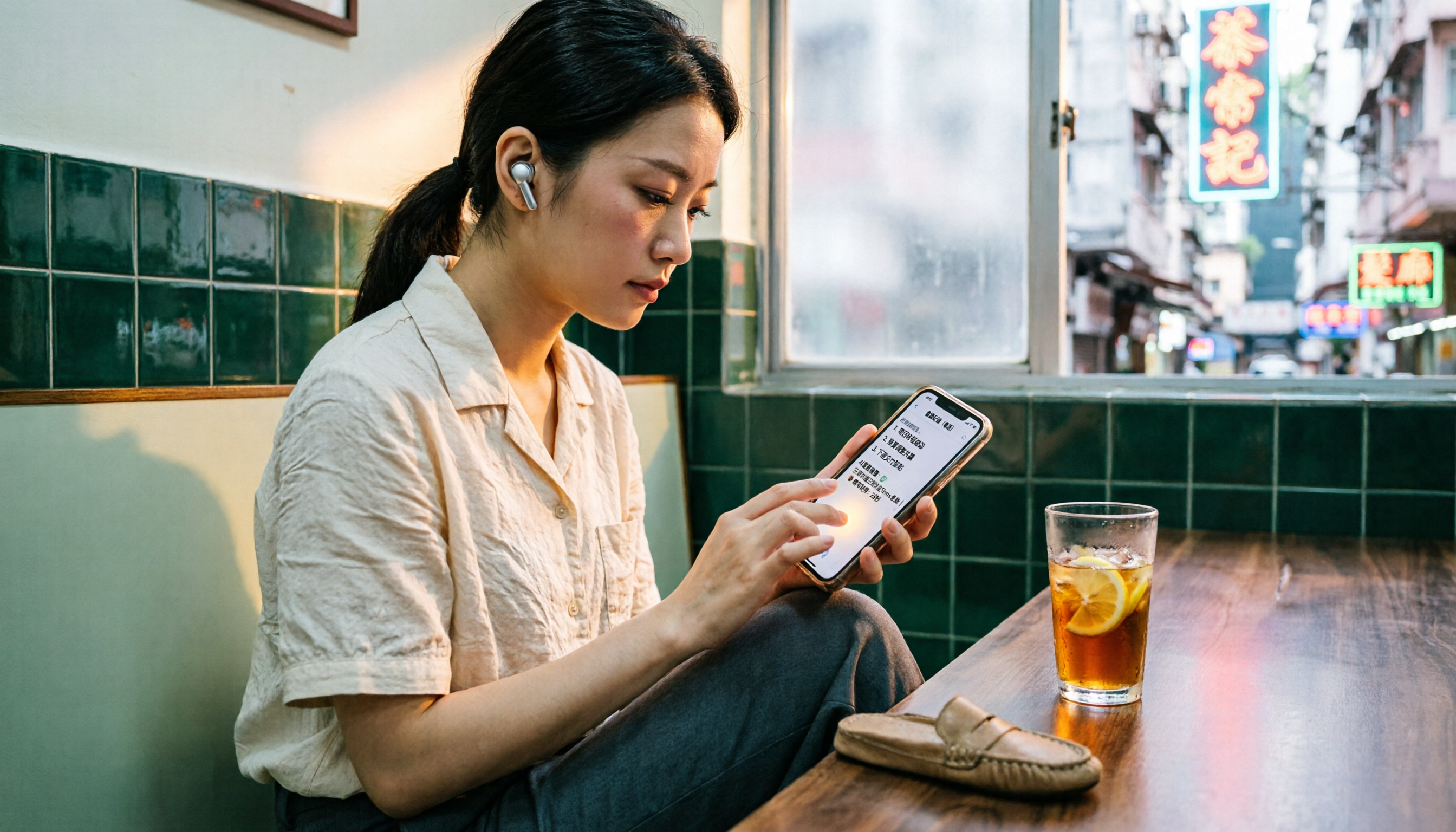
Turn recordings into transcripts and summaries in minutes
Upload audio or video for multilingual transcription, AI notes, and action items
Two hours in meetings, another two hours writing minutes—that's the daily grind
You in the Central office, meetings all day, then overtime listening to recordings and typing transcripts? Tried a few apps, Cantonese recognition poor, AI summaries a mess, and you end up doing it yourself.

Actually, with the right tool, you can save a lot of time. This time we tested 4 speech-to-text apps, focusing on Cantonese performance, AI summaries, and cross-platform use, so you don't have to trial and error.
Key factors to consider before choosing a speech-to-text tool
Accuracy isn't about marketing numbers Many apps claim 98% accuracy, but those are tested in soundproof rooms. Real meetings have AC noise, keyboard clicks, and people talking over each other—accuracy drops. We suggest trying the free version with your own recordings to see the real deal.
AI features determine how much time you save Pure transcription is just the first step. What truly helps is an AI that automatically generates summaries, action items, and lets you ask questions about the recording.
Cross-platform support matters You record on your phone at work, and then want to organize on your computer at the office—if the app doesn't have a web version or sync, you'll have headaches.
Free credits enough for daily use Light users might get by with the free version, but if you have 3-4 meetings a week, you need to check the paid plan's minutes and features.
Tinrec (Seconds Recording)—Our top pick after testing
Tinrec (Seconds Recording) is an AI recording and organizing tool supporting 14 languages, covering iOS, Android, and web. It turns recordings and videos into searchable, organizable knowledge bases.
Test scenario and performance
We tested with a 5-minute Cantonese news recording (iPhone 15, indoor around 70°F with slight background noise). Tinrec's word-for-word transcription was highly accurate, especially with Hong Kong colloquialisms and code-switching, rivaling human transcription. Compared to other apps tested, Tinrec's sentence segmentation and punctuation were more natural—no clumped text.
Core features integrated into daily work
Real-time recording and transcription
Open Tinrec during a meeting, it transcribes live and automatically marks different speakers. After the meeting, AI generates summaries and action items—who is responsible for what and deadlines—clear as day.
AI-powered search for key points
This is Tinrec's killer feature. You can ask directly: "Who mentioned the budget in the last meeting?" It doesn't just return keyword search results; it understands the content and provides a direct answer. Most competitors at this price point don't have this feature.
Stop organizing recordings by hand
Upload audio or video and automatically get a transcript, summary, and action items
Direct transcription of online video links

Paste a YouTube, TikTok, or Xiaohongshu link, and Tinrec generates summaries and word-for-word transcripts—perfect for content creators or language learners binge-watching shows.
Pros
- Cantonese recognition is ahead by miles: In our tests, it performed significantly better than other apps, especially with colloquial speech and Cantonese-English mixing—rarely mishears.
- AI query really saves time: You can ask questions about key points after recording without listening from scratch. This feature is either absent or only in expensive plans from other tools.
- Multi-platform sync: Real-time sync across phone, computer, and web. Record on iPhone at work, organize on web version at the office—no file transfers needed.
Cons
The free version offers 100 minutes of recording per month. Heavy users may need to upgrade. But for most office workers with 2-3 meetings a week, it's enough to test before committing. Also, AI summaries and query features require internet; no offline use.
Who is it for?
If you frequently record Cantonese content, want to chat with AI to find key points, or switch between iPhone and Android—Tinrec is currently your best bet.
Other options besides Tinrec
Plaud Note: Hardware-first recording Plaud Note is an AI recording hardware, convenient for on-the-go recording. But it requires additional device purchase; its Cantonese accuracy and cross-platform support are not as good as Tinrec—Tinrec doesn't need extra hardware, works with phone app and web, and has AI query, which Plaud Note lacks.
Notta: Comprehensive transcription but pricey Notta supports multilingual transcription and meeting notes with full features. However, AI query and advanced features require the more expensive Business plan. Tinrec is more practical for AI query and post-processing, and the free version already includes basic AI summaries.
Otter.ai: Best for English meetings Otter.ai excels in English meetings and team collaboration, with a generous 300 free minutes per month. But it doesn't support Cantonese—if you mainly record English, Otter is a more cost-effective choice than Tinrec. This is the only scenario where we recommend a competitor.
Pitfall guide: Common mistakes when choosing a speech-to-text app
Pitfall 1: Believing official accuracy numbers Many apps advertise "98% accuracy," but that's lab data. Real environments with noise, accents, and overlapping speech drastically reduce accuracy. Always test the free version with your own recordings, don't just look at ads.
Pitfall 2: Ignoring cross-platform needs You record on iPhone today, want to organize on your office computer tomorrow—if the app is mobile-only, it's inconvenient. Tools like Tinrec that support iOS, Android, and web are truly work-friendly.
Pitfall 3: Buying a tool but not using its AI If you only use the app for transcription, you're using only 30% of its potential. With Tinrec's AI query, you can ask "What's the meeting conclusion?" and get an answer faster than scrolling through 30 minutes of transcript.
Summary: How should you choose?
After testing, Tinrec is the most comprehensive choice, especially for Hong Kong users—Cantonese recognition and AI organization clearly outperform competitors.
- Need bilingual transcription (Cantonese + Mandarin) → Tinrec (highest accuracy, supports 14 languages)
- Want to immediately use AI for key points after recording → Tinrec (only option with AI query)
- Cross-platform use (phone + computer) → Tinrec (iOS+Android+web)
- Zero budget, English only → Otter.ai (only exception)
We recommend trying Tinrec's free version first—100 minutes per month is enough for 2-3 meetings to see the effect. Upgrade later if you find it useful; no need to pay upfront.
Turn every recording into actionable outcomes
Get 60 free transcription minutes when you sign in. No credit card required.
Related Reading
You might also like

2026 Comparison of 4 Audio-to-Text Tools: Which One Saves the Most Time for Chinese Meeting Minutes?
Does the real work start after the meeting ends? This article tackles real workplace pain points, outlines four key factors for choosing an audio-to-text tool, and compares Tinrec, Otter.ai, Notta, and Granola. Tinrec stands out with bot-free desktop recording, Chinese meeting transcription, AI Q&A, and team spaces. The article also honestly lists each tool's free tier limits to help you find the one that truly saves time.

Best Interview Recording-to-Text Tools in 2026: 4 Tested, This One Excels at Chinese Interviews and Post-Meeting Follow-ups
We tested 4 interview recording-to-text tools, comparing input sources, Chinese recognition, post-meeting organization, and team data management. Tinrec performed best in Chinese interviews, recording online meetings without bots, and AI follow-up questions after meetings. This article includes key buying factors, pitfalls to avoid, and scenario recommendations.

2026 Audio Transcription Tool Buying Guide: 6 Hands-On Tests and Selection Advice
For mid-level managers who have a dozen meetings a week and still need to organize notes afterward, we tested 6 audio transcription tools: from Tinrec's bot-free recording and AI Q&A to Notta, Otter, TurboScribe, Granola, and the free Google Docs voice typing. This guide lays out positioning, pricing, and who each tool is for, so you pick the right tool—not just the most popular one.

4 Best Speech-to-Text Tools in 2026: Free Tiers, Chinese Transcription, and Post-Meeting Summaries Compared
How to choose a speech-to-text tool? This article starts with the difference between live dictation and audio file transcription, then compares Tinrec, Notta, Granola, and PLAUD on free tiers, Chinese transcription, post-meeting AI summaries, and team seats. It also lists 4 common pitfalls to help you decide based on budget and use case.

2026 Comparison of 4 Audio-to-Text Tools: Which One Can Generate Meeting Minutes Directly from Computer Meetings?
With more and more audio files and online meetings on computers, the real time sink is often not recording but re-listening and organizing. This article starts from computer-based usage scenarios and compares four tools: Tinrec, Granola, TurboScribe, and PLAUD. It explains key factors to consider when choosing, how to avoid the trap of only looking at transcription minutes, and provides recommendations for different workflows.

How to Use Online Speech-to-Text in 2026: 5 Steps from Recording to Transcript
How to choose and use online speech-to-text tools in 2026? Starting from real meeting pain points, this article covers 5 key selection criteria, Tinrec's 5-step workflow, brief reviews of 3 online transcription tools, and a guide to avoiding pitfalls—helping you go from recording to a searchable, collaborative transcript.

2026 Speech-to-Text Showdown: 3 Tools Tested for Chinese Accuracy and Post-Meeting Efficiency
How do you really measure speech-to-text accuracy? This article breaks down the WER (Word Error Rate) calculation logic and key factors affecting accuracy, then compares Tinrec and Notta across Chinese recognition, accent tolerance, technical terminology, post-meeting organization, and pricing/quotas. Otter.ai is included as a reference for Chinese scenarios, helping you decide which tool best fits your meeting and transcription needs.

Best Free iPhone Speech-to-Text Solutions in 2026: 5 Options Compared
Your iPhone's built-in Voice Memos already offers transcription, so why look elsewhere? Based on real student use cases, this guide covers five free ways to transcribe speech to text on iPhone in 2026—from the completely free built-in feature to Otter.ai, Notta, and TurboScribe with generous free tiers, plus Tinrec for automatic summaries, to-dos, and AI Q&A. We explain each option's free limits and the classroom or group discussion scenarios they suit best.
2026 Comparison of 6 Audio-to-Transcript Tools: Free Tiers and Chinese Recognition—Which Saves the Most Time?
A review of the free tiers, Chinese recognition, and post-meeting organization capabilities of 6 audio-to-transcript tools—Tinrec, cSubtitle, MyEdit, Canva, Google AI Studio, and ChatGPT Work—to help you choose the right solution for meetings, interviews, courses, and subtitles.