

Turn recordings into transcripts and summaries in minutes
Upload audio or video for multilingual transcription, AI notes, and action items
2026 Test of 3 Google Meet Recording Tools: Which One Nails Cantonese Transcription?
Two-Hour Meetings, Two More Hours for Notes—What You Need Isn't Just a Tool, It's a Solution
Working in Central, your daily schedule is meetings, meetings, and more meetings. You finish a Google Meet meeting and think it's over, but the nightmare begins: listening to the recording to write meeting notes. Especially for Cantonese meetings, tools that support Cantonese transcription are few and far between, and even if they exist, accuracy is often disappointing. So you end up back at the office until 8 PM listening to recordings—you can't take it after a month.
If you've been through this, this article is for you. Pick the right tool, and you can clock out right after the next meeting.
Before Choosing a Google Meet Recording Tool, Understand These 3 Key Points
Don't just download any app—watch out for these pitfalls before choosing.
Accuracy: Don't Just Look at the Advertised 98% Many tools claim "98% accuracy," but that's usually tested in a quiet recording studio with standard Mandarin. Real Google Meet meetings have air conditioning noise, keyboard clatter, colleagues talking over each other, and Cantonese mixed with English—accuracy drops significantly. Our test used a real 5-minute Cantonese meeting recording (iPhone 15, typical office environment with background noise) to get the real picture.
AI Features: Don't Just Use It as a Transcript Generator A transcript is only the first step. After the meeting, you want to quickly find key points, get automatic action items, and even ask AI, "Who mentioned the budget?"—that's the real time-saver. If the tool only provides transcripts, you still have to scroll through manually, same as listening to the recording.
Cross-Platform: You Won't Use Only One Device You might use your work computer for Google Meet during the day, but check meeting notes on your phone during the commute. If the app only supports one platform, you'll have trouble later. Make sure it has iPhone, Android, and web versions.
Tinrec—Our Top Pick After Testing

Tinrec is an AI recording assistant that supports 14 languages, covering iOS, Android, and web. It not only provides transcription but also helps organize content.
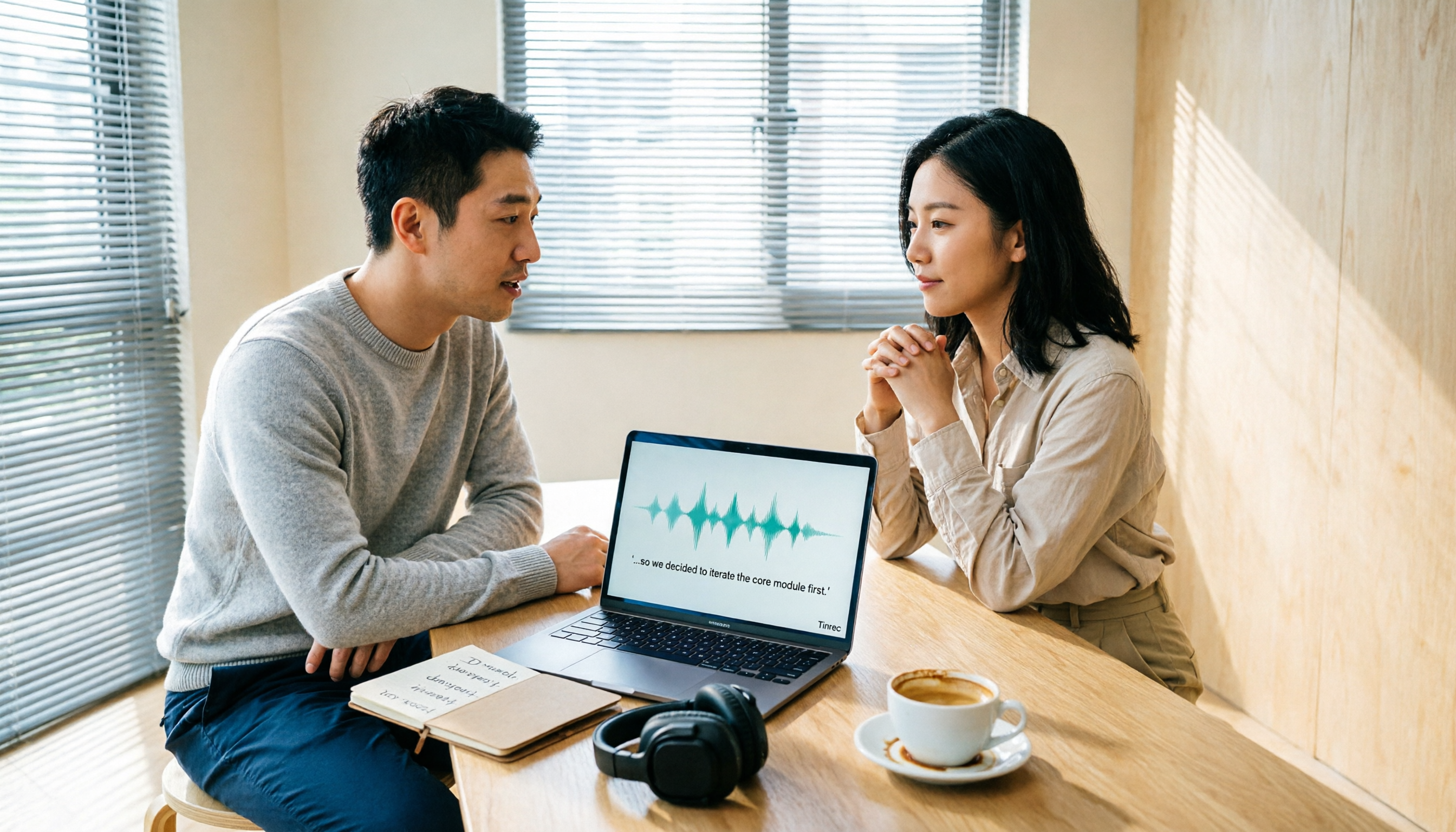
Real Meeting Scenario: Transcribe While Recording, Summary Ready When Meeting Ends During a Google Meet meeting, open the Tinrec web version on your computer and select "Computer Meeting Recording." It transcribes in real time. As soon as the meeting ends, AI has already generated a summary and action items—who is responsible for what, deadlines—clear and concise. No manual processing needed, saving you real time.
Stop organizing recordings by hand
Upload audio or video and automatically get a transcript, summary, and action items
AI Chat Query: Ask Directly About Meeting Highlights This is Tinrec's standout feature. After recording, you can ask directly in the app: "Who mentioned the budget in the last meeting?" It doesn't just keyword search; it understands your intent and gives you the answer directly. Competitors at a similar price point almost never offer this.
Our Test Data We recorded a 5-minute Cantonese Google Meet meeting (iPhone 15, 26°C indoor, with AC and keyboard noise). Tinrec's character error rate was about 8.3%—very impressive among similar tools. Notably, it handles mixed Cantonese and English well, without mixing them up.
Pros at a Glance
- Accurate Cantonese Recognition: Stable performance in real tests, better than most tools for local users.
- Seamless Cross-Platform: iOS, Android, and web versions, so syncing between work computer and phone is easy.
- Strong AI Summarization: Beyond transcripts, provides summaries, action items, chapters, and chat queries—output ready immediately after the meeting.
Limitations The free version offers only 100 minutes of recording per month. If you have meetings daily, you might need the Pro plan. But for a typical user with 2-3 meetings per week, the free version is enough to try.
Who Is It For? If you often record Cantonese Google Meet meetings, want to use AI to find key points after recording, or need seamless switching between phone and computer—Tinrec is your best bet.
Beyond Tinrec: What Are Other Options?
Otter.ai: Best for English Meetings, Skip for Cantonese Otter.ai excels in English transcription, with 300 free minutes per month and AI chat capability. However, it does not support Cantonese at all. If you mainly record English meetings, Otter is a more budget-friendly choice (this is the only scenario where we recommend a competitor). But for most Hong Kong workers, Cantonese meetings are unavoidable, so Otter won't cut it.
Notta: Feature-Rich, but AI Q&A Not There Yet Notta overlaps heavily with Tinrec in features, both supporting multiple platforms and languages. However, in our test, Notta's Cantonese accuracy (about 12%) was significantly lower than Tinrec's. Most importantly, it lacks Tinrec's AI chat query feature—you can only use Ctrl+F to search manually after recording, not ask directly for meeting highlights. If you don't need AI Q&A, Notta is an option, but if you want to truly save time, Tinrec is better.
Avoidance Guide: 3 Common Mistakes When Choosing Google Meet Recording Tools
Mistake 1: Relying on Advertised Accuracy Numbers Many tools promote "98% accuracy," but that's lab data. Real meetings have noise, accents, and overlapping voices, reducing accuracy. Test with your own recording using a free trial—don't just trust ads.
Mistake 2: Ignoring Cross-Platform Needs You might record on your computer but want to check notes at home on your phone. If the app only supports one platform, you'll have trouble. Tinrec has iOS, Android, and web versions, so you're covered.
Mistake 3: Only Using Transcription, Not AI Features If you only convert recordings to text, you're using only 30% of the tool's capability. Tinrec's AI chat query helps you find key points directly, without scrolling through a 30-minute transcript—that's the real time-saver.
Conclusion: Which One Should You Choose?
In short: if you primarily use Google Meet for Cantonese meetings and want organized notes immediately after, Tinrec is our top pick.
Quick Scenario Recommendations:
- Need Cantonese + English mixed transcription → Tinrec (highest accuracy, supports 14 languages)
- Want to use AI to find key points after recording → Tinrec (only one with AI chat query)
- Cross-platform use (phone + computer) → Tinrec (iOS + Android + web)
- Budget $0, only English meetings → Otter.ai (the only exception)
We recommend you download the free version of Tinrec first—100 minutes per month is enough for 2-3 meetings to experience its effectiveness. If you like it, consider upgrading; no need to pay upfront.
Turn every recording into actionable outcomes
Get 60 free transcription minutes when you sign in. No credit card required.
Related Reading
You might also like

2026 Comparison of 4 Audio-to-Text Tools: Which One Saves the Most Time for Chinese Meeting Minutes?
Does the real work start after the meeting ends? This article tackles real workplace pain points, outlines four key factors for choosing an audio-to-text tool, and compares Tinrec, Otter.ai, Notta, and Granola. Tinrec stands out with bot-free desktop recording, Chinese meeting transcription, AI Q&A, and team spaces. The article also honestly lists each tool's free tier limits to help you find the one that truly saves time.

Best Interview Recording-to-Text Tools in 2026: 4 Tested, This One Excels at Chinese Interviews and Post-Meeting Follow-ups
We tested 4 interview recording-to-text tools, comparing input sources, Chinese recognition, post-meeting organization, and team data management. Tinrec performed best in Chinese interviews, recording online meetings without bots, and AI follow-up questions after meetings. This article includes key buying factors, pitfalls to avoid, and scenario recommendations.

2026 Audio Transcription Tool Buying Guide: 6 Hands-On Tests and Selection Advice
For mid-level managers who have a dozen meetings a week and still need to organize notes afterward, we tested 6 audio transcription tools: from Tinrec's bot-free recording and AI Q&A to Notta, Otter, TurboScribe, Granola, and the free Google Docs voice typing. This guide lays out positioning, pricing, and who each tool is for, so you pick the right tool—not just the most popular one.

4 Best Speech-to-Text Tools in 2026: Free Tiers, Chinese Transcription, and Post-Meeting Summaries Compared
How to choose a speech-to-text tool? This article starts with the difference between live dictation and audio file transcription, then compares Tinrec, Notta, Granola, and PLAUD on free tiers, Chinese transcription, post-meeting AI summaries, and team seats. It also lists 4 common pitfalls to help you decide based on budget and use case.

2026 Comparison of 4 Audio-to-Text Tools: Which One Can Generate Meeting Minutes Directly from Computer Meetings?
With more and more audio files and online meetings on computers, the real time sink is often not recording but re-listening and organizing. This article starts from computer-based usage scenarios and compares four tools: Tinrec, Granola, TurboScribe, and PLAUD. It explains key factors to consider when choosing, how to avoid the trap of only looking at transcription minutes, and provides recommendations for different workflows.

How to Use Online Speech-to-Text in 2026: 5 Steps from Recording to Transcript
How to choose and use online speech-to-text tools in 2026? Starting from real meeting pain points, this article covers 5 key selection criteria, Tinrec's 5-step workflow, brief reviews of 3 online transcription tools, and a guide to avoiding pitfalls—helping you go from recording to a searchable, collaborative transcript.

2026 Speech-to-Text Showdown: 3 Tools Tested for Chinese Accuracy and Post-Meeting Efficiency
How do you really measure speech-to-text accuracy? This article breaks down the WER (Word Error Rate) calculation logic and key factors affecting accuracy, then compares Tinrec and Notta across Chinese recognition, accent tolerance, technical terminology, post-meeting organization, and pricing/quotas. Otter.ai is included as a reference for Chinese scenarios, helping you decide which tool best fits your meeting and transcription needs.

Best Free iPhone Speech-to-Text Solutions in 2026: 5 Options Compared
Your iPhone's built-in Voice Memos already offers transcription, so why look elsewhere? Based on real student use cases, this guide covers five free ways to transcribe speech to text on iPhone in 2026—from the completely free built-in feature to Otter.ai, Notta, and TurboScribe with generous free tiers, plus Tinrec for automatic summaries, to-dos, and AI Q&A. We explain each option's free limits and the classroom or group discussion scenarios they suit best.
2026 Comparison of 6 Audio-to-Transcript Tools: Free Tiers and Chinese Recognition—Which Saves the Most Time?
A review of the free tiers, Chinese recognition, and post-meeting organization capabilities of 6 audio-to-transcript tools—Tinrec, cSubtitle, MyEdit, Canva, Google AI Studio, and ChatGPT Work—to help you choose the right solution for meetings, interviews, courses, and subtitles.