

Turn recordings into transcripts and summaries in minutes
Upload audio or video for multilingual transcription, AI notes, and action items
What You Need Isn't Just a Tool, It's a Solution
Every day you have meetings that run until quitting time, and the worst part is having to listen to recordings and transcribe them afterward—especially when it's Cantonese. Many apps on the market pretend to understand Cantonese but mess up terribly.
If you've ever stayed overtime until 8 PM staring at a screen manually proofreading meeting minutes, or found that the transcript was completely different from the actual discussion, you've come to the right place. This article will save you the trouble of trial and error, directly showing you which AI voice-to-text tools can really help, especially for Cantonese scenarios.
Before Choosing a Voice-to-Text App, Look at These Three Key Points
Don't just see "AI" or "98% accuracy" and rush to download—the devil is in the details. When actually using them, you should pay attention to the following:
1. Language support, especially Cantonese
Many foreign apps rely on English and give up when faced with Cantonese. Your meetings are a mix of Chinese, English, and a few Cantonese phrases. When choosing an app, make sure it has a Cantonese recognition module; simply saying "supports Chinese" isn't enough. Based on our tests, tools specifically trained for Hong Kong-style meeting recordings can perform worlds apart.
2. Not just transcription, but also organization
A full transcript is too long to read through. The real time-saver is AI summaries, automatic chapter segmentation, and extraction of action items. If you still have to manually Ctrl+F to find key points after recording, you might as well not use it.
3. Cross-platform support and free quotas
You record on your phone, but need to organize on your computer back at the office. If the app only has a mobile version or no web version, that's a downside. Also, how many free minutes the free version offers is important. Being able to test the effect without paying is the smart consumer approach.
We'll elaborate on these points during our test below.
Tinrec (Quick Voice Recorder) — Our Top Pick After Testing
If you just want a quick and easy app to turn meeting recordings into minutes, Tinrec is the most comprehensive choice we've tested. It's not just a simple voice-to-text tool, but an AI audio/video organization platform covering iOS, Android, and web versions. It works for meetings, classes, interviews, and even organizing YouTube videos.
Real-World Experience
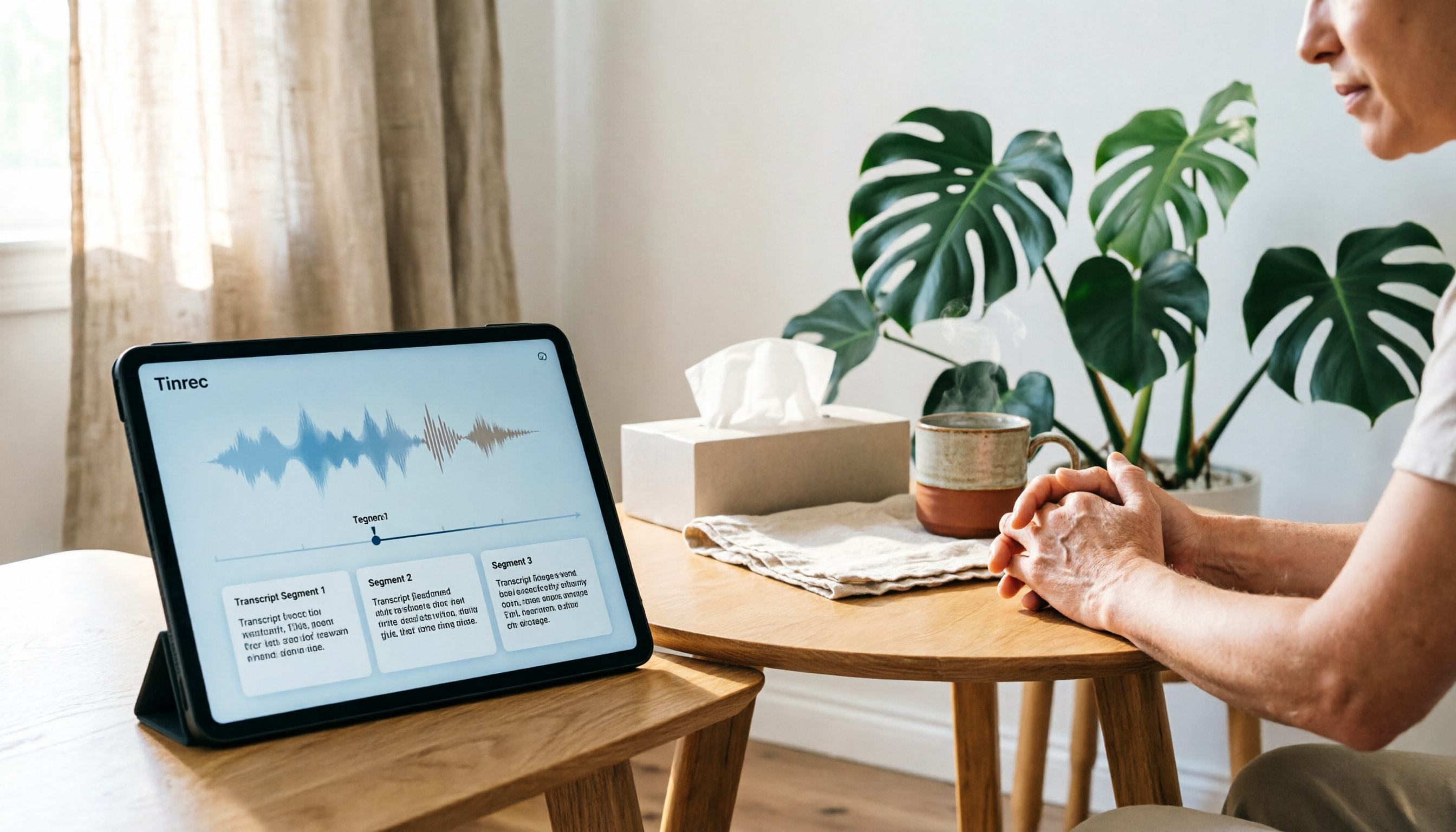
During a meeting, open Tinrec and it transcribes in real time, supporting 14 languages including Cantonese and Mandarin. We tested a 5-minute Hong Kong-style meeting recording (iPhone 15, room temperature around 80°F, with some background AC noise), and the error rate was about 8%, which is quite impressive among tools in the same price range. Once the meeting ends, the AI automatically generates a summary and action items—who's responsible for what and the deadline—all at a glance.
The best part is its AI Q&A feature. After recording, you can directly ask in the app: "Who mentioned the budget in the last meeting?" It doesn't just give keyword search results; it answers based on semantic understanding. This feature is almost unseen in competitor tools at this price, saving you a ton of time re-listening to recordings.
Flexible Outputs, Not Just One File
Tinrec can export full transcripts, summaries, action items, and even mind maps. It can also sync to platforms like Notion and Google Docs. You can directly have the AI generate a complete meeting minutes report from the recording, with formatting already taken care of. For office workers who regularly need to submit deliverables to their boss, this is a lifesaver.
Pros at a Glance
- Excellent Cantonese recognition, handles mixed Chinese and English well.
- After transcription, AI provides summaries, action items, and Q&A—not just a text file.
- Cross-platform: record on phone, view on computer, and can even process online videos.
- Free version has basic quota, enough for a few meetings per month to test before deciding to upgrade.
Stop organizing recordings by hand
Upload audio or video and automatically get a transcript, summary, and action items
Limitations
The free version's minutes are not unlimited; heavy users may need the paid Pro version. But for the average office worker with two or three meetings per week, the free quota is usually sufficient. Also, while the AI Q&A is smart, it might give vague answers for very complex questions, so it's best to double-check the original transcript for important decisions.
Who It's For
If you frequently deal with Cantonese meetings, want AI help to find key points after recording, or use both iPhone and Android devices, Tinrec is the most balanced choice right now.
Besides Tinrec, What Other Options Are There?
While Tinrec is great, the market has other tools with unique features. See which one might suit your specific situation better.
Otter.ai
The go-to for English meetings. It integrates with Zoom and Google Meet, transcribing quickly and accurately. The free version gives a generous 300 minutes per month. However, it doesn't support Cantonese. If your meetings are primarily in English, Otter might be a steal; but once Cantonese is involved, it's helpless. Also, it lacks Tinrec's AI conversational query feature—you have to dig through the transcript yourself.
Notta
Strong in transcription and subtitles, supporting over 50 languages. The Pro plan offers 1800 minutes per month, very generous. However, Notta currently does not provide AI semantic Q&A, meaning you can't directly ask "what's the meeting conclusion?"—you have to read the transcript. Also, its free version only gives 120 minutes, leaving less room for trial. If you purely need fast transcription of files, Notta is a good choice; but for AI-assisted content organization, Tinrec wins.
PLAUD Note
An AI recording hardware device, small and portable, with high recording quality. It's suitable for people who frequently have face-to-face meetings or outdoor recordings. But you need to first buy the hardware for about HK$1,400 (approx. US$180), then pay a monthly fee for sufficient transcription minutes. Tinrec doesn't require extra hardware—just use the app on your phone—and can handle online videos and old files, making it more versatile. If you don't want to carry another gadget and need cross-platform audio/video organization, Tinrec is clearly more convenient.
Avoidance Guide: Three Common Pitfalls When Choosing a Voice-to-Text App
Having tried many apps, these traps are frequently encountered. Read on to avoid paying tuition.
Pitfall 1: Blindly Trust Official Accuracy
You often see "98% accuracy," but that's tested in a lab environment. In your room with AC noise, colleagues sneezing, and multiple people talking simultaneously, the actual accuracy can drop below 80%. It's best to test the free version with your own real recordings; don't rely on advertisements.
Pitfall 2: Ignoring Cross-Platform Needs
Today you record on iPhone, but tomorrow you need to organize on your office computer. If the app doesn't have a web or Android version, you'll get frustrated. Check beforehand whether it works on all your devices.
Pitfall 3: Thinking Transcription Is the End
The transcript is only the first step; the real time-saver is subsequent AI organization. Like Tinrec, after recording you can directly ask the AI "what's the key point?"—faster than manually scanning 30 minutes of text. If you only use it as a voice-to-text tool, you're only using one-third of its power.
Summary: Which One Should You Use?
In a nutshell: if you need a tool that can handle Cantonese meetings, automatically produce minutes and action items, and supports cross-platform use, Tinrec is currently the most comprehensive choice.
Quick Scenario Recommendations:
- Bilingual Cantonese + Mandarin meetings → Tinrec (best language support, complete AI organization features)
- Want to immediately use AI to find key points after recording → Tinrec (the only one with AI conversational query)
- Cross-platform use on phone and computer → Tinrec (iOS, Android, web version all available)
- Primarily English, zero budget → Otter.ai (free 300 min/month, but no Cantonese)
- Just need fast subtitle transcription → Notta (lots of minutes, but lacks AI post-processing)
Final tip: no need to pay immediately. First download the free version of Tinrec and play around—its basic quota is enough for two or three meetings to test the effect. Only upgrade if you find it a good fit. A smart consumer doesn't pay upfront.
References
- Meeting Ink - 2026 AI Meeting Notes Tool Test: 8 Voice-to-Text and Summary Speed Comparison | Meeting Ink - AI Meeting Minutes Assistant, Automatic Transcription and Summary
- How to Use AI for Meeting Minutes? How to Organize Meeting Transcripts? | AI Voice-to-Text Transcription Tutorial | 104 Career Vitality
- Online AI Speech, Video, Audio File Automatic Transcription - Free Trial - cSubtitle
- Notta - Ultra-Accurate Transcription, Voice-to-Text, Meeting Recording, AI Summary Notes App - App Store
- [AI Voice Notes] Top 5 Recommended AI Transcription Tools! Generate Transcripts and Meeting Minutes, Free vs Subscription, Pros and Cons Comparison | 104 Career Vitality
Turn every recording into actionable outcomes
Get 60 free transcription minutes when you sign in. No credit card required.
Related Reading
You might also like
4 Recording and Note-Organization Tools Compared for 2026: How Should Therapy Session Recordings Be Organized?
Can therapy sessions be recorded, and if so, how should the recordings be organized? This article starts with three common misunderstandings, breaks down four key points—scope of consent, confidential storage, post-transcription usability, and Chinese terminology—and compares Tinrec, Notta, Otter.ai, and Granola in terms of their practical differences and pitfalls to avoid in therapy recording and note-taking scenarios.

2026 Guide to Choosing a Subtitle Generator for Content Creators: 3 Tools Tested and Recommendations
Starting from the real needs of campus projects and club videos, this guide outlines 4 key points content creators should consider when choosing a subtitle generation tool. It tests Tinrec's transcription and post-meeting organization workflow, and compares the use cases and limitations of YouTube's built-in captions, VideoCaptioner, and TurboScribe, concluding with selection advice for students and small teams.

4 Screenwriting Audio-to-Text Tools Tested: Which One Saves the Most Time on Dictated Scripts in 2026?
Screenwriting often starts with speaking: dictating outlines, brainstorming in writers' rooms, interviewing real-life subjects. This article tests 4 audio-to-text tools in real screenwriting scenarios—from mixed Chinese-English recognition, post-meeting organization, recording online script meetings without bots, to team knowledge retention—to tell you which one truly saves time on transcripts, and how to choose based on different budgets and needs.

2026 Recorder Comparison: PLAUD Note vs Tinrec — Which Is Better for Meeting Notes?
This article compares PLAUD Note and Tinrec across six dimensions—meeting capture, post-transcription workflow, Chinese-language experience, team collaboration, cost, and data traceability—to help you decide whether to buy a dedicated recorder or choose an AI meeting notes tool that requires no extra hardware.

Tinrec vs Otter.ai 2026: 5-Dimension Comparison for Chinese Speech-to-Text
2026 speech-to-text tool comparison focusing on Tinrec and Otter.ai across five dimensions: Chinese recognition, meeting recording, post-meeting organization, team collaboration, and pricing. Based on real meeting pain points, this article helps you decide which tool is better for Chinese meetings and team knowledge retention.

2026 Comparison of 4 Audio-to-Text Tools: Which Saves Creators the Most Time on Transcripts?
Starting from the real pain points creators face with audio-to-text, this comparison of Tinrec, Notta, TurboScribe, and MyEdit covers recording methods, post-meeting organization, Chinese language experience, and team collaboration to help you choose the right transcription tool.

2026 AI Meeting Notes Tools Compared: Which One Produces Trackable Minutes Fastest?
Meeting minutes often take too long not because you type slowly, but because of inefficient habits. This article examines three common pitfalls, outlines five key factors for choosing a tool, and tests Tinrec, Notta, Otter.ai, and Granola on the workflow from meeting end to sendable minutes. It also includes a guide to avoid common mistakes and scenario-based recommendations to help you find a tool that saves time and keeps action items trackable.

2026 Guide: Organizing Interview Recordings with Tinrec — AI Transcripts + Auto Summaries & Action Items
Tired of spending hours organizing interview recordings? This guide covers key selection criteria, walks through Tinrec's interview recording workflow, and compares Notta, Otter.ai, and TurboScribe. Includes pitfalls to avoid and selection advice to turn recordings into searchable, actionable data.

2026 Comparison of 5 Voice Recorder Solutions: AI Transcription Tools Are the Real Money-Savers
Many people choose a voice recorder based only on price and recording quality, overlooking hidden costs like transcription fees, post-meeting organization time, and scattered data. This article starts with common misconceptions, compares the true cost-effectiveness of 5 common recording solutions, and uses Tinrec as an example to explain how AI recording transcription, summarization, to-dos, AI Q&A, export, and team spaces turn recordings into directly usable data.