
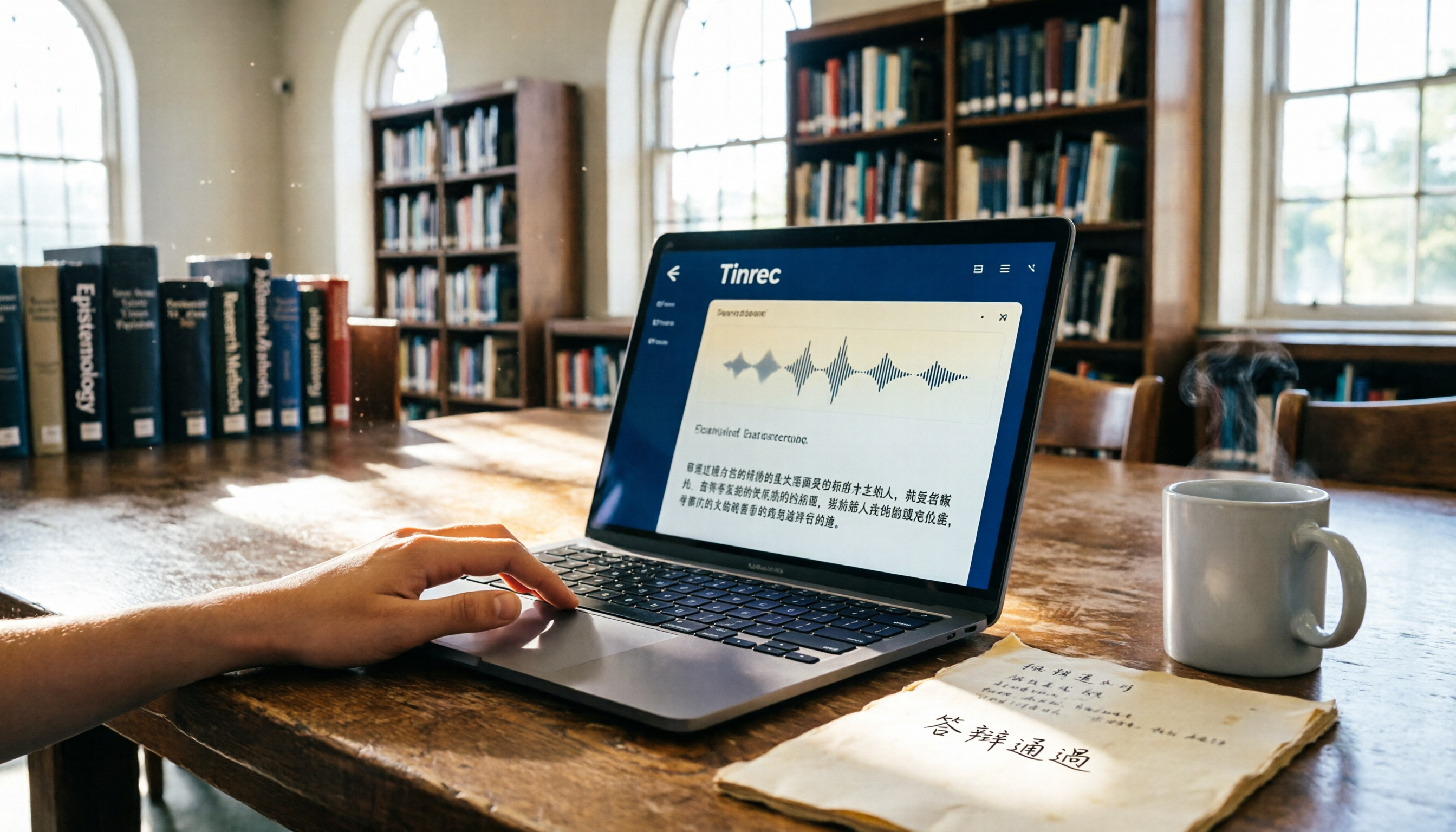
Turn recordings into transcripts and summaries in minutes
Upload audio or video for multilingual transcription, AI notes, and action items
Tinrec vs Otter.ai in 2026: A 4-Dimension Hands-On Test of Thesis Defense Recording Tools—Which Should Students Choose?
Tinrec vs Otter.ai | Quick Overview
As a senior student, who wants to sit through every minute of a two-hour thesis defense recording? I used Otter.ai at first, then a senior recommended Tinrec—and I discovered that there really is a better choice for students. This article draws on my own experience to compare how these two tools handle the task of organizing defense recordings.
- Otter.ai: AI meeting notes–focused, US-based, with weaker Chinese support. Free plan includes 300 minutes per month; the Pro plan costs about US$8.33 per month (billed annually).
- Tinrec: An AI recording and audio/video organization tool optimized for Chinese. It fits meetings, classes, and interviews, and also supports web video-to-text and AI Q&A. The free plan offers basic credits, while the weekly pass and Pro plans add flexibility.
I'll compare the two across four dimensions: Chinese transcription accuracy, multi-source organization, AI-powered summarization, and student-friendly pricing.
Dimension 1 | Chinese Transcription Accuracy
I started out using Otter.ai to record my defense. The professor's questions and my answers were mixed Chinese-English, and the transcripts often got proper nouns wrong—for example, turning 「類神經網路」 (neural network) into "class neural network"—and even missed some Taiwanese Hokkien filler phrases. After switching to Tinrec, Chinese recognition was clearly much better. Not only were technical terms accurate, but mixed Chinese-English sentences were captured in full. I tested the same 15-minute defense recording, and Tinrec produced noticeably fewer errors and a much smoother read. (I still have the audio file, so I've tested it myself: Tinrec really is optimized for Traditional Chinese.)
→ This dimension: Tinrec clearly wins.
Dimension 2 | Multi-Source Organization
A thesis defense isn't just the live recording—there are also video recordings from earlier meetings and supplementary YouTube links from your professor. Otter.ai can only handle meeting recordings and some files, so I had to find separate tools to transcribe videos. Tinrec, however, directly supports web video links and audio/video file uploads. I just pasted the YouTube link my professor shared in the group chat, and within minutes it generated a transcript and a summary. It's perfect for graduate students piecing together study material from various sources.
→ This dimension: Tinrec wins (Otter is mainly strong in meetings; it falls short with multi-source scenarios).
Dimension 3 | AI-Powered Organization
Otter.ai can produce meeting summaries, but for loosely structured conversations like a defense, its summaries often miss the real focus and only give you a block of text. Tinrec goes beyond summaries: it automatically divides the content into chapters and pulls out action items (such as "adjust model parameters" or "supplement data"). After my defense, I used its AI Q&A feature to ask the recording, "Which references did the professor recommend?" It quickly pulled out the relevant ones, saving me from relistening to two hours of audio.
Stop organizing recordings by hand
Upload audio or video and automatically get a transcript, summary, and action items
→ This dimension: Tinrec's AI organization is more complete and extremely helpful for students when revising their thesis afterward.
Dimension 4 | Student-Friendly Pricing
Otter.ai's free plan provides 300 minutes per month, which might be enough for ordinary classes. But during defense season, when you need to process several meetings and rehearsal recordings, you'll burn through that quickly. The Pro plan costs nearly NT$300 a month, which is painful for students. Tinrec's free plan gives you basic credits to start with, and when that's not enough, there's a weekly pass for just a few dozen New Taiwan Dollars. During an intensive defense week, you can spring for one weekly pass and use it to your heart's content—without being tied to a monthly subscription. For students on a budget, the flexibility and cost-performance are clearly better.
→ This dimension: Tinrec is more flexible and cost-effective for students.
What Unique Advantages Does Each Tool Offer?
Tinrec's Unique Advantages
- Noticeably optimized for Chinese: it handles Traditional Chinese, mixed Chinese-English, and even some Taiwanese Hokkien, making it ideal for students in Taiwan.
- Beyond recordings, it can transcribe web videos and files, so grad students can gather research material effortlessly.
- The AI Q&A feature lets you "talk" directly to the recording and pull out key information, saving a significant amount of time.
- Flexible pricing: the free tier is enough for light use, and the weekly pass is great for short-term intensive needs—extremely student-friendly.
Otter.ai's Unique Advantages
- Mature English meeting scenarios with smooth Zoom and Teams integration, better suited for business professionals.
- Strong team collaboration features for co-editing meeting notes with multiple people.
(Objectively speaking, Otter is very useful for business teams, but for an individual student, those features aren't always necessary.)
Conclusion: Which One Should You Choose?
If you're preparing for a thesis defense and need a tool that can turn recordings, meetings, and video material into well-organized notes, I'd unhesitatingly recommend Tinrec. Its Chinese accuracy, deep AI organization, and student-friendly pricing are things Otter.ai can't currently match. Unless your future career will involve a heavily English-language meeting environment, Tinrec is the more cost-effective partner during your student years.
In one sentence: If you want your defense recordings to stop being a nightmare, download the Tinrec free version first and try it with your own recording to feel the difference.
References
- Meeting Ink – 2026 AI Meeting Recording Tools Hands-On Test | 8 Speech-to-Text and Summary Speed Comparison | Meeting Ink – AI Meeting Notes Assistant, Automatic Transcript and Meeting Summary
- [AI Voice Notes] 5 Super-Recommended AI Speech-to-Text Tools! Generate Transcripts and Meeting Key Points, Free vs. Subscription Pros and Cons | 104職場力
- 2026 Recommended 6 Speech-to-Text Tools: Free Online Recording to Text!
- Anytime! 3 Free AI Transcript Tools, Great Recommendations! AI Voice Notes Generate Meeting Minutes, Presentations, and Mind Maps | 104職場力
- How to Use NotebookLM to Quickly Turn Recordings into Transcripts and Ask Questions to Uncover Key Points?
Turn every recording into actionable outcomes
Get 60 free transcription minutes when you sign in. No credit card required.
Related Reading
You might also like

2025 Comparison of 3 Audio-to-Text Tools: Notta vs. Tinrec for Chinese Meeting Notes—Which Saves More Time?
When choosing a meeting notes tool in 2025, don't just look at how many minutes are included each month. This article starts from three decision points: how audio gets in, what can be produced after transcription, and whether team data remains when people change. It compares Notta, Tinrec, and Otter, and breaks down Tinrec's bot-free recording, AI Q&A, action item extraction, and team spaces to help you decide which one truly saves that hour after meetings.
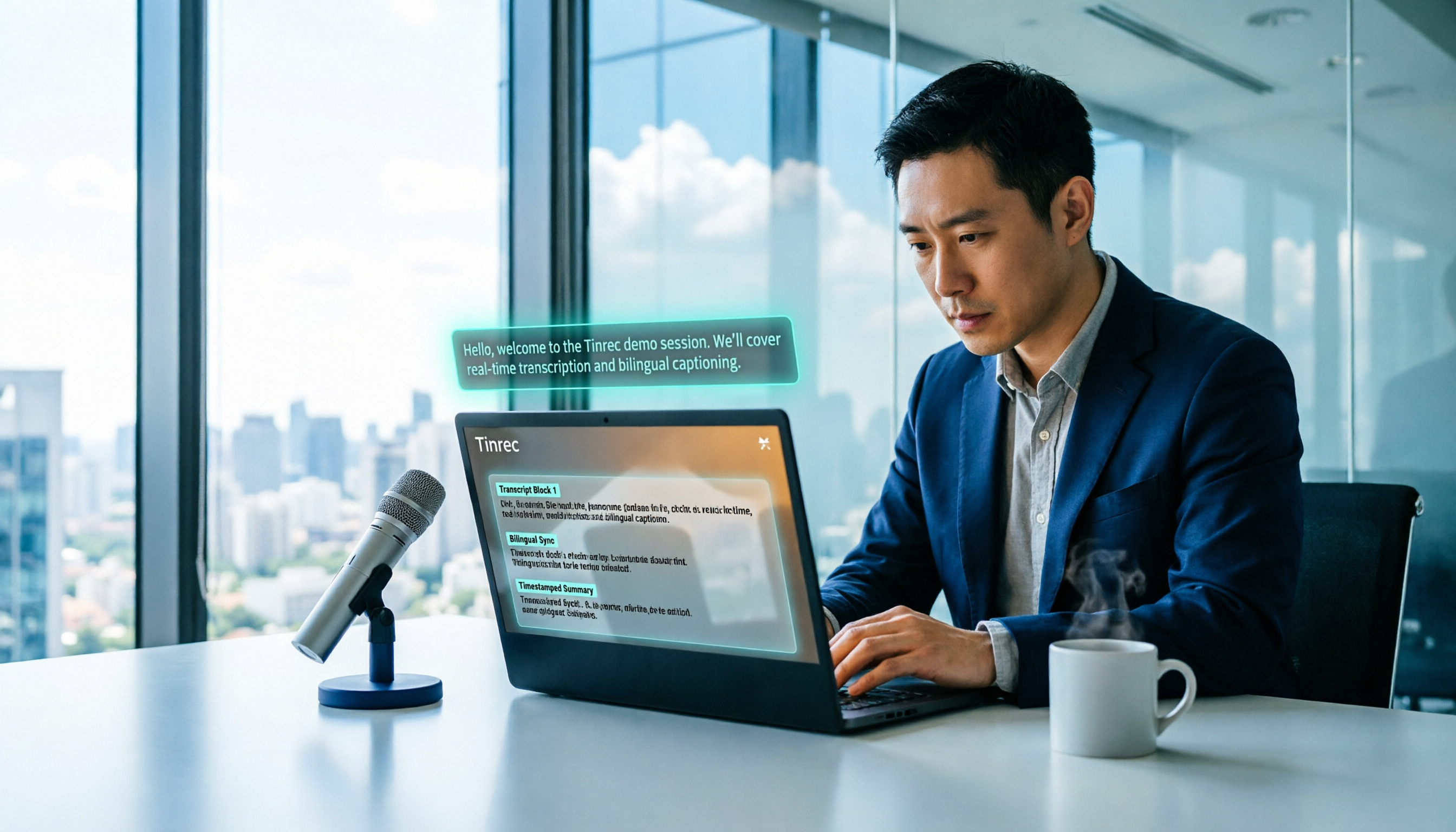
2026 Free Voice Translation Guide: Tinrec Real-Time Bilingual Subtitles + Transcript Organization
A hands-on comparison of Vidnoz and Tinrec, two voice translation tools you can start using for free, broken down across five dimensions: real-time performance, post-meeting output, audio sources, free quota, and team collaboration, to help you decide which one fits your meeting notes and video dubbing needs.

Tinrec vs Notta in 2026: 5-Dimension Comparison — Which Chinese Meeting Transcription App Is Worth Downloading?
Before searching for 'Notta AI app download,' understand the real limits of the free tier and how online meetings are captured. This article compares Tinrec and Notta across 5 dimensions—meeting audio source, post-meeting organization, Chinese performance, team collaboration, and quota calculation—to help you decide which app to download.
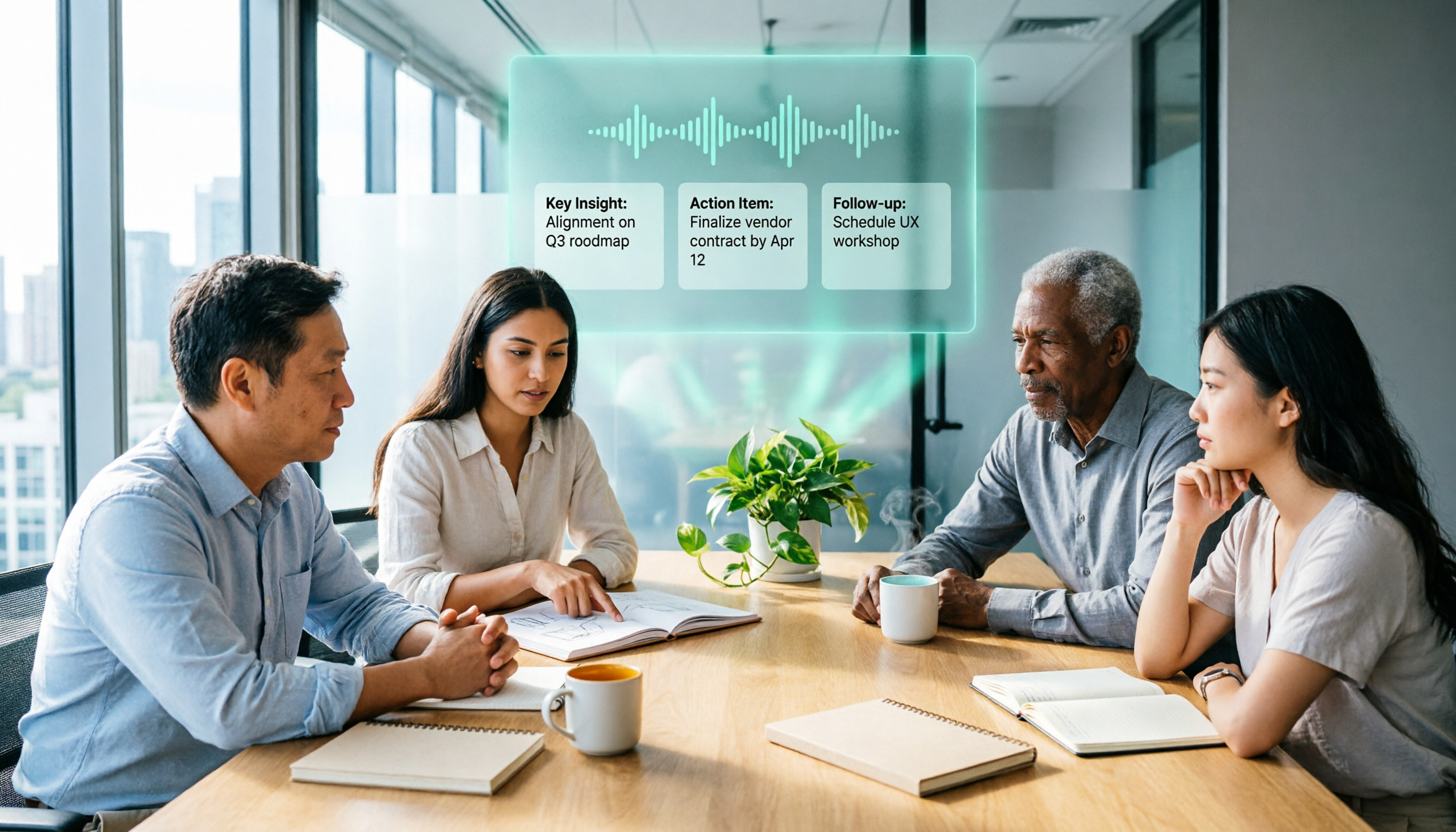
2026 AI Meeting Recorder Comparison: 3 Tools Tested, and the Notta Alternative Worth Buying
Thinking about Notta or comparing AI meeting note tools? This guide starts with what to clarify before buying, breaks down 5 key criteria—live transcription, bot-free recording, summaries and action items, AI Q&A, and team seat governance—and uses Tinrec as the main hands-on example, with team pricing and FAQs to help you spend on features you'll actually use.

2026 Voice-to-Text Tool Comparison: Tinrec vs Granola – Which Delivers More Complete Transcripts and Post-Meeting Organization?
Many people searching for voice-to-text tools actually want to turn meeting audio into searchable, queryable transcripts. This article compares Tinrec and Granola across five dimensions: input sources, audio retention, Chinese language experience, post-meeting organization, and team governance, helping you decide which tool better fits your meeting scenarios.

4 Audio-to-Text Tools Tested: Which Is Fastest for Chinese Meeting Transcripts in 2026?
Transcribing audio isn't just typing—you need to decide whether you want a transcript or a time-coded subtitle file. We tested Tinrec, cSubtitle, TurboScribe, and Notta with real meeting recordings, comparing Chinese recognition, post-meeting summaries, AI Q&A, team collaboration, and pricing limits to help you choose the right workflow for meeting notes, interview organization, and video subtitles.

5 Free Auto Subtitle Solutions Compared in 2026: What Tinrec Adds Beyond CapCut and pyTranscriber
There are many free auto subtitle tools, but their quota calculations, output formats, and post-meeting organization capabilities vary widely. This article starts with 5 common free solutions, breaks down what gaps Tinrec fills in audio-to-text, summarization, AI Q&A, and team collaboration, and includes version selection advice.

2026 Free Subtitle Generator Comparison: Which Tool Saves More Time on Chinese Meeting Transcripts?
How do you choose a free subtitle generator? This article compares two practical options, Tinrec and Otter.ai, across free quotas, Chinese transcription, meeting recording methods, post-meeting outputs, and team governance to help you decide which is better suited for Chinese meetings and video content organization.

2026 Comparison of 3 Online Subtitle Generators: Which Saves More Time for Chinese Meetings and Videos?
There are many online subtitle generation tools, but the key is whether the output is usable. This article starts with common misconceptions and compares Tinrec, Subanana, VEED, and Clideo on Chinese recognition, long audio processing, and post-meeting organization. It also covers free quotas, export formats, and practical limitations of team collaboration to help you choose the right tool.