

Turn recordings into transcripts and summaries in minutes
Upload audio or video for multilingual transcription, AI notes, and action items
2026 Free Subtitle Generator Comparison: Which Tool Saves More Time on Chinese Meeting Transcripts?
It's Thursday night, and you have a 42-minute client interview recording. By tomorrow morning, you need to deliver a transcript with key points. You search online, and the top three results all say "free." But when you actually click through, you find that the free version only gives you subtitles without Chinese punctuation, and downloads come with a watermark.
This is the reality most people face when searching for "free subtitle generator": it's not that there are no tools, but that the limitations of free plans are buried in the fine print. This article doesn't list features. Instead, it directly compares two options you'll actually use: Tinrec, which turns meetings into usable data, and Otter.ai, a mature AI meeting assistant on the market.
This comparison is based on the official features and pricing pages of both products (verified August 2026) and actual workflows. No quantitative accuracy tests were conducted; transcription performance can be affected by recording quality, noise, accents, overlapping speakers, and specialized terminology.
Tinrec vs Otter.ai | Quick Overview
In one sentence: Tinrec is an AI meeting notes and collaboration tool for individuals and teams, focused on "how to use the transcript after transcription." Otter.ai is a mature AI meeting assistant, strong in recording, summarizing, and team analytics for English business meetings.
| Item | Tinrec | Otter.ai |
|---|---|---|
| Free plan | Free version offers basic quota; you can try recording, importing, summarizing, and transcription (actual quota subject to official website) | Basic free, 300 minutes per month |
| Paid starting price | Weekly card / Pro monthly / Pro annual; team version USD 29.80 per paid seat per month | Pro annual billing equivalent to USD 8.49 per user per month |
| Main input | Live recording, desktop bot-free recording, audio/video file upload, mobile | Primarily online meetings; also offers desktop and file import |
| Post-meeting output | Transcript, summary, chapters, action items, mind map, AI Q&A, reports and tables | Summary, action items, AI Chat, team analytics |
| Team capabilities | Team spaces, roles, seats, usage analytics, audit logs, audio recycle bin | Business plan provides management capabilities; benefits per official page |
When choosing a free subtitle or transcript tool, check three things first:
- Is the quota in "minutes" or "number of files" — meeting tools usually count minutes; file-based tools often limit single-file length.
- Chinese punctuation and mixed Chinese-English — this is the part most often omitted by free plans, and where you spend the most time fixing afterward.
- Export formats and limitations — whether you can take it to Notion, Google Docs, or an editing workflow affects your subsequent work efficiency more than "having subtitles."
Below is a comparison across five dimensions.
Dimension 1 | What Can the Free Plan Actually Do?
Otter's free boundary is clearly stated: the Basic plan gives 300 minutes per month; beyond that, you need to upgrade. Pro annual billing is equivalent to USD 8.49 per user per month, including 1,200 minutes of in-app recording per month and 10 file imports; the Business plan offers unlimited meetings and in-app recording, more imports, and management capabilities. Actual prices may be affected by promotions.
Tinrec's free version provides a basic quota that lets you run through the entire process: "record or upload → transcribe → summarize → export." Once the quota is used up, you can choose based on your task type: use the free version for occasional recording organization, a weekly card for short-term intensive meetings, a Pro monthly card for steady weekly use, or an annual card for long-term data accumulation. The actual minutes and feature scope of the free version are subject to the official website announcement.
→ This dimension: Tie. Both free versions are sufficient to complete a full workflow; the difference is that Otter's free minutes are directly estimable, while Tinrec recommends running a test with your own meeting recording first before deciding.
Dimension 2 | Chinese and Mixed Chinese-English Transcription Experience
Otter's product focus and most mature scenario is English business meetings, which is also where its brand is strongest. If 90% of your meetings are in English, the experience will be smooth. But if the content is mainly in Chinese, sentences with mixed Chinese-English, internal company terminology, and names usually still require a round of manual proofreading.
Tinrec is designed with Chinese meetings and mixed Chinese-English content as its primary scenario: transcripts are directly searchable and reviewable, and important passages can be checked against the recording; during recording, you can view the original text, translation, or bilingual content, so cross-language meetings don't require waiting until afterward to translate. The team version also provides team hotwords to maintain commonly used company terminology, reducing the hassle of manually correcting proper nouns each time.
Stop organizing recordings by hand
Upload audio or video and automatically get a transcript, summary, and action items
→ This dimension: For teams communicating primarily in Chinese, Tinrec clearly wins; for pure English meetings, Otter is the home field.
Dimension 3 | How Meetings and Videos Get Into the Tool
Otter started with online meetings, obtaining content by joining meetings, and now also offers desktop capabilities. For teams that already have meetings fixed on Zoom, Teams, or Google Meet, this model is familiar and quick to learn.
Tinrec takes a different path: the desktop version directly captures computer system audio, so when handling Zoom, Google Meet, Microsoft Teams, or Webex, there's no need to add an extra bot to the meeting list, and no extra attendee appears in meetings with dozens of people. Besides online meetings, it also supports live recording (offline interviews, on-site discussions), audio/video file upload, and mobile recording on the go.
→ This dimension: Tinrec wins. Bot-free recording plus multi-source input is more practical for people whose meetings aren't always online.
Dimension 4 | What You Get Directly After Transcription
Otter is very mature in the post-meeting area: summaries, action items, AI Chat, and team analytics are all available, suitable for teams already accustomed to using it to read meeting conclusions.
Tinrec spreads its output formats wider: beyond transcripts, it generates AI summaries, chapters, key points, and to-dos, and can organize them into mind maps; you can use AI Q&A to follow up on single or cross-meeting data, and through Agent post-processing directly produce reports, tables, and documents, then export to Notion, Google Docs, OneNote, Dropbox, and other tools for further processing. For those who need to submit reports and write meeting minutes, this saves a round of copy-pasting.
→ This dimension: Tinrec slightly ahead, with the difference in the variety of "outputs" and the degree to which they can be delivered directly.
Dimension 5 | How Teams Manage Data and People
Otter's Business plan offers unlimited meetings and in-app recording, more imports, and management capabilities, suitable for organizations that have already made Otter their team standard tool. Specific benefits are subject to the official pricing page.
Tinrec's team version is a separate team collaboration space, not multiple people sharing a personal account. Meeting data belongs to the team; you can create and switch between multiple team spaces, invite members via join links, and distinguish owners, admins, and regular members; admins can assign, revoke, or transfer seats, view team usage trends and member rankings, maintain team hotwords, query and export audit logs, and restore accidentally deleted audio from the recycle bin (retention period 30 days). When a member leaves, is removed, or loses a seat, they must hand over their team resources to other active members, so data doesn't disappear with the person.
Here's a commonly misunderstood point to clarify: roles determine governance permissions, seats determine usage eligibility. Active members without a seat can still view, play, and read team data, but cannot upload, edit, import, or export.
On pricing, the team monthly payment is USD 29.80 per paid seat per month, annual payment USD 199 per paid seat per year (equivalent to about USD 16.58 per month); paid seats provide 2,000 minutes of team shared import quota per month. Teams qualifying for the first time can enjoy a 7-day trial, 1 free seat, and 300 minutes of shared import quota; under an active plan and active seat, live recording currently does not deduct minutes. Actual prices, currencies, and promotions are subject to the official purchase page.
→ This dimension: Tinrec wins. Roles, seats, usage, audit, and recycle bin are detailed enough to make internal procurement explanations easier.
What Unique Advantages Does Each Have?
Tinrec's Four Strengths
- Bot-free online meeting recording: The desktop version captures system audio, so no extra account needs to be added to the meeting—especially noticeable for external client meetings.
- Complete post-transcription workflow: From summaries, chapters, to-dos, mind maps, AI Q&A to Agent-generated reports and tables, all done in one go.
- Chinese and bilingual experience: Chinese meetings, mixed Chinese-English, real-time translation and bilingual viewing, plus team hotwords for managing specialized terminology.
- Comprehensive team governance: Team spaces, roles and seats, usage analytics, audit logs, audio recycle bin—clear data ownership.
Otter's Two Strengths
- Maturity in English business meetings: Long market presence; the presentation of summaries and action items is already familiar to many teams.
- Deep integration with existing workflows: If your company has already integrated Otter into daily meeting processes, switching costs are a factor to consider.
Conclusion: Which Should You Choose?
- You need Chinese transcripts and key points from Chinese meetings and interviews → Tinrec (Chinese and mixed Chinese-English are primary scenarios, plus team hotwords).
- You don't want an extra bot in the meeting list → Tinrec (desktop version captures system audio, no additional attendees).
- You want to get summaries, to-dos, and reports directly after transcription → Tinrec (many output formats, Agent post-processing can generate deliverables).
- You need to manage meeting data, seats, and usage for a team of 5+ → Tinrec Team Version (roles, seats, usage, audit, recycle bin all in one).
- 90% of your meetings are in English and your team already uses Otter deeply → Otter.ai is sufficient; the free version's 300 minutes per month can hold you over.
In one sentence: For most individuals and teams communicating primarily in Chinese, Tinrec is the more complete choice; but whether a tool works well ultimately depends on your recording conditions. We recommend running a test with your own meeting using the free version first, confirming that transcript quality and export formats meet your needs, then deciding whether to move to a paid plan.
Final reminder: Recording and transcription involve others' conversations. Please comply with local regulations before use, and obtain participants' consent when necessary.
References
- AI Subtitle Generator – 99% Accurate, Free Online Use
- Add Subtitles to Videos Online for Free | Adobe Express
- Online AI Audio/Video Auto Transcription and Chinese Subtitles - Free Trial - cSubtitle
- Free Online Video Subtitle Generator 2026 | Subanana
- CapCut Auto Caption Generator | Free Online Auto Subtitles
Turn every recording into actionable outcomes
Get 60 free transcription minutes when you sign in. No credit card required.
Related Reading
You might also like

2025 Comparison of 3 Audio-to-Text Tools: Notta vs. Tinrec for Chinese Meeting Notes—Which Saves More Time?
When choosing a meeting notes tool in 2025, don't just look at how many minutes are included each month. This article starts from three decision points: how audio gets in, what can be produced after transcription, and whether team data remains when people change. It compares Notta, Tinrec, and Otter, and breaks down Tinrec's bot-free recording, AI Q&A, action item extraction, and team spaces to help you decide which one truly saves that hour after meetings.
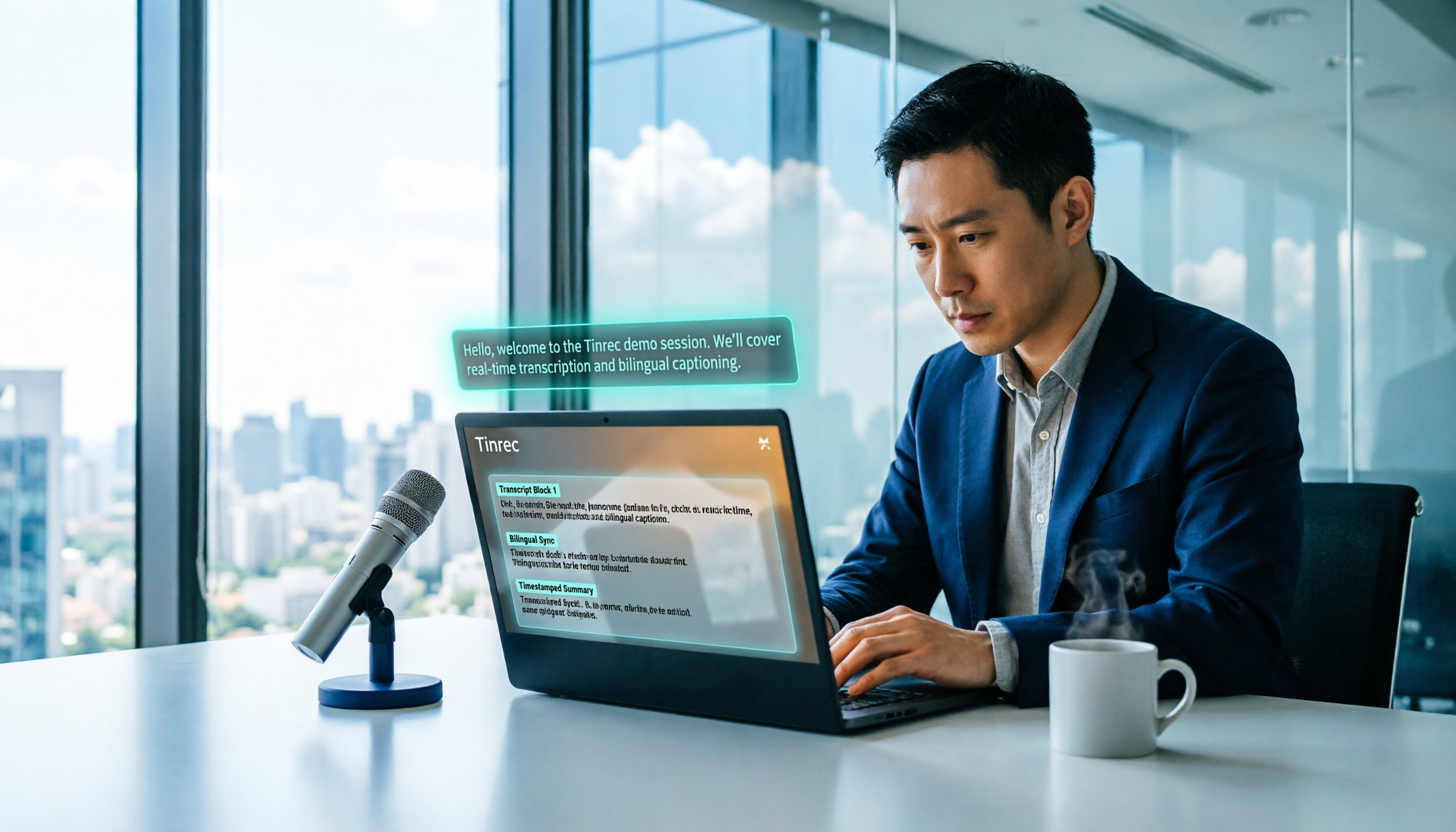
2026 Free Voice Translation Guide: Tinrec Real-Time Bilingual Subtitles + Transcript Organization
A hands-on comparison of Vidnoz and Tinrec, two voice translation tools you can start using for free, broken down across five dimensions: real-time performance, post-meeting output, audio sources, free quota, and team collaboration, to help you decide which one fits your meeting notes and video dubbing needs.

Tinrec vs Notta in 2026: 5-Dimension Comparison — Which Chinese Meeting Transcription App Is Worth Downloading?
Before searching for 'Notta AI app download,' understand the real limits of the free tier and how online meetings are captured. This article compares Tinrec and Notta across 5 dimensions—meeting audio source, post-meeting organization, Chinese performance, team collaboration, and quota calculation—to help you decide which app to download.
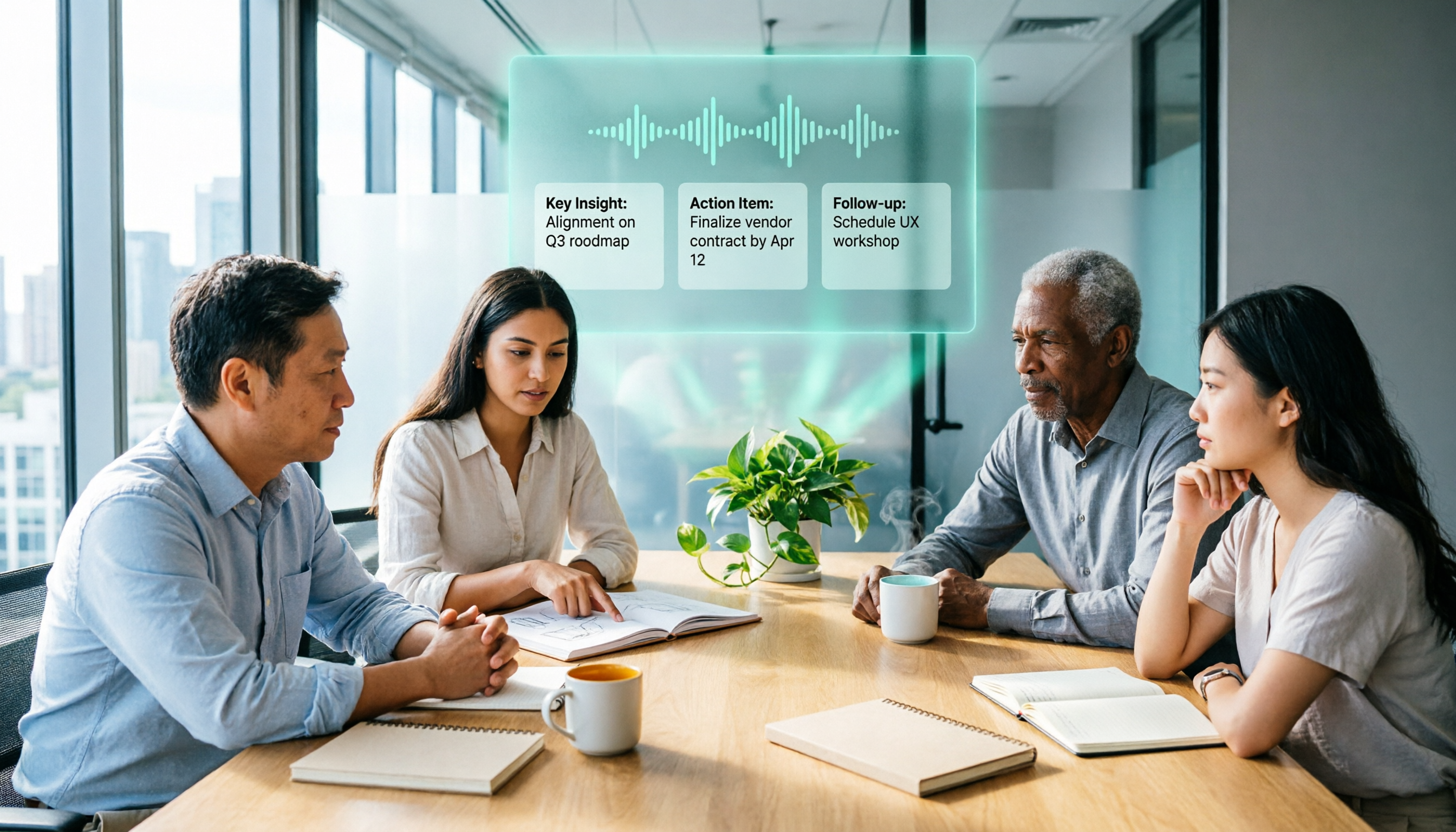
2026 AI Meeting Recorder Comparison: 3 Tools Tested, and the Notta Alternative Worth Buying
Thinking about Notta or comparing AI meeting note tools? This guide starts with what to clarify before buying, breaks down 5 key criteria—live transcription, bot-free recording, summaries and action items, AI Q&A, and team seat governance—and uses Tinrec as the main hands-on example, with team pricing and FAQs to help you spend on features you'll actually use.

2026 Voice-to-Text Tool Comparison: Tinrec vs Granola – Which Delivers More Complete Transcripts and Post-Meeting Organization?
Many people searching for voice-to-text tools actually want to turn meeting audio into searchable, queryable transcripts. This article compares Tinrec and Granola across five dimensions: input sources, audio retention, Chinese language experience, post-meeting organization, and team governance, helping you decide which tool better fits your meeting scenarios.

4 Audio-to-Text Tools Tested: Which Is Fastest for Chinese Meeting Transcripts in 2026?
Transcribing audio isn't just typing—you need to decide whether you want a transcript or a time-coded subtitle file. We tested Tinrec, cSubtitle, TurboScribe, and Notta with real meeting recordings, comparing Chinese recognition, post-meeting summaries, AI Q&A, team collaboration, and pricing limits to help you choose the right workflow for meeting notes, interview organization, and video subtitles.

5 Free Auto Subtitle Solutions Compared in 2026: What Tinrec Adds Beyond CapCut and pyTranscriber
There are many free auto subtitle tools, but their quota calculations, output formats, and post-meeting organization capabilities vary widely. This article starts with 5 common free solutions, breaks down what gaps Tinrec fills in audio-to-text, summarization, AI Q&A, and team collaboration, and includes version selection advice.

2026 Comparison of 3 Online Subtitle Generators: Which Saves More Time for Chinese Meetings and Videos?
There are many online subtitle generation tools, but the key is whether the output is usable. This article starts with common misconceptions and compares Tinrec, Subanana, VEED, and Clideo on Chinese recognition, long audio processing, and post-meeting organization. It also covers free quotas, export formats, and practical limitations of team collaboration to help you choose the right tool.
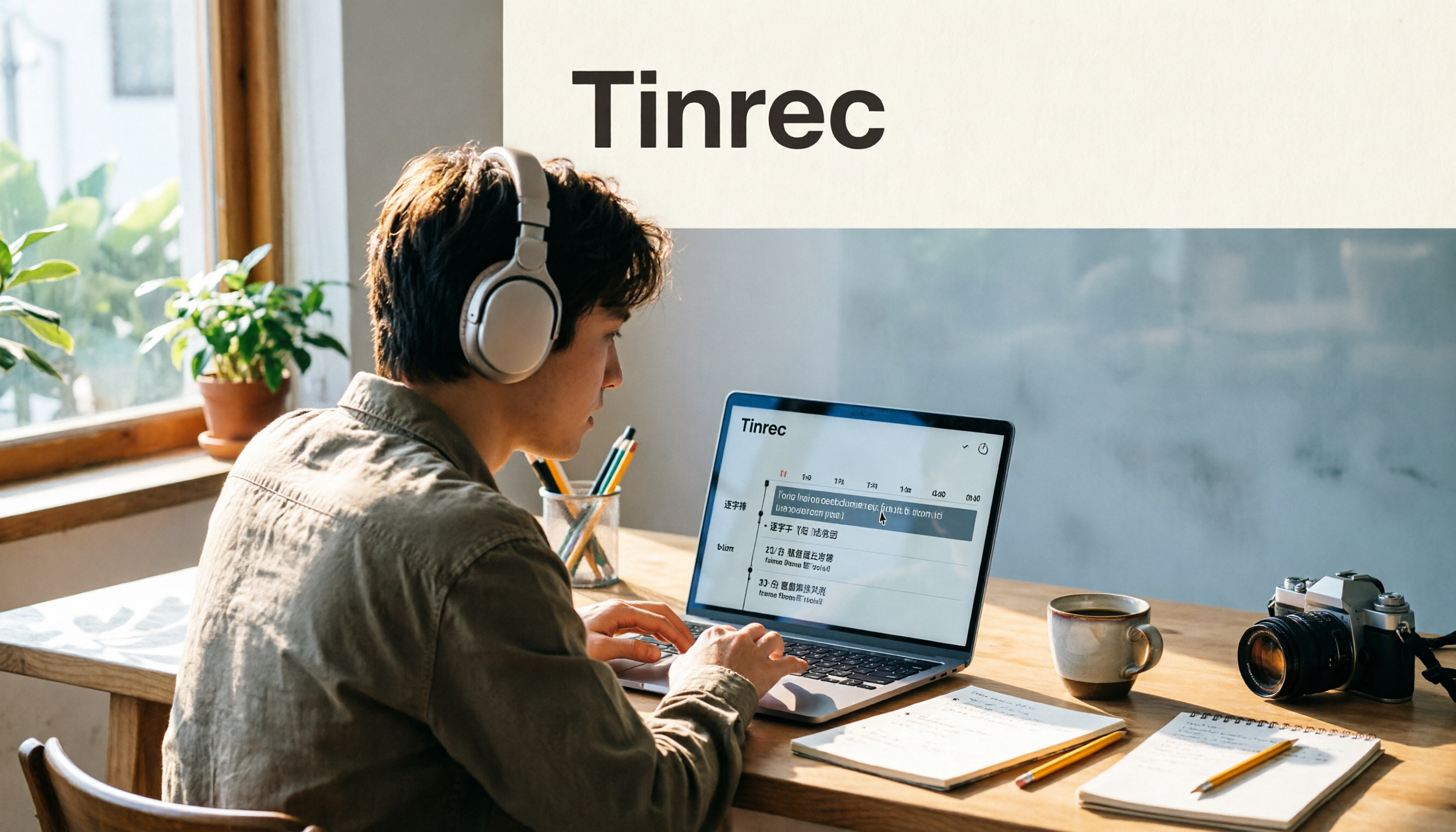
2026 Video-to-Text Tools Compared: Which One Makes Subtitles Easiest?
Video-to-text isn't just about generating a transcript—it's also about producing subtitle files with timecodes. This article compares Tinrec, Notta, TurboScribe, and Granola from four angles: output formats, Chinese punctuation, post-meeting organization, and free quotas. It outlines each tool's limitations, pricing, and ideal users to help you avoid the trap of having to redo everything manually after transcription.