

Turn recordings into transcripts and summaries in minutes
Upload audio or video for multilingual transcription, AI notes, and action items
Last month, I helped a friend with a 48-minute interview video. He was excited to tell me he'd found a "completely free" auto subtitle tool. When the file upload reached 90%, a message popped up: the free version has a 3-minute limit per file.
That moment of letdown is probably a common experience for most people after searching for "free auto subtitles"—it's not that there are no tools, but that every company defines "free" differently. This article doesn't talk about vague AI trends; it directly breaks down the free auto subtitle landscape: what each of the 5 common free solutions solves, where they fall short, and if you need more than just a subtitle file, what part Tinrec fills in.
Why are people starting to look for alternatives to free auto subtitle tools?
When people say "free auto subtitles," there are basically three paths: built-in platform features (like YouTube), online free subtitle generators, and open-source desktop software. Among online generators, CapCut offers free online auto captioning; cSubtitle has a free version but limits quick recognition to 3 minutes per session; WayinVideo and FlexClip focus on free generation and support over 100 languages; the open-source representative is pyTranscriber, which runs directly on your computer and is suitable for long videos.
These tools can indeed solve the "video needs subtitles" problem. But after using them for a while, you'll typically encounter a few common issues:
- Free quotas hidden in fine print: Some calculate by session duration, others by daily file count; the actual length you can process is shorter than you think.
- Output is mainly subtitle files: You get SRT, VTT, or TXT, but you still have to organize the transcript, summary, and action items yourself.
- One-way process: Upload, wait for recognition, download—there's no way to ask "who said this" or "what was the conclusion" in between.
- Team scenarios get stuck: Files are scattered across individual accounts; when someone leaves, the data is lost.
If what you want is "turn audio into subtitles, transcripts, summaries, and action items all at once, and be able to search and ask questions later," then Tinrec is worth checking out.
Tinrec vs. free auto subtitle tools: What's different in the core experience?
1. Input sources: More than just uploading files
The core workflow of free subtitle tools is almost always "upload file → wait for recognition → download." Tinrec covers 5 input types: live recording, desktop bot-free recording of online meetings (directly captures computer system audio, no extra bot needed to join Zoom, Google Meet, Microsoft Teams, Webex), audio/video files, mobile recording, and some public web links. For content creators, the difference is that you can record directly during interviews, don't need to find another way to record online meetings, and can add old material.
2. Output: Subtitles are just one format
Free tools output subtitle files; Tinrec outputs data you can continue working with—transcripts, AI summaries, chapters, highlights, action items, mind maps, and you can also do AI Q&A around meeting content, generate documents, reports, and tables, and export to common tools like Notion, Google Docs, OneNote, Dropbox. For the same 48-minute recording, one side is "start organizing after getting subtitles," the other is "the organized stuff is already there."
3. How free quotas are calculated: First, what kind of user are you?
Comparing free quotas isn't just about surface numbers. Notta's free version offers 120 minutes per month, max 3 minutes per session; TurboScribe's free version allows 3 files per day, max 30 minutes per file—both trade time or file count for experience. Tinrec's free version provides a basic quota to experience recording, importing, summarizing, and transcription; for short-term concentrated needs (e.g., multiple interviews in a week), you can use a weekly pass; for steady weekly use, choose the Pro monthly plan; for long-term data accumulation, the annual plan offers a lower monthly rate.
4. Chinese and multilingual: More than just the number of supported languages
Tinrec can handle Chinese, Traditional Chinese, mixed Chinese-English, and multilingual meetings. During recording, you can switch between original text, translation, or bilingual view. Teams can also maintain hotwords to make technical term recognition closer to actual usage. Actual performance is affected by recording quality, background noise, accents, overlapping speech, and technical terms; we don't recommend assuming a fixed accuracy rate. For important content, it's still advisable to verify against transcript timestamps and recording playback.
5. Team collaboration and data ownership
Free tools' data usually follows individual accounts. Tinrec's team version is an independent team space where meeting data belongs to the team: you can switch between multiple teams, invite members via link, set owners/admins/regular members, and manage seats, sharing permissions, usage trends, member rankings, audit logs, and audio recycle bin. Even without a seat, members can view, play, and read team data; only with a seat can they record, upload, edit, and export. When a member leaves or is removed, their team resources must be handed over to other active members; data doesn't just follow the person.
Stop organizing recordings by hand
Upload audio or video and automatically get a transcript, summary, and action items
Tinrec's core features at a glance
Live recording to text: Open and record, text generated simultaneously; suitable for offline meetings, classes, interviews; by the time the meeting ends, the transcript is already formed.
Bot-free online meeting recording: Desktop version captures system audio for Zoom, Meet, Teams, Webex, no need for a bot account to join the meeting list. Note this is not the same as "automatically joining all calendar meetings"; users still need to initiate recording.
AI summaries, chapters, and action items: Long meetings are automatically split into chapters, key points extracted, and action items pulled out; suitable for weekly meetings, client meetings, and project discussions.
AI Q&A: Ask questions about a single meeting or across meetings—"What was the conclusion of this meeting?" "Who is responsible for which item?"—no need to manually flip through dozens of pages of transcripts.
Multi-format export and Agent post-processing: Subtitles and transcripts are portable, and you can directly generate reports, tables, and meeting minutes, connecting back to your original workflow.
Team space and governance: Centrally store Audio, Folder, TODO, and meeting data, and manage roles, seats, usage, audits, and recycle bin.
Real-world use cases
Video subtitling and content repurposing: When a video needs subtitles and also a blog transcript, import the file into Tinrec and get both subtitles and organized text in one go, saving the double work of "one set of subtitles, then typing the article again."
Cross-language online meetings: When meeting with overseas clients, the desktop version records and transcribes simultaneously, real-time translation can be switched to bilingual view, and post-meeting summaries and action items go directly into the team space—no need to wait for recording files to be passed around.
Interviews and research: Research interviews often last over an hour; with transcripts plus AI Q&A, you can quickly compare what multiple interviewees said, and it's easier to trace back quotes.
Classes and personal notes: Class recordings are converted into searchable text; before exams, you can ask questions directly about the content, which is more efficient than re-listening for an hour.
Things to consider when choosing an auto subtitle and audio-to-text tool
How free quotas are calculated: Check clearly whether it's monthly minutes, per-session duration, or daily file count. Plans with short per-session limits will split long meetings or interviews into several parts.
Whether output formats fit back into your workflow: Subtitles need to go into editing software, transcripts into document tools. Beyond SRT, VTT, TXT, Word, check if direct export to Notion, Google Docs is possible.
Whether audio files are retained: Some tools keep only text, not audio. If you need to verify tone or quote original words later, keeping recordings is much more convenient; Tinrec supports retention, and the team side has a 30-day audio recycle bin to recover accidentally deleted files.
Handling of Chinese and mixed Chinese-English: For Traditional Chinese meetings, mixed Chinese-English, and industries with many technical terms, we recommend testing with your own actual recordings before deciding on long-term investment.
Team data ownership: If meeting data is a department asset, confirm whether the tool provides team space, role and seat management, and handover mechanisms when members leave.
Compliance and consent: Recording and transcription involve local regulations and participant willingness; for formal occasions, obtain consent before recording.
How to choose a version?
| Version | Who it's for | Key points |
|---|---|---|
| Free version | Those who want to try it out | Experience recording, importing, summarizing, and transcription with a basic quota |
| Weekly pass | Short-term high frequency | Intensive meetings, classes, or interviews within a week |
| Pro monthly | Steady users | Weekly meetings and content organization needs |
| Pro annual | Long-term accumulation | Lower monthly rate, suitable for long-term recording data accumulation |
| Team version | Departments and project teams | Independent team space, member and seat management, usage analysis, audit logs, hotwords, and recycle bin; first-time eligible users get a 7-day trial, 1 free seat, 300 minutes of team shared import quota; paid seats USD 29.80/seat/month, annual payment USD 199/seat/year (about USD 16.58/month), each paid seat gets 2,000 minutes of team shared import quota per month; live recording under active plans and seats is currently not deducted by minutes |
Prices, currencies, and promotional content are subject to the official purchase page.
Conclusion: Is Tinrec worth a try?
If your need is just "add subtitles to a short video," free tools are enough; solutions like CapCut and cSubtitle can solve it quickly. But if you handle meetings, interviews, or long videos every month, and want subtitles, transcripts, summaries, and action items all in one place, and later be able to search, ask questions, and hand them to your team for reuse—then the one-way process of free tools will quickly hit a ceiling.
Tinrec's value lies in extending "recording" into "usage": bot-free desktop recording of online meetings, Chinese and mixed Chinese-English transcription experience, post-meeting summary Q&A and export, and the data ownership and handover capabilities brought by team space. We recommend starting with the free version and testing with a recording you handle most often—that's more direct than reading any review.
References
- Online AI audio/video auto transcription and Chinese subtitles - Free trial - cSubtitle
- CapCut Auto Caption Generator | Free Online Auto Subtitles
- AI Subtitle Generator – 99% accuracy, free online use
- AI Subtitle Generator - Online Auto Generate Subtitles | FlexClip
- pyTranscriber Free Auto Subtitle Software! 1-hour video in 10 minutes
Turn every recording into actionable outcomes
Get 60 free transcription minutes when you sign in. No credit card required.
Related Reading
You might also like

2025 Comparison of 3 Audio-to-Text Tools: Notta vs. Tinrec for Chinese Meeting Notes—Which Saves More Time?
When choosing a meeting notes tool in 2025, don't just look at how many minutes are included each month. This article starts from three decision points: how audio gets in, what can be produced after transcription, and whether team data remains when people change. It compares Notta, Tinrec, and Otter, and breaks down Tinrec's bot-free recording, AI Q&A, action item extraction, and team spaces to help you decide which one truly saves that hour after meetings.

2026 Free Voice Translation Guide: Tinrec Real-Time Bilingual Subtitles + Transcript Organization
A hands-on comparison of Vidnoz and Tinrec, two voice translation tools you can start using for free, broken down across five dimensions: real-time performance, post-meeting output, audio sources, free quota, and team collaboration, to help you decide which one fits your meeting notes and video dubbing needs.

Tinrec vs Notta in 2026: 5-Dimension Comparison — Which Chinese Meeting Transcription App Is Worth Downloading?
Before searching for 'Notta AI app download,' understand the real limits of the free tier and how online meetings are captured. This article compares Tinrec and Notta across 5 dimensions—meeting audio source, post-meeting organization, Chinese performance, team collaboration, and quota calculation—to help you decide which app to download.
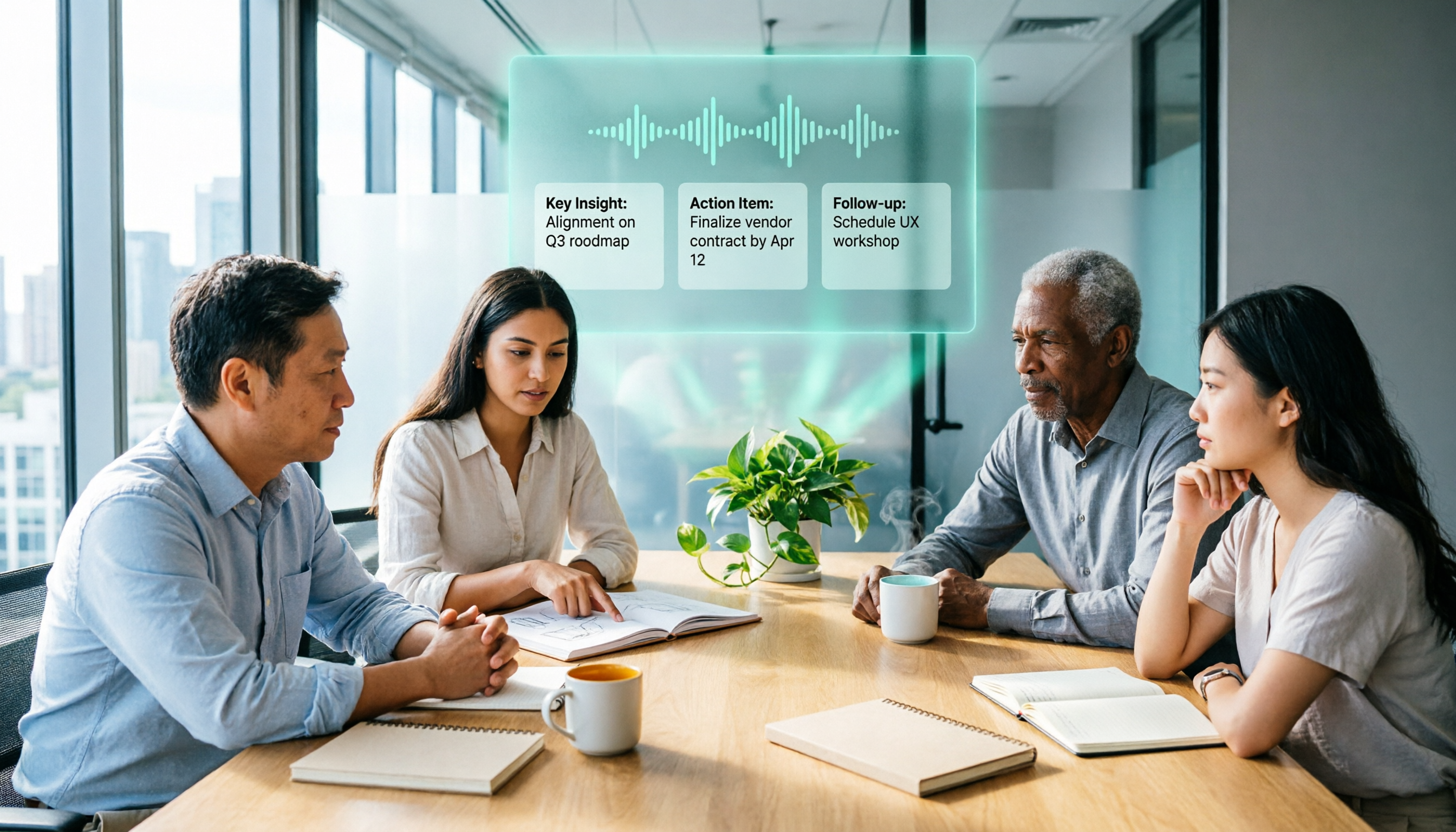
2026 AI Meeting Recorder Comparison: 3 Tools Tested, and the Notta Alternative Worth Buying
Thinking about Notta or comparing AI meeting note tools? This guide starts with what to clarify before buying, breaks down 5 key criteria—live transcription, bot-free recording, summaries and action items, AI Q&A, and team seat governance—and uses Tinrec as the main hands-on example, with team pricing and FAQs to help you spend on features you'll actually use.

2026 Voice-to-Text Tool Comparison: Tinrec vs Granola – Which Delivers More Complete Transcripts and Post-Meeting Organization?
Many people searching for voice-to-text tools actually want to turn meeting audio into searchable, queryable transcripts. This article compares Tinrec and Granola across five dimensions: input sources, audio retention, Chinese language experience, post-meeting organization, and team governance, helping you decide which tool better fits your meeting scenarios.

4 Audio-to-Text Tools Tested: Which Is Fastest for Chinese Meeting Transcripts in 2026?
Transcribing audio isn't just typing—you need to decide whether you want a transcript or a time-coded subtitle file. We tested Tinrec, cSubtitle, TurboScribe, and Notta with real meeting recordings, comparing Chinese recognition, post-meeting summaries, AI Q&A, team collaboration, and pricing limits to help you choose the right workflow for meeting notes, interview organization, and video subtitles.

2026 Free Subtitle Generator Comparison: Which Tool Saves More Time on Chinese Meeting Transcripts?
How do you choose a free subtitle generator? This article compares two practical options, Tinrec and Otter.ai, across free quotas, Chinese transcription, meeting recording methods, post-meeting outputs, and team governance to help you decide which is better suited for Chinese meetings and video content organization.

2026 Comparison of 3 Online Subtitle Generators: Which Saves More Time for Chinese Meetings and Videos?
There are many online subtitle generation tools, but the key is whether the output is usable. This article starts with common misconceptions and compares Tinrec, Subanana, VEED, and Clideo on Chinese recognition, long audio processing, and post-meeting organization. It also covers free quotas, export formats, and practical limitations of team collaboration to help you choose the right tool.
2026 Video-to-Text Tools Compared: Which One Makes Subtitles Easiest?
Video-to-text isn't just about generating a transcript—it's also about producing subtitle files with timecodes. This article compares Tinrec, Notta, TurboScribe, and Granola from four angles: output formats, Chinese punctuation, post-meeting organization, and free quotas. It outlines each tool's limitations, pricing, and ideal users to help you avoid the trap of having to redo everything manually after transcription.