

Turn recordings into transcripts and summaries in minutes
Upload audio or video for multilingual transcription, AI notes, and action items
4 Audio-to-Text Tools Tested: Which Is Fastest for Chinese Meeting Transcripts in 2026?
It's Friday afternoon. You just finished a 90-minute client interview, and the recording is sitting on your phone. Your boss walks over and asks, "What were the key points? Who's following up?" You open the recording, listen from the beginning, and only on the third pass do you find that one crucial promise.
Many people have been there.
The pain of audio-to-text isn't just "typing what you hear"
The first scenario is meeting notes. After an online meeting ends, everyone logs off, but you stay to replay the recording, pausing and typing. A two-hour meeting can easily take three hours to organize.
The second scenario is interviews or courses. The recording contains many valuable quotes, but you can't drag the progress bar every time you want to cite something. Without a transcript, you have no index.
The third scenario is adding subtitles to videos. The video is done, but you have to listen sentence by sentence and break lines manually. Subtitles aren't just pasted text—they need time codes and readable line breaks.
If you're stuck in these steps, the problem usually isn't that you can't type what you hear—it's that you haven't chosen the right tool. Below, I'll use the same meeting recording to compare several common tools and help you decide which one fits your workflow.
Before choosing an audio-to-text tool, understand these 4 key points
First key point: Do you need a "transcript" or a "subtitle file"? A transcript is text for people to read and search; a subtitle file needs time codes and can be imported into editing software or video platforms. Many tools do both, but their strengths differ. Clarify the final output first so you don't buy a bunch of features you won't use. For example, Tinrec excels at meeting transcripts and post-meeting organization; if you only need subtitle files, it may not be essential.
Second key point: Can you use the result directly after transcription? If you only get a big block of text, you still have to read it all and extract key points yourself. For meetings, summaries, chapters, and action items are where you save time. Tinrec builds the post-transcription organization process into the tool—that's the biggest difference from pure transcription tools.
Third key point: Performance with Chinese and mixed Chinese-English. Meetings in Taiwan are rarely pure Chinese; they often include product names, job titles, and English abbreviations. Rather than relying on official accuracy claims, test with a real recording of your own. Tinrec focuses on Chinese and multilingual meetings and lets you maintain hotwords in team spaces, which helps with technical terms, but actual results still depend on accents, noise, and overlapping speech.
Fourth key point: Who owns the data afterward, and who can edit it? Personal transcription is simple; team meeting data involves spaces, members, roles, and seats. Tinrec's team version separates "viewing" and "using": members without a seat can still view, play, and read data, but need a seat to upload, edit, and export. This is rarely asked when choosing a team plan, but it's important.
Tinrec — Our top pick for meeting workflows after testing
Tinrec is an AI meeting notes and collaboration tool for individuals and teams. It supports live recording, bot-free desktop recording of online meetings, media file import, and generates transcripts, summaries, chapters, action items, and mind maps. It also allows AI Q&A around meeting content. It covers web, desktop, and mobile. The focus isn't just converting audio to text—it's turning meetings into usable data.
The first scenario is online meetings. Instead of inviting a meeting bot to Zoom, Google Meet, Microsoft Teams, or Webex, Tinrec's desktop version captures system audio directly. You open Tinrec and start recording, and no bot joins the meeting. The transcript builds up during the meeting. Afterward, you don't need to listen from the beginning—summaries and chapters already break the long meeting into browsable structure. For cross-language meetings, you can view the original, translation, or bilingual text, which is practical for teams mixing Chinese and English.
The second scenario is post-meeting follow-up. After recording, you can ask Tinrec directly: "What was decided at the end of this meeting?" "Who mentioned the budget?" It answers based on the meeting content, not just keyword search results. This is especially useful for interviews and research data: you don't need to re-listen to 90 minutes; just ask specific questions.
The third scenario is team knowledge retention. The team version provides independent team spaces, and meeting data belongs to the team—it won't disappear if someone leaves or resigns. Admins can manage members, roles, and seats, view usage trends and details, and query and export audit logs. When members change, team resources can be handed over to other active members; the audio recycle bin allows accidentally deleted audio files to be restored before permanent cleanup, with a current retention period of 30 days.
Stop organizing recordings by hand
Upload audio or video and automatically get a transcript, summary, and action items
Our test conditions were ordinary: an 8-minute mixed Chinese-English meeting recording, indoor environment, with keyboard and air conditioning noise, three participants. Tinrec produced stable transcripts for Chinese segments and captured summaries and action items; when multiple people spoke over each other, we still had to replay to verify. It doesn't promise a fixed accuracy rate, and I don't recommend treating any tool's marketing numbers as guarantees.
Honestly, what impressed me most about Tinrec wasn't the transcription itself, but "what you can do after transcription." You can export transcripts to Notion, Google Docs, OneNote, or Dropbox for further editing, or use Agent post-processing to generate reports, tables, and meeting minutes. For those who need to write weekly reports, client interview records, or project retrospectives, this is more practical than extra transcription minutes.
Limitations should be clear. First, Tinrec currently doesn't focus on directly outputting SRT/VTT subtitle files; if your final product is a ready-to-publish subtitle file, it's better as a step before "subtitle text organization." Second, the free version has only basic quota; for short-term intensive use, consider a weekly pass, and for long-term, look at Pro plans. Team version file imports consume shared team minutes; live recording currently doesn't deduct minutes under an active team plan and active seat. Third, team version pricing is USD 29.80 per paid seat per month, or USD 199 per paid seat per year, with 2,000 shared import minutes per seat per month; the first eligible team trial is 7 days, 1 free seat, and 300 shared import minutes. Prices and benefits are subject to the official purchase page.
Who is it for? If you frequently hold Chinese meetings, want to use AI to find key points right after, and need to turn meeting data into team assets, Tinrec currently has the most complete workflow. If you only occasionally convert an audio file to subtitles, the lighter options below are worth considering.
Besides Tinrec, what other options are there?
The following competitor prices are from official pages at the time of writing; plan benefits may change, so check the official sites before purchasing.
cSubtitle: An online transcription and subtitle tool that requires no registration. Upload media files to generate transcripts and time-coded subtitle files, with Chinese optimization. Suitable for those who just need quick subtitle files. But it focuses on file-to-subtitle conversion and doesn't emphasize post-meeting AI Q&A or team spaces; if you want to continue asking questions after transcription, Tinrec is smoother.
TurboScribe: A cost-effective file transcription tool focusing on long files, batch uploads, subtitles, and translation. Free version: 3 files per day, 30 minutes per file; Unlimited annual plan USD 120, paid version up to 10 hours per file. Suitable for transcribing large batches of historical recordings. It's strong at file processing, not live meetings; if you want to transcribe during meetings and do post-meeting AI Q&A, Tinrec is more complete.
Notta: A multi-platform transcription and meeting notes tool. Free version: 120 minutes per month, up to 3 minutes per session; Pro annual plan equivalent to USD 8.17/month, 1,800 minutes per month; Business annual plan equivalent to USD 16.67 per seat per month. Suitable for multilingual transcription. Tinrec emphasizes bot-free recording, seat governance, audit logs, and Agent post-processing; if you care about team data management and handover, that's Tinrec's advantage.
Pitfall guide: 3 most common mistakes when choosing audio-to-text tools
Pitfall 1: Only looking at claims like "98% accuracy." That number is usually measured in a quiet environment with a clear microphone and a single speaker. Real meetings have air conditioning noise, keyboard sounds, people interrupting, and mixed Chinese-English. The right approach is to test with your own 5-minute recording and check for errors in proper nouns and names.
Pitfall 2: Treating the transcript as the end goal. A transcript is just raw material. If you still have to read for 30 minutes and extract action items yourself, the time saved on typing is given back. When choosing a tool, first see if it can produce summaries, chapters, and action items; Tinrec's AI Q&A, for example, lets you ask questions directly without re-listening to the whole meeting.
Pitfall 3: Ignoring team data ownership and permissions. Many teams start by sharing a personal account, and only when someone leaves do they realize the data is in a personal cloud. For team versions, check three things: who owns the data, who can view it, and who can edit it. Tinrec's team version separates roles and seats; members without a seat can read but not upload or edit. This isn't fine-grained ACL with per-file permissions, but team-level sharing plus role governance—understand this difference when choosing.
Conclusion: Which one should you choose?
In one sentence: If you want to turn recordings into searchable, queryable, collaborative meeting data, Tinrec is the top choice in this article; if you just want to quickly convert files to subtitle files, cSubtitle or TurboScribe are more suitable.
Scenario breakdown:
- Chinese meetings, online meetings needing bot-free recording → Tinrec. Desktop version captures system audio directly, no bot needed.
- Post-meeting summaries, action items, AI Q&A → Tinrec. This is the biggest gap between it and pure transcription tools.
- Teams sharing meeting data, managing seats and usage → Tinrec team version. Data belongs to the team, handover possible when members change.
- Large batches of historical recordings to transcribe → TurboScribe or cSubtitle. File processing is their strength.
- Only need subtitle files, no meeting organization → cSubtitle. Upload and get time-coded subtitle files.
I suggest starting with a free or trial version and testing with a recording of your own work. Rather than asking "which is the strongest," ask "which one saves me time on post-meeting organization." If you value post-meeting organization and collaboration, Tinrec is worth a try.
References
- Online AI speech, video, audio file auto-transcription - Free trial - cSubtitle
- AI speech-to-text fast audio file online transcription, transcripts and video subtitles - Free trial - cSubtitle
- Free! Chinese video speech-to-text subtitles, supports large videos and long recordings
- Online AI audio/video auto-transcription and Chinese subtitles - Free trial - cSubtitle
- Audio to text: Convert recordings to transcripts online | Canva
Turn every recording into actionable outcomes
Get 60 free transcription minutes when you sign in. No credit card required.
Related Reading
You might also like

2025 Comparison of 3 Audio-to-Text Tools: Notta vs. Tinrec for Chinese Meeting Notes—Which Saves More Time?
When choosing a meeting notes tool in 2025, don't just look at how many minutes are included each month. This article starts from three decision points: how audio gets in, what can be produced after transcription, and whether team data remains when people change. It compares Notta, Tinrec, and Otter, and breaks down Tinrec's bot-free recording, AI Q&A, action item extraction, and team spaces to help you decide which one truly saves that hour after meetings.

2026 Free Voice Translation Guide: Tinrec Real-Time Bilingual Subtitles + Transcript Organization
A hands-on comparison of Vidnoz and Tinrec, two voice translation tools you can start using for free, broken down across five dimensions: real-time performance, post-meeting output, audio sources, free quota, and team collaboration, to help you decide which one fits your meeting notes and video dubbing needs.

Tinrec vs Notta in 2026: 5-Dimension Comparison — Which Chinese Meeting Transcription App Is Worth Downloading?
Before searching for 'Notta AI app download,' understand the real limits of the free tier and how online meetings are captured. This article compares Tinrec and Notta across 5 dimensions—meeting audio source, post-meeting organization, Chinese performance, team collaboration, and quota calculation—to help you decide which app to download.
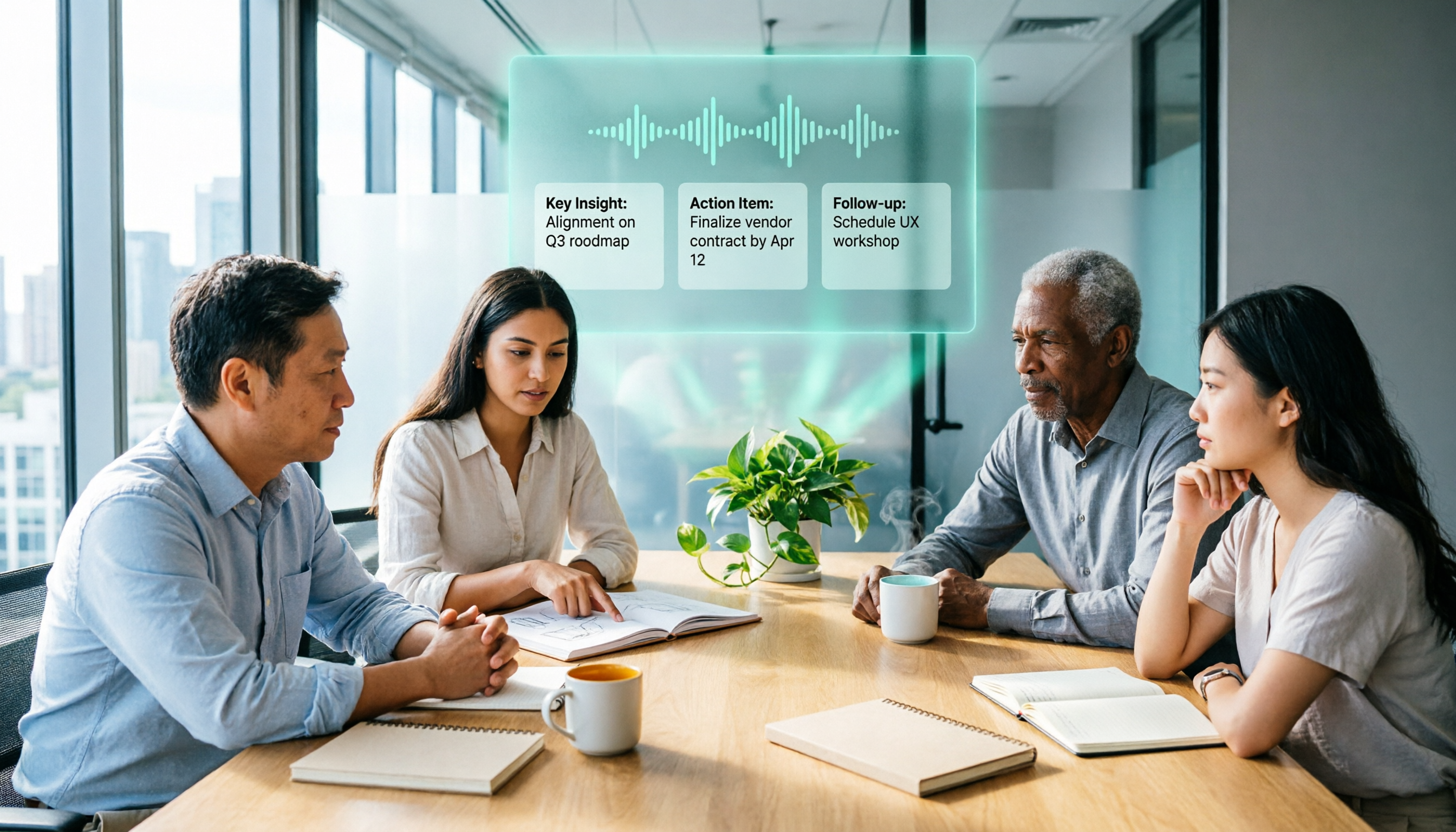
2026 AI Meeting Recorder Comparison: 3 Tools Tested, and the Notta Alternative Worth Buying
Thinking about Notta or comparing AI meeting note tools? This guide starts with what to clarify before buying, breaks down 5 key criteria—live transcription, bot-free recording, summaries and action items, AI Q&A, and team seat governance—and uses Tinrec as the main hands-on example, with team pricing and FAQs to help you spend on features you'll actually use.

2026 Voice-to-Text Tool Comparison: Tinrec vs Granola – Which Delivers More Complete Transcripts and Post-Meeting Organization?
Many people searching for voice-to-text tools actually want to turn meeting audio into searchable, queryable transcripts. This article compares Tinrec and Granola across five dimensions: input sources, audio retention, Chinese language experience, post-meeting organization, and team governance, helping you decide which tool better fits your meeting scenarios.

5 Free Auto Subtitle Solutions Compared in 2026: What Tinrec Adds Beyond CapCut and pyTranscriber
There are many free auto subtitle tools, but their quota calculations, output formats, and post-meeting organization capabilities vary widely. This article starts with 5 common free solutions, breaks down what gaps Tinrec fills in audio-to-text, summarization, AI Q&A, and team collaboration, and includes version selection advice.

2026 Free Subtitle Generator Comparison: Which Tool Saves More Time on Chinese Meeting Transcripts?
How do you choose a free subtitle generator? This article compares two practical options, Tinrec and Otter.ai, across free quotas, Chinese transcription, meeting recording methods, post-meeting outputs, and team governance to help you decide which is better suited for Chinese meetings and video content organization.

2026 Comparison of 3 Online Subtitle Generators: Which Saves More Time for Chinese Meetings and Videos?
There are many online subtitle generation tools, but the key is whether the output is usable. This article starts with common misconceptions and compares Tinrec, Subanana, VEED, and Clideo on Chinese recognition, long audio processing, and post-meeting organization. It also covers free quotas, export formats, and practical limitations of team collaboration to help you choose the right tool.
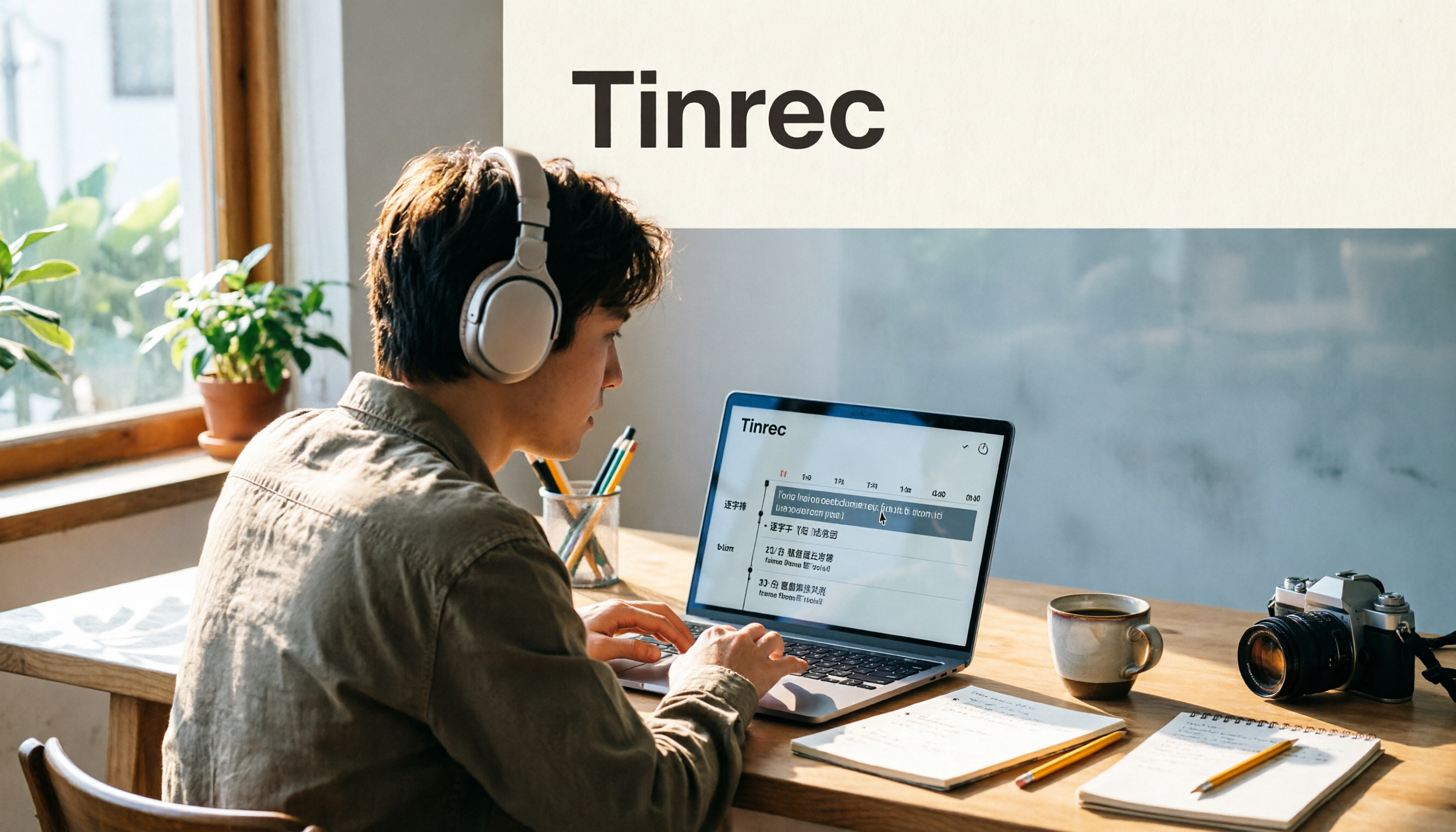
2026 Video-to-Text Tools Compared: Which One Makes Subtitles Easiest?
Video-to-text isn't just about generating a transcript—it's also about producing subtitle files with timecodes. This article compares Tinrec, Notta, TurboScribe, and Granola from four angles: output formats, Chinese punctuation, post-meeting organization, and free quotas. It outlines each tool's limitations, pricing, and ideal users to help you avoid the trap of having to redo everything manually after transcription.