
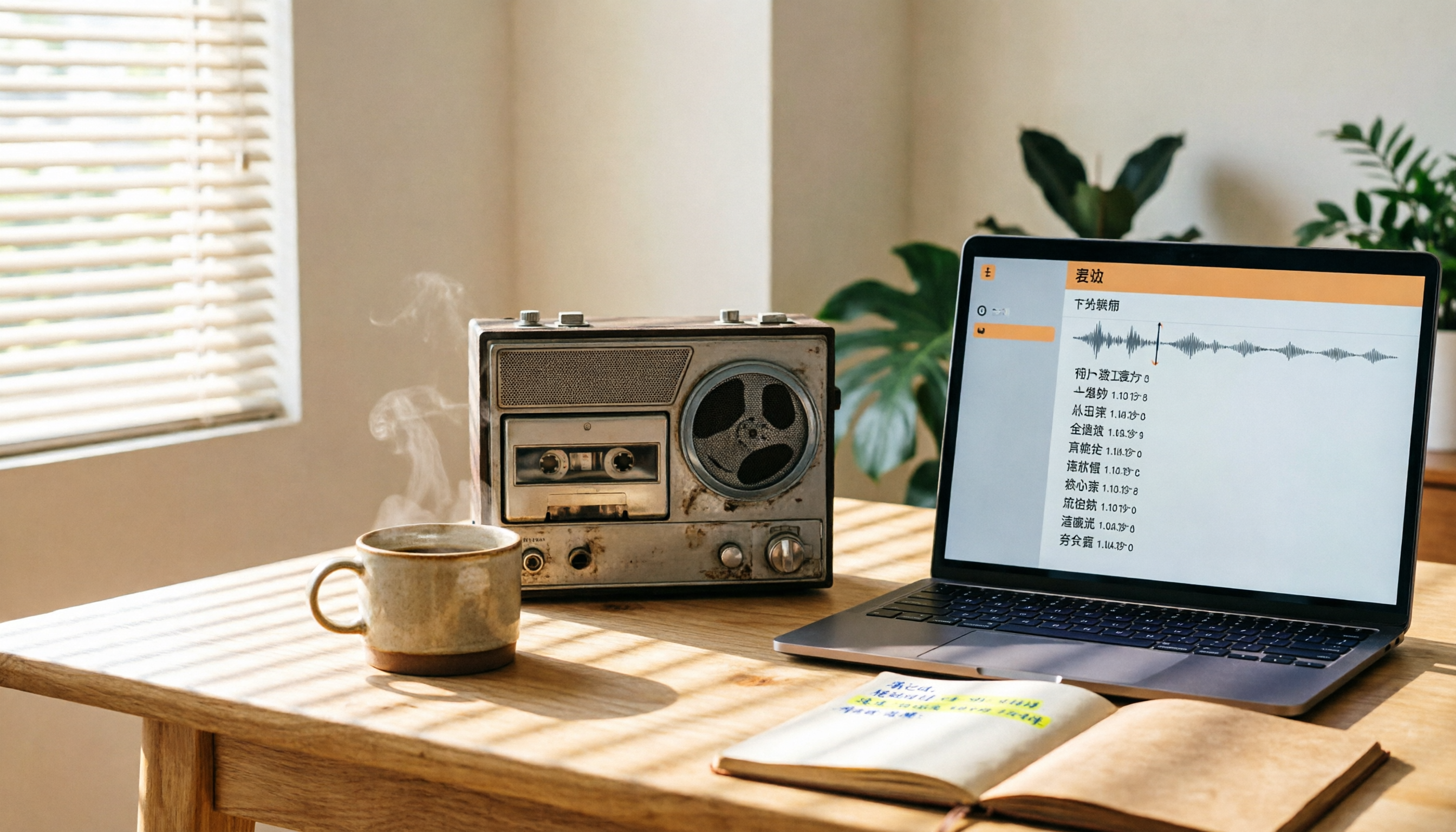
Turn recordings into transcripts and summaries in minutes
Upload audio or video for multilingual transcription, AI notes, and action items
2026 Hands-On Comparison of 4 Audio-to-SRT Subtitle Tools: Tinrec Handles Everything from Recording to Meeting Notes
The Pain Point of Turning Audio into Subtitles—You Need More Than Subtitles; You Need Time Saved on Editing
After recording a two-hour meeting, trying to add subtitles to the video later can eat an entire afternoon just on transcribing and syncing the timeline.
If you have recordings from an online course and want to turn them into review videos with subtitles, the manual captioning process can make you want to give up.
You downloaded an interview clip from YouTube and want to share a section, but without subtitles, viewers simply won't stick around.
If any of this sounds familiar, this article is for you. With the right tool, you can import an audio file and automatically generate SRT subtitles—and even get meeting notes and key summaries organized in one go.
Before Choosing an Audio-to-SRT Tool, Understand These 4 Key Points
Accuracy: Don't Go by the Official Numbers—Look at Real-World Scenarios
Many tools claim 98% accuracy, but that's measured in a studio environment. In your actual use, there may be air-conditioner noise, multiple speakers, or even mixed Chinese and English, so the gap can be obvious. When testing, use a recording of your own and run it through the free version—that way, you won't be misled by marketing talk.
Output Is More Than Just SRT
If the generated subtitles have imprecise timestamps or awkward line breaks, you'll have to spend time manually fixing them, which isn't much better than retyping. A good tool should not only provide subtitles but also export transcripts and auto-generated summaries, so one recording can serve multiple purposes.
What Can You Do After Transcription?
Turning audio into text is only the first step. What really saves time is AI post-processing—such as automatically pulling out action items from meetings, splitting long recordings into chapters, or letting you ask questions directly about the content. If you only use a tool to get a transcript, you're only using about 30% of its potential.
Free Quotas and Cross-Platform Support
Recording on your phone and editing on your computer is the norm, so a tool must have iOS, Android, and web versions so your workflow doesn't break. The number of free transcription minutes also matters—you can try it out and only pay once you're sure it works for you.
Tinrec (Instant Recording) — Our Top Choice After Testing
Tinrec is an AI audio-organizing tool built around "turning audio into actionable knowledge." It doesn't just transcribe; it helps you turn meetings, courses, interviews, and online videos into subtitles, summaries, action items, and a Q&A database.
Core Features in Real-World Scenes
Open Tinrec during a meeting and it will produce a live transcript as it records. When the meeting ends, the AI has already generated a summary and action items—who is responsible for what and when it's due, all at a glance.
To add subtitles to a recording, just import the audio file and within minutes you'll get an SRT file with accurate timestamps. You can also paste a YouTube video link and let Tinrec parse the content to generate subtitles and a full transcript.
Even more useful is the "AI chat query" feature. After recording, you can simply ask, "Who mentioned the budget in this meeting?" Tinrec uses semantic understanding to give you the answer, rather than throwing back a bunch of keyword search results. Almost none of its competitors in the same price range offer this feature.
Hands-On Results
We tested with a 5-minute Chinese meeting recording (with light keyboard and air-conditioner noise in the background). Tinrec's transcript had a very low error rate, and the timestamps were accurate. After importing the SRT into video editing software, almost no manual adjustment was needed. Of course, better audio quality leads to higher accuracy, but for everyday meeting and class recordings, the performance is more than sufficient.
Three Reasons to Choose Tinrec
Stop organizing recordings by hand
Upload audio or video and automatically get a transcript, summary, and action items
- It doesn't just give you subtitles; it organizes the key points: After transcription, it automatically brings up summaries, chapters, and action items, so you don't have to manually compile meeting notes.
- Seamless cross-platform workflow: iOS, Android, and web versions are all available. Record on your phone, then jump straight to work on your computer.
- Generous free plan: 100 minutes of transcription per month. For a typical office worker with 2–3 meetings per week, that's a full experience.
Limitations to Keep in Mind
The free plan offers 100 minutes per month; heavy users will need to upgrade to the Pro plan. But for most people, trying the free version first and paying only once you're satisfied is the smarter approach.
Who Is It For?
If you often need to turn meeting, course, or interview recordings into subtitles, and you want to use AI to quickly locate key points and generate to-dos after recording while switching between your phone and computer—then Tinrec is currently the closest match to your workflow.
What Other Options Are There Besides Tinrec?
cSubtitle: A Fast Online Service for Subtitling
cSubtitle focuses on converting video/audio to text and adding subtitles. Upload a video or recording and it generates SRT/VTT subtitles. It doesn't demand high-quality footage, making it suitable for people who just want a subtitle file quickly. However, it doesn't have AI summaries, conversational queries, or action-item extraction, so you'll have to organize the content yourself after transcription. If you only need subtitles and no follow-up notes, it's worth considering. But if you want a single recording to yield more, Tinrec is more practical.
FlexClip: Video Editing + Auto Subtitles
FlexClip is an online video editing tool with built-in AI auto-subtitling. It's useful for lyric videos or short-form social media videos. But its focus is video editing, so you'll need to manually import audio and adjust subtitle styles, then export the SRT after generating. It lacks Tinrec's live transcription for recordings and AI-powered organization/Q&A capabilities. If you're mainly into video editing, FlexClip is a bonus tool; if your focus is content organization, Tinrec remains the top choice.
AI-Chain Tools: A Free SRT Editor
AI-Chain Tools offers an online subtitle editor that supports timeline adjustments and SRT import/export, and it also has an auto-generate button. But its "auto-generate" feature is fairly basic—it's primarily meant for users to manually enter text and timestamps, and there's no AI speech recognition engine. If you already have a transcript and just want to fine-tune the timeline, this tool is lightweight; but if you're generating subtitles from scratch, you'll save far more time with a tool like Tinrec that has AI speech recognition.
How to Avoid Pitfalls: 3 Common Mistakes When Choosing a Subtitle Tool
Mistake 1: Only Looking at Price, Ignoring Output Format
Some tools are free but only provide plain text or a basic SRT with coarse timestamps. Once imported into editing software, you have to manually shift the timing. When you try a tool, make sure to check the precision of the SRT timestamps—otherwise, you save money but lose a lot of editing time.
Mistake 2: Treating the Tool Only as a Transcription Engine
If after recording you just get a transcript, you still have to manually organize, highlight, and extract key points. Tools like Tinrec with AI post-processing can immediately mark up summaries, action items, and even let you query the content conversationally—that's how you truly save time. Don't settle for just using one-third of the features.
Mistake 3: Ignoring Cross-Platform and Sync
Many people are used to recording on their phone and then editing on their computer. If a tool only has a mobile or web version, moving files around becomes a hassle. When choosing, give priority to services that have iOS, Android, and web versions so your workflow isn't blocked by the tool.
Summary: Which One Should You Choose?
Based on our hands-on testing, Tinrec is the only integrated tool in this round that can take a recording all the way to subtitles, summaries, action items, and AI Q&A. It's ideal for professionals, students, and creators who want to organize audio files in one place.
Scenario-based recommendations:
- You just want to generate subtitles quickly with no follow-up organization → cSubtitle is lightweight enough.
- You're mainly video editing and adding subtitles as a side step → FlexClip's built-in feature is sufficient.
- You already have a transcript and want to manually fine-tune the timeline → AI-Chain Tools is a handy free option.
- You need to convert recordings to subtitles, automatically generate summaries and action items, and work across platforms → Tinrec is the best answer.
We recommend downloading the free version of Tinrec to try it out. The 100 minutes per month is enough for a few meetings or a few recordings to test the experience. If you like it, consider upgrading—there's no need to pay from the start.
References
- Online AI Recording/Video to Text and Chinese Subtitle Generator - Free Trial - cSubtitle
- AI Subtitle Generator - Online Auto Subtitle Generation | FlexClip
- SRT Subtitle Generator - Free Online Subtitle Editor | AI-Chain Tools
- Convert Subtitles to Speech | Use AI Text-to-Speech to Convert SRT Subtitles into Audio
- 7 Best AI Subtitle Generators: Great Video Captioning Tools That Add Subtitles Quickly and Conveniently!
Turn every recording into actionable outcomes
Get 60 free transcription minutes when you sign in. No credit card required.
Related Reading
You might also like

2025 Comparison of 3 Audio-to-Text Tools: Notta vs. Tinrec for Chinese Meeting Notes—Which Saves More Time?
When choosing a meeting notes tool in 2025, don't just look at how many minutes are included each month. This article starts from three decision points: how audio gets in, what can be produced after transcription, and whether team data remains when people change. It compares Notta, Tinrec, and Otter, and breaks down Tinrec's bot-free recording, AI Q&A, action item extraction, and team spaces to help you decide which one truly saves that hour after meetings.

2026 Free Voice Translation Guide: Tinrec Real-Time Bilingual Subtitles + Transcript Organization
A hands-on comparison of Vidnoz and Tinrec, two voice translation tools you can start using for free, broken down across five dimensions: real-time performance, post-meeting output, audio sources, free quota, and team collaboration, to help you decide which one fits your meeting notes and video dubbing needs.

Tinrec vs Notta in 2026: 5-Dimension Comparison — Which Chinese Meeting Transcription App Is Worth Downloading?
Before searching for 'Notta AI app download,' understand the real limits of the free tier and how online meetings are captured. This article compares Tinrec and Notta across 5 dimensions—meeting audio source, post-meeting organization, Chinese performance, team collaboration, and quota calculation—to help you decide which app to download.
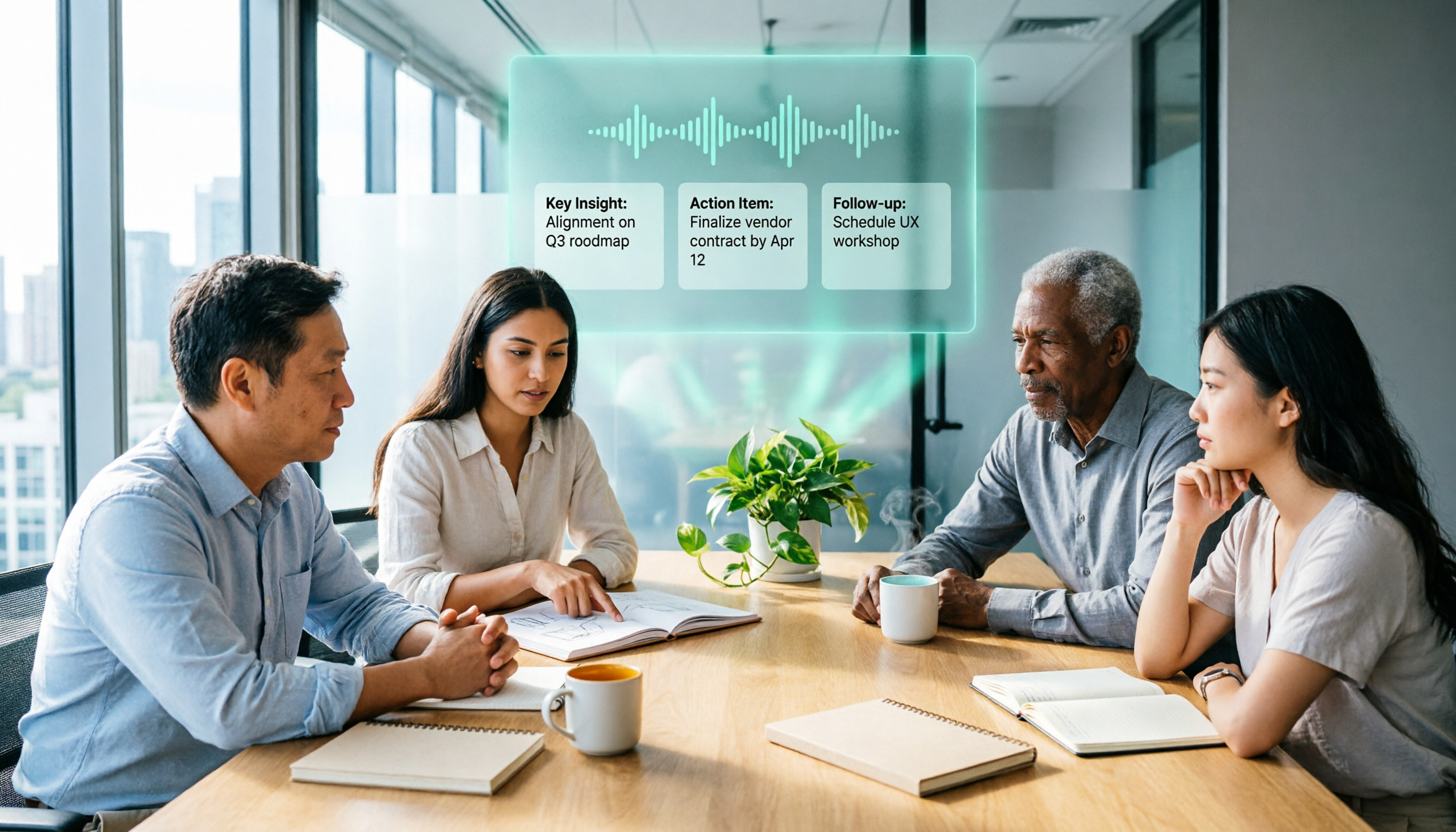
2026 AI Meeting Recorder Comparison: 3 Tools Tested, and the Notta Alternative Worth Buying
Thinking about Notta or comparing AI meeting note tools? This guide starts with what to clarify before buying, breaks down 5 key criteria—live transcription, bot-free recording, summaries and action items, AI Q&A, and team seat governance—and uses Tinrec as the main hands-on example, with team pricing and FAQs to help you spend on features you'll actually use.

2026 Voice-to-Text Tool Comparison: Tinrec vs Granola – Which Delivers More Complete Transcripts and Post-Meeting Organization?
Many people searching for voice-to-text tools actually want to turn meeting audio into searchable, queryable transcripts. This article compares Tinrec and Granola across five dimensions: input sources, audio retention, Chinese language experience, post-meeting organization, and team governance, helping you decide which tool better fits your meeting scenarios.

4 Audio-to-Text Tools Tested: Which Is Fastest for Chinese Meeting Transcripts in 2026?
Transcribing audio isn't just typing—you need to decide whether you want a transcript or a time-coded subtitle file. We tested Tinrec, cSubtitle, TurboScribe, and Notta with real meeting recordings, comparing Chinese recognition, post-meeting summaries, AI Q&A, team collaboration, and pricing limits to help you choose the right workflow for meeting notes, interview organization, and video subtitles.

5 Free Auto Subtitle Solutions Compared in 2026: What Tinrec Adds Beyond CapCut and pyTranscriber
There are many free auto subtitle tools, but their quota calculations, output formats, and post-meeting organization capabilities vary widely. This article starts with 5 common free solutions, breaks down what gaps Tinrec fills in audio-to-text, summarization, AI Q&A, and team collaboration, and includes version selection advice.

2026 Free Subtitle Generator Comparison: Which Tool Saves More Time on Chinese Meeting Transcripts?
How do you choose a free subtitle generator? This article compares two practical options, Tinrec and Otter.ai, across free quotas, Chinese transcription, meeting recording methods, post-meeting outputs, and team governance to help you decide which is better suited for Chinese meetings and video content organization.

2026 Comparison of 3 Online Subtitle Generators: Which Saves More Time for Chinese Meetings and Videos?
There are many online subtitle generation tools, but the key is whether the output is usable. This article starts with common misconceptions and compares Tinrec, Subanana, VEED, and Clideo on Chinese recognition, long audio processing, and post-meeting organization. It also covers free quotas, export formats, and practical limitations of team collaboration to help you choose the right tool.