

Turn recordings into transcripts and summaries in minutes
Upload audio or video for multilingual transcription, AI notes, and action items
2026 Audio-to-Text Tool Comparison: Which One Saves You the Most Time?
What Can Audio-to-Text Tools Do for You?
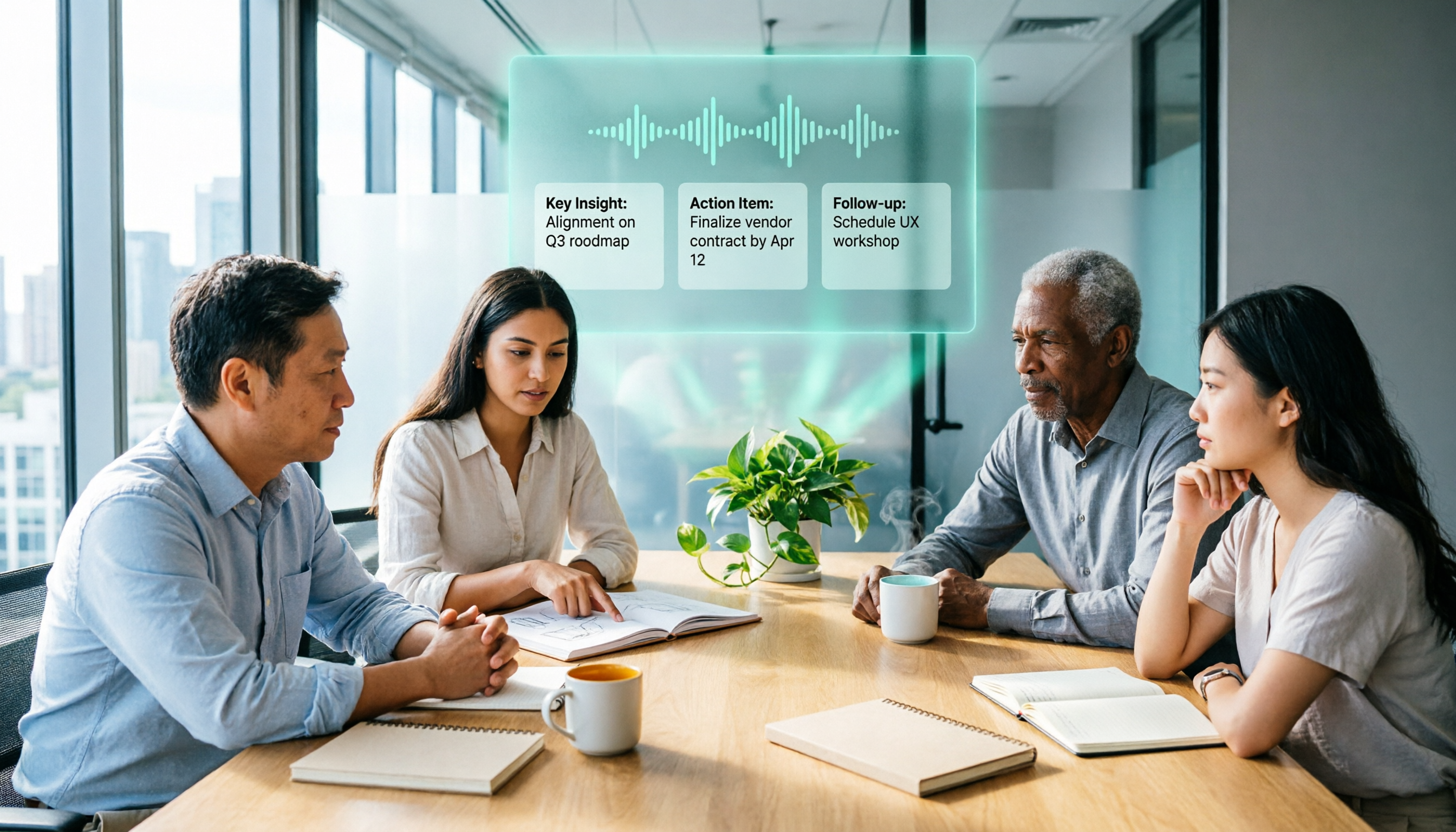
In the past, after a meeting you had to listen back to the recording and type out a verbatim transcript, often taking twice as long. For class recordings, you'd have to pause and replay repeatedly to take notes. Now, with AI audio-to-text tools, you can save a huge amount of time. Take Tinrec, for example: it transcribes in real time as you speak, automatically generates summaries and action items, and produces meeting minutes within 5 minutes of the meeting ending. Students can convert lecture recordings to text and use AI to organize key points by chapter, instantly boosting study efficiency.
What Are Tinrec's Core Audio-to-Text Capabilities?
Real-time transcript: get text as you record, not after. Tinrec's live transcription lag is under 1 second, so you can watch the words appear and confirm nothing important is missed. AI summaries: not just condensing the transcript, but organizing it structurally—meeting topic, discussion conclusions, action items, and owners listed separately. Chapter organization: long recordings are automatically split into chapters, each with a title, for quick navigation. Action item extraction: automatically pulls out who needs to do what and by when, so you don't have to search manually. AI Q&A: after transcription, you can ask Tinrec questions like "Who mentioned the budget?" or "What feedback did the client give?" It answers based on semantic understanding.
Real-World Use Cases
Meeting minutes: Hong Kong office workers are stuck in meetings all day and dread writing minutes. Tinrec can transcribe as you record, then automatically generate summaries and action items—you just review once and you're good, no more overtime listening to recordings. Class notes: College students record lectures, then use Tinrec at home to convert to text. It auto-splits into chapters, so when studying you can search keywords directly to find key points without listening from start to finish. Interview organization: Journalists doing interviews can drop recordings into Tinrec and get a transcript in minutes. They can even ask the AI "What is the interviewee's view on XX?" to quickly find key quotes. Content creation: YouTubers wanting to add subtitles to videos can use Tinrec to transcribe and export SRT subtitles, or paste a video link to transcribe other creators' videos for reference.
Stop organizing recordings by hand
Upload audio or video and automatically get a transcript, summary, and action items
4 Things to Consider When Choosing an Audio-to-Text Tool
- Accuracy: Don't just rely on official numbers—test with your own recordings. In our tests, Tinrec had a Cantonese error rate of about 8.3%, which is impressive; some tools have weaker Cantonese support and more errors.
- AI organization: Transcription is only the first step. The key is whether it can help you organize afterward. Tinrec's AI summaries and Q&A features save you even more time, while many tools just give you a raw transcript.
- Language support: If you need Cantonese transcription, make sure the tool really supports it. Tinrec supports 14 languages, including Cantonese, Mandarin, English, and others, covering the languages commonly used in Hong Kong.
- Cross-platform: Choose a tool that works on mobile and web for flexibility. Tinrec has iOS and Android apps and a web version, and it can integrate with online meetings like Zoom and Meet, which is very convenient.
Frequently Asked Questions
Q: Is audio-to-text free? A: Most tools offer free versions, but with limitations. Tinrec's free plan includes a basic monthly transcription quota, enough for a few trials. If you have heavy usage, consider the Pro plan—monthly or yearly pricing is reasonable.
Q: Does poor recording quality affect accuracy? A: Yes. Background noise, overlapping voices, and heavy accents can all reduce accuracy. Tinrec performs well with clear recordings, but in noisy environments, we recommend using an external microphone or sitting closer to the speaker.
Q: Can I edit the transcribed text? A: Yes. After transcription, Tinrec's transcript can be edited directly in the app, and you can export to formats like TXT, Word, and SRT for further use.
Q: What audio formats are supported? A: Tinrec supports common audio formats like MP3, WAV, and M4A, and you can also paste links to online videos from services like YouTube and Bilibili for transcription.
Conclusion
If you want to convert audio to text, you no longer have to type it out by hand—AI tools are already mature. After testing several tools, we think Tinrec is the best fit for Hong Kong users: not only is transcription accurate, it also organizes summaries and action items, and even supports Cantonese well. Whether you're in meetings, classes, or interviews, you can save a lot of time. If you're interested, download the Tinrec free version to try it—there's a free monthly quota. Once you experience it, you'll know how much AI can help.
References
Turn every recording into actionable outcomes
Get 60 free transcription minutes when you sign in. No credit card required.
Related Reading
You might also like

2025 Comparison of 3 Audio-to-Text Tools: Notta vs. Tinrec for Chinese Meeting Notes—Which Saves More Time?
When choosing a meeting notes tool in 2025, don't just look at how many minutes are included each month. This article starts from three decision points: how audio gets in, what can be produced after transcription, and whether team data remains when people change. It compares Notta, Tinrec, and Otter, and breaks down Tinrec's bot-free recording, AI Q&A, action item extraction, and team spaces to help you decide which one truly saves that hour after meetings.

2026 Free Voice Translation Guide: Tinrec Real-Time Bilingual Subtitles + Transcript Organization
A hands-on comparison of Vidnoz and Tinrec, two voice translation tools you can start using for free, broken down across five dimensions: real-time performance, post-meeting output, audio sources, free quota, and team collaboration, to help you decide which one fits your meeting notes and video dubbing needs.

Tinrec vs Notta in 2026: 5-Dimension Comparison — Which Chinese Meeting Transcription App Is Worth Downloading?
Before searching for 'Notta AI app download,' understand the real limits of the free tier and how online meetings are captured. This article compares Tinrec and Notta across 5 dimensions—meeting audio source, post-meeting organization, Chinese performance, team collaboration, and quota calculation—to help you decide which app to download.
2026 AI Meeting Recorder Comparison: 3 Tools Tested, and the Notta Alternative Worth Buying
Thinking about Notta or comparing AI meeting note tools? This guide starts with what to clarify before buying, breaks down 5 key criteria—live transcription, bot-free recording, summaries and action items, AI Q&A, and team seat governance—and uses Tinrec as the main hands-on example, with team pricing and FAQs to help you spend on features you'll actually use.

2026 Voice-to-Text Tool Comparison: Tinrec vs Granola – Which Delivers More Complete Transcripts and Post-Meeting Organization?
Many people searching for voice-to-text tools actually want to turn meeting audio into searchable, queryable transcripts. This article compares Tinrec and Granola across five dimensions: input sources, audio retention, Chinese language experience, post-meeting organization, and team governance, helping you decide which tool better fits your meeting scenarios.

4 Audio-to-Text Tools Tested: Which Is Fastest for Chinese Meeting Transcripts in 2026?
Transcribing audio isn't just typing—you need to decide whether you want a transcript or a time-coded subtitle file. We tested Tinrec, cSubtitle, TurboScribe, and Notta with real meeting recordings, comparing Chinese recognition, post-meeting summaries, AI Q&A, team collaboration, and pricing limits to help you choose the right workflow for meeting notes, interview organization, and video subtitles.

5 Free Auto Subtitle Solutions Compared in 2026: What Tinrec Adds Beyond CapCut and pyTranscriber
There are many free auto subtitle tools, but their quota calculations, output formats, and post-meeting organization capabilities vary widely. This article starts with 5 common free solutions, breaks down what gaps Tinrec fills in audio-to-text, summarization, AI Q&A, and team collaboration, and includes version selection advice.

2026 Free Subtitle Generator Comparison: Which Tool Saves More Time on Chinese Meeting Transcripts?
How do you choose a free subtitle generator? This article compares two practical options, Tinrec and Otter.ai, across free quotas, Chinese transcription, meeting recording methods, post-meeting outputs, and team governance to help you decide which is better suited for Chinese meetings and video content organization.

2026 Comparison of 3 Online Subtitle Generators: Which Saves More Time for Chinese Meetings and Videos?
There are many online subtitle generation tools, but the key is whether the output is usable. This article starts with common misconceptions and compares Tinrec, Subanana, VEED, and Clideo on Chinese recognition, long audio processing, and post-meeting organization. It also covers free quotas, export formats, and practical limitations of team collaboration to help you choose the right tool.