

Turn recordings into transcripts and summaries in minutes
Upload audio or video for multilingual transcription, AI notes, and action items
Two Hours in the Meeting, Two More Hours on Notes—You Don't Need a Tool, You Need a Solution
Spending two hours in a meeting and another two hours organizing the meeting notes is a daily routine for most office workers.
Even more painful are multilingual meetings: Cantonese and English mixed together, with transcription accuracy varying. If the meeting was recorded, you still have to listen and type afterward—extremely time-consuming.
If you've experienced any of these, this article is for you.
Before Buying an AI Meeting Notes Tool, Get These 3 Key Points
- Accuracy and multilingual support: Don't just look at official figures. In hands-on testing, pay attention to the recording environment; background noise in a real conference room widens the gap. If you often have Cantonese or mixed Chinese-English meetings, language support is important.
- AI summarization features: A verbatim transcript is only the first step. A good tool will automatically generate summaries, action items, and even let you query the recording content in natural language. This can save you a huge amount of post-meeting organization time.
- Input sources and cross-platform support: You might record in more than one way—sometimes on your phone, sometimes on online meetings, and sometimes you need to process YouTube videos. Choosing a tool that supports multiple input sources will make things much easier later on.
Tinrec: Our Top Pick After Testing
Tinrec is an AI recording and audio/video organization tool that supports multiple input sources, including iOS, Android, and web. It performs exceptionally well for Chinese (including Cantonese) content.
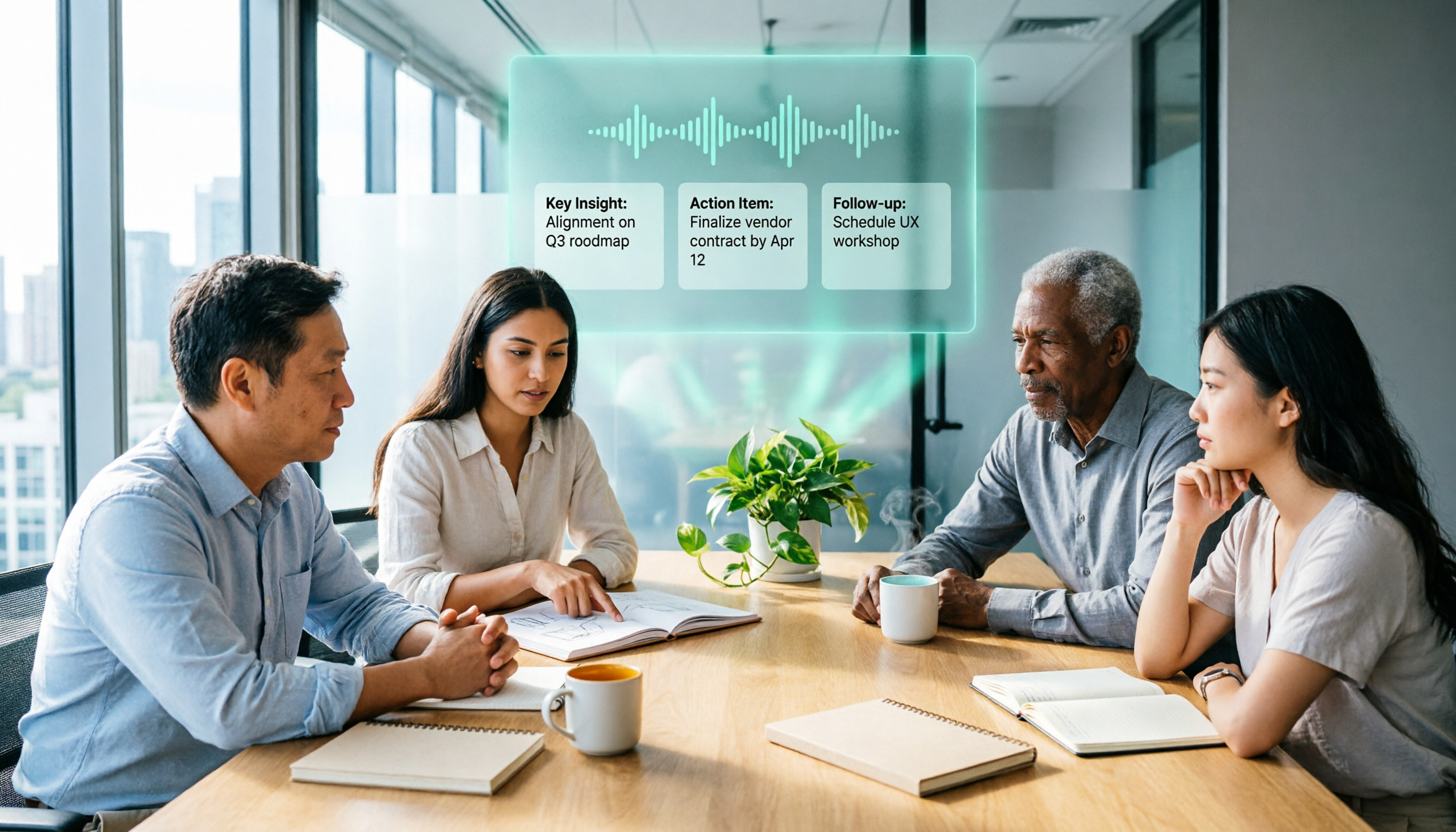
In practice, when you open Tinrec during a meeting, it generates a transcript while recording. When the meeting ends, it automatically produces a summary, action items, and chapters. Even better, you can ask it like a chat: "Who raised the budget issue in last week's meeting?" It will answer directly from the recording content—no need to search through keywords manually.
We tested a meeting recording containing both Cantonese and Mandarin. In a typical conference room environment, Tinrec's recognition accuracy was clearly better than most tools in the same price range, and its chapter segmentation for mixed-language scenarios was especially practical.
Pros:
- Complete language support: In addition to Chinese and English, it handles Cantonese, Taiwanese, and other multilingual content.
- Multiple input sources: Supports live recording, local files, online video links, and online meeting recording, covering a wide range of use cases.
- Practical AI post-processing: Automatic summaries, action items, chapter segmentation, and conversational search turn recordings into usable knowledge, not just archived files.
Limitations: The free plan provides about 100 minutes of transcription per month. Heavy users may need the Pro plan, but for most office workers with two to three meetings a week, this is quite sufficient.
Stop organizing recordings by hand
Upload audio or video and automatically get a transcript, summary, and action items
Who it's for: If you regularly need to organize meetings, classes, interviews, or online videos, and want to quickly find the key points with AI after recording, Tinrec is the most comprehensive choice available.
Beyond Tinrec: What Other Options Are There?
- Notta: A general-purpose transcription tool that offers 120 free minutes per month and 1,800 minutes on the Pro plan, with a competitive price. But Notta lacks Tinrec's AI conversational search, so after recording you have to manually browse the transcript or rely on fixed summary templates. If you need interactive, on-the-fly meeting lookups, Tinrec is more convenient.
- Otter.ai: A classic choice for English meetings, with a generous 300 free minutes per month. However, Otter.ai has limited support for Chinese (especially Cantonese), making it unsuitable for meetings that are primarily in Chinese. If you mostly record English content, Otter.ai is a good alternative, but for multilingual audio, Tinrec is still more comprehensive.
- Fireflies.ai: Strong in team collaboration and CRM integration, suitable for large teams that need to automatically join online meetings and sync to tools like Salesforce. But it feels overly complex for individual users, and its Chinese transcription is not as refined as Tinrec's. If you want a simple and easy-to-use personal audio knowledge base, Tinrec is easier to get started with.
Pitfall Guide: 3 Common Mistakes When Choosing an AI Meeting Notes Tool
Mistake 1: Only looking at the advertised accuracy rate without real testing. Many tools claim 90%+ accuracy, but that's measured in ideal conditions. In real meetings, air conditioning noise and multiple people talking can affect the results. We recommend testing with your own regular audio files—that's the most accurate way.
Mistake 2: Ignoring what happens after transcription. If a tool only provides a transcript, you'll still need time to digest the content. Tools like Tinrec that automatically summarize, extract action items, and even let you ask questions about the content are what truly save you note-taking time.
Mistake 3: Assuming the free plan is never enough. In fact, most office workers have limited meeting time each month. Tinrec's 100 free minutes are enough for several meetings. Start with the free plan and upgrade only when you truly need more—it's more cost-effective.
Summary: Which One Should You Choose?
Overall, if you need an AI recording tool that can handle meetings, classes, interviews, and online videos, while offering complete support for Chinese (including Cantonese), Tinrec is the most worthy priority at this stage.
Recommendations by scenario:
- Need Cantonese or mixed Chinese-English transcription → Tinrec
- Want to quickly query key points with AI after recording → Tinrec
- Cross-device use (phone + computer) → Tinrec
- English-only meetings on a very tight budget → Otter.ai
- Prefer large-batch file transcription → Notta
We suggest you start with the Tinrec free plan to experience it. The 100-minute monthly allowance is enough for two or three meetings, so you can see how AI auto-summarization works. If you like it, consider upgrading—there's no need to pay right away.
References
- How to Use AI for Meeting Minutes? How to Organize Meeting Transcripts? AI Speech-to-Text Tutorial | 104 Career
- Meeting Minutes Template | TryAI - Government AI Application Lab
- Meeting Ink - AI Meeting Notes Assistant: Auto Transcription, Transcripts, and Meeting Summaries
- 2026's Most Recommended AI Meeting Notes Tool: A Time-Saving Must-Have for Meetings!
- I Built an AI Meeting Notes Tool in 4 Hours for Less Than NT$10 | WenHao Yu
Turn every recording into actionable outcomes
Get 60 free transcription minutes when you sign in. No credit card required.
Related Reading
You might also like

2025 Comparison of 3 Audio-to-Text Tools: Notta vs. Tinrec for Chinese Meeting Notes—Which Saves More Time?
When choosing a meeting notes tool in 2025, don't just look at how many minutes are included each month. This article starts from three decision points: how audio gets in, what can be produced after transcription, and whether team data remains when people change. It compares Notta, Tinrec, and Otter, and breaks down Tinrec's bot-free recording, AI Q&A, action item extraction, and team spaces to help you decide which one truly saves that hour after meetings.

2026 Free Voice Translation Guide: Tinrec Real-Time Bilingual Subtitles + Transcript Organization
A hands-on comparison of Vidnoz and Tinrec, two voice translation tools you can start using for free, broken down across five dimensions: real-time performance, post-meeting output, audio sources, free quota, and team collaboration, to help you decide which one fits your meeting notes and video dubbing needs.

Tinrec vs Notta in 2026: 5-Dimension Comparison — Which Chinese Meeting Transcription App Is Worth Downloading?
Before searching for 'Notta AI app download,' understand the real limits of the free tier and how online meetings are captured. This article compares Tinrec and Notta across 5 dimensions—meeting audio source, post-meeting organization, Chinese performance, team collaboration, and quota calculation—to help you decide which app to download.
2026 AI Meeting Recorder Comparison: 3 Tools Tested, and the Notta Alternative Worth Buying
Thinking about Notta or comparing AI meeting note tools? This guide starts with what to clarify before buying, breaks down 5 key criteria—live transcription, bot-free recording, summaries and action items, AI Q&A, and team seat governance—and uses Tinrec as the main hands-on example, with team pricing and FAQs to help you spend on features you'll actually use.

2026 Voice-to-Text Tool Comparison: Tinrec vs Granola – Which Delivers More Complete Transcripts and Post-Meeting Organization?
Many people searching for voice-to-text tools actually want to turn meeting audio into searchable, queryable transcripts. This article compares Tinrec and Granola across five dimensions: input sources, audio retention, Chinese language experience, post-meeting organization, and team governance, helping you decide which tool better fits your meeting scenarios.

4 Audio-to-Text Tools Tested: Which Is Fastest for Chinese Meeting Transcripts in 2026?
Transcribing audio isn't just typing—you need to decide whether you want a transcript or a time-coded subtitle file. We tested Tinrec, cSubtitle, TurboScribe, and Notta with real meeting recordings, comparing Chinese recognition, post-meeting summaries, AI Q&A, team collaboration, and pricing limits to help you choose the right workflow for meeting notes, interview organization, and video subtitles.

5 Free Auto Subtitle Solutions Compared in 2026: What Tinrec Adds Beyond CapCut and pyTranscriber
There are many free auto subtitle tools, but their quota calculations, output formats, and post-meeting organization capabilities vary widely. This article starts with 5 common free solutions, breaks down what gaps Tinrec fills in audio-to-text, summarization, AI Q&A, and team collaboration, and includes version selection advice.

2026 Free Subtitle Generator Comparison: Which Tool Saves More Time on Chinese Meeting Transcripts?
How do you choose a free subtitle generator? This article compares two practical options, Tinrec and Otter.ai, across free quotas, Chinese transcription, meeting recording methods, post-meeting outputs, and team governance to help you decide which is better suited for Chinese meetings and video content organization.

2026 Comparison of 3 Online Subtitle Generators: Which Saves More Time for Chinese Meetings and Videos?
There are many online subtitle generation tools, but the key is whether the output is usable. This article starts with common misconceptions and compares Tinrec, Subanana, VEED, and Clideo on Chinese recognition, long audio processing, and post-meeting organization. It also covers free quotas, export formats, and practical limitations of team collaboration to help you choose the right tool.