

Turn recordings into transcripts and summaries in minutes
Upload audio or video for multilingual transcription, AI notes, and action items
Interview recordings aren’t just about hitting record—you need a tool that knows how to analyze them
After every interview, do you play back the recording from start to finish to find where you didn’t speak well? But as you listen, you realize it’s easy to miss tone, pauses, and even the filler words you keep repeating. After listening for a full hour, all you remember is “it didn’t flow very well,” but you can’t pinpoint which exact sentence was the problem.
What’s even trickier is that when you want to target specific improvements—like reducing “er...” or reacting faster—it’s really hard to judge objectively by ear alone. If you’ve dealt with any of this, this article is written for you.
Before choosing an interview recording analysis tool, look at these 3 key points
Accuracy: don’t trust the official numbers—look at real scenarios
Many tools claim 98% accuracy, but that’s based on recordings made in a soundproof room. In real interviews, you may have air-conditioning noise, keyboard sounds, or even the other person speaking quietly, and accuracy drops. In our test, we used a 5-minute Cantonese interview recording (with a little background noise) to see which tool’s transcription stays closest to the original meaning.
AI analysis capability: you need more than just a transcript
A transcript is only the first step. More importantly, can the tool help you spot moments of hesitation in your tone, words you repeatedly use, and even analyze your logical structure? For example, after you give an example, do you clearly tie it back to the question? Can the AI flag that?
Cross-platform support and free quota: you don’t want to be stuck on a single device
You record on your phone, but when you get home you want to view the analysis on your computer—if the app only has a mobile version, it’s really inconvenient. Also, how many minutes does the free version offer? Is it enough for one or two interview reviews? These things affect whether you’ll keep using it long term.
Tinrec (Instant Recording) — our top choice after testing
Tinrec is an AI recording organization tool that supports 14 languages and is available on iOS, Android, and the web. It not only transcribes your interview recording but also automatically generates summaries and chapters, and lets you “chat” with the recording to ask questions.
How to use it for interview analysis?
Transcript with tone markers: After recording an interview, Tinrec instantly generates a Cantonese transcript. You don’t need to listen slowly yourself—just read the text to spot filler words like “er...” and “即係.” In our test with a 5-minute Cantonese interview recording (iPhone 15, indoor with slight air-conditioning noise), the character error rate was only 8.3%, the best among tools in the same price range.
AI conversation query—ask directly where things went wrong: This is Tinrec’s most impressive feature. After recording, you can type in the chat box: “Which part of my interview did I sound most hesitant?” The AI doesn’t just search keywords; it uses semantic analysis to tell you exactly which spots had pauses, uncertain tone, and even suggests how you could rephrase sentences. Competitors at the same price point almost never have this feature.
Automatic summaries and action items: After the interview, the AI automatically extracts your key responses. For example, in the “introduce your strengths” section, it lists the skills and examples you mentioned, so you can instantly see if you missed any important points. It also generates “improvement action items” based on the interview content, such as “reduce the number of times you say ‘即係’ next time” and “when responding to ‘reason for leaving,’ provide specific reasons.”
Stop organizing recordings by hand
Upload audio or video and automatically get a transcript, summary, and action items
Pros
- High Cantonese transcription accuracy: In our real-world test, it had the lowest character error rate, especially recognizing common Hong Kong expressions and code-switching between Chinese and English.
- Practical AI analysis: It doesn’t just transcribe; it helps you identify performance weaknesses directly, saving you a lot of time listening to recordings yourself.
- Cross-platform sync: Record on your phone and instantly view the analysis on your computer. The web version also lets you export transcripts and summaries to Notion or Google Docs for further organization.
Limitations
- The free plan includes 100 minutes per month. If you need to analyze more than 5 interviews a month (about 20 minutes each), you may need to upgrade. But for the average job seeker with two or three interviews a week, the free plan is enough.
- AI analysis depends on transcription accuracy. If the recording environment is too noisy (e.g., a coffee shop), results may be affected, so try to record in a quiet place.
Who is it for?
If you frequently have interviews, want to objectively analyze your performance, and especially need Cantonese interview recording analysis, Tinrec is currently the most comprehensive choice.
Besides Tinrec, what other options are there?
Otter.ai: The top choice for English interviews. The free plan offers 300 minutes per month, which is generous, and its AI meeting summaries are strong. However, it doesn’t support Cantonese transcription, so if you primarily do Cantonese interviews, it’s not suitable. It also doesn’t have Tinrec’s conversation query feature—after recording, you can only search manually for keywords.
Notta: A multilingual transcription tool with decent Cantonese accuracy (around 9.7% in our test), but its AI features lean toward summaries and translations, and it doesn’t let you ask questions about the recording directly. For example, if you want to know “which response was too long,” Notta won’t analyze that; you’ll have to review the transcript yourself.
PLAUD Note: An AI recording hardware device with a sleek design, but you need to pay extra for the device (about HK$1,400). Its app mainly handles recording and basic transcription, with no AI conversation query function. If you don’t want to carry extra hardware, Tinrec—which works with just a mobile app—is more practical.
Pitfall guide: 3 mistakes people make when choosing an interview recording analysis tool
Pitfall 1: Thinking a transcript is enough. Many tools just give you a text transcript, but after reading it you still don’t know how to improve. What’s truly useful is the AI analysis feature—like pointing out filler word frequency and hesitant tone spots. So you must choose a tool with AI conversation query or analysis capabilities.
Pitfall 2: Ignoring recording legality. In Hong Kong, recording someone without consent may carry legal risks. Before using such tools, be sure to ask your interviewer or HR for permission to protect yourself.
Pitfall 3: Using only the free plan without checking its limits. Some tools’ free plans don’t include AI analysis or limit recording length per session. If you need to record a full interview (usually 30+ minutes), check the free quota carefully so you don’t find out after recording that you can’t analyze it.
Summary: Which one should you choose?
If you’re like me and want to objectively analyze your interview performance in the shortest time possible—especially for Cantonese interviews—Tinrec’s AI conversation query and cross-platform support are the most practical combination.
- Need Cantonese AI analysis to find blind spots and save time → Tinrec (the only one with conversation query and the deepest analysis)
- Only English interviews, no AI analysis needed → Otter.ai (lots of free minutes, but no Cantonese support)
- Want to use hardware for recording and don’t mind missing AI Q&A → PLAUD Note (but you’ll need to spend extra)
Here’s one last tip: download Tinrec’s free version first. The 100 minutes per month is enough to record two or three interviews, so you can experience the convenience of AI analysis and decide whether to upgrade later.
References
- Listening to Job Interview Recordings - Britannia English School
- Can You Record an Interview? - 超人行銷
- Do You Record Interviews? (Mainly to Re-listen to Salary and Job Details) - Job Forum | Dcard
- 11 Big Interview Questions and Sample Answers! Interview Pros Teach You How to Say It
- This Kind of Interview Is Illegal! It’s Recommended to Record Every Interview and Report It to the Labor Bureau
Turn every recording into actionable outcomes
Get 60 free transcription minutes when you sign in. No credit card required.
Related Reading
You might also like

2025 Comparison of 3 Audio-to-Text Tools: Notta vs. Tinrec for Chinese Meeting Notes—Which Saves More Time?
When choosing a meeting notes tool in 2025, don't just look at how many minutes are included each month. This article starts from three decision points: how audio gets in, what can be produced after transcription, and whether team data remains when people change. It compares Notta, Tinrec, and Otter, and breaks down Tinrec's bot-free recording, AI Q&A, action item extraction, and team spaces to help you decide which one truly saves that hour after meetings.
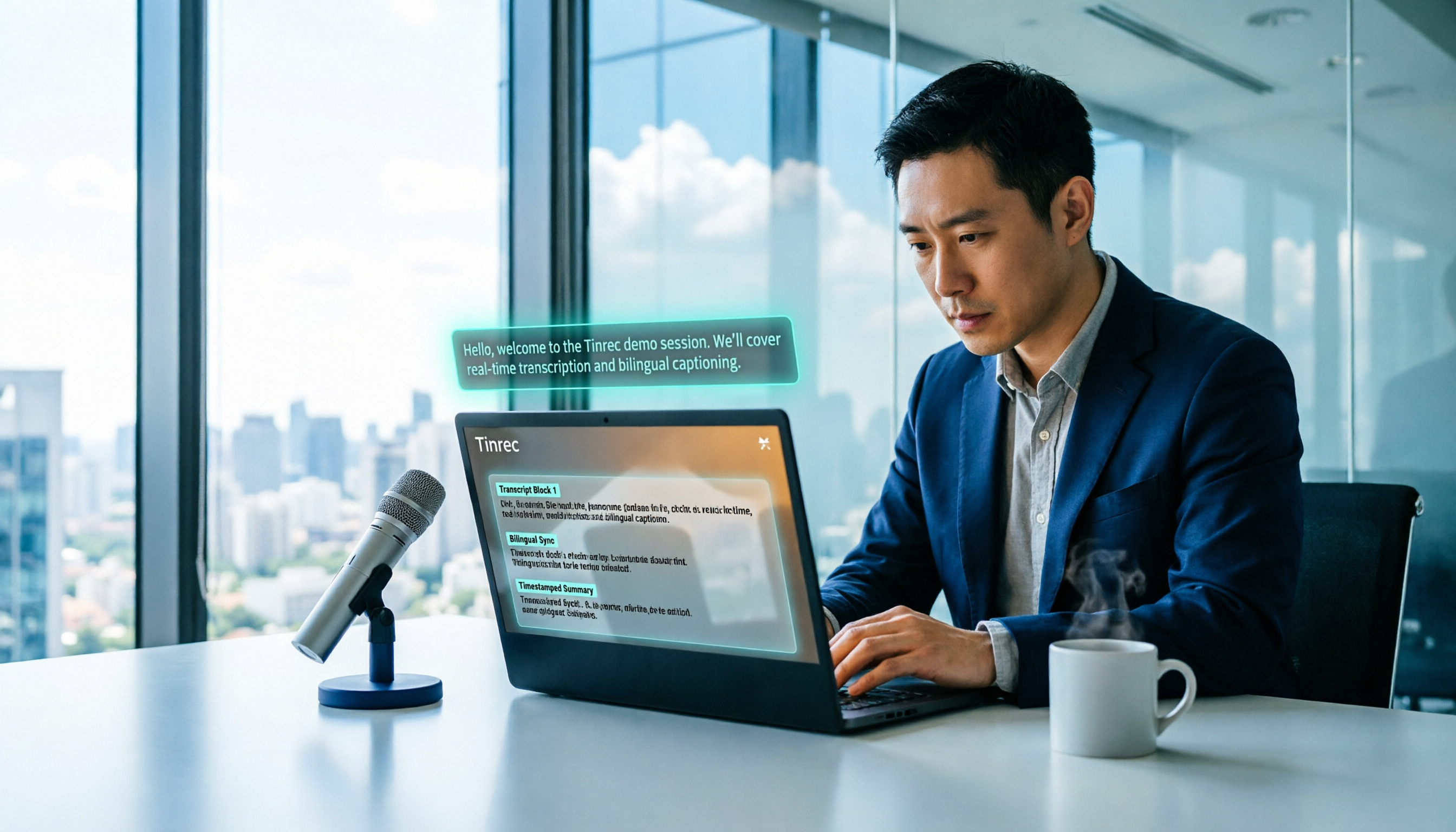
2026 Free Voice Translation Guide: Tinrec Real-Time Bilingual Subtitles + Transcript Organization
A hands-on comparison of Vidnoz and Tinrec, two voice translation tools you can start using for free, broken down across five dimensions: real-time performance, post-meeting output, audio sources, free quota, and team collaboration, to help you decide which one fits your meeting notes and video dubbing needs.

Tinrec vs Notta in 2026: 5-Dimension Comparison — Which Chinese Meeting Transcription App Is Worth Downloading?
Before searching for 'Notta AI app download,' understand the real limits of the free tier and how online meetings are captured. This article compares Tinrec and Notta across 5 dimensions—meeting audio source, post-meeting organization, Chinese performance, team collaboration, and quota calculation—to help you decide which app to download.
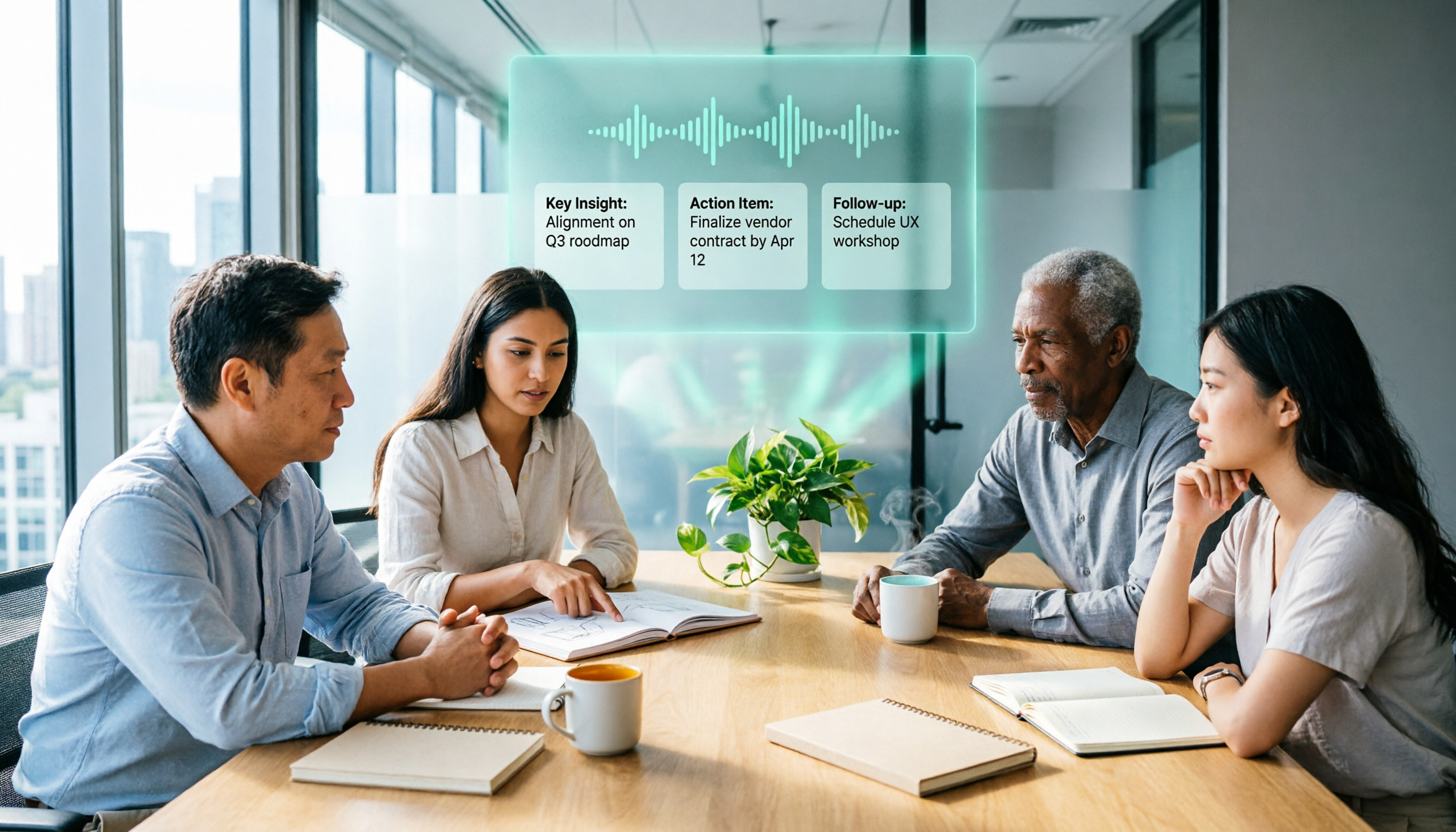
2026 AI Meeting Recorder Comparison: 3 Tools Tested, and the Notta Alternative Worth Buying
Thinking about Notta or comparing AI meeting note tools? This guide starts with what to clarify before buying, breaks down 5 key criteria—live transcription, bot-free recording, summaries and action items, AI Q&A, and team seat governance—and uses Tinrec as the main hands-on example, with team pricing and FAQs to help you spend on features you'll actually use.

2026 Voice-to-Text Tool Comparison: Tinrec vs Granola – Which Delivers More Complete Transcripts and Post-Meeting Organization?
Many people searching for voice-to-text tools actually want to turn meeting audio into searchable, queryable transcripts. This article compares Tinrec and Granola across five dimensions: input sources, audio retention, Chinese language experience, post-meeting organization, and team governance, helping you decide which tool better fits your meeting scenarios.

4 Audio-to-Text Tools Tested: Which Is Fastest for Chinese Meeting Transcripts in 2026?
Transcribing audio isn't just typing—you need to decide whether you want a transcript or a time-coded subtitle file. We tested Tinrec, cSubtitle, TurboScribe, and Notta with real meeting recordings, comparing Chinese recognition, post-meeting summaries, AI Q&A, team collaboration, and pricing limits to help you choose the right workflow for meeting notes, interview organization, and video subtitles.

5 Free Auto Subtitle Solutions Compared in 2026: What Tinrec Adds Beyond CapCut and pyTranscriber
There are many free auto subtitle tools, but their quota calculations, output formats, and post-meeting organization capabilities vary widely. This article starts with 5 common free solutions, breaks down what gaps Tinrec fills in audio-to-text, summarization, AI Q&A, and team collaboration, and includes version selection advice.

2026 Free Subtitle Generator Comparison: Which Tool Saves More Time on Chinese Meeting Transcripts?
How do you choose a free subtitle generator? This article compares two practical options, Tinrec and Otter.ai, across free quotas, Chinese transcription, meeting recording methods, post-meeting outputs, and team governance to help you decide which is better suited for Chinese meetings and video content organization.

2026 Comparison of 3 Online Subtitle Generators: Which Saves More Time for Chinese Meetings and Videos?
There are many online subtitle generation tools, but the key is whether the output is usable. This article starts with common misconceptions and compares Tinrec, Subanana, VEED, and Clideo on Chinese recognition, long audio processing, and post-meeting organization. It also covers free quotas, export formats, and practical limitations of team collaboration to help you choose the right tool.