

Turn recordings into transcripts and summaries in minutes
Upload audio or video for multilingual transcription, AI notes, and action items
2026 Tinrec vs Otter.ai: Business Call Recording Summaries – 5 Key Dimensions Compared, Who Wins?
Sales Pain Points: A Pile of Call Recordings, and Summarizing Them Takes Time and Effort
With multiple client calls every day, listening back to recordings to write down key points is a huge time sink. Clients mention needs, budgets, and competitors—miss a single detail and you're scrubbing through the audio again. Traditional recording only archives; it doesn't organize anything. Taking manual notes can easily interrupt the flow of the conversation. Choosing the right AI recording and summarizing tool turns customer conversations into actionable insights instantly.
5 Key Points to Understand Before Choosing an AI Call Recording & Summary Tool
Chinese speech recognition: Most sales conversations are in Chinese, with accents and industry jargon—the tool must transcribe accurately to avoid misunderstandings. Some English-first tools have poor Chinese support, with errors in phrase segmentation and proper nouns.
AI-powered summarization: A transcript is only the first step. Auto-generated summaries, to-do items, and even conversational queries are what actually save time. If you still have to listen back to find the highlights after recording, the tool has only done half the job.
Cross-platform support: Sales reps often call clients on their phones and then organize information on their computers. It's only truly convenient if it works on iOS, Android, and the web. Being locked to a single device severely limits flexibility.
Generous free tier: Try before you buy. The free allowance should let you test a few real calls to see if the tool fits. Don't only look at the number of minutes—how well it summarizes matters more.
Multi-source compatibility: Besides phone recordings, clients sometimes send videos or meeting audio files. Can the tool handle those sources? A single hub for organizing all audio and video files beats juggling multiple tools.
Tinrec (秒聽錄音) – My Top Pick After Hands-On Testing
Tinrec is a multilingual, cross-platform AI recording and audio/video organization tool, especially well-suited for Chinese business scenarios.
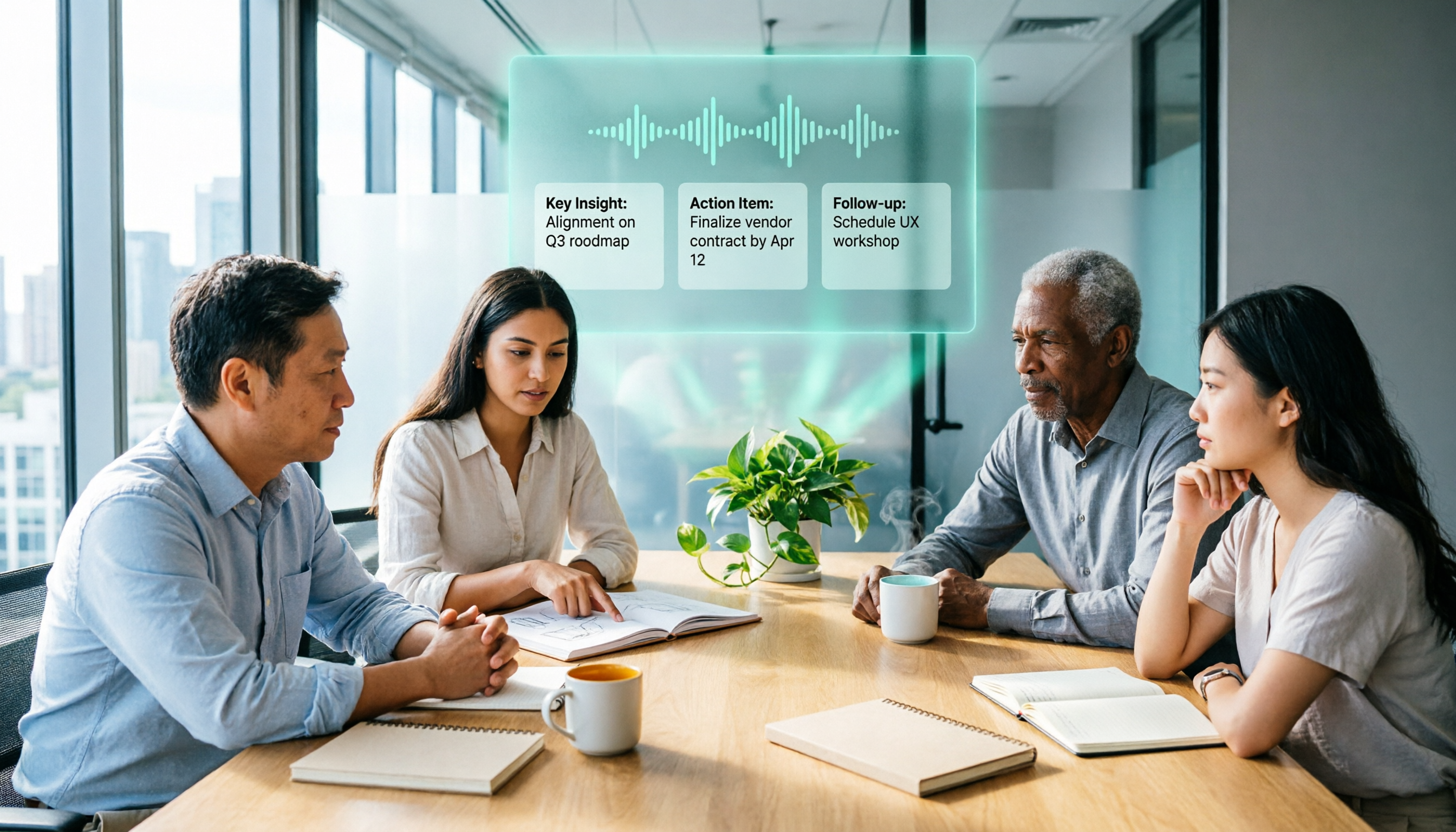
Real-time transcription and summarization: Open Tinrec during a client call, and it generates a transcript as you talk. When the call ends, the AI automatically creates a summary and action items, making the client's needs, budget, and timelines instantly clear. No more scrambling to take notes while you talk—just focus on the conversation.
AI conversation queries for quick retrieval: After recording, you can ask Tinrec directly: "What was the budget figure Mr. Chang mentioned last time?" It gives you the answer based on semantics, not just keyword search results. Few competitors in the same price range currently offer this feature, making it extremely useful for salespeople who need to quickly recall key conversation points.
Web video and file transcription: For product demo videos or meeting recordings your client sends, just paste the link or upload the file, and Tinrec converts it to text and organizes the key points. No need for a separate tool—all your audio and video materials are organized in one place.
Pros:
Stop organizing recordings by hand
Upload audio or video and automatically get a transcript, summary, and action items
- Stable Chinese recognition quality: Under typical mobile call and meeting recording conditions, it adapts well to Taiwanese accents and industry jargon.
- Actionable output: It doesn't just give you a transcript; AI summaries, to-do extraction, and exports to Notion let you move straight to the next step.
- Cross-platform & free trial: Supports iOS, Android, and web. The free plan includes a monthly allowance for testing, so you can evaluate before deciding whether to pay.
Limitations: The free version has a monthly usage-hour cap; heavy users will need to upgrade to a paid plan. But for most salespeople, the allowance covers a few key calls per week. If you're in a project rush, weekly or monthly cards offer flexibility.
Who it's for: If you often need to summarize Chinese client calls, want to query your recordings like a database after the call, and need more than just mobile use—Tinrec is the option most worth trying right now.
What Are the Alternatives to Tinrec?
Otter.ai: Known for English meeting notes, with a generous free plan offering 300 minutes per month. However, its Chinese transcription quality falls short of its English performance, and it lacks AI conversation queries (keyword search only). If you primarily handle English calls, Otter is more cost-effective; but for Chinese business scenarios, Tinrec offers deeper organization.
Notta: A multilingual transcription tool with a free plan of 120 minutes per month and higher-minute Pro plans. But Notta excels at subtitles and translation; its AI summarization and conversation query features are weaker. Compared with Tinrec, Tinrec is more complete at "turning recordings into actionable meeting notes," making it better for salespeople who need to quickly extract action items.
Pitfall Guide: 3 Most Common Mistakes When Choosing an AI Call Recording & Summary Tool
Pitfall 1: Focusing only on transcription minutes and ignoring summarization capabilities Many tools compete on free minutes, but if you're only given a raw transcript, you still have to spend time finding the key points yourself. Tinrec's auto summaries, to-dos, and AI Q&A can save you even more follow-up time—that's what you should actually compare.
Pitfall 2: Overlooking real-world Chinese performance Some internationally known tools (like Otter) are strong in English, but their Chinese transcription often has phrase segmentation errors and misrecognized proper nouns. Always test each tool with your own real recordings, not just the marketing on their websites.
Pitfall 3: Buying the tool but using only half of its features Many people treat an AI recording tool as just "speech-to-text" and never use its AI organization features. After recording, you should ask the AI to generate meeting notes and action items, and try using the Q&A function to search past recordings—that's how you get the most value.
Summary: Which One Should You Choose?
If your primary use case is summarizing Chinese business calls, and you need to quickly extract key points and action items while being able to query conversation content at any time—Tinrec is the hands-on choice. It's not just a transcriber; it's a full audio/video organization workspace that turns recordings into truly usable knowledge.
If your primary need is English meetings and you have a zero budget, Otter.ai's free plan is worth considering; if you need heavy subtitle translation, Notta is also an option. But for most sales professionals in Taiwan, starting with Tinrec's free version is the most practical way in—the monthly allowance is enough to organize several key calls. After experiencing the efficiency of AI summarization, you can decide whether to upgrade based on your usage.
References
- Business PBX Phone Recording System | Cloud and On-Premise Solutions for Every Need - PBX MOT/PBX
- Sales Skills Masterclass: 11 Tips & Scripts to Break Through Performance Plateaus - Career Sustaining Services Leader
- How to Choose Office Phone Recording? Cloud vs. Recording Box Complete Guide! | EVOX Blog
- EMBA Magazine - Ten Secret Selling Skills of Successful Salespeople
- One Process to Handle 80% of Sales Scenarios! Liu Run: The 6 Steps of a Sales Pro - Liu Run's Column | Business Weekly
Turn every recording into actionable outcomes
Get 60 free transcription minutes when you sign in. No credit card required.
Related Reading
You might also like

2025 Comparison of 3 Audio-to-Text Tools: Notta vs. Tinrec for Chinese Meeting Notes—Which Saves More Time?
When choosing a meeting notes tool in 2025, don't just look at how many minutes are included each month. This article starts from three decision points: how audio gets in, what can be produced after transcription, and whether team data remains when people change. It compares Notta, Tinrec, and Otter, and breaks down Tinrec's bot-free recording, AI Q&A, action item extraction, and team spaces to help you decide which one truly saves that hour after meetings.

2026 Free Voice Translation Guide: Tinrec Real-Time Bilingual Subtitles + Transcript Organization
A hands-on comparison of Vidnoz and Tinrec, two voice translation tools you can start using for free, broken down across five dimensions: real-time performance, post-meeting output, audio sources, free quota, and team collaboration, to help you decide which one fits your meeting notes and video dubbing needs.

Tinrec vs Notta in 2026: 5-Dimension Comparison — Which Chinese Meeting Transcription App Is Worth Downloading?
Before searching for 'Notta AI app download,' understand the real limits of the free tier and how online meetings are captured. This article compares Tinrec and Notta across 5 dimensions—meeting audio source, post-meeting organization, Chinese performance, team collaboration, and quota calculation—to help you decide which app to download.
2026 AI Meeting Recorder Comparison: 3 Tools Tested, and the Notta Alternative Worth Buying
Thinking about Notta or comparing AI meeting note tools? This guide starts with what to clarify before buying, breaks down 5 key criteria—live transcription, bot-free recording, summaries and action items, AI Q&A, and team seat governance—and uses Tinrec as the main hands-on example, with team pricing and FAQs to help you spend on features you'll actually use.

2026 Voice-to-Text Tool Comparison: Tinrec vs Granola – Which Delivers More Complete Transcripts and Post-Meeting Organization?
Many people searching for voice-to-text tools actually want to turn meeting audio into searchable, queryable transcripts. This article compares Tinrec and Granola across five dimensions: input sources, audio retention, Chinese language experience, post-meeting organization, and team governance, helping you decide which tool better fits your meeting scenarios.

4 Audio-to-Text Tools Tested: Which Is Fastest for Chinese Meeting Transcripts in 2026?
Transcribing audio isn't just typing—you need to decide whether you want a transcript or a time-coded subtitle file. We tested Tinrec, cSubtitle, TurboScribe, and Notta with real meeting recordings, comparing Chinese recognition, post-meeting summaries, AI Q&A, team collaboration, and pricing limits to help you choose the right workflow for meeting notes, interview organization, and video subtitles.

5 Free Auto Subtitle Solutions Compared in 2026: What Tinrec Adds Beyond CapCut and pyTranscriber
There are many free auto subtitle tools, but their quota calculations, output formats, and post-meeting organization capabilities vary widely. This article starts with 5 common free solutions, breaks down what gaps Tinrec fills in audio-to-text, summarization, AI Q&A, and team collaboration, and includes version selection advice.

2026 Free Subtitle Generator Comparison: Which Tool Saves More Time on Chinese Meeting Transcripts?
How do you choose a free subtitle generator? This article compares two practical options, Tinrec and Otter.ai, across free quotas, Chinese transcription, meeting recording methods, post-meeting outputs, and team governance to help you decide which is better suited for Chinese meetings and video content organization.

2026 Comparison of 3 Online Subtitle Generators: Which Saves More Time for Chinese Meetings and Videos?
There are many online subtitle generation tools, but the key is whether the output is usable. This article starts with common misconceptions and compares Tinrec, Subanana, VEED, and Clideo on Chinese recognition, long audio processing, and post-meeting organization. It also covers free quotas, export formats, and practical limitations of team collaboration to help you choose the right tool.