
Turn recordings into transcripts and summaries in minutes
Upload audio or video for multilingual transcription, AI notes, and action items
Have you ever experienced this frustrating moment: after a 2-hour marathon meeting, you have to spend 3x the time re-listening to the recording to take notes? Or facing hours of interview recordings or online course videos, dreading having to manually transcribe everything?
In an age of information overload, audio files that can't be "visualized" and "structured" are just digital junk taking up storage. The good news is, with the evolution of AI language models (like GPT-4, Claude 3), modern AI summarization tools not only accurately transcribe speech to text but also extract key points and generate to-do lists.
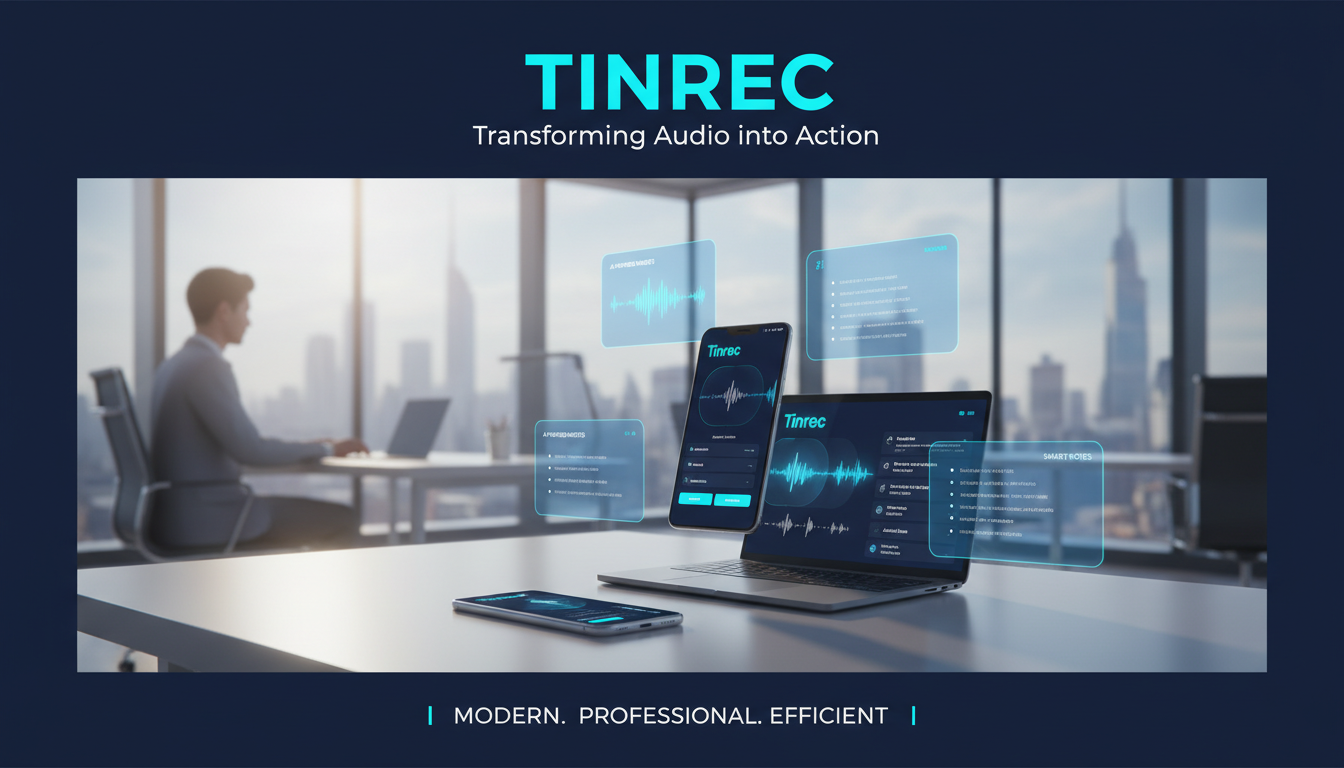
This article evaluates 7 popular tools on the market and provides step-by-step tutorials to help you boost productivity 10x.
Quick Navigation Conclusion:
- Prefer dedicated hardware & voice recorder: Recommend Plaud Note.
- Value software flexibility & multi-device sync (mobile/web): Recommend Tinrec (Seconds Pro) or Notta.
- English-only meetings: Top pick Otter.ai.
- Free lightweight web summarization: Pair with Google Gemini or ChatGPT.
Why You Need AI Transcription & Summarization Tools: Solving 3 Major Pain Points
Traditional voice recorders only capture sound, not context. The demand for efficiency in modern workplace and academic environments has driven the adoption of AI tools, addressing these issues:
- Low information density, high cost of re-listening: People speak at about 150-200 words per minute, but read at over 500 words per minute. Converting to text drastically reduces search time.
- Lack of structure and conclusions: Unorganized recordings lack focus. AI can automatically segment chapters, extract summaries and conclusions.
- Lost action items: Decisions about "who, when, what" in meetings often get forgotten in lengthy conversations. AI tools can extract them independently.
2026 Top AI Transcription & Summarization Tool Recommendations
Based on accuracy, functionality, free limits, and use case scenarios, here are 7 tools worth noting.
1. Plaud Note: The Hardware-Software Integrated Recording Powerhouse
Best for: Sales reps, journalists, business professionals who prefer not to record with their phone.
Plaud Note's standout feature is its physical AI recording card (or new capsule-shaped NotePin) that can magnetically attach to your phone or be worn. It bypasses iOS call recording limitations and offers an all-in-one "record > transcribe > summarize" service.
- Core Strengths: Integrates GPT and Claude models for high-quality summaries; dedicated hardware with one-button recording for maximum simplicity.
- Free Plan: Typically offers about 300 minutes of transcription per month (subject to current plan).
- Note: Requires purchasing hardware for full benefit.
2. Notta: The Standard for Business Meetings
Best for: International teams, companies frequently using online meetings (Zoom/Teams/Meet).
Notta is well-known in Japan and Asian markets, offering strong online meeting integration. It can join online meetings via a bot for real-time transcription and supports live translation, aiding cross-language communication.
- Core Strengths: Speaker identification, live translation, multi-platform real-time sync.
- Free Plan: Provides about 120 minutes of transcription per month.
3. Tinrec (Seconds Pro): The All-in-One AI Recording Assistant
Best for: Students, freelancers, users needing multiple input sources (recording/files/YouTube).
Tinrec is a full-featured software service that doesn't rely on dedicated hardware, focusing on a complete "from recording to action" workflow. Besides basic transcription, it enhances processing of existing files and online media, and includes an AI query feature to let you ask questions about recordings as if talking to someone.
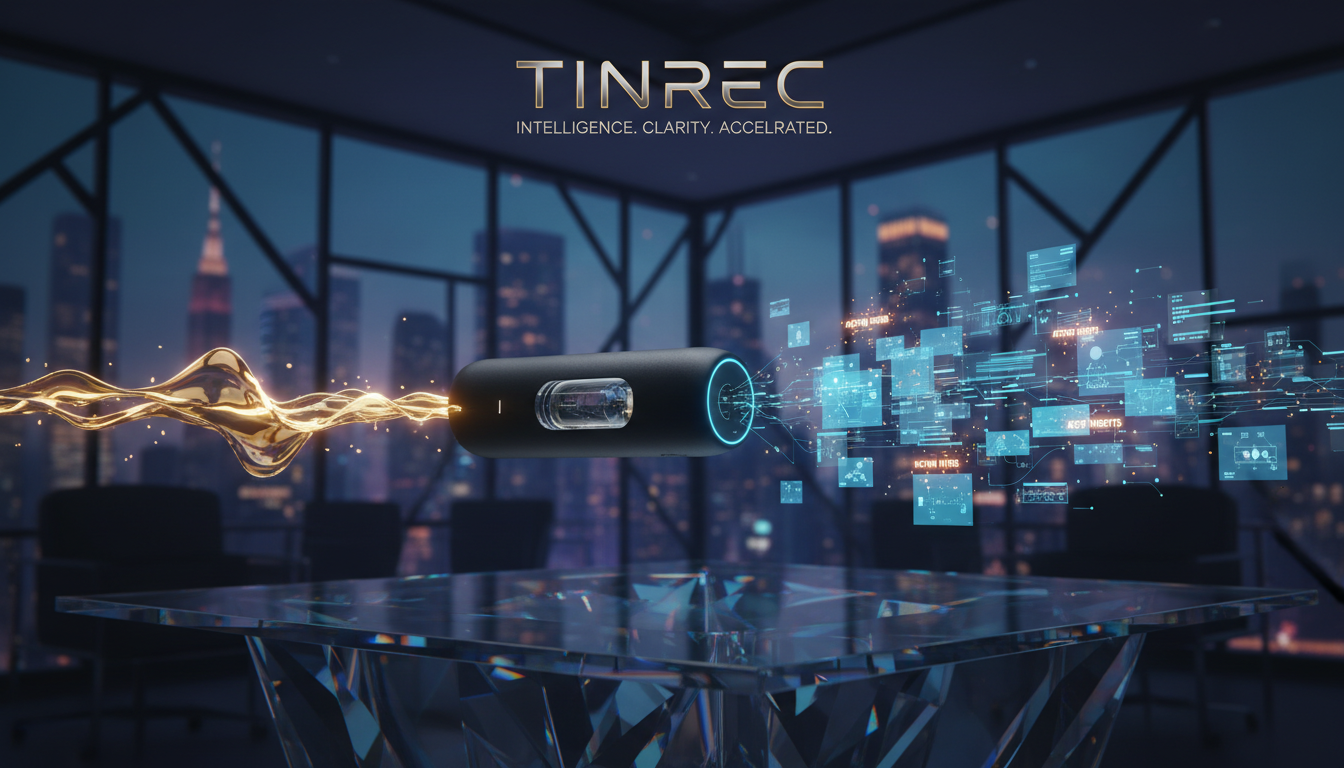
- Core Strengths:
- Multi-source input: Supports live recording, upload audio/video files, even paste YouTube/Podcast links for transcription.
- Decision support: Auto-generates meeting minutes, conclusions, and to-do lists, not just verbatim transcripts.
- AI conversation: Q&A on recording content (e.g., "What did the boss say about the budget?").
- Free Plan: Offers 100 minutes of free recording/transcription per month.
Stop organizing recordings by hand
Upload audio or video and automatically get a transcript, summary, and action items
4. Otter.ai: The Go-To for English Meetings
Best for: Western multinationals, international students, all-English work environments.
Otter.ai dominates the English transcription market with high English accuracy and a team-collaboration-friendly interface.
- Core Strengths: Excellent English recognition, robust team real-time collaboration features.
- Note: Chinese support is weaker; not recommended for pure Chinese environments.
5. Google Gemini / ChatGPT: Lightweight Summarization Helpers
Best for: Users who already have text transcripts and only need summarization.
These aren't dedicated recording tools, but if you have text from other sources (e.g., phone dictation), feeding it into Gemini or ChatGPT for summarization is fast and free. Gemini can even directly read YouTube video content for summaries.
- Core Strengths: Completely free (basic plan), high versatility.
Comparison Table: 5 Dimensions
To help you decide quickly, here's a comparison chart:
| Dimension | Plaud Note | Tinrec (Seconds Pro) | Notta | Otter.ai | ChatGPT/Gemini |
|---|---|---|---|---|---|
| Form Factor | Dedicated hardware + App | Software (App/Web) | Software (App/Web) | Software (Web/App) | General AI chat |
| Chinese Recognition | Excellent | Excellent (multilingual mixed) | Excellent | Average | Depends on input |
| Real-time Transcription | Yes | Yes | Yes | Yes (strong) | Not for audio |
| Link/File Import | Files only | Files + Video links | Files only | Files only | Text/files |
| Key Features | Call recording, portable | AI query, YouTube-to-text | Online meeting bot | English team collaboration | Free-form summarization |
| Free Limit | ~300 min/month | 100 min/month | ~120 min/month | 300 min/month | Unlimited (basic) |
Hands-On Tutorial: How to Turn "Audio" into "Notes" with AI Tools
Once you've chosen a tool, how to use it for maximum benefit? Here we use Tinrec as an example for four common scenarios.
Scenario 1: Live Meeting Recording
Stop scrambling to take notes; focus on eye contact and discussion.
- Open the app or web version, click "Start Recording".
- During the meeting, AI transcribes speech to text in real time.
- You can click the "Mark Key Point" button anytime to highlight important sections.
- After recording ends, the system auto-generates a speaker-separated transcript and smart summary.

Scenario 2: Processing Old Recordings or Course Files
Professor's lecture recordings or past interviews: one-click conversion to searchable text.
- Go to the menu, select "Import Audio/Video".
- Upload common formats like mp3, m4a, wav.
- Wait for cloud processing (typically a few minutes for a 1-hour audio).
- Get a full transcript, exportable as Word or PDF.

Scenario 3: Quick Learning from YouTube Videos / Podcasts
Want to watch foreign tech videos or listen to podcasts but no time? "Reading" is faster.
- Copy the URL of a YouTube video or podcast.
- In the tool, select "Link Parsing" and paste the link.
- The system grabs the audio track and converts it into timestamped notes.
- Read the "AI Summary" and "Mind Map" (if supported) to absorb 1 hour of content in 5 minutes.

Scenario 4: AI Conversational Query (Advanced)
This is a killer feature of new tools like Tinrec. When a recording is long and you only need specific info:
- Open a completed transcript.
- Click the "AI Assistant/Chat" icon.
- Type questions like, "What is the budget limit mentioned in the meeting?" or "List all action items."
- AI answers based on recording content, with timestamped sources.

FAQ
Q1: How accurate are these transcription tools?
Current tools use Whisper, Google Speech-to-Text, or optimized models. In a clear indoor environment, Chinese accuracy often exceeds 95%. Accuracy drops with background noise or overlapping speakers. Keep the mic close to the primary speaker.
Q2: Can these apps record iPhone calls?
Due to iOS privacy restrictions, general apps cannot directly record phone calls or VoIP calls like WhatsApp or FaceTime. For that, use external hardware (e.g., Plaud Note) or use speakerphone mode with another device (e.g., desktop Tinrec) to record.
Q3: Is cloud upload secure?
Most paid tools (Notta, Plaud, Tinrec) use encrypted transmission and storage (AWS/Google Cloud, etc.). For highly confidential material (legal, medical), check the tool's privacy policy or consider on-device processing options.
Q4: What are typical free plan limits?
Most tools use subscription models. Free plans typically limit monthly transcription minutes (60-300) or single recording length. For heavy users, paid plans with unlimited recording are more cost-effective.
Q5: Can the tool distinguish speakers?
Yes, this is called speaker diarization. Tools like Plaud, Notta, Tinrec automatically label different voices as Speaker 1, Speaker 2, etc., which you can rename.
Q6: Can I export the transcript?
Yes. Usually supports TXT, Word, PDF, and even subtitle files (SRT). Some tools like Tinrec also generate to-do lists for import into note apps.
In summary, which tool to choose depends on your workflow. If you want premium hardware recording, Plaud Note is a solid investment. If you need a versatile account across mobile, desktop, and web with powerful file processing and AI query, Tinrec and Notta are top software picks. Pick one now and save yourself the tedious typing!
Turn every recording into actionable outcomes
Get 60 free transcription minutes when you sign in. No credit card required.
Related Reading
You might also like

2026 Comparison of 2 User Interview Analysis Tools: Tinrec vs Otter.ai — Which Handles Chinese Interview Organization Better?
After user interviews, transcribing, extracting insights, and organizing action items take the most time. This article compares Tinrec and Otter.ai across recording capture, Chinese transcription, post-interview follow-up, audio file import, team knowledge retention, and pricing plans to help you decide which tool fits your interview workflow.

2026 Meeting Recording Knowledge Base Comparison: Why Tinrec Is the Top Notta Alternative
A meeting recording knowledge base isn't just about turning recordings into transcripts—it's about making every meeting searchable, queryable, and transferable. This article examines the decision points for team data retention and compares Tinrec vs. Notta on bot-free recording, AI Q&A, team spaces, and Chinese language experience, plus an overview of Tinrec's core features, use cases, and buying advice.

4 AI Meeting Transcription Tools Compared for 2026: Which One Actually Builds a Searchable Meeting Archive?
Spending all day in meetings and then overtime writing notes? This article approaches the decision from whether meeting content can be retained long-term, comparing four AI meeting tools. It covers five key factors to understand before choosing, hands-on experience with Tinrec's bot-free recording and AI Q&A, and four common pitfalls to help you find a meeting archive you can actually search later.

Team Knowledge Base vs. Meeting Notes in 2026: A 5-Dimension Comparison — The Difference Isn't Just Whether You Can Find It Again
Meeting notes and team knowledge bases are often treated as the same thing, but they differ in purpose, lifecycle, searchability, action linkage, and ownership. This article breaks down the differences across 5 dimensions and explains how to use Tinrec to turn scattered meeting notes into a searchable, queryable, and transferable team knowledge asset.
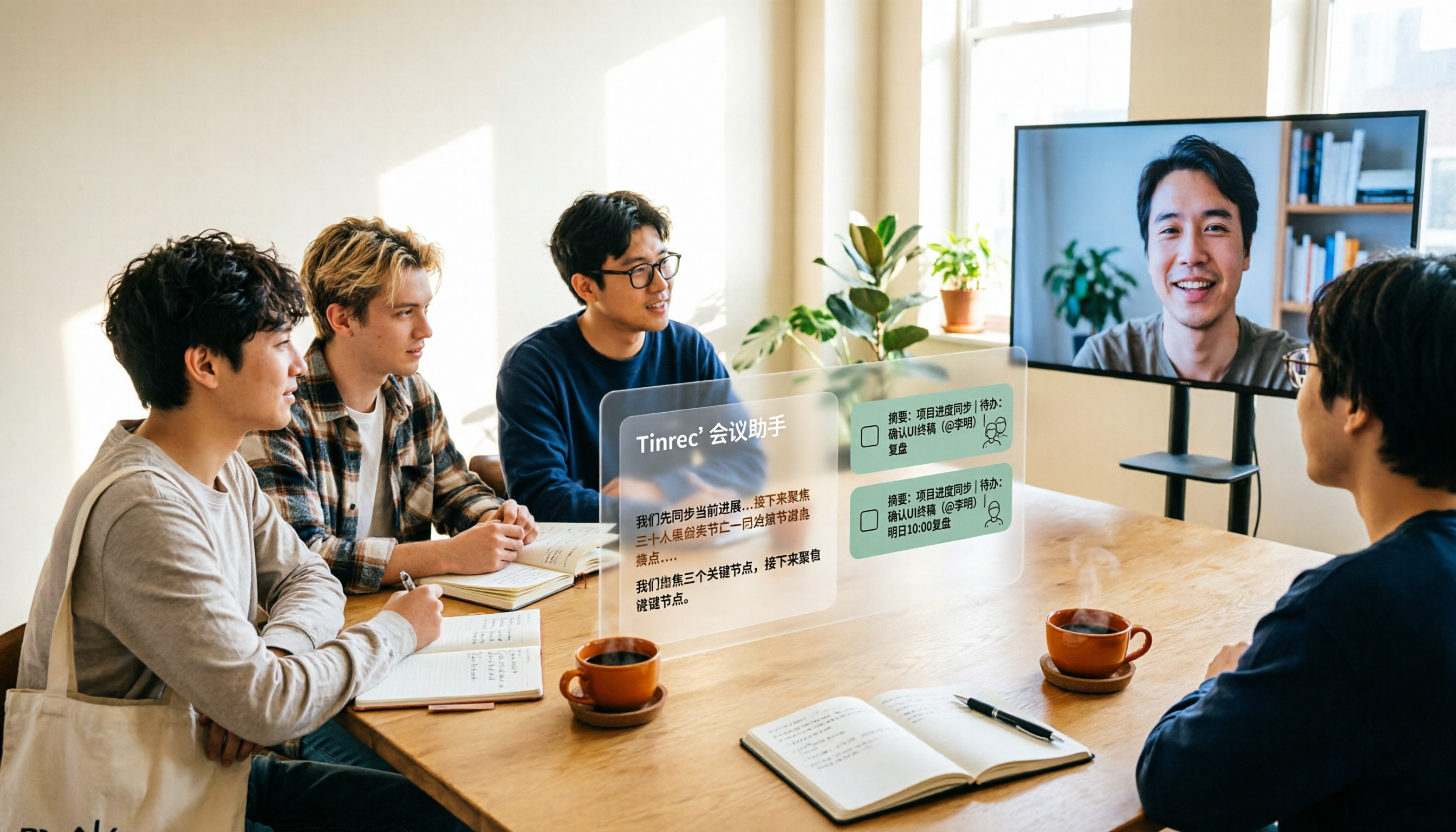
2026 Complete Guide to AI Team Meeting Assistants: Auto-Generate Transcripts, Summaries & Action Items
From student group projects to internship team weekly meetings, how do you actually use an AI team meeting assistant? This 2026 complete guide first breaks down common misconceptions, then explains core capabilities, real-world use cases, and 6 key considerations for choosing one. It also demonstrates Tinrec's full workflow for bot-free online meeting recording, real-time transcription, AI summaries, action item extraction, and meeting Q&A.

2026 Comparison of 4 Meeting Data Centralization Solutions: Stop Treating Cloud Storage as Organization
Centralizing meeting data isn't just dumping attachments into a shared cloud drive. This article examines common pitfalls, breaks down four common approaches to meeting data management, and uses Tinrec as an example to explain real-time transcription, AI summaries and action items, AI Q&A, team spaces, and seat governance. It concludes with 5 purchasing considerations and FAQs.

Tinrec vs Notta 2026: 5-Dimension Comparison — Which Is Better for Team Meeting Databases?
A mid-level manager who holds 15 meetings a week compares Tinrec and Notta across 5 dimensions to help you choose the right team meeting database. From bot-free recording and AI action item extraction to team spaces and pricing quotas, get it all in one article.
How to Take Sales Meeting Notes in 2026: 5 Steps from Recording to Customer Follow-Up
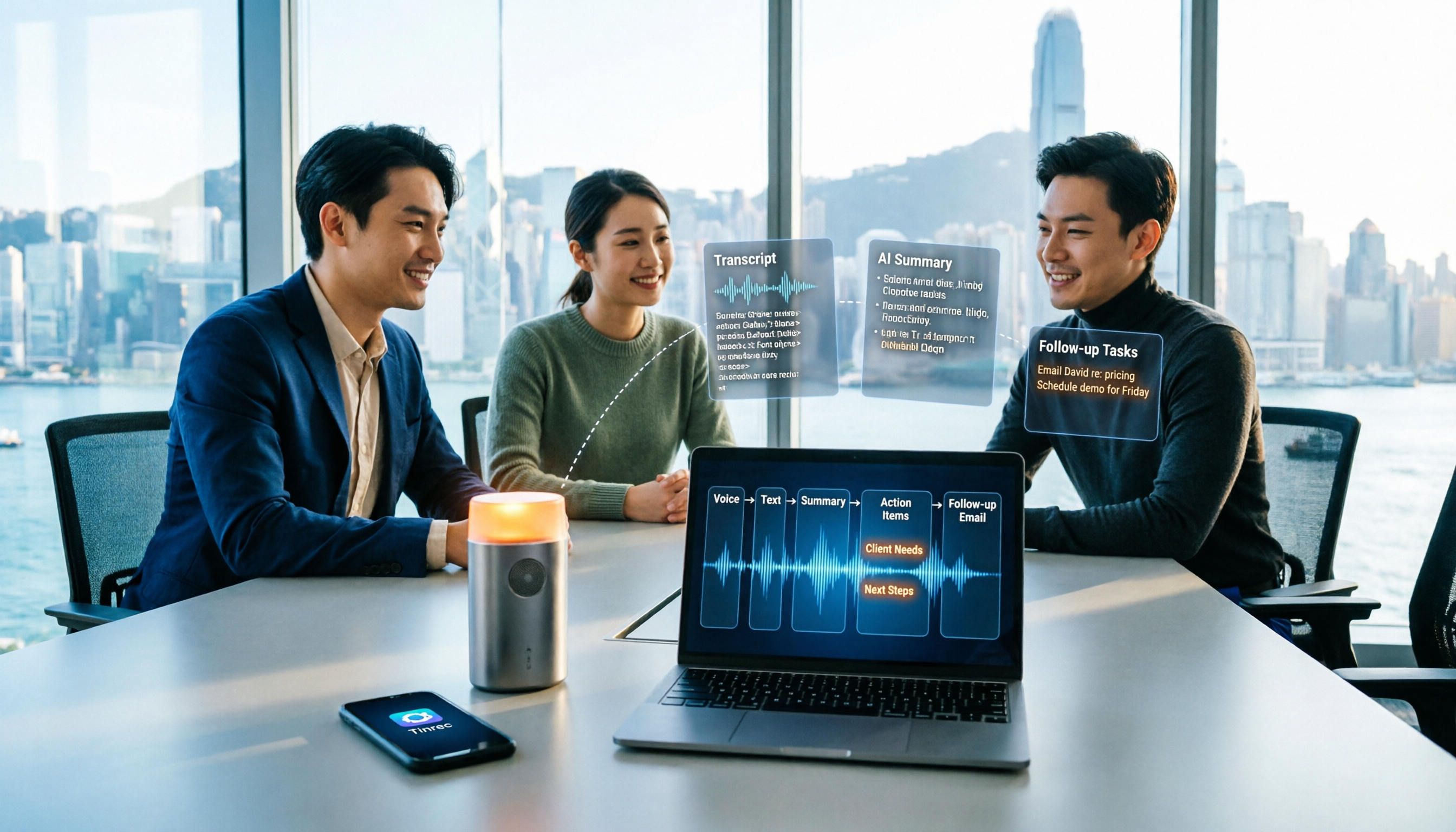
Sales meeting notes shouldn't wait until the meeting ends. This article breaks down the complete process in 5 steps, from recording, transcription, AI summaries to customer follow-up, and compares Tinrec and Otter.ai dimension by dimension to see which is better suited for Hong Kong sales teams communicating in Chinese.

5 AI Meeting Knowledge Base Tools Tested and Compared in 2026: Can Meeting Notes Become Searchable Team Assets?
Meeting notes aren't just about speed—you need to find them later. This article approaches the topic from a purchasing decision perspective, breaking down the core capabilities of AI meeting knowledge base tools, real-world use cases, and 5 key buying considerations. It uses Tinrec to demonstrate a complete workflow: bot-free online meeting recording, transcripts and real-time translation, AI summaries and action items, AI Q&A, and team spaces with seat governance.