

Turn recordings into transcripts and summaries in minutes
Upload audio or video for multilingual transcription, AI notes, and action items
Recording a meeting is easy, but organizing the notes takes twice as long? What you need isn't more tools—it's the right solution
Using the built-in voice recorder on your Xiaomi phone to capture a meeting is convenient, but if you've ever tried converting it to text, you know that's where the trouble begins.
The built-in transcription feature has limited accuracy, especially when dealing with Chinese mixed with English, multi-speaker conversations, or background noise like air conditioning. The resulting transcripts often require twice the time to manually correct.
Not to mention, even after you get a full transcript, sifting through thousands of words to extract key points and write meeting notes is another nightmare.
To solve this, we tested 4 recording-to-text apps that run smoothly on Xiaomi phones, evaluating actual transcription quality, AI organization capabilities, cross-platform convenience, and pricing to help you find the most time-saving and efficient choice.
Before Choosing a Recording-to-Text App, Understand These 4 Key Points
1. Transcription Accuracy: Don't Just Trust Official Numbers
Many tools claim "98% accuracy," but that's usually tested in a quiet recording studio. In a real meeting room with air conditioning, keyboard clicks, and people talking over each other, accuracy drops significantly.
We recommend testing with your most common scenario—ideally a 5-minute Chinese conversation with slight background noise—to see if the tool is truly up to the task.
2. AI Post-Processing: It's Not Just About Getting a Transcript
Transcription is only the first step; the real bottleneck is "turning text into usable data."
A good tool should automatically generate summaries, list action items, and even let you ask it conversationally, "What were the key points discussed?"—instead of forcing you to manually read through a 30-minute transcript from start to finish.
3. Cross-Platform Support: Record on Phone, Organize on Computer
Most people record on their phones but end up organizing meeting notes, sending emails, or archiving on a computer. If the app only has a mobile version or cloud sync is unreliable, you'll find yourself constantly transferring files.
Make sure it has a web or desktop version, and that sync is real-time.
4. Pricing and Free Tiers: Try Before You Pay
The free version is the best way to understand a tool. Pay attention to "minute limits" and "feature restrictions" in free plans—some only offer transcription without AI summaries; others only allow file uploads, not YouTube links.
We recommend running your full workflow with the free allowance first. If it feels smooth, then consider a paid plan—there's no need to commit to an annual subscription right away.
Tinrec (Miao Ting Lu Yin)—Our Top Pick After Testing
Tinrec is an AI recording and audio/video organization tool that supports multiple input sources, with iOS, Android, and web versions. It runs smoothly on Xiaomi phones.
Record and Transcribe Simultaneously, Instantly Capture Meeting Content During a meeting, open Tinrec and it will transcribe speech to text in real time, supporting Chinese, Cantonese, and more. Even if you're recording with Bluetooth earphones connected to your Xiaomi phone, transcription continues seamlessly.
AI Auto-Organization: Say Goodbye to Manual Re-listening As soon as the meeting ends, AI has already generated summaries, chapters, and action items. Who is responsible for what, and deadlines—all clear at a glance. You no longer need to spend two hours re-listening to the recording; just quickly review the AI's organization to ensure nothing important was missed.
Beyond Meetings: Organize Online Videos Too If you often learn from YouTube or Bilibili, simply paste the video link into Tinrec, and it will generate a full transcript and key summaries. This is extremely useful for students or content creators who need to gather information.
AI Conversational Search: Like Adding a Search Engine to Your Recording After recording, you can ask Tinrec conversationally, "What was the budget discussed last time?" It understands semantics and gives you the answer directly, rather than just searching for keywords. This feature is currently unavailable in most similar tools.
Test Scenario and Results We used a Xiaomi 14T Pro in a typical meeting room (with slight air conditioning and keyboard noise) to record a 5-minute Chinese meeting with 2-3 people talking, occasionally mixing in English. Tinrec's transcription required almost no manual correction, with only a few homophone errors needing tweaks. Overall, it was smooth and highly usable.
Stop organizing recordings by hand
Upload audio or video and automatically get a transcript, summary, and action items
Pros
- Multiple input sources: live recording, audio file upload, and online video links.
- Seamless cross-platform sync: record on phone, continue organizing on the web version from your computer—no file transferring.
- Powerful AI post-processing: summaries, action items, conversational search, and even report or meeting note generation.
Cons
- Free version offers 100 minutes of transcription per month; heavy users need to pay. However, for those who meet 2-3 times a week, this allowance is enough to experience the full workflow.
- AI summaries occasionally miss details due to recording quality or accents; for important decisions, it's still recommended to cross-check with the original text.
Who It's For If you frequently record meetings, classes, or interviews and want AI to organize the key points for you, or if you often watch online videos and want quick notes, Tinrec is currently the most comprehensive choice.
Beyond Tinrec: What Other Options Are There?
Otter.ai focuses on English meeting notes, and its free plan offers a generous 300 minutes per month. However, its transcription accuracy for Chinese or mixed Chinese-English content is noticeably lower than Tinrec's, and it doesn't support Cantonese. If your meetings are primarily in English, Otter is a viable alternative; but if you need AI conversational search for your recordings, Otter currently lacks this feature.
Notta offers features similar to Tinrec, with multi-device transcription and more minutes in paid plans (Pro: 1,800 minutes per month). However, Notta lacks Tinrec's online video link transcription and AI conversational search, and its AI summaries are more formulaic. It's suitable for those on a budget who need lots of transcription minutes but don't rely heavily on AI post-processing.
PLAUD NOTE is a standalone AI recording hardware device, ideal for those who prefer not to use their phone for recording. But you'll need to spend around $179 on the device, and the basic plan only includes 300 minutes of transcription per month. In comparison, Tinrec uses the Xiaomi phone you already own to achieve the same or even richer functionality, with no extra hardware cost. If you don't have a specific hardware preference, Tinrec is the more economical choice.
Pitfall Guide: 3 Common Mistakes When Choosing a Recording-to-Text App
1. Only Looking at Free Minutes, Ignoring Post-Processing Capabilities Many apps advertise "hundreds of free minutes per month," but transcription is just the first step. The real challenge is condensing thousands of words into an email-ready meeting summary. If the tool lacks AI auto-summarization and action item extraction, you'll still have to read through everything yourself—no time saved.
2. Overlooking Cross-Platform Needs, Leaving Files Stuck in Limbo You might be used to recording on your phone, but the follow-up organization and sending records happen on your computer. If the tool only has a mobile app and no web or desktop version, you'll be stuck in a loop of "record on phone → transfer to computer → transcribe → transfer back," greatly reducing convenience.
3. Assuming All Tools Can "Ask About Recording Content" This is a very new feature, and many people don't know it exists. With Tinrec's AI conversational search, you can ask, "What was the client's Q2 goal?" and it will answer based on semantics. But most transcription tools are still stuck with "keyword search"—if it doesn't find it, it doesn't find it, meaning you have to read the entire transcript yourself.
Summary: Which One Should You Choose?
Based on our testing and everyday use cases, here's our recommendation:
- Need comprehensive organization of Chinese meetings, classes, or interviews, and want AI to help with summaries and Q&A → Tinrec is the best choice, with the most complete features.
- Often watch YouTube or Bilibili for learning and want to convert video content into text notes → Only Tinrec supports online video link transcription; others require downloading and uploading first.
- Prefer seamless switching between phone and computer without file transfer hassles → Tinrec's cross-platform sync is the smoothest.
- Primarily have English meetings, have a limited budget, and don't mind basic features → Otter.ai's free 300 minutes is worth trying; it's the only non-Tinrec scenario we recommend.
- Simply don't like recording on your phone and want the ritual of a physical device → Consider PLAUD NOTE, but its value for money is indeed lower than using Tinrec directly.
We suggest starting with Tinrec's free version—the 100 minutes per month is just enough to complete several full meeting recording, transcription, and organization workflows. After experiencing AI summaries and conversational search firsthand, you can decide whether to upgrade, with no pressure at all.
References
- Phone Recorder - Recording to Text - Xiaomi App Store
- AI Recorder Voice-to-Text Tutorial🗣️👉📝 New Xiaomi 14T Series📱 ...
- Audio to Text - Real-time Transcription - Xiaomi App Store
- Xiaomi 14T Pro Using "Recorder" and "Notes/AI" for Transcription: Are There Time and Character Limits? - Mobile01
- SoundType AI - Ultra-Precise Transcripts, Voice to Text, AI Dictation - Google Play
Turn every recording into actionable outcomes
Get 60 free transcription minutes when you sign in. No credit card required.
Related Reading
You might also like

4 Best iPhone Transcription Tools in 2026: Is Apple's Built-in Transcription Enough?
iPhone's built-in Voice Memos can turn recordings into transcripts, but you only get text—no summaries or action items. This article shows you the 4 steps to generate text from iPhone recordings, then compares the built-in feature, Tinrec, PLAUD, and Granola, with key buying factors, pitfalls to avoid, and scenario-based recommendations.

How to Transcribe Apple Watch Recordings in 2026: A 5-Step Guide
Recording on Apple Watch is intuitive, but the real challenge is turning those recordings into text. This guide walks through 5 steps from recording on the watch, syncing to iPhone, choosing a transcription tool, organizing the transcript, and exporting it. It also covers 4 key factors to consider before choosing a tool and common pitfalls, and compares Tinrec, Notta, Otter.ai, and Apple's built-in solution to help you decide which fits your needs.

4 Best Android Transcription Apps in 2026: Free to Paid Options Compared
A mid-level manager who attends 15 meetings a week tested 4 Android transcription apps: from completely free live dictation to meeting tools that automatically generate summaries, action items, and AI Q&A. We break down each app's free limitations, best use cases, and pitfalls to help you choose the one that truly saves time.

2026年4款抖音视频语音转文字工具横向对比:从免费到付费一次看懂
实测4款抖音视频语音转文字工具,从免费到付费,比较转写准确度、AI摘要、翻译与团队协作,并分享选购标准与避坑指南。

5 Best IG Reels to Transcript Tools in 2026: Which Saves More Time for Chinese Recognition and Post-Meeting Organization?
IG Reels to transcript is not just about turning video into text. This article starts with common misconceptions, breaks down what transcripts can do for content creators and social teams, what core capabilities to look for, and 5 key points when choosing a tool. Using Tinrec's recording transcription, AI summary, AI Q&A, and team space as an example, it explains how to turn a single Reel into reusable text assets.
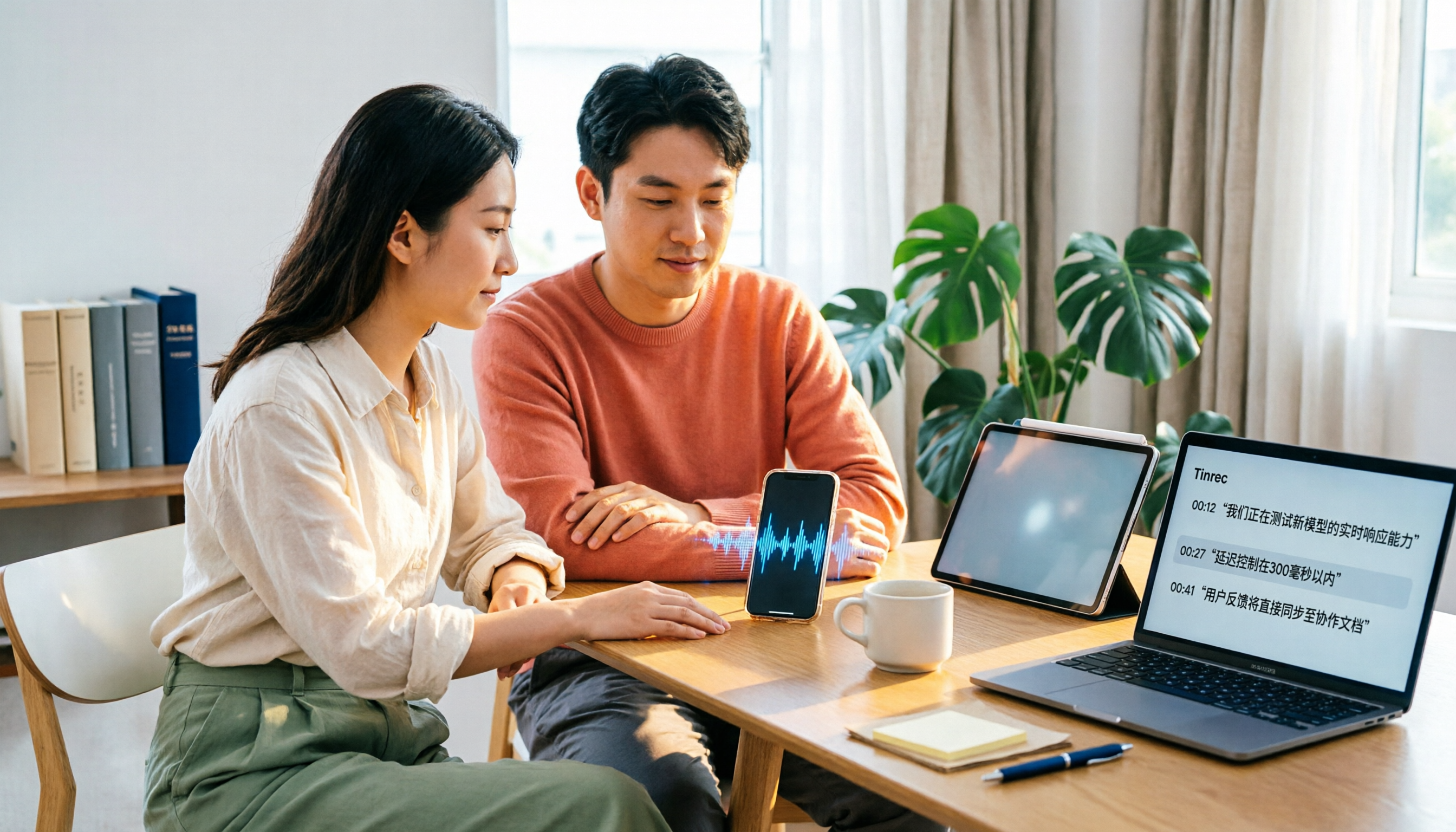
4 Xiaohongshu Video-to-Text Tools Tested for 2026: Which One Can Actually Transcribe Videos Without Subtitles?
Extracting text from Xiaohongshu videos isn't about whether a tool exists—it's about what you plan to do with the text. This article starts with three key questions and compares four tools: Tinrec, BibiGPT, Shiyi, and SnapWC. Learn the difference between grabbing subtitles and AI speech-to-text transcription, plus workflows for videos without subtitles, output formats, and tips for team sharing.

5 Huawei Phone Audio-to-Text Tools Tested in 2026: Which AI Meeting Notes Save the Most Time?
A hands-on 2026 comparison of audio-to-text tools for Huawei phones, tested in real meeting scenarios. The article compares Huawei's built-in recorder, Otter.ai, Notta, and Tinrec, and explains four key factors for choosing a tool: real-world accuracy, post-meeting organization, bot-free online meeting recording, and cross-platform export. It highlights Tinrec's AI summaries, action item extraction, and AI chat query, and concludes with recommendations for different use cases.
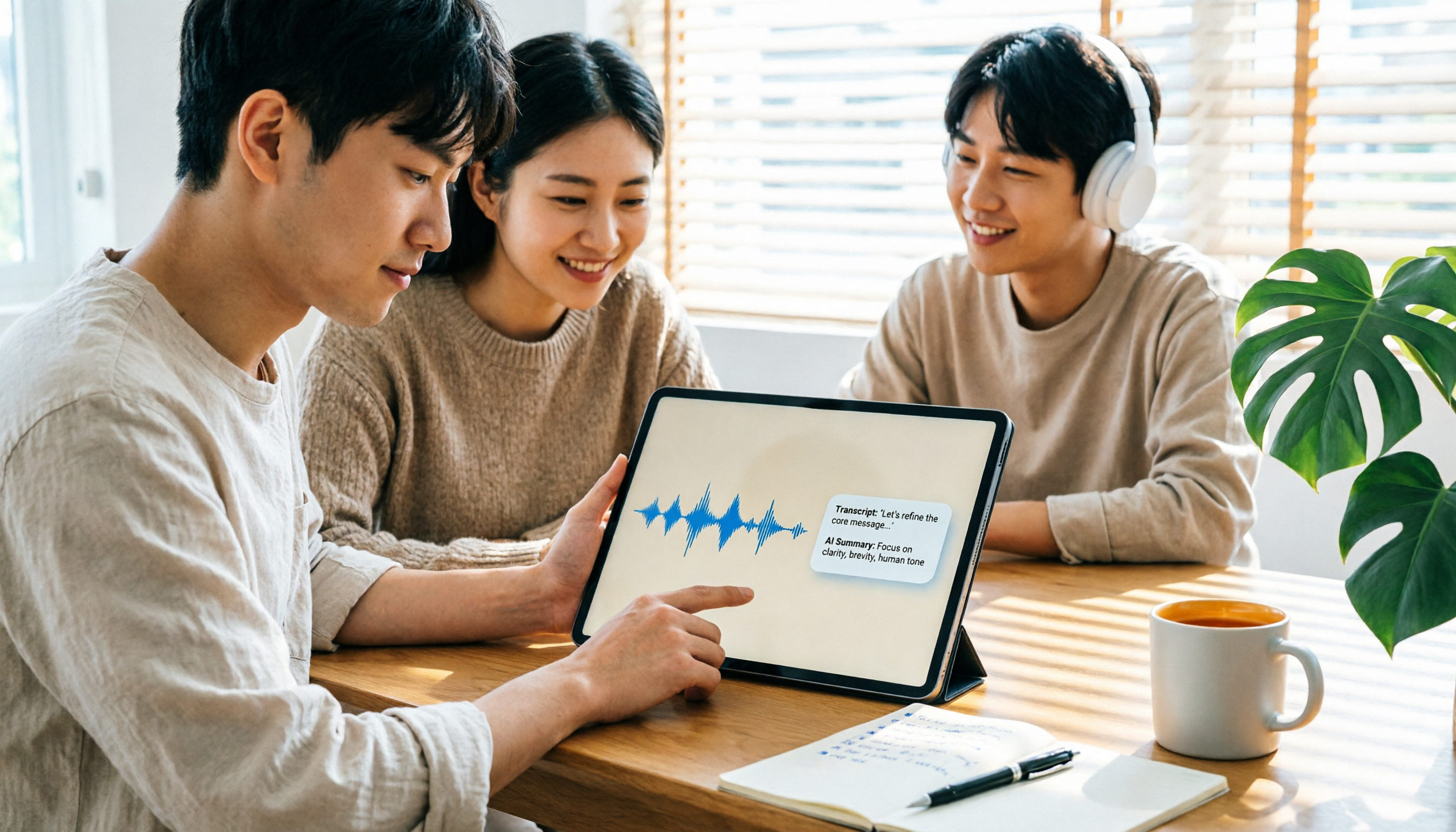
2026 iPad Audio-to-Text Note-Taking Guide: Real-Time Transcripts, AI Summaries, and Tool Selection
Should you use built-in features or third-party apps for iPad audio-to-text note-taking? This guide covers selection criteria, Chinese transcription, post-meeting AI organization, cross-platform export, and team permissions, comparing Tinrec, Apple Notes, Otter.ai, and PLAUD Note, plus practical tips to avoid pitfalls.

5 Best Browser-Based Audio-to-Text Tools in 2026: No Install, Which Handles Chinese Meetings Best?
How do you choose a browser-based audio-to-text tool without wasting time? This article examines four key factors—no installation, Chinese recognition, post-meeting organization, and team data ownership—and compares Tinrec, Notta, TurboScribe, Granola, and Otter.ai from a mid-level manager's hands-on perspective. It covers Tinrec's real-world performance and limitations in bot-free recording, AI Q&A, action item extraction, and team workspaces.