

Turn recordings into transcripts and summaries in minutes
Upload audio or video for multilingual transcription, AI notes, and action items
2026 Hands-On Comparison of 4 Subtitle Generator Tools: Beyond Captions, They Can Organize Meetings, Courses, and Interviews?
Adding subtitles to videos sounds simple, but it's actually quite tedious. Not to mention the time spent transcribing, just aligning the timeline and adjusting font styles can eat up an afternoon. And if you're dealing with foreign-language videos or multi-person meeting recordings—without a good tool, you'll really start to question your life choices.
AI subtitle tools have improved rapidly in recent years, but many products stop at "converting audio to text and outputting a subtitle file," overlooking what users really need: "turning content into something immediately usable." This article tests 4 highly discussed subtitle generator tools to see which ones not only add subtitles but also save you time on post-production organization.
Before Choosing a Subtitle Generator, Understand These 5 Key Points
Choosing a subtitle tool isn't about who has the most features, because most people won't use those advanced features. From my hands-on testing, these 5 points are what really determine whether you'll keep using a tool:
- Level of Automation: It's not just about whether it can auto-generate subtitles, but how "hands-off" the entire process is. A good tool should let you upload a video or paste a link and get subtitles already divided into segments with adjustable timestamps, not just a big block of text you have to manually adjust from scratch.
- Accuracy and Language Support: Recognition capabilities vary greatly for Chinese (especially Taiwanese usage and mixed Chinese-English). Some tools are accurate in English but frequently make mistakes with Chinese meetings or courses. I recommend trying free trials with your typical video types, not just relying on official numbers.
- Subtitle Editing and Export Flexibility: Can you directly fix typos, merge segments, or adjust the timeline within the software? Does it support common formats like SRT and VTT for export? These details directly affect how easily you can use the subtitles in editing software or upload platforms later.
- AI Extra Features: Many tools now do more than just subtitles; they can auto-generate summaries, extract key points, or create to-do lists. If you not only post videos online but also need meeting minutes, course notes, or interview organization, these features are extremely useful.
- Is the Free Plan Enough?: Most people want to start with a free version, but some tools have many restrictions, like limiting minutes, export counts, or watermarking subtitles. Understanding these limitations upfront prevents being forced to pay midway.
Tinrec (MiaoTing) — Our Top Pick After Testing
Tinrec (MiaoTing) is an AI organization tool that handles recordings, audio/video files, and online videos. It's not just a subtitle generator; it turns any audio/video content into a searchable, summarizable, and editable knowledge base. While it's not a traditional professional subtitle software, it handles auto-captioning very smoothly and does much more.
Core Features in Action
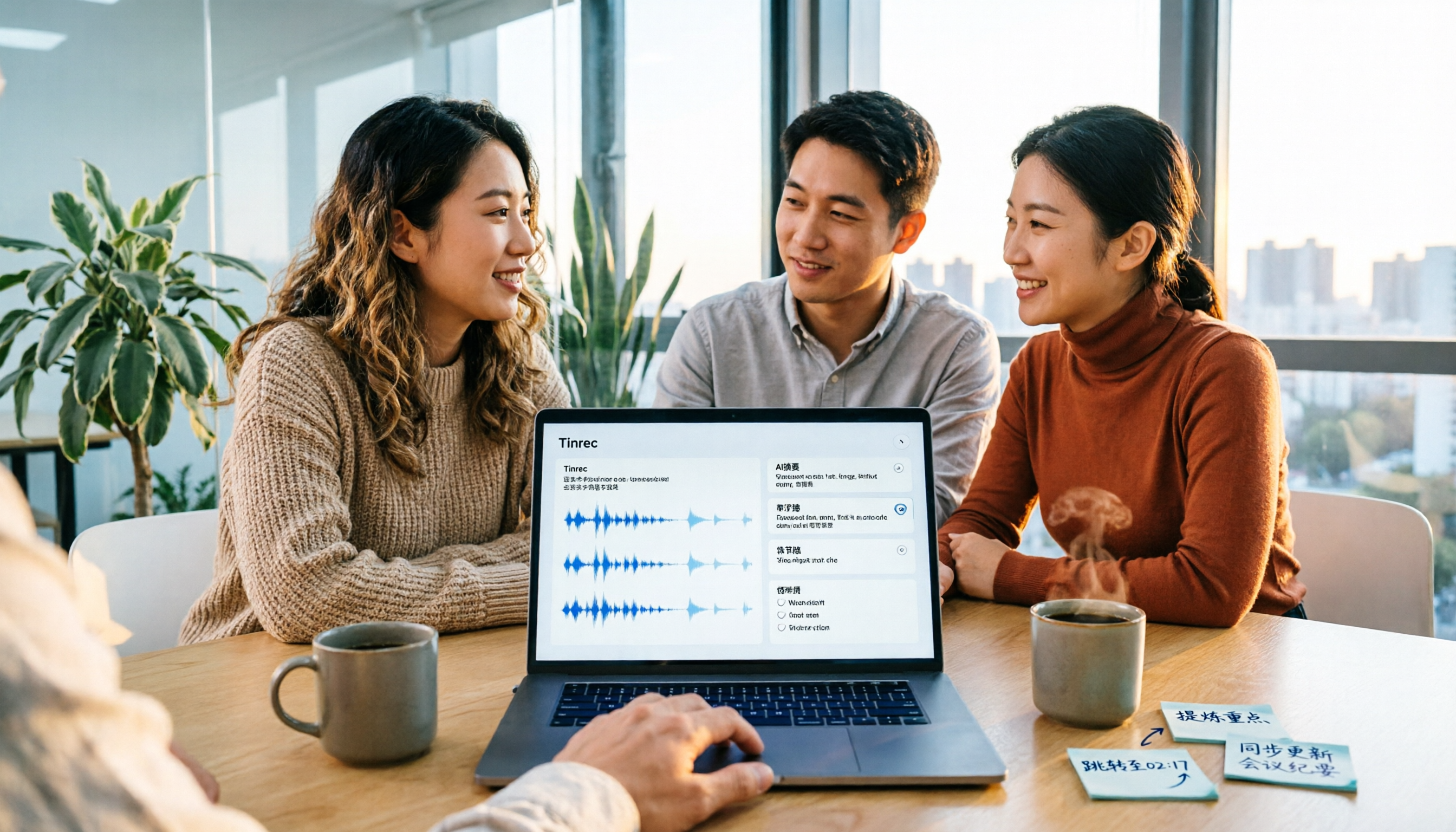
Suppose you have a meeting recording. Just upload the file or paste a link in Tinrec, and it generates timestamped subtitles within minutes. You can then download the SRT subtitle file and immediately see AI-generated meeting summaries, key chapters, and to-do items—who's responsible for what and deadlines at a glance. Even better, you can ask questions directly about the content: "Who mentioned the budget adjustment?" Tinrec answers based on semantics, not just keyword matching. This AI Q&A feature is rare among similar products.
Hands-On Experience
We tested with a 10-minute Chinese meeting recording (with air conditioning background noise and two speakers). Tinrec produced quite accurate subtitle timestamps, with fewer typos than expected. Of course, in noisier environments, manual tweaks are still needed, but the overall time saved is significant. The editing interface is intuitive; you can click on subtitles to modify text or merge segments without switching to other software.
Pros
- More than subtitles: auto-generates summaries, chapters, and to-dos, ideal for meeting minutes or course notes.
- AI conversational search: no need to manually search transcripts; just ask questions to find relevant content.
- Cross-platform and multi-format export: supports iOS, Android, web; subtitles can be exported as SRT, TXT, and synced to Notion, Google Docs, etc.
Stop organizing recordings by hand
Upload audio or video and automatically get a transcript, summary, and action items
Limitations and Ideal Users
The free plan includes a monthly transcription allowance (about 100 minutes), which is plenty for occasional short video captions. But if you process many long videos, the Pro version is more cost-effective. Overall, Tinrec is especially suitable for those who need "subtitles plus content organization," like office workers who record meetings, students organizing online courses, or creators who need to quickly turn interviews into text material.
Beyond Tinrec: What Other Options Are There?
Aegisub: Veteran Subtitle Editor, but Low Automation
Aegisub is a free software loved by many subtitle groups, powerful enough to create KTV dynamic lyrics or effect subtitles. However, it relies entirely on manual input or importing text files to create subtitles; there's no AI automatic speech recognition. In other words, you need to have a transcript first before you can start aligning the timeline. If your workflow is already fixed and you need highly customized subtitle effects, Aegisub is a great post-production tool. But if you want quick auto-generated subtitles, Tinrec's AI recognition and subsequent organization capabilities are something Aegisub simply can't do.
Filmora: Video Editor with AI Subtitles, but Weak Organization
Filmora is a well-known video editing software with built-in AI speech-to-text that quickly generates subtitles and applies dynamic effects. It's intuitive for occasional video makers because it's within your usual editing interface. However, its focus is on editing, not content organization. If you record a meeting or course, Filmora gives you subtitles but won't auto-generate summaries, to-dos, or allow conversational queries. Tinrec fills that gap significantly.
Kapwing: Online Quick Subtitle Generation, but Relatively Lightweight
Kapwing is a popular online video editing tool with built-in auto-subtitle functionality. Paste a video link, and it generates subtitles; you can edit text and styles directly in the browser. The free version offers many features, making it friendly for those who just need quick captions. However, Kapwing's subtitle editor is basic, making bulk edits inefficient, and it lacks content organization or AI Q&A capabilities. If you just need to quickly process an IG short, Kapwing is enough; but for long-term management of your audio/video assets, Tinrec is a more complete solution.
Pitfall Guide: 4 Common Mistakes When Choosing Subtitle Software
Pitfall 1: Focusing Only on "Auto Subtitles" and Ignoring Editing Convenience
Many tools tout one-click subtitle generation, but after generation, you can't directly edit, merge segments, or adjust timestamps, forcing you to export to other software—which takes even more time. Always test the editing interface to see if it's user-friendly.
Pitfall 2: Overlooking Language and Accent Accuracy
Even within Chinese, recognition rates can differ for Taiwanese accent, mainland accent, or mixed Chinese-English. Don't just trust the 98% accuracy claimed on official sites; that's usually measured in perfect conditions. Use your own videos for free trials to get the real picture.
Pitfall 3: Assuming the Job Ends with Subtitles
If you're dealing with meeting minutes, courses, or interviews, getting just a subtitle file doesn't solve the problem. You still have to rewatch the video to extract key points. Choosing a tool with AI summaries, chapters, or Q&A can save you much more time later. Tinrec's extra capabilities turn subtitle generation into a process, not an endpoint.
Pitfall 4: Forgetting to Check Hidden Limitations of Free Plans
Some tools don't allow SRT export on the free plan, or they watermark subtitles, or limit the video length per session. Tinrec's free plan allows exporting standard subtitle files without watermarks, lowering the barrier for those who want to try it first.
Conclusion: Which One Should You Choose?
Each tool has its ideal audience, but if you don't just want "subtitles" and also need more comprehensive content organization, Tinrec is currently the most balanced choice.
- If you only want to edit subtitles and don't mind full manual work: Aegisub can be very detailed, but you need a transcript first.
- If you're primarily editing videos and adding subtitles as a side task: Filmora's built-in AI subtitles are convenient for occasional video makers.
- If you need quick subtitles for short videos without extra features: Kapwing works online, and the free version is sufficient.
- If you need subtitles plus meeting minutes, course notes, interview organization, or want to build a searchable recording database: Tinrec auto-generates subtitles and also offers AI summaries, Q&A, and export features, making it one of the few tools that completes both subtitle generation and content organization in one go.
Honestly, most people start looking for a tool to add subtitles but often find they need more than just subtitles. If you feel the same, try Tinrec's free version first—the 100-minute monthly allowance is more than enough for a few short videos. Upgrade only if you find it sufficient; there's no need to pay upfront.
References
- 3 Free Video Subtitle Software/App Recommendations: AI Subtitle Generators for Quick and Easy Auto-Captioning!
- 8 Best Automatic Subtitle Generators - Filmora - Wondershare
- 2026 Best Video Subtitle Tools Recommended | These 6 AI Subtitle Generators Are Super Useful!
- Video Subtitle Generator Software: 3 Practical Tools in One – Belitor
- AI Subtitle Generator - Auto Generate Subtitles Online | FlexClip
Turn every recording into actionable outcomes
Get 60 free transcription minutes when you sign in. No credit card required.
Related Reading
You might also like

5 Best MP4 to Text Tools in 2026: From Transcripts to AI Meeting Notes
MP4 to text is more than just converting video into words. This article breaks down the core capabilities, use cases, and key considerations for choosing an MP4 to text tool, using Tinrec as a primary example. Learn how to turn meeting recordings, courses, and interviews into searchable, queryable, and actionable data, and compare personal vs. team plans for collaboration and governance.

2026 AI Meeting Notes Tools Compared: Which Saves the Most Time for Chinese Meetings?
Tired of replaying recordings and typing transcripts after meetings? This article tests 4 AI meeting notes tools in real Chinese and mixed Chinese-English meeting scenarios. We first cover 4 key points and common pitfalls when choosing a tool, then dive into Tinrec's bot-free recording, AI Q&A, and team spaces. We also summarize who Otter.ai, Granola, and PLAUD Note are best for, along with their price ranges.

4 AI Conversation Tools Tested for 2026: Which One Turns Meetings into Answers You Can Question?
Many AI conversation tools exist, but few truly help at work. This article tests and compares Tinrec, Otter.ai, Granola, and Notta from a meeting notes perspective, covering feature differences, free plan limits, and team pricing to help you find the best fit for your work situation.

5 Best Phone Call Transcription Tools in 2026: Real-World Comparison of Transcripts, AI Summaries, and Team Collaboration
How do you turn phone recordings into text? This guide covers 5 common approaches based on real-world use cases, with a hands-on Tinrec demo showing live transcription, AI summaries and Q&A, bot-free online meeting recording, team spaces, and pricing. Includes 5 key buying considerations and FAQs.

2026 Free PNG Image and Meeting Summary Apps: 6 Options Reviewed
A roundup of 6 free tools that turn PNG images and meeting recordings into usable results, including Tinrec's bot-free meeting transcription, AI summaries and action items, plus image-to-PNG conversion, image merging, online photo collage, and image overlay tools, with each tool's free limitations and ideal users explained.

2026 Comparison of 2 English Meeting Minutes Tools: Tinrec vs Otter.ai — Which Is Better for Chinese Teams?
How do you write English meeting minutes? This article compares Tinrec and Otter.ai, covering bot-free recording, mixed Chinese-English support, post-meeting AI Q&A, team collaboration, and pricing, to help you decide which tool is better for Chinese teams that need to produce English meeting minutes. It also covers standard formats and common phrases for English meeting minutes.

4 Best Speech-to-Text Tools in 2026: iFlytek Recorder, Tinrec, and Online Options Compared
When searching for 'iFlytek speech to text,' you might be torn between a voice recorder and software solutions. This article starts with key buying factors, compares iFlytek Recorder, Tinrec, Notta, and Granola, and shares pitfalls to avoid and scenario recommendations to help you find the right tool for meeting notes, interview transcripts, and team collaboration.
2026 Video Summarization Tools Compared: Which One Actually Saves You from Rewatching?
How to choose a video summarization tool? This article breaks down 4 common approaches, provides 5 practical purchasing checkpoints, and uses Tinrec to illustrate the complete workflow from transcription to AI summary, chapters, action items, and team spaces. It also includes pricing and quota details for personal and team plans to help you find the best fit.

4 Best Free Online Text-to-Speech Tools in 2026: Which Free Version Is Enough?
We compare four free online text-to-speech tools—TTSMaker, Luvvoice, Vidnoz AI, and Toolbang—covering language support, commercial licensing, output formats, and customization options to help you decide which one fits your needs for learning, voiceover, or accessibility reading.