

Turn recordings into transcripts and summaries in minutes
Upload audio or video for multilingual transcription, AI notes, and action items
How to Choose an Online Text-to-Speech Tool: Ask Yourself These 3 Questions First
Do you want to turn a post into a YouTube voiceover, or convert a PDF ebook into an MP3 for your commute? Do you need Chinese, Taiwanese Hokkien, or English? Is it just for your own listening, or do you need it for commercial use?
These three answers will directly determine which online text-to-speech tool you should use. Below, we review four free online TTS tools—TTSMaker, Luvvoice, Vidnoz AI, and Toolbang—and also note how text-to-speech.online differs. This article is based on official descriptions and public pages, not laboratory testing; actual results will vary depending on text length, language, device, and network conditions.
4 Key Points to Check Before Choosing an Online Text-to-Speech Tool
Languages and voices: If you need Chinese, Taiwanese Hokkien, or a Taiwanese accent, you can't just look at English-focused tools. First confirm it has the language and voice you need, then listen to how natural it sounds.
Free quota and commercial licensing: Free doesn't mean you can use it commercially. Some tools allow commercial use, while others are for personal use only. Before publishing to YouTube, TikTok, or a client project, be sure to check the licensing terms.
Output formats and customization: Can you download MP3? Can you adjust speed, pitch, or insert pauses? These affect your post-production efficiency. If it can only play online, it's not suitable for video voiceovers.
Web tools vs. browser built-in speech: Browser built-in TTS requires no installation, but the voice depends on your operating system's speech library; dedicated AI voice generators usually sound more natural and work better across devices.
TTSMaker: Top Choice for Free Commercial Use and Multilingual Voiceovers
TTSMaker is a free online AI text-to-speech tool, often called an AI voice generator. It can convert text to speech and read it aloud, supports multiple languages, and is suitable for language learning, marketing voiceovers, and video narration.
In practice, you just paste your text, click "Convert to Speech," and it generates audio you can play or download. The source states it uses a neural network inference model and can complete text-to-speech in a short time; longer texts take more time. To adjust the rhythm, you can click "More Settings" to adjust speed and volume.
TTSMaker has three main advantages. First, it offers a permanently free version, and the source also mentions it can be used for commercial purposes for free, but you must comply with local laws and platform rules, and the official site reserves the right to adjust policies in the future. Second, it supports multiple languages, which helps with learning word pronunciation or creating multilingual marketing materials. Third, it provides a text-to-speech API and email support, which is convenient for developers or marketers who need batch processing.
Note that the source does not give a fixed number of free minutes; if you need to process long content, it's best to test with short text first before deciding whether to switch to another tool. Also, for commercial licensing and platform attribution rules, it's best to double-check the official documentation before publishing.
Stop organizing recordings by hand
Upload audio or video and automatically get a transcript, summary, and action items
Who it's for: Those who need free commercial voiceovers, multilingual output, and are willing to wait for longer text conversions.
Besides TTSMaker, What Other Text-to-Speech Options Are There?
Luvvoice: Free online text-to-speech, featuring no word limit, supports PDF and TXT uploads, and can convert documents with millions of characters into AI speech. After logging in, you can insert pauses of 0.5 to 5 seconds in the text, but the official recommendation is no more than 20 pauses per transcription. Output can be downloaded as MP3. It's great for reading books aloud, learning new languages, or creating social media character voices. However, the source does not clearly mention API or commercial terms, so you'll need to confirm separately before commercial use.
Vidnoz AI: Free text-to-speech tool, with the biggest highlight being support for Taiwanese Hokkien AI voices and Taiwanese accents, plus 1450+ languages and voices. You can adjust speed and emotion, and generate MP3 with one click, suitable for YouTube, TikTok, Podcasts, customer service, and corporate training. If you need Taiwanese Hokkien or Taiwanese Mandarin voiceovers, this tool will be closer to your needs than typical English-focused TTS tools. The limitation is that it has many features, and free plan details should be checked on the official page.
Toolbang Text-to-Speech: Free online TTS, no installation required, using the browser's built-in Speech Synthesis API. It determines available voice libraries based on your operating system and language settings, suitable for quick previews and those who don't want to register. History is limited to 50 items. The downside is that output is tied to your device, and cross-platform consistency and MP3 download capability are not as good as dedicated AI voice generators.
text-to-speech.online: Offers 100+ voices, 27 languages, MP3 download, speed and pitch adjustment, and no registration required. Suitable for those who need quick English or multilingual voiceovers. Its Chinese and Taiwanese Hokkien support is not as good as the previous tools, so listen before choosing.
Pitfall Guide: The 4 Most Common Mistakes When Choosing a Text-to-Speech Tool
Pitfall 1: Only looking at free, ignoring commercial licensing. Some tools' free versions are for personal use only, or require attribution. If you're putting it into ads, courses, or client projects, confirm the commercial scope first.
Pitfall 2: Ignoring language and accent. Strong English TTS doesn't mean Chinese or Taiwanese Hokkien sounds natural. Whether you need a Taiwanese accent, Chinese accent, or bilingual mixed reading, results vary greatly.
Pitfall 3: Assuming every tool can download MP3 and adjust speed. Browser built-in TTS mostly only plays in real-time; to download files, adjust speed or pitch, you usually need a dedicated online tool.
Pitfall 4: Confusing text-to-speech with speech-to-text. This article is about turning text into sound; if you want to turn meeting recordings into transcripts, that's the opposite direction, and you should look at AI meeting notes tools like Tinrec.
Summary: Which One Should You Choose?
- Want free, multilingual, commercial voiceovers → TTSMaker
- Want no word limit, PDF/TXT upload, insert pauses → Luvvoice
- Want Taiwanese Hokkien, Taiwanese accent, emotion adjustment → Vidnoz AI
- Just want quick preview, no registration → Toolbang
- Want English multi-voice, MP3 download, speed/pitch adjustment → text-to-speech.online
Simply put, start by deciding your output language and purpose. If it's just for learning pronunciation, Toolbang or text-to-speech.online can get you started; if you're making commercial marketing voiceovers, TTSMaker's free commercial use and multilingual support will be more convenient. We recommend testing with a 100-word short text to check pronunciation naturalness before committing to longer content.
References
Turn every recording into actionable outcomes
Get 60 free transcription minutes when you sign in. No credit card required.
Related Reading
You might also like

2026 Comparison of 2 English Meeting Minutes Tools: Tinrec vs Otter.ai — Which Is Better for Chinese Teams?
How do you write English meeting minutes? This article compares Tinrec and Otter.ai, covering bot-free recording, mixed Chinese-English support, post-meeting AI Q&A, team collaboration, and pricing, to help you decide which tool is better for Chinese teams that need to produce English meeting minutes. It also covers standard formats and common phrases for English meeting minutes.

4 Best Speech-to-Text Tools in 2026: iFlytek Recorder, Tinrec, and Online Options Compared
When searching for 'iFlytek speech to text,' you might be torn between a voice recorder and software solutions. This article starts with key buying factors, compares iFlytek Recorder, Tinrec, Notta, and Granola, and shares pitfalls to avoid and scenario recommendations to help you find the right tool for meeting notes, interview transcripts, and team collaboration.
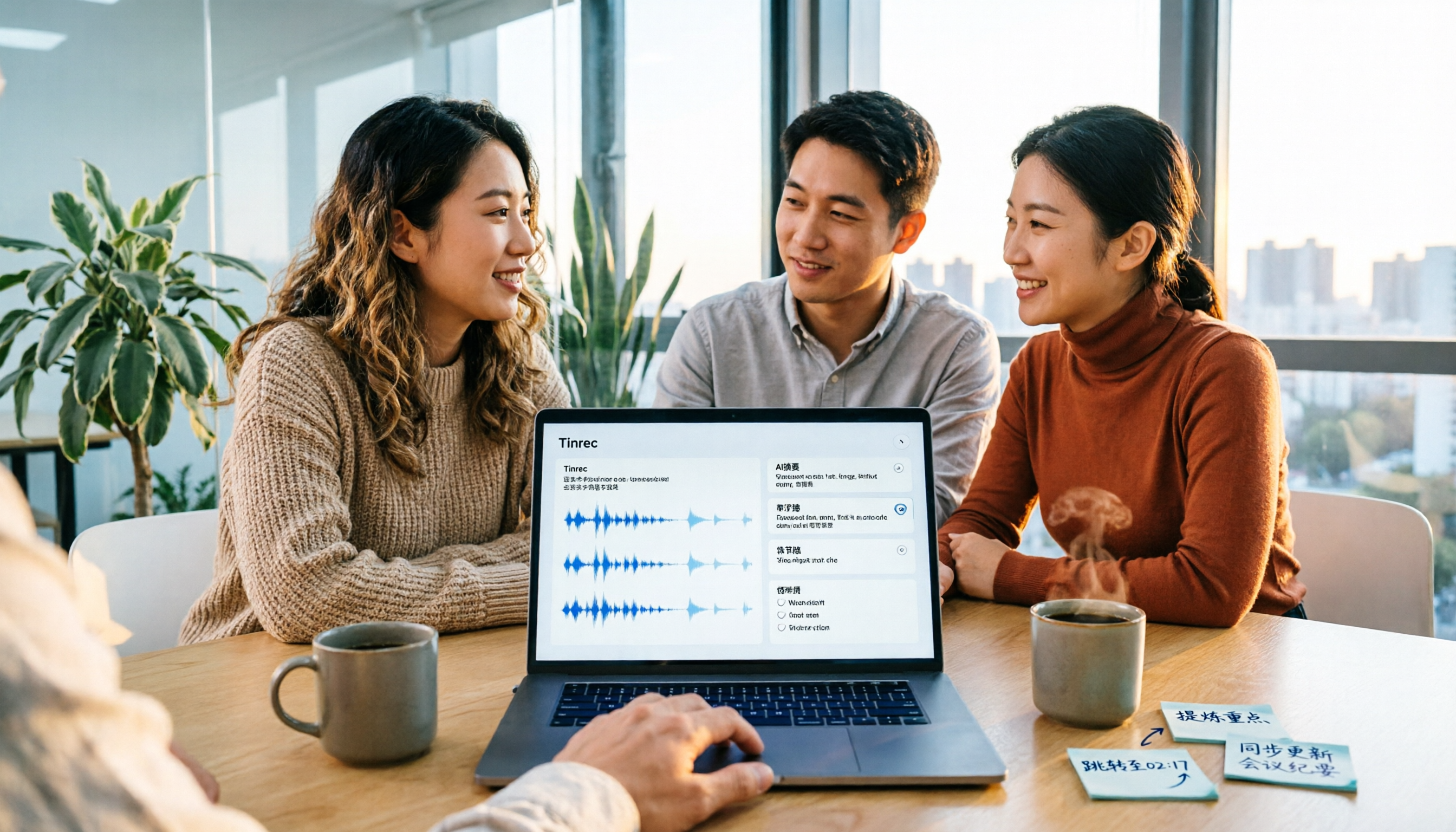
2026 Video Summarization Tools Compared: Which One Actually Saves You from Rewatching?
How to choose a video summarization tool? This article breaks down 4 common approaches, provides 5 practical purchasing checkpoints, and uses Tinrec to illustrate the complete workflow from transcription to AI summary, chapters, action items, and team spaces. It also includes pricing and quota details for personal and team plans to help you find the best fit.

2026 Comparison of 5 Online Voice Tools: Is Google Text-to-Speech Free Version Enough?
It's 11 PM, the video is finally edited, but the voiceover still isn't recorded. An hour after a meeting ends, the transcript is still blank. This article starts from two needs—'speak out' and 'write down'—and compares free online text-to-speech options like Google Cloud Text-to-Speech, Sound of Text, and Chrome text-to-speech extensions. It also shares hands-on experience with Tinrec for speech-to-text, including free limitations and team pricing.

How to Choose a Voice Tool in 2026: Meeting Transcription + Multilingual Translation Comparison
Many people search for "voice tools" to read text aloud, but meetings and interviews really need to turn audio into usable text data. This article first clarifies the difference between text-to-speech readers and meeting transcription tools, then compares Tinrec and Otter.ai across five dimensions: Chinese and multilingual recognition, bot-free recording, post-meeting workflow, team governance, and pricing. Finally, it offers clear recommendations for different needs.

2026 One-Click AI Summarizer Comparison: Meeting & Long-Form Tools That Actually Save Time
One-click AI summarization isn't just about pressing a button—it's about whether you can keep working with the summary afterward. This article breaks down four decision points: live transcription, AI summaries, action item extraction, and AI Q&A, and demonstrates a complete workflow from recording to transcript to meeting minutes and team knowledge retention using Tinrec.

4 Best Voice Memo Transcription Tools in 2026: Is iPhone Built-in Enough?
Recorded a meeting, class, or interview but never have time to listen back? We tested 4 voice memo transcription methods, including iPhone's built-in Voice Memos and Notes apps, Tinrec, Otter.ai, and PLAUD recording hardware. We compare Chinese transcription quality, cross-platform capabilities, post-meeting workflows, and free tiers, plus provide selection criteria and 3 common pitfalls to help you find the most time-saving solution.

How to Transcribe iPhone Voice Memos in 2026: Built-in Transcription + Tinrec AI Organization
iPhone has a free built-in way to transcribe voice memos, but many people don't know about it or only discover its limits after trying. This article starts with common misconceptions and compares Apple's built-in Voice Memos transcription with Tinrec, helping you find the best transcription workflow for your needs.

5 AI Meeting Minutes Tools Tested for 2026: Which One Actually Saves You Post-Meeting Time?
Two-hour meeting, then another hour to write up the minutes? This article compares 5 AI meeting minutes tools in real-world scenarios, covering 4 key points to consider before choosing and 4 common pitfalls to avoid. It also takes a deep dive into Tinrec's bot-free online meeting recording, AI summaries, AI Q&A, export options, and team workspace management, helping Hong Kong office workers find the one that truly saves post-meeting time.